Customer Ratings & Reviews
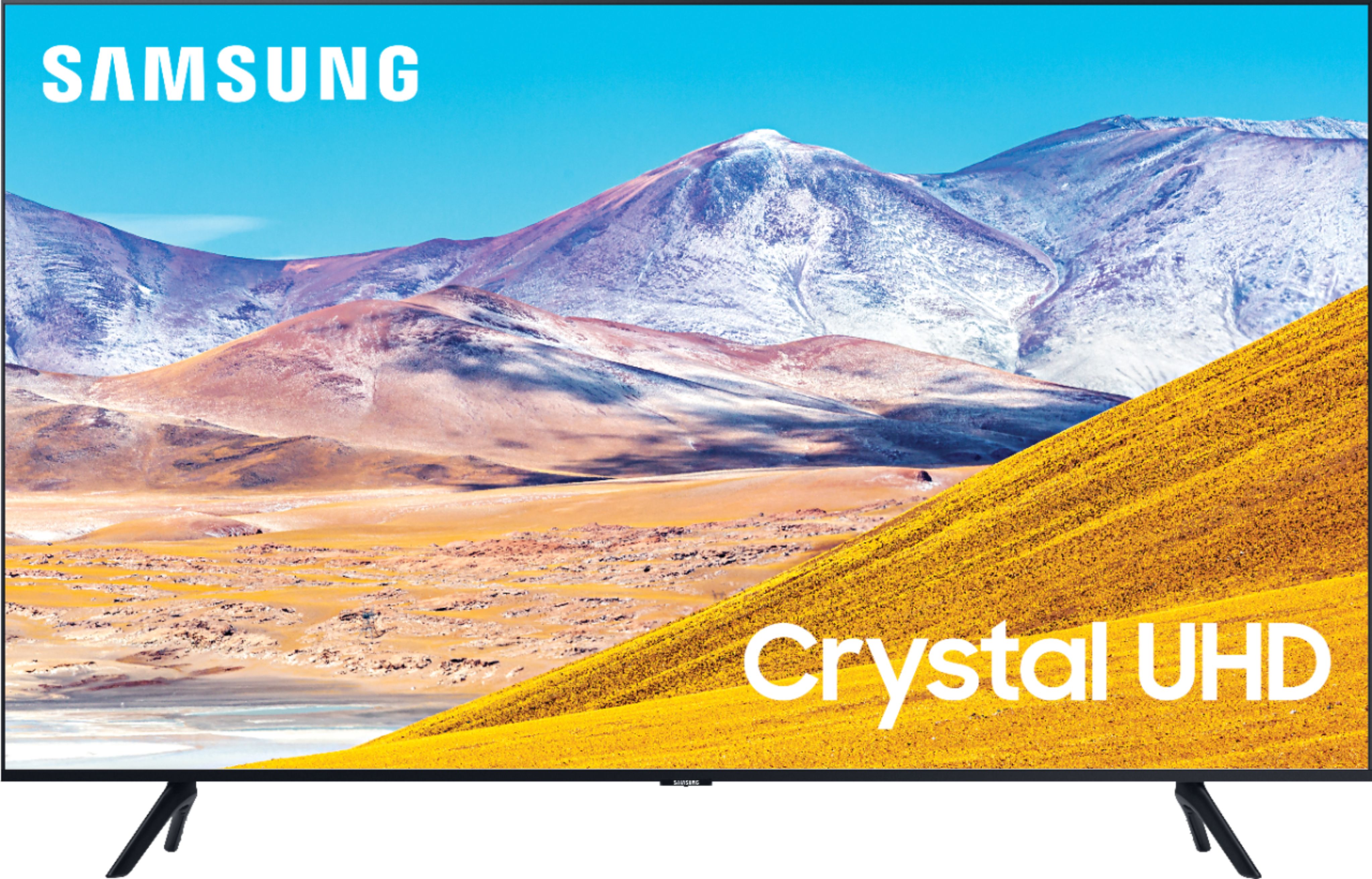
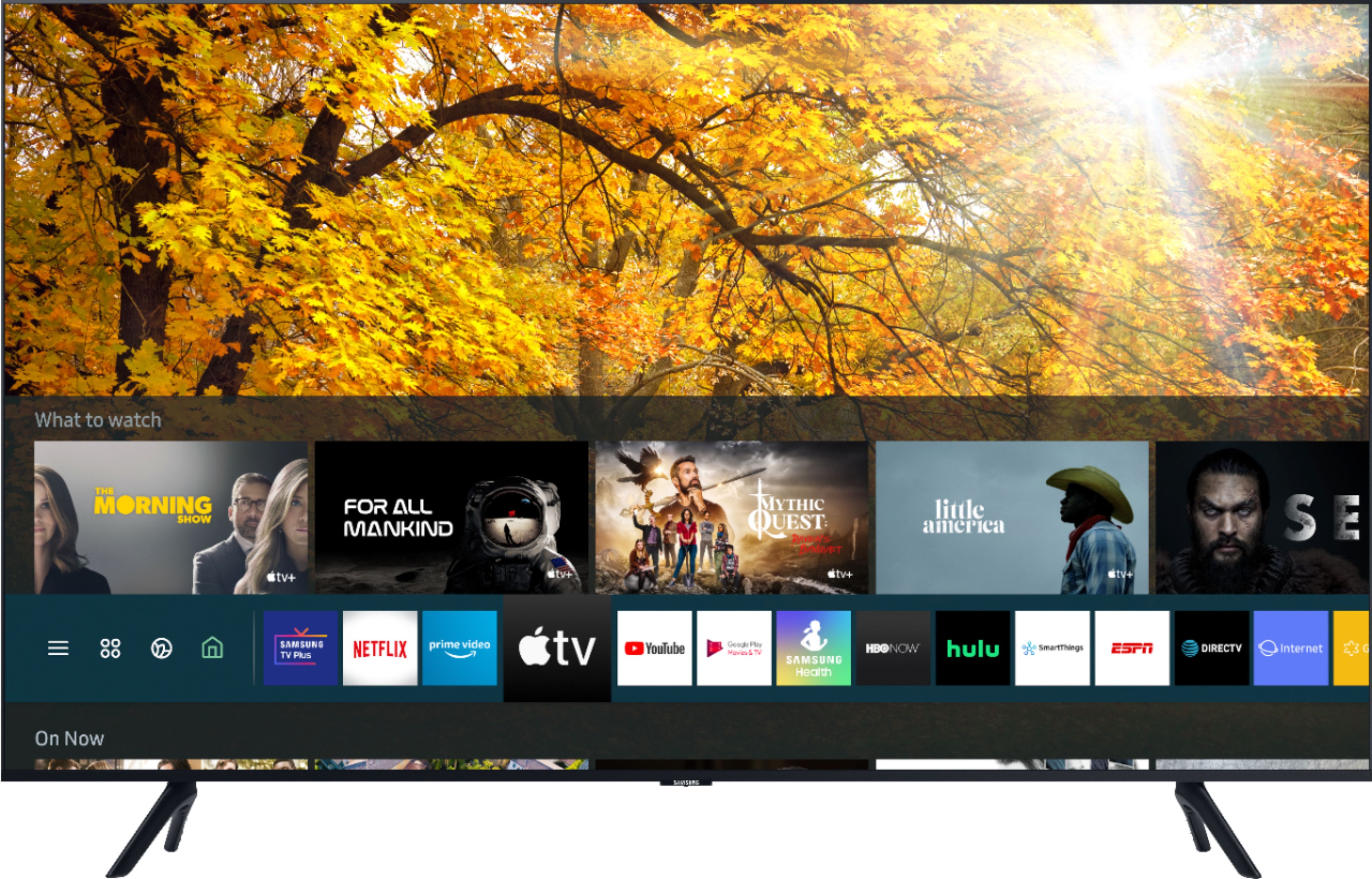
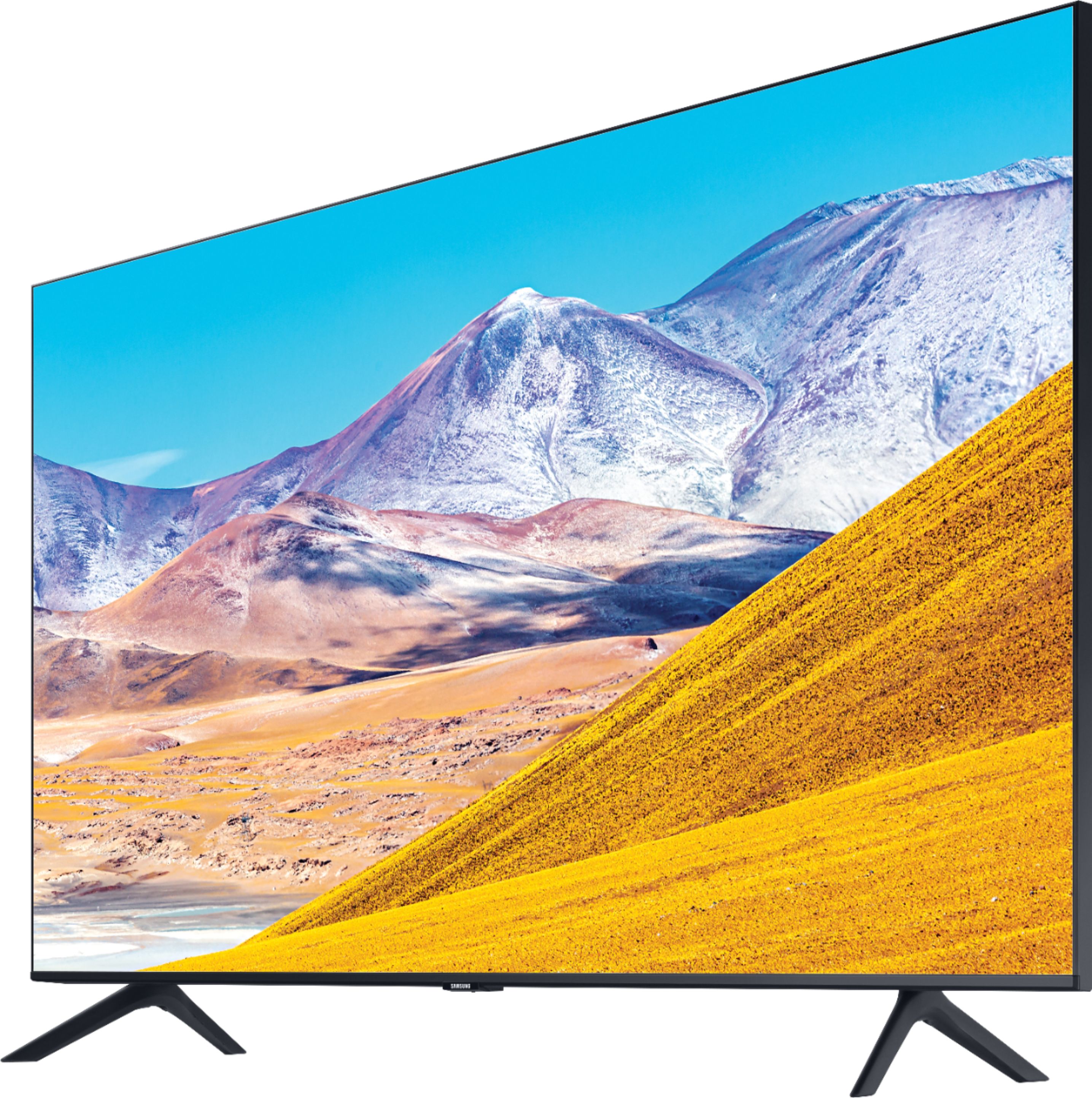
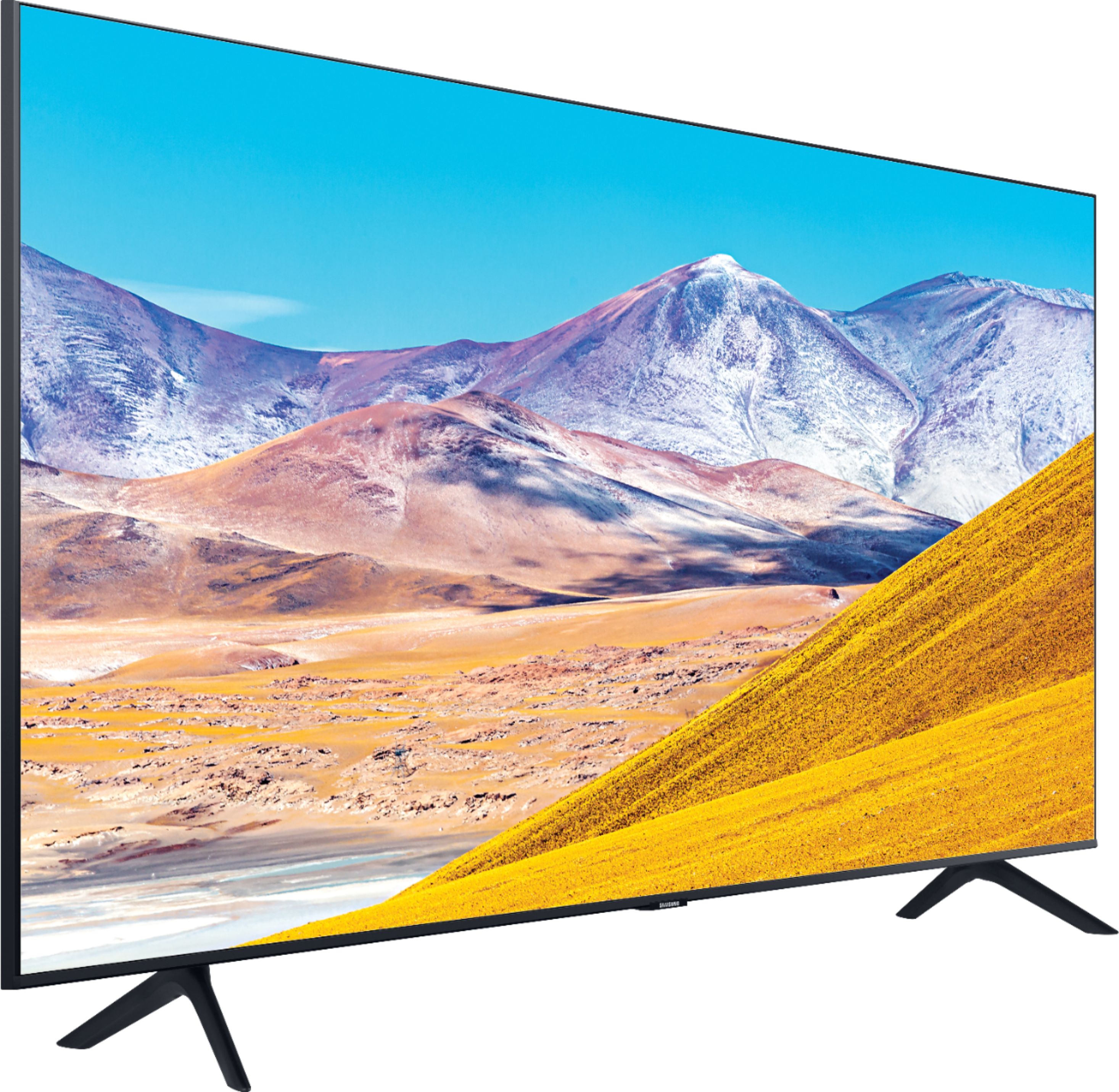
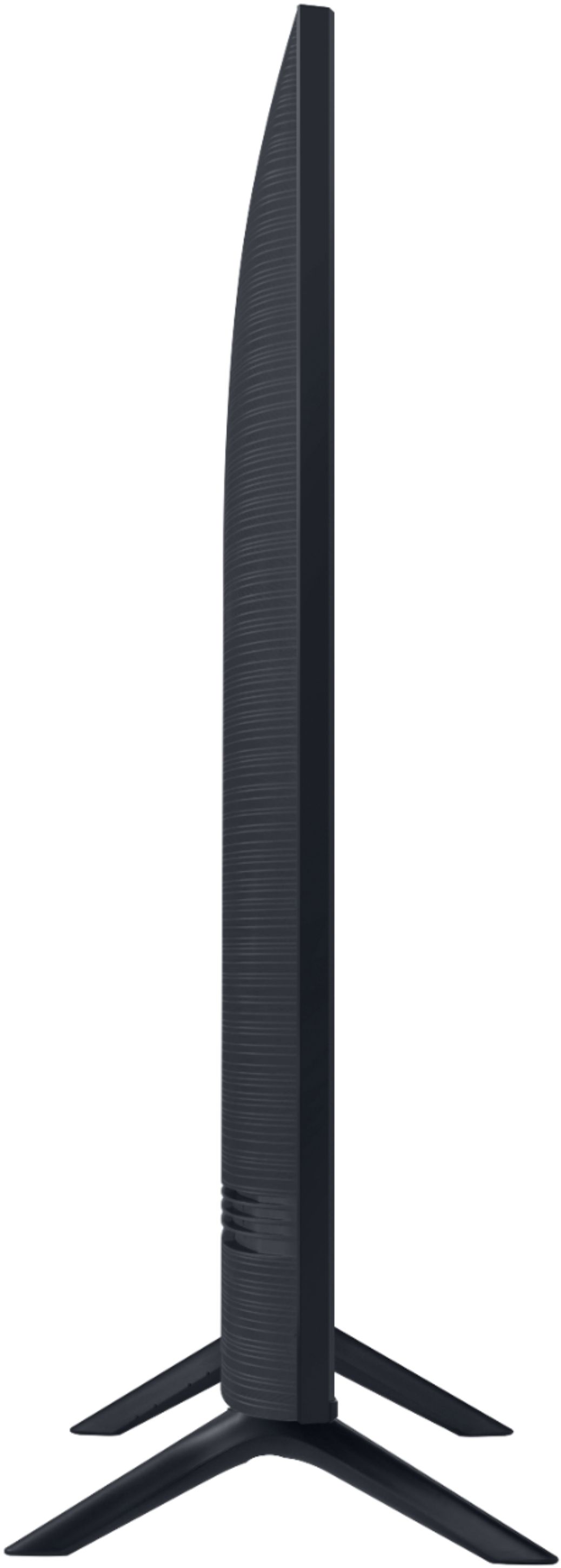

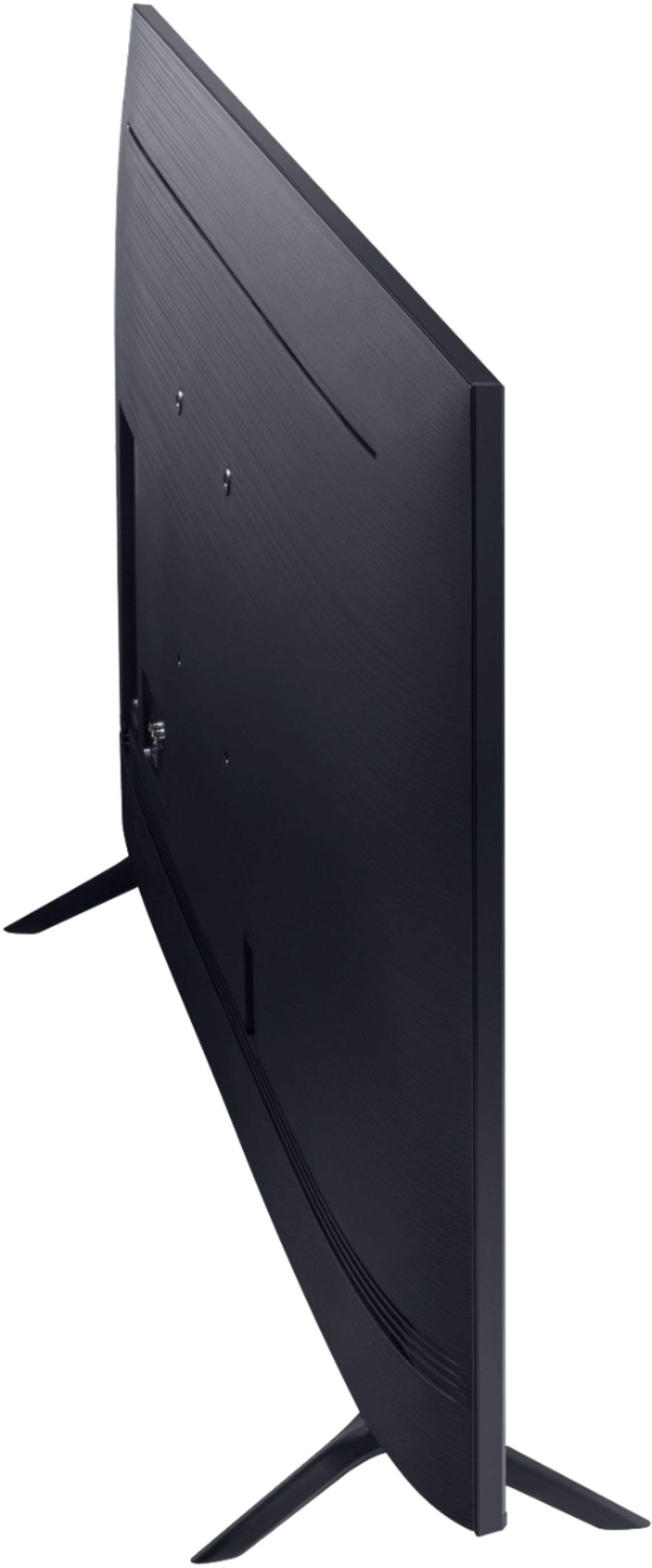
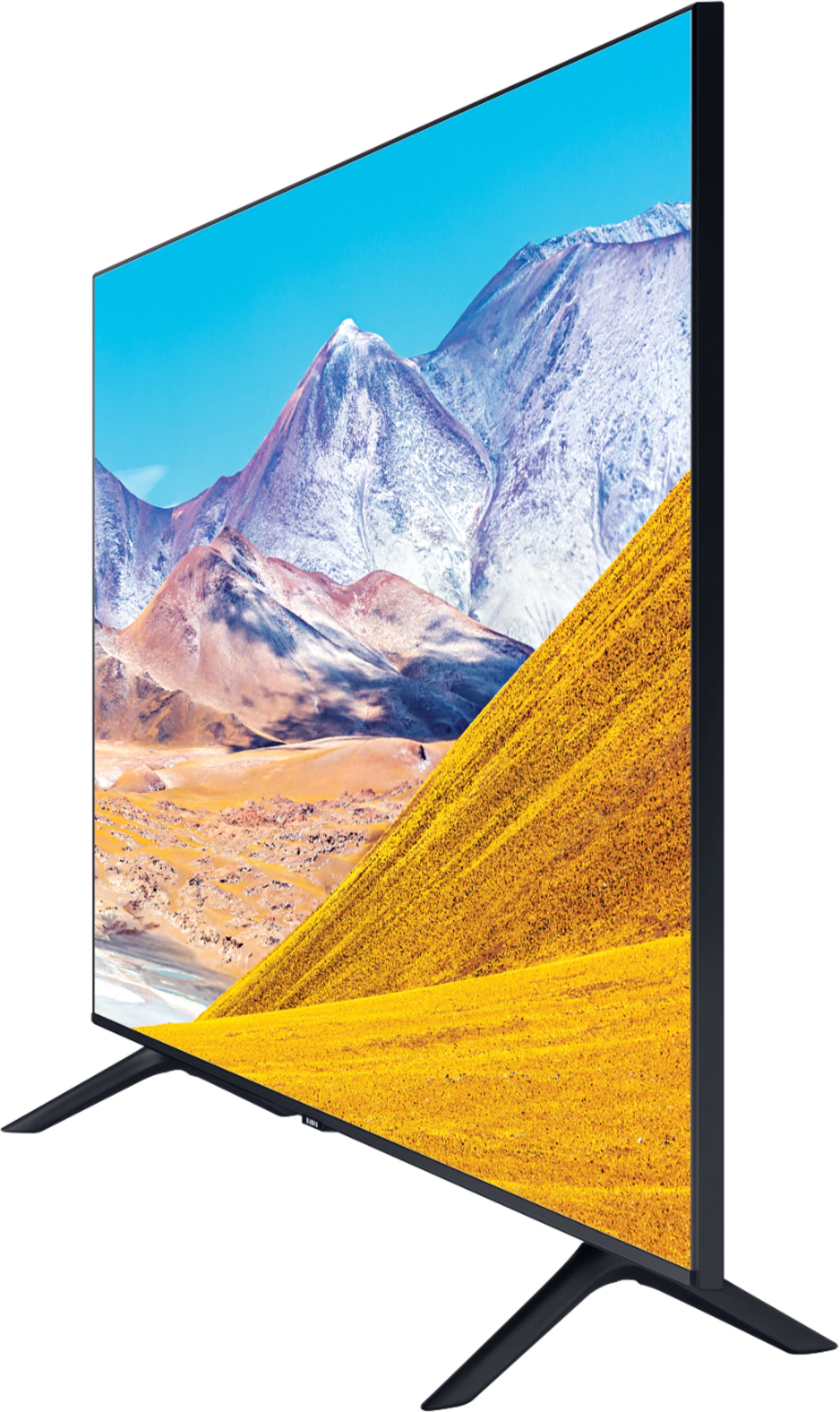
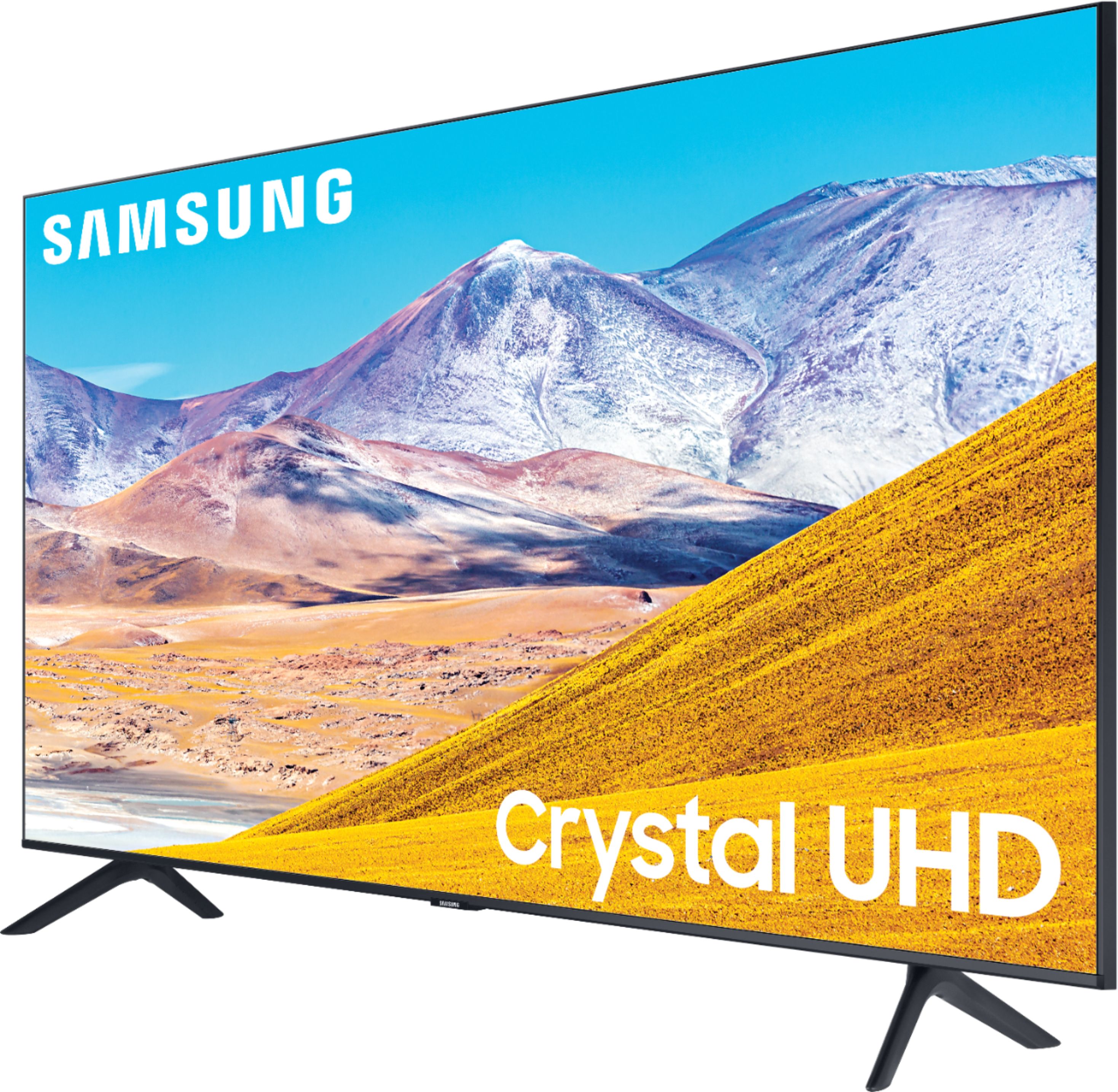
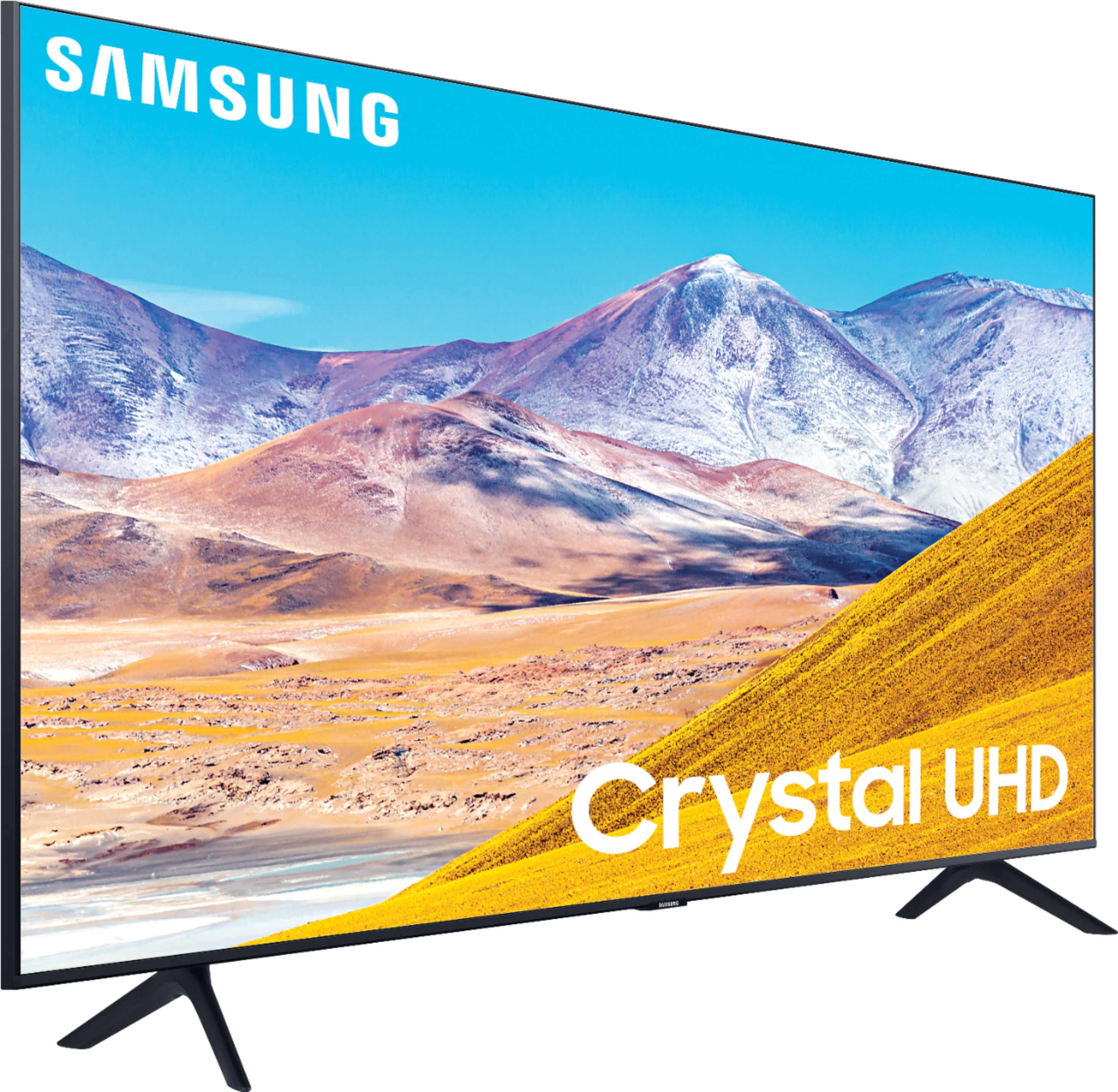








- Model:
- UN65TU8000FXZA
- SKU:
- 6401718
Rating by feature
- Picture Quality
Rating 4.6 out of 5 stars
- Sound Quality
Rating 4.3 out of 5 stars
- Brightness
Rating 4.6 out of 5 stars
Customers are saying
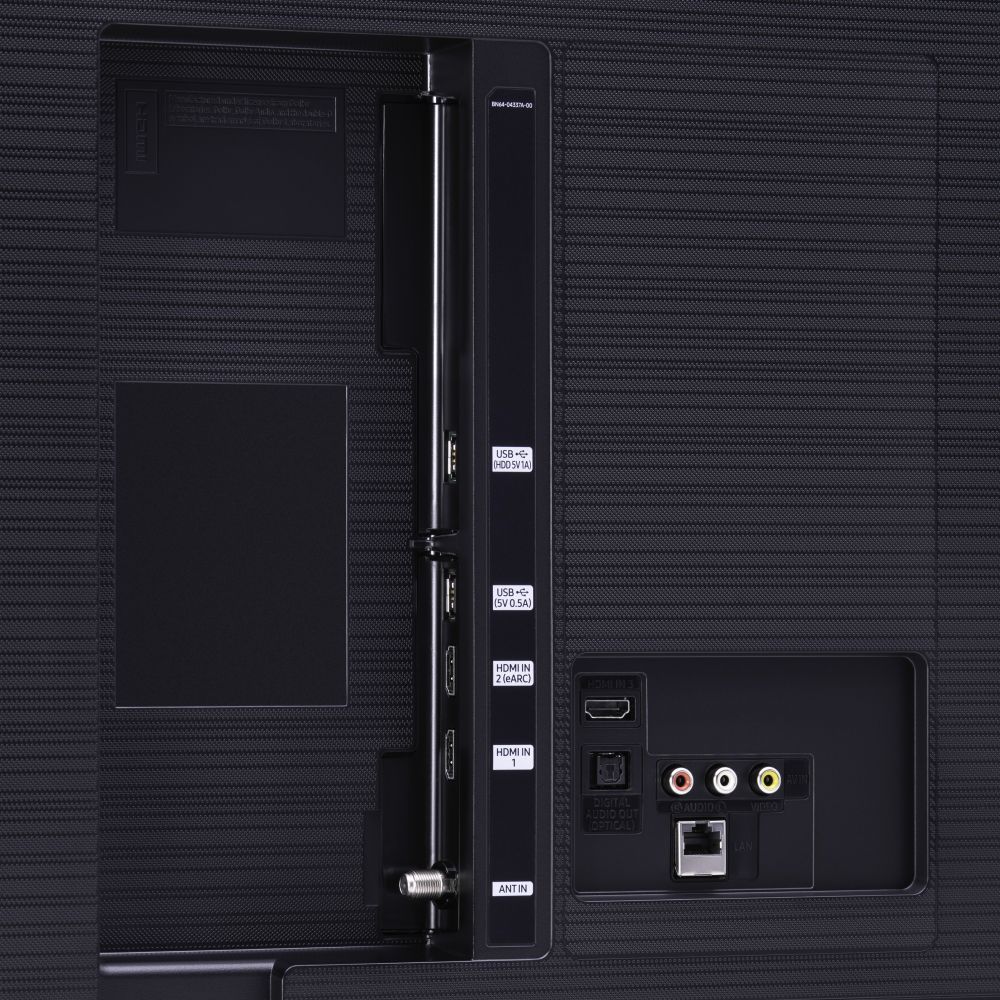
Customers are pleased with the picture quality, easy setup, price, color, and size of the 65" Class 8 Series LED 4K UHD Smart Tizen TV. They appreciate the amazing clarity of the picture, the great sound quality, and the simplicity of setting up the TV. The TV is also seen as a great value for its price. However, some customers have expressed concerns about the remote control, connectivity issues, refresh rate, and limited number of HDMI ports.
This summary was generated by AI based on customer reviews.
Internet browser does not work properly.
||Posted . Owned for 1 month when reviewed.This reviewer received promo considerations or sweepstakes entry for writing a review.Internet browser keeps loading but never completes.
No, I would not recommend this to a friendBrand response from Samsung
Posted .YN11,
I am very sorry that you are having internet connection issues.
You may want to go through these steps:
1) Check the distance between the TV and your modem or access point. The distance should not exceed 50 ft. (15.2 m).
2) Minimize interference by not using or turning off wireless devices. Also, verify that there are no obstacles between the TV and the modem or access point. (WiFi strength can be decreased by appliances, cordless phones, stone walls/fireplaces, etc.)
3) Perform a network test to check if there is a network problem.
Press the Home button on your remote. Navigate to Settings >Support> Device Care> Self Diagnosis> Smart Hub Connection Test
Detailed troubleshooting instructions can be found on page 182 of the E-Manual:
https://downloadcenter.samsung.com/content/UM/202006/20200618112841534/NIKATSCT-3.0.7_EM_NIKE_USA_ENG_200527.0.pdf
If the test concludes that the unit needs service, please contact us via any of the following options:
1) Phone: 1-800-SAMSUNG (ask for TVs), available 8AM – 12AM EST 7 days a week
2) LiveChat: https://www.samsung.com/us/support/#contact_us_for_support
3) Facebook Messenger: https://www.facebook.com/samsungsupport
4) Twitter: https://twitter.com/SamsungSupport
-Samsung Ambassador
- Pros mentioned:Tv quality
Garbage
||Posted . Owned for 1 year when reviewed.This reviewer received promo considerations or sweepstakes entry for writing a review.I bought this September 17,2020. Today, October 2,2021 it died, 2 weeks after the warranty expired. It was a great tv while it lasted but they should last longer than 54 weeks.
No, I would not recommend this to a friend Would have been a good buy...
||Posted . Owned for less than 1 week when reviewed.This reviewer received promo considerations or sweepstakes entry for writing a review.Would have been a good buy, but it seems this is subject to the feared " panel lottery," meaning hopefully you get a good panel. If I did then I probably would have kept this one, but opted for the q70 and am much happier (although the cost is double).
No, I would not recommend this to a friendBrand response from Samsung
Posted .Stefanalinio,
Thank you for sharing your feedback.
I am glad to hear that you are happy with your new Q70T QLED TV.
Here is a link to the product page, where you can find product information, solutions and guides, and many other useful product support information:
https://www.samsung.com/us/televisions-home-theater/tvs/qled-4k-tvs/65-class-q70t-qled-4k-uhd-hdr-smart-tv-2020-qn65q70tafxza/
Our customer care team is always happy to help should you have any questions. You can reach us at:
1) Phone: 1-800-SAMSUNG
Available 8AM – 12AM EST 7 days a week
2) LiveChat: https://www.samsung.com/us/support/#contact_us_for_support
3) Facebook Messenger: https://www.facebook.com/samsungsupport
4) Twitter: https://twitter.com/SamsungSupport
5) The Samsung Members Community is also a great resource for getting help from Samsung moderators and customers: https://us.community.samsung.com
If you have not already done so, we invite you to register your new Samsung product at: https://www.samsung.com/us/account/signin/?redirect=https%3A%2F%2Fwww.samsung.com%2Fus%2Fsupport%2Fregister%2F
Registering your product gives you access to easy warranty support, convenient opt-in to special promos and offers, faster troubleshooting and service, and quick notification of system updates
-Samsung Ambassador
broke in less than a month
||Posted . Owned for 1 month when reviewed.This reviewer received promo considerations or sweepstakes entry for writing a review.The tv was good to begin with. The colors weren’t rich, more dull than expected. In less than a month, my backlight went out. Major tip, ask about the insurance!! I was never offered insurance on my tv & now they can’t do anything about it. If I had the insurance, I would have been fine with this starter tv
No, I would not recommend this to a friendBrand response from Samsung
Posted .mkz43,
I am sorry to hear that your TU8000 TV broke.
Samsung is committed to providing the best possible product experience, quality, and value. We back this Samsung TV with a 1-year limited manufacturer's warranty, including authorized repair for manufacturer defect, if purchased brand-new directly from an authorized seller
Please reach out to us via any of the following so that we can provide troubleshooting or begin warranty service.
1) Phone: 1-800-SAMSUNG (ask for TVs), available 8AM – 12AM EST 7 days a week
2) LiveChat: https://www.samsung.com/us/support/#contact_us_for_support
3) Facebook Messenger: https://www.facebook.com/samsungsupport
4) Twitter: https://twitter.com/SamsungSupport
5) The Samsung Members Community is also a great resource for getting help from Samsung moderators and customers: https://us.community.samsung.com
If you have not already done so, we invite you to register your new Samsung product at:
https://www.samsung.com/us/account/signin/?redirect=https%3A%2F%2Fwww.samsung.com%2Fus%2Fsupport%2Fregister%2F&user=dsr-registration
Registering your product gives you access to easy warranty support, convenient opt-in to special promos and offers, faster troubleshooting and service, and quick notification of system updates.
Again, thank you for taking the time to share your thoughts. Your feedback helps us continuously deliver best-in-class products and service.
-Samsung Ambassador
I had one go out already.
||Posted . Owned for 1 month when reviewed.This reviewer received promo considerations or sweepstakes entry for writing a review.I’m becoming more and more disappointed with Samsung tvs. I have purchased 30+ over the past four years. In 2016 I purchased 14 units and as of today, they have all been replaced. Two of the replacements are now having issues. I have had no luck with getting them fixed or replaced. This reviewed product is one of those TVs.
No, I would not recommend this to a friendBrand response from Samsung
Posted .RADWATER,
Thank you for being a loyal Samsung customer.
I truly apologize for the disappointment you have had with your TU8000 TV.
Samsung is committed to providing the best possible product experience, quality, and value. We back this Samsung TV with a 1-year limited manufacturer's warranty, including authorized repair for manufacturer defect, if purchased brand-new directly from an authorized seller
Please reach out to us for warranty services via any of these options:
1) Phone: 1-800-SAMSUNG (ask for TVs), available 8AM – 12AM EST 7 days a week
2) LiveChat: https://www.samsung.com/us/support/#contact_us_for_support
3) Facebook Messenger: https://www.facebook.com/samsungsupport
4) Twitter: https://twitter.com/SamsungSupport
5) The Samsung Members Community is also a great resource for getting help from Samsung moderators and customers: https://us.community.samsung.com
If you have not already done so, we invite you to register your new Samsung product at:
https://www.samsung.com/us/account/signin/?redirect=https%3A%2F%2Fwww.samsung.com%2Fus%2Fsupport%2Fregister%2F&user=dsr-registration
Registering your product gives you access to easy warranty support, convenient opt-in to special promos and offers, faster troubleshooting and service, and quick notification of system updates.
Again, thank you for taking the time to share your thoughts. Your feedback helps us continuously deliver best-in-class products and service.
-Samsung Ambassador
Disappointed!
||Posted . Owned for 3 weeks when reviewed.This reviewer received promo considerations or sweepstakes entry for writing a review.Not what I was expecting. Image quality poor for 4k, black is not really black. Very slow processor taking time to load apps. The last used app option to run automatically does not work.
No, I would not recommend this to a friendShould have bought a nano series
||Posted . Owned for 3 weeks when reviewed.This reviewer received promo considerations or sweepstakes entry for writing a review.Not as good as a picture as I thought also sound quality is terrible unless you have a sound bar my son got a Samsung tv it was the Q series and it seems to be way better picture quality
No, I would not recommend this to a friend- Cons mentioned:Glare
Worst Glare ever
||Posted . Owned for 1 month when reviewed.This reviewer received promo considerations or sweepstakes entry for writing a review.Perfect size and style however, the glare on this TV is the absolute worst! I would avoid this tv unless you have a room with minimal light.
No, I would not recommend this to a friend Samsung TV review
||Posted . Owned for 1 month when reviewed.This reviewer received promo considerations or sweepstakes entry for writing a review.in complete honesty, we are having issues with both of the new tvs. I am not sure if it's a samsung issue but we are having to unplug both tvs each time we turn it on to work properly
No, I would not recommend this to a friendNice tv, horrible service.
||Posted . Owned for 1 month when reviewed.This reviewer received promo considerations or sweepstakes entry for writing a review.Our purchase was based on the fact that the tv we bought from BB (only 4 years old) suddenly quit working. We had bought the insurance/service agreement on the now non-functioning tv and dealing with that has been a nightmare. It has been difficult to even get through to a live person. When we do we have gotten inconsistent answers. This has now been going on for over a month. We still have our old dead tv sitting in our living room. Please, please will someone help us!!!!!!!! Although we have been long time customers we will never make another purchase from BB.
No, I would not recommend this to a friendBrand response from Samsung
Posted .2badBB,
I am very sorry to see that you had an unfortunate purchasing experience with your seller.
We recommend you to share your concerns and feedback directly with Bestbuy.
Should you ever need assistance or have questions about using this TV, please know we are here to help. You can reach Samsung Support via:
1) Phone: 1-800-SAMSUNG (ask for TVs), available 8AM – 12AM EST 7 days a week
2) LiveChat: https://www.samsung.com/us/support/#contact_us_for_support
3) Facebook Messenger: https://www.facebook.com/samsungsupport
4) Twitter: https://twitter.com/SamsungSupport
5) The Samsung Members Community is also a great resource for getting help from Samsung moderators and customers: https://us.community.samsung.com
If you have not already done so, we invite you to register your new Samsung product at:
https://www.samsung.com/us/account/signin/?redirect=https%3A%2F%2Fwww.samsung.com%2Fus%2Fsupport%2Fregister%2F&user=dsr-registration
Registering your product gives you access to easy warranty support, convenient opt-in to special promos and offers, faster troubleshooting and service, and quick notification of system updates.
-Samsung Ambassador
It okay ,
||Posted . Owned for 1 month when reviewed.This reviewer received promo considerations or sweepstakes entry for writing a review.To me , the tv is to Dark, when playing Dark movies, the picture is to dark and you can not see the corners of the movie. So I will not be buying anymore Samsung’s. I will stick to only Song TV
No, I would not recommend this to a friendBrand response from Samsung
Posted .lvrodge,
I am sorry to hear that you are not happy with the brightness of your TU8000 4K Smart TV.
You can try Dynamic Picture Mode, or manually adjust the Brightness settings to your liking.
Go to Home> Settings> Picture> Expert Settings> Brightness
We also recommend you check if Power Saving Mode has been enabled.
Go to Settings> General> Eco Solution> Power Saving Mode.
I hope this helps to solve your issue.
For further assistance, please contact Samsung TV Support at:
1) Phone: 1-800-SAMSUNG (ask for TVs), available 8AM – 12AM EST 7 days a week
2) LiveChat: https://www.samsung.com/us/support/#contact_us_for_support
3) Facebook Messenger: https://www.facebook.com/samsungsupport
4) Twitter: https://twitter.com/SamsungSupport
If you have not already done so, we invite you to register your new Samsung product at:
https://www.samsung.com/us/account/signin/?redirect=https%3A%2F%2Fwww.samsung.com%2Fus%2Fsupport%2Fregister%2F&user=dsr-registration
Registering your product gives you access to easy warranty support, convenient opt-in to special promos and offers, faster troubleshooting and service, and quick notification of system updates.
-Samsung Ambassador
- Cons mentioned:Remote control
The remote is terrible.
||Posted . Owned for 1 month when reviewed.This reviewer received promo considerations or sweepstakes entry for writing a review.There is no instruction manual. The operation of the remote is totally counterintuitive. The only thing easy to do is turning it on. IT SUCKS!
No, I would not recommend this to a friendBrand response from Samsung
Posted .Altarboy72,
Thank you for the purchase and review.
You can find details of various features and usages of your TU8000 TV in the eManual.
Here is a link to our downloadable version:
https://downloadcenter.samsung.com/content/UM/202006/20200618112841534/NIKATSCT-3.0.7_EM_NIKE_USA_ENG_200527.0.pdf
You can also access the e-Manual on your TV. Press the button to open Smart Hub, press the left directional button to move to Settings, and then press the Select button. Use the up and down directional buttons to move to Support, and then select Open e-Manual to open the e-Manual
Our Samsung Support team is always here to help with step-by-step assistance with setup, features, and operation. Simply contact us at:
1) Phone: 1-800-SAMSUNG (ask for TVs) Available 8AM – 12AM EST (7 days a week)
2) LiveChat: https://www.samsung.com/us/support/#contact_us_for_support
3) Facebook Messenger: https://www.facebook.com/samsungsupport
4) Twitter: https://twitter.com/SamsungSupport
Have you registered your new Samsung TV with us? If not, we invite you to do so at: https://www.samsung.com/us/account/signin/?redirect=https%3A%2F%2Fwww.samsung.com%2Fus%2Fsupport%2Fregister%2F.
Registration gives you access to easy warranty support, convenient opt-in to special promos & offers, faster troubleshooting & service, and quick notification of system updates.
-Samsung Ambassador
TV has great imagine
||Posted . Owned for 1 week when reviewed.This reviewer received promo considerations or sweepstakes entry for writing a review.The tv is great but the deal was bad. I was promise a gift card with purchase which I never receive. Every time I tried to call they didn’t know how to help me. I just gave up.
I would recommend this to a friendBrand response from Samsung
Posted .Disappointed,
Thank you for your review on this Samsung 65inch TU8000 TV.
I am sorry you had issues with the purchase experience of your TV.
Your feedback is important to us and we will document your concerns.
If you ever need assistance with the TV itself, please reach out to Samsung Customer Support.
You can contact our Customer Support toll-free at 1-800-SAMSUNG (ask for TVs) Available 8AM – 12AM EST 7 days a week
Simply copy-paste this link into your browser for LiveChat: https://www.samsung.com/us/support/#contact_us_for_support
We are likewise reachable by Facebook Messenger at: https://www.facebook.com/samsungsupport
Or find us on Twitter at https://twitter.com/SamsungSupport
Again, thank you for bringing the issue to our attention – we greatly value your feedback, and hope that you enjoy your TV despite the experience with the gift card.
- Samsung Ambassador
Constantly adjusting the brightness.
||Posted . Owned for 1 month when reviewed.This reviewer received promo considerations or sweepstakes entry for writing a review.I have had this Tb for about 2 months and if I could take it back I would. Disney plus is really hard to watch because it is too dark. I have to constantly change the picture brightness based on which app I’m using (YouTube tv, Netflix, Disney etc). I have spent hours researching how to fix the dark picture on Disney plus, called Samsung support, called Disney plus support and in the end it comes down to how this tv displays dark images. It’s terrible.
No, I would not recommend this to a friendGood tv
||Posted . Owned for 3 weeks when reviewed.This reviewer received promo considerations or sweepstakes entry for writing a review.We are not tech savvy people and these covid restrictions keeps people from being able to come in and shop and compare and understand what we are buying. We weren't even aloud to get out of our vehicle but to pay. Y'all took this way too far!!! I will not buy from here again unless I can go inside. Not everyone buys online!!! Being able to look at similar products and picture is highly needed when purchasing an electronic. I would only recommend this product to someone who understands how to use it.
I would recommend this to a friendBrand response from Samsung
Posted .Jenn,
Thank you for your review on this Samsung TU8000 Crystal UHD TV.
I am sorry you had issues with the purchase experience.
If you ever need assistance with the TV itself, please reach out to Samsung Customer Support.
You can contact our Customer Support toll-free at 1-800-SAMSUNG (ask for TVs) Available 8AM – 12AM EST 7 days a week
Simply copy-paste this link into your browser for LiveChat: https://www.samsung.com/us/support/#contact_us_for_support
We are likewise reachable by Facebook Messenger at: https://www.facebook.com/samsungsupport
Or find us on Twitter at https://twitter.com/SamsungSupport
- Samsung Ambassador
Returned it
||Posted . Owned for 1 month when reviewed.This reviewer received promo considerations or sweepstakes entry for writing a review.Very poor performance. Especially for any sports fans. Any fast movement becomes pixelated or blurry. I returned and got samsung qled
No, I would not recommend this to a friendBrand response from Samsung
Posted .DMurphy:
Thank you for sharing your review of the Samsung TU8000. I am very sorry that your experience with this TV was less than perfect, and you have decided to replace it with a different model. Thank you for being a loyal Samsung customer.
Your feedback regarding this model is important to us and will be shared with our internal teams.
Should you have questions or need assistance with settings, setup, or features with your new Samsung TV, please know we are always here to help.
1) Phone: 1-800-SAMSUNG (ask for TVs), available 8AM – 12AM EST 7 days a week
2) LiveChat: https://www.samsung.com/us/support/#contact_us_for_support
3) Facebook Messenger: https://www.facebook.com/samsungsupport
4) Twitter: https://twitter.com/SamsungSupport
5) The Samsung Members Community is also a great resource for getting help from Samsung moderators and customers: https://us.community.samsung.com
If you have not already done so, we invite you to register your new Samsung product at: https://www.samsung.com/us/account/signin/?redirect=https%3A%2F%2Fwww.samsung.com%2Fus%2Fsupport%2Fregister%2F
Registering your product gives you access to easy warranty support, convenient opt-in to special promos and offers, faster troubleshooting and service, and quick notification of system updates.
~ Samsung Solutions
Problems, problems, problems
||Posted . Owned for 1.5 years when reviewed.This reviewer received promo considerations or sweepstakes entry for writing a review.This TV has never worked great and just died after less than 2 years but after the warranty expired.
No, I would not recommend this to a friendPicture
||Posted . Owned for 1 week when reviewed.This reviewer received promo considerations or sweepstakes entry for writing a review.Not a good picture at all the Motion rate is 60 that suck . I was led to believe a different motion rate when I bought it.
No, I would not recommend this to a friendUnreliable
||Posted .This reviewer received promo considerations or sweepstakes entry for writing a review.I order this tv and waited 4 week for arrival. I was very excited when I received it. I used it about 2 hr per day for 2 weeks. After that the tv will not turn on or respond the the remote. After speaking the Samsung come to conclusion that the tv had a internal failure the controller board was no good. I return the tv to BestBuy excellent service from sale rep. Jordan, I decided to upgrade to a different model. Finger cross
No, I would not recommend this to a friendBrand response from Samsung
Posted .Salim,
Thank you for purchasing the Samsung 65 inch TU8000 4K Smart TV and for bringing your concerns to our attention.
I apologize for the disappointment you have had with the controller malfunction.
Please know that Samsung is committed to providing the best possible product experience, quality, and value, and your feedback will be shared with our product and customer care teams.
I hope you enjoy your new Samsung TV.
Should you have questions about features or usage, please know we are here to help.
You can reach us via any of these options:
1) Phone: 1-800-SAMSUNG (ask for TVs), available 8AM – 12AM EST 7 days a week
2) LiveChat: https://www.samsung.com/us/support/#contact_us_for_support
3) Facebook Messenger: https://www.facebook.com/samsungsupport
4) Twitter: https://twitter.com/SamsungSupport
5) The Samsung Members Community is also a great resource for getting help from Samsung moderators and customers: https://us.community.samsung.com
If you have not already done so, we invite you to register your new Samsung product at:
https://www.samsung.com/us/account/signin/?redirect=https%3A%2F%2Fwww.samsung.com%2Fus%2Fsupport%2Fregister%2F&user=dsr-registration
Registering your product gives you access to easy warranty support, convenient opt-in to special promos and offers, faster troubleshooting and service, and quick notification of system updates.
Again, thank you for taking the time to share your thoughts. Your feedback helps us continuously deliver best-in-class products and service.
-Samsung Ambassador
Samsung TV
||Posted . Owned for 5 months when reviewed.This reviewer received promo considerations or sweepstakes entry for writing a review.I had this TV for 6 months and it has stopped working. I am getting no picture at all. I have been constantly been on the phone with Best Buy and Samsung to get this repaired but it has been two weeks now and I still am at ground zero. My experience with this particular tv has been awful and I wont not recommend it to anyone.
No, I would not recommend this to a friendBrand response from Samsung
Posted .Ali363:
I am very sorry that you are experiencing issues with your TU8000 TV and are currently working on scheduling
a service appointment. While you are waiting, you may want to try Device Care. Your TV has several self-diagnosis tools built in that can help solve problems with signal, network, picture, or sound. Go to Settings > Support> Device Care > Start Device Care
If you've switched on your TV and the sound comes through fine, but you're not seeing any picture; there are 3 potential issues.
1) A connection issue; the most common problem. Where there is a bad connection, faulty cables or improper installation.
2) An issue with the device connected to the TV. There may be a video output setting on the device that you must set properly before it will output to the TV.
3) There is something wrong with the TV, which will require a technician to assess the TV and find a solution.
I hope this helps. Should you need further assistance even after your service appointment, please contact Samsung Customer Support:
1) Phone: 1-800-SAMSUNG (ask for TVs), available 8AM – 12AM EST 7 days a week
2) LiveChat: https://www.samsung.com/us/support/#contact_us_for_support
3) Facebook Messenger: https://www.facebook.com/samsungsupport
4) Twitter: https://twitter.com/SamsungSupport
5) The Samsung Members Community is also a great resource for getting help from Samsung moderators and customers: https://us.community.samsung.com
If you have not already done so, we invite you to register your new Samsung product at: https://www.samsung.com/us/account/signin/?redirect=https%3A%2F%2Fwww.samsung.com%2Fus%2Fsupport%2Fregister%2F
Registering your product gives you access to easy warranty support, convenient opt-in to special promos and offers, faster troubleshooting and service, and quick notification of system updates.
~ Samsung Solutions