Customer Ratings & Reviews
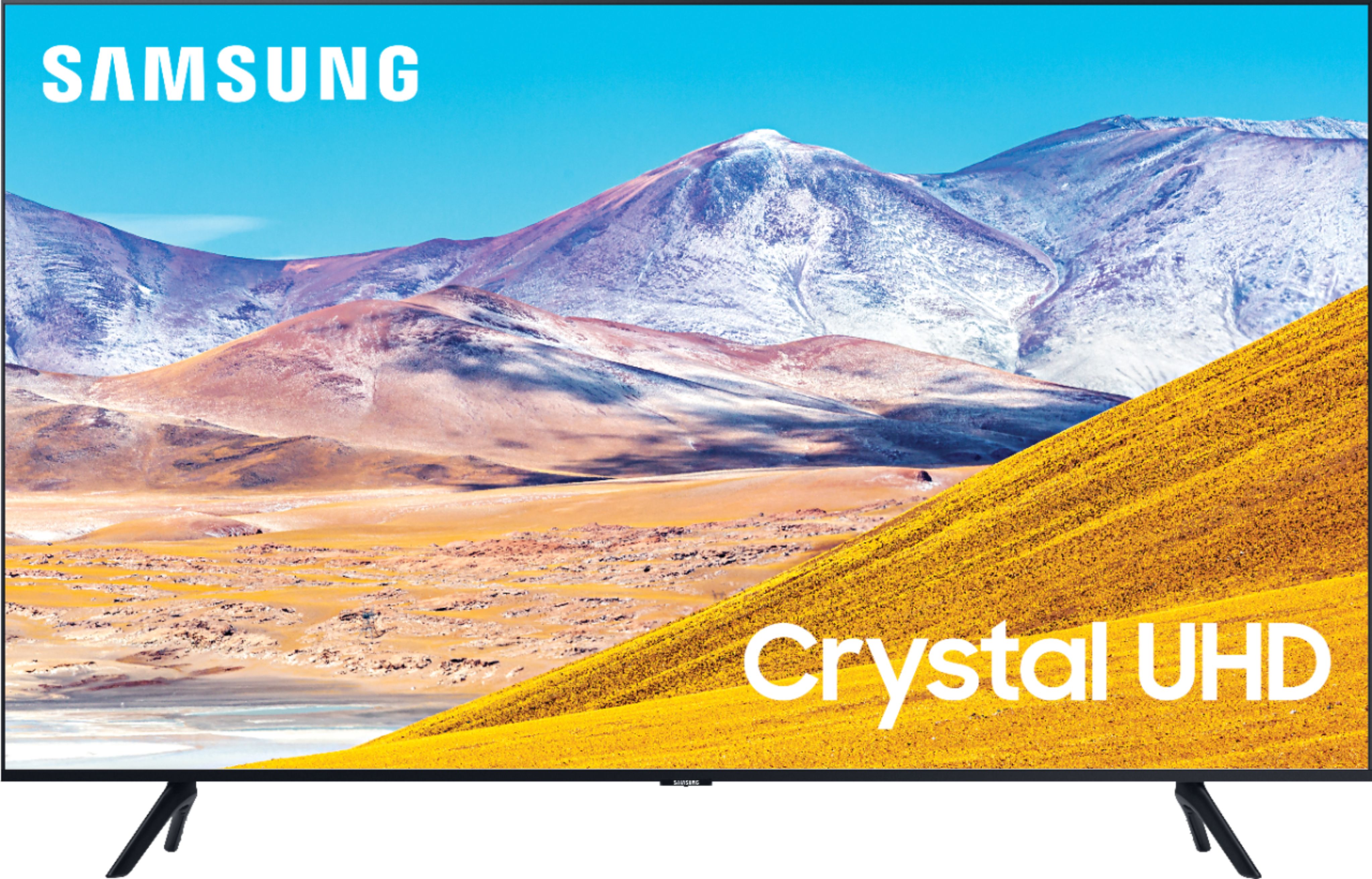
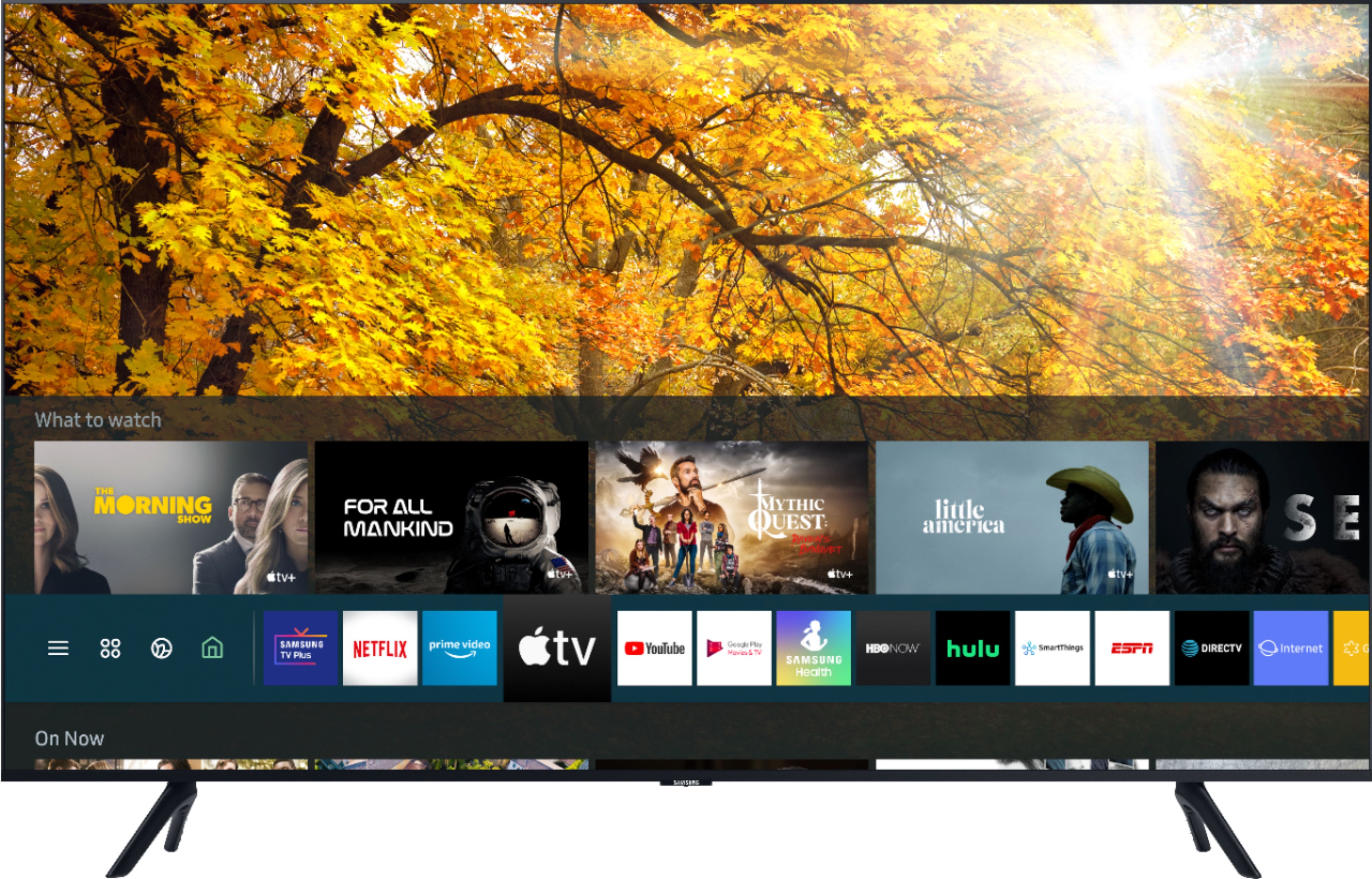
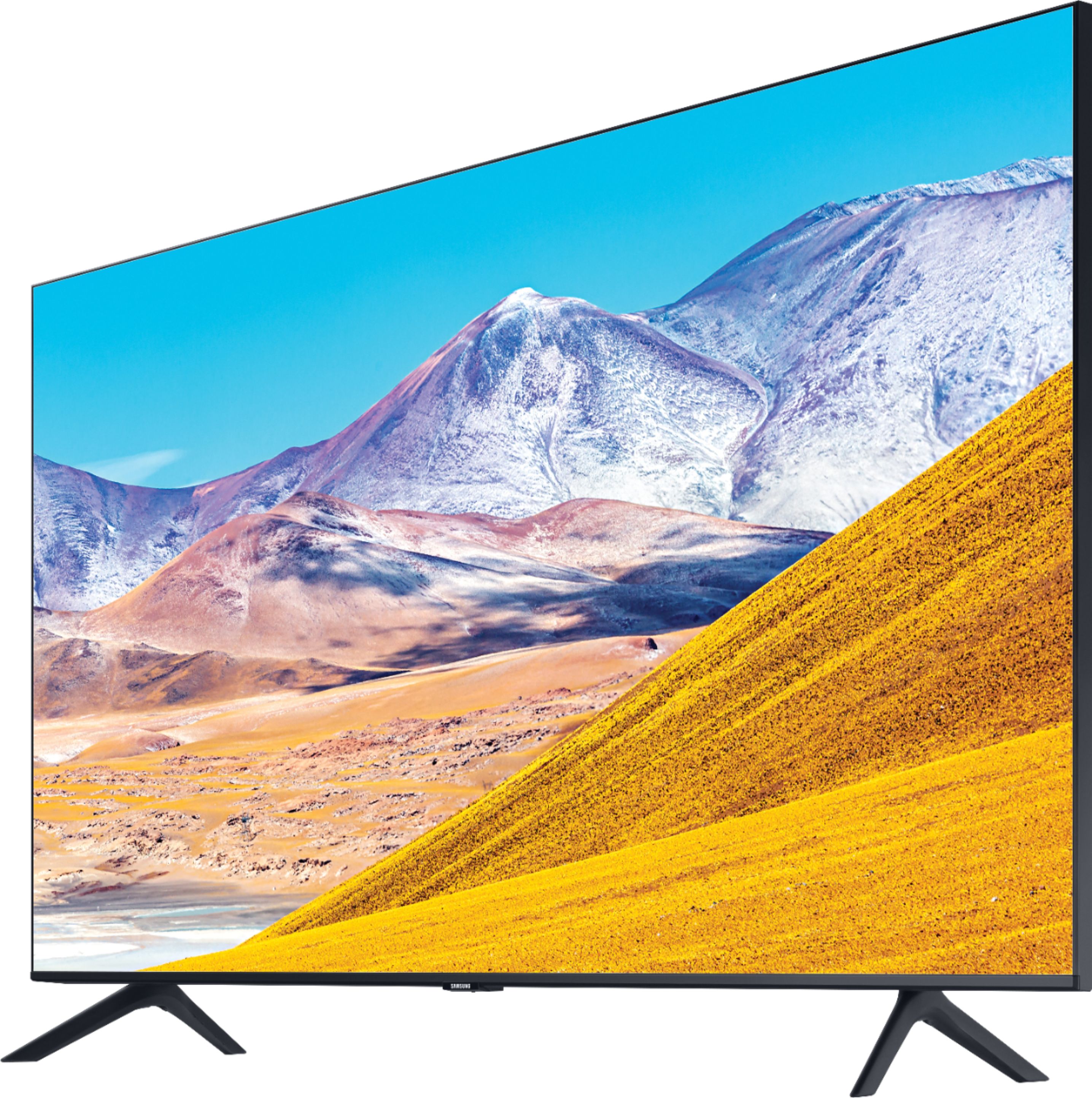
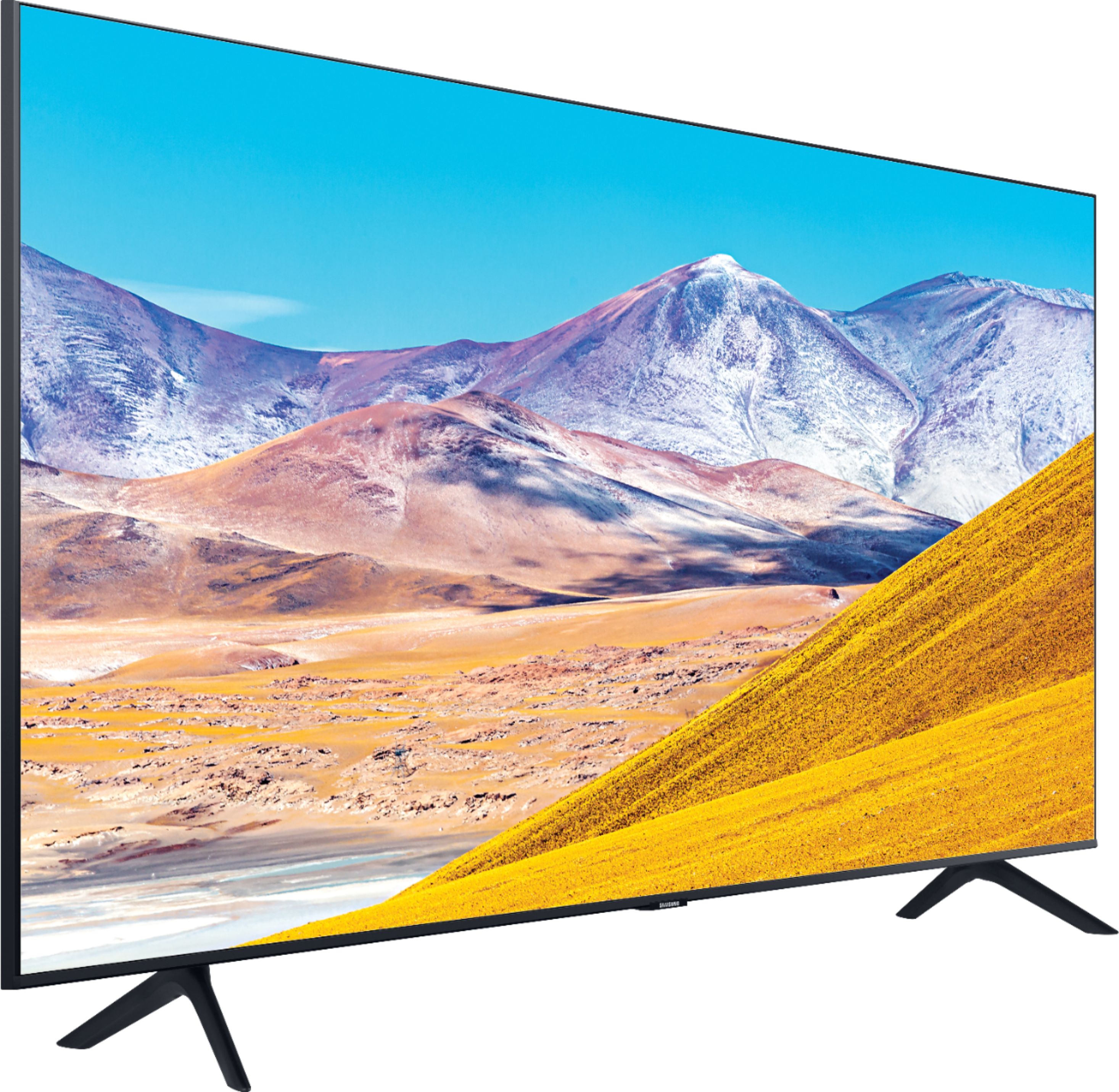
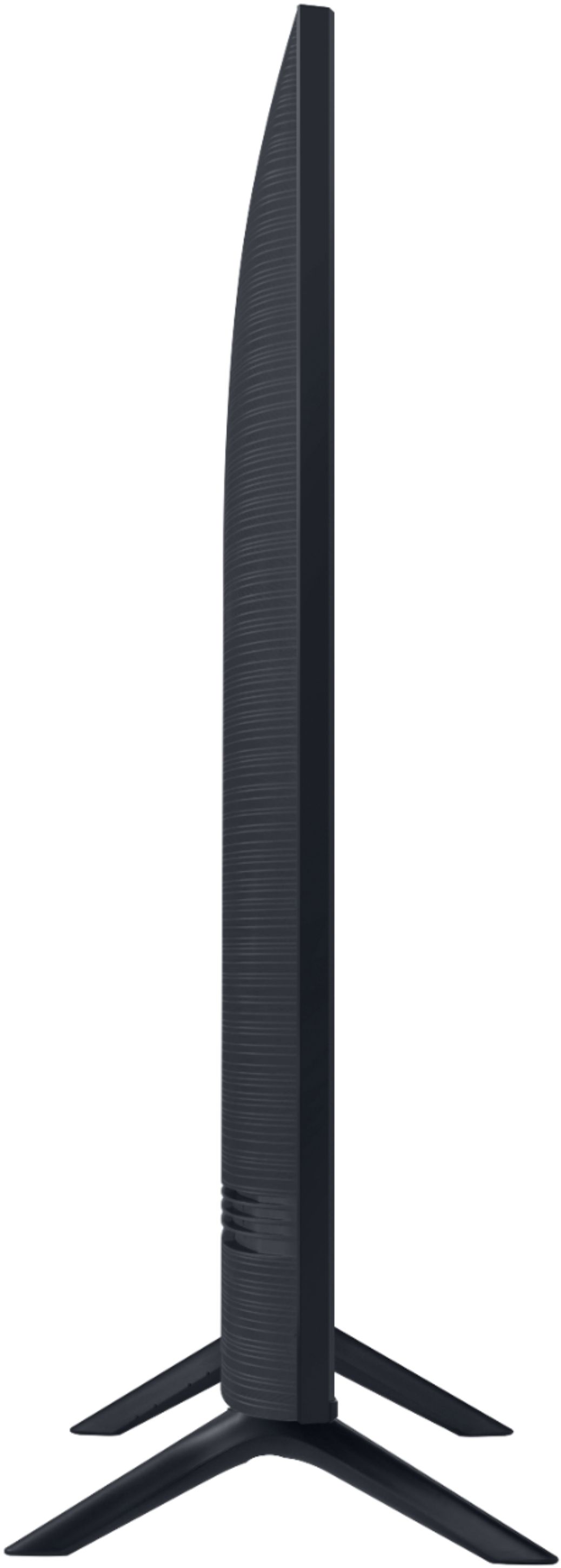

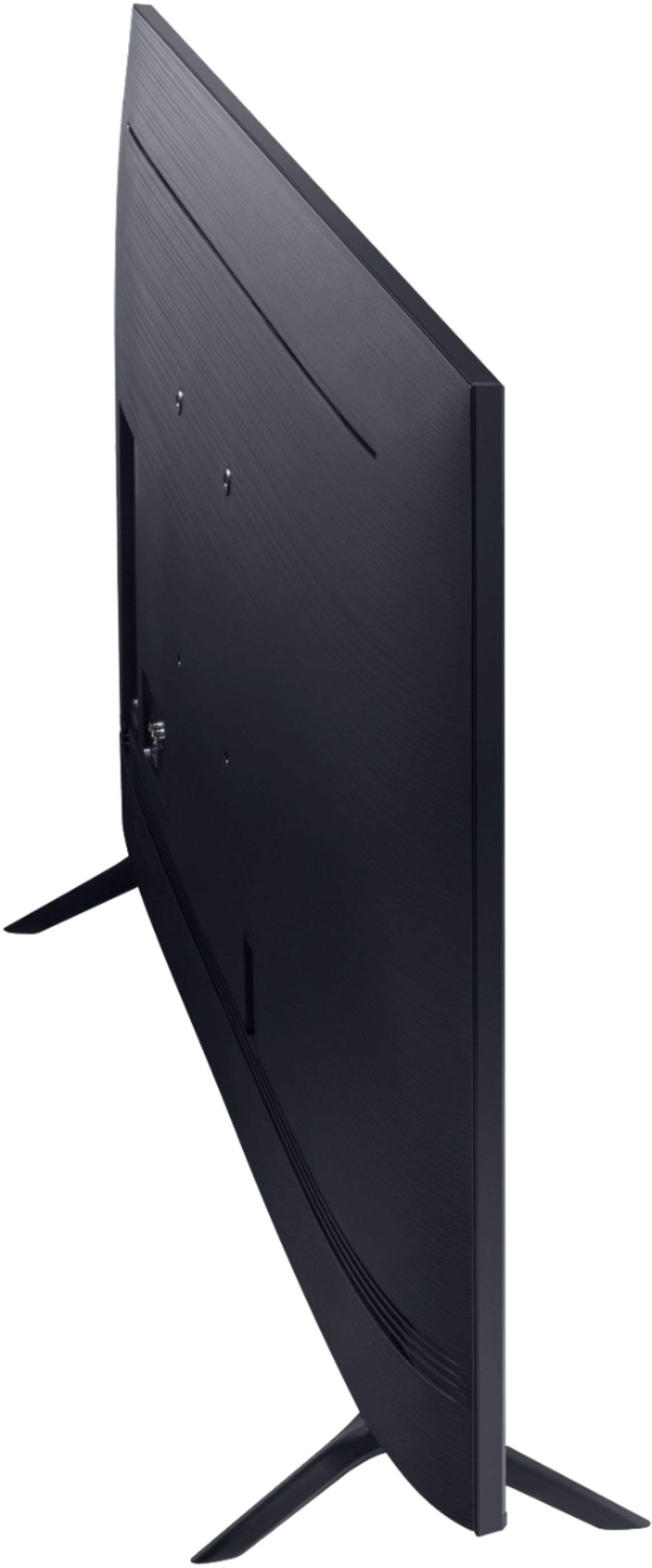
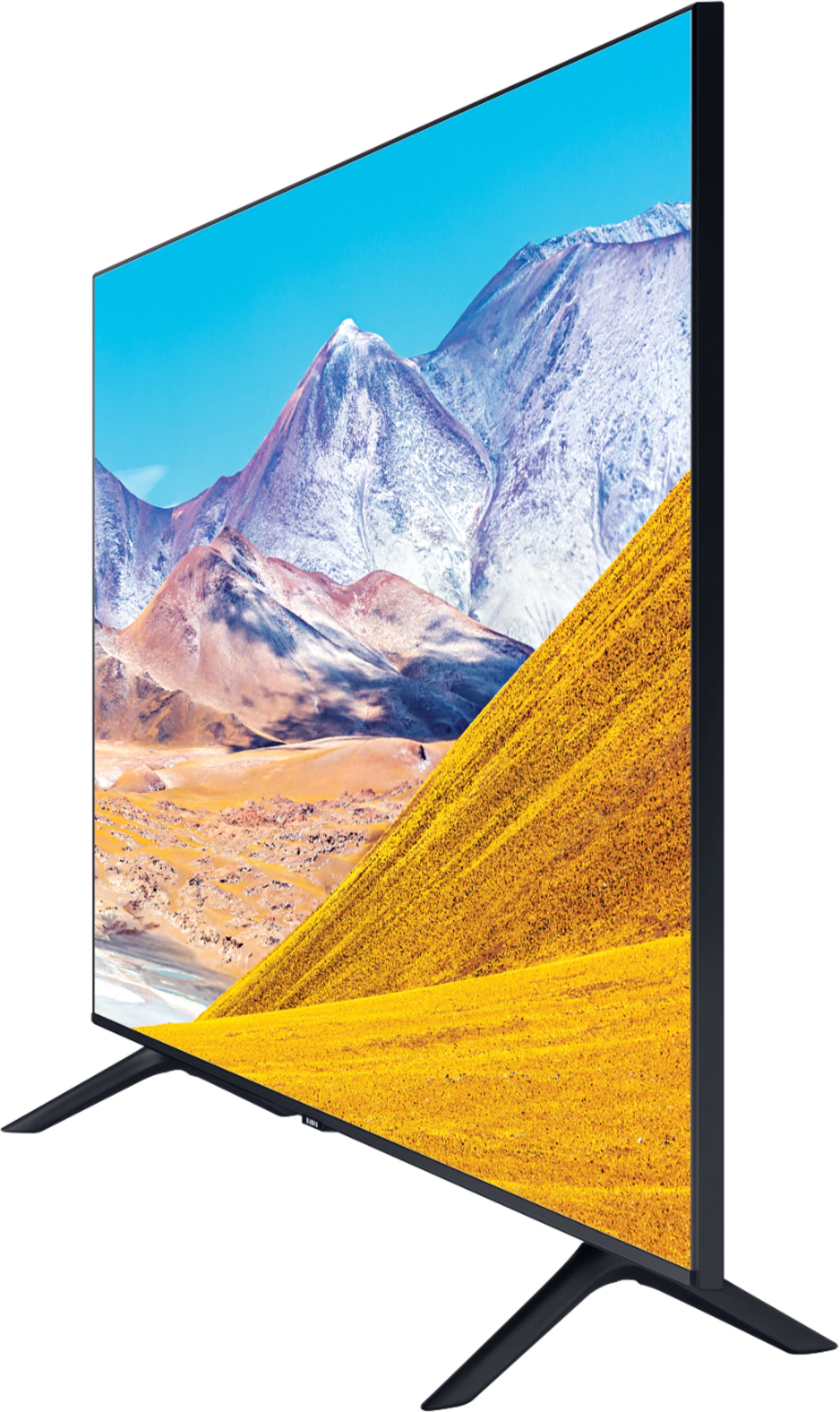
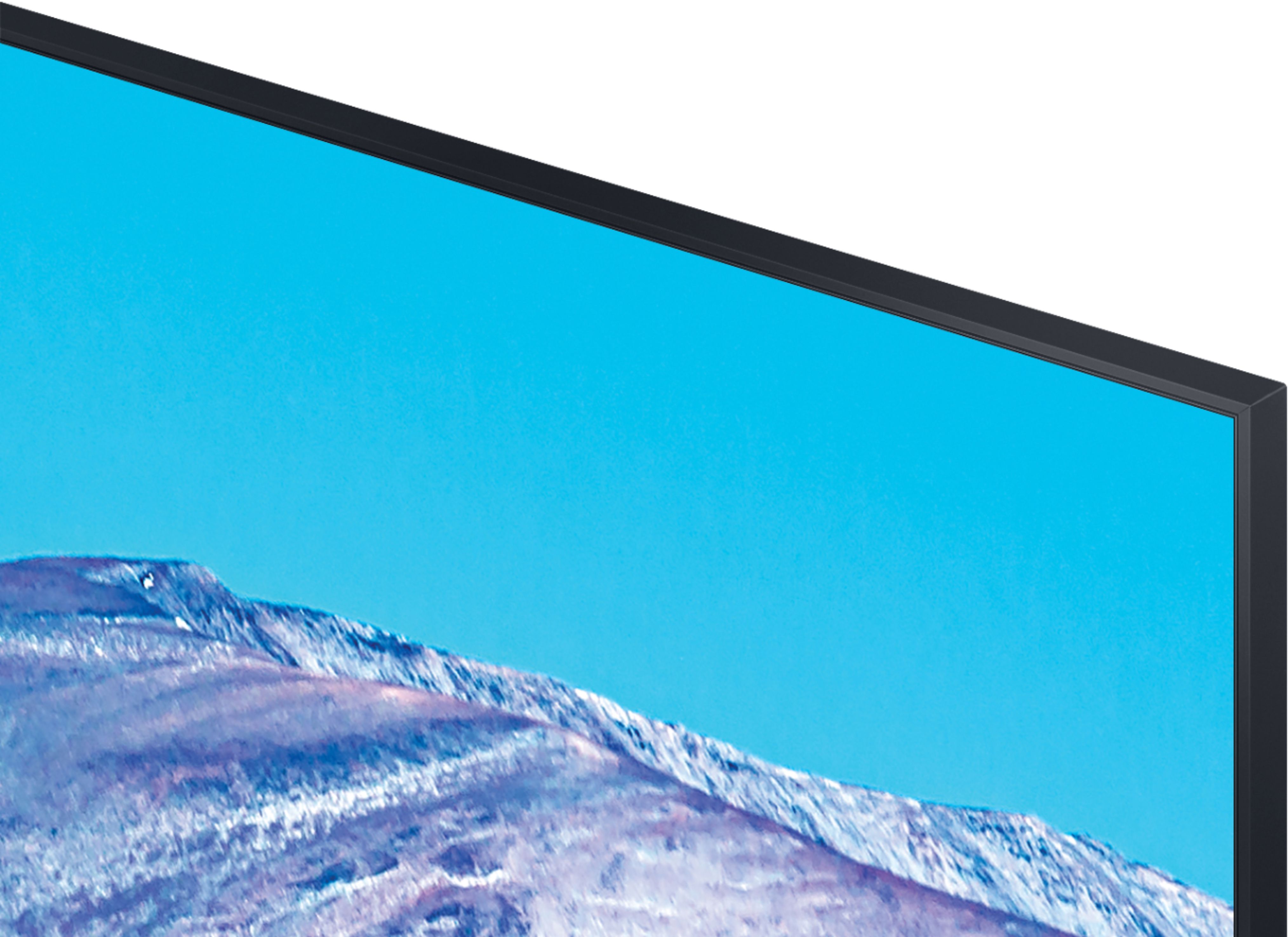
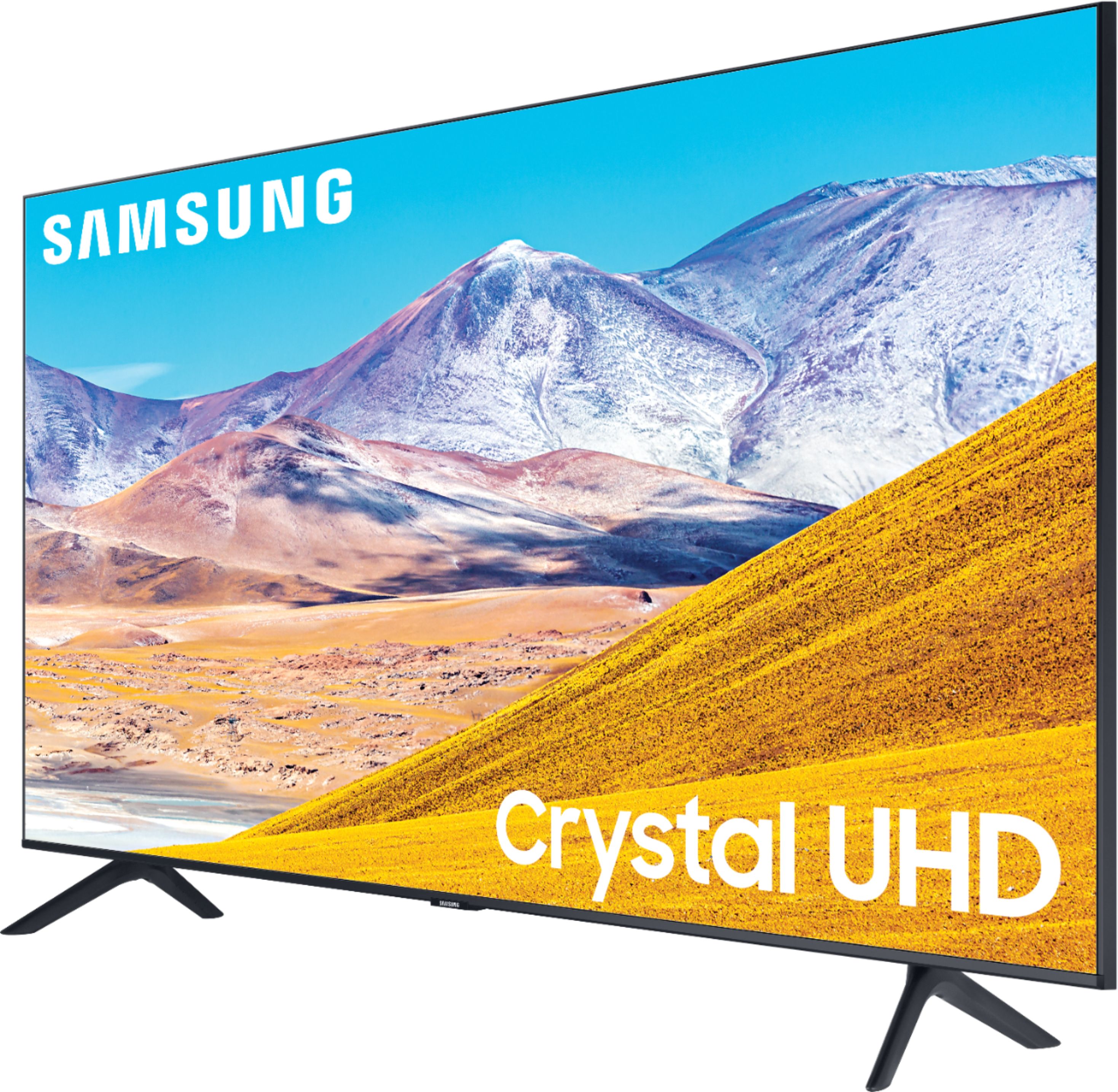
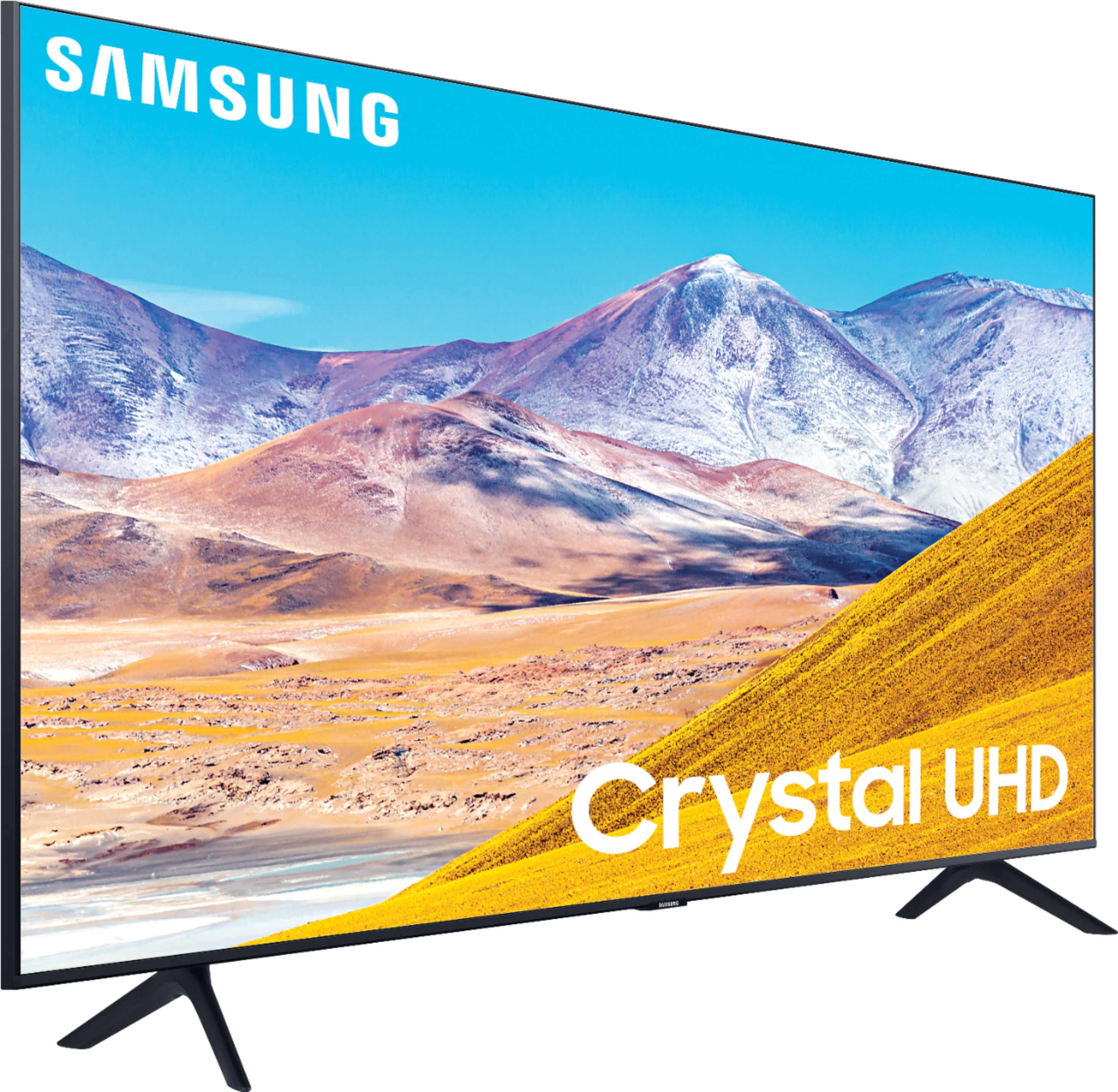








- Model:
- UN65TU8000FXZA
- SKU:
- 6401718
Rating by feature
- Picture Quality
Rating 4.6 out of 5 stars
- Sound Quality
Rating 4.3 out of 5 stars
- Brightness
Rating 4.6 out of 5 stars
Customers are saying
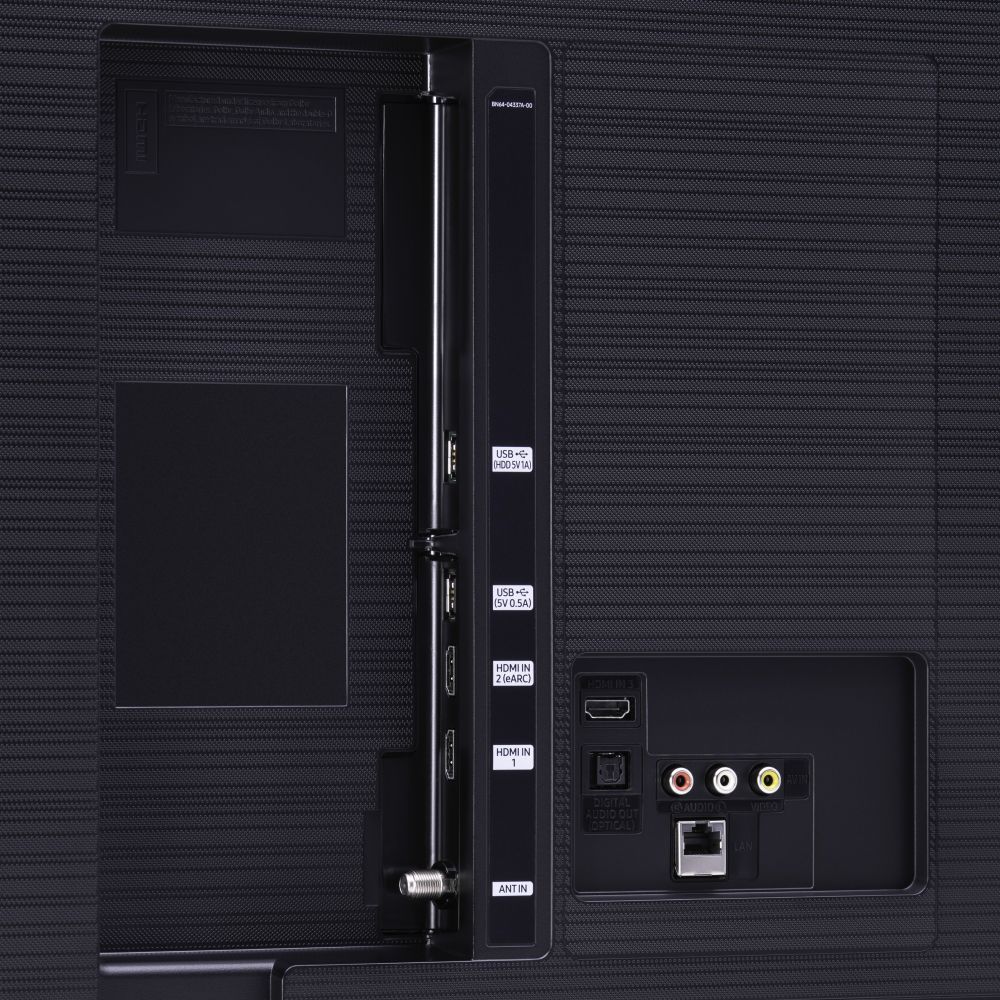
Customers are pleased with the picture quality, easy setup, price, color, and size of the 65" Class 8 Series LED 4K UHD Smart Tizen TV. They appreciate the amazing clarity of the picture, the great sound quality, and the simplicity of setting up the TV. The TV is also seen as a great value for its price. However, some customers have expressed concerns about the remote control, connectivity issues, refresh rate, and limited number of HDMI ports.
This summary was generated by AI based on customer reviews.
Not worth the mkney
||Posted . Owned for less than 1 week when reviewed.This reviewer received promo considerations or sweepstakes entry for writing a review.Picture quality is fair at best. When watching sports or fast moving movies/shows there is a noticeable lag and blurring.
No, I would not recommend this to a friendBrand response from Samsung
Posted .Jracoharie:
Thank you for choosing the Samsung TU8000 TV and for sharing your feedback with us.
For optimal motion image performance, you may want to adjust the picture clarity setting by going to: Settings > Picture > Expert Settings > Picture Clarity Settings
- Off: Picture Clarity Settings will always be off
- Auto: Picture Clarity Settings will automatically activate and deactivate based on the type of program being watched
- Custom: Allows custom adjustments and settings to be used. By selecting the Custom option, you can access these advanced settings for Judder Reduction, LED Clear Motion, and Noise Reduction.
Should you need further assistance with features or other product usage, please reach out to Samsung Support via any of the below options:
1) Phone: 1-800-SAMSUNG (ask for TVs), available 8AM – 12AM EST 7 days a week
2) LiveChat: https://www.samsung.com/us/support/#contact_us_for_support
3) Facebook Messenger: https://www.facebook.com/samsungsupport
4) Twitter: https://twitter.com/SamsungSupport
5) The Samsung Members Community is also a great resource for getting help from Samsung moderators and customers: https://us.community.samsung.com
If you have not already done so, we invite you to register your new Samsung product at: https://www.samsung.com/us/account/signin/?redirect=https%3A%2F%2Fwww.samsung.com%2Fus%2Fsupport%2Fregister%2F
Registering your product gives you access to easy warranty support, convenient opt-in to special promos and offers, faster troubleshooting and service, and quick notification of system updates.
~ Samsung Solutions
Broken
||Posted . Owned for less than 1 week when reviewed.This reviewer received promo considerations or sweepstakes entry for writing a review.I didn't even take the TV out of its box when I take it to for an exchange when they opened the box the tv has a crack. They refused to give me an exchange. I lost the entire money and left the tv there and there is nothing a dam thing I can do about this. The TV is now at Manassa VA location. The peopel that work there don't care
No, I would not recommend this to a friendBrand response from Samsung
Posted .Suri,
I am sorry you had issues with the purchase experience of your TU8000 TV. Your feedback is important to us and we will document your concerns.
If you ever need assistance with the TV itself, please reach out to Samsung Customer Support.
You can contact our Customer Support toll-free at 1-800-SAMSUNG (ask for TVs) Available 8AM - 12AM EST (7 days a week)
Simply copy-paste this link into your browser to LiveChat with us: https://www.samsung.com/us/support/#contact_us_for_support
We are likewise reachable by Facebook Messenger at: https://www.facebook.com/samsungsupport
Or find us on Twitter at https://twitter.com/SamsungSupport
-Samsung Ambassador
Don't Buy. Go with QLED. Its better.
||Posted . Owned for 1 week when reviewed.This reviewer received promo considerations or sweepstakes entry for writing a review.I bought this and it lasted two days with me. After hours of trying to turn the brightness up and the contrast and other settings, the screen just reflects everything and colors are bad too. Its not for bright rooms. I exchange it for TCL QLED and I would have gone higher with Samsung QLED, but it was to pricey for me. Don't buy this Cristal UHD Crap. Its total BS. Go with QLED better. Trust me.
No, I would not recommend this to a friendBrand response from Samsung
Posted .Ehuertas,
I am very sorry to see that you were not happy with the picture quality of your TU8000 TV and have returned it.
Should you ever decide to give Samsung TVs another try and have questions or need assistance with settings, setup, or features, please know we are always here to help.
You can contact our Customer Support toll-free at 1-800-SAMSUNG (ask for TVs) Available 8AM – 12PM EST, 7 days a week
Simply copy-paste this link into your browser to LiveChat with us: https://www.samsung.com/us/support/#contact_us_for_support
We are likewise reachable by Facebook Messenger at: https://www.facebook.com/samsungsupport
Or find us on Twitter at https://twitter.com/SamsungSupport
Again, my sincerest apologies. We hope to regain you as a customer in the future.
-Samsung Ambassador
TV didn’t work!
||Posted .This reviewer received promo considerations or sweepstakes entry for writing a review.Brought TV home from the store and took out of the box and it didn’t work. Screen stayed black except for an occasion flicker to show the setup screen. We couldn’t get the set up screen to stay up long enough to set up. We tried looking online for help and saw it could have been a bad power cord. We took a cord from another Samsung TV we already had, but that didn’t help. We exchanged it for an LG.
No, I would not recommend this to a friendBrand response from Samsung
Posted .Shannon,
I am sorry to hear that the TU8000 TV did not work out for you.
Your overall customer experience feedback is important to us and will be shared with the product team.
Should you ever decide to give Samsung TV products another try and have concerns or questions, please know we are always here to help. You can contact our Customer Support toll-free at 1-800-SAMSUNG (ask for TVs) Available 8AM – 12PM EST, 7 days a week
Simply copy-paste this link into your browser to LiveChat with us: https://www.samsung.com/us/support/#contact_us_for_support
We are likewise reachable by Facebook Messenger at: https://www.facebook.com/samsungsupport
Or find us on Twitter at https://twitter.com/SamsungSupport
Again, my sincerest apologies. We hope to regain you as a customer in the future.
-Samsung Ambassador
- Pros mentioned:Picture quality
Not Bright
||Posted . Owned for 3 weeks when reviewed.This reviewer received promo considerations or sweepstakes entry for writing a review.Quality is good but lacks brightness. Other than that good quality
No, I would not recommend this to a friendBrand response from Samsung
Posted .Ronron,
Thank you for sharing your feedback with us.
Generally the TV's have the eco sensor on by default which will dim the brightness and color according to the ambient brightness in the room.
Please check if those eco Power Saving Mode has been enabled.
Go to Settings> General> Eco Solution> Power Saving Mode.
Should you need more help or have questions with TV features, specs, or operation, we are here to help.
Simply reach out to us via:
1) Phone: 1-800-SAMSUNG (ask for TVs), available 8AM – 12AM EST 7 days a week
2) LiveChat: https://www.samsung.com/us/support/#contact_us_for_support
3) Facebook Messenger: https://www.facebook.com/samsungsupport
4) Twitter: https://twitter.com/SamsungSupport
If you have not already done so, we invite you to register your new Samsung product at:
https://www.samsung.com/us/account/signin/?redirect=https%3A%2F%2Fwww.samsung.com%2Fus%2Fsupport%2Fregister%2F&user=dsr-registration
Registering your product gives you access to easy warranty support, convenient opt-in to special promos and offers, faster troubleshooting and service, and quick notification of system updates.
-Samsung Ambassador
I bought a new Samsung tv after 2 weeks broke
||Posted . Owned for 1 month when reviewed.This reviewer received promo considerations or sweepstakes entry for writing a review.Don’t buy any Samsung products, all Samsung tv’s are defective from the manufacture its been over a month and Samsung warranty doesn’t want to give me another tv or refund me. On Amazon I found a tv refurbished on sale and that’s what Samsung is doing, Samsung is doing bad business, I will never buy anything from Samsung.
No, I would not recommend this to a friend- Pros mentioned:Picture quality, Tv quality
Very Reliable
Posted .This reviewer received promo considerations or sweepstakes entry for writing a review.I’ve had this tv now for almost 4 years and I have no regrets. It is the most used tv in the house and it has never had any issues. The picture is great and the smart technology works amazing.
I would recommend this to a friend Picture to dark.
||Posted . Owned for 1 month when reviewed.This reviewer received promo considerations or sweepstakes entry for writing a review.Not very good picture. Returned and bought the Sony. It has a much better picture.
No, I would not recommend this to a friendBrand response from Samsung
Posted .John:
Thank you for sharing your review of the Samsung TU8000 TV. I am very sorry that you were not completely happy with image quality and have decided to return it.
Should you ever decide to give Samsung TVs another try and have questions or need assistance with settings, setup, or features, please know we are always here to help. Again, my sincerest apologies. We hope to regain you as a customer in the future.
1) Phone: 1-800-SAMSUNG (available 8AM -12AM EST, 7 days a week)
2) LiveChat: https://www.samsung.com/us/support/#contact_us_for_support
3) Facebook Messenger: https://www.facebook.com/samsungsupport
4) Twitter: https://twitter.com/SamsungSupport
Thank you again for taking the time to share your thoughts. Your feedback helps us continuously deliver best-in-class products and service.
~ Samsung Solutions
2nd purchase. Same issue
||Posted . Owned for 1 month when reviewed.This reviewer received promo considerations or sweepstakes entry for writing a review.Never can get a Samsung tv to stay connected to The internet. And certain apps would have to be reinstalled because they were non responsive, Loved everything about it. Except for that, very frustrating.
No, I would not recommend this to a friendWeird Light shines in screen on all four corners
||Posted .This reviewer received promo considerations or sweepstakes entry for writing a review.I installed this very expensive set yesterday. Hard to describe but after looking at the picture in a dark lit room I noticed an issue with the screen in the corners. A weird haze that is especially visible in dark scenes. I will be returning as defective ASAP because for the money this is ridiculous. Might go back to TCL. Not sure
No, I would not recommend this to a friendBrand response from Samsung
Posted .Bill,
I am sorry to hear that you are seeing a haze in the corners of your TU8000 TV screen.
So that we can better troubleshoot this issue and provide steps towards a solution, I invite you to please contact Samsung TV Support via:
1) Phone: 1-800-SAMSUNG
Available 8AM – 12AM EST 7 Days A Week
2) LiveChat: https://www.samsung.com/us/support/#contact_us_for_support
3) Facebook Messenger: https://www.facebook.com/samsungsupport
4) Twitter: https://twitter.com/SamsungSupport
We hope to hear from you soon and assist you with a satisfactory solution.
-Samsung Ambassador
Samsung didn’t measure up with this tv.
||Posted . Owned for 1 year when reviewed.This reviewer received promo considerations or sweepstakes entry for writing a review.Only owned the tv a year and a half and the tv crapped out. Had pink hues on everything white! It was open box so we could not get extended warranty. Extremely upset we wasted our time and money. Normally love Samsung products and get the years on them but not with this tv.
No, I would not recommend this to a friendProduct does not work!!!
||Posted .This reviewer received promo considerations or sweepstakes entry for writing a review.Purchased item and it did not work - I phoned customer services numerous times and after hours waiting for them to answer, they did not resolve the issue. I had to purchase another tv and I still have this tv that does not work - the poorest experience I ever had purchasing a product.
No, I would not recommend this to a friendTv
||Posted .This reviewer received promo considerations or sweepstakes entry for writing a review.Great quality product. Great installation tech. Very poor sales effort. After lengthy conversation with the sales rep what we wanted for installation the techs had no idea. They did the mist they could. Couldn’t do it all because we had bad information from the salesman. Techs were great however.
I would recommend this to a friendBrand response from Samsung
Posted .Poorsales:
Thank you for purchasing the Samsung TU8000 TV. Your new TV is engineered with a fast and powerful processor, able to accurately upscale content from all connected and streaming sources to stunning 4K resolution.
I am very sorry to hear about your poor purchase experience, but if you should ever have concerns or questions regarding setup, function, features, or settings, please know that Samsung Customer Support is here to help.
1) Phone: 1-800-SAMSUNG (ask for TVs), available 8AM – 12AM EST 7 days a week
2) LiveChat: https://www.samsung.com/us/support/#contact_us_for_support
3) Facebook Messenger: https://www.facebook.com/samsungsupport
4) Twitter: https://twitter.com/SamsungSupport
5) The Samsung Members Community is also a great resource for getting help from Samsung moderators and customers: https://us.community.samsung.com
If you have not already done so, we invite you to register your new Samsung product at: https://www.samsung.com/us/account/signin/?redirect=https%3A%2F%2Fwww.samsung.com%2Fus%2Fsupport%2Fregister%2F
Registering your product gives you access to easy warranty support, convenient opt-in to special promos and offers, faster troubleshooting and service, and quick notification of system updates.
~ Samsung Solutions
Black screen of death
||Posted . Owned for 11 months when reviewed.This reviewer received promo considerations or sweepstakes entry for writing a review.TV went black in less than a year. Hope samsung will repair.
No, I would not recommend this to a friendJunk
||Posted .This reviewer received promo considerations or sweepstakes entry for writing a review.This tv is junk. It’s slow and will never stay connected to the wifi. Every time I try and watch Netflix or Hulu I have to restart the tv. Save your money and buy a better tv.
No, I would not recommend this to a friend65
||Posted . Owned for 1 month when reviewed.This reviewer received promo considerations or sweepstakes entry for writing a review.not that great. this is the 3rd tv from them. it took 2 months
No, I would not recommend this to a friendMade poorly
||Posted . Owned for 1 month when reviewed.This reviewer received promo considerations or sweepstakes entry for writing a review.The graphics are okay for a 4K tv but it doesn’t take your breath away like a QLED would. Super cheap screen. My son threw a plastic almost hallow toy at it and the screen cracked and now the tv turns on and off randomly. My son is 2 and the toy weighed like .40 oz. save your money and get a TCL.
No, I would not recommend this to a friendBrand response from Samsung
Posted .Lala,
I am very sorry for the unfortunate situation with a crack having developed in your TU8000 TV screen.
Our warranty covers manufacturing defects in materials and workmanship encountered in normal, noncommercial use of this product, and does not apply to damage incurred during shipment, delivery and /or installation. You can read more about our warranty here: https://www.samsung.com/us/support/service/warranty/QN82Q60RAFXZA
If there is anything we can do to further assist and improve your user experience, please do let us know by contacting Samsung Customer Support by calling 1-800-SAMSUNG (ask for TVs), available 8AM to 12AM EST, 7 Days A Week
Or by LiveChat. Please copy-paste this link into your browser: http://www.samsung.com/us/support/contact
We are likewise reachable by Facebook Messenger: https://www.facebook.com/samsungsupport
Or find us on Twitter: https://twitter.com/SamsungSupport
To optimize your product experience, we encourage you to register your new Samsung TV at: https://www.samsung.com/us/support/register/
The registration helps you gain access to easy warranty support, convenient opt-in to special promos and offers, faster troubleshooting and service, and quick notification of system updates.
-Samsung Ambassador
Power Supply Board Failed After 1.5 years
||Posted . Owned for 1.5 years when reviewed.This reviewer received promo considerations or sweepstakes entry for writing a review.Power to the unit died after 1.5 years. Power supply board failed. Really expected better from a Samsung product, and customer support was not helpful at all in getting a repair scheduled since the tv was outside their warranty.
No, I would not recommend this to a friendWas excited with purchase, has some issues.
||Posted . Owned for less than 1 week when reviewed.This reviewer received promo considerations or sweepstakes entry for writing a review.TV is good, has sound issues. I need to exchange it for another one.
I would recommend this to a friendBrand response from Samsung
Posted .TVlover,
Thank you for your purchase and review.
I am sorry that your experience with the first unit of TU8000 TV was less than perfect.
Should you have any questions or need assistance with your current unit, please do reach out to our TV Customer Support via any of these options:
1) Phone: 1-800-SAMSUNG (ask for TVs), available 8AM – 12AM EST 7 days a week
2) LiveChat: https://www.samsung.com/us/support/#contact_us_for_support
3) Facebook Messenger: https://www.facebook.com/samsungsupport
4) Twitter: https://twitter.com/SamsungSupport
5) The Samsung Members Community is also a great resource for getting help from Samsung moderators and customers: https://us.community.samsung.com
If you have not already done so, we invite you to register your new Samsung product at: https://www.samsung.com/us/account/signin/?redirect=https%3A%2F%2Fwww.samsung.com%2Fus%2Fsupport%2Fregister%2F
Registering your product gives you access to easy warranty support, convenient opt-in to special promos and offers, faster troubleshooting and service, and quick notification of system updates.
Again, thank you for taking the time to share your thoughts. Your feedback helps us continuously deliver best-in-class products and service.
-Samsung Ambassador
Not that hot
||Posted . Owned for 1 month when reviewed.This reviewer received promo considerations or sweepstakes entry for writing a review.This tv has not caught up with Sony yet, not good picture quality
No, I would not recommend this to a friendBrand response from Samsung
Posted .jthompson,
Your TU8000 TV features Crystal UHD processor, 4K AI upscaling, HDR, Game Enhancer and more, all designed to give you the best in dazzling, crystal-clear images and rich digital experience.
I am very sorry that your experience with this TV was less than perfect, and I completely understand your disappointment.
There are several preset picture modes and many custom settings that can optimize image quality for your viewing scenario.
Go to HOME > SETTINGS > PICTURE > PICTURE MODE and choose:
1) Dynamic: Makes the picture brighter and clearer in bright viewing environments.
2) Standard: This is the default mode suitable for general viewing environments.
3) Natural: Reduces eye strain for a comfortable viewing experience.
4) Movie: Suitable for watching TV or movies in a dark room.
5) Filmmaker: Watch the source content (e.g., movie) as it is.
Here is a link to the downloadable eManual, where you can find a detailed guide to configuring advanced picture setting (pages 92-93):
https://downloadcenter.samsung.com/content/UM/202006/20200618112841534/NIKATSCT-3.0.7_EM_NIKE_USA_ENG_200527.0.pdf
In addition, the image quality on your screen depends on the source and the connection.
HDMI cables are recommended for optimal HD viewing; and when possible, 4K content will provide the best picture quality. The TV will upscale as best as possible any content sent to it. The closer the signal is to 4K, the better it will look coming out.
Please also give us the opportunity to assist you with image quality adjustments tailored to your preferred viewing experience. You can reach us via any of the following options:
1) Phone: 1-800-SAMSUNG (ask for TVs), available 8AM – 12AM EST 7 days a week
2) LiveChat: https://www.samsung.com/us/support/#contact_us_for_support
3) Facebook Messenger: https://www.facebook.com/samsungsupport
4) Twitter: https://twitter.com/SamsungSupport
If you have not already done so, we invite you to register your new Samsung product at:
https://www.samsung.com/us/account/signin/?redirect=https%3A%2F%2Fwww.samsung.com%2Fus%2Fsupport%2Fregister%2F&user=dsr-registration
Registering your product gives you access to easy warranty support, convenient opt-in to special promos and offers, faster troubleshooting and service, and quick notification of system updates.
-Samsung Ambassador