Customer Ratings & Reviews
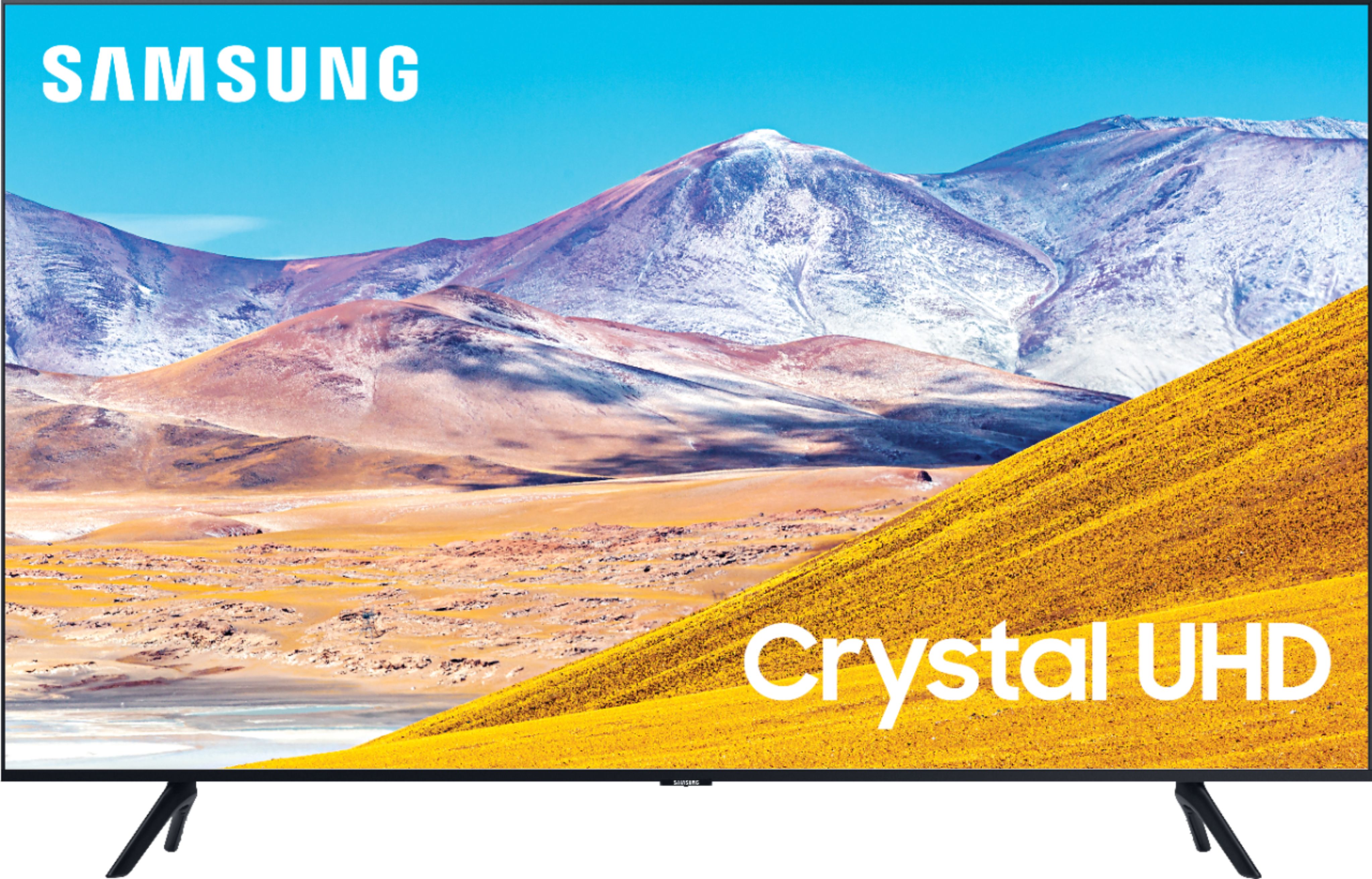
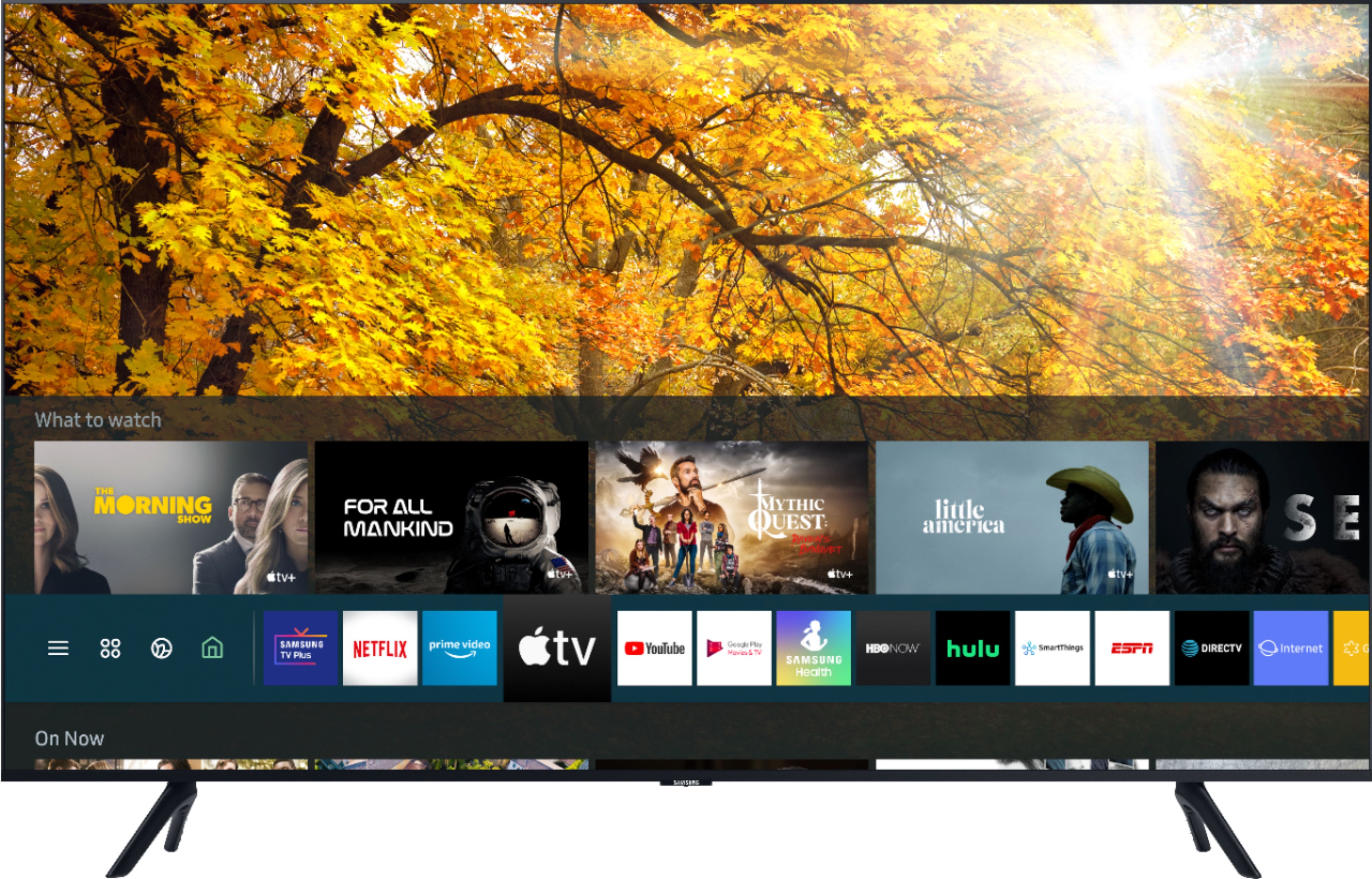
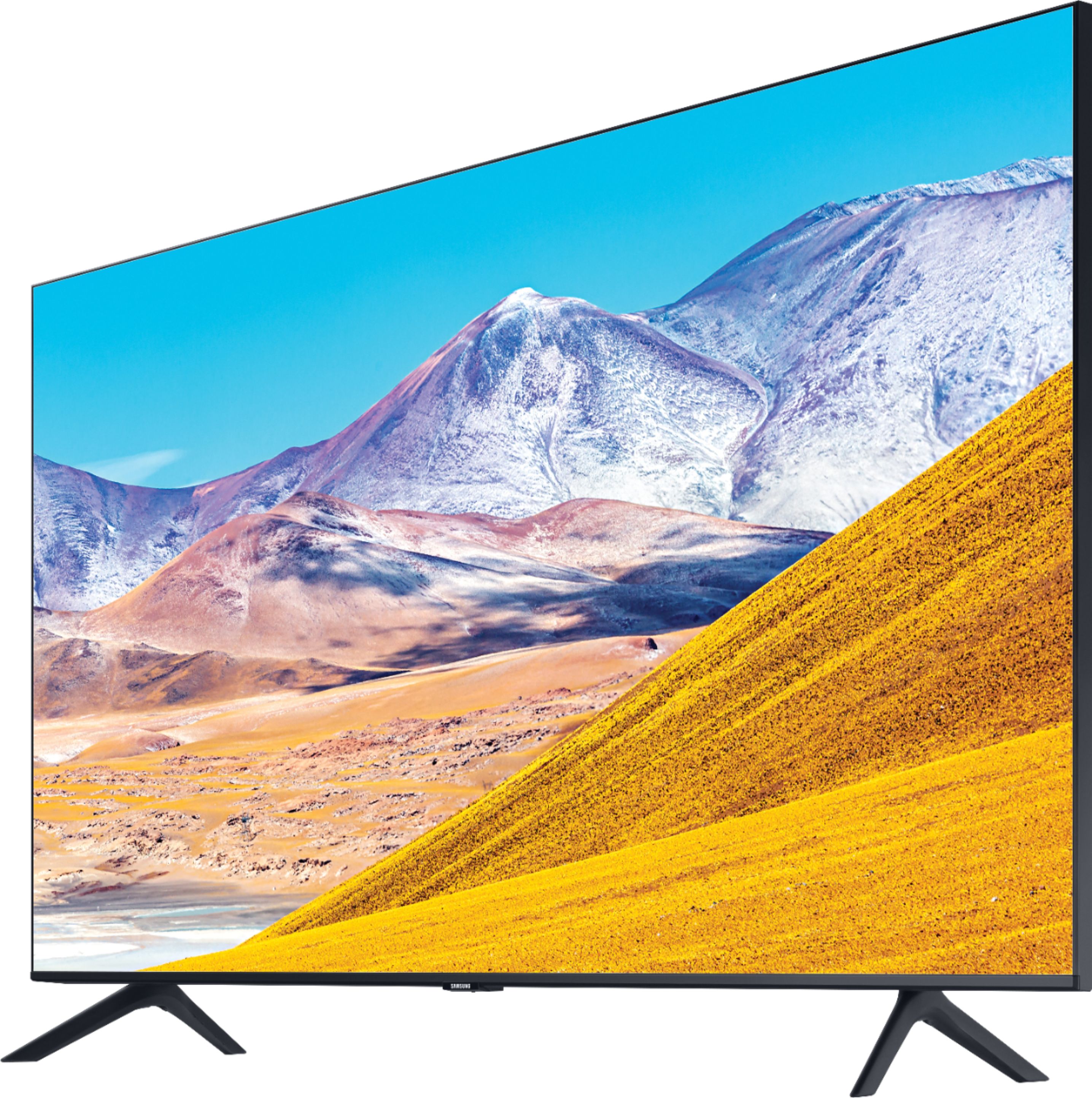
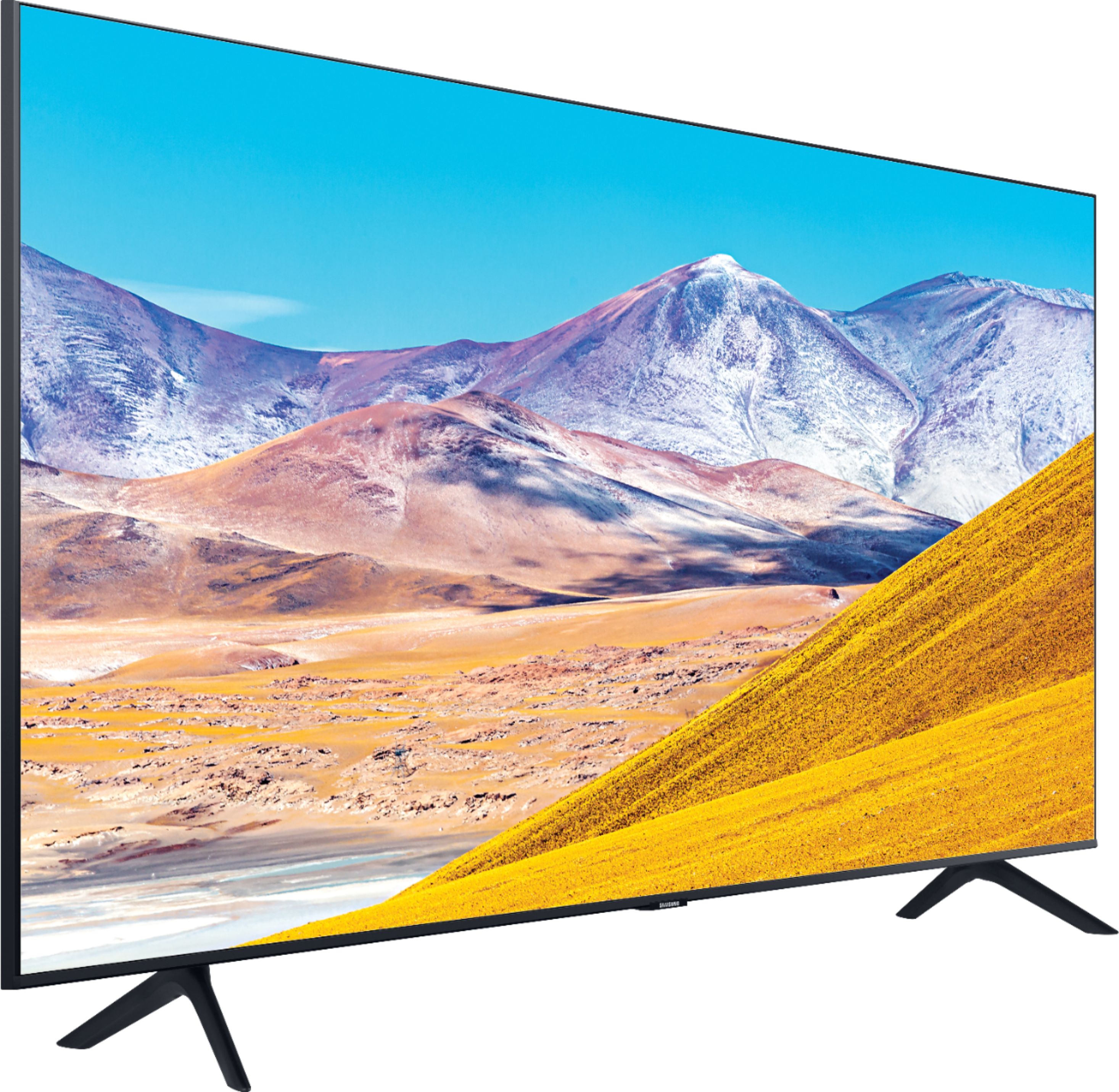
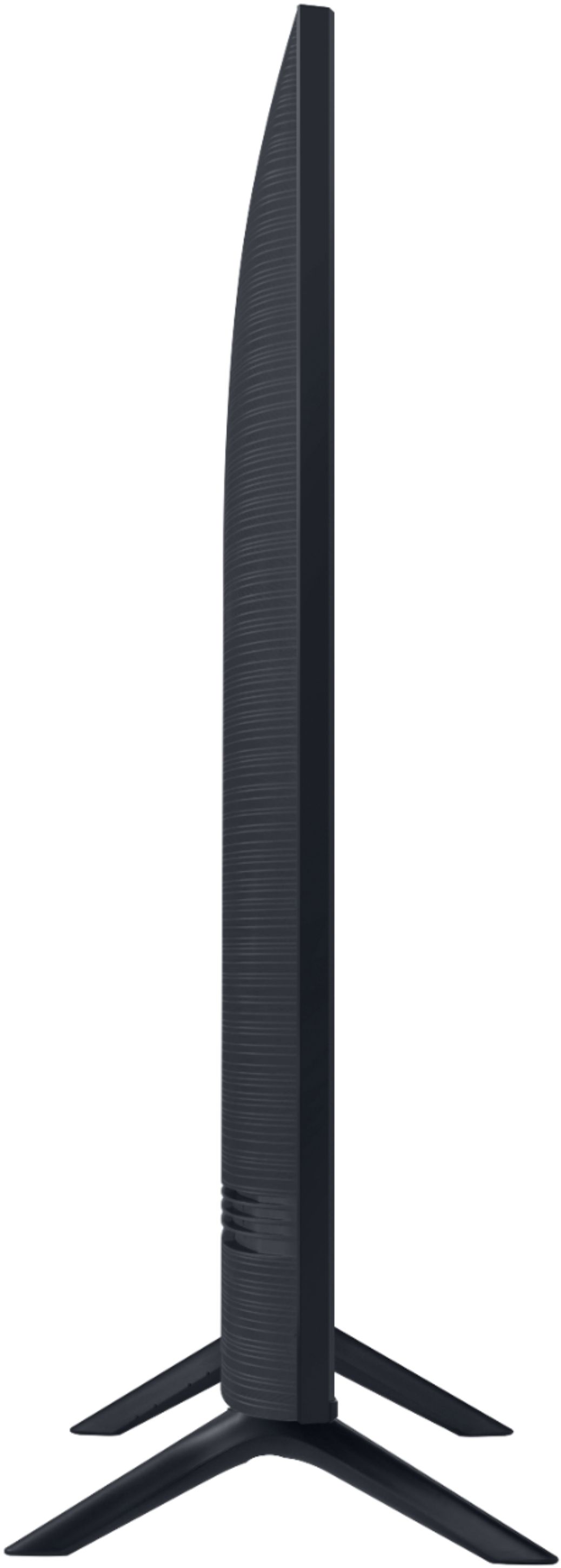

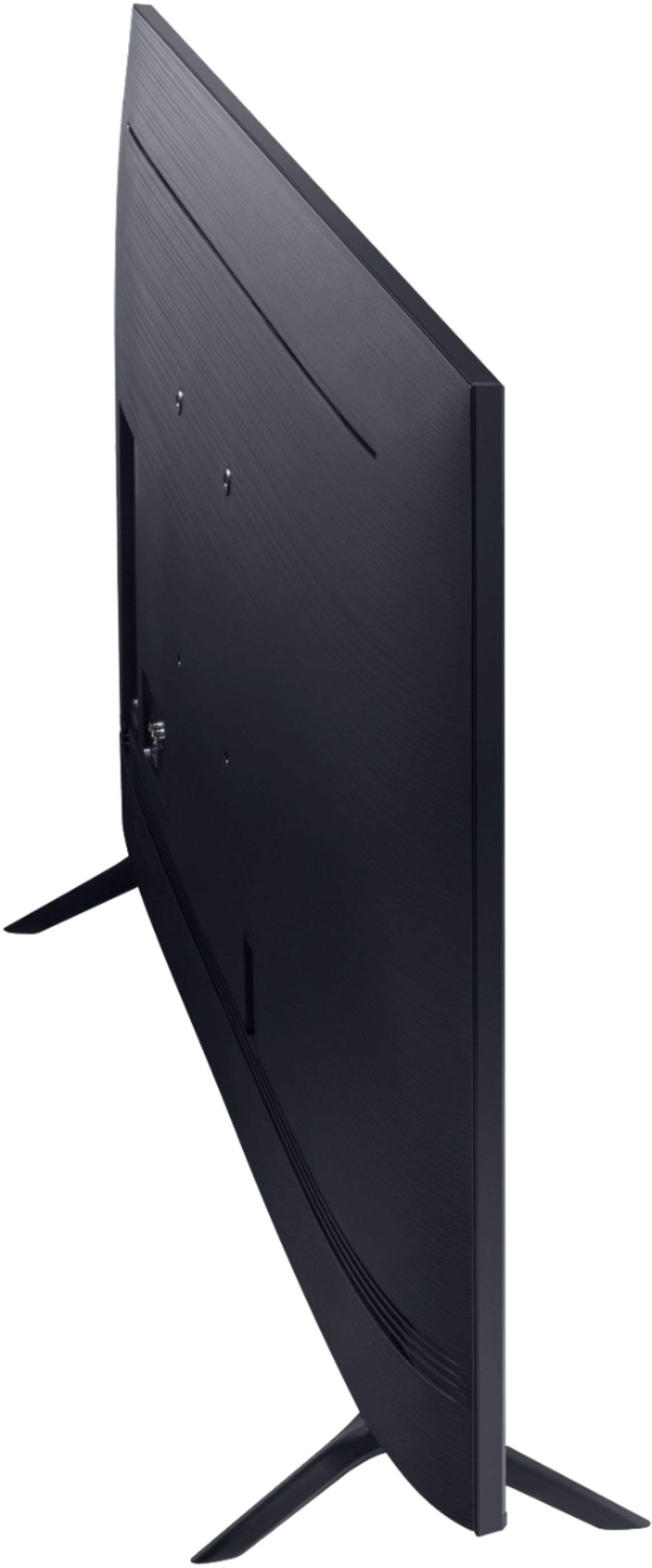
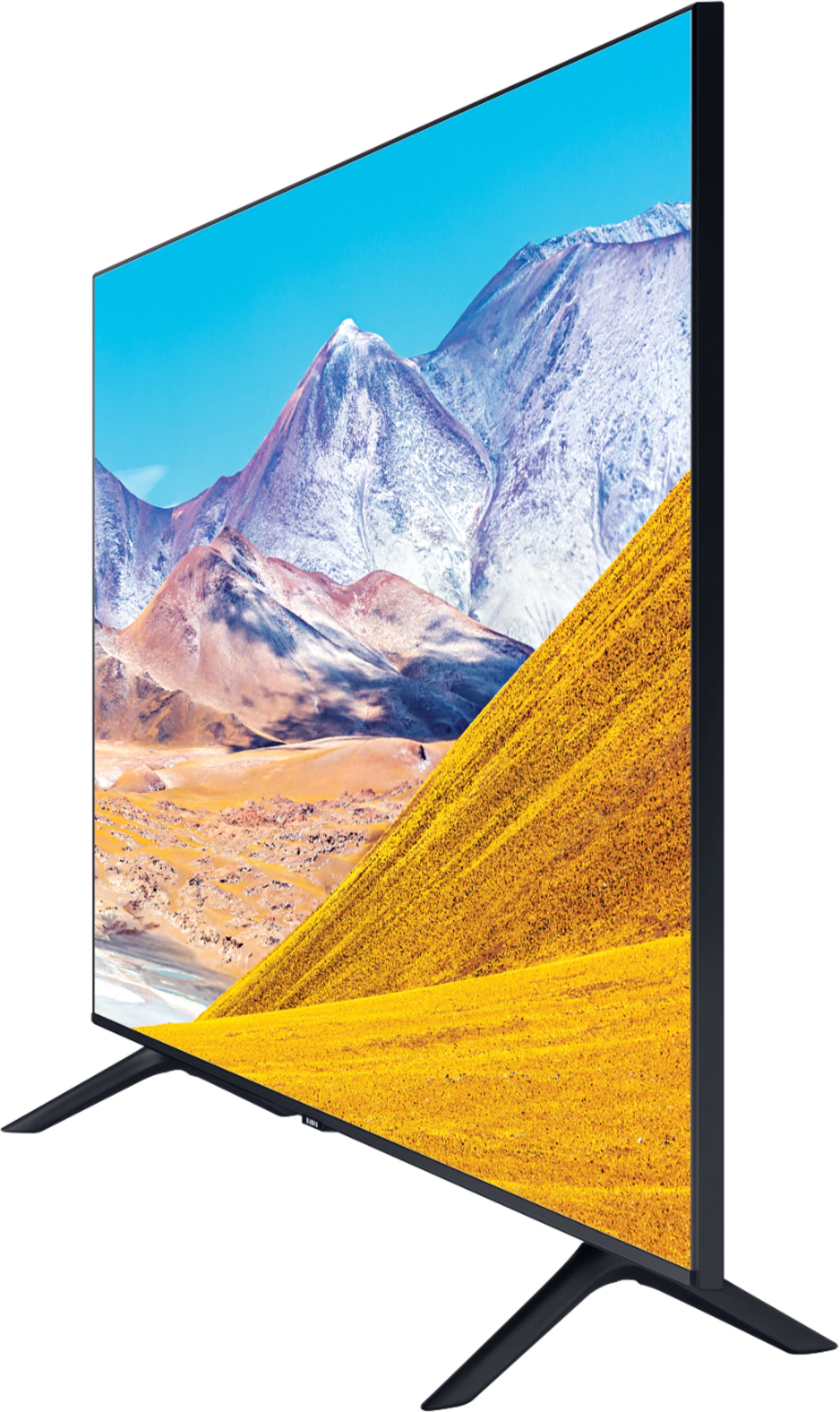
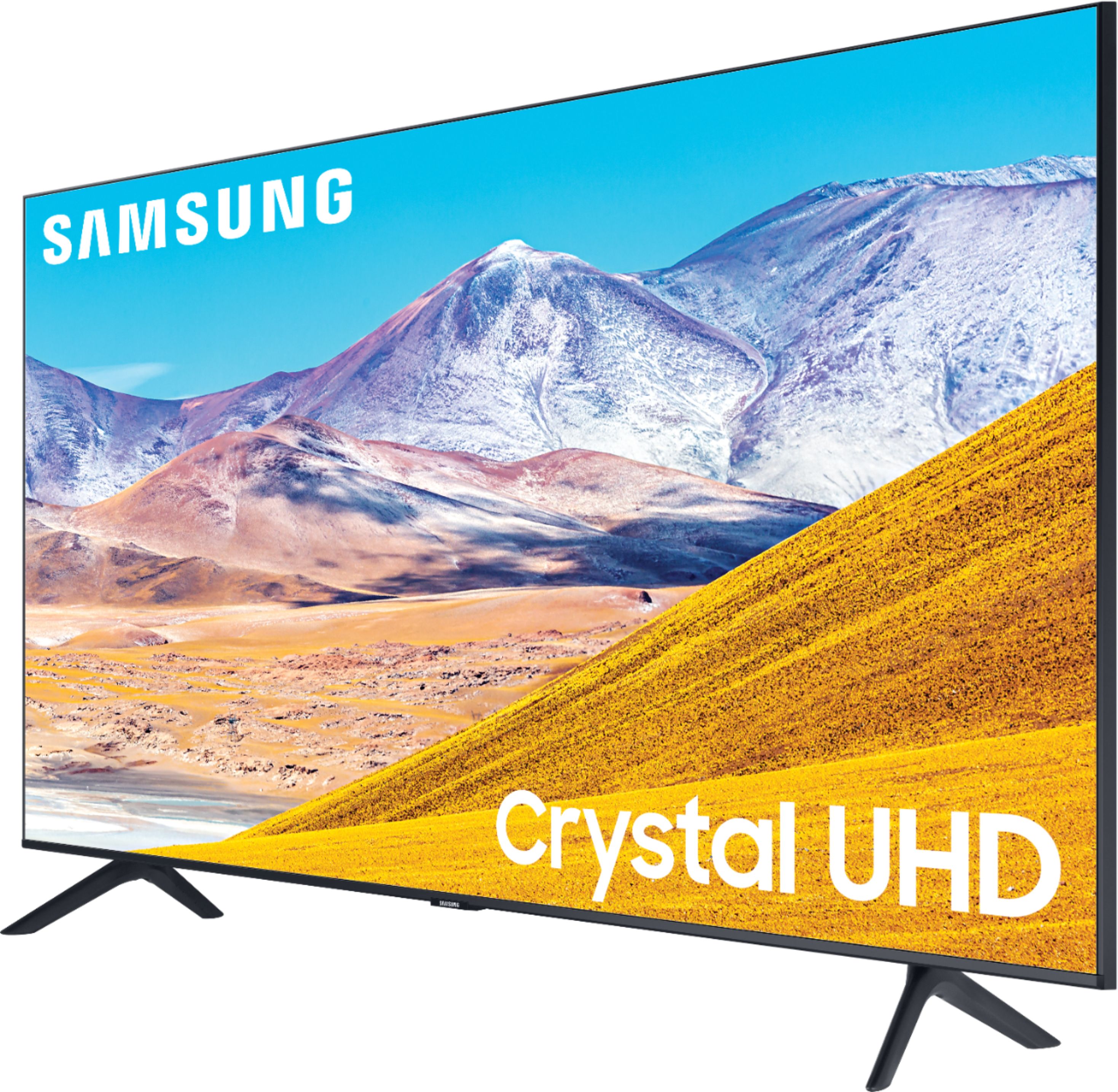
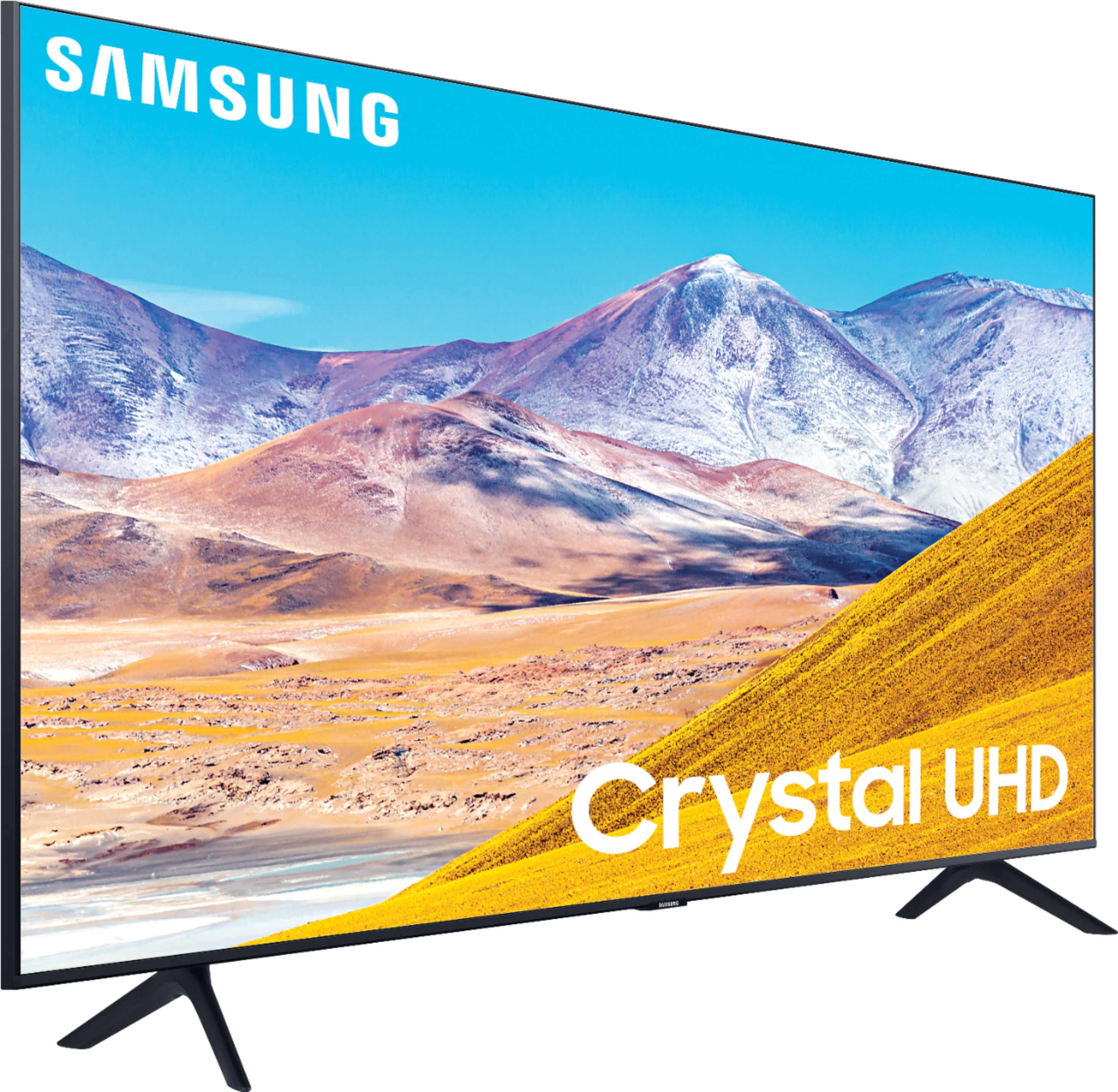
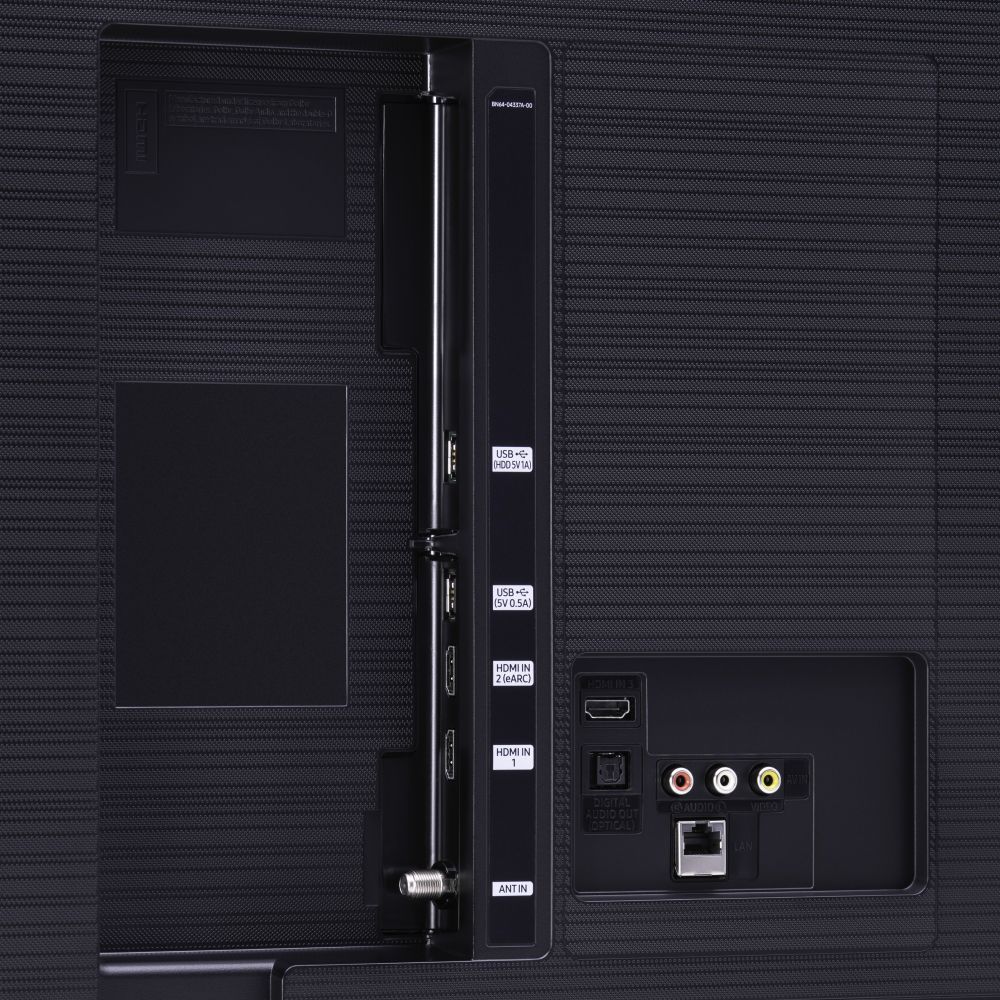








- Model:
- UN65TU8000FXZA
- SKU:
- 6401718
Rating by feature
- Picture Quality
Rating 4.6 out of 5 stars
- Sound Quality
Rating 4.3 out of 5 stars
- Brightness
Rating 4.6 out of 5 stars
Customers are saying
Customers are pleased with the picture quality, easy setup, price, color, and size of the 65" Class 8 Series LED 4K UHD Smart Tizen TV. They appreciate the amazing clarity of the picture, the great sound quality, and the simplicity of setting up the TV. The TV is also seen as a great value for its price. However, some customers have expressed concerns about the remote control, connectivity issues, refresh rate, and limited number of HDMI ports.
This summary was generated by AI based on customer reviews.
poor sales information
||Posted . Owned for 3 weeks when reviewed.This reviewer received promo considerations or sweepstakes entry for writing a review.Your did not suggest an in house eval. Geek squard emplooyees noted that different installation prep need to be done. Because of this failure to inform me of this, the delivery date had to be cancelled and new date schedule in August. poor service regarding changing delivery date.
No, I would not recommend this to a friendBrand response from Samsung
Posted .cookie,
I am very sorry to see that you had an unfortunate purchasing experience.
We recommend you share your concerns and feedback directly with Best Buy.
Should you ever need assistance or have questions about using the TU8000 TV, please know we are here to help. You can reach Samsung Support via:
1) Phone: 1-800-SAMSUNG (ask for TVs), available 8AM – 12AM EST 7 days a week
2) LiveChat: https://www.samsung.com/us/support/#contact_us_for_support
3) Facebook Messenger: https://www.facebook.com/samsungsupport
4) Twitter: https://twitter.com/SamsungSupport
5) The Samsung Members Community is also a great resource for getting help from Samsung moderators and customers: https://us.community.samsung.com
If you have not already done so, we invite you to register your new Samsung product at:
https://www.samsung.com/us/account/signin/?redirect=https%3A%2F%2Fwww.samsung.com%2Fus%2Fsupport%2Fregister%2F&user=dsr-registration
Registering your product gives you access to easy warranty support, convenient opt-in to special promos and offers, faster troubleshooting and service, and quick notification of system updates.
-Samsung Ambassador
Cannot rate...have not received my tv.
||Posted . Owned for 1 month when reviewed.This reviewer received promo considerations or sweepstakes entry for writing a review.Please refer to my email. I sure would appreciate the delivery and installation of my tv. I live alone...I am quarantined voluntarily. I do not have the virus. I would be happy to wear a mask and would provide the installers with one if need be. LETS WORK TOWARD NORMALIZATION SOON.
I would recommend this to a friendVery disappointed
||Posted . Owned for 1 month when reviewed.This reviewer received promo considerations or sweepstakes entry for writing a review.I was Truly disappointed, I spent a lot of money on a tv and got very few of my questions answered. I picked up the tv curbside and it had no Manuel. I have lots of questions. I would hope to hear from someone since this is the Second time that I mentioned it.
No, I would not recommend this to a friendBrand response from Samsung
Posted .Wouldlikesomehelp:
Thank you for purchasing the Samsung TU8000 TV. The Full Manual is available directly on your TV at: Settings > Support > Open e-Manual
The Full Manual, Quick Setup Guide, and User Manual are also available online at:
https://www.samsung.com/us/support/owners/product/crystal-uhd-tvs-tu8000-2020
Should you need assistance with setup, features or usage, please contact Samsung Customer Support via any of the below options:
1) Phone: 1-800-SAMSUNG (ask for TVs), available 8AM – 12AM EST 7 days a week
2) LiveChat: https://www.samsung.com/us/support/#contact_us_for_support
3) Facebook Messenger: https://www.facebook.com/samsungsupport
4) Twitter: https://twitter.com/SamsungSupport
5) The Samsung Members Community is also a great resource for getting help from Samsung moderators and customers: https://us.community.samsung.com
If you have not already done so, we invite you to register your new Samsung product at: https://www.samsung.com/us/account/signin/?redirect=https%3A%2F%2Fwww.samsung.com%2Fus%2Fsupport%2Fregister%2F
Registering your product gives you access to easy warranty support, convenient opt-in to special promos and offers, faster troubleshooting and service, and quick notification of system updates.
~ Samsung Solutions
Upset with the buying experience
||Posted .This reviewer received promo considerations or sweepstakes entry for writing a review.Worst bestbuy experience. I am highly disappointed the way I was treated. I had initially set up to have the tv delivered to me and after not receiving the item for two weeks and after many phone calls, I ended up picking the tv from the store myself.
No, I would not recommend this to a friendBrand response from Samsung
Posted .lastTimeShoppingHere:
I am very sorry to see that you had an unfortunate experience with the delivery of your TV. You may want to share delivery feedback directly with your local BestBuy.
Should you need assistance or have questions about using this product, please know we are here to help. You can reach Samsung Support at:
1) Phone: 1-800-SAMSUNG (ask for TVs), available 8AM – 12AM EST 7 days a week
2) LiveChat: https://www.samsung.com/us/support/#contact_us_for_support
3) Facebook Messenger: https://www.facebook.com/samsungsupport
4) Twitter: https://twitter.com/SamsungSupport
5) The Samsung Members Community is also a great resource for getting help from Samsung moderators and customers: https://us.community.samsung.com
If you have not already done so, we invite you to register your new Samsung product at: https://www.samsung.com/us/account/signin/?redirect=https%3A%2F%2Fwww.samsung.com%2Fus%2Fsupport%2Fregister%2F
Registering your product gives you access to easy warranty support, convenient opt-in to special promos and offers, faster troubleshooting and service, and quick notification of system updates.
~ Samsung Solutions
Internet wifi not working
||Posted .This reviewer received promo considerations or sweepstakes entry for writing a review.The internet connection is not working I ve called the spectrum customer service and nothing is wrong with the Internet So I suppose that is the tv The tv is practically 2 moths used
No, I would not recommend this to a friendBrand response from Samsung
Posted .Sebas:
Thank you for purchasing the Samsung TU8000 TV and for your review. I am very sorry you are experiencing internet connection issues. A recent firmware update is available which may help improve your connection. (1460.9 released on 12/7/20)
Using your TV's remote, navigate to Settings, and select Support. Select Software Update, and then select Update Now. New updates will be downloaded and installed on your TV. Updates usually take a few minutes; please do not turn off the TV until the update is complete. When the update is finished, the TV will restart automatically.
You may also want to enable automatic updates for future convenience.
Select Settings > Support > Software Update, then select Auto Update.
Should your problem persist, please contact Samsung Customer Support:
1) Phone: 1-800-SAMSUNG (ask for TVs), available 8AM – 12AM EST 7 days a week
2) LiveChat: https://www.samsung.com/us/support/#contact_us_for_support
3) Facebook Messenger: https://www.facebook.com/samsungsupport
4) Twitter: https://twitter.com/SamsungSupport
5) The Samsung Members Community is also a great resource for getting help from Samsung moderators and customers: https://us.community.samsung.com
If you have not already done so, we invite you to register your new Samsung product at: https://www.samsung.com/us/account/signin/?redirect=https%3A%2F%2Fwww.samsung.com%2Fus%2Fsupport%2Fregister%2F
Registering your product gives you access to easy warranty support, convenient opt-in to special promos and offers, faster troubleshooting and service, and quick notification of system updates.
~ Samsung Solutions
BAD WiFi Detection.
||Posted . Owned for 7 months when reviewed.This reviewer received promo considerations or sweepstakes entry for writing a review.Bought this last year for my Mom's birthday but WiFi connection is terrible. Always disconnects. I always have to factory reset the TV and then a week later it cannot detect WiFi.
No, I would not recommend this to a friendGARABGE: Buy Vizio Instead
||Posted . Owned for 1 year when reviewed.This reviewer received promo considerations or sweepstakes entry for writing a review.Total piece of GARBAGE. It broke in 18 months, so it was out of warranty and Samsung would not fix it. The backlight went out, which is something that shouldn't happen for years. AWFUL TV, AWFUL COMPANY. BUY VIZIO.
No, I would not recommend this to a friend- Pros mentioned:Picture quality, Price
Great Deal
Posted .This reviewer received promo considerations or sweepstakes entry for writing a review.Exceptionally great quality for the price. I couldn’t have given up this deal at the time of purchase. Other brands with comparable specs were way below my like and expectation. I’m happy I made the choice on the spot.
I would recommend this to a friend The TV tiles often
||Posted . Owned for 1 week when reviewed.This reviewer received promo considerations or sweepstakes entry for writing a review.At first I thought it was the cable box, so I had the cable company come out and troubleshoot, They swapped out my cable box and other equipment. The problem still occurred. I am now having the tv replaced to see if it is just a bad tv.
No, I would not recommend this to a friendBrand response from Samsung
Posted .true,
Thank you for purchasing this Samsung TU8000 Crystal UHD Smart TV. I am sorry to hear that you are seeing tiles on your screen.
Please give us the opportunity to assist you by contacting Samsung Customer Support via any of these options:
1) Phone: 1-800-SAMSUNG (ask for TVs), available 8AM – 12AM EST 7 days a week
2) LiveChat: https://www.samsung.com/us/support/#contact_us_for_support
3) Facebook Messenger: https://www.facebook.com/samsungsupport
4) Twitter: https://twitter.com/SamsungSupport
5) The Samsung Members Community is also a great resource for getting help from Samsung moderators and customers: https://us.community.samsung.com
If you have not already done so, we invite you to register your new Samsung product at:
https://www.samsung.com/us/account/signin/?redirect=https%3A%2F%2Fwww.samsung.com%2Fus%2Fsupport%2Fregister%2F&user=dsr-registration
Registering your product gives you access to easy warranty support, convenient opt-in to special promos and offers, faster troubleshooting and service, and quick notification of system updates.
We look forward to hearing from you and helping you soon.
-Samsung Ambassador
Do not buy
||Posted . Owned for 8 months when reviewed.This reviewer received promo considerations or sweepstakes entry for writing a review.Horrible product. Do not buy. After 8 months, the TV shut off and will only stay on during 5minute intervals and shuts right off. Samsung has been to my house twice to repair it and has the same issue. Horrible.
No, I would not recommend this to a friendTV tapped out within 18 mos
||Posted . Owned for 1.5 years when reviewed.This reviewer received promo considerations or sweepstakes entry for writing a review.Garbage tv didnt last 18 mos. Ive been buying tvs from Best Buy for over 10 yrs,this weak as tv decided to go out all of a sudden. No signs,tv will not power on.
No, I would not recommend this to a friendWorst tv ever
||Posted .This reviewer received promo considerations or sweepstakes entry for writing a review.DO NOT BUY..worst tv ever most 4k movies are to dark to watch bc the brightness is limited..my tv thats 12 years old has a better pic..it pixalates a lot, the tv is not worth the price... horrible 1 star
No, I would not recommend this to a friendBrand response from Samsung
Posted .Horrible:
Thank you for purchasing the TU8000 TV and for your review. I am sorry to hear that you are not happy with the brightness levels of your picture. If the colors on your TV are correct but just a little too dark or bright you can try Dynamic Picture Mode, or manually adjust the Brightness settings to your liking.
Dynamic Picture Mode will make pictures brighter and clearer in bright viewing environments. Go to: Settings > Picture > Picture Mode > Dynamic
Or manually adjust the Brightness and other settings to your liking. Press the HOME button on your remote, then navigate to: Settings > Picture > Expert Settings
You may also want to disable Power Saving Mode which automatically adjusts the brightness to reduce the TV’s power consumption.
Go to Settings> General> Eco Solution> Power Saving Mode.
Ambient Light Detection will also automatically adjust the brightness level of the TV, according to the ambient light level, to reduce power consumption. If Ambient Light Detection has adjusted the screen brightness to a too bright or dark level, you can select Minimum Brightness to manually adjust the minimum screen brightness.
Go to Settings> General> Eco Solution> Ambient Light Detection
Please also be sure you are running the latest firmware. You can check to see what software version your TV is using and if there is an available update through the settings on your TV. Go to: Settings>Support>Software Update. (1460.9 released on 12/7/20)
You may want to enable automatic updates for convenience. Select Settings > Support > Software Update, then select Auto Update.
I hope this helps to improve your picture. Should you need further assistance, please contact Samsung Customer Support.
1) Phone: 1-800-SAMSUNG (ask for TVs), available 8AM – 12AM EST 7 days a week
2) LiveChat: https://www.samsung.com/us/support/#contact_us_for_support
3) Facebook Messenger: https://www.facebook.com/samsungsupport
4) Twitter: https://twitter.com/SamsungSupport
5) The Samsung Members Community is also a great resource for getting help from Samsung moderators and customers: https://us.community.samsung.com
If you have not already done so, we invite you to register your new Samsung product at: https://www.samsung.com/us/account/signin/?redirect=https%3A%2F%2Fwww.samsung.com%2Fus%2Fsupport%2Fregister%2F
Registering your product gives you access to easy warranty support, convenient opt-in to special promos and offers, faster troubleshooting and service, and quick notification of system updates.
~ Samsung Solutions
Not reliable
||Posted . Owned for 1 year when reviewed.This reviewer received promo considerations or sweepstakes entry for writing a review.My manufacturer warranty expired 1 month before I even bought this tv from Best Buy. The sound went out. The screen went out twice in 1.5 years.
No, I would not recommend this to a friendLighting bleed from the sides :(
||Posted . Owned for 3 weeks when reviewed.This reviewer received promo considerations or sweepstakes entry for writing a review.Best Buy and Samsung both said that this is to be expected with this TV. I cannot watch anything with darker scenes because there is prominent white light coming in from the left side.
No, I would not recommend this to a friendBrand response from Samsung
Posted .Frank:
I am very sorry to hear that you are seeing excessive lightbleed. This does not sound normal at all.
Please do reach out to us again so that we can better assist towards a solution. Our representative might ask for photos to better understand the light leakage coming from the left side.
You can contact Samsung TV Support at:
1) Phone: 1-800-SAMSUNG (ask for TVs), available 8AM – 12AM EST 7 days a week
2) LiveChat: https://www.samsung.com/us/support/#contact_us_for_support
3) Facebook Messenger: https://www.facebook.com/samsungsupport
4) Twitter: https://twitter.com/SamsungSupport
5) The Samsung Members Community is also a great resource for getting help from Samsung moderators and customers: https://us.community.samsung.com
If you have not already done so, we invite you to register your new Samsung product at: https://www.samsung.com/us/account/signin/?redirect=https%3A%2F%2Fwww.samsung.com%2Fus%2Fsupport%2Fregister%2F
Registering your product gives you access to easy warranty support, convenient opt-in to special promos and offers, faster troubleshooting and service, and quick notification of system updates.
Again, I apologize for the issue. We look forward to hearing from you and making this right.
-Samsung Ambassador
na
||Posted . Owned for 1.5 years when reviewed.This reviewer received promo considerations or sweepstakes entry for writing a review.first month of purchase i had the mother board replaced . Still to this day i having problems. i have to keep resting Tv
No, I would not recommend this to a friendDisappointed
||Posted . Owned for more than 2 years when reviewed.This reviewer received promo considerations or sweepstakes entry for writing a review.Stopped working after two years! Backlight went out after two years. I wouldn’t waste your money in this one
No, I would not recommend this to a friendI expected more from Samsung
||Posted . Owned for 2 weeks when reviewed.This reviewer received promo considerations or sweepstakes entry for writing a review.Took it back. I’ve never seen such horrible edge light bleed. I have a mu8000 series and it’s great, this one in the other hand is awful.
No, I would not recommend this to a friendnot recommend
||Posted . Owned for 5 months when reviewed.This reviewer received promo considerations or sweepstakes entry for writing a review.spend money with bad quality tv. wifi is not working have to unplug all the time even call Greek squats still cant fix waste money and waste my time
No, I would not recommend this to a friendpicture quality
||Posted .This reviewer received promo considerations or sweepstakes entry for writing a review.Just picked this up today, not impressed at all with the picture quality. Actually it is kind of disappointing. I would not buy this product again.
No, I would not recommend this to a friendBrand response from Samsung
Posted .Stefan,
Your TU8000 TV is powered by a ultra-fast processor delivering crystal clear colors that are fine-tuned to deliver a naturally crisp and vivid picture. It also transforms everything you watch into stunning 4K HDR.
There are several preset picture modes and many custom settings that can optimize image quality to your viewing scenario.
Go to HOME > SETTINGS > PICTURE > PICTURE MODE and choose:
1) Dynamic: Makes the picture brighter and clearer in bright viewing environments, like in retail stores
2) Standard: Is the default mode suitable for general viewing environments.
3) Natural: Reduces eye strain for a comfortable viewing experience.
4) Movie: Is suitable for watching TV or movies in a dark room.
5) FILMMAKER MODE: You can watch the source content (e.g., movie) as it is.
Here is a link to the downloadable eManual, where you can find a detailed guide to configuring advanced picture setting (pages 90-93):
http://downloadcenter.samsung.com/content/UM/202004/20200403095308351/NIKATSCT-3.0.1_EM_NIKE_USA_ENG_200323.0.pdf
In addition, the quality of the image on your screen depends on the source and the connection.
HDMI cables are recommended for optimal HD viewing; and when possible, 4K content will provide the best picture quality. The TV will upscale as best as possible any content sent to it. The closer the signal is to 4K, the better it will look coming out.
The quality of the streaming content depends largely on the speed of your internet, as most content providers have adaptive streaming that will automatically adjust the image quality based on the network bandwidth.
Please also give us the opportunity to assist you with image quality adjustments tailored to your preferred viewing experience. You can reach us via any of the following options:
1) Phone: 1-800-SAMSUNG (Ask for TVs)
Available 8AM – 9PM EST (Mon-Fri)
2) LiveChat: https://www.samsung.com/us/support/#contact_us_for_support
3) Facebook Messenger: https://www.facebook.com/samsungsupport
4) Twitter: https://twitter.com/SamsungSupport
5) The Samsung Members Community is also a great resource for getting help from Samsung moderators and customers: https://us.community.samsung.com
If you have not already done so, we invite you to register your new Samsung product at: https://www.samsung.com/us/account/signin/?redirect=https%3A%2F%2Fwww.samsung.com%2Fus%2Fsupport%2Fregister%2F
Registering your product gives you access to easy warranty support, convenient opt-in to special promos and offers, faster troubleshooting and service, and quick notification of system updates.
We look forward to hearing from you soon.
-Samsung Ambassador
Not my purchase
||Posted . Owned for 1 month when reviewed.This reviewer received promo considerations or sweepstakes entry for writing a review.Im very concerned that someone tried to Purchase this under my account and name. And now im Being asked to review it.
No, I would not recommend this to a friendBrand response from Samsung
Posted .James,
I am very sorry to hear this incidence happend to you.
You may want to address this concern directly with BestBuy.
Should you ever need assistance or have questions about Samsung TVs, please contact Samsung Customer Support at 1-800-SAMSUNG (ask for TVs) Available 8AM - 12AM EST 7 days a week.
We hope your seller will assist you in a timely manner.
- Samsung Ambassador