Customer Ratings & Reviews
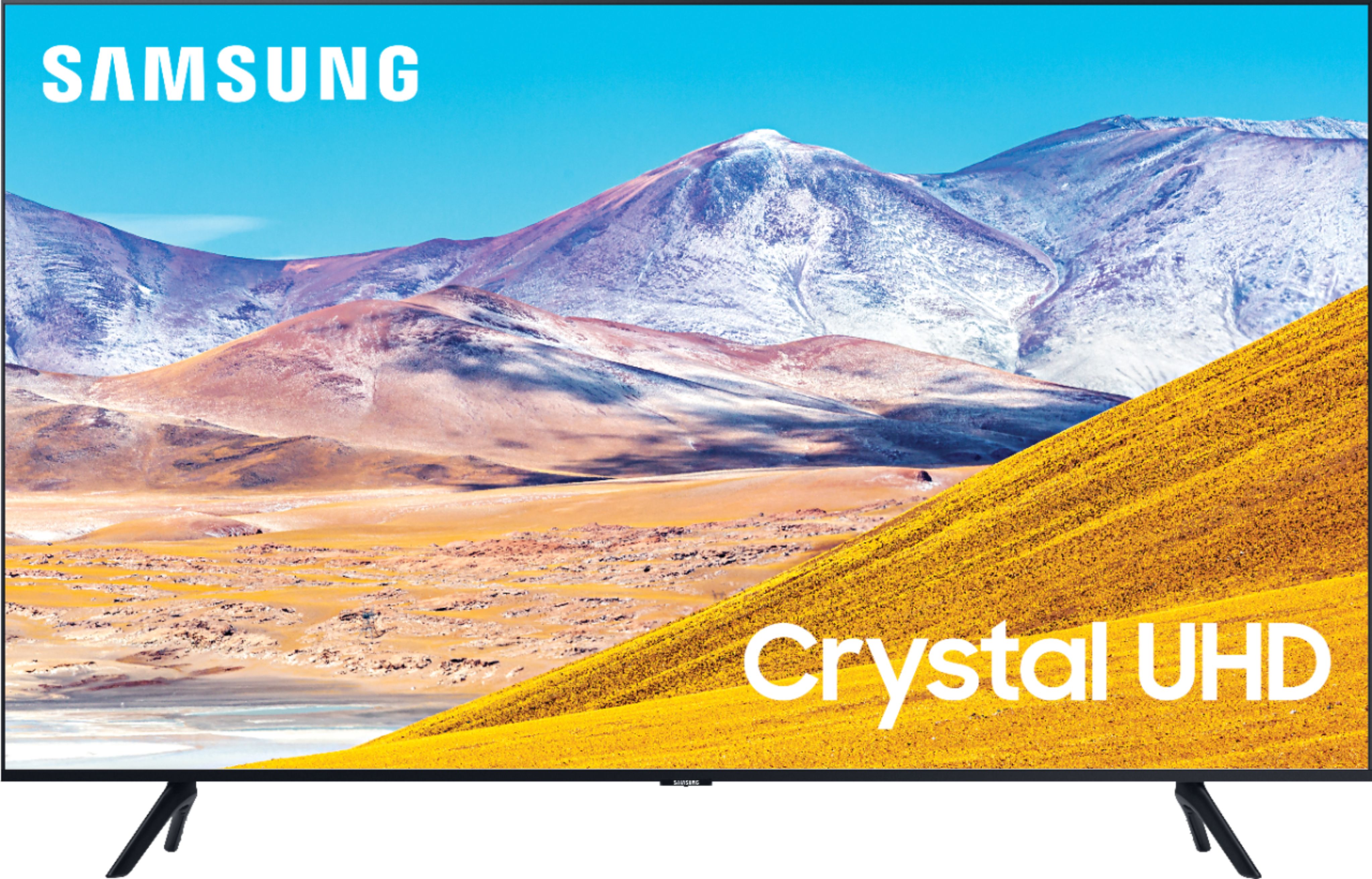
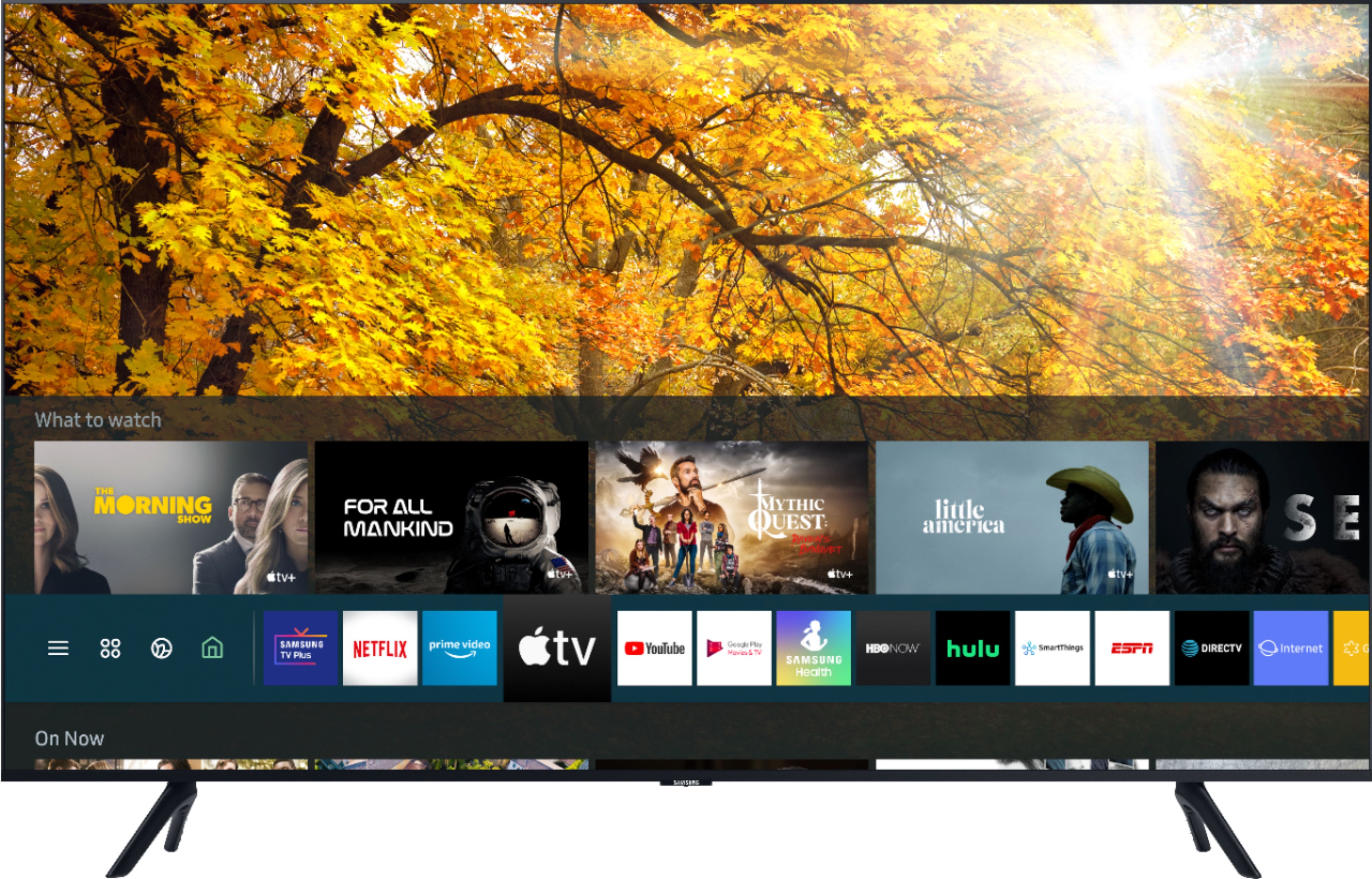
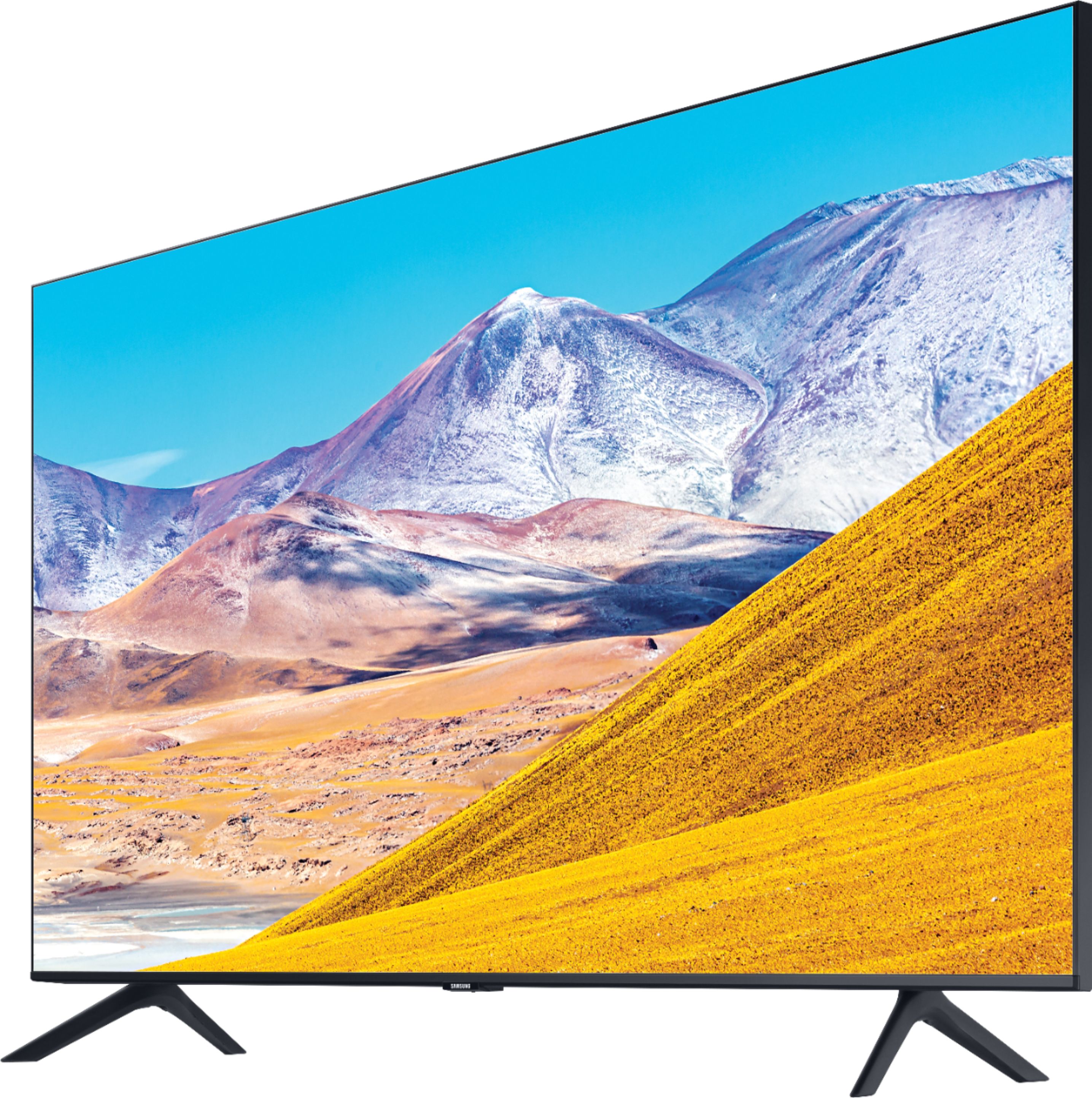
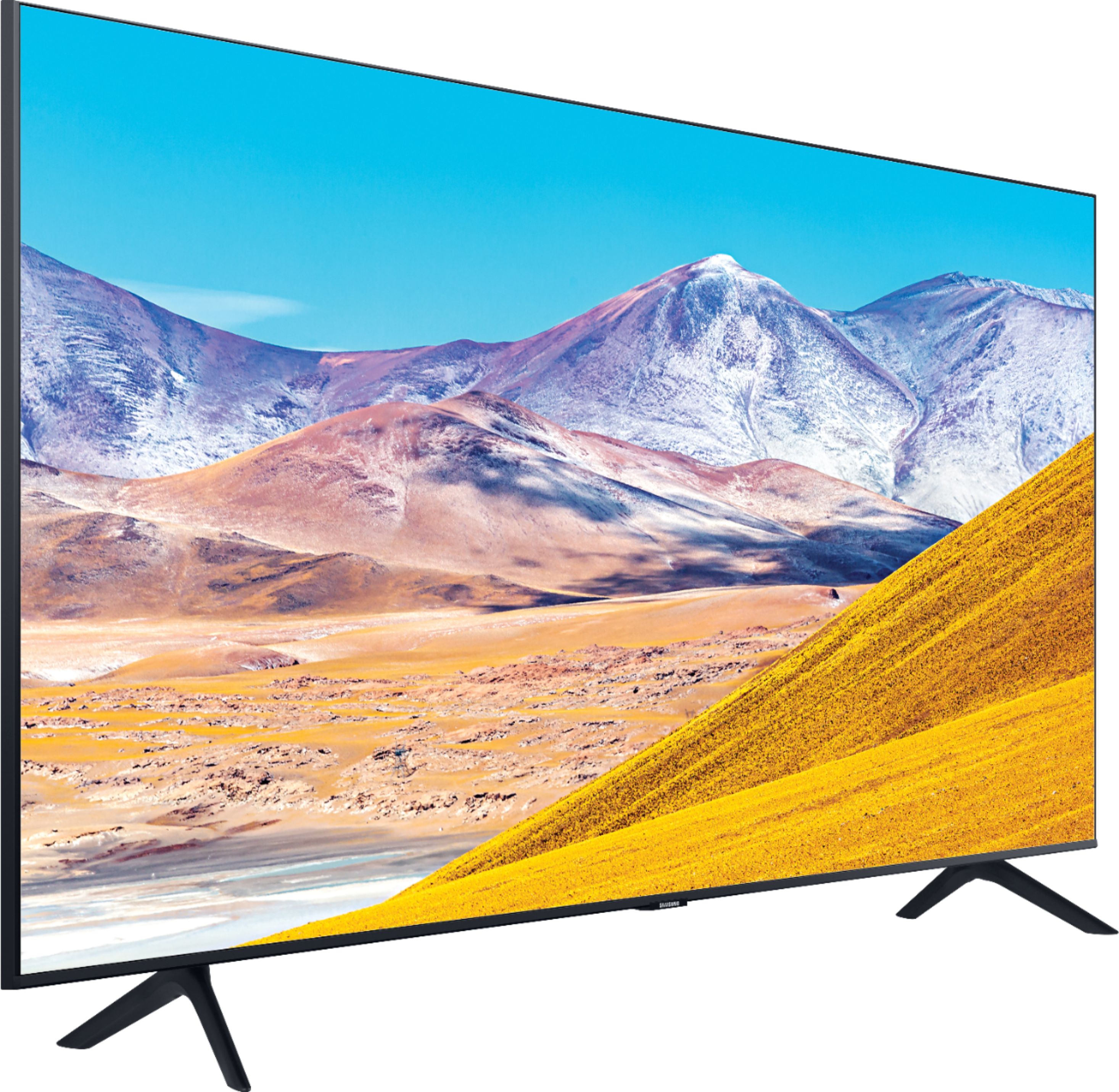

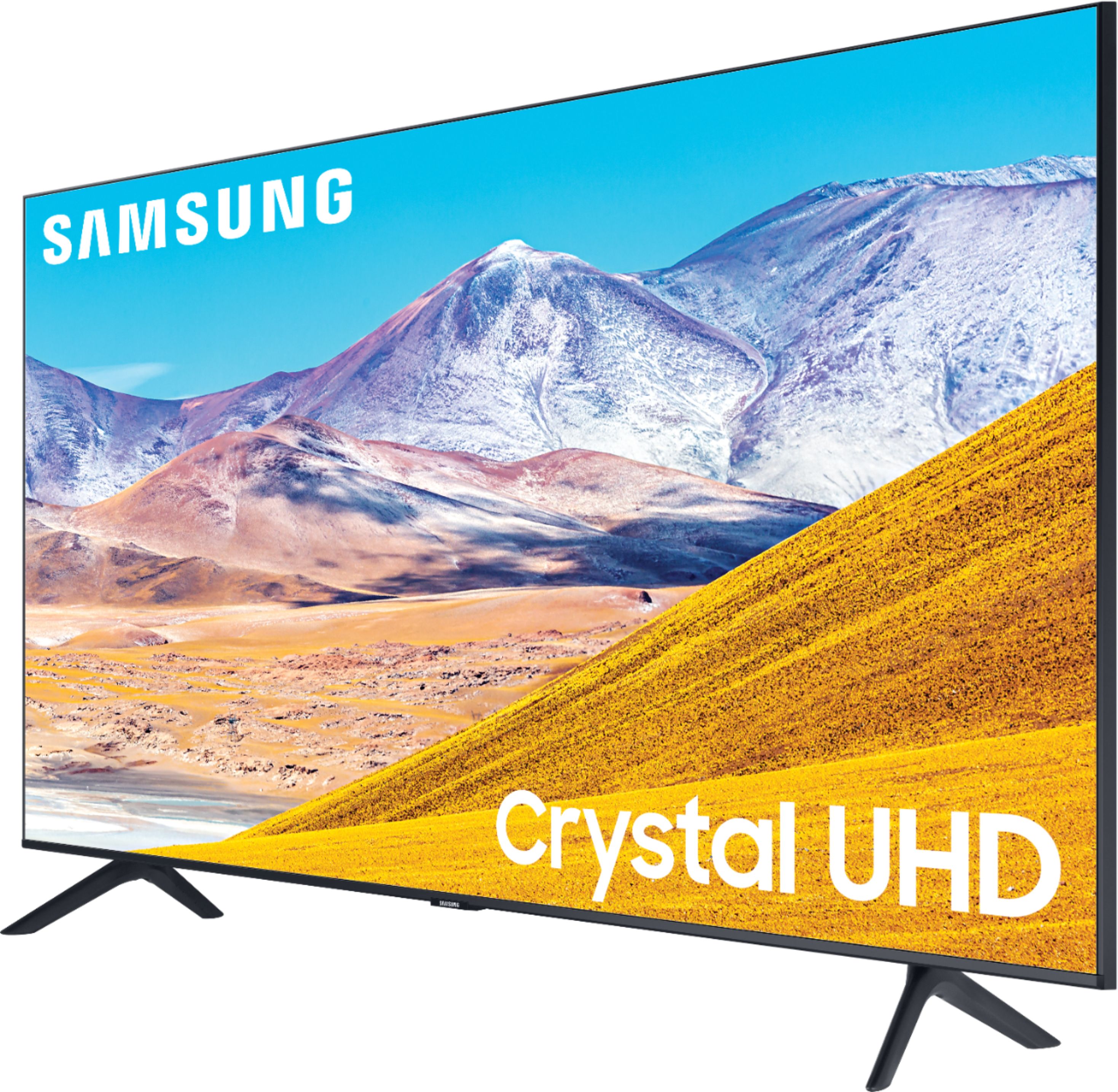
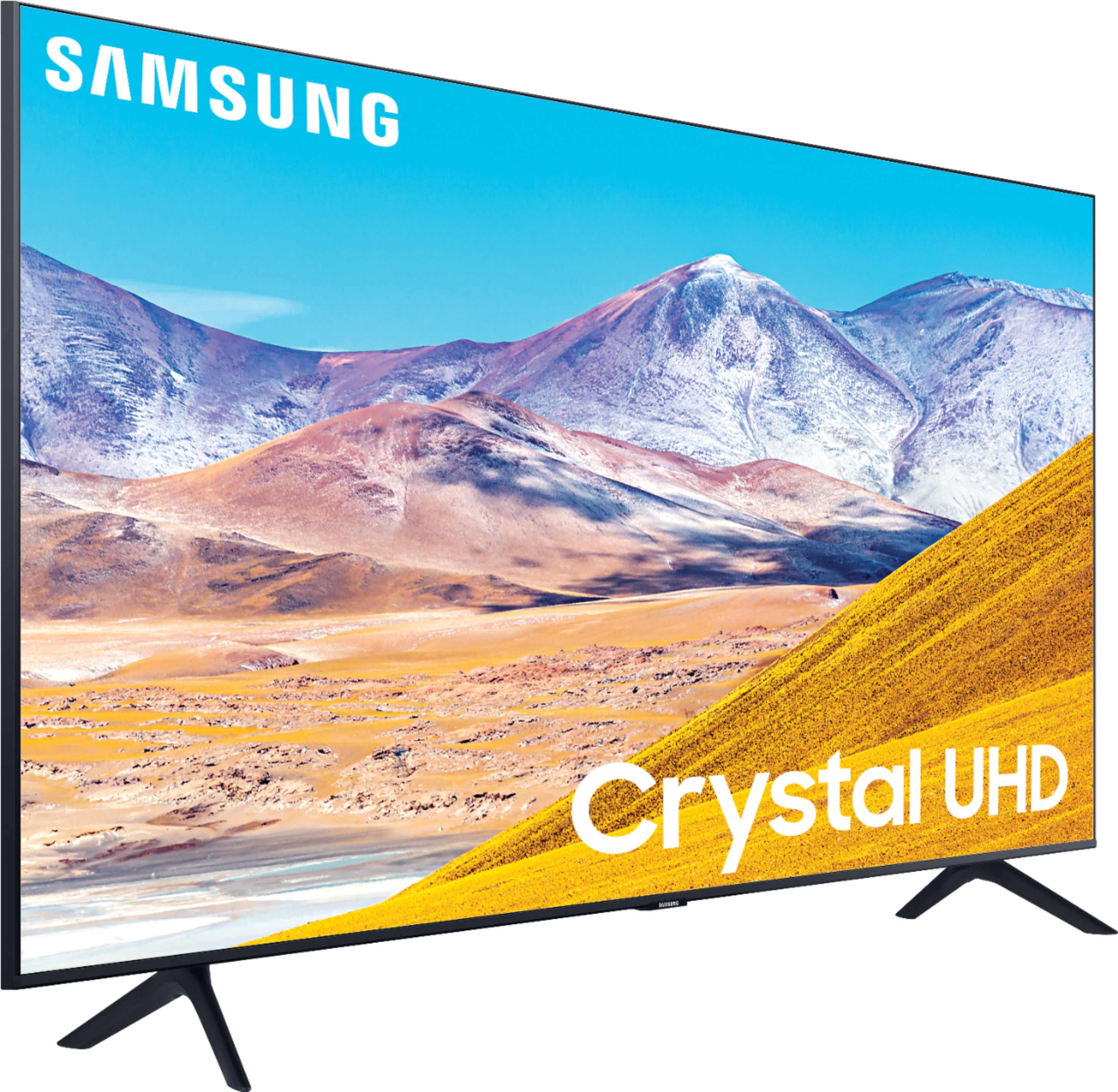
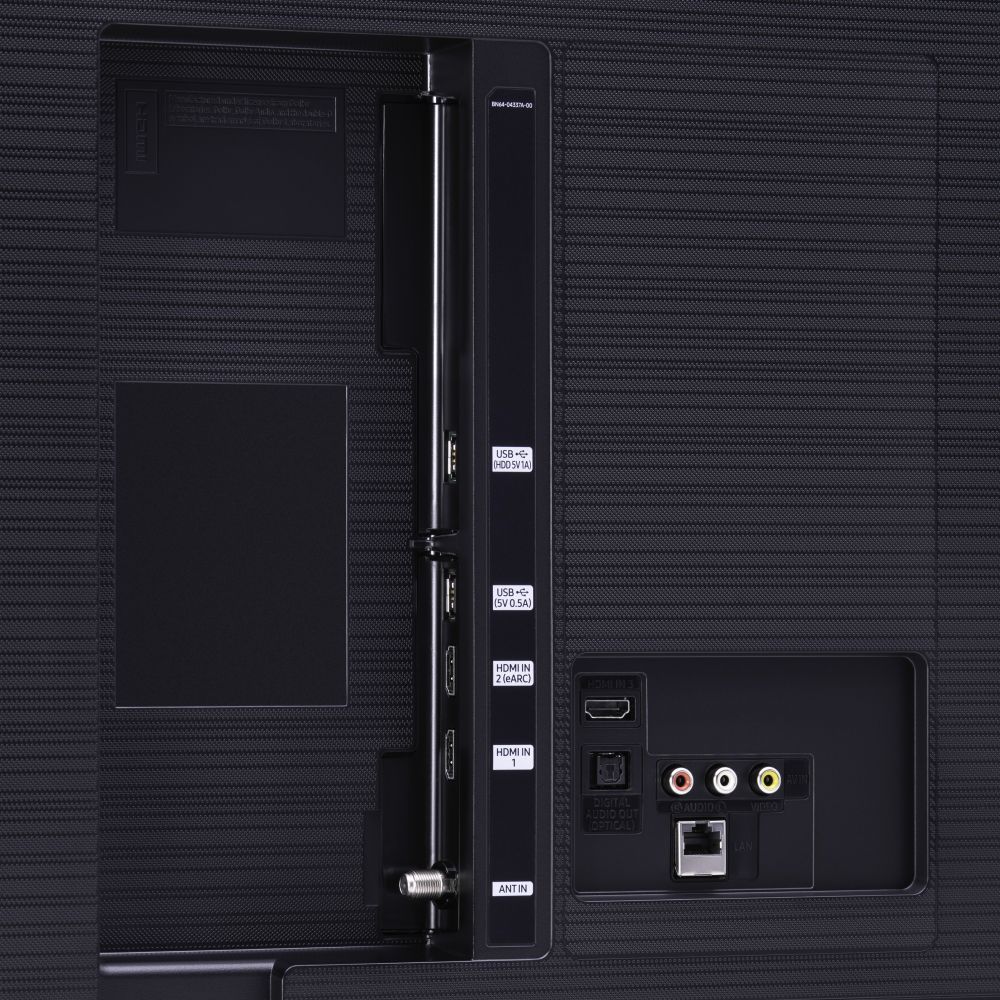








- Model:
- UN65TU8000FXZA
- SKU:
- 6401718
Rating by feature
- Picture Quality
Rating 4.6 out of 5 stars
- Sound Quality
Rating 4.3 out of 5 stars
- Brightness
Rating 4.6 out of 5 stars
Customers are saying
Customers are pleased with the picture quality, easy setup, price, color, and size of the 65" Class 8 Series LED 4K UHD Smart Tizen TV. They appreciate the amazing clarity of the picture, the great sound quality, and the simplicity of setting up the TV. The TV is also seen as a great value for its price. However, some customers have expressed concerns about the remote control, connectivity issues, refresh rate, and limited number of HDMI ports.
This summary was generated by AI based on customer reviews.
Nice to TV to have
Posted .This reviewer received promo considerations or sweepstakes entry for writing a review.It's a great TV to own; it functions smoothly, and the screen is quite bright.
I would recommend this to a friendBest purchase
Posted .This reviewer received promo considerations or sweepstakes entry for writing a review.Working good wonderful 100% recommendations for all customers
I would recommend this to a friend- Pros mentioned:Picture quality
Nice upgrade from the 2015 model.
Posted . Owned for 3 weeks when reviewed.This reviewer received promo considerations or sweepstakes entry for writing a review.The staff were friendly and helpful. When the model I was looking for wasn't on the show floor, they located one in back. The TV is great, nice full featured app store. The picture quality - 4k HDR and PS4 experience is enjoyable.
I would recommend this to a friend Pleased with TV
Posted .This reviewer received promo considerations or sweepstakes entry for writing a review.We bought a Samsung 65" Class 8 Series LED (SKU 6401718) from Best Buy. We are very well pleased with the TV. The color is excellent. We did not expect the TV to have great sound, which it does not, but the sound is generally acceptable. We know that we would need to have a sound bar to improve the sound. Our only disappointment is that we thought we would be able to use both of our Bose headphones connected by Blue Tooth. However, only one headphone can be connected at a time. In addition, since it is a smart TV, we are unable to connect our older TV Listener Ears.
I would recommend this to a friend- Pros mentioned:Picture qualityCons mentioned:Remote control
Multiple problems, would not buy this brand again
Posted .This reviewer received promo considerations or sweepstakes entry for writing a review.The picture is excellent. The installation is not that great. Does not support HDMI sound bridge if you want a soundbar have to go optical. Includes bizarre "samsung tv" which defaults to super loud rap music whenever you turn it on. Have not been able to figure out how to fix this - settings are not available on the remote. You have to go into the TV itself and find them. That means you cannot, for example, change language settings while watching a movie on certain streaming platforms (because you have to get out of the movie to get to the settings). The remote control is a total nightmare. The back is almost impossible to remove to change the batteries. There is even a youtube on how to get around the design flaw where the cover gets stuck and has to be pried open. I called Samsung (in warranty with a 1 month old tv) and they told me the warranty does not cover this issue with the remote. A new one is almost $50. Would not buy this brand again.
No, I would not recommend this to a friendBrand response from Samsung
Posted .meeeeme:
Thank you for sharing your experience with your TU8000 TV. I am sorry you are experiencing multiple issues with your TV.
(1) Please know that a soundbar can be connected via both Optical or HDMI. Connecting your soundbar to the TV with HDMI will give you the best possible audio. There are 2 ways to connect your soundbar using HDMI: either by connecting a device to your soundbar (like a Blu-ray player or a video game system) and then connecting the soundbar to the TV, or by using ARC (Audio Return Channel).
Connect your soundbar and a device using HDMI:
- Make sure the TV, soundbar, and device are turned off. Then, connect one end of an HDMI cable into any HDMI port on your TV (make a note of which one). Next, connect the other end to the HDMI OUT port on your soundbar.
- Connect a second HDMI cable from the HDMI OUT port on your cable box or video game system to the HDMI IN port on your soundbar.
- Turn your device on. Then, turn the soundbar on and press Source or Function to change the soundbar to HDMI.
- Turn the TV on and press Source or Function to change the TV to the HDMI port that you connected the soundbar to in Step 1.
- You will see a picture from the device on your TV, and hear audio from the soundbar.
- Turn on Anynet + on your soundbar (this is done by pressing right on the soundbar remote navigation button). This will cause the soundbar to turn on automatically when you turn on your cable box or video game system.
Connect your soundbar with HDMI ARC:
ARC lets the TV and soundbar to transfer audio back and forth using one HDMI cable. In other words, you can use the HDMI port as both an input and audio output.
- To set up HDMI ARC, power on your TV and soundbar.
- Next, connect one end of an HDMI cable into the HDMI IN (ARC) port on your TV.
- Connect the other end into the HDMI OUT (TV-ARC) port on your soundbar.
- Next, change the source on your soundbar to the D.IN. setting. After a few seconds, "TV ARC" will appear on the soundbar's display, and the TV will transfer audio through the soundbar.
(2) You can choose what your TV does when you turn it on by going to Settings > General > Smart Features
When you set Autorun Smart Hub to on, the TV displays the Home Screen automatically when you turn the TV on. If Autorun Last App is set to on, the last used app is automatically run when you turn on the TV. You can turn this function on or off.
We also appreciate you sharing your user experience with changing the language settings and with the remote. Your feedback is important to us and will be shared with our teams. If there is anything we can do to assist with features, settings, adjustments, etc., please contact Samsung Customer Support.
1) Phone: 1-800-SAMSUNG (ask for TVs), available 8AM – 12AM EST 7 days a week
2) LiveChat: https://www.samsung.com/us/support/#contact_us_for_support
3) Facebook Messenger: https://www.facebook.com/samsungsupport
4) Twitter: https://twitter.com/SamsungSupport
5) The Samsung Members Community is also a great resource for getting help from Samsung moderators and customers: https://us.community.samsung.com
If you have not already done so, we invite you to register your new Samsung product at: https://www.samsung.com/us/account/signin/?redirect=https%3A%2F%2Fwww.samsung.com%2Fus%2Fsupport%2Fregister%2F
Registering your product gives you access to easy warranty support, convenient opt-in to special promos and offers, faster troubleshooting and service, and quick notification of system updates.
~ Samsung Solutions
Nope
Posted .This reviewer received promo considerations or sweepstakes entry for writing a review.I dont think I'll buy another Samsung TV. The reliability is terrible. The software crashes constantly. I'll certainly never buy anything from Best Buy again. At least nothing that i may want an extended warranty on. You pay $300 for a warranty, and you only get $300 worth or repairs. If you dont use the warranty, you're just out $300.
No, I would not recommend this to a friendNot worth it for me
Posted .This reviewer received promo considerations or sweepstakes entry for writing a review.Tv lasted for 3 years and one month. One momth after the warranty. Power buttons on thr tv stopped working, unable to connect to any wifi service, etc. Various issues. I expected more time for a then $750 television.
No, I would not recommend this to a friendMid-tier at best
Posted .This reviewer received promo considerations or sweepstakes entry for writing a review.Not a bad overall TV. Picture quality is okay nothing extravagant. The biggest downside is the is Tizen smart things interface lags a lot when it does. Not always but when it does it’s bad. Ended up buying an Apple TV to stream everything through that because it became too annoying. For the price it isn’t too bad.
No, I would not recommend this to a friendBrand response from Samsung
Posted .Anonymous:
Thank you for sharing your experience with the TU8000 TV. I am sorry that you are experiencing some lag with your unit. To optimize the smart TV performance, please try Device Care option under the Support Menu. Go to Settings > Support> Device Care > Start Device Care
This service checks memory and frees up unused cached memory and closes background apps.
Please also be sure you are running the latest firmware. You can check to see what software version your TV is using and if there is an available update through the settings on your TV. Go to: Settings>Support>Software Update. (ver.1401.7 released on 9/23/20)
Both the current version and new version number will be displayed. The current version is what your TV is using, and the new version is the latest update.
New updates will be downloaded and installed on your TV. Updates usually take a few minutes; please do not turn off the TV until the update is complete. When the update is finished, the TV will restart automatically. If there aren't any new updates, select OK to exit.
You may want to enable automatic updates for convenience by selecting > Auto Update.
Should you need further assistance, please contact Samsung Customer Support.
1) Phone: 1-800-SAMSUNG (ask for TVs), available 8AM – 12AM EST 7 days a week
2) LiveChat: https://www.samsung.com/us/support/#contact_us_for_support
3) Facebook Messenger: https://www.facebook.com/samsungsupport
4) Twitter: https://twitter.com/SamsungSupport
5) The Samsung Members Community is also a great resource for getting help from Samsung moderators and customers: https://us.community.samsung.com
If you have not already done so, we invite you to register your new Samsung product at: https://www.samsung.com/us/account/signin/?redirect=https%3A%2F%2Fwww.samsung.com%2Fus%2Fsupport%2Fregister%2F
Registering your product gives you access to easy warranty support, convenient opt-in to special promos and offers, faster troubleshooting and service, and quick notification of system updates.
~ Samsung Solutions
Defected TV
Posted .This reviewer received promo considerations or sweepstakes entry for writing a review.This TV is only good for 2 years, after that screen is going black and you have to pay $100 to repair and loose more money. Samsung is making TV's to be good for a few months. Difficult to trust on this new products.
No, I would not recommend this to a friendTv
Posted .This reviewer received promo considerations or sweepstakes entry for writing a review.Picture good but not as good as other 4K TVs for the price
I would recommend this to a friendDead backlights
Posted .This reviewer received promo considerations or sweepstakes entry for writing a review.Dead backlight within 2 years with no good way to fix the TV.
No, I would not recommend this to a friendBeautiful
Posted .This reviewer received promo considerations or sweepstakes entry for writing a review.Great tv for the price but breaks easily, my toddler broke it with a small toy
I would recommend this to a friendDied after 3 months
Posted .This reviewer received promo considerations or sweepstakes entry for writing a review.The worst t.v. I've literally ever owned. It's very pretty, but trust me - you don't want to buy anything Samsung other than phones. We also have a Samsung refrigerator that was an overpriced, pretty dud, problems from day one, also. We hadn't had this t.v. for 3 months before it started turning off by itself and not coming back on. Called Samsung a thousand times, had repair guys come service it, and eventually had to get a credit to exchange. I will NEVER buy another Samsung t.v. or electronic, other than their phones. They just can't get it right for some reason. Nothing but problems, and tedious calls to tech support draining my life away on a thousand dollar lemon. Do not buy this t.v., you're legit better off with a vizio or Panasonic than this expensive piece of tin. Never again and I would never recommend it to anyone I cared about.
No, I would not recommend this to a friendToo Dark
Posted .This reviewer received promo considerations or sweepstakes entry for writing a review.I have tried all the settings including the eco and ambient sensors, I've also upgraded the software and reset it again but still this TV is too dark! It's gloomy and sad in everything I try to watch. The processor is also very slow to move around the menus; you would think that a new TV is always better but not this one.
No, I would not recommend this to a friendBrand response from Samsung
Posted .Brucewayne305:
I am sorry to hear that you are not happy with the brightness of your TU8000 TV.
You can try Dynamic Picture Mode, or manually adjust the Brightness settings to your liking.
Go to Home> Settings> Picture> Expert Settings> Brightness
We also recommend you to check if Power Saving Mode has been enabled.
Go to Settings> General> Eco Solution> Power Saving Mode.
I hope this helps to solve your issue.
For further assistance, please contact Samsung TV Support at:
1) Phone: 1-800-SAMSUNG, available 8AM - 9PM EST, Mon - Fri
2) LiveChat: https://www.samsung.com/us/support/#contact_us_for_support
3) Facebook Messenger: https://www.facebook.com/samsungsupport
4) Twitter: https://twitter.com/SamsungSupport
5) The Samsung Members Community is also a great resource for getting help from Samsung moderators and customers: https://us.community.samsung.com
If you have not already done so, we invite you to register your new Samsung product at: https://www.samsung.com/us/account/signin/?redirect=https%3A%2F%2Fwww.samsung.com%2Fus%2Fsupport%2Fregister%2F
Registering your product gives you access to easy warranty support, convenient opt-in to special promos and offers, faster troubleshooting and service, and quick notification of system updates.
~ Samsung Solutions
Do NOT buy Samsung
Posted .This reviewer received promo considerations or sweepstakes entry for writing a review.After 9 months the left portion of the screen went completely black. I thought no big deal it’s under warranty. I was so wrong - It’s been a complete nightmare trying to get Samsung’s service repair center to repair our TV. I’ve spent hours - yes hours - trying to get a confirmed service date only to receive a last minute cancellation notices. This has happened twice. It’s almost 2 weeks and we still do not have the issue resolved. Moving forward I’m buying LG products.
No, I would not recommend this to a friendBrand response from Samsung
Posted .RWPZ,
The RU800 Series was launched in Spring 2019, and thus could not be the TV you are reviewing that lasted 9 months.
Nonetheless, I am sorry for the issues you have with your previous generation TV.
If you would like to check staus on your service appointment, please reach out to Samsung Support at:
1) Phone: 1-800-SAMSUNG (ask for TVs) Available 8AM –12AM EST (7 days a week)
2) LiveChat: https://www.samsung.com/us/support/#contact_us_for_support
3) Facebook Messenger: https://www.facebook.com/samsungsupport
4) Twitter: https://twitter.com/SamsungSupport
We look forward to hearing from you.
-Samsung Ambassador
Samsung’s Don’t Last
Posted .This reviewer received promo considerations or sweepstakes entry for writing a review.I recently bought a Samsung TV (December 2018) and the panel has had to be replaced twice. First time Samsung paid to have it repaired and the second time they are saying I need to pay the costs. I have never had so many issues with a product in my life. This TV has stopped functioning twice. Clearly Samsung has sold a faulty product and doesn’t care to fix it. I will never purchase a Samsung again.
No, I would not recommend this to a friendBrand response from Samsung
Posted .Tikicat007,
The TU800 Series was launched in Spring 2020, and thus could not be the TV you are reviewing that you purchased in December 2018.
Nonetheless, I am sorry for the issues you have with your previous generation TV.
Samsung stands behind the quality and performance of our TVs with a limited 1-year manufacturer’s warranty when purchased brand-new from an authorized dealer.
If you would like info on out-of-warranty service, please reach out to Samsung Support at:
1) Phone: 1-800-SAMSUNG (ask for TVs) Available 8AM –12AM EST 7 days a week
2) LiveChat: https://www.samsung.com/us/support/#contact_us_for_support
3) Facebook Messenger: https://www.facebook.com/samsungsupport
4) Twitter: https://twitter.com/SamsungSupport
We look forward to hearing from you.
-Samsung Ambassador
Died a little over one year.
Posted .This reviewer received promo considerations or sweepstakes entry for writing a review.So the tv worked for a little over a year and i dont watch TV that much. I was lucky i bought insurance otherwise it would have been a waste of money. Also in the amenities space in my building they have the same tv and it actually died in less than a year.
No, I would not recommend this to a friendDont Buy
Posted .This reviewer received promo considerations or sweepstakes entry for writing a review.Tv only lasted on year was good while it lasted but didnt last long
No, I would not recommend this to a friend