Customer Ratings & Reviews
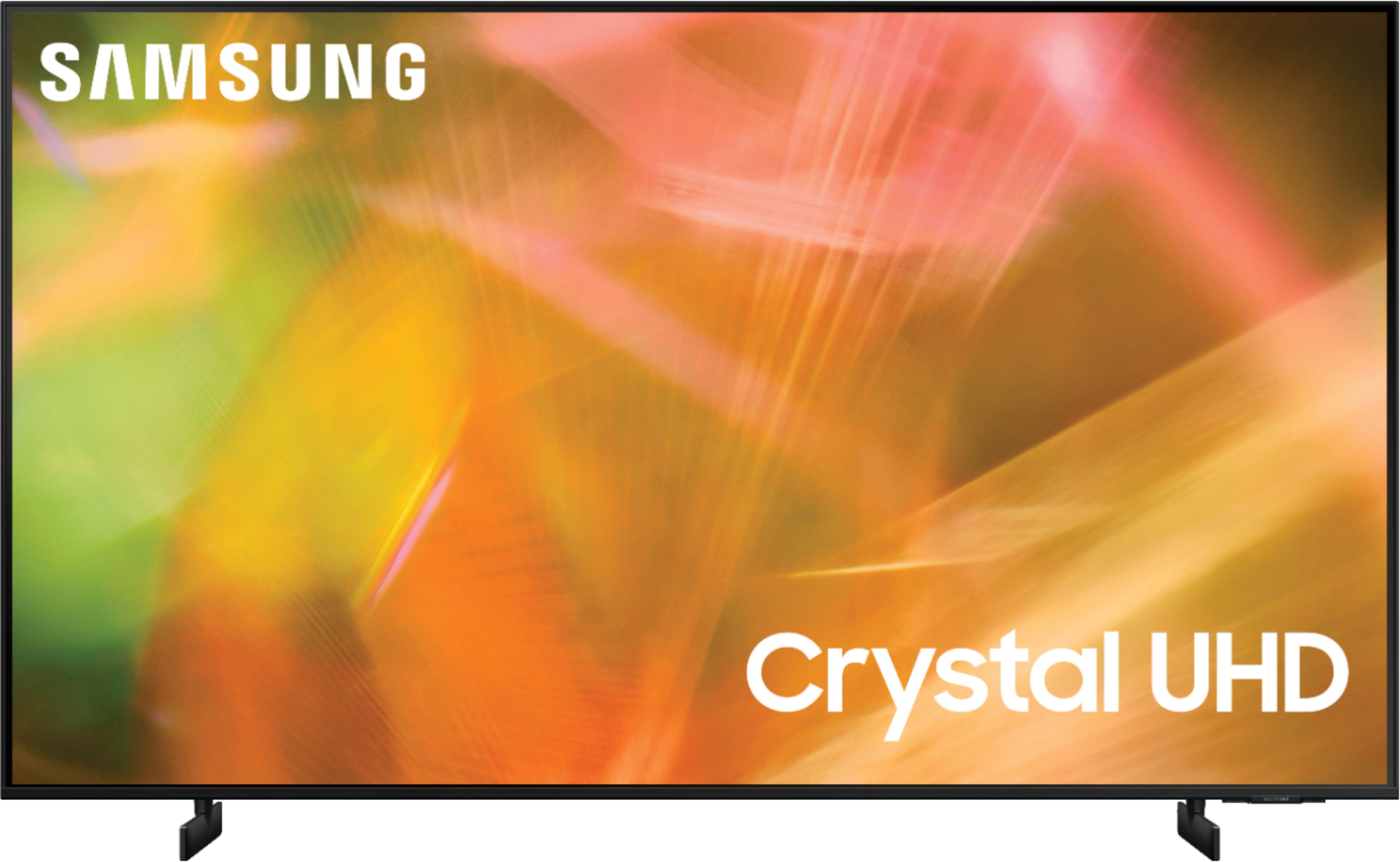
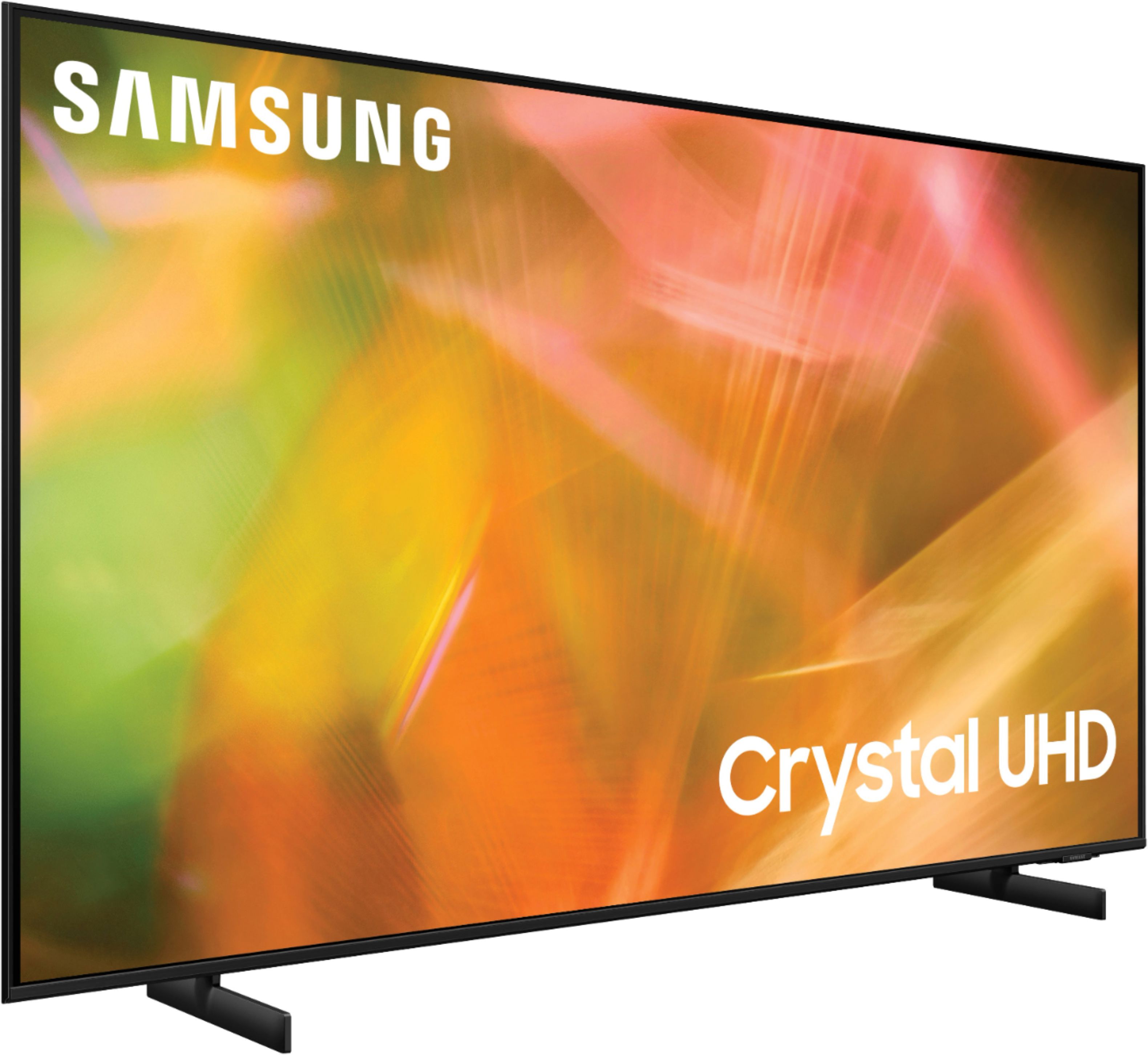
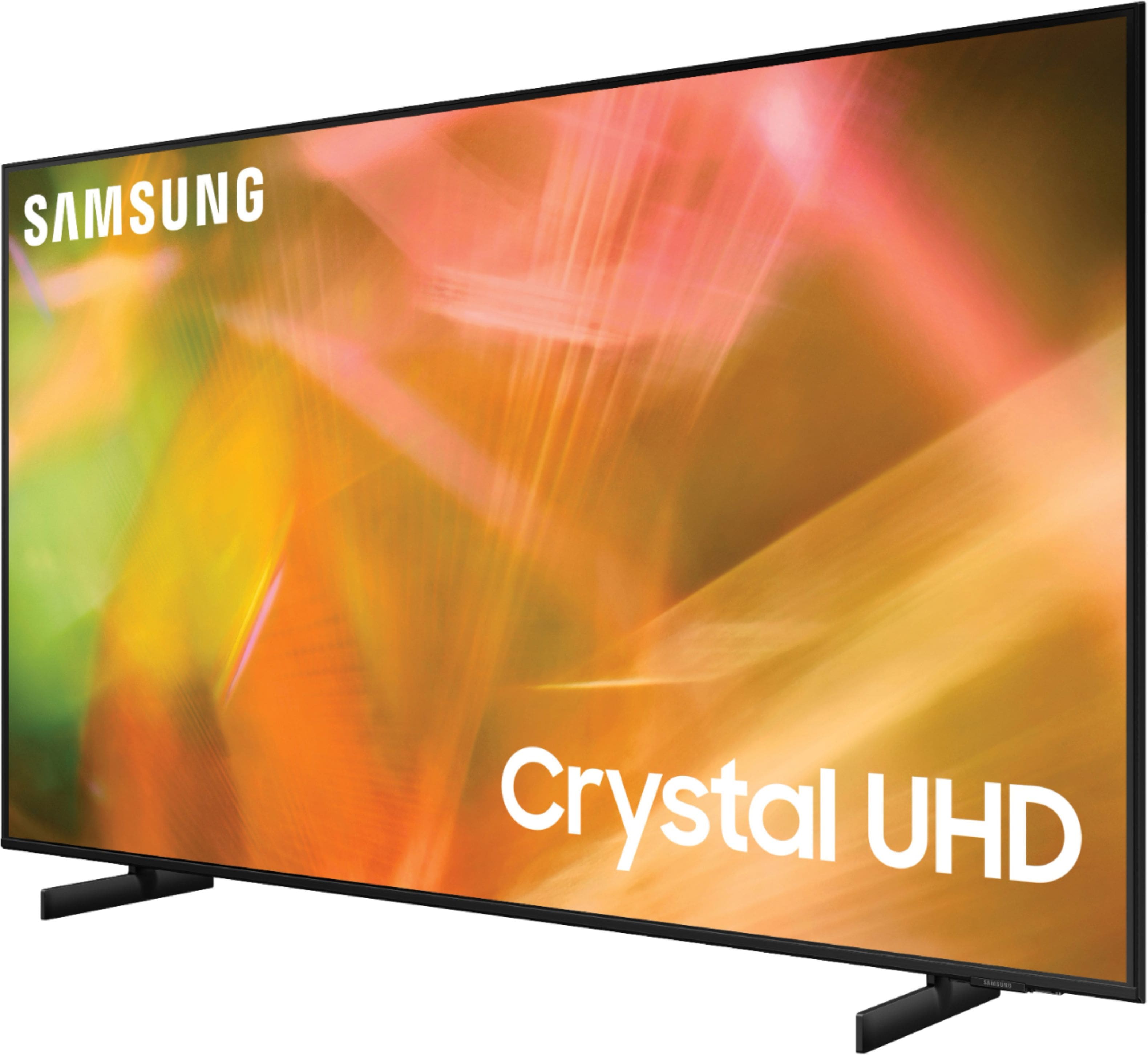

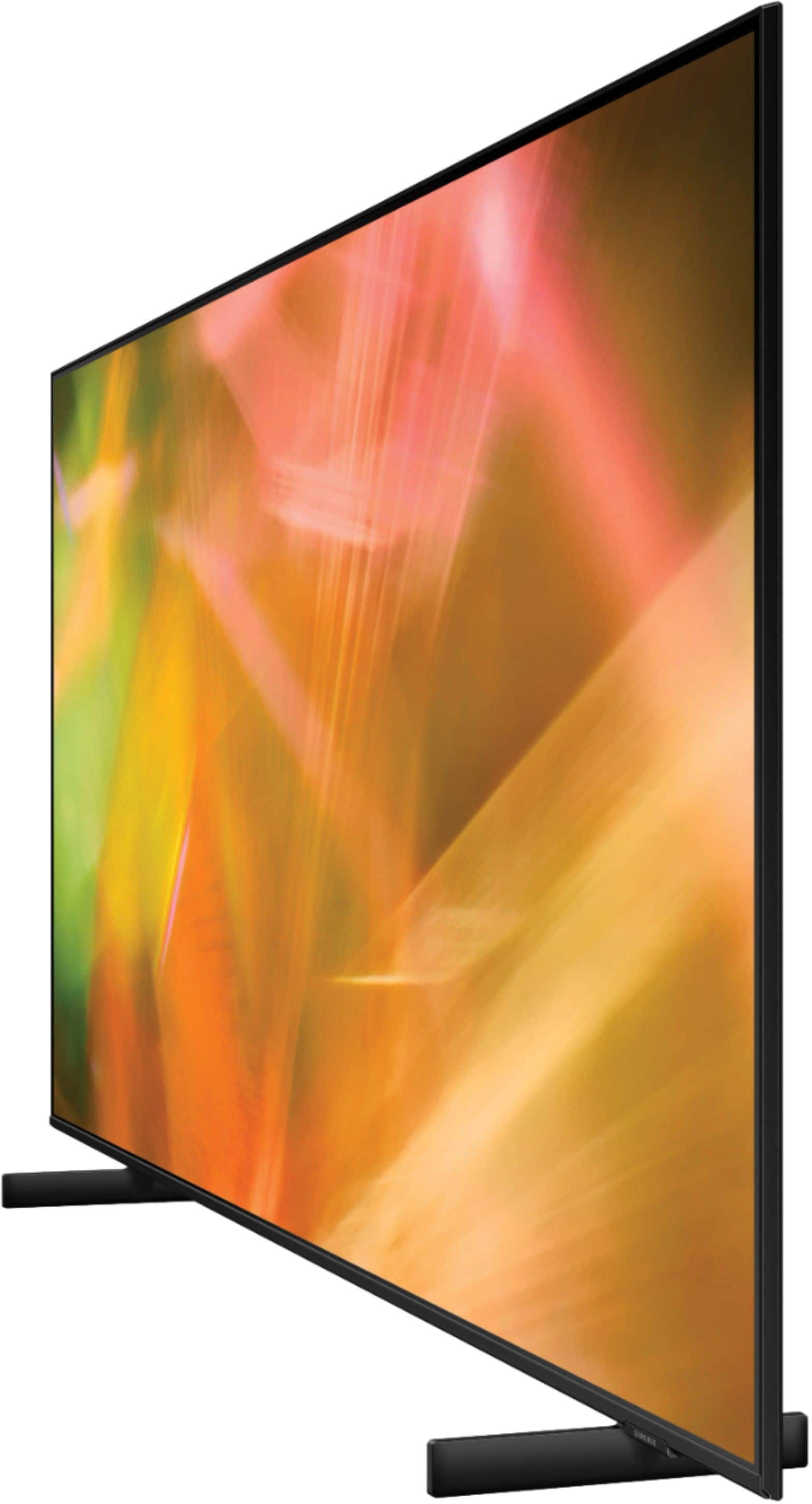
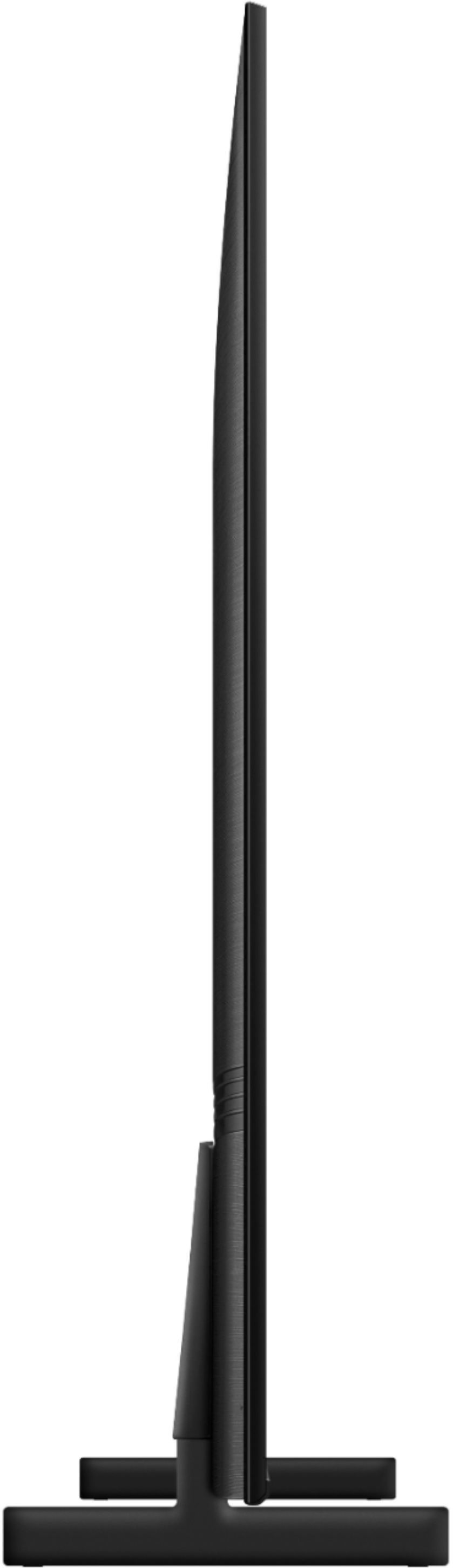
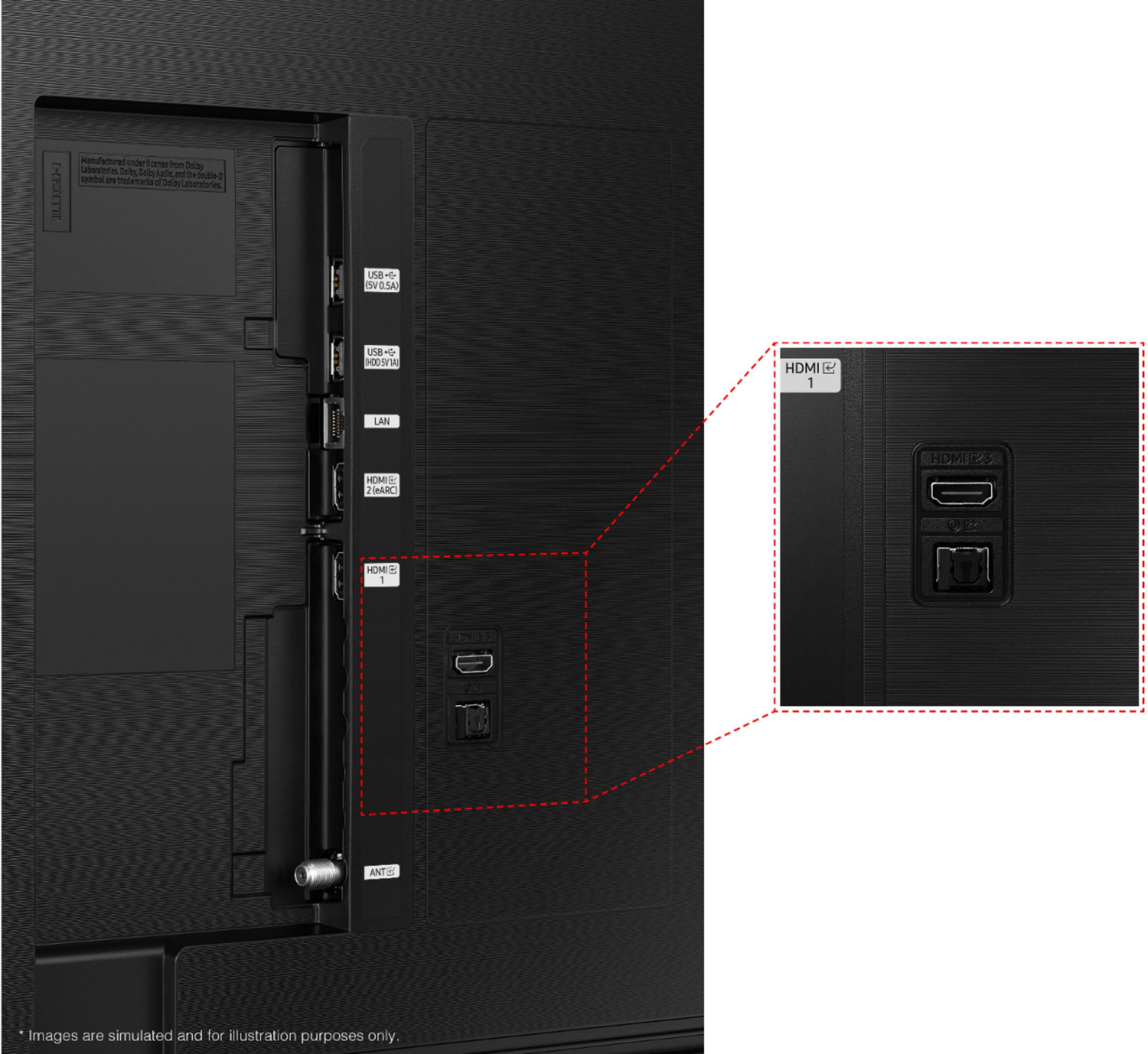







- Model:
- UN65AU8000FXZA
- SKU:
- 6453024
Rating by feature
- Picture Quality
Rating 4.7 out of 5 stars
- Sound Quality
Rating 4.4 out of 5 stars
- Brightness
Rating 4.7 out of 5 stars
Customers are saying
Customers are pleased with the picture quality, ease of use, and price of the 65" Class 8000 Series LED 4K UHD Smart Tizen TV. Many also appreciate the TV's design and setup process. However, some customers have expressed concerns about the remote control's functionality and the volume level. A few users also mentioned that the refresh rate could be improved.
This summary was generated by AI based on customer reviews.
Good TV, so far
||Posted . Owned for 3 weeks when reviewed.This reviewer received promo considerations or sweepstakes entry for writing a review.so far, so good. According to the ratings I've read, if it lasts a month or so, it should last a long time.
I would recommend this to a friendHappy
||Posted . Owned for 3 weeks when reviewed.This reviewer received promo considerations or sweepstakes entry for writing a review.Excellent worker very good at explaining everything very patient she was able to answer my questions also very nice and happy
I would recommend this to a friendMr.
||Posted .This reviewer received promo considerations or sweepstakes entry for writing a review.Great customer service. Always had a good experience with Samsung products. Love Best Buy and the staff.
I would recommend this to a friendReview TV.
||Posted . Owned for 1 month when reviewed.This reviewer received promo considerations or sweepstakes entry for writing a review.Great no problems. Arrived on time as scheduled. Did try to move up delivery but was not able to accomplish that in the desired time frame.
I would recommend this to a friendStick with Samsung
||Posted . Owned for 1 week when reviewed.This reviewer received promo considerations or sweepstakes entry for writing a review.So far, So good.... We really enjoy and have stuck with Samsung TVs. Recently purchased two more and have no problems thus far.
I would recommend this to a friendYouTubeTV doesn't work well with this model
||Posted . Owned for 1 week when reviewed.This reviewer received promo considerations or sweepstakes entry for writing a review.For some reason the YouTubeTV app on this tv doesn't work all the time and the "fix" is to unplug the TV and plug it back in. Every other device in my house streams YouTubeTV with no issues including other Samsung TVs. I got this tv primarily for streaming YouTubeTv and the fact that I have to unplug it and plug it back in about once a day is frustrating.
No, I would not recommend this to a friendBrand response from Samsung
Posted .Hi Danan,
Your experience with the YouTube TV app has been shared with our product teams. Please make sure that Auto Update is turned on so that your apps can stay current with the latest updates and patches. Navigate to the Settings within the App Store and set Auto Update to: On.
Should you ever have questions or need help, please call us at 1-800-SAMSUNG (ask for TVs), available 8AM -12AM EST, 7 days a week. Or text HELP to 62913.
For additional support resources, visit us on the Samsung website and click on the ‘Support’ link in the upper right corner of the homepage for:
1) More ‘Contact Us’ options – LiveChat, Facebook, Twitter, Samsung Community, Samsung Members app
2) Manuals & Software
3) Warranty Info
4) Product Registration: For access to easy warranty support, convenient opt-in to special promos and offers, faster troubleshooting and service, and quick notification of system updates.
~ Samsung Specialist
- Pros mentioned:Picture quality
Dont purchase at Best Buy
||Posted . Owned for 1.5 years when reviewed.This reviewer received promo considerations or sweepstakes entry for writing a review.Only lasted 21 months. Picture was good up until that point.
No, I would not recommend this to a friend Poor quality
||Posted . Owned for more than 2 years when reviewed.This reviewer received promo considerations or sweepstakes entry for writing a review.I’ve always bought Samsung and never had any issues until this one. Didn’t last 2 years and the entire picture went out.
No, I would not recommend this to a friendNice upgrade!
||Posted . Owned for 1 month when reviewed.This reviewer received promo considerations or sweepstakes entry for writing a review.Overall this TV really hit the mark for our family room. We added a sound bar to fully maximize the viewing experience.
I would recommend this to a friendGood
||Posted . Owned for 1 month when reviewed.This reviewer received promo considerations or sweepstakes entry for writing a review.It’s great for its price.Smart and efficient.Only problem is that content visibility becomes a problem when you have a lot of sunlight in the room.
I would recommend this to a friendBrand response from Samsung
Posted .Hi Allison,
We appreciate your review on your Samsung AU8000 TV. To help with your TV's image while there is a lot of sunlight in the room, try these steps.
Dynamic Picture Mode will make pictures brighter and clearer in bright viewing environments. Go to Settings > Picture > Picture Mode > Dynamic
Or you can manually adjust the Brightness, Contrast, and more. Press the HOME button on your remote, then navigate to: Settings > Picture > Expert Settings
You may also want to disable Power Saving Mode which automatically adjusts the brightness to reduce the TV’s power consumption. Go to: Settings > General > Eco Solution> Power Saving Mode
Ambient Light Detection will also automatically adjust the brightness level of the TV, according to the ambient light level, to reduce power consumption. If Ambient Light Detection has adjusted the screen brightness to a too bright or dark level, you can select Minimum Brightness to manually adjust the minimum screen brightness. Go to: Settings > General > Eco Solution > Ambient Light Detection
Please also be sure you are running the latest firmware. You can check to see what software version your TV is using and if there is an available update through the settings on your TV: Settings > Support > Software Update.
If you need more help, Samsung is here for you. Please call us at 1-800-SAMSUNG, 8AM - 12AM EST, 7 days a week. Our LiveChat agents are also available by clicking on the ‘Support’ link on our website.
~ Samsung Advisor
Our new Samsung TV
||Posted . Owned for 1 month when reviewed.This reviewer received promo considerations or sweepstakes entry for writing a review.Great new television with new features and benefits! It has built-in apps and can download more as well. Great purchase:)
I would recommend this to a friendGreat Deal
||Posted . Owned for 3 weeks when reviewed.This reviewer received promo considerations or sweepstakes entry for writing a review.Great quality tv at a great price. Meets or exceeds all my expectations, but of course it’s a Samsung
I would recommend this to a friend- Pros mentioned:Picture quality
Too stinkin complicated
||Posted .This reviewer received promo considerations or sweepstakes entry for writing a review.If you want a TV to simply plug in your devices and enjoy this ain’t it. It will try and take over everything in your set up. At one point it wouldn’t let me do anything with my xBox unless I hooked up my cable box to my xBox. I really don’t want to have a Samsung account to use this TV either. Let me just hook up my cable, bluray and xbox and call it a day. As a sidebar, the picture is nice.
No, I would not recommend this to a friendBrand response from Samsung
Posted .Hi!
Thank you for purchasing the Samsung 65" AU8000 Crystal UHD TV and for sharing your review. Your feedback regarding the setup of your new TV is important to us and will be shared with our product teams.
To assist you in the learning the various features, functions, and settings of the TV and Remote, you can download the User Manual and Remote Guide directly from Samsung’s website under ‘Support’ (top right corner) > Manuals & Software > TVs & Home Theater. From there, you can select the AU8000 under Crystal UHD TVs > A Model Lineup.
Should you ever have questions or need help, please call us at 1-800-SAMSUNG (ask for TVs), available 8AM - 12AM EST, 7 days a week.
For additional support resources, visit us on the Samsung website and click on the ‘Support’ link in the upper right corner of the homepage for:
1) Chat with Us/Product Help: To begin a chat or find solutions, choose ‘TVs & Home Theater’ and select your model & topic.
2) Register a Product: For access to easy warranty support, convenient opt-in to special promos and offers, faster troubleshooting and service, and quick notification of system updates.
3) Manuals & Software
4) Warranty Info
5) Contact Us
~ Samsung Solutions
Samsung always comes through
||Posted . Owned for 3 weeks when reviewed.This reviewer received promo considerations or sweepstakes entry for writing a review.TV works wonderfully. Kids use it for video gaming and it does the job just fine. Love Samsung and its interface and their tv's!!!
I would recommend this to a friendLoving my TV Samsung rocks
||Posted . Owned for 3 weeks when reviewed.This reviewer received promo considerations or sweepstakes entry for writing a review.Super happy with my purchase, and super happy with the customer service at the store when I got it A-Plus for sure
I would recommend this to a friendTotal Garbage
||Posted . Owned for 1 year when reviewed.This reviewer received promo considerations or sweepstakes entry for writing a review.This TV is total garbage. The screen projects dark shadows and I constantly have to go into picture settings to bring it back to a normal picture after owning it less than a year. I would not recommend this TV or the accompanying Samsung sound bar that I purchased. Most movies on Netflix still have to be turned up to 65+ to hear it. Total junk. I feel duped.
No, I would not recommend this to a friendHappy with service
||Posted . Owned for 3 weeks when reviewed.This reviewer received promo considerations or sweepstakes entry for writing a review.Greek squad was great. They were knowledgeable and helpful. We were very pleased with their performance
I would recommend this to a friendPerfect for bedroom
||Posted . Owned for 1 month when reviewed.This reviewer received promo considerations or sweepstakes entry for writing a review.Love this tv. Great deal! Perfect for across from the bed and straight on viewing. Make sure to adjust settings.
I would recommend this to a friend- Pros mentioned:Picture quality
Tv
||Posted . Owned for 1 week when reviewed.This reviewer received promo considerations or sweepstakes entry for writing a review.It’s a really good tv the only thing bad about it is if it’s bright in the room the night sense are hard to see
I would recommend this to a friendBrand response from Samsung
Posted .Hi JorgeD,
We appreciate you sharing your experience with the AU8000 TV. Your details regarding the image quality of your TV during the day are important to us and will be shared with our internal teams. You may want to try adjusting image settings to improve your picture.
Your TV has several Picture Modes to choose from allowing you to enjoy content in optimal conditions. Go to Home > Settings > Picture > Picture Mode
1) Standard: Is the default mode suitable for general viewing environments.
2) Natural: Reduces eye strain for a comfortable viewing experience.
3) Movie: Is suitable for watching TV or movies in a dark room.
4) Dynamic: Makes the picture brighter and clearer in bright viewing environments.
5) Filmmaker Mode: You can watch the source content (e.g., movie) as it is. If the image is defined as Filmmaker Mode, it will automatically switch to Filmmaker Mode while watching.
You can also go to: Settings > Picture > Expert Settings and configure the TV settings to your taste with additional functions.
I hope this helps!
Should you ever have questions or need help, please call us at 1-800-SAMSUNG (ask for TVs), available 8AM - 12AM EST, 7 days a week.
For additional support resources, visit us on the Samsung website and click on the ‘Support’ link in the upper right corner of the homepage for:
1) Chat with Us/Product Help: To begin a chat or find solutions, choose ‘TVs & Home Theater’ and select your model & topic.
2) Register a Product: For access to easy warranty support, convenient opt-in to special promos and offers, faster troubleshooting and service, and quick notification of system updates.
3) Manuals & Software
4) Warranty Info
5) Contact Us
~ Samsung Solutions
Happy
||Posted . Owned for 3 weeks when reviewed.This reviewer received promo considerations or sweepstakes entry for writing a review.We love our purchase!! Everything about it. Appreciative of the person who assisted us with making this purchase.
I would recommend this to a friend