Customer Ratings & Reviews








- Model:
- UN65AU8000FXZA
- SKU:
- 6453024
Rating by feature
- Picture Quality
Rating 4.7 out of 5 stars
- Sound Quality
Rating 4.4 out of 5 stars
- Brightness
Rating 4.7 out of 5 stars
Customers are saying
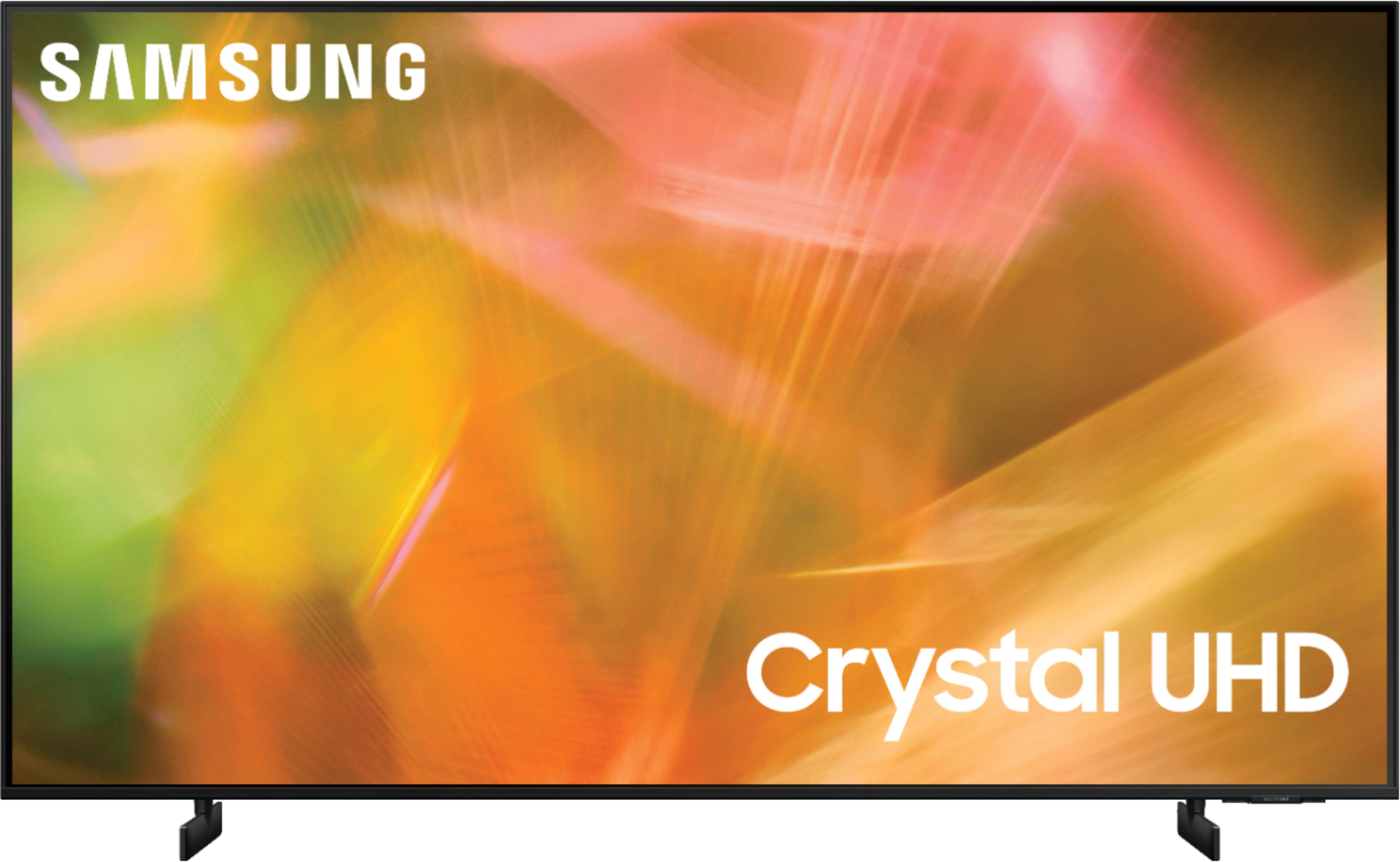
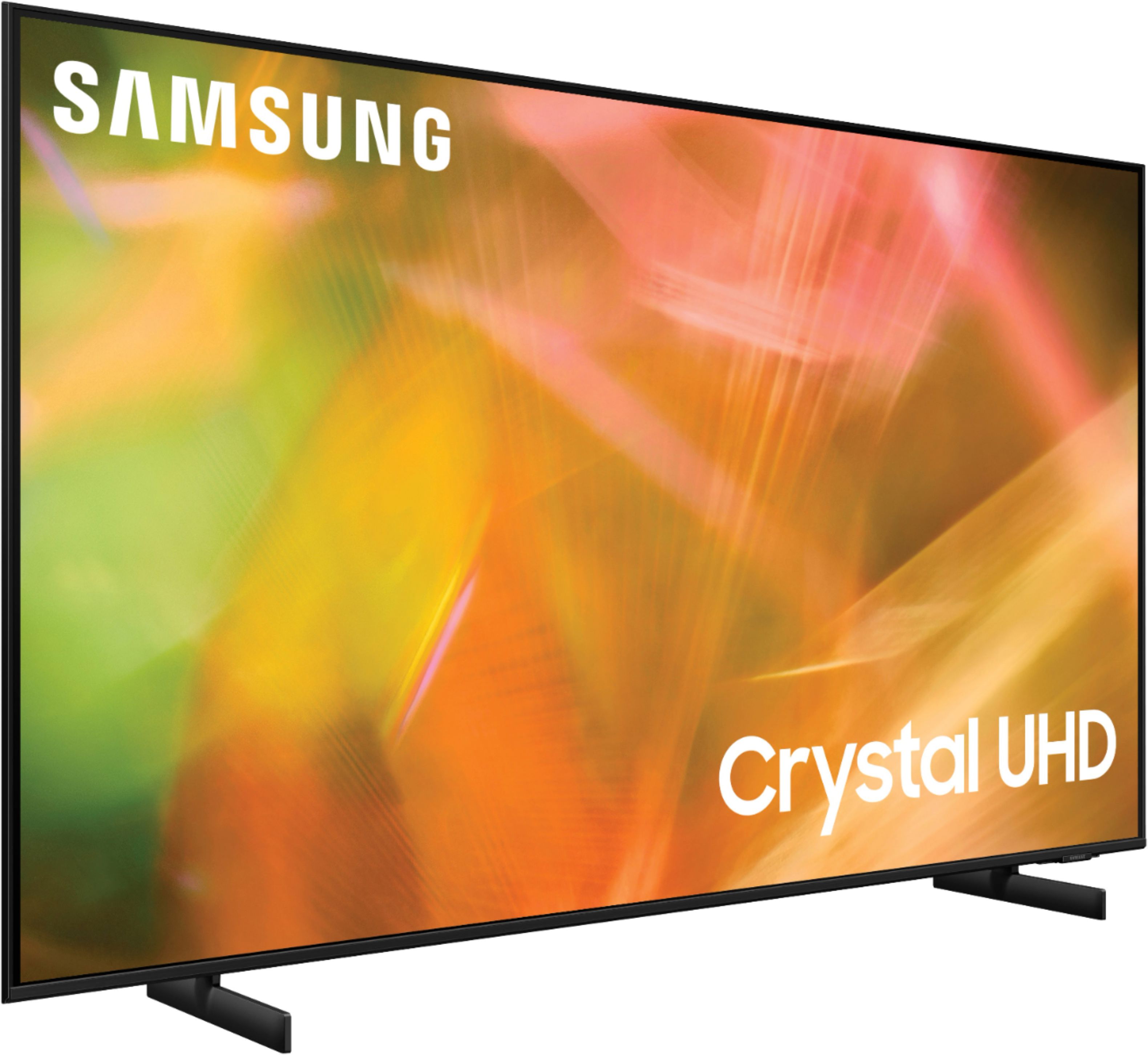
Customers are pleased with the picture quality, ease of use, and price of the 65" Class 8000 Series LED 4K UHD Smart Tizen TV. Many also appreciate the TV's design and setup process. However, some customers have expressed concerns about the remote control's functionality and the volume level. A few users also mentioned that the refresh rate could be improved.
This summary was generated by AI based on customer reviews.
Save your money
Posted .This reviewer received promo considerations or sweepstakes entry for writing a review.Sun coming through the window affect the picture. You're definitely going to need a soundbar. Dark screens are so dark you can't make out what going on. Lasted 2 years and screen failed, GLAD I had the warranty
No, I would not recommend this to a friendSamsung review! The best
Posted .This reviewer received promo considerations or sweepstakes entry for writing a review.Great solution and volume! Samsung is the best. Would get another Samsung tv if I could.
I would recommend this to a friend- Pros mentioned:Picture quality
Might be my last Samsung product
Posted .This reviewer received promo considerations or sweepstakes entry for writing a review.The TV is very nice but two months after I got it it started shutting down on its own and then going back on again I called them and to make a long story short they have to change or you the picture screen and some board in my TV now I only had the TV for two months it should not be a repair they should get me a new one I am very disappointed with Samsung I’ve always had all the products all my life but this might be the last Samsung quality boy because instead of exchanging it for a new one they gonna take it apart and put new pieces in it When the TV work she’s beautiful
No, I would not recommend this to a friendBrand response from Samsung
Posted .Hi Rdkill666,
Thank you for purchasing the Samsung AU8000 Crystal UHD TV and for sharing your review. We appreciate you sharing your experience you went through to have your TV serviced, but I hope that your TV is now performing as expected.
Please know that Samsung is committed to providing the best possible product experience, quality, and value, and your feedback will be shared with our product and customer care teams.
If there is anything we can do to further assist and improve your user experience, please let us know by contacting Samsung Customer Support. Call us at 1-800-SAMSUNG (ask for TVs), available 8AM - 12AM EST, 7 days a week.
For additional support resources, visit us on the Samsung website and click on the ‘Support’ link in the upper right corner of the homepage for:
1) Chat with Us/Product Help: To begin a chat or find solutions, choose ‘TVs & Home Theater’ and select your model & topic.
2) Register a Product: For access to easy warranty support, convenient opt-in to special promos and offers, faster troubleshooting and service, and quick notification of system updates.
3) Manuals & Software
4) Warranty Info
5) Contact Us
~ Samsung Solutions
Tv
Posted .This reviewer received promo considerations or sweepstakes entry for writing a review.The. best. Great resulition this size is more better
I would recommend this to a friend- Pros mentioned:Picture quality, Price
Great TV
Posted .This reviewer received promo considerations or sweepstakes entry for writing a review.Fantastic picture & value. Replaced a 50” that cost 7 times more and looks 20 times better
I would recommend this to a friend Lovely TV
Posted .This reviewer received promo considerations or sweepstakes entry for writing a review.Great TV. Bought it 3 years ago and it runs great.
I would recommend this to a friend- Pros mentioned:Picture quality, Price
Great value for outstanding quality.
Posted .This reviewer received promo considerations or sweepstakes entry for writing a review.Outstanding quality. Great picture. Awesome price. Highly recommend
I would recommend this to a friend My samsung
Posted .This reviewer received promo considerations or sweepstakes entry for writing a review.Great tv done me proud thankful it was available!!
I would recommend this to a friendGood
Posted .This reviewer received promo considerations or sweepstakes entry for writing a review.Good euwhfheufhejfddxogzktzsiskydykxyjdixyidiydyidid
I would recommend this to a friend- Pros mentioned:Ease of use, Picture quality
Great deal at Best Buy
Posted .This reviewer received promo considerations or sweepstakes entry for writing a review.TV is amazing, exceptional colors and sharpness and easy start up
I would recommend this to a friend - Pros mentioned:Picture quality
Great picture
Posted .This reviewer received promo considerations or sweepstakes entry for writing a review.I’ve owned this tv almost 2 years now. Stellar performance and still ranks as an excellent value 2 years later. I paid 1199 two years ago. Never had a single issue and watching a 4K Christmas movie that looks fantastic. Very bright capability, spectrum app built in amongst about everything else. Still a good value at current price. One connect is great.
I would recommend this to a friend Great TV
Posted .This reviewer received promo considerations or sweepstakes entry for writing a review.We are delighted with this television! We added a BOSE sound bar.
I would recommend this to a friend- Pros mentioned:Ease of use, Picture quality
Tv
Posted .This reviewer received promo considerations or sweepstakes entry for writing a review.Fantastic picture and works great and easy set up.
I would recommend this to a friend - Pros mentioned:Picture quality
Good TV
Posted .This reviewer received promo considerations or sweepstakes entry for writing a review.The tv has a nice picture. The only drawback is that when you have darker scenes, it doesn't make it bright enough. We have tried to increase the brightness some but it still doesn't seem to help on dark scenes.
I would recommend this to a friendBrand response from Samsung
Posted .Hi MrsGadget,
Thank you for your feedback on the Samsung AU8000 TV. We are happy to hear that you are enjoying your TV set. Samsung prides itself on high-quality products and a great customer experience; please know we are here to help you.
If the colors on your TV are correct but just a little too dark or bright, you can try adjusting Picture Modes, Contrast, Brightness, or Sharpness settings.
Dynamic Picture Mode will make pictures brighter and clearer in bright viewing environments. Go to: Settings > Picture > Picture Mode > Dynamic.
Or manually adjust the Brightness, Contrast, and more. Press the HOME button on your remote, then navigate to Settings > Picture > Expert Settings.
You may also want to disable Power Saving Mode, which automatically adjusts the brightness to reduce the TV’s power consumption. Go to: Settings > General > Eco Solution> Power Saving Mode.
Ambient Light Detection will also automatically adjust the brightness level of the TV according to the ambient light level to reduce power consumption. If Ambient Light Detection has adjusted the screen brightness to a too bright or dark level, you can select Minimum Brightness to manually adjust the minimum screen brightness. Go to: Settings > General > Eco Solution > Ambient Light Detection.
Please also be sure you are running the latest firmware. You can check to see what software version your TV is using and if there is an available update through the settings on your TV: Settings > Support > Software Update.
I hope this helps to improve your picture. Should you need further assistance, please contact us at 1-800-SAMSUNG, 8 AM - 12 AM EST, 7 days a week. LiveChat with an agent, as well as manuals, software, and warranty info, can be found at the ‘Support’ link on our Samsung website.
~ Samsung Advisor
- Pros mentioned:Tv quality
Ew Advertisements
Posted .This reviewer received promo considerations or sweepstakes entry for writing a review.Great TV! Not the menu though. It’s constantly ads and annoyances… I feel if I’m buying something I shouldn’t have to look at advertisements every time I’m switching HDMI screens.
I would recommend this to a friendBrand response from Samsung
Posted .Hi Sbascv,
Thank you for your feedback on the Samsung AU8000 TV; we are happy to hear you are enjoying your TV. Samsung TV Plus can be disabled if you are not enjoying it.
To do so, follow these steps:
1) Navigate to the Samsung TV Plus app and press and hold the enter or select button on the remote. This will bring up two options. ‘Move’ and ‘Remove.’
2) Navigate to ‘Remove’ and select. This option brings up the ability to remove the app icon or disable the service.
3) Navigate to ‘Disable’ and select. This will remove the service from the launcher bar and the channels from the TV Guide.
Thanks for being a part of the Samsung family!
I hope these tips help you enjoy your new product.
You can always contact us for further help at 1-800-SAMSUNG, 8 AM - 12 AM EST, 7 days a week. Our LiveChat agents are also available by clicking on the ‘Support’ link on our website.
~ Samsung Advisor
- Pros mentioned:Picture quality
Great Samsung 65" LED Television Set
Posted .This reviewer received promo considerations or sweepstakes entry for writing a review.Excellent picture and color definition on this 65" LED Samsung Television. Samsung has been my favorite brand when it comes to Electronic Equipments!
I would recommend this to a friend - Pros mentioned:Picture quality
Serious
Posted .This reviewer received promo considerations or sweepstakes entry for writing a review.We’re so very happy with our new television! The color is so vibrant and images are so clear! Mahalo
I would recommend this to a friend - Pros mentioned:Ease of use
Samsung 65
Posted .This reviewer received promo considerations or sweepstakes entry for writing a review.Remote was initially confusing to operate but after a while, it is easy to use. Would have preferred to have the operator's manual included in the box.
I would recommend this to a friend - Pros mentioned:Picture quality
Great TV
Posted .This reviewer received promo considerations or sweepstakes entry for writing a review.Great TV at a great price. Picture is very clear and very easy to cast your Samsung phone to.
I would recommend this to a friend - Pros mentioned:Picture quality
Best TV ever
Posted .This reviewer received promo considerations or sweepstakes entry for writing a review.Best picture of any TV I’ve ever owned. Right out of the box and no adjustments needed.
I would recommend this to a friend