Customer Ratings & Reviews
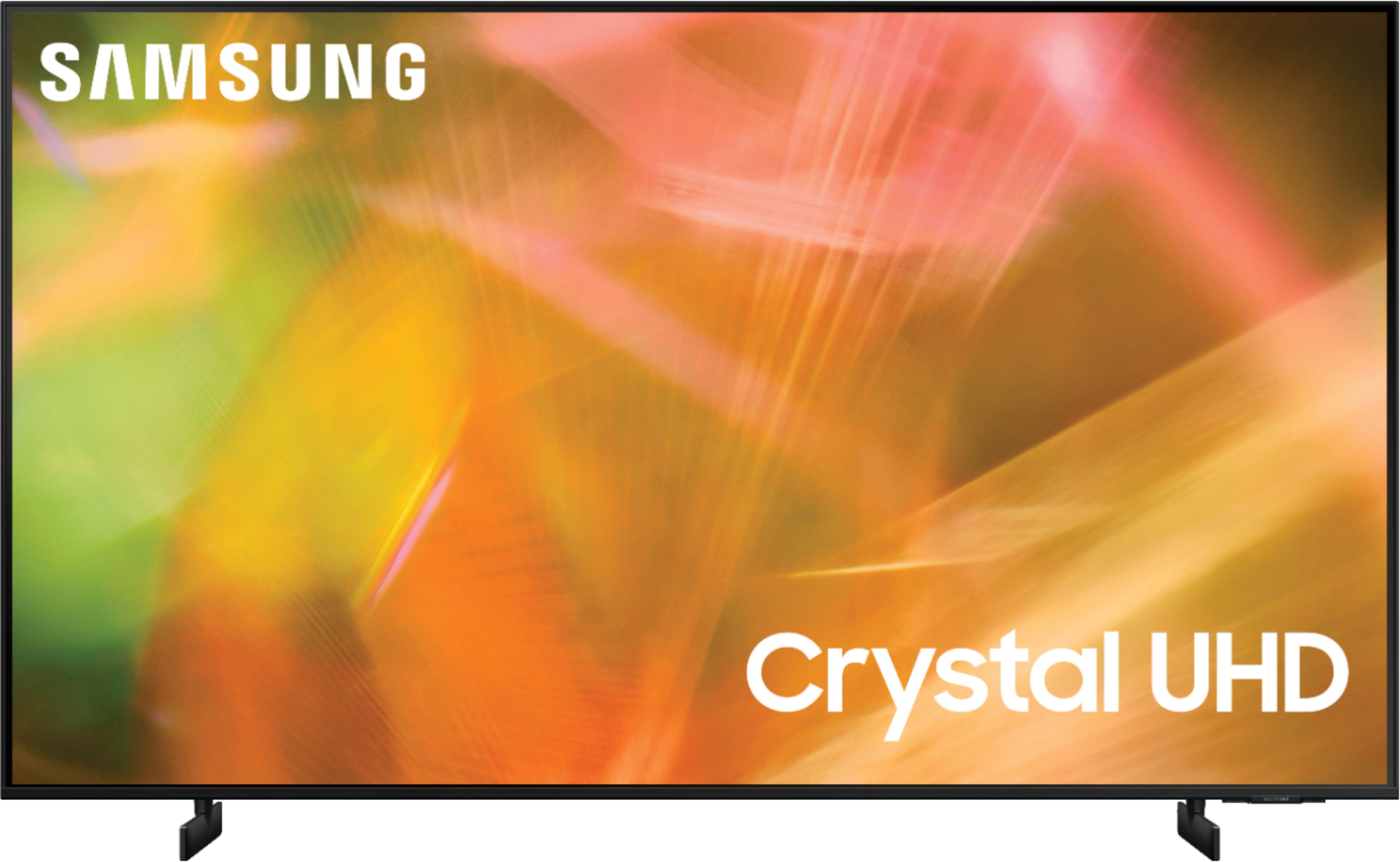
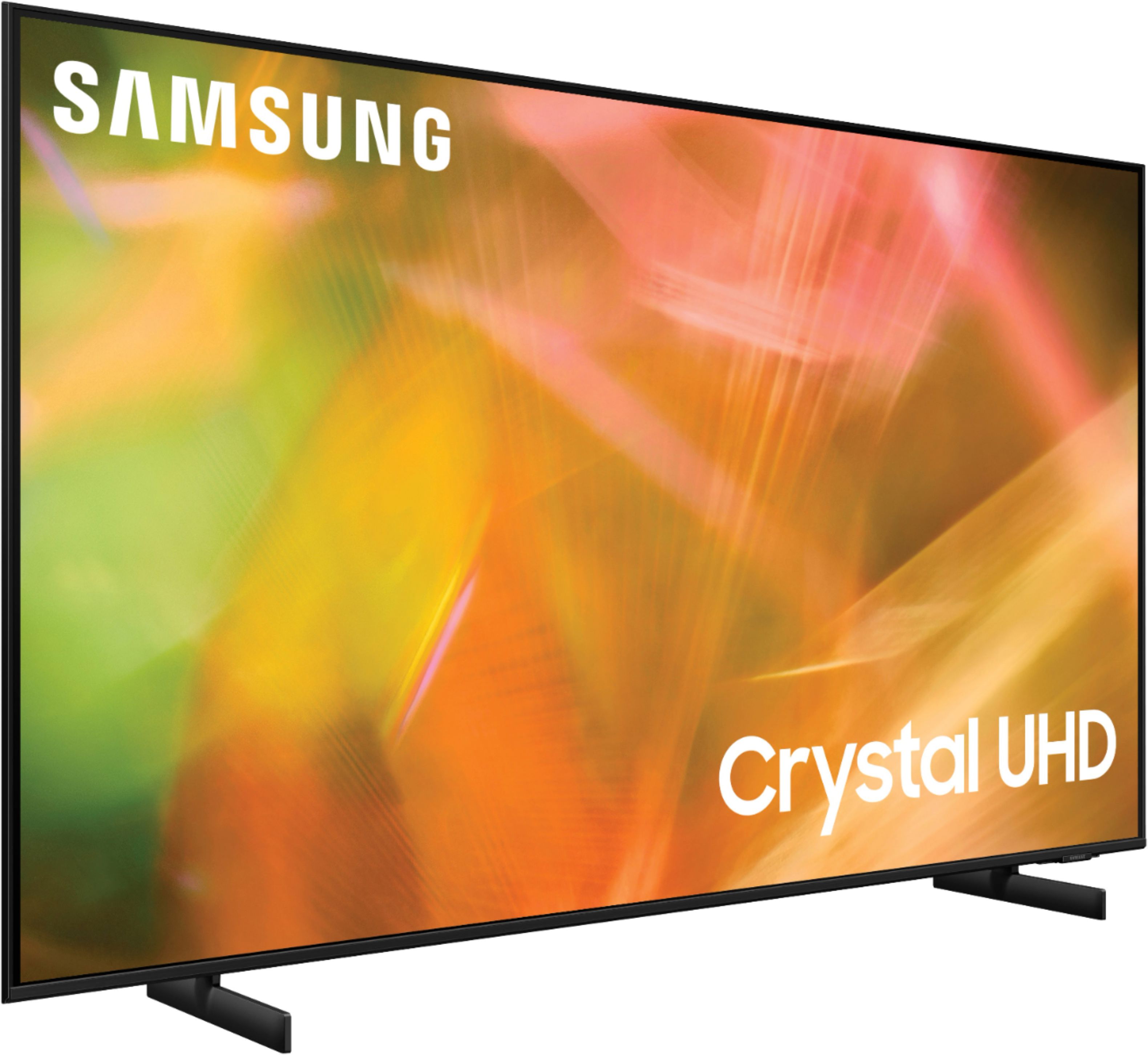
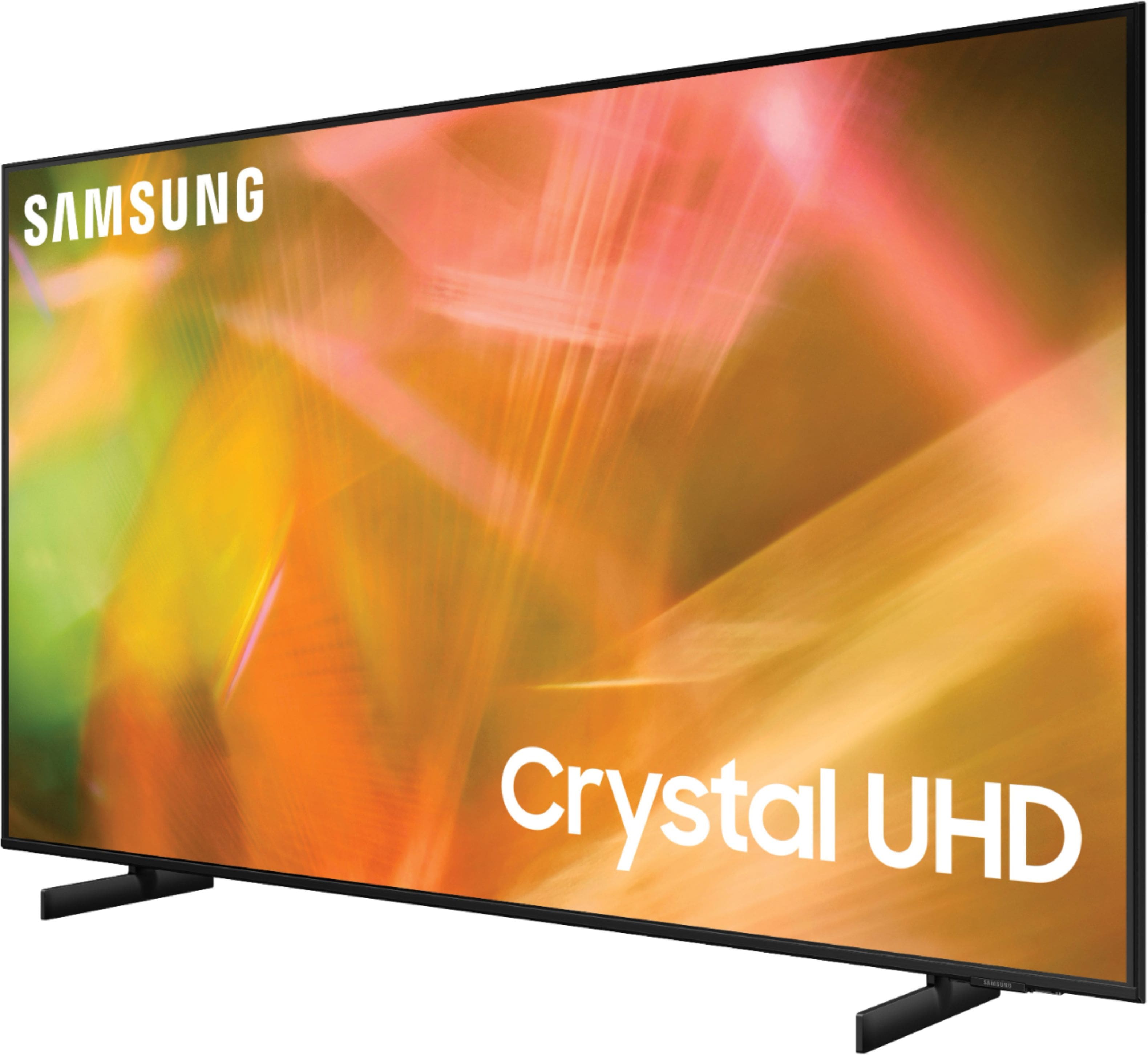








- Model:
- UN65AU8000FXZA
- SKU:
- 6453024
Rating by feature
- Picture Quality
Rating 4.7 out of 5 stars
- Sound Quality
Rating 4.4 out of 5 stars
- Brightness
Rating 4.7 out of 5 stars
Customers are saying
Customers are pleased with the picture quality, ease of use, and price of the 65" Class 8000 Series LED 4K UHD Smart Tizen TV. Many also appreciate the TV's design and setup process. However, some customers have expressed concerns about the remote control's functionality and the volume level. A few users also mentioned that the refresh rate could be improved.
This summary was generated by AI based on customer reviews.
Samsung 65" Curved TV, a great performer!
Posted .This reviewer received promo considerations or sweepstakes entry for writing a review.An excellent curved TV from Samsung. It performs well in daylight and excels at night. Only wish it had Bluetooth to connect with my headphone at night.
I would recommend this to a friendAwesome TV
Posted .This reviewer received promo considerations or sweepstakes entry for writing a review.Fast delivery service. Love Samsung TV, only TV I've ever owned. Never had a problem
I would recommend this to a friendMr. Mago
Posted .This reviewer received promo considerations or sweepstakes entry for writing a review.not happy with the lack of information on how to use the TV. I had better experience with another retailer
No, I would not recommend this to a friendBrand response from Samsung
Posted .Hi user412364,
I'm sorry you have not had all the information you need to set up and use your AU8000 TV. To assist you in learning the various features, functions, and settings of the TV and Remote, you can download the User Manual and Remote Guide directly from Samsung’s website under ‘Support’ (top right corner) > Manuals & Software > TVs & Home Theater. From there, you can select the AU8000 under Crystal UHD TVs > A Model Lineup.
If you have questions or need help, please know we are here for you. Call us at 1-800-SAMSUNG, 8 AM - 12 AM EST, seven days a week. Or visit us on the Samsung website and click on the ‘Support’ link for:
1) LiveChat with an agent
2) Manuals, Software, & Warranty Info
~ Samsung Advisor
Satisfied
Posted .This reviewer received promo considerations or sweepstakes entry for writing a review.Will definitely be buying through you guys again and will be letting other people know.
I would recommend this to a friendVery happy
Posted .This reviewer received promo considerations or sweepstakes entry for writing a review.Easy to purchase , good product . And the staff was up on the new models
I would recommend this to a friendtv
Posted .This reviewer received promo considerations or sweepstakes entry for writing a review.easy purchase, employees were very efficient and helpfulpickup and works great
I would recommend this to a friendTv
Posted .This reviewer received promo considerations or sweepstakes entry for writing a review.Love the tv- works great! - our last tv was a Samsung and it lasted forever
I would recommend this to a friendTv
Posted .This reviewer received promo considerations or sweepstakes entry for writing a review.Good costumer service and all ways willing to help. Definitely very satisfied with the purchase.
I would recommend this to a friendOutstanding
Posted .This reviewer received promo considerations or sweepstakes entry for writing a review.Outstanding product, would recommend this product to all.
I would recommend this to a friendAwesome TV!
Posted .This reviewer received promo considerations or sweepstakes entry for writing a review.Great product with awesome features! Would recommend!
I would recommend this to a friendVery satisfied
Posted .This reviewer received promo considerations or sweepstakes entry for writing a review.Love my new tv, everything that I needed… Just buy it
I would recommend this to a friendBad experience
Posted .This reviewer received promo considerations or sweepstakes entry for writing a review.Stopped working after 1 and half years. Not a good product.
No, I would not recommend this to a friendEvaluation of Set up and Explanations
Posted .This reviewer received promo considerations or sweepstakes entry for writing a review.Set up by Best Buy & Geek Squad was barely adequate.... Still can't use Spectrum remote control at all after 3 visits from your people & one visit from Spectrum !!! Great TV but being used with great difficulty and Trial and Error....
No, I would not recommend this to a friendBrand response from Samsung
Posted .Hi!
Thank you for choosing Samsung’s AU8000 TV and for your review. We appreciate your feedback regarding the user experience with your TV.
Instead of using other multiple remotes, or universal remotes from other manufacturers, you can control your connected devices using your TV remote by following these set-up steps:
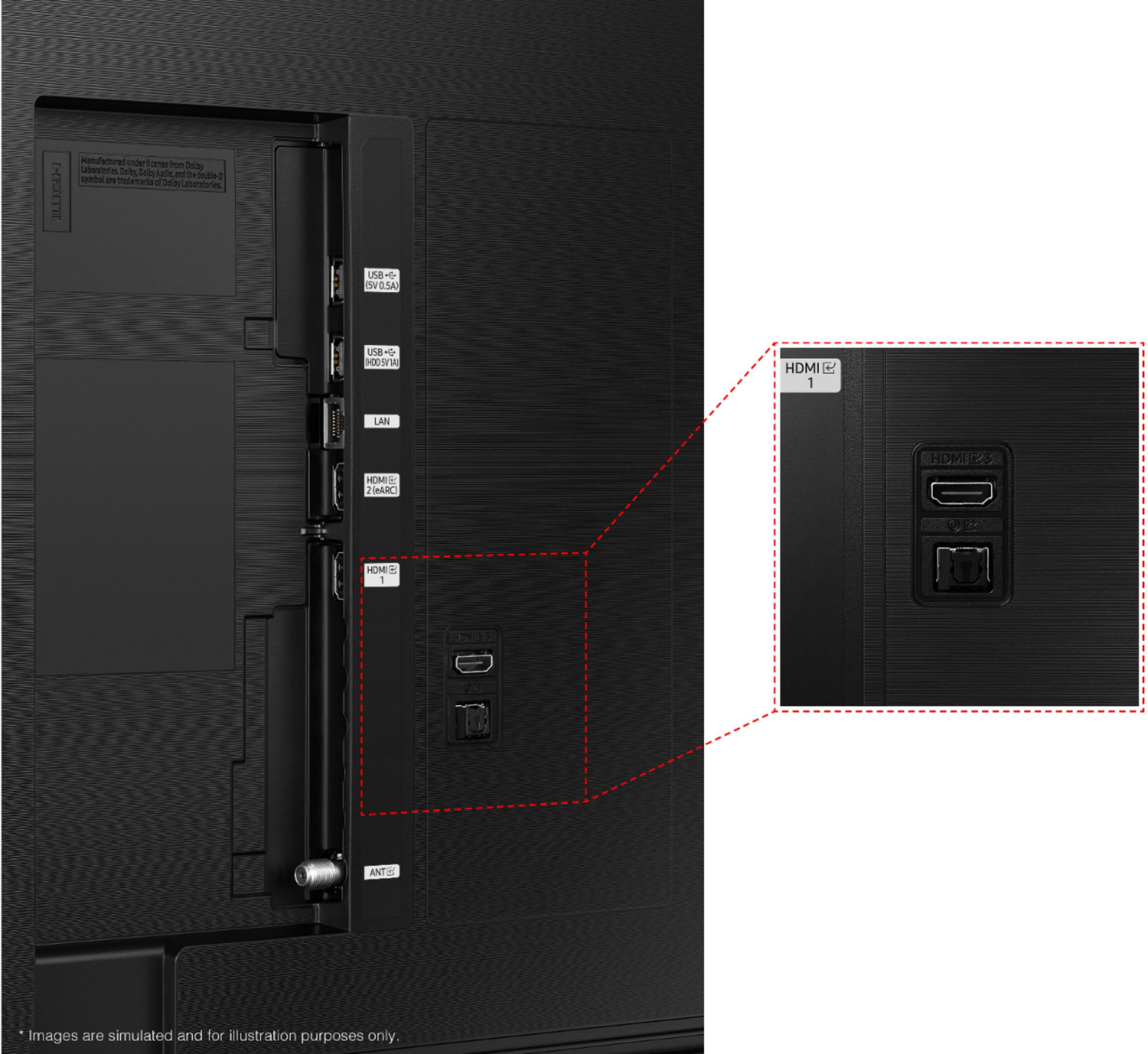
1) Connect an external device to the HDMI port of the TV, and then power on the external device. Your TV will automatically recognize the device when connected through HDMI and will switch the output. If it doesn't automatically detect it, then keep following the steps to set up Universal Remote.
2) Press the Home button on your TV remote to access the Home Screen. Using the directional pad on the remote, navigate to Source. When the selector is placed over Source, the Source menu will appear. Press UP on the directional pad to access Universal Remote.
3) Select Universal Remote on the Source screen. Next, select Start and make sure the device you want to connect is turned on. When your desired device displays, select it. Follow the on-screen instructions to complete the setup and register the device. The instructions may vary, depending on the device type selected.
4) Your TV and the remote will memorize the external device and its connection port (HDMI 1, HDMI 2, etc.) to make controlling everything even easier. Occasionally, the device may not respond after it's registered. To make sure the connection is made, you need to re-register the device.
To assist you in learning the functions and settings, you can download the AU8000 TV's User Manual, e-Manual, and Quick Setup Guide on Samsung's website by clicking "Support" > "Manuals & Software" > "TVs & Home Theater" > "TVs". From there, you can select the AU8000 TV under "Crystal UHD TVs” > “A Model Lineup" and download the guides you would like. The e-Manual is also embedded into the TV itself under Settings > Support > Open e-Manual.
Should you ever have questions or need help, please call us at
1-800-SAMSUNG (ask for TVs), available 8AM -12AM EST M-F (9AM – 6PM EST Sat). Or text HELP to 62913.
For additional support resources, visit us on the Samsung website and click on the ‘Support’ link in the upper right corner of the homepage for:
1) More ‘Contact Us’ options – LiveChat, Facebook, Twitter, Samsung Community, Samsung Members app
2) Manuals & Software
3) Warranty Info
4) Product Registration: For access to easy warranty support, convenient opt-in to special promos and offers, faster troubleshooting and service, and quick notification of system updates.
~ Samsung Solutions
FLICKRING PROBLEM WITH samsung TV's
Posted .This reviewer received promo considerations or sweepstakes entry for writing a review.After just few years vertical flickering started at the middle of the TV.
No, I would not recommend this to a friendCatches fire
Posted .This reviewer received promo considerations or sweepstakes entry for writing a review.Two years and it catches fire. Don’t buy it complete waste of money.
No, I would not recommend this to a friendQuickly Returned
Posted .This reviewer received promo considerations or sweepstakes entry for writing a review.I had high hopes for the TV but as soon as I hooked it up I was disappointed in the picture quality. Even with all of the settings modified to turn up brightness and turn off dynamic lighting the screen was always very dim. I returned it the next day and spent the money to get the new neo qled tv and could not be happier with that purchase.
No, I would not recommend this to a friendBrand response from Samsung
Posted .Hi, there 30sMale,
We appreciate you sharing your experience with Samsung’s AU8000 TV and detailing why you decided to replace it with a different model. Thank you for being a loyal Samsung customer.
Your feedback regarding this model is important to us and will be shared with our internal teams.
Should you have questions or need assistance with settings, setup, or features with your new Samsung NEO QLED TV, please know we are always here to help.
You can contact us at 1-800-SAMSUNG, 8 AM - 12 AM EST, 7 days a week. Or visit us on the Samsung website and click on the ‘Support’ link for:
1) LiveChat
2) Manuals, Software, & Warranty Info
~ Samsung Advisor
Tv already going out
Posted .This reviewer received promo considerations or sweepstakes entry for writing a review.Had this Tv for only a month and a line of pigments in the middle of the sceen went out .
No, I would not recommend this to a friendBrand response from Samsung
Posted .Hi Nonya,
Thank you for purchasing the Samsung AU8000 and for sharing the issues you are experiencing with your unit. Your feedback is important to us and will be shared with our product teams.
Please know, Samsung is committed to providing the best possible product experience, quality, and value. We back this Samsung TV with a 1-year limited manufacturer's warranty, including authorized repair for manufacturer defect, if purchased brand-new directly from an authorized seller.
Please give us the opportunity to assist you by contacting Samsung Customer Support at 1-800-SAMSUNG (ask for TVs), available 8AM - 12AM EST, 7 days a week.
For additional support resources, visit us on the Samsung website and click on the ‘Support’ link in the upper right corner of the homepage for:
1) Chat with Us/Product Help: To begin a chat or find solutions, choose ‘TVs & Home Theater’ and select your model & topic.
2) Register a Product: For access to easy warranty support, convenient opt-in to special promos and offers, faster troubleshooting and service, and quick notification of system updates.
3) Manuals & Software
4) Warranty Info
5) Contact Us
~ Samsung Solutions
Blew a board after 2y3m
Posted .This reviewer received promo considerations or sweepstakes entry for writing a review.TV was fine for 2y3m Then somehow short circuited and blew a board $700+ to repair ugh
No, I would not recommend this to a friendBrand response from Samsung
Posted .BagleyFennis,
Thank you for your review of Samsung’s AU8000 TV and for sharing your experience with the screen flashing. If your TV is out of the 1-year Manufacturer's Warranty, you can locate a service center in your area by following this link: https://www.samsung.com/us/support/service/locations/
Should you have additional questions or wish to troubleshoot the issue, please call us at 1-800-SAMSUNG, 8AM - 12AM EST, 7 days a week. Our LiveChat agents are also available by clicking on the ‘Support’ link on our website.
~ Samsung Specialist