Customer Ratings & Reviews



- Model:
- UN65CU8000FXZA
- SKU:
- 6537372
Rating by feature
- Picture Quality
Rating 4.7 out of 5 stars
- Sound Quality
Rating 4.4 out of 5 stars
- Brightness
Rating 4.7 out of 5 stars
Customers are saying
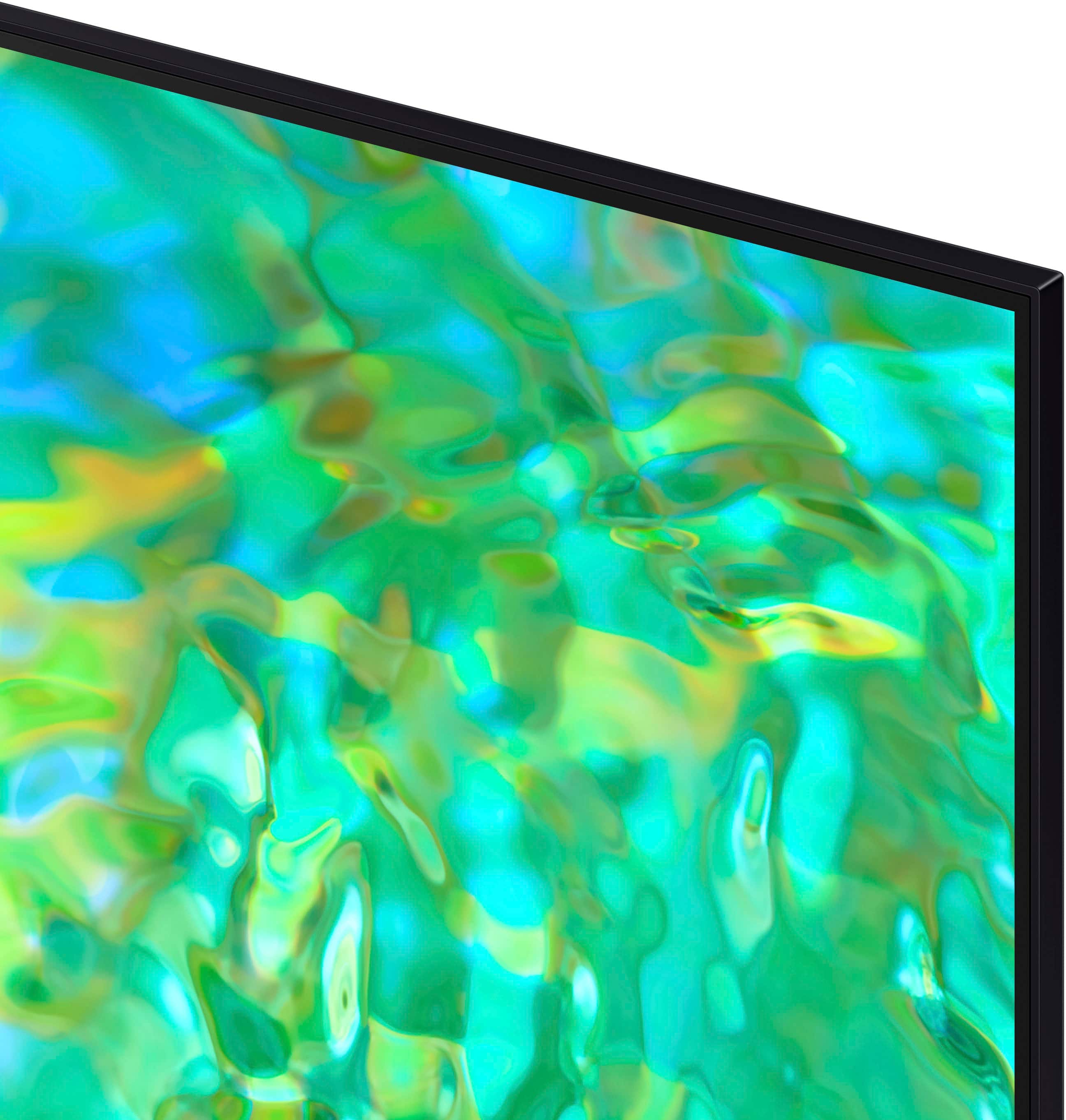
Customers find value in the 65" Class CU8000 Crystal UHD 4K Smart Tizen TV's exceptional picture quality, ease of use, and vibrant colors. The user-friendly remote control and sleek design are also frequently praised. While some users reported occasional performance issues, the overall positive feedback highlights the TV's strong performance and features at a competitive price. Many appreciate the TV's lightweight design and the abundance of features.
This summary was generated by AI based on customer reviews.
Very Good Purchase
||Posted . Owned for 2 weeks when reviewed.This reviewer received promo considerations or sweepstakes entry for writing a review.So far so good. Only trouble is Connecting wireless device, stops abruptly
I would recommend this to a friend65" Samsung TV screen
||Posted . Owned for 3 weeks when reviewed.This reviewer received promo considerations or sweepstakes entry for writing a review.Incredible high quality screen. It meets my expectations
I would recommend this to a friendSamsung
||Posted . Owned for 1 month when reviewed.This reviewer received promo considerations or sweepstakes entry for writing a review.Excellent, thanks for your help. I love the TV I'm excited.
I would recommend this to a friendTeresa
||Posted . Owned for 1 month when reviewed.This reviewer received promo considerations or sweepstakes entry for writing a review.Product great! Love Samsung TVs. Service even better. Very pleased
I would recommend this to a friendGreat TV
||Posted . Owned for 1 month when reviewed.This reviewer received promo considerations or sweepstakes entry for writing a review.I could not be happier with the tv or the installation
I would recommend this to a friendI will recommend Best Buy to friends.
||Posted . Owned for 1 month when reviewed.This reviewer received promo considerations or sweepstakes entry for writing a review.The product was good. The sales guy was also good.
I would recommend this to a friendI love my tv
||Posted . Owned for 3 weeks when reviewed.This reviewer received promo considerations or sweepstakes entry for writing a review.Happy with my tv. Received fantastic help from staff.
I would recommend this to a friendI love this tv
||Posted . Owned for 1 month when reviewed.This reviewer received promo considerations or sweepstakes entry for writing a review.Great tv and budget friendly very good resolution.
I would recommend this to a friendtv
||Posted . Owned for 1 month when reviewed.This reviewer received promo considerations or sweepstakes entry for writing a review.good,?????????????????????????????????????????????
I would recommend this to a friendTv
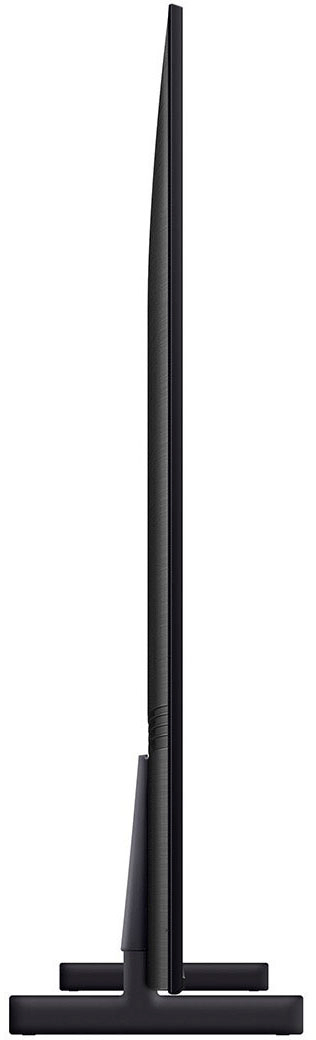
||Posted . Owned for 3 weeks when reviewed.This reviewer received promo considerations or sweepstakes entry for writing a review.Nice tv super thin perfect for fireplace installation
I would recommend this to a friendWifi connection Terrible!!!
||Posted . Owned for 1 month when reviewed.This reviewer received promo considerations or sweepstakes entry for writing a review.Wifi hookup is terrible. Constantly have to reconnect it. Loses wifi for no reason b/c I check all my other devices and they are still on. Also does not auto-reconnect to wifi. you have to put your password in again. I would return the TV if I wasn't stuck with it b/c I didn't unpack and hook it up right away. I am stuck in the Samsung eco-system and so disappointed. Nothing of theirs works properly. Im getting ready to take the massive steps to switch everything to Apple (and I hate Apple, shows how many issues I'm having with Samsung).
No, I would not recommend this to a friendBrand response from Samsung
Posted .Hi ACNH,
We appreciate your feedback on the Samsung CU8000 TV. I'm sorry to hear you are experiencing issues with your Wi-Fi disconnecting from the TV.
First, let's ensure you are running the latest Firmware. Go to Settings> Support> Software Update. To ensure you do not miss any Firmware Updates, I recommend enabling Auto Updates. Go to Settings> Support> Software Update> then select Auto Update.
Next, let's try running a cold boot on your TV. To do so, hold down the Power button on the Samsung TV remote until the TV turns off and then on again. This should take about 5 seconds.
I hope these tips help resolve your concerns. If you continue to have issues, please call us at 1-800-SAMSUNG, 8 AM - 12 AM EST, seven days a week. LiveChat with an agent, as well as manuals, software, and warranty info, can be found at the ‘Support’ link on our Samsung website.
~ Samsung Advisor
great for the price
||Posted . Owned for 1 month when reviewed.This reviewer received promo considerations or sweepstakes entry for writing a review.Awesome TV LOVE SAMSUNG, very happy with my purchase
I would recommend this to a friendTv review
||Posted . Owned for 3 weeks when reviewed.This reviewer received promo considerations or sweepstakes entry for writing a review.Good tv but voice assistant is missing. Would be great if it covers
I would recommend this to a friendBrand response from Samsung
Posted .Hi ManuS,
Thank you for sharing your user experience with the AU8000 TV. Please know your TV has 3 Voice Assistants to choose from Bixby, Amazon Alexa, or Google Assistant.
You will first need to select which Voice Assistant you would like to help control your TV. You will also need to be connected to the internet. After selecting your Voice Assistant, you can change the settings by going to Settings > All Settings> General > Voice > Voice Assistant. Once your Voice Assistant is selected, you can press the Microphone button on your remote to help navigate the settings menu, change the volume, or even search for content.
For further assistance with this feature, please get in touch with Samsung Customer Support. You can call us at 1-800-SAMSUNG, 8 AM - 12 AM EST, seven days a week. Our LiveChat agents are also available by clicking on the ‘Support’ link on our website.
~ Samsung Advisor
My Samsung TV
||Posted . Owned for less than 1 week when reviewed.This reviewer received promo considerations or sweepstakes entry for writing a review.Not perfect but still a Samsung 4k with newest updates
I would recommend this to a friendSamsung tv
||Posted . Owned for 1 week when reviewed.This reviewer received promo considerations or sweepstakes entry for writing a review.Great quality! Light tv to pick up with two people.
I would recommend this to a friendBest Purchase Ever
||Posted . Owned for 1 month when reviewed.This reviewer received promo considerations or sweepstakes entry for writing a review.It’s one of my best purchase. I love my Samsung TV
I would recommend this to a friend- Cons mentioned:Reliability
Model series faulty
||Posted . Owned for 2 months when reviewed.This reviewer received promo considerations or sweepstakes entry for writing a review.Brand new tvs with issues. After 2 and a half month requested service from Best Buy due to faulty performance. Too slow, network does not work properly, some lines appears randomly. I bought one 65" and the 55", both faulty. I think is something wrong with this Samsung model.
No, I would not recommend this to a friendBrand response from Samsung
Posted .Hi RafaelC,
We appreciate your purchase and feedback on the CU8000 TV. I'm sorry that you have had issues with a slow network and image distortion. Please know we are here to help and have a few suggestions that may improve your experience.
First, let's ensure you are running the latest Firmware. Go to Settings> Support> Software Update. To ensure you do not miss any Firmware Updates, I recommend enabling Auto Updates. Go to Settings> Support> Software Update> then select Auto Update.
Next, let's try running a cold boot on your TV. To do so, hold down the Power button on the Samsung TV remote until the TV turns off and then on again. This should take about 5 seconds.
If you are still seeing lines on your screen please follow the below steps.
1. If any external devices are connected, check all input cable connections
2. If the issue persists, define precisely what is wrong with the display. For example, mosaics and blocks, multiple lines or white dots, and fixed horizontal or vertical lines.
3. Try changing channels using the remote control. Is the issue the same on all channels?
4. Press the Home button (looks like a house), select Source, and choose another input source. Is the issue the same on all sources?
5. If the same problem persists, run a diagnostic test. (Home > Settings > Support > Device Care > Self Diagnosis > Picture Test)
6. If the problem disappears during the test, check your TV signal (Home > Settings > Support > Device Care > Self Diagnosis > Signal Information) to check the signal strength. The signal strength must be more than 20 dB (more than 4 bars on the icon) for stable signal reception
Should your issue persist, please contact Samsung Customer Support. You can call us at 1-800-SAMSUNG, 8 AM - 12 AM EST, seven days a week. Our LiveChat agents are also available by clicking on the ‘Support’ link on our website.
~ Samsung Advisor
Ok but there is better.
||Posted . Owned for 1 year when reviewed.This reviewer received promo considerations or sweepstakes entry for writing a review.Hated it had way too manny issues so I upgraded to the Q80.
I would recommend this to a friend- Pros mentioned:Picture quality
Smart TV isn't so Smart
||Posted . Owned for 1 month when reviewed.This reviewer received promo considerations or sweepstakes entry for writing a review.The picture is good but I don't like Samsung TV, Roku is easier to navigate the voice navigation is terrible. It constantly loses connection to my internet.
No, I would not recommend this to a friendBrand response from Samsung
Posted .Hi KristaP,
Thank you for your feedback on the Samsung CU8000 TV's user interface and Wi-Fi. I'm sorry to hear you are experiencing issues. Please know we are here to help!
First, let's ensure you are running the latest Firmware. Go to Settings> Support> Software Update. To ensure you do not miss any Firmware Updates, I recommend enabling Auto Updates. Go to Settings> Support> Software Update> then select Auto Update.
Next, let's try running a cold boot on your TV. To do so, hold down the Power button on the Samsung TV remote until the TV turns off and then on again. This should take about 5 seconds.
I hope these tips help resolve your concerns. If you continue to have issues, please call us at 1-800-SAMSUNG, 8 AM - 12 AM EST, seven days a week. LiveChat with an agent, as well as manuals, software, and warranty info, can be found at the ‘Support’ link on our Samsung website.
~ Samsung Advisor
- Pros mentioned:Picture quality
Do not buy!
||Posted . Owned for 1 month when reviewed.This reviewer received promo considerations or sweepstakes entry for writing a review.The sound at 100 is still barely loud enough to hear normal talking on a movie or show. Had to buy a sound bar. The picture is good but we have had to reset them tv twice because it has just stopped working and the screen goes fuzzy or the sound just turns up on it’s own. Had out for two weeks and I wanted to bring it back but I was 3 days late on the return policy.
No, I would not recommend this to a friendBrand response from Samsung
Posted .Hi Mini9,
We appreciate you taking the time to provide us with feedback on your CU8000 TV. I'm sorry you are experiencing issues with the sound and with the TV malfunctioning. Please know we are here to help and have a few troubleshooting steps for you to try.
First, let's make sure you are running the latest Firmware. Go to Settings> Support> Software Update.
Next, there are several volume features you can adjust, which may improve your audio experience.
1) Auto Volume automatically adjusts the sound to a certain level when changing channels or switching to another external input. Go to Settings > All Settings> Sound > Expert Settings > Auto Volume.
2) Adaptive Sound automatically adjusts to a specific volume level while watching TV. The TV analyzes your volume usage history by time period to automatically adjust the volume when you use an app or switch to an external input source. Go to Settings> All Settings> Sound> Sound Mode> Adaptive Sound.
3) Several Sound Modes are likewise available to meet your personal preferences: Home > Settings > All Settings> Sound > Sound Mode
Regarding the issue of your screen going fuzzy, it may be due to not connecting correctly with an external device. Please check your connection with these steps:
1. Disconnect and reconnect the power cables and HDMI cables on the back of your TV, then unplug the power cord and plug it back into the wall outlet.
2. If the external device supports UHD video, use a dedicated HDMI cable (4K) for HDMI video playback.
3. If a component cable is used, make sure that the colored connectors are connected to the matching connectors on the external device and the TV.
4. If you are using a set-top box, check the cable connection. The cable you need to check depends on the type of set-top box.
5. Make sure that your access point is connected to the Internet. If not, disconnecting and reconnecting its power cable may be required.
6. If the problem persists, check the video output settings in the settings menu of the external device and ensure that your TV supports the video output mode.
If you continue to have issues, please call us at 1-800-SAMSUNG, 8 AM - 12 AM EST, seven days a week. LiveChat with an agent, as well as manuals, software, and warranty info, can be found at the ‘Support’ link on our Samsung website.
~ Samsung Advisor