Customer Ratings & Reviews
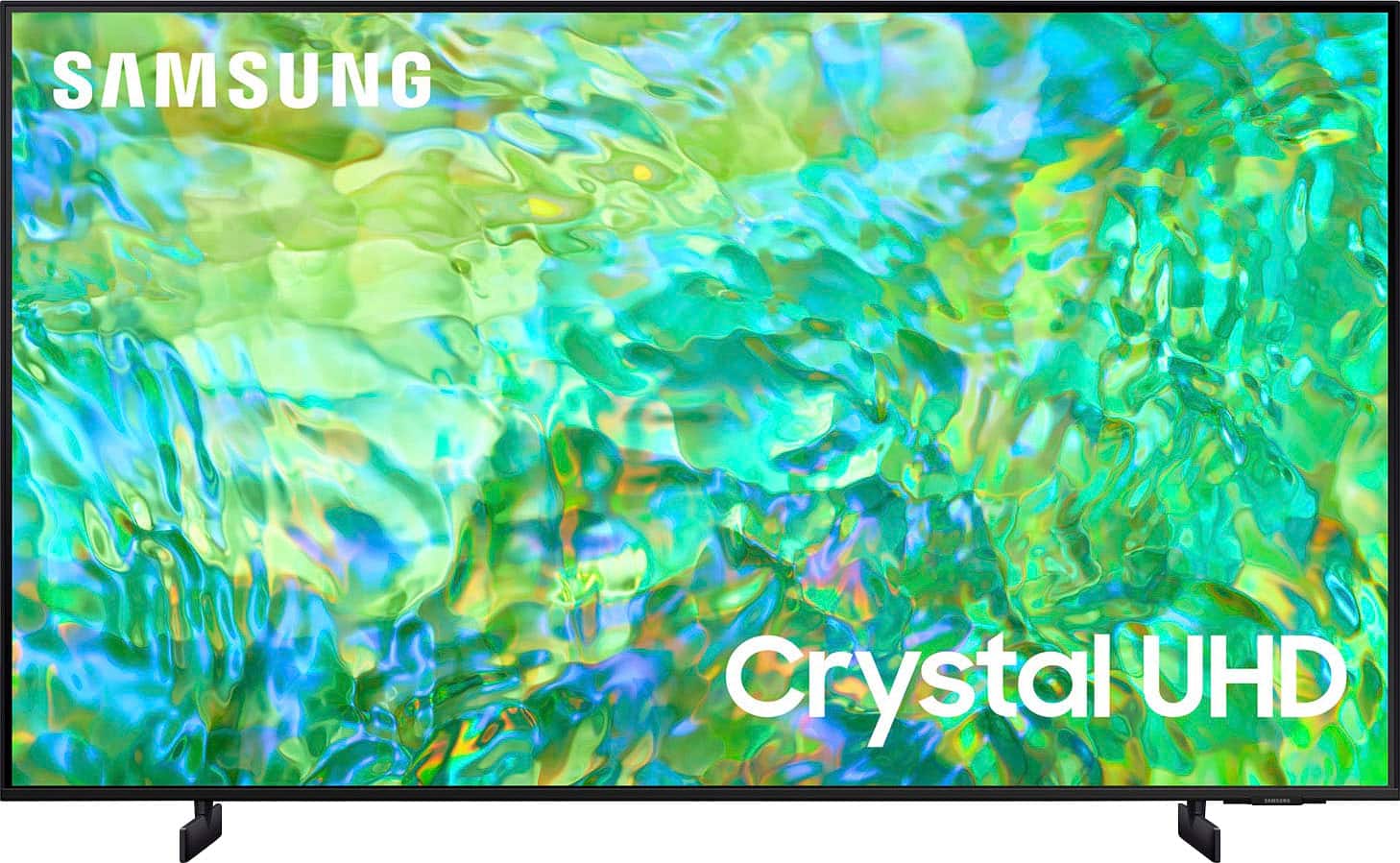
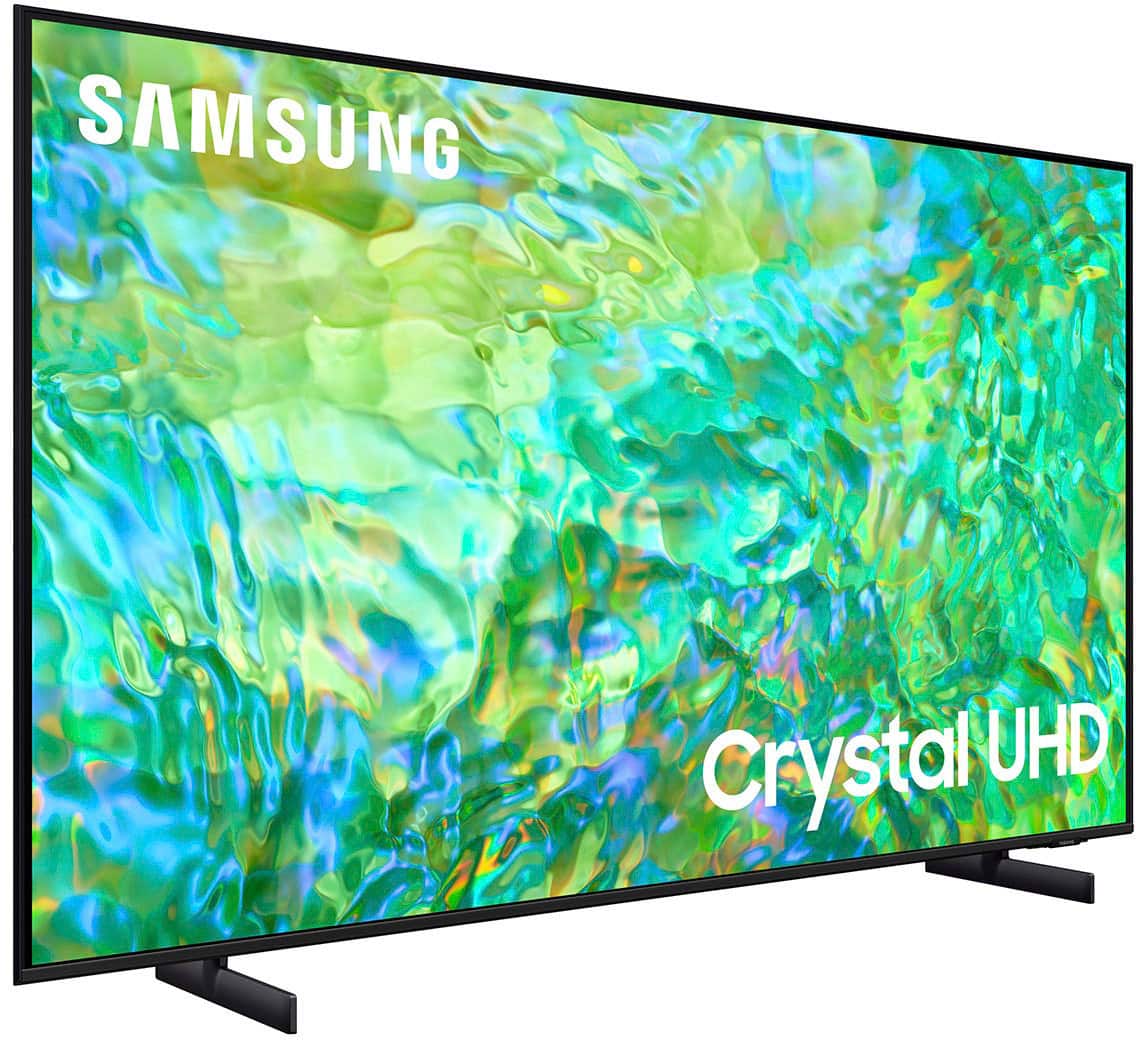
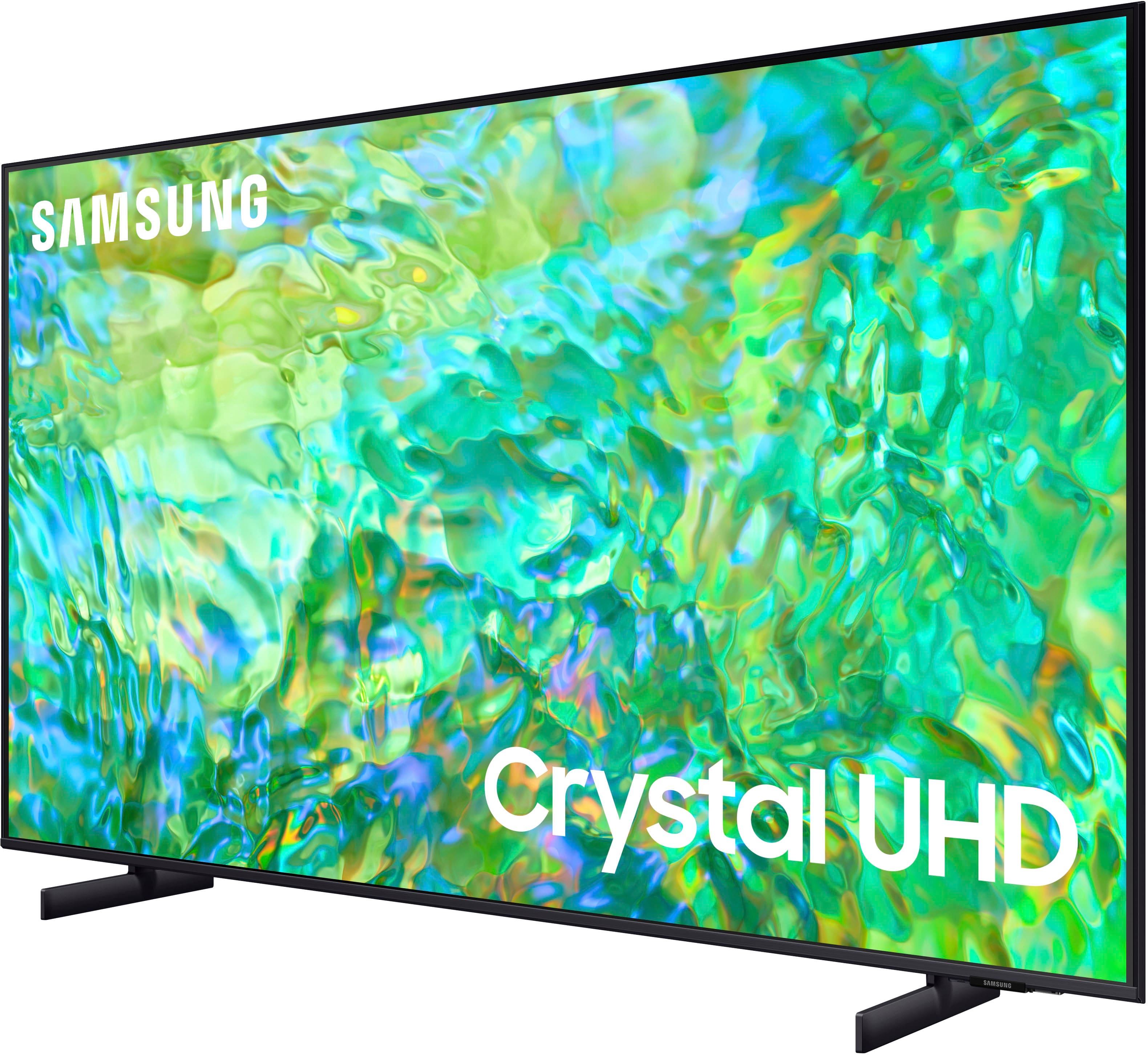
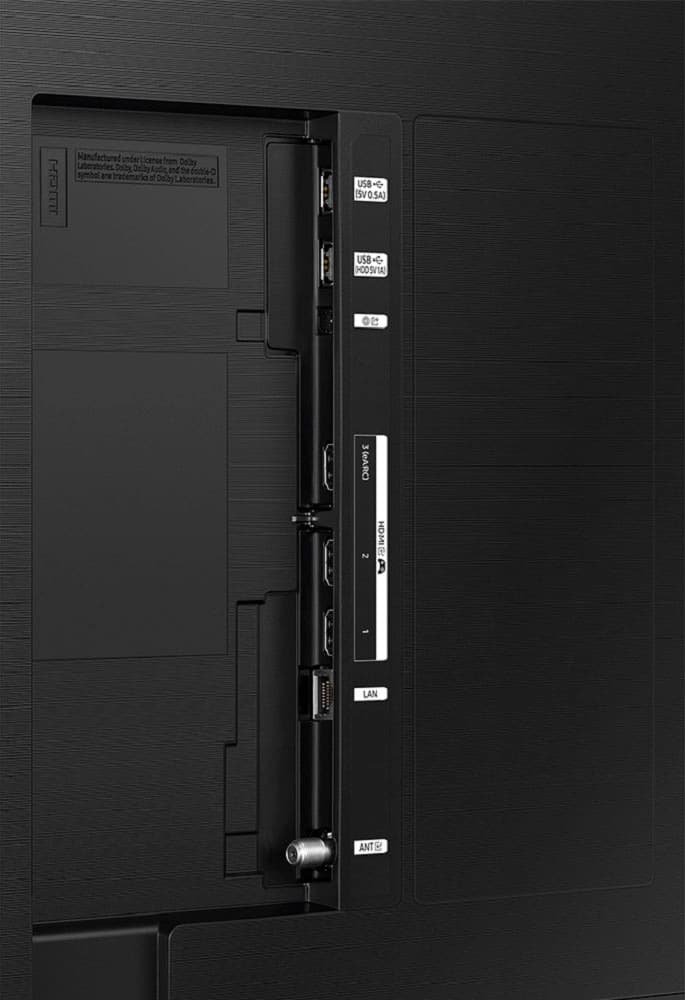



- Model:
- UN65CU8000FXZA
- SKU:
- 6537372
Rating by feature
- Picture Quality
Rating 4.7 out of 5 stars
- Sound Quality
Rating 4.4 out of 5 stars
- Brightness
Rating 4.7 out of 5 stars
Customers are saying
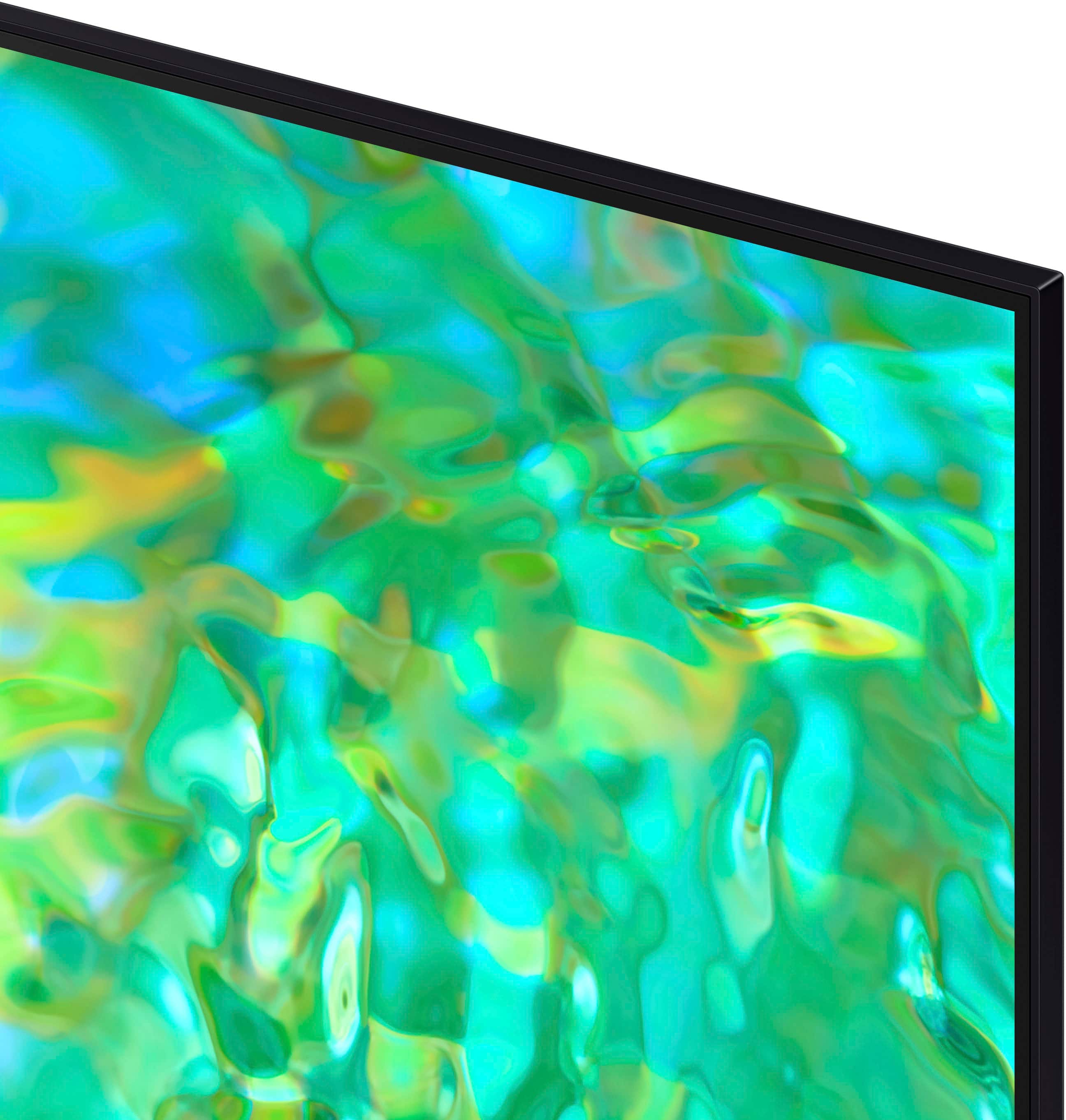
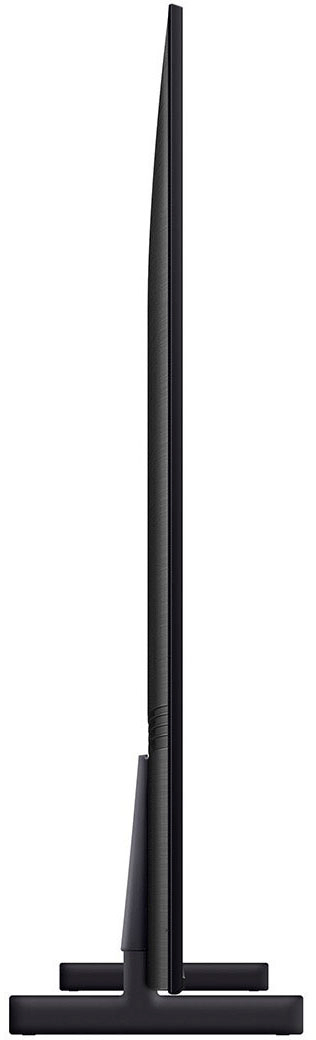
Customers find value in the 65" Class CU8000 Crystal UHD 4K Smart Tizen TV's exceptional picture quality, ease of use, and vibrant colors. The user-friendly remote control and sleek design are also frequently praised. While some users reported occasional performance issues, the overall positive feedback highlights the TV's strong performance and features at a competitive price. Many appreciate the TV's lightweight design and the abundance of features.
This summary was generated by AI based on customer reviews.
- Pros mentioned:Picture quality
Love it
Posted .This reviewer received promo considerations or sweepstakes entry for writing a review.Great picture, great quality, great price! Love it!
I would recommend this to a friend - Pros mentioned:Picture quality
Great TV
Posted .This reviewer received promo considerations or sweepstakes entry for writing a review.Very good quality,cool size,great sound,will recommend it.
I would recommend this to a friend - Pros mentioned:Picture quality
Tv
Posted .This reviewer received promo considerations or sweepstakes entry for writing a review.Tv works great ,picture is clear only thing is remote control is slow
I would recommend this to a friend - Pros mentioned:Picture quality
My new tv
Posted .This reviewer received promo considerations or sweepstakes entry for writing a review.Love it, beautiful picture sun easy to set up, and s good ptice
I would recommend this to a friend - Pros mentioned:Picture quality
Great
Posted .This reviewer received promo considerations or sweepstakes entry for writing a review.Just got it and in love it so much it replaced my 7000 series
I would recommend this to a friendBrand response from Samsung
Posted .Hi there,
We are happy you are enjoying your new Samsung CU7000 TV with Mega Contrast HDR, allowing for a more natural appearance and a feeling of depth. We also appreciate your tip for future customers on the setup of your TV and console.
If you have questions or need help, Samsung is here for you! Call us at 1-800-SAMSUNG, 8 AM - 12 AM EST, seven days a week. Our LiveChat agents are also available by clicking on our website's ‘Support’ link.
Thanks for being a part of the Samsung family!
~Samsung Advisor
Satisfied customer
Posted .This reviewer received promo considerations or sweepstakes entry for writing a review.Im happy to hear good reviews in reality about bestsellers products with Best Buy, i will return for more items later
I would recommend this to a friendAwesome Picture
Posted .This reviewer received promo considerations or sweepstakes entry for writing a review.Love it! I've been using Samsung products for years. Never disappointed.
I would recommend this to a friendSS tv
Posted .This reviewer received promo considerations or sweepstakes entry for writing a review.Great TV - easy to order on line - on time delivery
I would recommend this to a friendSamsung800”
Posted .This reviewer received promo considerations or sweepstakes entry for writing a review.Slow to engage with some apps but fast with others.
No, I would not recommend this to a friend- Pros mentioned:Picture quality
Sansung LED Flat screen.
Posted .This reviewer received promo considerations or sweepstakes entry for writing a review.Not what i expected from a LED flat sceen. Image wasnt as sharp from what i upgraded from. Had to upgrade to OLED flat sceen, much sharper image.
No, I would not recommend this to a friendBrand response from Samsung
Posted .Hi RichardR,
We appreciate you sharing your experience with Samsung’s CU8000 and detailing why you decided to replace it with a different model. Thank you for being a loyal Samsung customer.
Your feedback regarding this model is important to us and will be shared with our internal teams.
Should you have questions or need assistance with settings, setup, or features with your new Samsung TV, please know we are always here to help. You can call us at 1-800-SAMSUNG, 8 AM - 12 AM EST, seven days a week. Our LiveChat agents are also available by clicking on the ‘Support’ link on our website.
~ Samsung Advisor
Honest review
Posted .This reviewer received promo considerations or sweepstakes entry for writing a review.So i had a warranty on the model before this one and had to pay a difference of $150 for the replacement/ newer model and so far im pretty disappointed picture is not a differences but the volume is soo bad compared to the older model have to keep it at a volume of 55 or higher to get a decent sound other one maybe volume of 25 really disappointed in samsung on this model still got a extra warranty just in case but so far not a fan
No, I would not recommend this to a friendOver priced.
Posted .This reviewer received promo considerations or sweepstakes entry for writing a review.Doesn’t play nice with cable remote. Sound does not carry into the immediate vicinity.
No, I would not recommend this to a friendBrand response from Samsung
Posted .Hi user522031Bradenton,
Thank you for reaching out and letting us know about the issues you are experiencing with connectivity and sound on your CU8000 TV. Please know we are here to help and have a few troubleshooting tips that may resolve these issues.
First, let's ensure you are running the latest Firmware. Go to Settings> Support> Software Update.
Next, to adjust the sound on your TV, go to Settings > All Settings> Sound > Sound Mode or customize the sound with Expert Settings by going to Settings > All Settings> Sound > Expert Settings.
If you continue to have issues with your cable remote, or if you have any other questions, please reach out to us at 1-800-SAMSUNG, 8 AM - 12 AM EST, seven days a week. Our LiveChat agents are also available by clicking on the ‘Support’ link on our website.
~ Samsung Advisor
Tv keeps shutting off and turning green
Posted .This reviewer received promo considerations or sweepstakes entry for writing a review.I bought this TV on November 30, and it has been nothing but trouble. The screen keeps turning green. I changed the HDMI cable out and unplugged the tv for a minute. Nothing seems to fix it. I talked to Best Buy store and I miss my 15 days. Samsung does not have a technician in my area. This absolutely suck. I have canceled my over range microwave order I just purchased due to Best Buy not caring for there customers!!
No, I would not recommend this to a friendBrand response from Samsung
Posted .Hi JohnathanC,
I'm very sorry to hear about the issues you are having with your CU8000 TV screen. Please give us a chance to make this right by calling us at 1-800-SAMSUNG, 8 AM - 12 AM EST, seven days a week. LiveChat with an agent, as well as manuals, software, and warranty info, can be found at the ‘Support’ link on our Samsung website.
~ Samsung Advisor
Never buy a Samsung TV
Posted .This reviewer received promo considerations or sweepstakes entry for writing a review.I will never buy another Samsung TV. The TV did not work out of the box and after many hours on the phone with Samsung customer service and multiple promises for return calls that were never returned, I finally agreed to have an agent come out and repair the TV (despite it being brand new). Of course, the service repair agent who did not show for the appointment! Never again will I buy a Samsung TV.
No, I would not recommend this to a friendBrand response from Samsung
Posted .Hi JacobB,
I'm very sorry to hear about your experience with Samsung Service. Please give us a chance to make this right by calling us at 1-800-SAMSUNG, 8 AM - 12 AM EST, seven days a week. Our LiveChat agents are also available by clicking on the ‘Support’ link on our website.
~ Samsung Advisor
It’s ok not the best too many issues for the price
Posted .This reviewer received promo considerations or sweepstakes entry for writing a review.Sound not the best, and the brightness is all the way up and it’s still dark on some movies and shows, and airplay is not working
No, I would not recommend this to a friendBrand response from Samsung
Posted .Hi DeniseG,
Thank you for reaching out and letting us know about the issues you are experiencing on the CU8000 TV. I have a few recommendations which should improve your experience.
First, let's ensure you are running the latest Firmware. Go to Settings> Support> Software Update.
Next, I recommend adjusting the Sound Settings to improve your experience. You can change the Sound Mode by going to Settings > All Settings> Sound > Sound Mode.
You can also customize the sound with Expert Settings by going to Settings > Sound > Expert Settings.
If the colors on your TV are correct but just a little too dark or bright, you can try adjusting Picture Modes, Contrast, Brightness, or Sharpness settings.
For darker scenes, I recommend Dynamic Picture Mode, which makes pictures brighter and clearer in bright viewing environments. Go to Settings > Picture > Picture Mode > Dynamic.
Or you can manually adjust the Brightness by pressing the HOME button on your remote, then navigating to Settings > Picture > Expert Settings.
You may also want to disable Power Saving Mode, which automatically adjusts the brightness to reduce the TV’s power consumption. Go to Settings > General > Eco Solution> Power Saving Mode.
Finally, if Airplay is not connecting properly, please ensure that your Apple device is up to date with the latest software. Then I recommend running a cold boot on your TV. To do so, hold down the power button on your remote until the TV shuts itself off and turns back on.
If you continue to have issues, please reach out to us so we can further help you. Contact us at 1-800-SAMSUNG, 8 AM – 12 AM EST, seven days a week, or Chat with us on Samsung.com: https://www.samsung.com/us/support/contact/
~ Samsung Advisor