Customer Ratings & Reviews
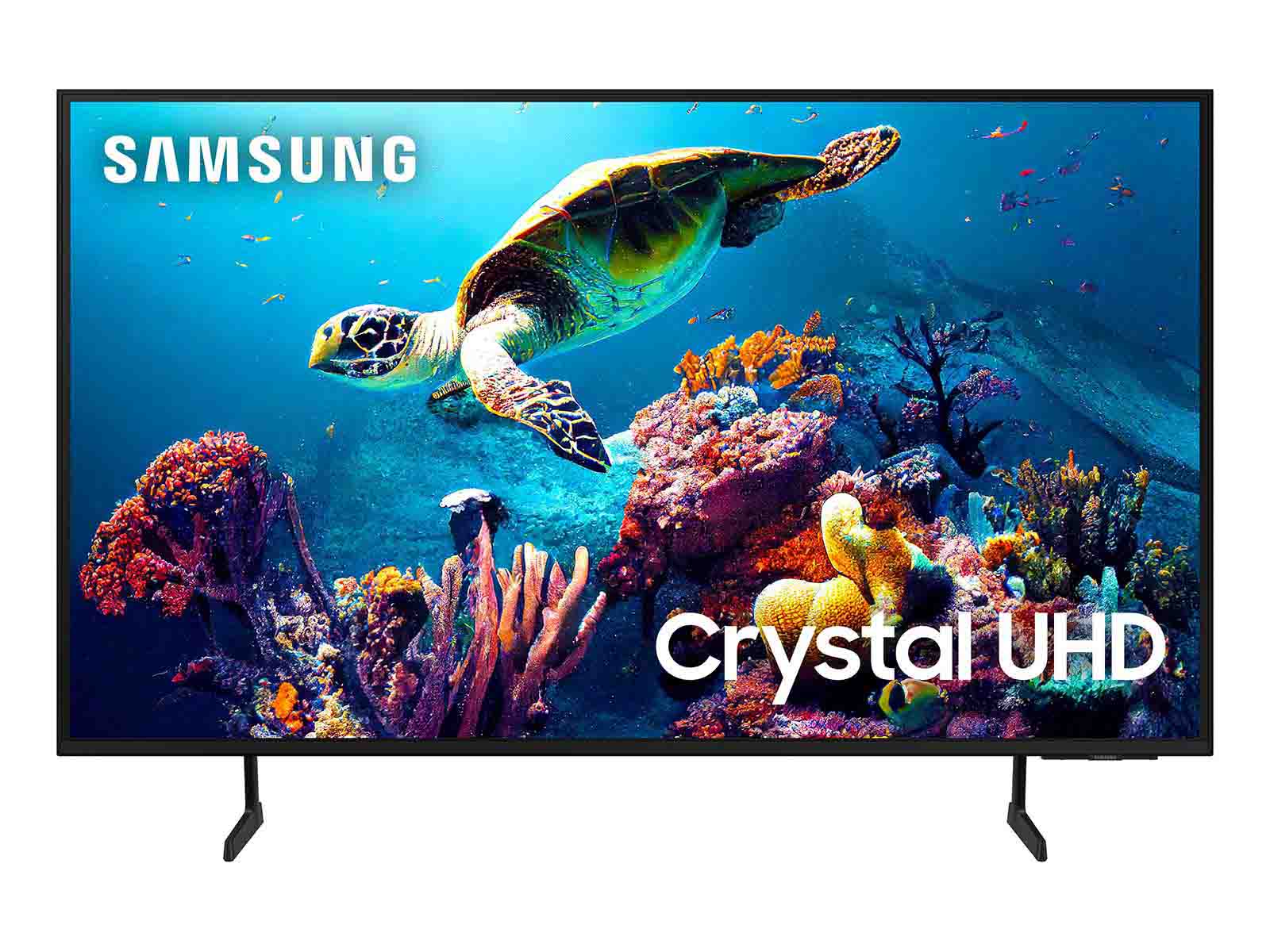

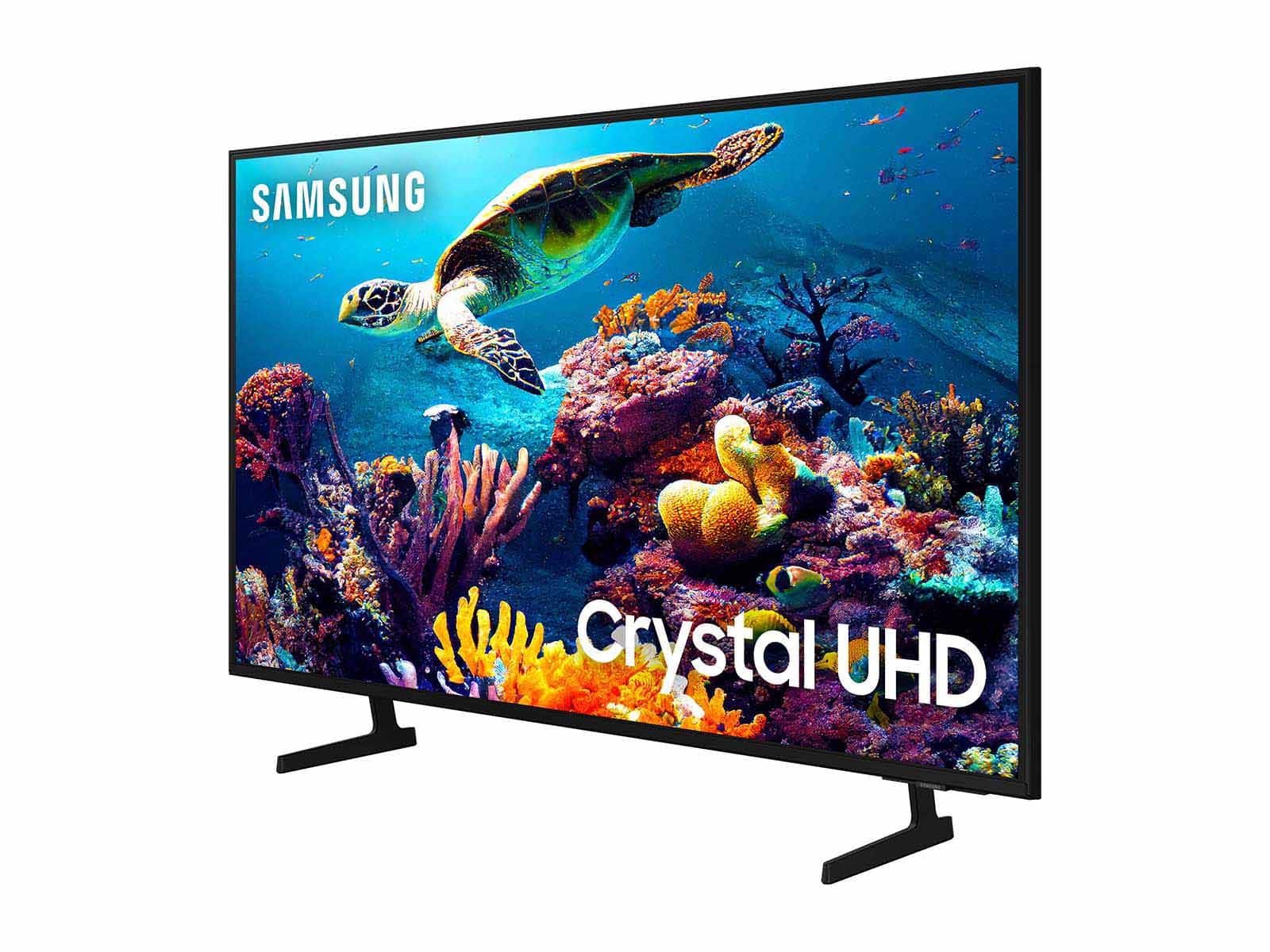
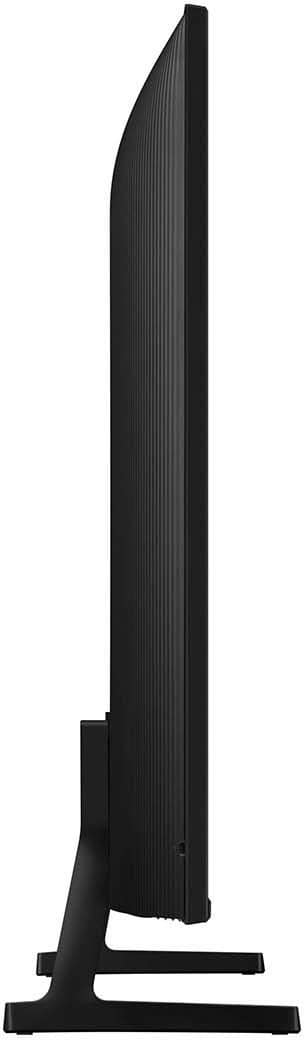

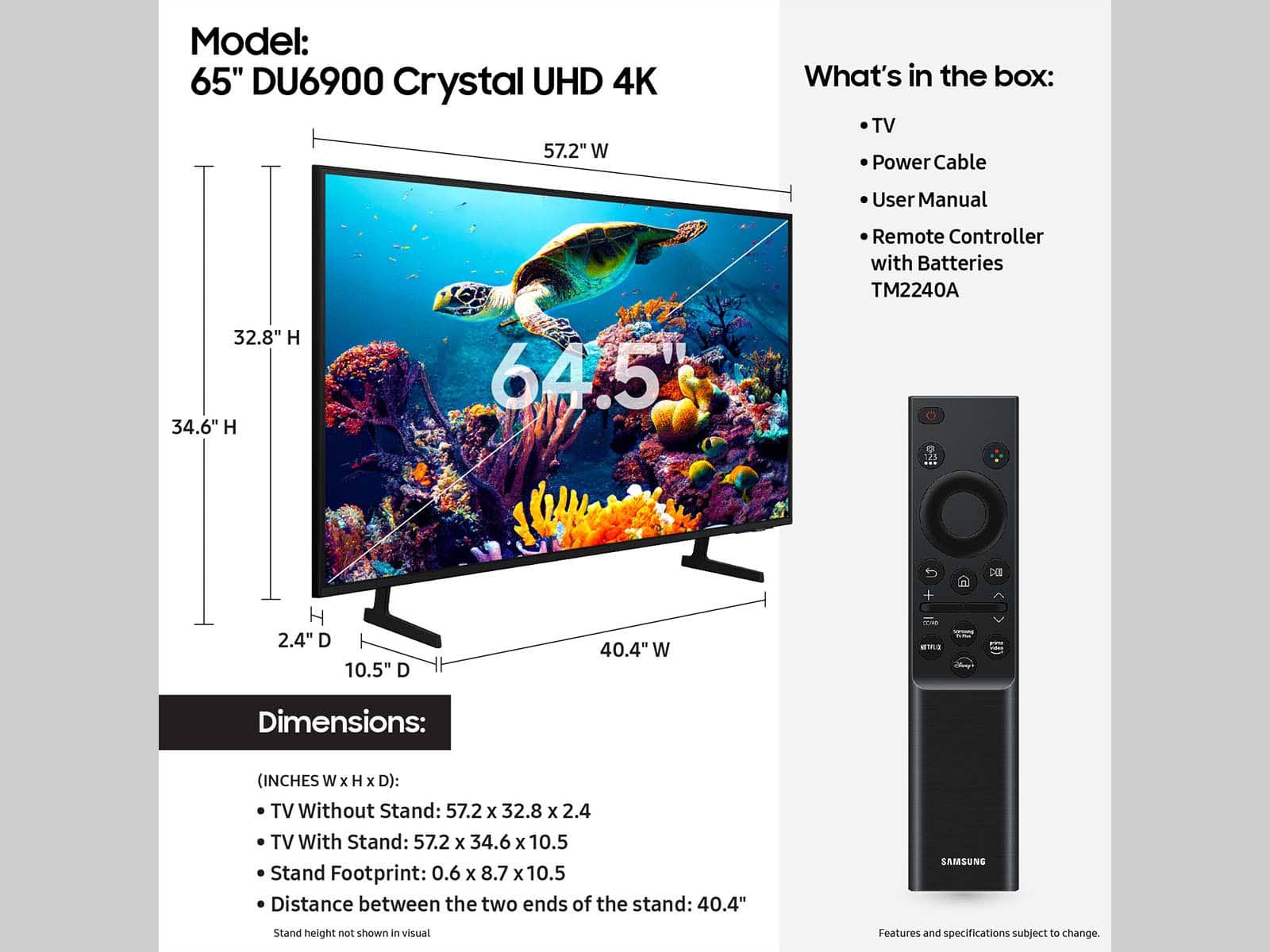







- Model:
- UN65DU6900FXZA
- SKU:
- 6612910
Rating by feature
- Picture Quality
Rating 4.8 out of 5 stars
- Sound Quality
Rating 4.6 out of 5 stars
- Brightness
Rating 4.8 out of 5 stars
to a friend
Customers are saying
Customers are satisfied with the excellent picture quality, ease of setup, nice size, light weight for its size, and sleek design of the 65” Class DU6900 Series Crystal UHD 4K Smart Tizen TV (2024). However, some customers have expressed concerns regarding the number of ports, connectivity issues, a slow user interface, and remote control problems. A few customers reported receiving the TV with physical damage.
This summary was generated by AI based on customer reviews.
$900 wasted.
||Posted .This reviewer received promo considerations or sweepstakes entry for writing a review.This was the worst purchase that I ever have made. The TV screen was cracked when I took it out. The box. Couldn't get no satisfaction from Best Buy, which I have been a very good customer. Couldn't get no satisfaction from Samsung. Had a one-year warranty with them but not where the cracked screen. Then they told me if I would have had the box then they might have done it. That makes two TVs that I bought from Best Buy. Within a 6-month period that went out on me. The first one was a 65-in Roku TV worked fine for about a month and a half then just quit working. The second is Samsung never got a chance to use it was cracked and open the box. It was delivered to me and a probably it probably was cracked from the delivery people. Then I come to find out that they were supposed to take it out a box and check it to make sure there was. It was all right. So that's my review of this TV and of the Roku TV and of the dissatisfaction and poor customer service that I received from Best Buy and Samsung!!
No, I would not recommend this to a friendBrand response from Samsung
Posted .JeffreyT,
We appreciate you sharing your experience and that your TV exhibited damage upon opening and setup. Unfortunately, even if a TV is double-boxed and the packaging shows no evidence of harm, a TV can still be damaged during transit if proper care is not taken. For example, if the TV were sitting in an incorrect orientation – laid on its side or tilted – during transit, damage could have been done.
Our warranty covers manufacturing defects in materials and workmanship encountered in normal, noncommercial use of this product and does not apply to damage incurred during shipment, delivery, and /or installation.
If you ever have product questions or need help, Samsung is here for you! Give us a call at 1-800-SAMSUNG, 8 AM - 12 AM EST, seven days a week. Our LiveChat agents are also available by clicking on the ‘Support’ link on our website.
~Samsung Pro
If you like to stream, don't do this one.
||Posted . Owned for 2 weeks when reviewed.This reviewer received promo considerations or sweepstakes entry for writing a review.I bought a 65" Samsung last year and had no issues setting streaming channels. The new one is very difficult. I do not want to "screenshot" bar codes to get the channels I want. I still can't get what I want on this new TV.
I would recommend this to a friendBrand response from Samsung
Posted .KimJ,
Thank you for choosing Samsung and for your feedback on the DU6900 TV. We understand sometimes there is a learning curve when you get a new TV! This is why we created step-by-step guides, to make it easier for you. To learn about your TV go to https://www.samsung.com/us/support/answer/ANS00062199/.
We are also always available and happy to help you with any questions you may have. You can call us at 1-800-SAMSUNG, 8 AM - 12 AM EST, seven days a week. Our LiveChat agents are also available by clicking on the ‘Support’ link on our website.
~Samsung Pro
Don’t Buy This Look At Other Options
||Posted .This reviewer received promo considerations or sweepstakes entry for writing a review.I bought this TV as I’ve been a loyal Samsung customer for many years BUT I’m disappointed with this TV. The issues are: 1. Poor sound quality - in order to even hear the TV from your sofa, the volume has to be at least at “30” and honestly that is ridiculous. Then when you do finally hear the sound the quality is horrible even after you choose the higher sound quality on the TV 2. Blackness and Color - you know that you have great picture quality when watch a movie that has “night/black” scenes and the black on the screen is actually black. Dark scenes on this TV have patches of orange and other colors. It’s awful. - the color quality is “1” at best My last Samsung I bought 5 years ago (same size) and same cost had the most wonderful stereo sound and at 10 volume sounded like 40. The picture quality was crisp and the TV made you feel as though you were part of the movie from how clear the picture was, the blackness in the darker scenes was pure black Don’t buy this TV if you are expecting the same quality as past Samsung TVs you will be disappointed
No, I would not recommend this to a friendBrand response from Samsung
Posted .Anonymous,
Thank you for sharing your thoughts regarding the DU6900 TV’s sound quality. We recommend adjusting the Sound Settings to improve your experience. You can change the Sound Mode by going to Settings > All Settings> Sound > Sound Mode.
You can also customize the sound with Expert Settings by going to Settings > All Settings> Sound > Expert Settings.
If you’re uncomfortable with the default brightness settings, you can customize the brightness level between 0 – 50 to your preference. Go to Home > Settings > All Settings> Picture > Expert Settings > Brightness.
You can also try different Picture Modes to see which best fits your needs. Go to Home > Settings > All Settings> Picture > Picture Mode for the below choices:
1) Standard: Default mode suitable for general viewing environments.
2) Natural: Reduces eye strain for a comfortable viewing experience.
3) Movie: Most suitable for watching TV or movies in a dark room.
4) Dynamic: Makes the picture brighter and clearer in bright viewing environments.
5) Filmmaker Mode: You can watch the source content (e.g., movie) as it is. If the image is defined as Filmmaker Mode, it will automatically switch to Filmmaker Mode while watching.
I hope you can use these adjustment recommendations to set the image to your liking. If you’d like further help with settings, features, or functions, please reach us at 1-800-SAMSUNG, 8 AM - 12 AM EST, seven days a week. Our LiveChat agents are also available by clicking on the ‘Support’ link on our website.
~ Samsung Pro
Came Damaged
||Posted . Owned for 1 month when reviewed.This reviewer received promo considerations or sweepstakes entry for writing a review.TV was delivered but came damaged. The store did not give me any problems with bringing it it & replacing it with a new one right away.
I would recommend this to a friendBrand response from Samsung
Posted .LatoriaN,
Thank you for letting us know that you received a broken DU6900 TV upon delivery. We appreciate your patience in having to deal with the hassle of an exchange.
If you ever have product questions or need help, Samsung is here for you! Give us a call at 1-800-SAMSUNG, 8 AM - 12 AM EST, seven days a week. Our LiveChat agents are also available by clicking on the ‘Support’ link on our website.
~Samsung Pro
Completely satisfied
||Posted .This reviewer received promo considerations or sweepstakes entry for writing a review.Completely satisfied, Completely satisfied Completely satisfied
I would recommend this to a friendBrand response from Samsung
Posted .ConnieD,
Thanks for reviewing Samsung’s DU6900 TV. If you’re experiencing specific issues which prevented this TV from receiving a higher star rating, please know Samsung Customer Support is here to help. You can reach us at 1-800-SAMSUNG, 8AM - 12AM EST, 7 days a week. Or visit us on the Samsung website and click on the ‘Support’ link for:
• LiveChat
• Manuals, Software, & Warranty Info
~ Samsung Pro
Samsung crystalUHD 65inch tv
||Posted . Owned for 3 weeks when reviewed.This reviewer received promo considerations or sweepstakes entry for writing a review.Made from a cheaper plastic material and didn’t have an optical audio input on the tv. Not a bad tv for a cheap 65 inch. Solid bang for your buck.
I would recommend this to a friendBrand response from Samsung
Posted .StephenW,
Thanks for sharing your thoughts. If there's anything we can do to improve your experience, please reach Samsung Support at 1-800-SAMSUNG, 8AM - 12AM EST, 7 days a week. Or visit us on the Samsung website and click on the ‘Support’ link for:
• LiveChat
• Manuals, Software, & Warranty Info
~ Samsung Pro
Samsung 65"
||Posted .This reviewer received promo considerations or sweepstakes entry for writing a review.I would recommend this tv for gaming purposes only. Don’t buy if you’re expecting to host any spotting event.
I would recommend this to a friendBrand response from Samsung
Posted .BZNBWAI,
Thanks for sharing your thoughts. If there's anything we can do to improve your experience, please reach Samsung Support at 1-800-SAMSUNG, 8AM - 12AM EST, 7 days a week. Or visit us on the Samsung website and click on the ‘Support’ link for:
• LiveChat
• Manuals, Software, & Warranty Info
~ Samsung Pro
Great value for the price.
||Posted . Owned for 3 weeks when reviewed.This reviewer received promo considerations or sweepstakes entry for writing a review.Excellent features for a basic tv set. The picture quality is awesome.
I would recommend this to a friendBrand response from Samsung
Posted .Wayne,
Thanks for reviewing Samsung’s DU6900 TV. If you’re experiencing specific issues which prevented this TV from receiving a higher star rating, please know Samsung Customer Support is here to help. You can reach us at 1-800-SAMSUNG, 8AM - 12AM EST, 7 days a week. Or visit us on the Samsung website and click on the ‘Support’ link for:
• LiveChat
• Manuals, Software, & Warranty Info
~ Samsung Pro
Operating system issues
||Posted . Owned for 1 month when reviewed.This reviewer received promo considerations or sweepstakes entry for writing a review.Huge fan of Samsung products. This one seems to have an operating system issue. Apps won't load some times and have to restart the TV. Will want it replaced
No, I would not recommend this to a friendBrand response from Samsung
Posted .JerryM,
We appreciate your feedback on the response time, and for optimal performance, we ask that you please ensure you've got the latest firmware version installed on your TV. You can check this by going to Home > Menu > Settings > Support > Software Update.
You may also want to further optimize performance with the self-diagnostic tool, which checks memory, frees up unused cached memory, and closes background apps. Go to: Home > Menu > Settings > Support > Device Care > Start Device Care.
If you need further assistance, we would be happy to help! Please feel free to contact Samsung Support at 1-800-SAMSUNG, available from 8 AM to 12 AM EST, seven days a week. You can also chat with us on Samsung.com for immediate assistance.
~Samsung Pro
tv brand
||Posted . Owned for 4 months when reviewed.This reviewer received promo considerations or sweepstakes entry for writing a review.I love Best Buy but this tv is not good I won't recommend this to anyone ..I got it in July and I see dots in the middle of the tv but I didn't buy the extended warranty not good do not buy this one
No, I would not recommend this to a friendBrand response from Samsung
Posted .OscarB,
We appreciate you taking the time to let us know about your experience with your TV. So that we can better troubleshoot this issue and provide steps towards a solution, please contact Samsung Support at 1-800-SAMSUNG, 8AM - 12AM EST, 7 days a week. Or visit us on the Samsung website and click on the ‘Support’ link for:
• LiveChat
• Manuals, Software, & Warranty Info
~ Samsung Pro
Tin Box sound
||Posted . Owned for 1 month when reviewed.This reviewer received promo considerations or sweepstakes entry for writing a review.Bad sound the worst I have ever heard. Wanted tv for work out area but not able to get much in volume and sound quality is like a tin box.
No, I would not recommend this to a friendBrand response from Samsung
Posted .JimC,
Thank you for sharing your thoughts regarding the DU6900 TV’s sound quality. We recommend adjusting the Sound Settings to improve your experience. You can change the Sound Mode by going to Settings > All Settings> Sound > Sound Mode.
You can also customize the sound with Expert Settings by going to Settings > All Settings> Sound > Expert Settings.
To assist you with possible sound settings adjustments for a better audio experience or choosing a Samsung Soundbar to complement your viewing enjoyment, please reach out to us at 1-800-SAMSUNG, 8 AM - 12 AM EST, seven days a week. Our LiveChat agents are also available by clicking on the ‘Support’ link on our website.
~ Samsung Pro
65in samsung tv
||Posted .This reviewer received promo considerations or sweepstakes entry for writing a review.Its a nice tv but the coaxial port for the antenna doesn't work. I spent $25 for a antenna and it never worked
No, I would not recommend this to a friendBrand response from Samsung
Posted .Oook,
Thank you for taking the time to provide feedback on your DU6900 TV. Please know that your feedback will be shared with our internal product teams. We take pride in our products and are sorry to hear that your experience was not up to our high standards.
Please know we are available and happy to assist you with troubleshooting or to set up a warranty appointment. You can contact Samsung Customer Support at 1-800-SAMSUNG, 8 AM - 12 AM EST, seven days a week. Our LiveChat agents are also available by clicking on the ‘Support’ link on our website.
~Samsung Pro
TV remote doesnt pair
||Posted . Owned for 1 month when reviewed.This reviewer received promo considerations or sweepstakes entry for writing a review.Tv remote doesn't pair, so i returned and changed to samsung another model and even that does not pair remote to tv. Funny thing is i have duplicate remote which is inpurchased for my previous tv and i was able to pair that to tv. Tried contacting bestbuy for support, they said it will be charged even thought tv is 2 days old, so contacted samsung and they performed some steps and nothing worked on both tv's. Looks lik3 bestbuy is messing up with tv remotes(may be when a product was returned).
No, I would not recommend this to a friendBrand response from Samsung
Posted .Vamshi,
We appreciate you taking the time to let us know about your experience with your TV. So that we can better troubleshoot this issue and provide steps towards a solution, please contact Samsung Support at 1-800-SAMSUNG, 8AM - 12AM EST, 7 days a week. Or visit us on the Samsung website and click on the ‘Support’ link for:
• LiveChat
• Manuals, Software, & Warranty Info
~ Samsung Pro
Sound
||Posted . Owned for 1 month when reviewed.This reviewer received promo considerations or sweepstakes entry for writing a review.The sound still goes off and have to turn TV on and off several times to get the TV sound again.
No, I would not recommend this to a friendBrand response from Samsung
Posted .j2233,
We appreciate you sharing details of the sound issue you’re experiencing on your DU6900 TV. There are a few troubleshooting steps I recommend trying:
1) Please check the volume control of your TV and then check the volume control of any external devices (cable box or satellite box, DVD, Blu-ray, etc.) connected to your TV. Also, check the cable connection between any external device and the TV and then try the cable connection again.
2) Set Sound Output to the TV Speaker by going to Settings > All Settings> Sound > Sound Output.
3) Check whether Digital Output Audio Format is set to Pass-Through by going to Settings > All Settings> Sound > Expert Settings > Digital Output Audio Format > Auto.
I hope this helps. Should your issue persist, please contact Samsung Customer Support. You can call us at 1-800-SAMSUNG, 8 AM - 12 AM EST, seven days a week. Our LiveChat agents are also available by clicking on the ‘Support’ link on our website.
~ Samsung Pro
Samsung TEmV
||Posted . Owned for 1 month when reviewed.This reviewer received promo considerations or sweepstakes entry for writing a review.Nice TV, sometimes freeze up when changing the channel can be frustrating, due to being a new television
No, I would not recommend this to a friendBrand response from Samsung
Posted .Kesh,
Thank you for letting us know about the issues you are having with your DU6900 TV freezing. For optimal performance, we ask that you please ensure you've got the latest firmware version installed on your TV. You can check this by going to Home > Menu > Settings > Support > Software Update.
You may also want to further optimize performance with the self-diagnostic tool, which checks memory, frees up unused cached memory, and closes background apps. Go to: Home > Menu > Settings > Support > Device Care > Start Device Care
If you need further assistance, we would be happy to help! Please feel free to contact Samsung Support at 1-800-SAMSUNG, available from 8 AM to 12 AM EST, seven days a week. You can also chat with us on Samsung.com for immediate assistance.
~Samsung Pro
Samsung TV
||Posted . Owned for 1 month when reviewed.This reviewer received promo considerations or sweepstakes entry for writing a review.The TV is ok, the sound is not great. Have to turn up high volume to hear.
No, I would not recommend this to a friendBrand response from Samsung
Posted .ThuyD,
Thank you for sharing your experience with low volume. There are several volume features you can adjust, which may improve your audio experience.
1) Auto Volume automatically adjusts the sound to a certain level when changing channels or switching to another external input. Go to Settings > All Settings> Sound > Expert Settings > Auto Volume.
2) Adaptive Sound automatically adjusts to a specific volume level while watching TV. The TV analyzes your volume usage history by time period to automatically adjust the volume when you use an app or switch to an external input source. Go to Settings> All Settings> Sound> Sound Mode> Adaptive Sound.
3) Several Sound Modes are likewise available to meet your personal preferences: Home > Settings > All Settings> Sound > Sound Mode.
Also, some sources have their own volume control, which might need to be set higher. Please check the volume control of the external device (cable box or satellite box, DVD, Blu-ray, etc.) connected to your TV. Also, check the cable connection between an external device and the TV and then try the cable connection again.
If you need further assistance, we would be happy to help! Please feel free to contact Samsung Support at 1-800-SAMSUNG, available from 8 AM to 12 AM EST, seven days a week. You can also chat with us on Samsung.com for immediate assistance.
~Samsung Pro
Complex
||Posted . Owned for 1 month when reviewed.This reviewer received promo considerations or sweepstakes entry for writing a review.Picture is great but menu structure, setup and operating are cumbersome
No, I would not recommend this to a friendBrand response from Samsung
Posted .PhilipP,
I’m sorry to hear about the issues you’ve experienced with Samsung’s DU6900 TV. Your feedback is important to us and will be shared with our product teams. We understand sometimes there is a learning curve when you get a new TV! This is why we created step-by-step guides, to make it easier for you. To learn about your TV go to https://www.samsung.com/us/support/answer/ANS00062199/.
We are also always available and happy to help you with any questions you may have. You can call us at 1-800-SAMSUNG, 8 AM - 12 AM EST, seven days a week. Our LiveChat agents are also available by clicking on the ‘Support’ link on our website.
~Samsung Pro
Would recommend a different brand
||Posted .This reviewer received promo considerations or sweepstakes entry for writing a review.Good price for the TV but recently started to experience issues with the sound. After watching TV for a few hours I experienced a high pitch sound and no audio.
No, I would not recommend this to a friendBrand response from Samsung
Posted .DemondS,
We appreciate you taking the time to let us know about your experience with your TV. So that we can better troubleshoot this issue and provide steps towards a solution, please contact Samsung Support at 1-800-SAMSUNG, 8AM - 12AM EST, 7 days a week. Or visit us on the Samsung website and click on the ‘Support’ link for:
• LiveChat
• Manuals, Software, & Warranty Info
~ Samsung Pro
Cheap but ok.
||Posted . Owned for 3 weeks when reviewed.This reviewer received promo considerations or sweepstakes entry for writing a review.This T.V. set is fine for the price, which was cheap, but not up to the standards of "good" TV's. People look somewhat like a ghost and is very bright. Best to move up in the Samsung line of T.V.s to buy a better set.
No, I would not recommend this to a friendBrand response from Samsung
Posted .ChrisK,
Thank you for sharing your thoughts on the picture quality of your DU6900 TV. I have a few recommendations that may improve your visual experience:
Go to Home > Settings > All Settings > Picture > Picture Mode and select the mode that best fits your usage:
1) Standard: Default mode suitable for general viewing environments.
2) Natural: Reduces eye strain for a comfortable viewing experience.
3) Movie: Most suitable for watching TV or movies in a dark room.
4) Dynamic: Makes the picture brighter and clearer in bright viewing environments.
5) Filmmaker Mode: You can watch the source content (e.g., movie) as it is. If the image is defined as Filmmaker Mode, it will automatically switch to Filmmaker Mode while watching.
You can also go to Settings > All Settings> Picture > Expert Settings > to manually fine-tune your image with functions such as Brightness, Contrast, Sharpness, Color, Tint (G/R), and many more.
If you need more help, Samsung is here for you. Call us at 1-800-SAMSUNG, 8 AM - 12 AM EST, seven days a week. Our LiveChat agents are also available by clicking on the ‘Support’ link on our website.
~ Samsung Pro
Great Product!
||Posted . Owned for 3 weeks when reviewed.This reviewer received promo considerations or sweepstakes entry for writing a review.Samsung TV is Number 1 all the time, This one is Great choice Comepare to the price, you won’t regret it.
I would recommend this to a friendBrand response from Samsung
Posted .VanNunga,
Thanks for reviewing Samsung’s DU6900 TV. If you’re experiencing specific issues which prevented this TV from receiving a higher star rating, please know Samsung Customer Support is here to help. You can reach us at 1-800-SAMSUNG, 8AM - 12AM EST, 7 days a week. Or visit us on the Samsung website and click on the ‘Support’ link for:
• LiveChat
• Manuals, Software, & Warranty Info
~ Samsung Pro