Customer Ratings & Reviews
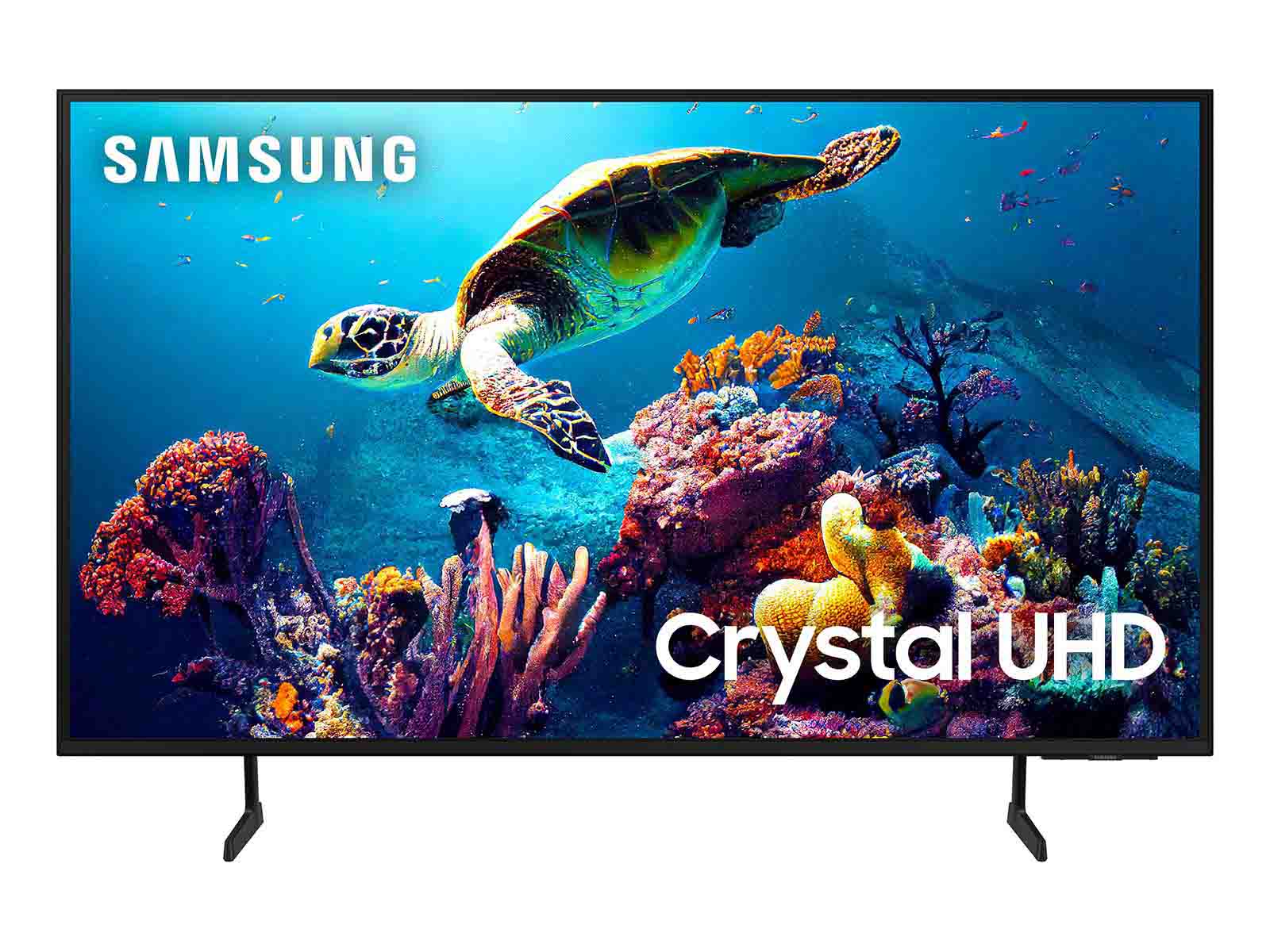

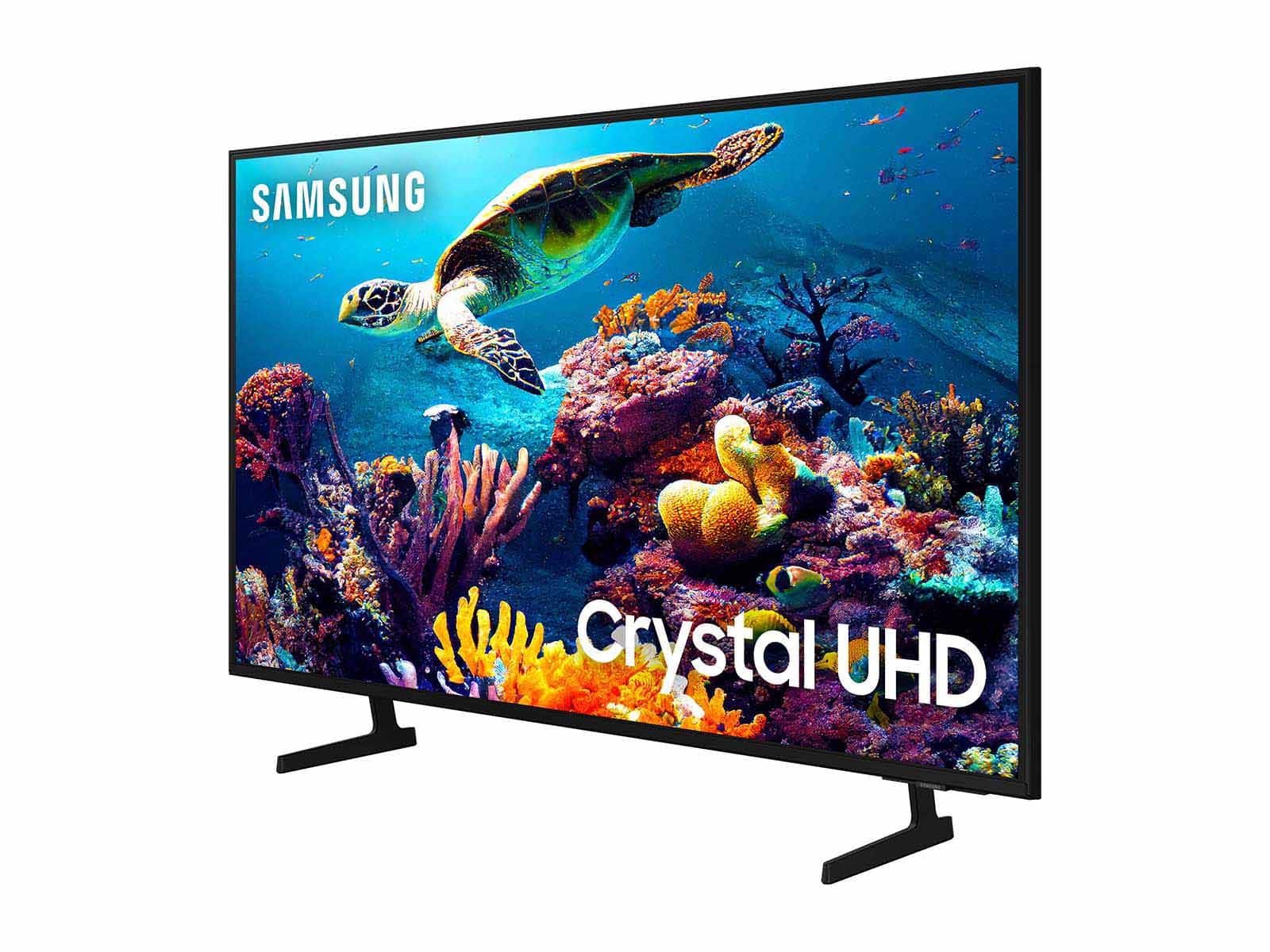
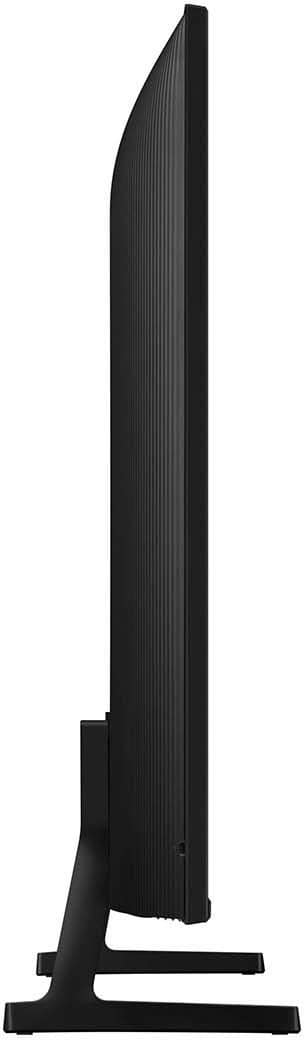

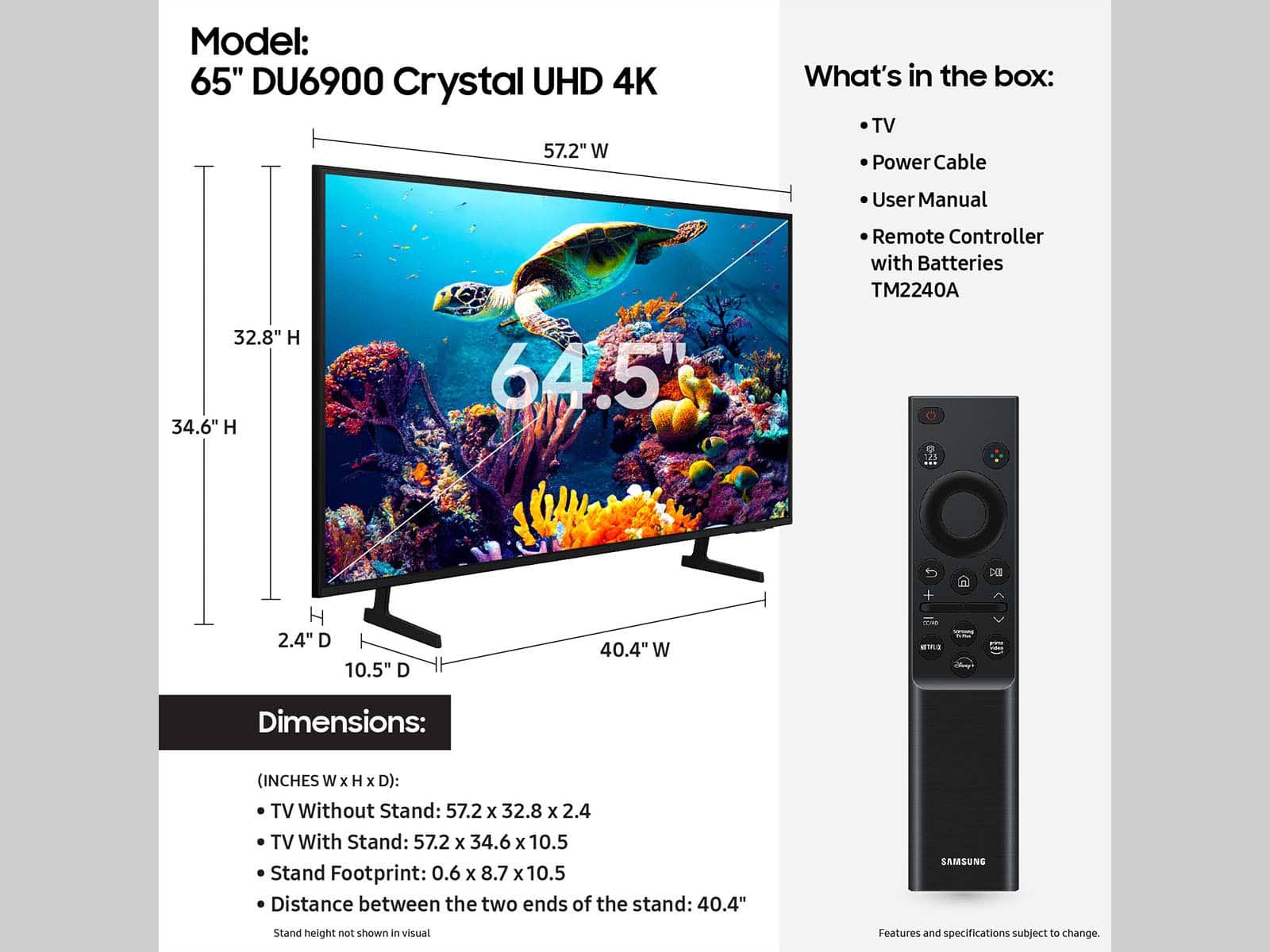







- Model:
- UN65DU6900FXZA
- SKU:
- 6612910
Rating by feature
- Picture Quality
Rating 4.8 out of 5 stars
- Sound Quality
Rating 4.6 out of 5 stars
- Brightness
Rating 4.8 out of 5 stars
to a friend
Customers are saying
Customers are satisfied with the excellent picture quality, ease of setup, nice size, light weight for its size, and sleek design of the 65” Class DU6900 Series Crystal UHD 4K Smart Tizen TV (2024). However, some customers have expressed concerns regarding the number of ports, connectivity issues, a slow user interface, and remote control problems. A few customers reported receiving the TV with physical damage.
This summary was generated by AI based on customer reviews.
Worst experience
||Posted . Owned for 1 year when reviewed.This reviewer received promo considerations or sweepstakes entry for writing a review.Just hit year with the tv, but already failed. The power button keeps flashing red, but the screen stays black
No, I would not recommend this to a friendDefective TV
||Posted . Owned for 6 months when reviewed.This reviewer received promo considerations or sweepstakes entry for writing a review.I buy this unit at Bestbuy, Lake Forest, Irvine, California. After lest than seven months the tv picture became blurred then the screen totally black out. I tried different outlet but the tv won't turn on. Don't waste your money with this unit. Called Samsung support.
No, I would not recommend this to a friendBrand response from Samsung
Posted .JhunD,
Samsung stands behind the quality and performance of our TVs with a limited 1-year manufacturer’s warranty when purchased brand-new from an authorized dealer. To schedule a warranty appointment, please call us at 1-800-SAMSUNG, available from 8 AM to 12 AM EST, seven days a week. You can also chat with us on Samsung.com for immediate assistance.
~Samsung Pro
Samsung TV
||Posted . Owned for 1 month when reviewed.This reviewer received promo considerations or sweepstakes entry for writing a review.Great, though pictures not clear and volume was not set properly. Have to set the volume up to 70 before you can hear clearly
No, I would not recommend this to a friendBrand response from Samsung
Posted .NkemA,
It’s unfortunate to hear you’re not fully satisfied with your DU6900 TV’s image and sound quality. Below are a few settings that I recommend adjusting:
Go to Home > Settings > All Settings > Picture > Picture Mode and select the mode that best fits your usage:
1) Standard: Default mode suitable for general viewing environments.
2) Natural: Reduces eye strain for a comfortable viewing experience.
3) Movie: Most suitable for watching TV or movies in a dark room.
4) Dynamic: Makes the picture brighter and clearer in bright viewing environments.
5) Filmmaker Mode: You can watch the source content (e.g., movie) as it is. If the image is defined as Filmmaker Mode, it will automatically switch to Filmmaker Mode while watching.
You can also go to Settings > All Settings> Picture > Expert Settings > to manually fine-tune your image.
There are several volume features you can adjust as well, which may improve your audio experience.
1) Auto Volume automatically adjusts the sound to a certain level when changing channels or switching to another external input. Go to Settings > All Settings> Sound > Expert Settings > Auto Volume.
2) Adaptive Sound automatically adjusts to a specific volume level while watching TV. The TV analyzes your volume usage history by time period to automatically adjust the volume when you use an app or switch to an external input source. Go to Settings> All Settings> Sound> Sound Mode> Adaptive Sound.
3) Several Sound Modes are likewise available to meet your personal preferences: Home > Settings > All Settings> Sound > Sound Mode.
Also, some sources have their own volume control, which might need to be set higher. Please check the volume control of the external device (cable box or satellite box, DVD, Blu-ray, etc.) connected to your TV. Also, check the cable connection between an external device and the TV and then try the cable connection again.
If you need more help, Samsung is here for you! Please call us at 1-800-SAMSUNG, 8 AM - 12 AM EST, seven days a week. Our LiveChat agents are also available by clicking on the ‘Support’ link on our website.
~ Samsung Pro
Disappointed
||Posted .This reviewer received promo considerations or sweepstakes entry for writing a review.Overall, a nice TV, but ours unfortunately started having problems and we are currently sending it back to Samsung
No, I would not recommend this to a friendBrand response from Samsung
Posted .Frownyface,
We appreciate you taking the time to let us know about your experience with your TV. So that we can better troubleshoot this issue and provide steps towards a solution, please contact Samsung Support at 1-800-SAMSUNG, 8AM - 12AM EST, 7 days a week. Or visit us on the Samsung website and click on the ‘Support’ link for:
• LiveChat
• Manuals, Software, & Warranty Info
~ Samsung Pro
Samsung 60 inch
||Posted . Owned for 2 months when reviewed.This reviewer received promo considerations or sweepstakes entry for writing a review.Havent e en had the tv for 60 days and already stopped working.
No, I would not recommend this to a friendBrand response from Samsung
Posted .GarnetH,
We appreciate you taking the time to let us know about your experience with your TV. So that we can better troubleshoot this issue and provide steps towards a solution, please contact Samsung Support at 1-800-SAMSUNG, 8AM - 12AM EST, 7 days a week. Or visit us on the Samsung website and click on the ‘Support’ link for:
• LiveChat
• Manuals, Software, & Warranty Info
~ Samsung Pro
worst regret was shopping with best buy
||Posted . Owned for 3 weeks when reviewed.This reviewer received promo considerations or sweepstakes entry for writing a review.the TV arrived shattered , received terrible service from Best buy when i contacted about it . It was a mistake to shop at best buy.
No, I would not recommend this to a friendBrand response from Samsung
Posted .KendrickM,
Please know you are leaving a review for the DU6900 TV, not the service provided by Best Buy. Please follow up directly with Best Buy for further assistance. We hope your issue is resolved in a timely manner. Should you have questions regarding Samsung TVs, please contact Samsung Support at 1-800-SAMSUNG, 8 AM – 12 AM EST, 7 days a week. Our LiveChat agents are also available by clicking on the ‘Support’ link on our website.
~Samsung Pro
Samsung UHD 65 inch
||Posted .This reviewer received promo considerations or sweepstakes entry for writing a review.Had to add Samsung surround sound in order to really hear the sound. Picture quality is not so clear
No, I would not recommend this to a friendBrand response from Samsung
Posted .user887812,
It’s unfortunate to hear you’re not fully satisfied with your DU6900 TV’s image quality. Below are a few settings that I recommend adjusting:
Go to Home > Settings > All Settings > Picture > Picture Mode and select the mode that best fits your usage:
1) Standard: Default mode suitable for general viewing environments.
2) Natural: Reduces eye strain for a comfortable viewing experience.
3) Movie: Most suitable for watching TV or movies in a dark room.
4) Dynamic: Makes the picture brighter and clearer in bright viewing environments.
5) Filmmaker Mode: You can watch the source content (e.g., movie) as it is. If the image is defined as Filmmaker Mode, it will automatically switch to Filmmaker Mode while watching.
You can also go to Settings > All Settings> Picture > Expert Settings > to manually fine-tune your image.
If you need more help, Samsung is here for you. Call us at 1-800-SAMSUNG, 8 AM - 12 AM EST, seven days a week. Our LiveChat agents are also available by clicking on the ‘Support’ link on our website.
~ Samsung Pro
Had for a month and already have dead pixel
||Posted . Owned for 1 month when reviewed.This reviewer received promo considerations or sweepstakes entry for writing a review.I have had my TV for one month, and it already has a dead pixel after using for 2 weeks. Would not recommend getting. Tried to get help at Best Buy, but I am outside of the 14 day window so now everything has to go through Samsung.
No, I would not recommend this to a friendBrand response from Samsung
Posted .KRISTENA,
We appreciate your feedback regarding the screen abnormalities you’re seeing on your DU6900 TV. Please run a Picture Test to determine if the problem is caused by the TV. Picture Test displays a high-definition picture you can examine for flaws or faults. Go to Settings > Support > Device Care > Self Diagnosis > Picture Test.
If this occurs on all sources and the picture test, this may require service. For help with setting up a service appointment, please contact Samsung Support at 1-800-SAMSUNG, 8 AM - 12 AM EST, seven days a week. Our LiveChat agents are also available by clicking on the ‘Support’ link on our website.
~Samsung Pro
Meh… Cheap 4k 65” looked cheap
||Posted . Owned for 2 weeks when reviewed.This reviewer received promo considerations or sweepstakes entry for writing a review.TV worked as advertised. I didn’t like the color, dynamic range or speakers so I returned it.
No, I would not recommend this to a friendBrand response from Samsung
Posted .Xzek,
I’m sorry to hear about the issues you’ve experienced with Samsung’s DU6900 TV. Your feedback is important to us and will be shared with our product teams.
Should you ever decide to give Samsung TVs another try and have questions or need help with settings, setup, or features, we would be happy to help. Call us at 1-800-SAMSUNG, 8 AM – 12 AM EST, seven days a week. LiveChat with an agent, as well as manuals, software, and warranty info, can be found at the ‘Support’ link on our Samsung website.
We hope to regain you as a customer in the future.
~ Samsung Pro
Faulty tv
||Posted . Owned for 3 weeks when reviewed.This reviewer received promo considerations or sweepstakes entry for writing a review.Tv worked for a week and now is an expensive paper weight
No, I would not recommend this to a friendBrand response from Samsung
Posted .GraL,
Thank you for taking the time to provide feedback on your DU6900 TV. Please know that your feedback will be shared with our internal product teams. We take pride in our products and are sorry to hear that your experience was not up to our high standards.
Samsung is committed to providing the best possible product experience, quality, and value. We back this Samsung TV with a 1-year limited manufacturer's warranty, including authorized repair for manufacturer defect, if purchased brand-new directly from an authorized seller. You can see the full details of your warranty on Samsung's website. Go to Support (upper right corner) and select Warranty information. This will allow you to search for your product and view the full details of the included warranty.
Please give us the chance to make this right by contacting Samsung Customer Support at 1-800-SAMSUNG, 8 AM - 12 AM EST, seven days a week. Our LiveChat agents are also available by clicking on the ‘Support’ link on our website.
~Samsung Pro
Disapointment
||Posted .This reviewer received promo considerations or sweepstakes entry for writing a review.Samsung online interface and samsung tv service are terrible.
No, I would not recommend this to a friendBrand response from Samsung
Posted .AlC1,
We appreciate you sharing your user experience. To assist in learning the various functions, please know you can download the TV's User Manual, e-Manual, Remote Control Leaflet, and Quick Setup Guide on Samsung's website under Support > Manuals & Software > TVs & Home Theater. You can search for and select the DU6900 TV to download the guides you would like.
The e-Manual and Remote Guide are both also embedded into your TV itself under Menu > Settings > Support > Open e-Manual.
If you need more help, Samsung is here for you. Please call us at 1-800-SAMSUNG, 8AM - 12AM EST, 7 days a week. Our LiveChat agents are also available by clicking on the ‘Support’ link on our website.
~ Samsung Pro
Tv bad
||Posted .This reviewer received promo considerations or sweepstakes entry for writing a review.This is stop working after 6 months tbh buy other brand
No, I would not recommend this to a friendSamsung remote.
||Posted . Owned for 1 week when reviewed.This reviewer received promo considerations or sweepstakes entry for writing a review.I bought this 65 in Samsung tv. The TV is a smart tv that comes with a dumb remote. The remote can not hold TV so you can go to do something else, not possible to advance rapidly.
No, I would not recommend this to a friendBrand response from Samsung
Posted .Rybs,
We appreciate you taking the time to let us know about your experience with your TV. So that we can better troubleshoot this issue and provide steps towards a solution, please contact Samsung Support at 1-800-SAMSUNG, 8AM - 12AM EST, 7 days a week. Or visit us on the Samsung website and click on the ‘Support’ link for:
• LiveChat
• Manuals, Software, & Warranty Info
~ Samsung Pro
65 inch television
||Posted . Owned for 1 month when reviewed.This reviewer received promo considerations or sweepstakes entry for writing a review.Stop working after 3 weeks, bought a warranty but haven’t been able to get in touch with anyone, the automated system doesn’t understand my issue
No, I would not recommend this to a friendBrand response from Samsung
Posted .Deegirl11,
Thank you for taking the time to provide feedback on your DU6900 TV. Please know that your feedback will be shared with our internal product teams. We take pride in our products and are sorry to hear that your experience was not up to our high standards.
Please know that we back this Samsung TV with a 1-year limited manufacturer's warranty, including authorized repair for manufacturer defect, if purchased brand-new directly from an authorized seller.
Please know we are available and happy to assist you with further troubleshooting or to set up a warranty appointment. You can contact Samsung Customer Support at 1-800-SAMSUNG, 8 AM - 12 AM EST, seven days a week. Our LiveChat agents are also available by clicking on the ‘Support’ link on our website.
~Samsung Pro
No good
||Posted . Owned for 2 weeks when reviewed.This reviewer received promo considerations or sweepstakes entry for writing a review.This was the biggest let down at Best Buy the tv came out damaged and the northridge location made it so difficult. The geek squad manager had no customer service. I would not recommend this location
No, I would not recommend this to a friendBrand response from Samsung
Posted .EdwinE,
Please know you are leaving a review for the DU6900 TV, not the service provided by Best Buy. Please follow up directly with Best Buy for further assistance. We hope your issue is resolved in a timely manner. Should you have questions regarding Samsung TVs, please contact Samsung Support at 1-800-SAMSUNG, 8 AM – 12 AM EST, 7 days a week. Our LiveChat agents are also available by clicking on the ‘Support’ link on our website.
~Samsung Pro
Crystal TVs suck
||Posted .This reviewer received promo considerations or sweepstakes entry for writing a review.After about 2 weeks the screen went out and Best Buy had us go thru Samsung for warranty and now they are giving us the run around. So, now we're stuck with a TV that doesnt work.
No, I would not recommend this to a friendBrand response from Samsung
Posted .DianaM,
I’m sorry to hear about the issues you’ve experienced with Samsung’s DU6900 TV. Your feedback is important to us and will be shared with our product teams.
Samsung is committed to providing the best possible product experience, quality, and value. We back this Samsung TV with a 1-year limited manufacturer's warranty, including authorized repair for manufacturer defect, if purchased brand-new directly from an authorized seller. You can see the full details of your warranty on Samsung's website. Go to Support (upper right corner) and select Warranty information. This will allow you to search for your product and view the full details of the included warranty.
Please give us the chance to make this right by contacting Samsung Customer Support at 1-800-SAMSUNG, 8 AM - 12 AM EST, seven days a week. Our LiveChat agents are also available by clicking on the ‘Support’ link on our website.
~Samsung Pro
Still no TV
||Posted . Owned for 3 weeks when reviewed.This reviewer received promo considerations or sweepstakes entry for writing a review.I HAVE TRAVELED FROM PA TO NY 3 TIMES AND STILL NO DELIVERY. I NEED TO BE COMPENSATED FOR MY TOLLS AND GAS ⛽️ FOR NOT SHOWING UP
I would recommend this to a friendBrand response from Samsung
Posted .KPRockwell,
We appreciate you sharing your experience. Please follow up directly with Best Buy for assistance in correcting this situation. We hope your issue is resolved in a timely manner.
Should you have questions regarding the usage or setup of your TV once your issue has been resolved, please contact Samsung Support at 1-800-SAMSUNG, 8AM - 12AM EST, 7 days a week. Our LiveChat agents are also available by clicking on the ‘Support’ link on our website.
~ Samsung Pro
Horrible service
||Posted .This reviewer received promo considerations or sweepstakes entry for writing a review.Not sure how the tv works till after I purchased another similar away from best buy. The experience I has was horrible and the supervisor was abysmal. Had to go twice just for a refund.
No, I would not recommend this to a friendBrand response from Samsung
Posted .Tito,
Please know you are leaving a review for the DU6900 TV, not the service provided by Best Buy. Please follow up directly with Best Buy for further assistance. We hope your issue is resolved in a timely manner. Should you have questions regarding Samsung TVs, please contact Samsung Support at 1-800-SAMSUNG, 8 AM – 12 AM EST, 7 days a week. Our LiveChat agents are also available by clicking on the ‘Support’ link on our website.
~Samsung Pro
Not enough ports
||Posted .This reviewer received promo considerations or sweepstakes entry for writing a review.Wasn't what I need as far as ports on the back of tv
No, I would not recommend this to a friendBrand response from Samsung
Posted .PamelaP,
Thanks for sharing your thoughts. If there's anything we can do to improve your experience, please reach Samsung Support at 1-800-SAMSUNG, 8AM - 12AM EST, 7 days a week. Or visit us on the Samsung website and click on the ‘Support’ link for:
• LiveChat
• Manuals, Software, & Warranty Info
~ Samsung Pro
would not buy again
||Posted .This reviewer received promo considerations or sweepstakes entry for writing a review.finding this tv hard to navagate. in trying to get local news it sends me news from Michigan and other states but not Ohio
No, I would not recommend this to a friendBrand response from Samsung
Posted .GRANDMAC,
We appreciate you sharing your user experience. To assist in learning the various functions, please know you can download the DU6900 TV's User Manual, e-Manual, Remote Control Leaflet, and Quick Setup Guide on Samsung's website under Support > Manuals & Software > TVs & Home Theater. You can search for and select the DU6900 TV to download the guides you would like.
The e-Manual and Remote Guide are both also embedded into your TV itself under Menu > Settings > Support > Open e-Manual.
If you need more help, Samsung is here for you. Please call us at 1-800-SAMSUNG, 8AM - 12AM EST, 7 days a week. Our LiveChat agents are also available by clicking on the ‘Support’ link on our website.
~ Samsung Pro