Customer Ratings & Reviews
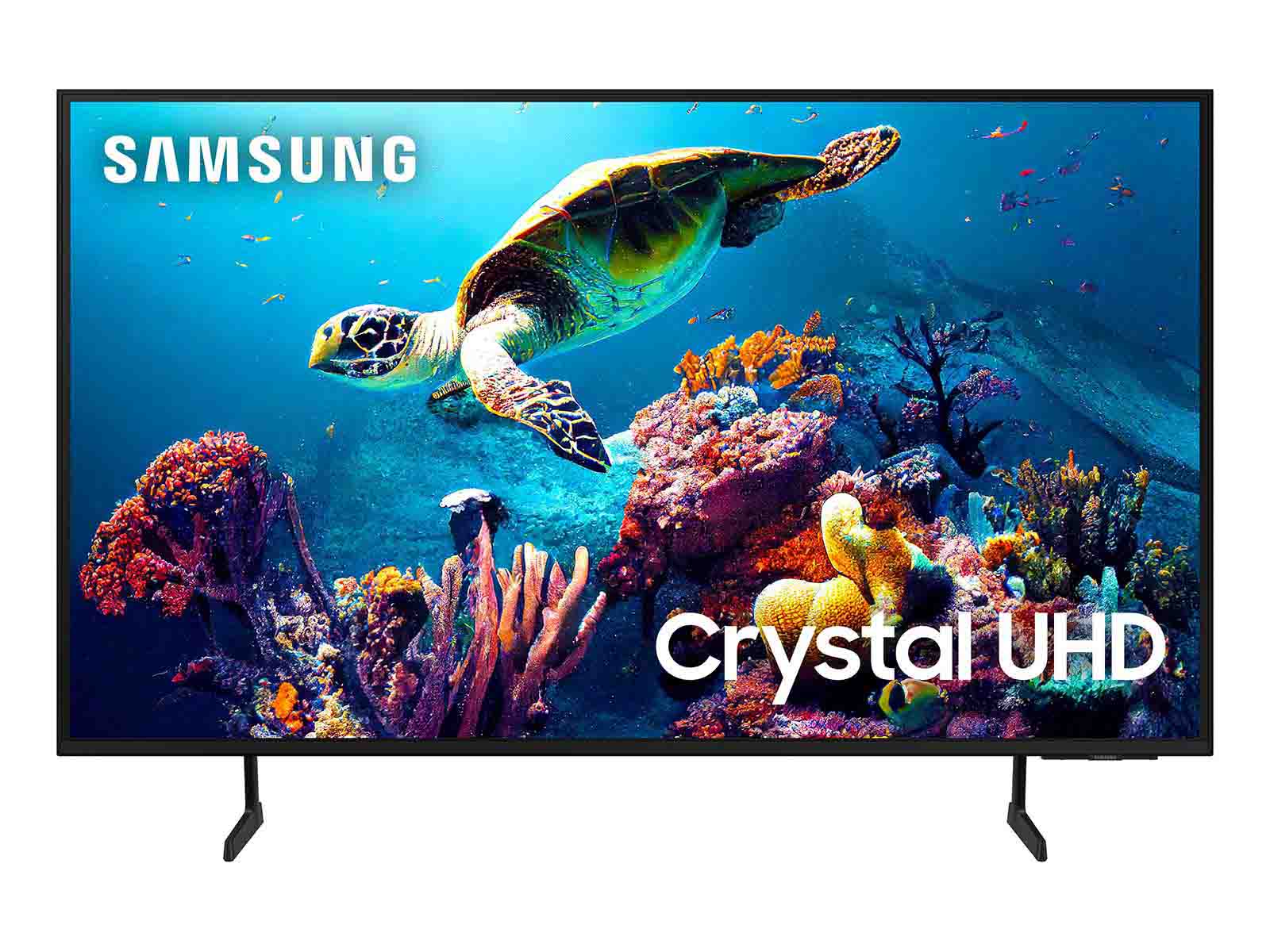

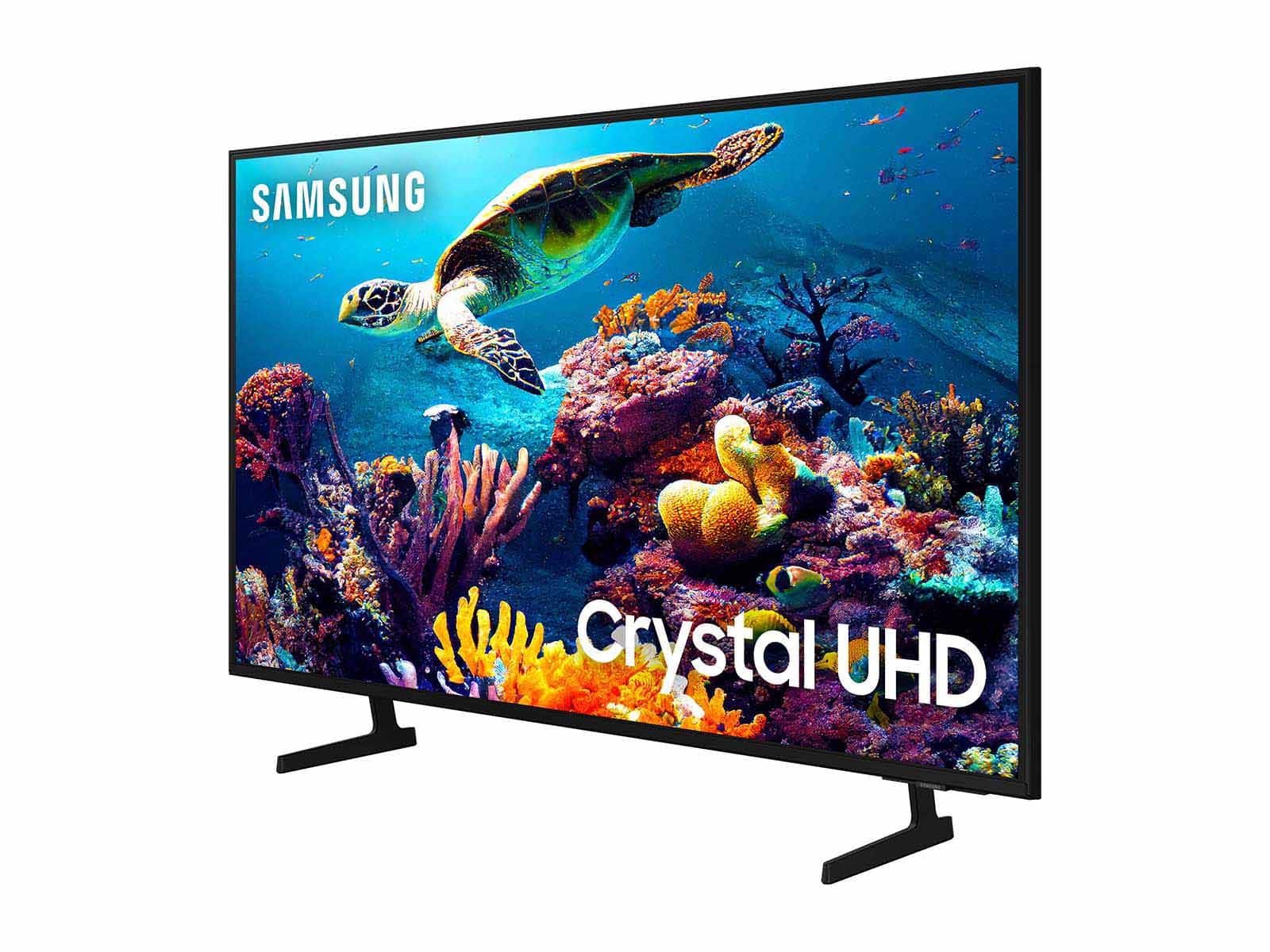
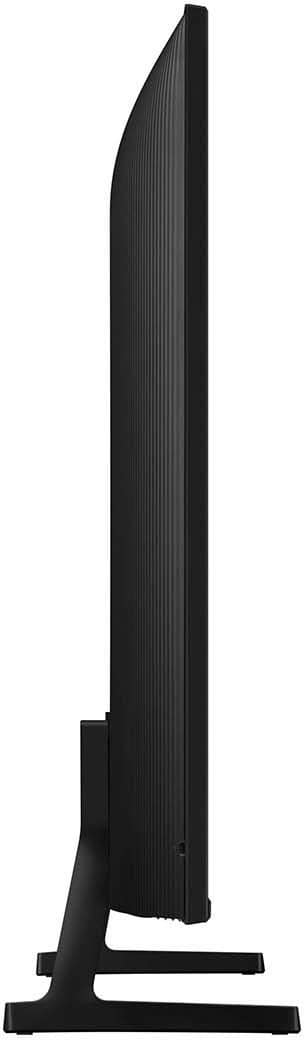

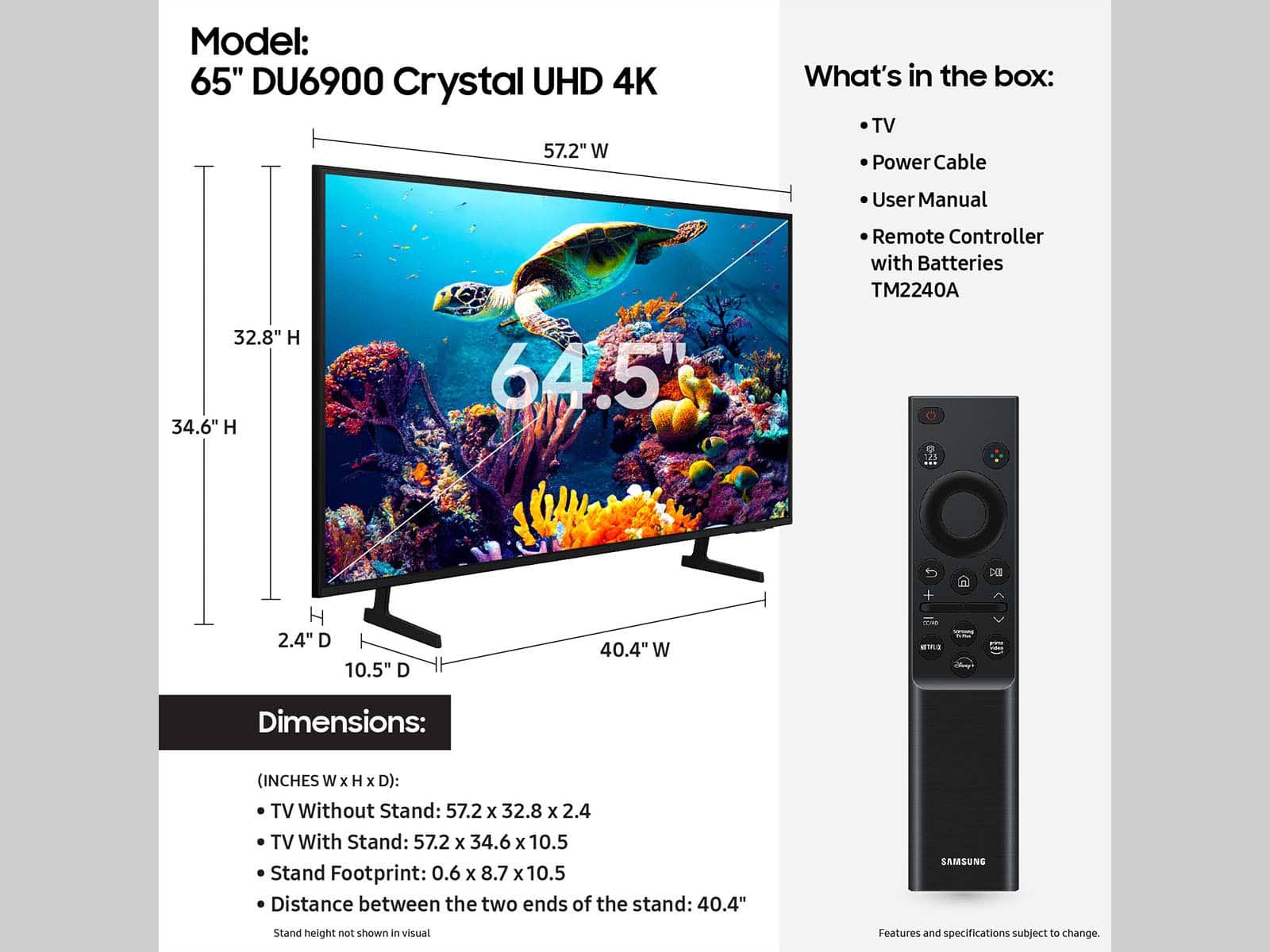







- Model:
- UN65DU6900FXZA
- SKU:
- 6612910
Rating by feature
- Picture Quality
Rating 4.8 out of 5 stars
- Sound Quality
Rating 4.6 out of 5 stars
- Brightness
Rating 4.8 out of 5 stars
to a friend
Customers are saying
Customers are satisfied with the excellent picture quality, ease of setup, nice size, light weight for its size, and sleek design of the 65” Class DU6900 Series Crystal UHD 4K Smart Tizen TV (2024). However, some customers have expressed concerns regarding the number of ports, connectivity issues, a slow user interface, and remote control problems. A few customers reported receiving the TV with physical damage.
This summary was generated by AI based on customer reviews.
Samsung products
Posted .This reviewer received promo considerations or sweepstakes entry for writing a review.Good deal on a 65in samsung tv.clear as day tv love it.wish i could hv a bigger tv tho.i would buy again if i had too.
I would recommend this to a friendElena
Posted .This reviewer received promo considerations or sweepstakes entry for writing a review.The best option and at a great price. My family and I are very happy with this purchase.
I would recommend this to a friend2 is better than one
Posted .This reviewer received promo considerations or sweepstakes entry for writing a review.My husband loves his new smart tv. He ended up wining his first one and bought this one.
I would recommend this to a friendSamsung TV
Posted .This reviewer received promo considerations or sweepstakes entry for writing a review.Best tv purchase in a long time the size and clarity is awesome and the sound is amazing I also like the Samsung tv app which add value to the functionality
I would recommend this to a friendThe TV has beautiful colors and it works great
Posted .This reviewer received promo considerations or sweepstakes entry for writing a review.The TV has beautiful colors and it works great and easy to control
I would recommend this to a friendN/A
Posted .This reviewer received promo considerations or sweepstakes entry for writing a review.I liked this purchase because it's a Samsung and all of my devices are Samsung( easy to sync). Great picture quality and sound.
I would recommend this to a friendSelf_Made
Posted .This reviewer received promo considerations or sweepstakes entry for writing a review.Love a nice picture on a screen its clear and sounds is good.
I would recommend this to a friendHighly recommend
Posted .This reviewer received promo considerations or sweepstakes entry for writing a review.Love it...great picture and sound at an affordable price.
I would recommend this to a friendAwesome tv
Posted .This reviewer received promo considerations or sweepstakes entry for writing a review.Great tv would recommend to anyone especially for the price
I would recommend this to a friendSamsung tv
Posted .This reviewer received promo considerations or sweepstakes entry for writing a review.Best value for the money I would buy it againclear picture
I would recommend this to a friendBest TV on the Market
Posted .This reviewer received promo considerations or sweepstakes entry for writing a review.We just replaced a 55" Samsung. Very easy to hook up, the picture is amazing and the price was unbelievable. Thank you Samsung!
I would recommend this to a friendIt was cheap, what can you expect. 6/10
Posted .This reviewer received promo considerations or sweepstakes entry for writing a review.It works fine, the OS is laggy and not very easy to navigate. I have had to factory reset once to eliminate some pixel lines that appeared after 2 weeks of use. It looks better now. The stand feet are well designed. I wish the remote was rechargable. There are not enough HDMI inputs, and there is no 3.5 aux plug. Bluetooth audio is expected, the tv speakers are not great.
No, I would not recommend this to a friendBrand response from Samsung
Posted .us444444444,
Thanks for sharing your thoughts. If there's anything we can do to improve your experience, please reach Samsung Support at 1-800-SAMSUNG, 8AM - 12AM EST, 7 days a week. Or visit us on the Samsung website and click on the ‘Support’ link for:
• LiveChat
• Manuals, Software, & Warranty Info
~ Samsung Pro
The best TV I ever purchased
Posted .This reviewer received promo considerations or sweepstakes entry for writing a review.This TV is awesome. It comes smart TV ready full of apps and show a awesome crystal clear picture
I would recommend this to a friendTelevision
Posted .This reviewer received promo considerations or sweepstakes entry for writing a review.The television is great!! I felt like I was overcharged by the Geek squad because they didn't have the correct tool. I was charged two separate fees. Basically costing just as much as the TV.
I would recommend this to a friendGreat Value; Great View.
Posted .This reviewer received promo considerations or sweepstakes entry for writing a review.Great tv for a very economical price. Bought this for my older sister; she is really enjoying it.
I would recommend this to a friendExcellent sound and image
Posted .This reviewer received promo considerations or sweepstakes entry for writing a review.The image quality is excellent and very easy to install.
I would recommend this to a friendBest
Posted .This reviewer received promo considerations or sweepstakes entry for writing a review.Really good. I really like the services. They delivered on time and v carefully
I would recommend this to a friendValue for money and quality is awesome
Posted .This reviewer received promo considerations or sweepstakes entry for writing a review.I am using one TV. Bought another just because quality is awesom.
I would recommend this to a friendTv
Posted .This reviewer received promo considerations or sweepstakes entry for writing a review.The best tv for an absolute steal of a price! And the quality is beyond me!
I would recommend this to a friendLoving It
Posted .This reviewer received promo considerations or sweepstakes entry for writing a review.Excellent addition to my living room it just make my home feel Complete
I would recommend this to a friend