Customer Ratings & Reviews
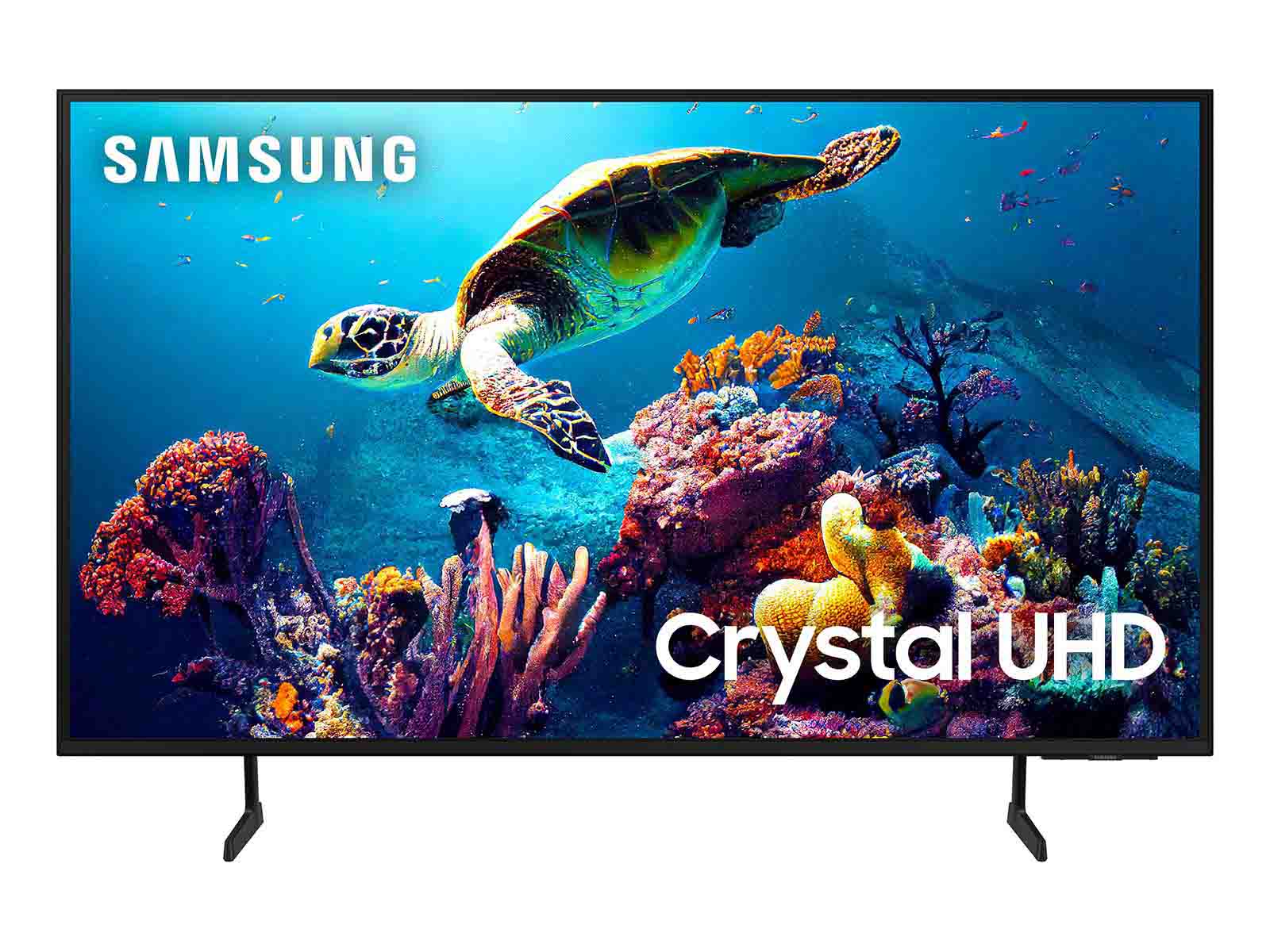

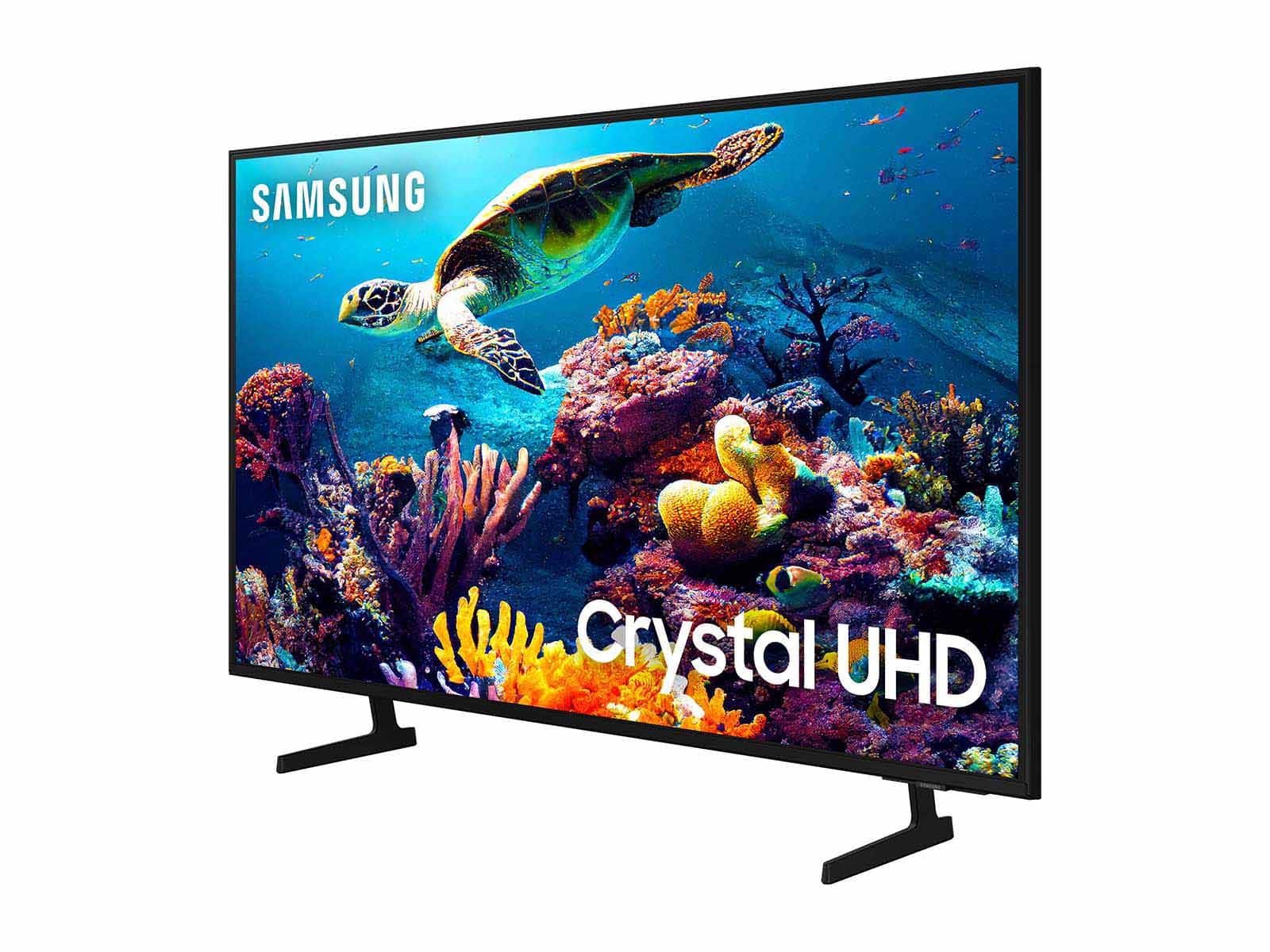
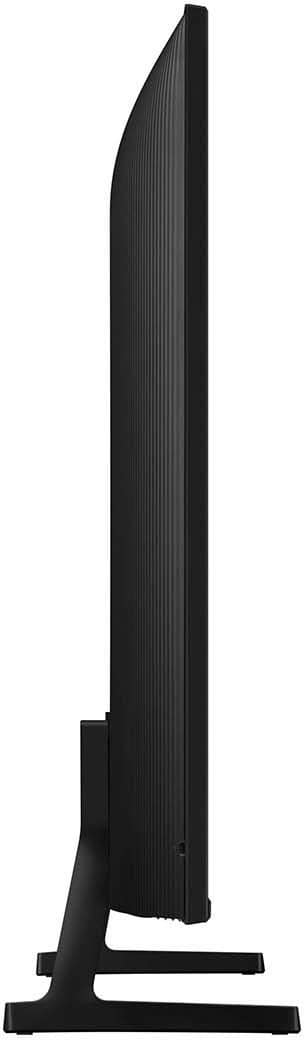

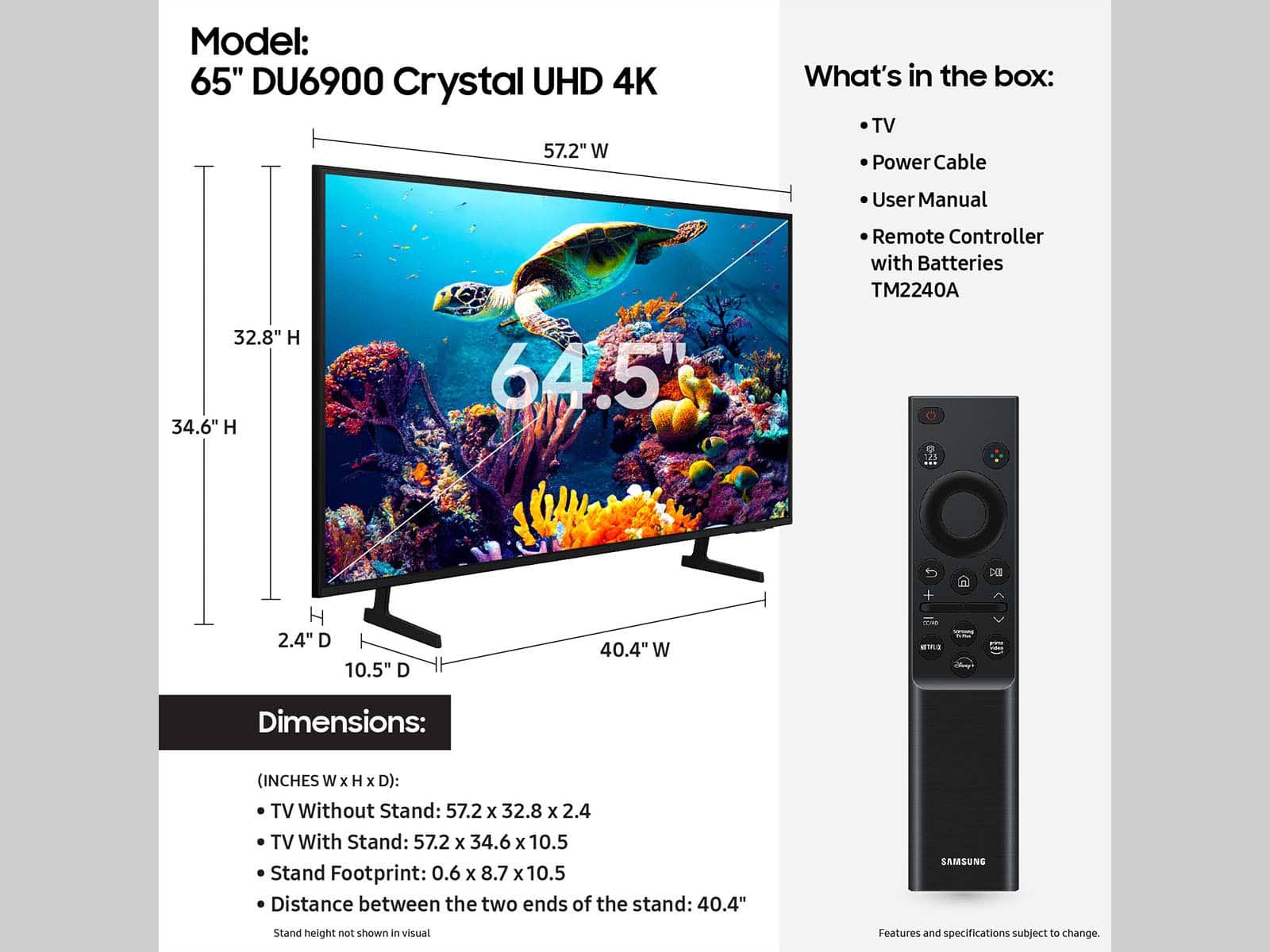







- Model:
- UN65DU6900FXZA
- SKU:
- 6612910
Rating by feature
- Picture Quality
Rating 4.8 out of 5 stars
- Sound Quality
Rating 4.6 out of 5 stars
- Brightness
Rating 4.8 out of 5 stars
to a friend
Customers are saying
Customers are satisfied with the excellent picture quality, ease of setup, nice size, light weight for its size, and sleek design of the 65” Class DU6900 Series Crystal UHD 4K Smart Tizen TV (2024). However, some customers have expressed concerns regarding the number of ports, connectivity issues, a slow user interface, and remote control problems. A few customers reported receiving the TV with physical damage.
This summary was generated by AI based on customer reviews.
!!!
Posted .This reviewer received promo considerations or sweepstakes entry for writing a review.Vibrant picture, decent sound, and internet interface works great!
I would recommend this to a friendNana
Posted .This reviewer received promo considerations or sweepstakes entry for writing a review.Great TV, and great price. I can finally see the puck during my grandson’s hockey games!
I would recommend this to a friendSamsung TV
Posted .This reviewer received promo considerations or sweepstakes entry for writing a review.Product came quickly and as described. Would recommend to others.
I would recommend this to a friendBest purchase!
Posted .This reviewer received promo considerations or sweepstakes entry for writing a review.Love my TV! Picture and sound quality is great easy to set up.
I would recommend this to a friendSize+picture+price=great value
Posted .This reviewer received promo considerations or sweepstakes entry for writing a review.Great Unit for the price! It has a super clear picture!
I would recommend this to a friend65 inch TV Samsung Review
Posted .This reviewer received promo considerations or sweepstakes entry for writing a review.Great buy Great picture showing clor super Images very clear
I would recommend this to a friendSamsung 65”
Posted .This reviewer received promo considerations or sweepstakes entry for writing a review.Overall picture quality is excellent and have had no issues
I would recommend this to a friendTv
Posted .This reviewer received promo considerations or sweepstakes entry for writing a review.Great tv for the price highly recommend it to everyone
I would recommend this to a friendTelevision
Posted .This reviewer received promo considerations or sweepstakes entry for writing a review.The product is great. It’s very clear and we enjoy it. The only reason this review won’t be 5 stars is because the people delivering the TV was less than satisfactory. They arrived and I spoke to both individuals but only one spoke back, the other looked at me as if he had an issue with me. Then as they went to bring the TV upstairs I politely asked if it was okay to remove their shoes before walking on the carpet (we just moved in the day before and politely asked every delivery person and they removed their shoes). One of them removed his shoes but the other did not (the same one that didn’t speak). Then after they left I opened the TV box and the TV was broken….
I would recommend this to a friendBrand response from Samsung
Posted .Tony,
It’s unfortunate to hear the delivery of your DU6900 TV was less than adequate. We recommend you contact Best Buy directly for assistance. We hope your issue is resolved quickly. Should you have questions on setup, features or operation, Samsung is ready to help. You can reach us at 1-800-SAMSUNG, 8AM - 12AM EST, 7 days a week. Our LiveChat agents are also available by clicking on the ‘Support’ link on our website.
~ Samsung Pro
Love my TV
Posted .This reviewer received promo considerations or sweepstakes entry for writing a review.Was a little upset that it was not a cord in the box but overall amazing experience.
I would recommend this to a friendHighly Recommended TV!
Posted .This reviewer received promo considerations or sweepstakes entry for writing a review.Excellent TV with affordable price. The delivery was pretty fast.
I would recommend this to a friendBare minimum in a crappy tv
Posted .This reviewer received promo considerations or sweepstakes entry for writing a review.Only 2 hdmi ports. No aux port. Says crystal clear uhd yet my 8 year old tcl’s picture quality is better. This is just a crappy tv for crappy price. Oh and tizen sucks! What was wrong with the old samsung style? Cant even adjust what audio output to use without completely exiting the app. Like your tvs work great before so why make them crappy now? If i knew all this before making the purchase, i would have bought an lg.
No, I would not recommend this to a friendBrand response from Samsung
Posted .Nfisher1992,
It’s unfortunate to hear you’re not fully satisfied with your DU6900 TV. Below are a few settings that I recommend adjusting to adjust the image:
Go to Home > Settings > All Settings > Picture > Picture Mode and select the mode that best fits your usage:
1) Standard: Default mode suitable for general viewing environments.
2) Natural: Reduces eye strain for a comfortable viewing experience.
3) Movie: Most suitable for watching TV or movies in a dark room.
4) Dynamic: Makes the picture brighter and clearer in bright viewing environments.
5) Filmmaker Mode: You can watch the source content (e.g., movie) as it is. If the image is defined as Filmmaker Mode, it will automatically switch to Filmmaker Mode while watching.
You can also go to Settings > All Settings> Picture > Expert Settings > to manually fine-tune your image.
We also appreciate your feedback regarding our Tizen operating system. Please know that your feedback will be shared with our internal product teams. We take pride in our products and are sorry to hear that your experience was not up to our high standards.
If there’s anything we can ever help with, please call us at 1-800-SAMSUNG, 8 AM - 12 AM EST, seven days a week. Or visit us on the Samsung website and click on the ‘Support’ link for:
1) LiveChat
2) Manuals, Software, & Warranty Info
~ Samsung Pro
easy peasy
Posted .This reviewer received promo considerations or sweepstakes entry for writing a review.bought online and picked up 1/2 later at store, very easy and at a great price
I would recommend this to a friendBest tv
Posted .This reviewer received promo considerations or sweepstakes entry for writing a review.I loved the tv. It’s great quality and easy to search for resources.
I would recommend this to a friendGreat price .
Posted .This reviewer received promo considerations or sweepstakes entry for writing a review.Overall for the price is a great TV. Just really wished it louder ! 100% not loud enough
I would recommend this to a friendBrand response from Samsung
Posted .Great,
Thank you for sharing your experience with low volume. There are several volume features you can adjust, which may improve your audio experience.
1) Auto Volume automatically adjusts the sound to a certain level when changing channels or switching to another external input. Go to Settings > All Settings> Sound > Expert Settings > Auto Volume.
2) Adaptive Sound automatically adjusts to a specific volume level while watching TV. The TV analyzes your volume usage history by time period to automatically adjust the volume when you use an app or switch to an external input source. Go to Settings> All Settings> Sound> Sound Mode> Adaptive Sound.
3) Several Sound Modes are likewise available to meet your personal preferences: Home > Settings > All Settings> Sound > Sound Mode.
Also, some sources have their own volume control, which might need to be set higher. Please check the volume control of the external device (cable box or satellite box, DVD, Blu-ray, etc.) connected to your TV. Also, check the cable connection between an external device and the TV and then try the cable connection again.
If you need further assistance, we would be happy to help! Please feel free to contact Samsung Support at 1-800-SAMSUNG, available from 8 AM to 12 AM EST, seven days a week. You can also chat with us on Samsung.com for immediate assistance.
~Samsung Pro
Waste of time and money
Posted .This reviewer received promo considerations or sweepstakes entry for writing a review.I just want to watch tv but now I have to wait 2 weeks for them to verify my phone number so I can create an account because you can’t use the tv without one. Any brand other than Samsung is the way to go!!!
No, I would not recommend this to a friendBrand response from Samsung
Posted .WilliamW,
Thanks for sharing your thoughts. If there's anything we can do to improve your experience, please reach Samsung Support at 1-800-SAMSUNG, 8AM - 12AM EST, 7 days a week. Or visit us on the Samsung website and click on the ‘Support’ link for:
• LiveChat
• Manuals, Software, & Warranty Info
~ Samsung Pro
Terrible TV
Posted .This reviewer received promo considerations or sweepstakes entry for writing a review.Terrible decision to buy don’t make the same mistake I did the screen is blurry
No, I would not recommend this to a friendBrand response from Samsung
Posted .DariusS,
We appreciate you sharing your experience with the DU6900 TV. Your feedback regarding image quality is essential to us and will be shared with our internal teams. Please try adjusting the below image settings to improve your picture.
Go to Home > Settings > All Settings > Picture > Picture Mode and select the mode that best fits your usage:
1) Standard: Default mode suitable for general viewing environments.
2) Natural: Reduces eye strain for a comfortable viewing experience.
3) Movie: Most suitable for watching TV or movies in a dark room.
4) Dynamic: Makes the picture brighter and clearer in bright viewing environments.
5) Filmmaker Mode: You can watch the source content (e.g., movie) as it is. If the image is defined as Filmmaker Mode, it will automatically switch to Filmmaker Mode while watching.
You can also go to Settings > All Settings> Picture > Expert Settings > to manually fine-tune your image.
If you need more help, Samsung is here for you. Call us at 1-800-SAMSUNG, 8 AM - 12 AM EST, seven days a week. Our LiveChat agents are also available by clicking on the ‘Support’ link on our website.
~ Samsung Pro
Worst appliance store in the entire WORLD
Posted .This reviewer received promo considerations or sweepstakes entry for writing a review.High way robbery all refurbished products and customer services sucks all trained staff and employees are liars
No, I would not recommend this to a friendBrand response from Samsung
Posted .Afroamerican,
Please know you are leaving a review for the DU6900 TV, not the service provided by Best Buy. Please follow up directly with Best Buy for further assistance. We hope your issue is resolved in a timely manner. Should you have questions regarding Samsung TVs, please contact Samsung Support at 1-800-SAMSUNG, 8 AM – 12 AM EST, 7 days a week. Our LiveChat agents are also available by clicking on the ‘Support’ link on our website.
~Samsung Pro