Customer Ratings & Reviews






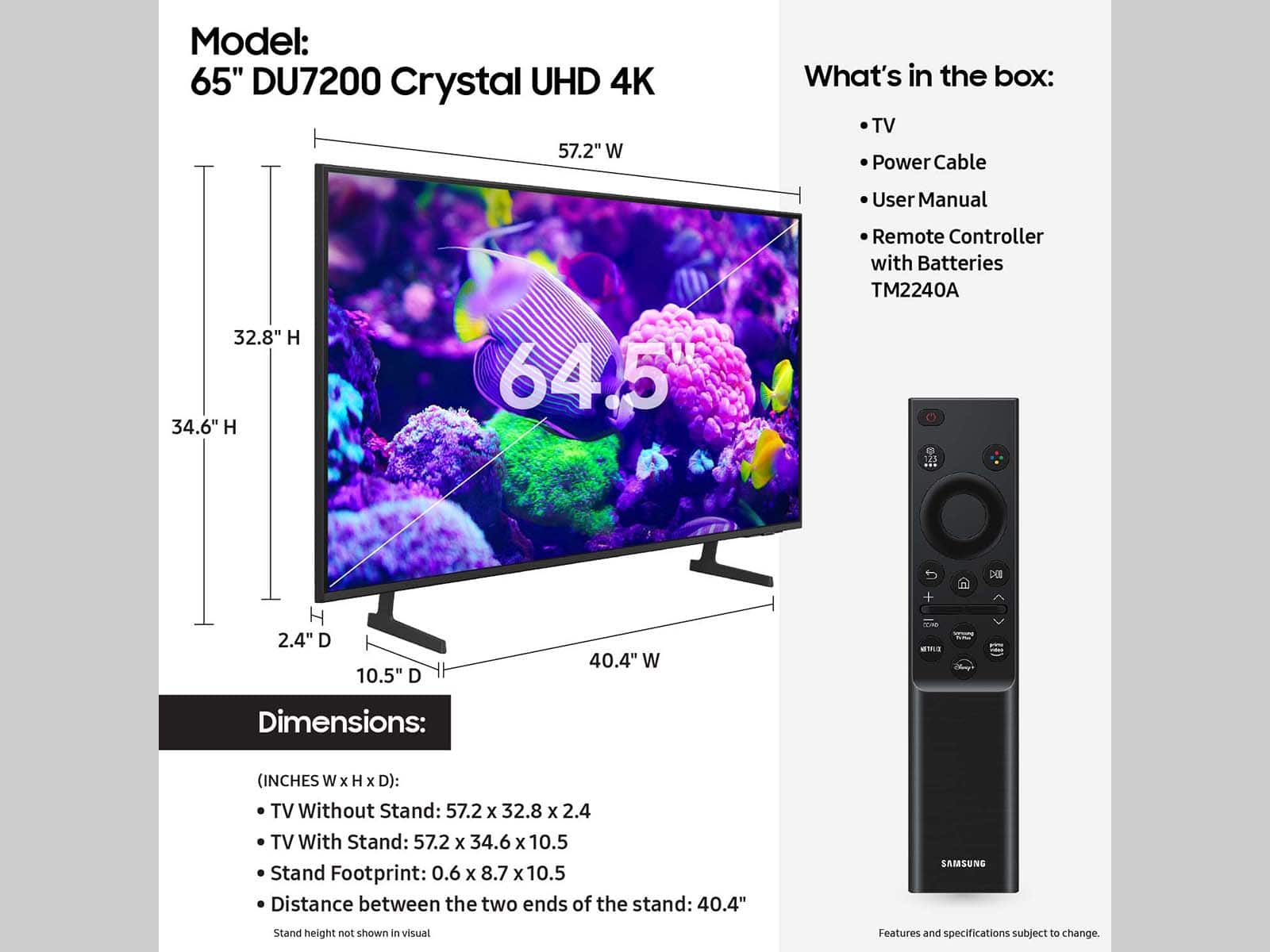
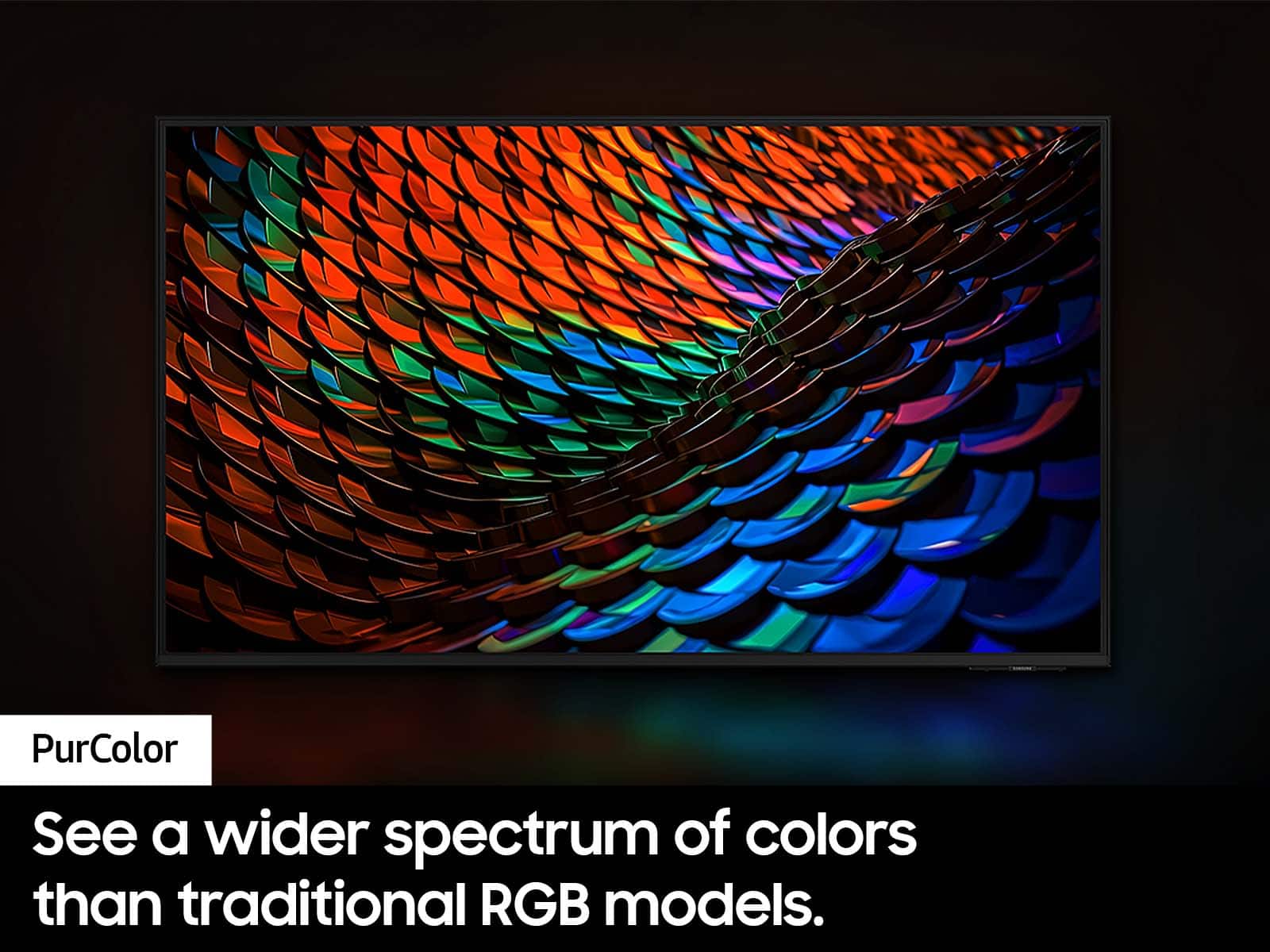
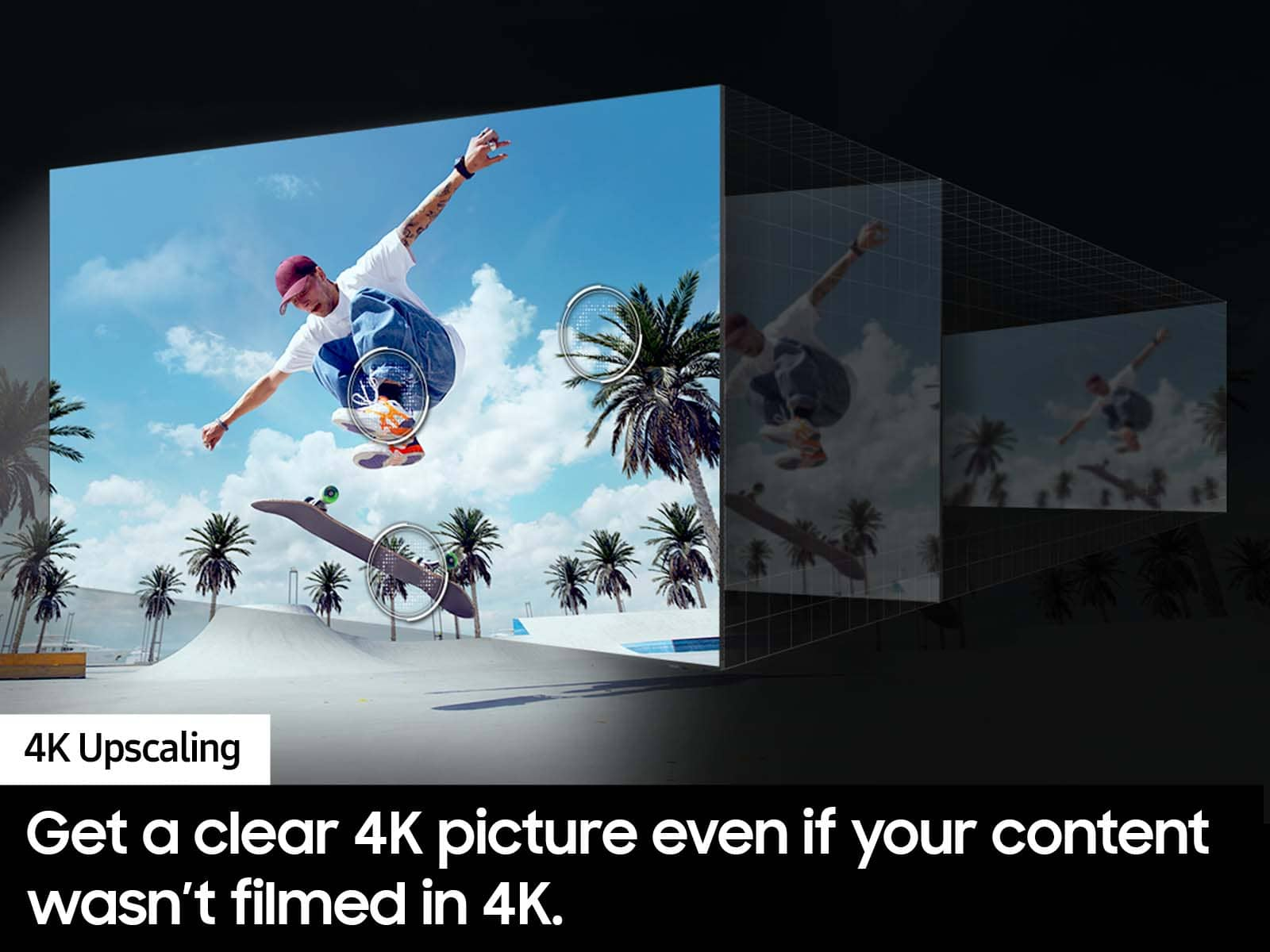


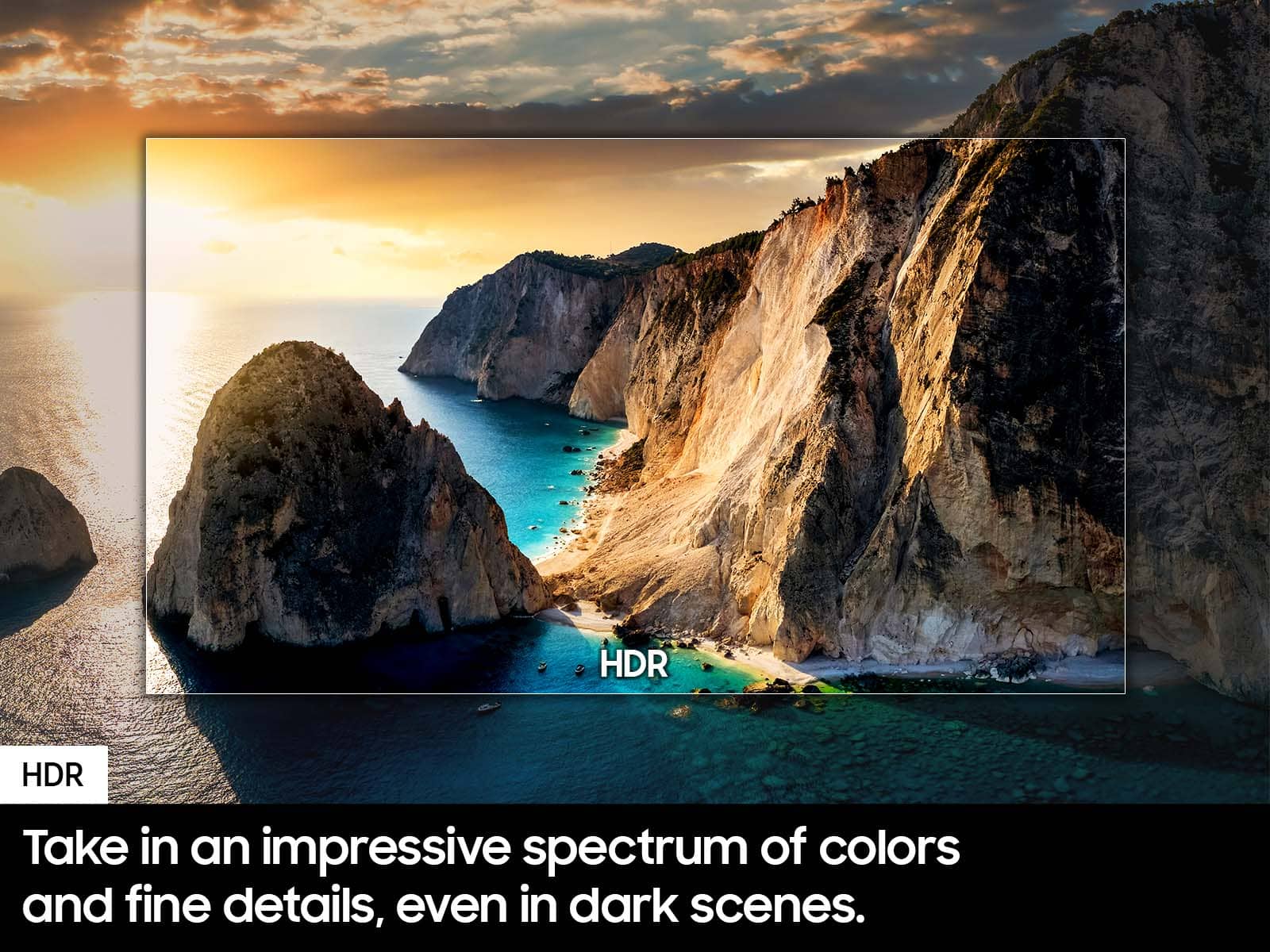



- Model:
- UN65DU7200FXZA
- SKU:
- 10413030
Rating by feature
- Picture Quality
Rating 4.8 out of 5 stars
- Sound Quality
Rating 4.6 out of 5 stars
- Brightness
Rating 4.8 out of 5 stars
Customers are saying
Customers often highlight the incredible picture quality, ease of use, and good value for the price. They also appreciate its great color, larger size, and lightweight design. However, some customers have noted issues with the remote control being slow. Additionally, concerns were raised about slow connectivity and a limited number of ports.
This summary was generated by AI based on customer reviews.
Good Option
||Posted . Owned for 7 months when reviewed.This reviewer received promo considerations or sweepstakes entry for writing a review.A good product, its operating system works well. It has good color contrast, I liked the TV, but not so much the sound.
I would recommend this to a friend4k Samsung TV
||Posted . Owned for 3 weeks when reviewed.This reviewer received promo considerations or sweepstakes entry for writing a review.Excellent clarity imaging exceptional large viewing sports world awsome!
I would recommend this to a friendBig black line
||Posted . Owned for 1 year when reviewed.This reviewer received promo considerations or sweepstakes entry for writing a review.It was my bedroom TV so not used very often. Year and a half (yeah, couple months after warranty) I got big black vertical line almost in the middle of the screen. And it’s not going anywhere… just tv has to go to the garbage
No, I would not recommend this to a friendSuper excellent
||Posted . Owned for 1 month when reviewed.This reviewer received promo considerations or sweepstakes entry for writing a review.Must buy excellent overall quality for everyone to have
I would recommend this to a friendTWO Defective Models
||Posted . Owned for 2 months when reviewed.This reviewer received promo considerations or sweepstakes entry for writing a review.Picked up 1st unit in November early black Friday deal. Was excited as I saved up for 6 months to buy as a gift to the family. After going through the process of mounting it on the wall, I notice it has a vertical line right in the middle. At this point I'm annoyed. We picked it up ourselves to avoid getting a defective unit from poor shipping & handling. I bought the brand name over less known brands Insignia or TCL so I wouldn't have to deal with this type of issue. Had to repackage it all back up & return the 1st unit for a new unit. After going through whole install & wall mount process again this replacement unit seems fine. But then, LESS THAN 3 MONTHS later, the screen starts bugging out - flashing & glitching. Can't use it at all. No physical damage on my end whatsoever. Handled it so delicately the whole time. Contacting Samsung support is a major pain. Their website is buggy, their techs can't do anything to help, & they won't refund you. They actually make you submit the ticket to assign a tech to your case & that tech calls you to set up an appointment. The tech is a local tv repair company who sees my video & makes an estimated diagnosis that the main board has failed. They order the part they think is the problem. Now you have to take off the wall & wait for the part to come in & for them to come install it. Mind you, that might not fix it. If it does fix it, who knows how long it lasts. At this rate it'll probably die right after the 1 year warranty ends. TLDR; Samsung is not quality anymore. Their customer support process is also quite bad. I am done with this company who used to have a great reputation. If there was any justice here, Samsung would reimburse me so I can buy any other brand.
No, I would not recommend this to a friendBrand response from Samsung
Posted .Hi Greg,
I am very sorry that you experienced issues with your DU7200 Crystal UHD TV and are currently waiting for it to be serviced. I understand your frustration and appreciate your patience. Should you have any issues with your TV after service is complete, please contact Samsung Customer Support. You can call us at 1-800-SAMSUNG, 8 AM - 12 AM EST, seven days a week. Our LiveChat agents are also available by clicking on the ‘Support’ link on our website.
~ Samsung Advisor
Television
||Posted . Owned for 8 months when reviewed.This reviewer received promo considerations or sweepstakes entry for writing a review.This is a Television. You can watch shows and movies on it.
I would recommend this to a friend- Pros mentioned:Picture quality
65
||Posted . Owned for 1 month when reviewed.This reviewer received promo considerations or sweepstakes entry for writing a review.I like the quality of the tv.. great value for the size
I would recommend this to a friendBrand response from Samsung
Posted .Hi KauneeceG,
Thank you for purchasing the Samsung DU7200 Crystal UHD TV. I am happy that you are enjoying your new TV with features such as Mega Contrast HDR, allowing incredible details to be revealed, drawing your eyes to the most important parts of whatever you’re watching.
If you have any questions or need any help, please do not hesitate to reach out to us at 1-800-SAMSUNG, 8 AM - 12 AM EST, seven days a week. Our LiveChat agents are also available by clicking on our website's ‘Support’ link.
~ Samsung Advisor
- Cons mentioned:Remote control
Samsung Crystal UHD
||Posted . Owned for 7 months when reviewed.This reviewer received promo considerations or sweepstakes entry for writing a review.The TV is good but the remote control is terrible , From the beginning the remote control it doesn't always work and fails even with new batteries, its hard to rewind and operate!
No, I would not recommend this to a friendBrand response from Samsung
Posted .Hi CarlosD,
I'm sorry you are experiencing issues with your DU7200 TV remote. Please ensure there is nothing blocking the line of sight from your remote control to the IR Sensor located on the bottom of your TV, below the Samsung logo.
If you continue to have issues, you will need to replace the remote. If you need more help, Samsung is here for you! Please call us at 1-800-SAMSUNG, 8 AM - 12 AM EST, seven days a week. Our LiveChat agents are also available by clicking on the ‘Support’ link on our website.
~ Samsung Advisor
Smart tv
||Posted . Owned for 1 month when reviewed.This reviewer received promo considerations or sweepstakes entry for writing a review.Excellent 65" TV. I would definitely recommend Samsung TV.
I would recommend this to a friendGood TV
||Posted . Owned for 3 weeks when reviewed.This reviewer received promo considerations or sweepstakes entry for writing a review.good tv for the price my only complaint is the picture lacks definition
I would recommend this to a friendThumbs up
||Posted . Owned for 1 month when reviewed.This reviewer received promo considerations or sweepstakes entry for writing a review.I’ve been looking at this for awhile . Finally found a good sale . Still figuring out the picture . They must of had the screen settings changed at the store . It looks a little off but I’m sure I’ll get it figured out .
I would recommend this to a friendBrand response from Samsung
Posted .GregoryB,
We appreciate your thoughts on the picture quality of Samsung’s DU7200 TV. If the image you’re seeing isn’t to your liking, there are several picture settings you may want to adjust.
Go to Home > left direction button > Settings > All Settings > Picture > Picture Mode
...and select the mode that best fits your usage:
1. Standard: Is the default mode suitable for general viewing environments
2. Dynamic: Makes the picture brighter and clearer in bright viewing environments
3. Eco: Provided to save energy
4. Movie: Suitable for watching TV or movies in a dark room
5. Filmmaker Mode: Provides source content just as the creators intended. If the image is defined as Filmmaker Mode, it’ll automatically switch to Filmmaker Mode while watching.
You can also fine-tune your picture with expert settings such as brightness, contrast, sharpness and more (All Settings > Picture > Expert Settings).
For further assistance with settings adjustments, please contact Samsung Customer Support at 1-800-SAMSUNG, 8AM - 12AM EST, 7 days a week. Or visit us on the Samsung website and click on the ‘Support’ link for:
• LiveChat
• Manuals, Software, & Warranty Info
~ Samsung Specialist
Family Room TV
||Posted . Owned for 3 weeks when reviewed.This reviewer received promo considerations or sweepstakes entry for writing a review.Works well with my router and roku. Adequate remote.
I would recommend this to a friendOpen Box TV Turns out to be a Lemon
||Posted . Owned for 5 months when reviewed.This reviewer received promo considerations or sweepstakes entry for writing a review.I bought this TV as an open box tv 5 months ago. The box was damaged in transit and it was discounted because of this. I was told by a Best Buy member not to worry that the TV would work just fine since it was checked by Geek Squad and if I had any issues with it to not worry because it was covered by Total Tech that I had just renewed. Five months later I was cleaning the tv screen and touched the screen and it cracked the screen. I made an appointment with Geek Squad at Best Buy and they would not do anything and told me that Total Tech does not cover TVs. Please be careful and know that Total Tech does not cover everything you think it will even though it says it is covered for 24 months and even if a Best Buy member tells you it will be covered. I'm out about $650 now because of this with the TV and Total Tech renewal. Also hard lesson learned don't ever buy an open box tv from Best Buy.
No, I would not recommend this to a friendBrand response from Samsung
Posted .Hi LauraS,
Thank you for sharing your experience with us. If there's anything we can do to help, please do not hesitate to reach out to us. Just call us at 1-800-SAMSUNG, 8 AM - 12 AM EST, seven days a week. Our LiveChat agents are also available by clicking on the ‘Support’ link on our website.
~ Samsung Advisor
- Pros mentioned:Picture quality
Black line on screen
||Posted . Owned for 3 months when reviewed.This reviewer received promo considerations or sweepstakes entry for writing a review.Disappointed that after 96 days I have a black line going down my screen. Easy to setup up and mount. Remote is not user friendly. I have cable so I don't need it. Sound is good for a bedroom. Larger room I recommend a soundbar.
No, I would not recommend this to a friendBrand response from Samsung
Posted .Hi Rhoyal,
We appreciate your feedback regarding the screen abnormalities you’re seeing on your DU7200 TV. Please run a Picture Test to determine if the TV causes the problem. Picture Test displays a high-definition picture you can examine for flaws or faults. Go to Settings > Support > Device Care > Self Diagnosis > Picture Test.
If the issue continues to appear on all sources and the picture test, this will require service. For assistance in setting up a service appointment, please contact Samsung Support at 1-800-SAMSUNG, 8 AM - 12 AM EST, seven days a week. Or visit us on the Samsung website and click on the ‘Support’ link for:
1) LiveChat
2) Manuals, Software, & Warranty Info
~ Samsung Advisor
not worth it! skip the model
||Posted . Owned for 2 months when reviewed.This reviewer received promo considerations or sweepstakes entry for writing a review.In all honesty, you get what you pay for. Cheap 4K quality and sound are very mediocre. My TCL television has superior sound and picture quality. I need to use my surround sound system to obtain satisfactory audio. I do not recommend it. Best Buy will not accept the return because it has been more than 15 days. The only option they could offer is to send a Best Buy member to “fix it.” Save your money and consider purchasing a different model.
No, I would not recommend this to a friendBrand response from Samsung
Posted .Hi jorgeglez818,
We appreciate your feedback on the DU7200 TV's sound and image quality. I have a few settings adjustments I recommend that may improve your opinion.
First, let's ensure you are running the latest Firmware. Go to Settings> Support> Software Update.
Next, there are several picture and sound settings that you can adjust to best fit what you are watching. Go to Home > Settings > All Settings > Picture > Picture Mode and select the mode that best fits your usage:
1) Standard: Default mode suitable for general viewing environments.
2) Natural: Reduces eye strain for a comfortable viewing experience.
3) Movie: Most suitable for watching TV or movies in a dark room.
4) Dynamic: Makes the picture brighter and clearer in bright viewing environments.
5) Filmmaker Mode: You can watch the source content (e.g., movie) as it is. If the image is defined as Filmmaker Mode, it will automatically switch to Filmmaker Mode while watching.
You can also go to Settings > All Settings> Picture > Expert Settings > to manually fine-tune your image.
For sound adjustments, go to Settings> All Settings> Sound.
If you’d like more help with settings, we are always happy to help! Call us at 1-800-SAMSUNG, 8 AM - 12 AM EST, seven days a week. Or visit us on the Samsung website and click on the ‘Support’ link for:
1) LiveChat
2) Manuals, Software, & Warranty Info
~ Samsung Advisor
- Cons mentioned:Remote control
Bad Out The Box
||Posted . Owned for 1 month when reviewed.This reviewer received promo considerations or sweepstakes entry for writing a review.TV never worked properly out of the box, would not set up properly, would not work with factory remote and developed black line that appeared on screen
I would recommend this to a friendBrand response from Samsung
Posted .Hi JessieW,
I'm sorry you have experienced issues with your DU7200 TV. I have a few recommendations that may resolve the lines spots you are seeing on your screen.
First, let's ensure you are running the latest Firmware. Go to Settings> Support> Software Update.
Next, run a diagnostic test. Go to Home > Settings > Support > Device Care > Self Diagnosis > Picture Test. If there are no issues during the Picture Test, this means your TV is working fine. To identify and fix the issue, first, try replacing the cable of the external device that is showing lines.
- If the lines still appear after replacing the cable, troubleshoot the external device.
- If lines appear during the Picture Test, proceed to the next step.
If lines appear during your test, the TV will need service. Please reach out to us so we can schedule a warranty appointment. 1-800-SAMSUNG, 8 AM - 12 AM EST, seven days a week. LiveChat with an agent, as well as manuals, software, and warranty info, can be found at the ‘Support’ link on our Samsung website.
~ Samsung Advisor
It didn’t last 2 years
||Posted . Owned for 1 year when reviewed.This reviewer received promo considerations or sweepstakes entry for writing a review.This product is very cheap quality The screen got burned after 1 & 1/2 years.
No, I would not recommend this to a friendDamaged product and NO customer service!!!
||Posted . Owned for 1 week when reviewed.This reviewer received promo considerations or sweepstakes entry for writing a review.Product arrived damaged. I attempted on 3 days to contact BestBuy and spent more than 5 hours on hold with NO response. Even trying to get a shipping label printed on www.bestbuy.com but I click on the link and it only takes me to my orders page. VERY disappointed - in the entire process.
No, I would not recommend this to a friendBrand response from Samsung
Posted .PatriciaG,
We appreciate you sharing your delivery experience and having received a damaged unit. We recommend you contact Best Buy directly for assistance in correcting this situation. We hope your issue is resolved in a timely manner.
Should you have questions regarding the usage or setup of your TV once your issue has been resolved, please contact Samsung Support at 1-800-SAMSUNG, 8AM - 12AM EST, 7 days a week. Our LiveChat agents are also available by clicking on the ‘Support’ link on our website.
~ Samsung Specialist
Vertical line before 30 days?
||Posted . Owned for 2 weeks when reviewed.This reviewer received promo considerations or sweepstakes entry for writing a review.Unfortunately I have had the TV for less than 30 days and have a vertical pixel out resulting in a vertical line. I have 3 other Samsung TVs for over 2 years without issues. Hopefully between bestbuy and Samsung I can get this resolved without to many problems.
I would recommend this to a friendBrand response from Samsung
Posted .Hi JoshB,
We are glad that you reached out to us regarding the display issues you are seeing on your Samsung DU7200 TV. I have a few recommendations that may resolve the lines you are seeing on your screen.
First, let's ensure you are running the latest Firmware. Go to Settings> Support> Software Update.
Next, run a diagnostic test. Go to Home > Settings > Support > Device Care > Self Diagnosis > Picture Test. If there are no issues during the Picture Test, this means your TV is working fine. To identify and fix the issue, first, try replacing the cable of the external device that is showing lines.
- If the lines still appear after replacing the cable, troubleshoot the external device.
- If lines appear during the Picture Test, proceed to the next step.
If lines appear during your test, the TV will need service. Please reach out to us so we can schedule a warranty appointment. 1-800-SAMSUNG, 8 AM - 12 AM EST, seven days a week. LiveChat with an agent, as well as manuals, software, and warranty info, can be found at the ‘Support’ link on our Samsung website.
~ Samsung Advisor
Samsung is trash broken in 14 months
||Posted . Owned for 1 year when reviewed.This reviewer received promo considerations or sweepstakes entry for writing a review.Piece of junk tele. I purchased this tele in September 2024. It’s now broken with a large black line down the middle of the screen in November 2025. Everyone tell Samsung and BestBuy thank you for selling me junk. Thanks
No, I would not recommend this to a friendBrand response from Samsung
Posted .OleMissDon:
I’m sorry to hear of the issues you’re experiencing with Samsung’s DU7200 TV. If your TV is out of the 1-year Manufacturer's Warranty, you can locate a service center in your area by following this link: https://www.samsung.com/us/support/service/locations/
If there’s anything we can ever help with, please call us at 1-800-SAMSUNG, 8AM - 12AM EST, 7 days a week. Or visit us on the Samsung website and click on the ‘Support’ link for:
• LiveChat
• Manuals, Software, & Warranty Info
~ Samsung Ambassador