Customer Ratings & Reviews










- Model:
- UN65DU7200FXZA
- SKU:
- 10413030
Rating by feature
- Picture Quality
Rating 4.8 out of 5 stars
- Sound Quality
Rating 4.6 out of 5 stars
- Brightness
Rating 4.8 out of 5 stars
Customers are saying
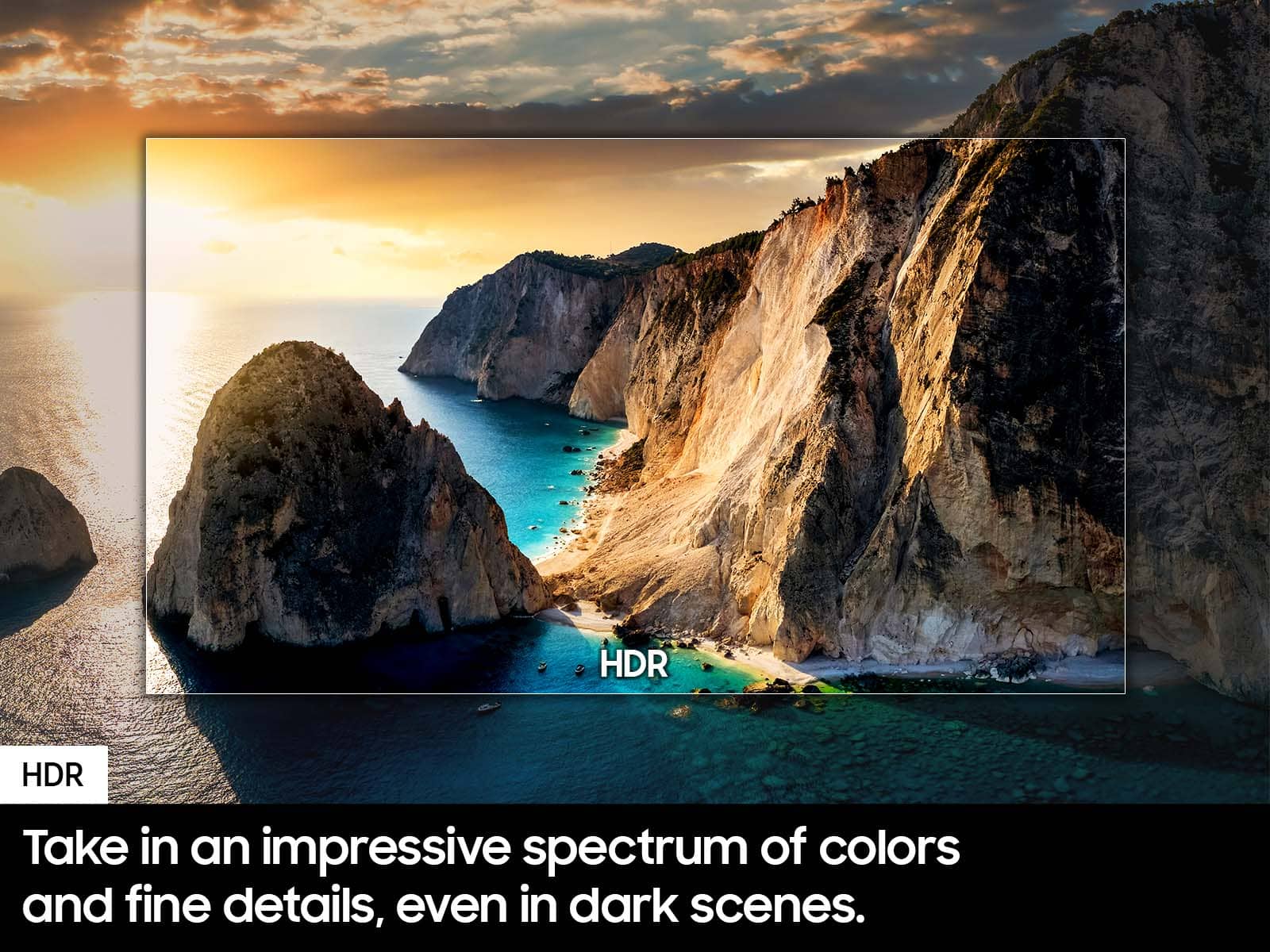
Customers often highlight the incredible picture quality, ease of use, and good value for the price. They also appreciate its great color, larger size, and lightweight design. However, some customers have noted issues with the remote control being slow. Additionally, concerns were raised about slow connectivity and a limited number of ports.
This summary was generated by AI based on customer reviews.
Great TV for the price.
||Posted . Owned for 1 month when reviewed.This reviewer received promo considerations or sweepstakes entry for writing a review.Perfect for my parents. Added a sound bar but that’s normal for TV’s now.
I would recommend this to a friend- Cons mentioned:Remote control
Not worth the money, get the 8k series or better
||Posted .This reviewer received promo considerations or sweepstakes entry for writing a review.Remote will not work unless close to TV , will not pick up Samsung TV no matter how many times you reload , we have 2 8k series tvs and they pick it up just fine
No, I would not recommend this to a friendBrand response from Samsung
Posted .JamieS:
I’m sorry to hear your DU7200 TV’s remote is not working as expected. You may first want to reset your remote by pressing and holding Return and Enter (the center of the navigation pad) for more than 10 seconds.
After performing the reset, you'll need to pair the remote to the TV again. To pair, stand within 1 foot of your TV, and press the Return and Play/Pause buttons simultaneously for at least 5 seconds or until a message appears on your TV indicating that the remote is now connected.
If the remote is still not working:
1. Unplug the TV for 30 seconds, and plug it back in.
2. Try moving closer to the TV and re-pairing.
3. Check to see if your remote is charged. You can check remaining battery by going to: Settings > All Settings > General & Privacy > Power and Energy Saving > Available Remote Battery.
4. Check for available firmware updates on your TV. Go to: Home > Menu > Settings > Support > Software Update > Update Now
I hope the above helps. Should the issue persist, please contact Samsung Support at 1-800-SAMSUNG, 8AM - 12AM EST, 7 days a week. Our LiveChat agents are also available by clicking on the ‘Support’ link on our website.
~ Samsung Ambassador
So far so good.
||Posted . Owned for 2 weeks when reviewed.This reviewer received promo considerations or sweepstakes entry for writing a review.Good product. I wish the stands would be also available on the sidrs instead of centered.
I would recommend this to a friendSamsung for life!
||Posted . Owned for 1 month when reviewed.This reviewer received promo considerations or sweepstakes entry for writing a review.Great TV, no problems whatsoever and BEAUTIFUL display
I would recommend this to a friendTv
||Posted . Owned for 3 weeks when reviewed.This reviewer received promo considerations or sweepstakes entry for writing a review.AMAZING great quality for price always great quality for the money
I would recommend this to a friendDurable
||Posted . Owned for 1 month when reviewed.This reviewer received promo considerations or sweepstakes entry for writing a review.The product was on discount when I bought it and its durable. Thanks
I would recommend this to a friendTV
||Posted . Owned for 3 weeks when reviewed.This reviewer received promo considerations or sweepstakes entry for writing a review.Good quality in both Samsung TV and Best Buy service.
I would recommend this to a friendTv
||Posted . Owned for 1 month when reviewed.This reviewer received promo considerations or sweepstakes entry for writing a review.This TV is very good for gaming, I will recommend it for all gamers
I would recommend this to a friendAll went well
||Posted . Owned for 3 weeks when reviewed.This reviewer received promo considerations or sweepstakes entry for writing a review.All went well. TV was too big for my car so had it delivered a few days later.
I would recommend this to a friendVery nice!
||Posted . Owned for 2 months when reviewed.This reviewer received promo considerations or sweepstakes entry for writing a review.Love the TV! I would suggest delivery it barely fit in the SUV.
I would recommend this to a friendNo title
||Posted .This reviewer received promo considerations or sweepstakes entry for writing a review.The only thing I an not satisfied with is that it does not have voice command control.
I would recommend this to a friendNice one
||Posted .This reviewer received promo considerations or sweepstakes entry for writing a review.Initially I thought it is hard to carry and setup, not that hard, I picked and carried myself. Nice one.
I would recommend this to a friendAwesome
||Posted . Owned for 1 month when reviewed.This reviewer received promo considerations or sweepstakes entry for writing a review.The best and the geek squad set it up from start to finish, showing me all the bells and whistles of the TV..
I would recommend this to a friendGreat TV for the price
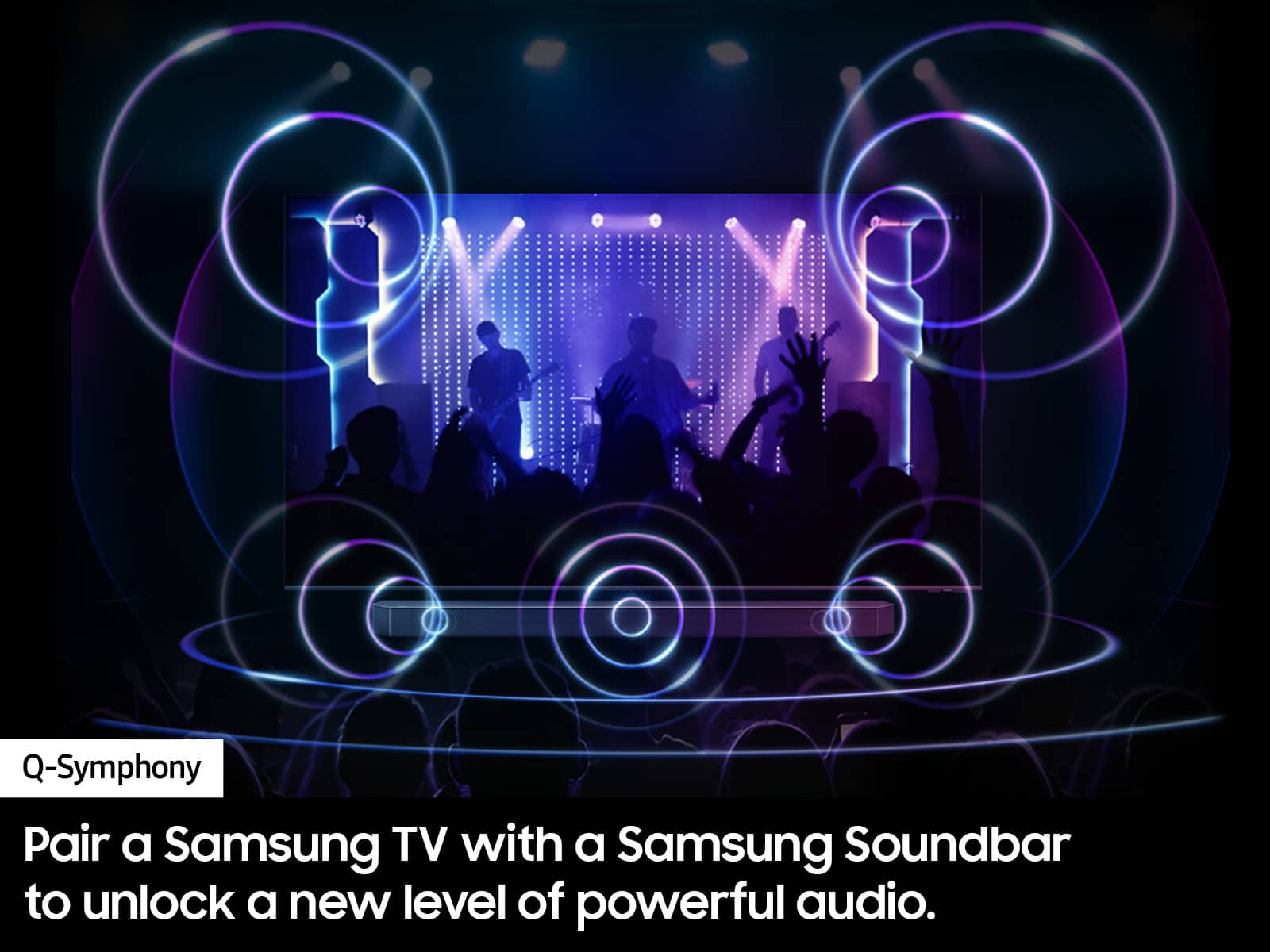
||Posted . Owned for 3 weeks when reviewed.This reviewer received promo considerations or sweepstakes entry for writing a review.For the price its a fantastic tv. Would buy again. Pairing it with a sound bar is a must as speakers are a little weak,
I would recommend this to a friendGreat affordable TV
||Posted . Owned for 1 month when reviewed.This reviewer received promo considerations or sweepstakes entry for writing a review.Good quality. Brightness on tv is amazing and it is perfect as an entry level tv.
I would recommend this to a friendBest Gift
||Posted . Owned for 2 weeks when reviewed.This reviewer received promo considerations or sweepstakes entry for writing a review.Love the detail on every image, from movies to documentaries the results are amazing.
I would recommend this to a friendSamsung Television
||Posted . Owned for 1 month when reviewed.This reviewer received promo considerations or sweepstakes entry for writing a review.We are enjoying our new television. Purchasing from Best Buy was easy and the product was delivered timely and with care.
I would recommend this to a friendPerfect TV for my room size
||Posted . Owned for 3 weeks when reviewed.This reviewer received promo considerations or sweepstakes entry for writing a review.All good. No complaints. Sound quality could have been better.
I would recommend this to a friendBang for your buck
||Posted . Owned for 1 month when reviewed.This reviewer received promo considerations or sweepstakes entry for writing a review.Very good for the price. It is the best choice because it is a direct lit TV.
I would recommend this to a friendGreat
||Posted . Owned for 2 months when reviewed.This reviewer received promo considerations or sweepstakes entry for writing a review.I love it it takes a little getting use to the set up of how everything works but I still lie it.
I would recommend this to a friend