Year-End SaleEnds 1/1/26. Limited quantities. No rainchecks.

Skip to content
Main Content

Customer Ratings & Reviews


Your price for this item is $499.99

Customer reviews

Rating 4.7 out of 5 stars with 1525 reviews

Rating Filter

Rating by feature

  • Picture Quality

    Rating 4.8 out of 5 stars

  • Sound Quality

    Rating 4.6 out of 5 stars

  • Brightness

    Rating 4.8 out of 5 stars

93%
would recommend
to a friend
The vast majority of our reviews come from verified purchases. Reviews from customers may include My Best Buy members, employees, and Tech Insider Network members (as tagged). Select reviewers may receive discounted products, promotional considerations or entries into drawings for honest, helpful reviews.
Page 72 Showing 1,421-1,440 of 1,525 reviews
  • Rated 3 out of 5 stars

    Linda

    |
    |
    Posted . Owned for 1 month when reviewed.
    This reviewer received promo considerations or sweepstakes entry for writing a review.

    Television is dark at the top when you turn it on. Also it's difficult to add other apps to it. Once it's on the picture is slightly cloudy

    No, I would not recommend this to a friend
    • Brand response from Samsung
      Posted .

      Hi LindaG,

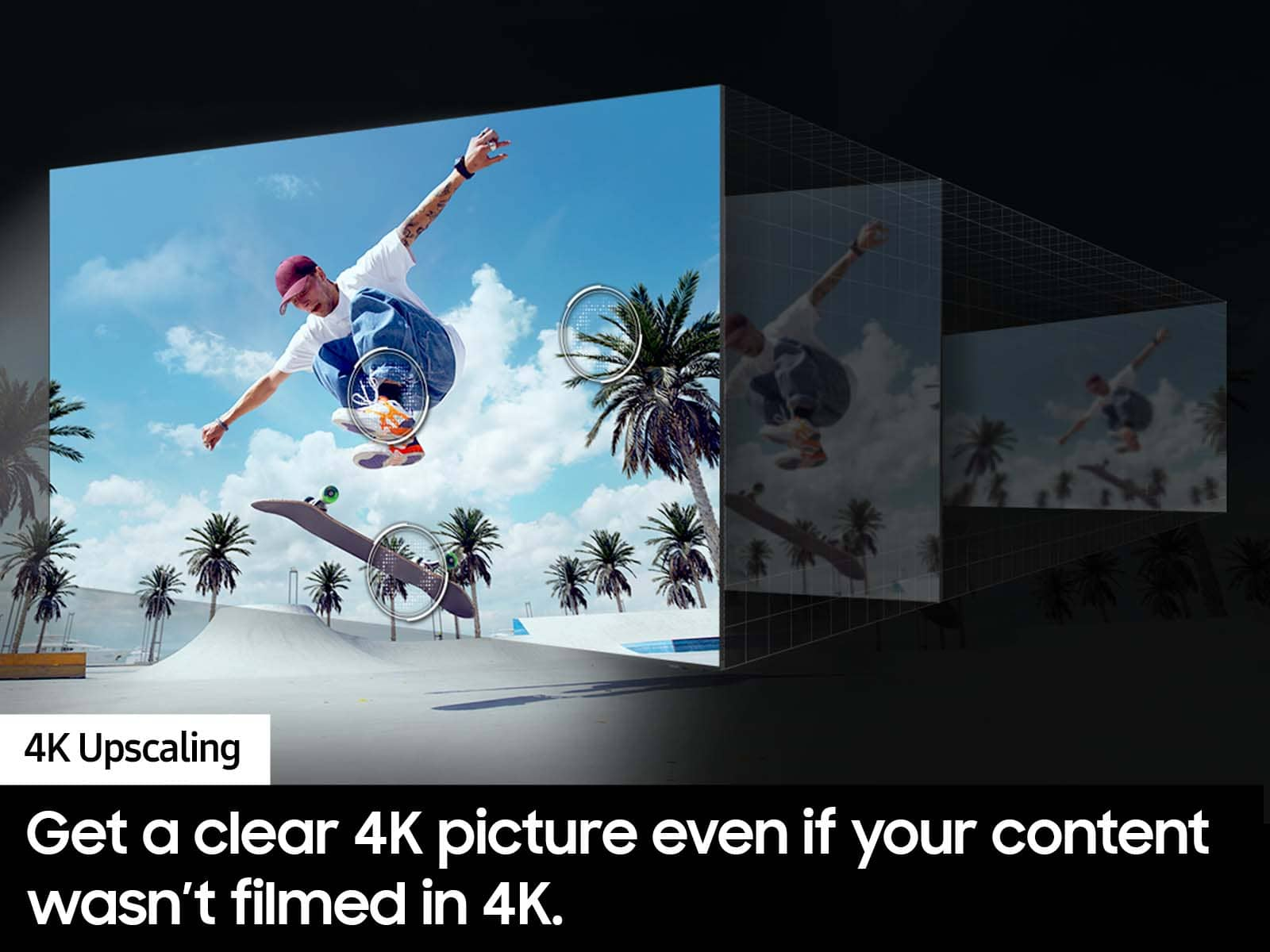
      Thank you for sharing your thoughts on your DU7200 TV’s image quality. The TV will upscale any content sent to it as best as possible. The closer your content is to 4K, the better the image will look on the screen.

      Here are some tips to help improve picture clarity:

      1) HDMI cables are recommended for optimal HD viewing.
      2) If you have an analog cable box or satellite box, upgrade to a digital cable box or satellite box.
      3) Change the output resolution of your devices, such as digital broadcast receivers, IPTV, and set-top boxes, to UHD or HD.
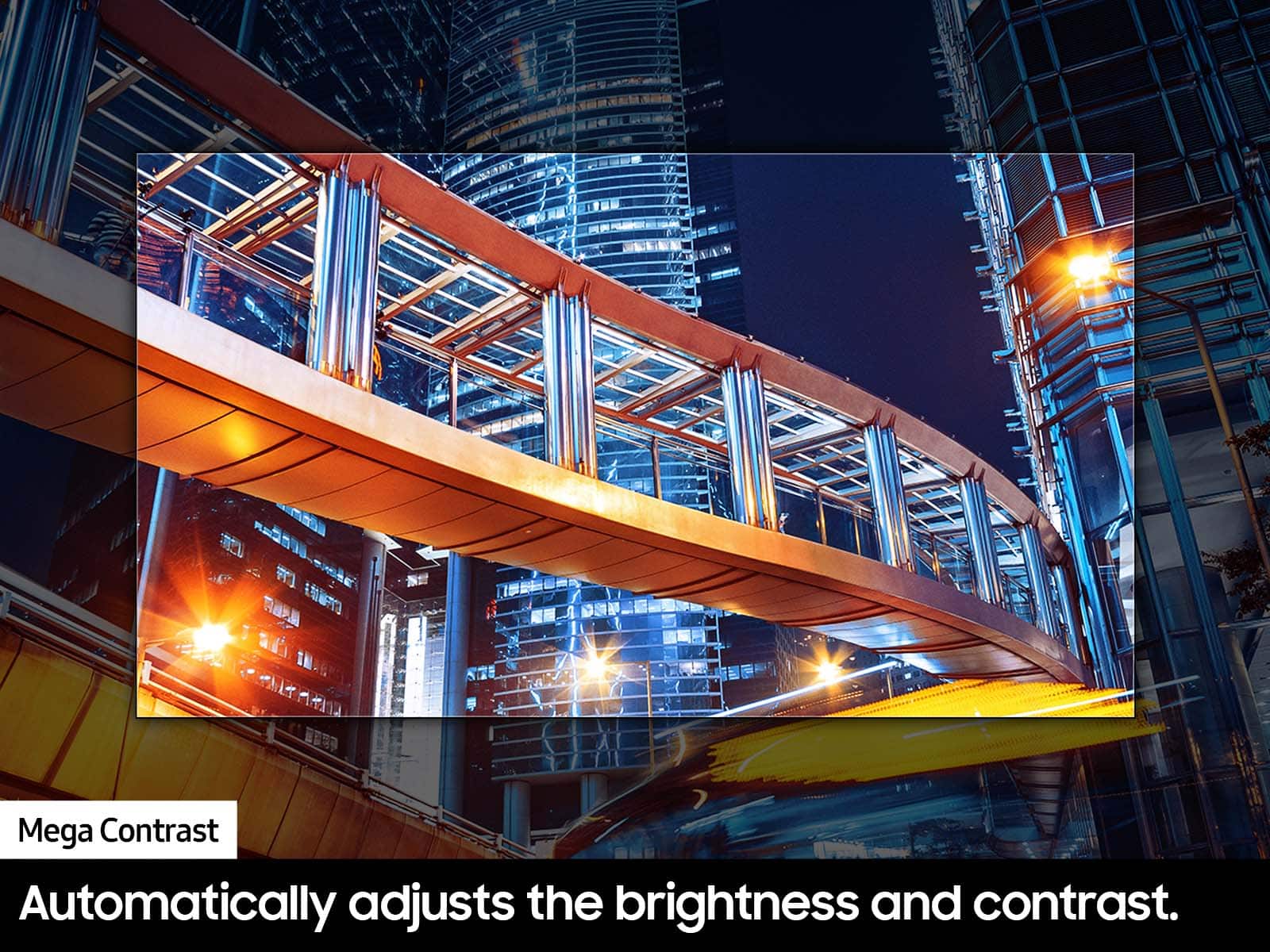
      4) You can further adjust your sharpness, brightness, contrast, color, and more by going to Settings > All Settings> Picture > Expert Settings
      5) Choose a Picture Mode by going to Settings > All Settings> Picture > Picture Mode and choose from Dynamic, Standard, Natural, Movie, or Filmmaker Mode.
      6) For optimal motion image performance, you may want to adjust the picture clarity setting by going to Settings > All Settings> Picture > Expert Settings > Picture Clarity Settings.

      Should you ever have questions or need help with TV features, specs, or operations, we are here to help. You can call us at 1-800-SAMSUNG, 8 AM - 12 AM EST, seven days a week. Our LiveChat agents are also available by clicking on the ‘Support’ link on our website.

      ~ Samsung Advisor Samsung

  • Rated 4 out of 5 stars

    Samung

    |
    |
    Posted . Owned for 1 month when reviewed.
    This reviewer received promo considerations or sweepstakes entry for writing a review.

    It is a good tv, when connected to the smart things app I use my phone more than the remote.

    I would recommend this to a friend
  • Rated 4 out of 5 stars

    Good TV for the Price

    |
    |
    Posted . Owned for 1 month when reviewed.
    This reviewer received promo considerations or sweepstakes entry for writing a review.

    Great TV for the money. The UI is better than previous models.

    I would recommend this to a friend
  • Rated 4 out of 5 stars

    Good TV

    |
    |
    Posted . Owned for 3 weeks when reviewed.
    This reviewer received promo considerations or sweepstakes entry for writing a review.

    Nice TV, i always buy Samsung TV. So far i have no complaints

    I would recommend this to a friend
  • Rated 4 out of 5 stars

    Terry H

    |
    |
    Posted . Owned for 3 weeks when reviewed.
    This reviewer received promo considerations or sweepstakes entry for writing a review.

    Nice TV, sales person did a great job. I would purchase from Best Buy next time in need of a TV.

    I would recommend this to a friend
  • Rated 2 out of 5 stars

    Get a Different Model

    |
    |
    Posted .
    This reviewer received promo considerations or sweepstakes entry for writing a review.

    Purchased for my daughter’s birthday, so we opened the box 2 weeks after purchase. Just recently 2 rows of pixels froze on the screen - after the return date expired. Then recently the pixels unfroze and the screen looks normal; I hope it stays that way. And, the TV speakers are subpar. We turn the volume up to 50 for some movies and the sound is still just above a whisper… : (

    No, I would not recommend this to a friend
    • Brand response from Samsung
      Posted .

      Hi TeresaS,

      Thank you for your feedback. There are several volume features you can adjust, which may improve your audio experience.

      1) Auto Volume automatically adjusts the sound to a certain level when changing channels or switching to another external input. Go to Settings > All Settings> Sound > Expert Settings > Auto Volume.

      2) Adaptive Sound automatically adjusts to a specific volume level while watching TV. The TV analyzes your volume usage history by time period to automatically adjust the volume when you use an app or switch to an external input source. Go to Settings> All Settings> Sound> Sound Mode> Adaptive Sound.

      3) Several Sound Modes are likewise available to meet your personal preferences: Home > Settings > All Settings> Sound > Sound Mode.

      If you’d like more help with settings, we are always happy to help! Call us at 1-800-SAMSUNG, 8 AM - 12 AM EST, seven days a week. Or visit us on the Samsung website and click on the ‘Support’ link for:
      1) LiveChat
      2) Manuals, Software, & Warranty Info

      ~ Samsung Advisor Samsung

  • Rated 1 out of 5 stars

    Poor picture quality and streaming ability

    |
    |
    Posted . Owned for 6 months when reviewed.
    This reviewer received promo considerations or sweepstakes entry for writing a review.

    This TV is poor quality, probably the worst I have owned of over 10 televisions. The biggest problem is the streaming capability, when you pair the TV with YouTubeTV, Hulu and other streaming apps. This TV has continual problems with "locking up" and you either have to wait, restart app, or reinstall app. Numerous calls to Samsung technical support and they cannot fix the issue. This is the newest of my three TVs, and the two older models have no problems streaming (not Samsung TV models though). I have really fast WiFi, so I know my internet service is not the issue. This television also has poor picture quality, especially when viewing sports. It will feel like "jitter" as the picture quality constantly tries to keep up with picture movements and gets "blurry". Again, Samsung technical support could not fix after changing several settings. I guess you get what you pay for. This TV is low price, and with it comes lower quality. Move past this model and find yourself a better television. I won't be purchasing Samsung any more. Disappointed I have to keep this one.

    No, I would not recommend this to a friend
    • Brand response from Samsung
      Posted .

      Hi DavidsonKG,

      We appreciate your feedback on the response time, and for optimal performance, we ask that you please ensure you've got the latest firmware version installed on your DU7200 TV. You can check this by going to Home > Menu > Settings > Support > Software Update.

      Next, let's try running a cold boot on your TV. To do so, hold down the Power button on the Samsung TV remote until the TV turns off and then on again. This should take about 5 seconds.

      You may also want to further optimize performance with the self-diagnostic tool, which checks memory, frees up unused cached memory, and closes background apps. Go to: Home > Menu > Settings > Support > Device Care > Start Device Care.

      If you need more help, Samsung is here for you! Please call us at 1-800-SAMSUNG, 8 AM - 12 AM EST, seven days a week. Our LiveChat agents are also available by clicking on the ‘Support’ link on our website.

      ~ Samsung Advisor Samsung

  • Rated 4 out of 5 stars

    Tv

    |
    |
    Posted . Owned for 1 month when reviewed.
    This reviewer received promo considerations or sweepstakes entry for writing a review.

    I love it now I can watch my favorite movies with my family

    I would recommend this to a friend
  • Rated 3 out of 5 stars

    TV

    |
    |
    Posted . Owned for 1 month when reviewed.
    This reviewer received promo considerations or sweepstakes entry for writing a review.

    picture and sound terrible lag time to connect to Prime Video App, black pic ,voice only with PV app at times. My older 2015 model was way better.

    No, I would not recommend this to a friend
    • Brand response from Samsung
      Posted .

      Hi CharlesV,

      We appreciate you sharing your experience with the DU7200 TV. Your feedback regarding image and quality is essential to us and will be shared with our internal teams. Please try adjusting the below image settings to improve your experience.

      First, let's ensure you are running the latest Firmware. Go to Settings> Support> Software Update.

      Next, there are several picture and sound settings that you can adjust to best fit what you are watching. Go to Home > Settings > All Settings > Picture > Picture Mode and select the mode that best fits your usage:

      1) Standard: Default mode suitable for general viewing environments.
      2) Natural: Reduces eye strain for a comfortable viewing experience.
      3) Movie: Most suitable for watching TV or movies in a dark room.
      4) Dynamic: Makes the picture brighter and clearer in bright viewing environments.
      5) Filmmaker Mode: You can watch the source content (e.g., movie) as it is. If the image is defined as Filmmaker Mode, it will automatically switch to Filmmaker Mode while watching.

      You can also go to Settings > All Settings> Picture > Expert Settings > to manually fine-tune your image.

      For sound adjustments, go to Settings> All Settings> Sound.

      If you continue to have issues, please reach out to us at 1-800-SAMSUNG, 8 AM - 12 AM EST, seven days a week. Or visit us on the Samsung website and click on the ‘Support’ link for:
      1) LiveChat
      2) Manuals, Software, & Warranty Info

      ~ Samsung Advisor Samsung

  • Rated 1 out of 5 stars

    TV Died After 2 Days

    |
    |
    Posted . Owned for 1 month when reviewed.
    This reviewer received promo considerations or sweepstakes entry for writing a review.

    Lasted 2 days before it died and won’t turn on. Waiting for a Samsung technician to fix or replace. Seemed like it had good picture quality until it died. Smart Things app for set up was ok, not the most intuitive, but reasonable simple.

    No, I would not recommend this to a friend
    • Brand response from Samsung
      Posted .

      Hi TraciN,

      I'm very sorry to hear about your experience, and I appreciate your patience in waiting for a technician. If there's anything we can do to help you in the meantime, please contact us at 1-800-SAMSUNG (8AM – 12AM EST, 7 days a week). You can also connect with a LiveChat agent through the Support link on our website.

      ~ Samsung Advisor Samsung

  • Rated 3 out of 5 stars

    Not that great

    |
    |
    Posted . Owned for 3 weeks when reviewed.
    This reviewer received promo considerations or sweepstakes entry for writing a review.

    It is not all that- the remote is cheap and does not work well, had to get a universal remote; does not have voice activation

    No, I would not recommend this to a friend
    • Brand response from Samsung
      Posted .

      Hi XiomaraR,

      We appreciate your purchase and understand your frustration. We are sorry for any confusion regarding voice assistants. You are correct, the DU7200 does not have voice assistants built in. However, they do work with Alexa. You can connect them to your existing Alexa device to ask them to turn on your TV, change channels, control volume, and more.

      If you need more help, Samsung is here for you. Please call us at 1-800-SAMSUNG, 8 AM - 12 AM EST, seven days a week. Our LiveChat agents are also available by clicking on the ‘Support’ link on our website.

      ~Samsung Advisor Samsung

  • Rated 3 out of 5 stars

    Purchased Tv

    |
    |
    Posted . Owned for 3 weeks when reviewed.
    This reviewer received promo considerations or sweepstakes entry for writing a review.

    The purchase of the TV was great. The employee was very nice and helpful in helping me to purchase the TV i wanted .

    I would recommend this to a friend
    • Brand response from Samsung
      Posted .

      Hi ChannieTW,

      It's great to hear that you had a good experience purchasing a Samsung TV at Best Buy. We hope you enjoy new TV as well! If you ever have questions or need help, Samsung is here for you! Give us a call at 1-800-SAMSUNG, 8 AM - 12 AM EST, seven days a week. Our LiveChat agents are also available by clicking on the ‘Support’ link on our website.

      Thanks for being a part of the Samsung family!

      ~ Samsung Advisor Samsung

  • Rated 1 out of 5 stars

    Samsung 65 in Du 7200

    |
    |
    Posted . Owned for 1 month when reviewed.
    This reviewer received promo considerations or sweepstakes entry for writing a review.

    The picture is great thats it hdmi arc horrible doesn't work so i assumeed it had a digital optical out like my other Samsung tv nope so you can't connect speakers and Bluetooth nanda can't return no more Samsung any thing ever and stores associates clueless and geeks not much better stay away from Best buy

    No, I would not recommend this to a friend
    • Brand response from Samsung
      Posted .

      Hi Samsunggarbage,

      Thank you for choosing the Samsung DU7200 TV and for taking the time to provide us with detailed feedback on your experience. Please know HDMI in port 2 supports eARC and should connect via HDMI cable to your external soundbar.

      If your external device requires an Optical port, we recommend utilizing an HDMI to Optical Converter. These can be found at your local electronics store. Please also keep in mind that an Optical port can be found on our DU8000F Series and above.

      If you have any questions or would like any support with your audio experience or choosing a Samsung Soundbar to complement your viewing enjoyment, please reach out to us at 1-800-SAMSUNG, 8 AM - 12 AM EST, seven days a week. Our LiveChat agents are also available by clicking on the ‘Support’ link on our website.

      ~ Samsung Advisor Samsung

  • Rated 1 out of 5 stars

    Great tv but does not last long

    |
    |
    Posted . Owned for 6 months when reviewed.
    This reviewer received promo considerations or sweepstakes entry for writing a review.

    I just bought this tv about 7 months ago and now it does not work.. it was working fine the night before and now I go to turn it on and it is glitching. Keeps turning on and off without me pressing the on button .

    No, I would not recommend this to a friend
    • Brand response from Samsung
      Posted .

      Hi ShiannZ,

      Please give us a chance to assist you by calling us at 1-800-SAMSUNG, 8 AM - 12 AM EST, seven days a week. Our LiveChat agents are also available by clicking on the ‘Support’ link on our website.

      ~ Samsung Advisor Samsung

  • Rated 3 out of 5 stars

    Tv

    |
    |
    Posted . Owned for 4 months when reviewed.
    This reviewer received promo considerations or sweepstakes entry for writing a review.

    Tv is okay though it’s pretty slow and doesn’t have great memory to store apps.

    No, I would not recommend this to a friend
    • Brand response from Samsung
      Posted .

      Hi BryanN,

      We appreciate your feedback on the response time, and for optimal performance, we ask that you please ensure you've got the latest firmware version installed on your xxx TV. You can check this by going to Home > Menu > Settings > Support > Software Update.

      You may also want to further optimize performance with the self-diagnostic tool, which checks memory, frees up unused cached memory, and closes background apps. Go to: Home > Menu > Settings > Support > Device Care > Start Device Care.

      If you need more help, Samsung is here for you! Please call us at 1-800-SAMSUNG, 8 AM - 12 AM EST, seven days a week. Our LiveChat agents are also available by clicking on the ‘Support’ link on our website.

      ~ Samsung Advisor Samsung

  • Rated 3 out of 5 stars

    Fair

    |
    |
    Posted . Owned for 1 month when reviewed.
    This reviewer received promo considerations or sweepstakes entry for writing a review.

    Connecting very slowly with Chromcast. It can take 40-45 seconds to connect.

    No, I would not recommend this to a friend
    • Brand response from Samsung
      Posted .

      Hi TimothyW,

      We appreciate your feedback on the response time, and for optimal performance, we ask that you please ensure you've got the latest firmware version installed on your DU7200 TV. You can check this by going to Home > Menu > Settings > Support > Software Update.

      You may also want to further optimize performance with the self-diagnostic tool, which checks memory, frees up unused cached memory, and closes background apps. Go to Home > Menu > Settings > Support > Device Care > Start Device Care.

      If you need more help, Samsung is here for you! Please call us at 1-800-SAMSUNG, 8 AM - 12 AM EST, seven days a week. Our LiveChat agents are also available by clicking on the ‘Support’ link on our website.

      ~ Samsung Advisor Samsung

  • Rated 3 out of 5 stars

    Sometimes the name isn’t everything u think it is

    |
    |
    Posted . Owned for 2 months when reviewed.
    This reviewer received promo considerations or sweepstakes entry for writing a review.

    Too complicated use too it was fallow the prompts now Samsung has got the own network so every time u turn it on it try’s to go there

    No, I would not recommend this to a friend
    • Brand response from Samsung
      Posted .

      Hi TommyD,

      Thank you for reaching out and sharing your experience with us. Please know your feedback is important and will be shared with our internal teams.

      I recommend utilizing the Autorun Last App feature to automatically start the last app you used once the TV is turned on. To enable this feature, follow the steps below:
      1) Navigate to Settings > All Settings> General > Smart Features > Autorun Smart Hub
      2) Enable the Autorun Smart Hub feature
      3) Navigate to Settings > General > Smart Features > Autorun Last App
      4) Enable the Autorun Last App feature

      If you ever have questions or need help, Samsung is here for you! Give us a call at 1-800-SAMSUNG, 8 AM - 12 AM EST, seven days a week. Our LiveChat agents are also available by clicking on the ‘Support’ link on our website.

      ~Samsung Advisor Samsung

  • Rated 3 out of 5 stars

    Great picture, horrible sound

    |
    |
    Posted . Owned for 2 months when reviewed.
    This reviewer received promo considerations or sweepstakes entry for writing a review.

    It's big, sound sucks bad. It's a good price for the size.

    I would recommend this to a friend
    • Brand response from Samsung
      Posted .

      Hi Richaleoni,

      Thank you for sharing your experience with us. There are several volume features you can adjust, which may improve your audio experience.

      1) Auto Volume automatically adjusts the sound to a certain level when changing channels or switching to another external input. Go to Settings > All Settings> Sound > Expert Settings > Auto Volume.

      2) Adaptive Sound automatically adjusts to a specific volume level while watching TV. The TV analyzes your volume usage history by time period to automatically adjust the volume when you use an app or switch to an external input source. Go to Settings> All Settings> Sound> Sound Mode> Adaptive Sound.

      3) Several Sound Modes are likewise available to meet your personal preferences: Home > Settings > All Settings> Sound > Sound Mode.

      Also, some sources have their own volume control, which might need to be set higher. Please check the volume control of the external device (cable box or satellite box, DVD, Blu-ray, etc.) connected to your TV. Also, check the cable connection between an external device and the TV and then try the cable connection again.

      If you ever have questions or need help, Samsung is here for you! Give us a call at 1-800-SAMSUNG, 8 AM - 12 AM EST, seven days a week. Our LiveChat agents are also available by clicking on the ‘Support’ link on our website.

      ~Samsung Advisor Samsung

  • Rated 3 out of 5 stars

    Buyer Beware

    |
    |
    Posted . Owned for 3 weeks when reviewed.
    This reviewer received promo considerations or sweepstakes entry for writing a review.

    Really good price, BUT lost picture within 2 days; however, Samsung immediately repaired without issue. Has been working fine since.

    I would recommend this to a friend
    • Brand response from Samsung
      Posted .

      Hi DannyEm,

      Thank you for letting us know about your experience with having your DU7200 TV repaired. We appreciate your patience in dealing with the repair.

      If there’s anything we can ever help with, please call us at 1-800-SAMSUNG, 8AM - 12AM EST, 7 days a week. Or visit us on the Samsung website and click on the ‘Support’ link for:
      • LiveChat
      • Manuals, Software, & Warranty Info

      ~Samsung Advisor Samsung

  • Rated 2 out of 5 stars

    Not User Friendly Set Up

    |
    |
    Posted . Owned for 3 weeks when reviewed.
    This reviewer received promo considerations or sweepstakes entry for writing a review.

    Disappointed in whatever Samsung changed that caused it to not work well with my Yamaha receiver. Replaced a 2019 Samsung TV and it was not as simple as plug and play with my Yamaha. Problem was fixed by eventually resetting to both the TV and Receiver to original factory settings. What a pain in the rear.

    No, I would not recommend this to a friend
    • Brand response from Samsung
      Posted .

      Hi JohnH,

      Thank you for sharing your experience with us. Please know we are happy to answer any questions you may have or assist with troubleshooting. Just call us at 1-800-SAMSUNG, 8 AM - 12 AM EST, seven days a week. Our LiveChat agents are also available by clicking on the ‘Support’ link on our website.

      ~ Samsung Advisor Samsung