Customer Ratings & Reviews






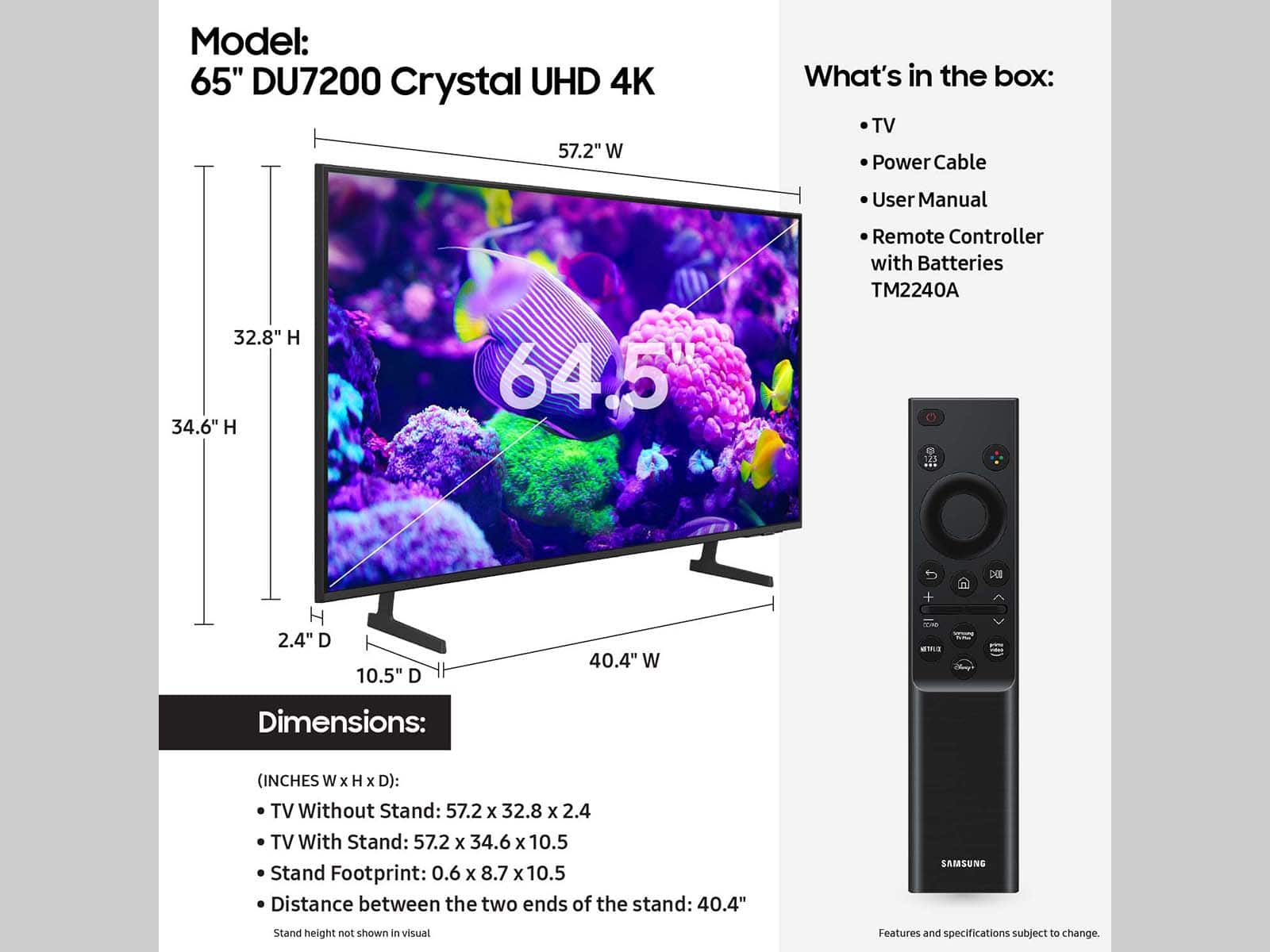
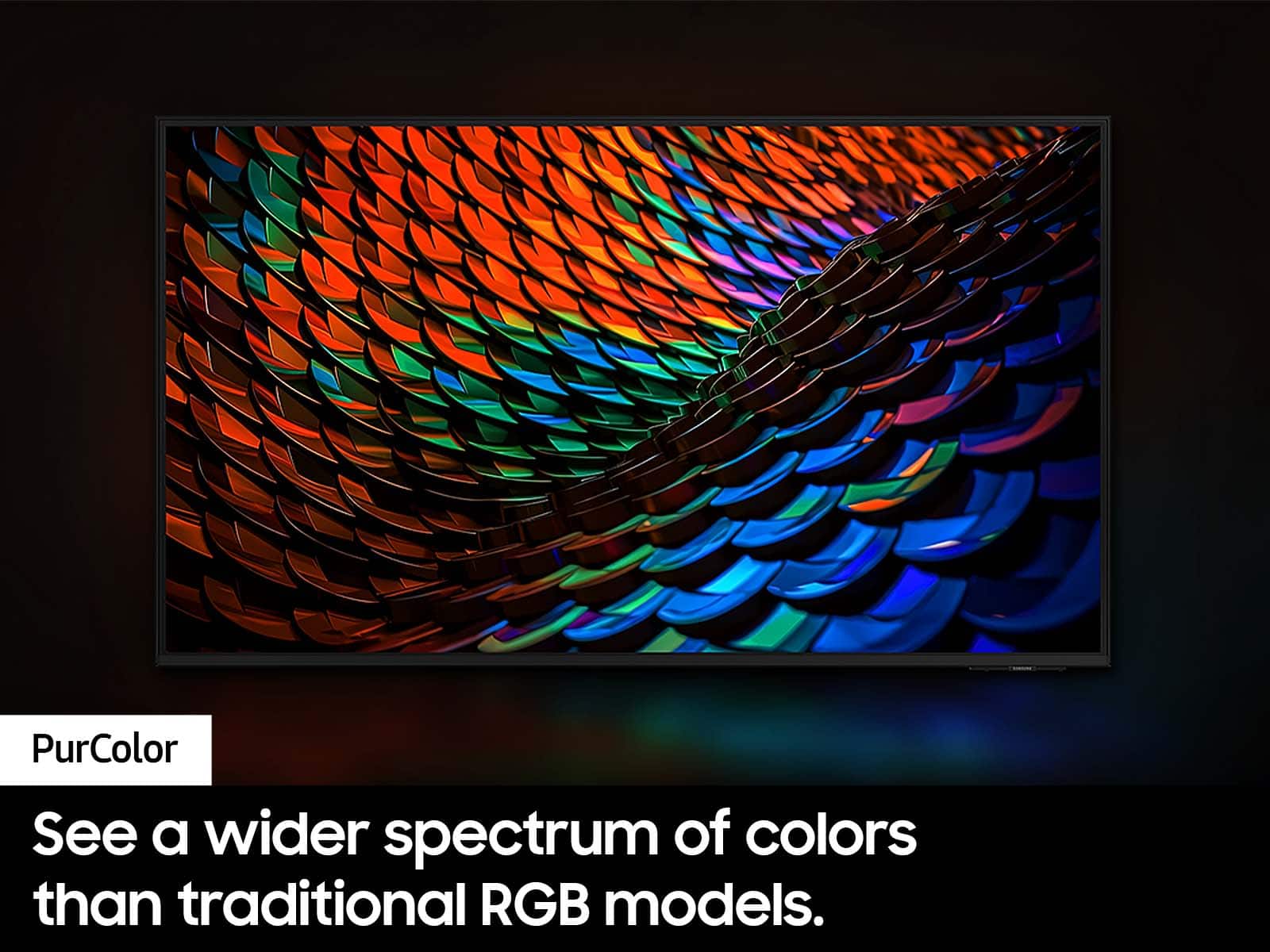
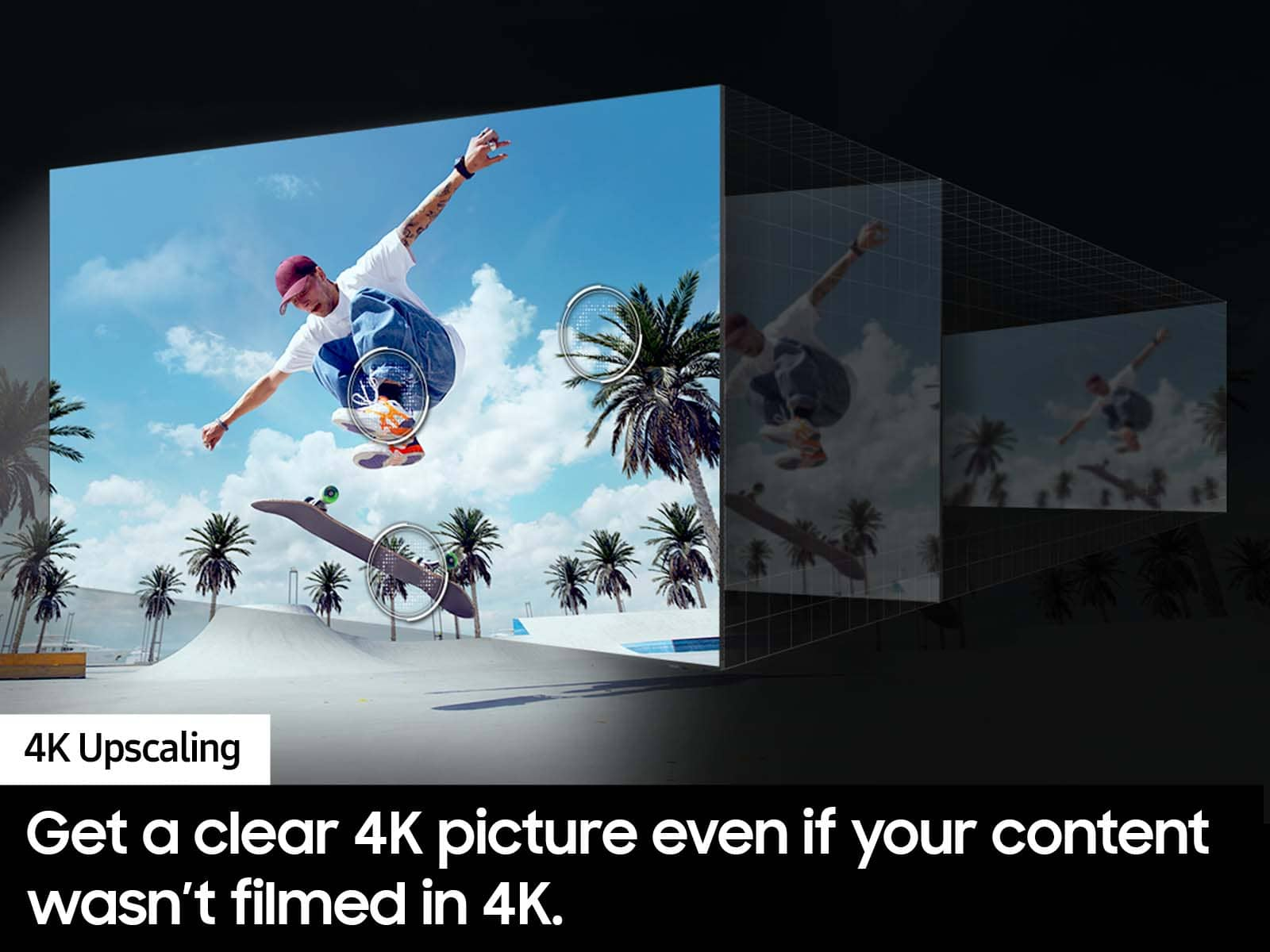

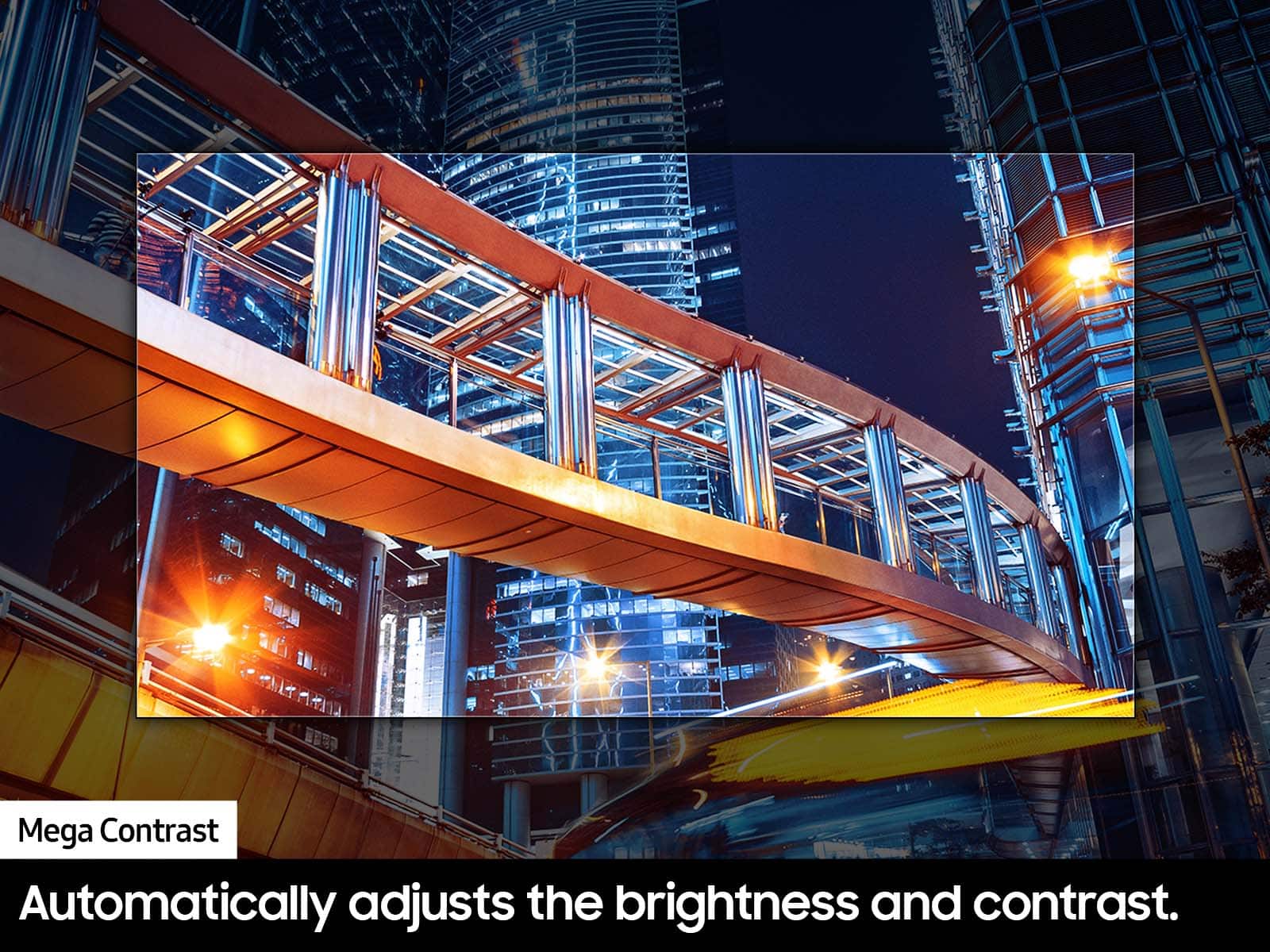



- Model:
- UN65DU7200FXZA
- SKU:
- 10413030
Rating by feature
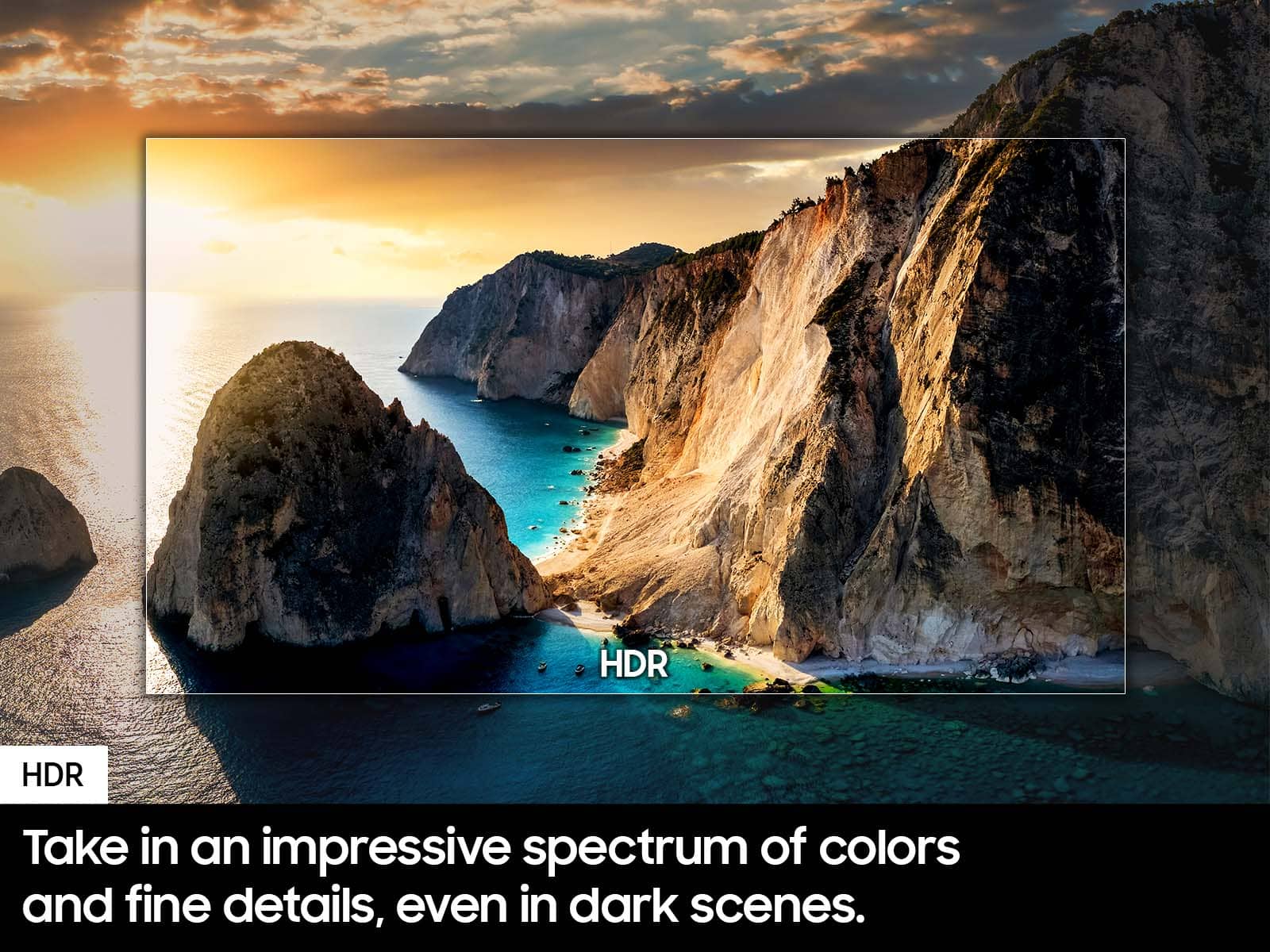
- Picture Quality
Rating 4.8 out of 5 stars
- Sound Quality
Rating 4.6 out of 5 stars
- Brightness
Rating 4.8 out of 5 stars
Customers are saying
Customers often highlight the incredible picture quality, ease of use, and good value for the price. They also appreciate its great color, larger size, and lightweight design. However, some customers have noted issues with the remote control being slow. Additionally, concerns were raised about slow connectivity and a limited number of ports.
This summary was generated by AI based on customer reviews.
Quality products
||Posted . Owned for less than 1 week when reviewed.This reviewer received promo considerations or sweepstakes entry for writing a review.The service given at this location is very friendly.
I would recommend this to a friendDecent budget 4k 65in
||Posted . Owned for 1 month when reviewed.This reviewer received promo considerations or sweepstakes entry for writing a review.Decent TV for the price. Wish it had Dolby vision and ATSC 3.0
I would recommend this to a friendNot Impressed
||Posted . Owned for 2 weeks when reviewed.This reviewer received promo considerations or sweepstakes entry for writing a review.I am not a big techie nor do I keep up with multiple apps so maybe I’m not getting it but I have not been impressed at all with this smart tv. I do not see the difference from my other two TVs, LG & Sharp, that are 8-10 yrs and not smart. The picture quality is nothing special, in my opinion and I actually feel the audio is subpar.
I would recommend this to a friendBrand response from Samsung
Posted .Hi Tinker,
It’s unfortunate to hear you’re not fully satisfied with your DU7200 TV’s image and sound quality. Below are a few settings that I recommend adjusting:
Go to Home > Settings > All Settings > Picture > Picture Mode and select the mode that best fits your usage:
1) Standard: Default mode suitable for general viewing environments.
2) Natural: Reduces eye strain for a comfortable viewing experience.
3) Movie: Most suitable for watching TV or movies in a dark room.
4) Dynamic: Makes the picture brighter and clearer in bright viewing environments.
5) Filmmaker Mode: You can watch the source content (e.g., movie) as it is. If the image is defined as Filmmaker Mode, it will automatically switch to Filmmaker Mode while watching.
You can also go to Settings > All Settings> Picture > Expert Settings > to manually fine-tune your image.
For sound adjustments, go to Settings> All Settings> Sound.
I hope these tips help you enjoy your new product.
You can contact us for further help at 1-800-SAMSUNG, 8 AM - 12 AM EST, seven days a week. Our LiveChat agents are also available by clicking on the ‘Support’ link on our website.
~ Samsung Advisor
Samsung TV
||Posted . Owned for 3 weeks when reviewed.This reviewer received promo considerations or sweepstakes entry for writing a review.Great resolution in this new Smart TV. We are really pleased with this purchase.
I would recommend this to a friendPerfect TV and at a good price
||Posted . Owned for 4 months when reviewed.This reviewer received promo considerations or sweepstakes entry for writing a review.Great television with clear and crisp screen quality.
I would recommend this to a friendWonderful TV and service
||Posted . Owned for 2 weeks when reviewed.This reviewer received promo considerations or sweepstakes entry for writing a review.Great Samsung TV. Fast delivery. Easy checkout..
I would recommend this to a friendTv
||Posted . Owned for 1 month when reviewed.This reviewer received promo considerations or sweepstakes entry for writing a review.Love this tv in our finished basement. Great clarity!
I would recommend this to a friendWhat title?
||Posted . Owned for 3 weeks when reviewed.This reviewer received promo considerations or sweepstakes entry for writing a review.Works fine, just like it is supposed to. Thats all......
I would recommend this to a friendTV’S
||Posted . Owned for 2 weeks when reviewed.This reviewer received promo considerations or sweepstakes entry for writing a review.Damaged TV was exchanged without a hitch. The delivery was on time.
I would recommend this to a friendGreat bargain TV
||Posted . Owned for 1 month when reviewed.This reviewer received promo considerations or sweepstakes entry for writing a review.Looks great, works great and cheap; but be warned: No audio output other than Bluetooth.
I would recommend this to a friendBrand response from Samsung
Posted .Hi thatoldgamer,
Thank you for your feedback on the DU7200 TV! Your TV offers 3 HDMI ports and is Bluetooth and Wi-fi capable.
If you ever have questions or need help, Samsung is here for you! Give us a call at 1-800-SAMSUNG, 8 AM - 12 AM EST, seven days a week. Our LiveChat agents are also available by clicking on the ‘Support’ link on our website.
Thanks for being a part of the Samsung family!
~ Samsung Advisor
Quality matches the purchase value
||Posted . Owned for 3 weeks when reviewed.This reviewer received promo considerations or sweepstakes entry for writing a review.Arrived as scheduled, set up was simple and completed quickly.
I would recommend this to a friendGreat product
||Posted . Owned for less than 1 week when reviewed.This reviewer received promo considerations or sweepstakes entry for writing a review.10/10 recommend! Great product, looks great, easy to setup
I would recommend this to a friendAlways buy Samsung
||Posted . Owned for 3 weeks when reviewed.This reviewer received promo considerations or sweepstakes entry for writing a review.So far been a great addition for our TVs. Easy to set up
I would recommend this to a friendSamsung TV
||Posted . Owned for 1 month when reviewed.This reviewer received promo considerations or sweepstakes entry for writing a review.Great purchase I highly recommend. I would purchase again.
I would recommend this to a friendIt's not what I expected, very poor image
||Posted . Owned for 3 weeks when reviewed.This reviewer received promo considerations or sweepstakes entry for writing a review.It's not what I expected, very poor image.. It's like having analog television
No, I would not recommend this to a friendBrand response from Samsung
Posted .Hi ale2070,
We appreciate your feedback on the DU7200 TV's image quality. I believe what you are describing is a feature called Auto Motion Plus, which eliminates ghosting and blurring that occurs from fast-moving images. These motion smoothing settings look great on live TVs, like sporting events or parades, which are filmed at 30 frames per second. Most movies, however, are filmed at 24 frames per second and are not intended to be viewed with these features. When turned on, this causes the dreaded soap opera effect.
To Change Motion smoothing settings on your TV:
Navigate to Settings > All Settings > Picture > Expert Settings > Auto Motion Plus Settings (Picture Clarity Settings).
1. The default setting is Auto. This means the feature automatically turns on and off based on the type of program being watched.
2. Select Auto Motion Plus (Picture Clarity) to change the setting to either Off or Custom.
If you select Custom, three additional options are available:
• Blur Reduction: Use the directional keys on the remote to adjust the Blur setting.
• Judder Reduction: Use the directional keys on the remote to adjust the Judder setting.
• LED Clear Motion: This option allows you to configure the LED backlight to sharpen fast-moving images. Select to turn On or Off.
You can also go to Settings > All Settings> Picture > Expert Settings > to manually fine-tune your image.
If you’d like more help with settings, we are always happy to help! Call us at 1-800-SAMSUNG, 8 AM - 12 AM EST, seven days a week. Or visit us on the Samsung website and click on the ‘Support’ link for:
1) LiveChat
2) Manuals, Software, & Warranty Info
~ Samsung Advisor
Samsung 65" TV
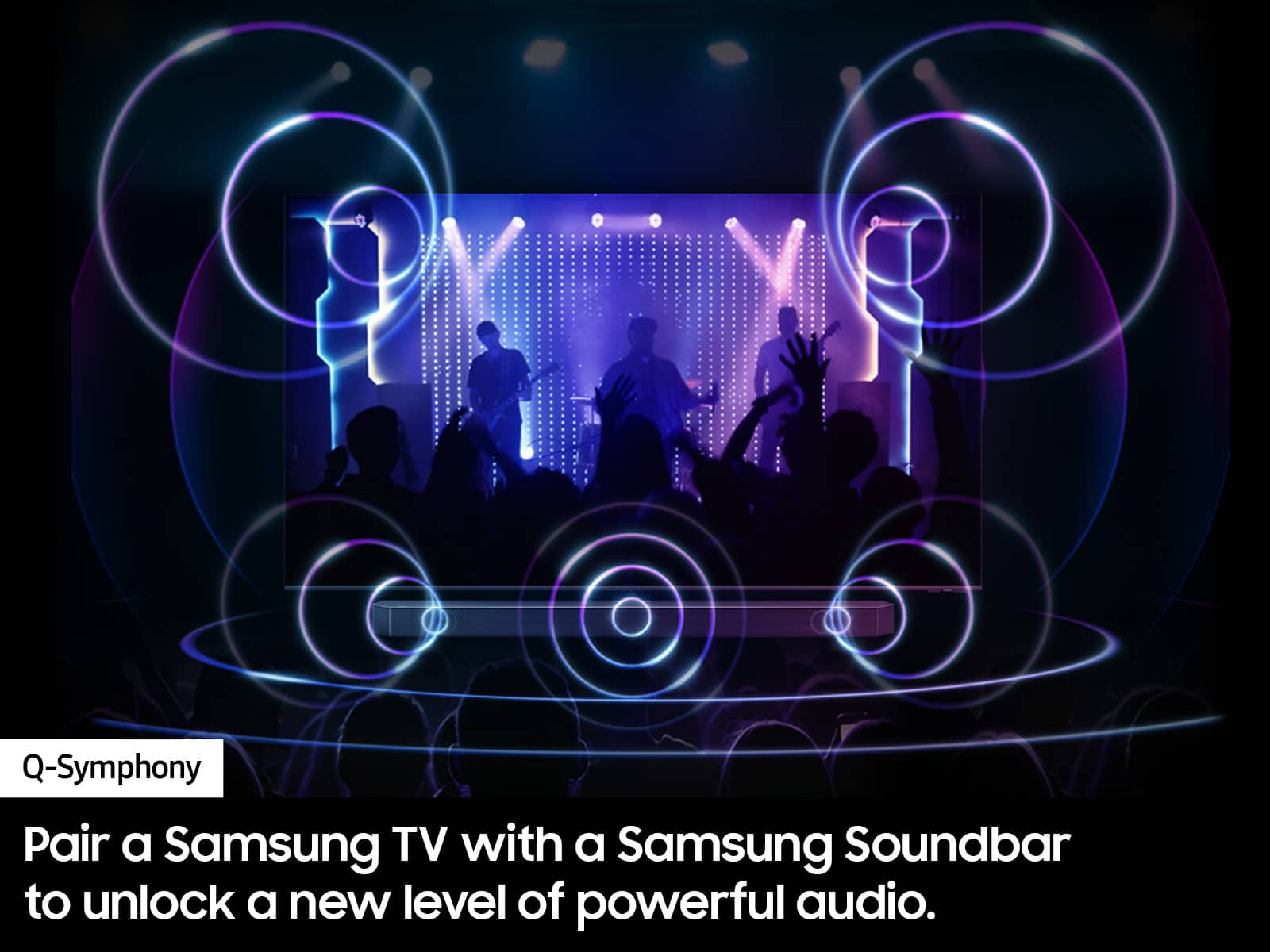
||Posted . Owned for 3 weeks when reviewed.This reviewer received promo considerations or sweepstakes entry for writing a review.Nice tv for the pricing. Going to need soundbar for the tv
I would recommend this to a friendgood deal
||Posted . Owned for 1 week when reviewed.This reviewer received promo considerations or sweepstakes entry for writing a review.Nice TV but maybe can improve sound quality and level
I would recommend this to a friendGreat picture
||Posted . Owned for 2 months when reviewed.This reviewer received promo considerations or sweepstakes entry for writing a review.I love everything about it except the the remote which is has a slow response time.
I would recommend this to a friend- Pros mentioned:Color
tv
||Posted . Owned for 3 weeks when reviewed.This reviewer received promo considerations or sweepstakes entry for writing a review.Beautiful color, shuts off randomly. easy to hang on wall.
No, I would not recommend this to a friendBrand response from Samsung
Posted .Hi StellaN,
Thank you for sharing your experience with us. If your TV is shutting off randomly, and if you are using the device through HDMI, it could cause the auto-on, as Anynet+ is enabled.
Occasionally, connected devices such as game consoles (PS5, Xbox) or cable set-top boxes send a turn-on signal, for example, if they have software updates. We recommend you try turning Anynet+ off as it may be causing auto power on. Go to Settings > General > External Device Manager > Anynet+, then disable.
You may also want to check your firmware. Go to Settings> Support> Software Update.
If you need more help, Samsung is here for you! Please call us at 1-800-SAMSUNG, 8 AM - 12 AM EST, seven days a week. Our LiveChat agents are also available by clicking on the ‘Support’ link on our website.
~ Samsung Advisor
Great tv
||Posted . Owned for 1 month when reviewed.This reviewer received promo considerations or sweepstakes entry for writing a review.Great overall tv works amazing great colors great for the price
I would recommend this to a friend