Customer Ratings & Reviews



- Model:
- UN65DU8000FXZA
- SKU:
- 6575139
Rating by feature
- Picture Quality
Rating 4.7 out of 5 stars
- Sound Quality
Rating 4.5 out of 5 stars
- Brightness
Rating 4.7 out of 5 stars
Customers are saying
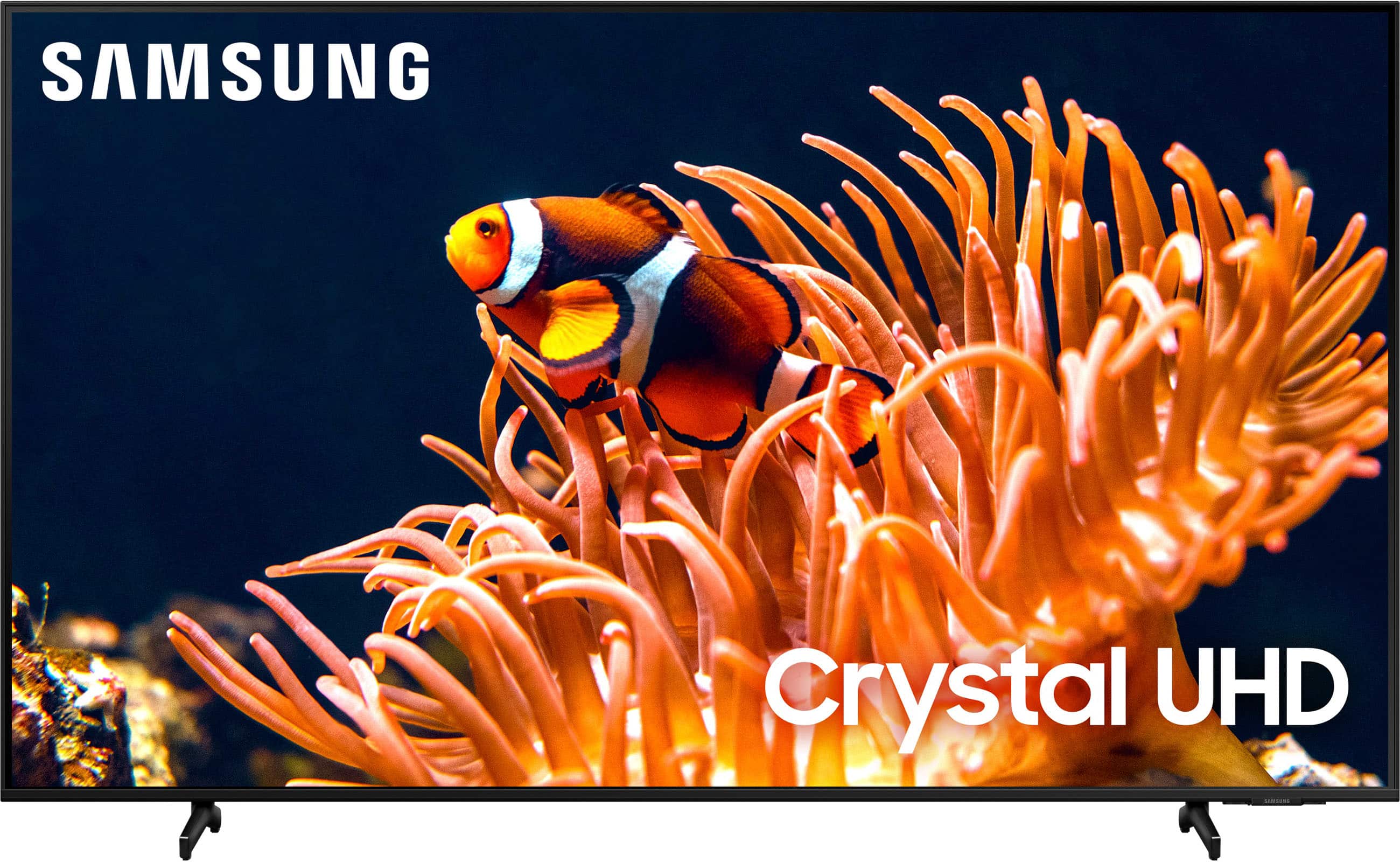
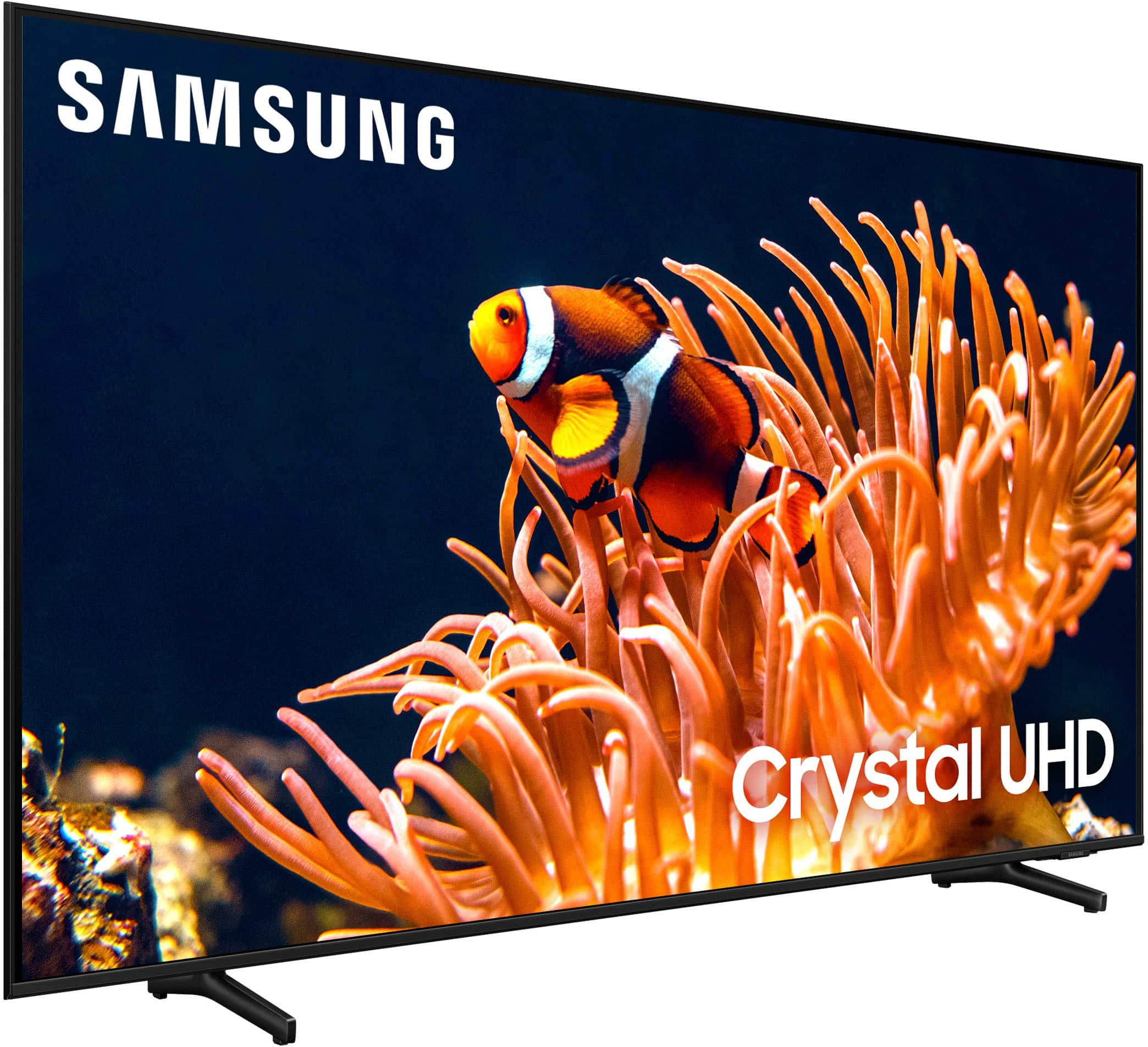
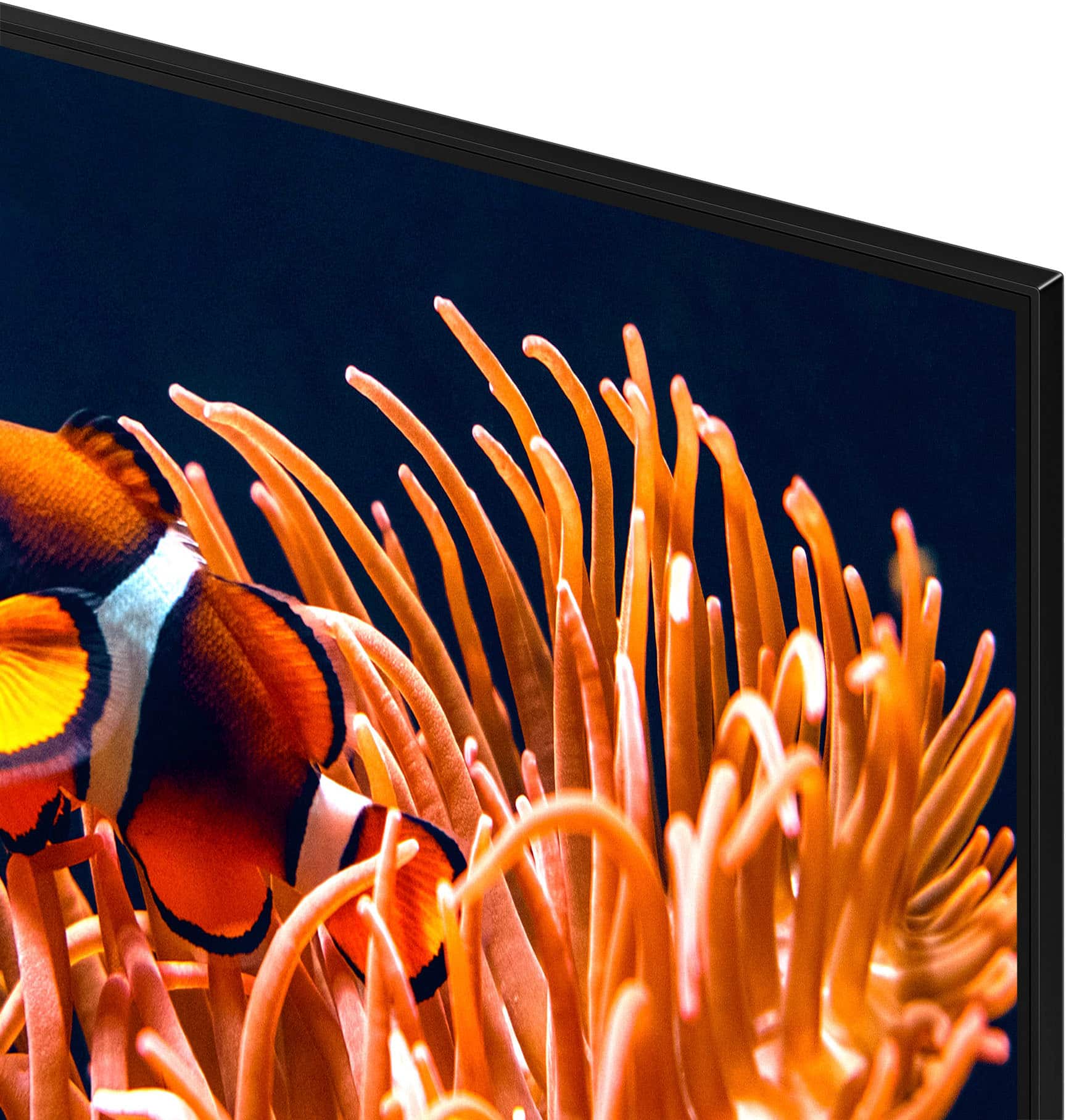
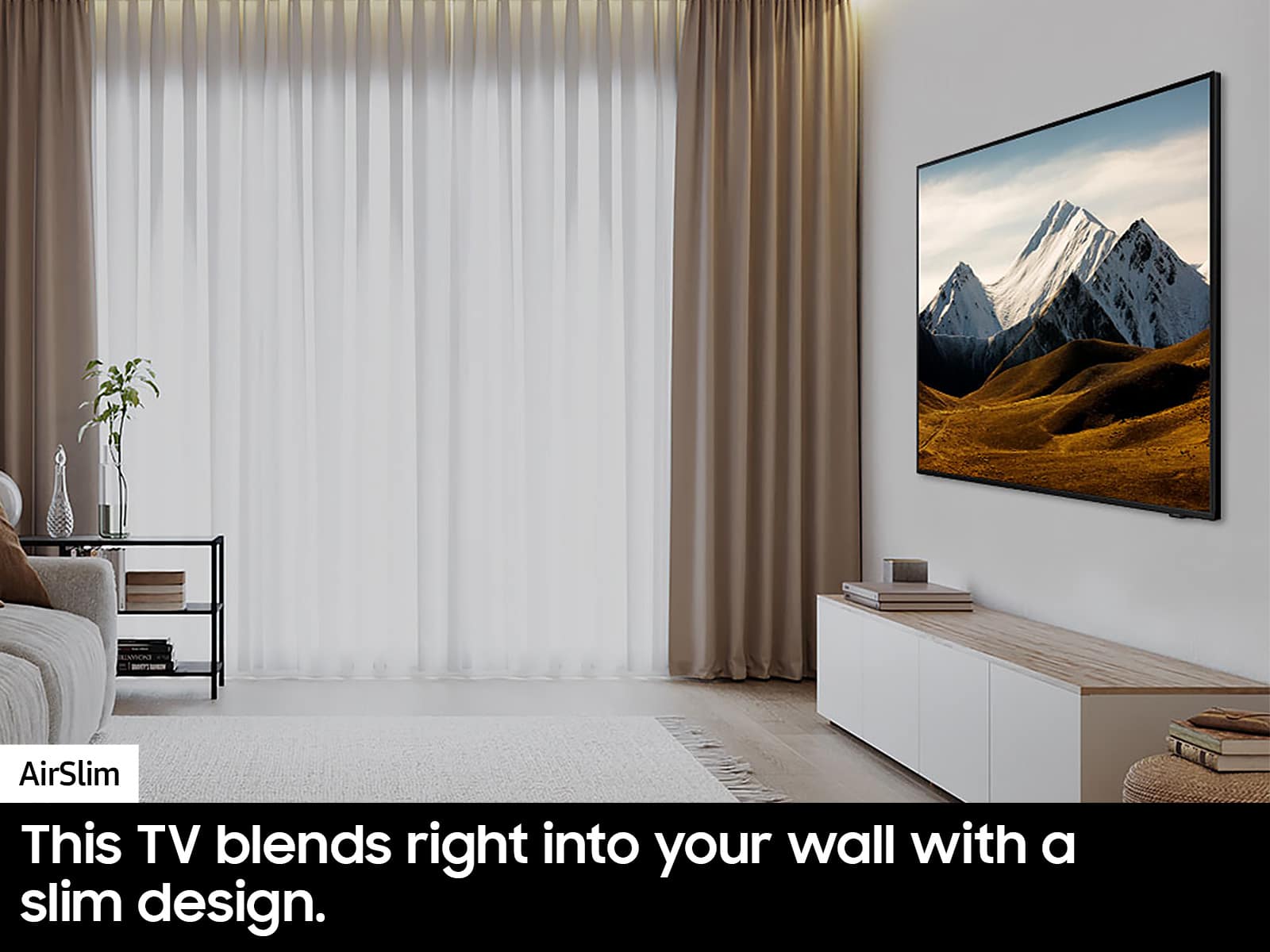
Customers are impressed with the excellent picture quality of the 65” Class DU8000 Series Crystal UHD Smart Tizen TV (2024). Users also appreciate its ease of use and consider it a great value for the price. The TV's design is a good fit for living rooms, and its lightweight nature is another positive aspect.
This summary was generated by AI based on customer reviews.
Promess that was a lie by Best Buy
||Posted . Owned for 1 week when reviewed.This reviewer received promo considerations or sweepstakes entry for writing a review.Dont have an ussue with TV or in sale services my issue is that Best buy reschedule 2 times this delivery that was suppose to feliver in 3 day now has been almost 20 days. This was a grad gift si disappoint.
I would recommend this to a friendBrand response from Samsung
Posted .Hi JimmyR,
I'm sorry you have not yet received your TV. Please reach out directly to Best Buy to assist you. If you ever have questions or need help, Samsung is here for you! Give us a call at 1-800-SAMSUNG, 8 AM - 12 AM EST, seven days a week. Our LiveChat agents are also available by clicking on the ‘Support’ link on our website.
~Samsung Advisor
Color good, continuation poor
||Posted . Owned for 3 months when reviewed.This reviewer received promo considerations or sweepstakes entry for writing a review.Color is ok, but the continuation is very poor. The picture jumps and skips. I am going to try to call for service, but I have no idea what they can do.
No, I would not recommend this to a friendBrand response from Samsung
Posted .Hi markw,
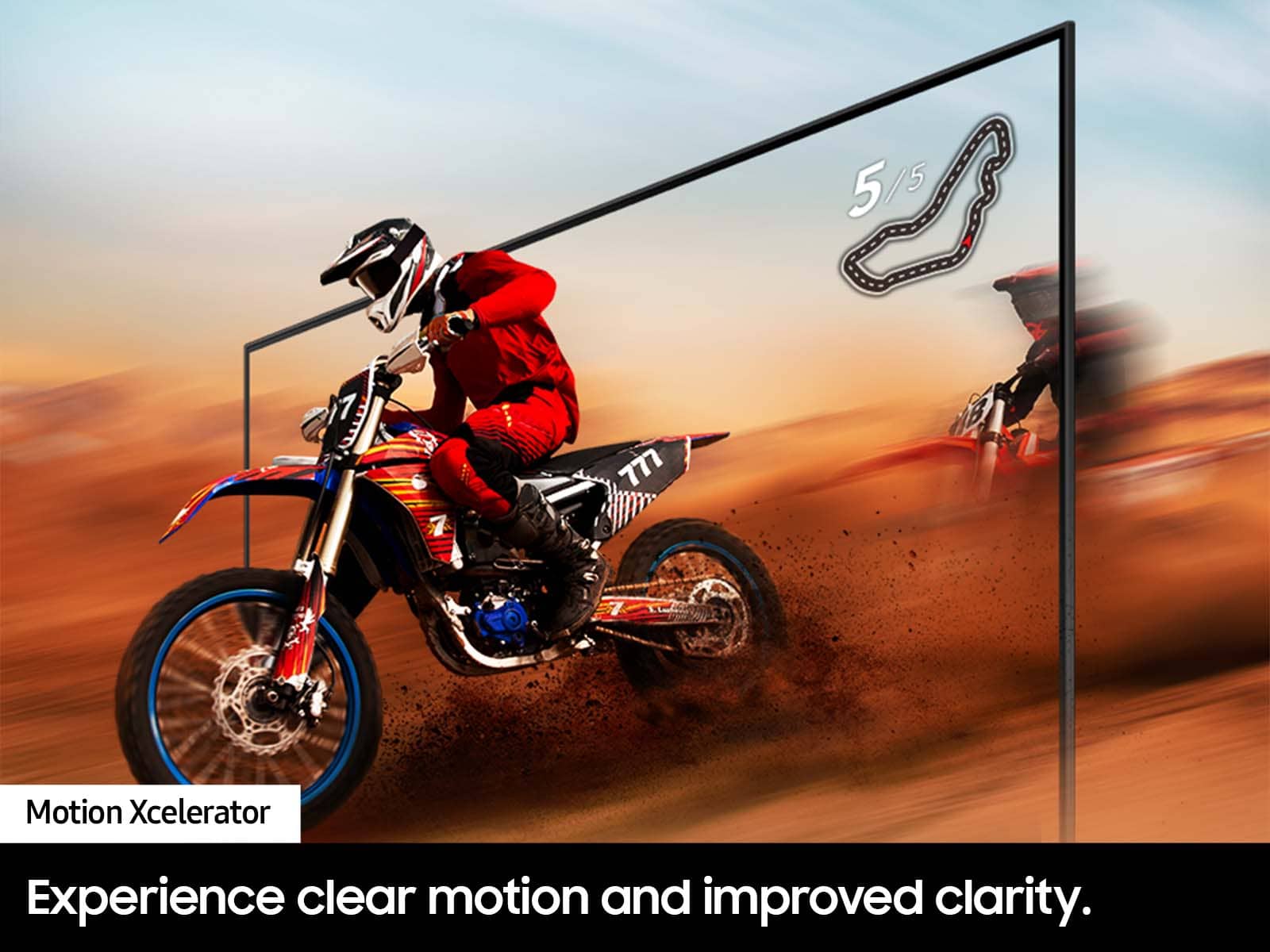
Thank you for sharing your experience with the DU8000 TV’s image quality. Motion smoothing features eliminate ghosting and blurring that occurs from fast-moving images. On Samsung TVs, these are known as Auto Motion Plus or Picture Clarity. These motion smoothing settings look great on live TVs, like sporting events or parades, which are filmed at 30 frames per second. Most movies, however, are filmed at 24 frames per second and are not intended to be viewed with these features. When turned on, this causes the dreaded soap opera effect.
To Change Motion smoothing settings on your TV:
Navigate to Settings > All Settings > Picture > Expert Settings > Auto Motion Plus Settings (Picture Clarity Settings).
1. The default setting is Auto. This means the feature automatically turns on and off based on the type of program being watched.
2. Select Auto Motion Plus (Picture Clarity) to change the setting to either Off or Custom.
If you select Custom, three additional options are available:
• Blur Reduction: Use the directional keys on the remote to adjust the Blur setting.
• Judder Reduction: Use the directional keys on the remote to adjust the Judder setting.
• LED Clear Motion: This option allows you to configure the LED backlight to sharpen fast-moving images. Select to turn On or Off.
If you need more help, Samsung is here for you! Please call us at 1-800-SAMSUNG, 8 AM - 12 AM EST, seven days a week. Our LiveChat agents are also available by clicking on the ‘Support’ link on our website.
~ Samsung Advisor
Not worth the price tag
||Posted . Owned for 1 month when reviewed.This reviewer received promo considerations or sweepstakes entry for writing a review.It's not a bad tv, but a definite downgrade from my vizio i replaced.
No, I would not recommend this to a friendBrand response from Samsung
Posted .Hi Brian,
Thanks for sharing your thoughts. If there's anything we can do to improve your experience, please reach Samsung Support at 1-800-SAMSUNG, 8AM - 12AM EST, 7 days a week. Or visit us on the Samsung website and click on the ‘Support’ link for:
• LiveChat
• Manuals, Software, & Warranty Info
~ Samsung Advisor
Neutral
||Posted . Owned for 5 months when reviewed.This reviewer received promo considerations or sweepstakes entry for writing a review.Broke in 2 months. Repair was made and it didn't fix the problem. Repair person left parts of the cover open. You can see lights from the back.
No, I would not recommend this to a friendBrand response from Samsung
Posted .Hi Notamobilewatch,
We appreciate you sharing the issues you’re experiencing with your DU8000 TV and that your repair with Samsung Support could not resolve this. Please give us a chance to make this right by calling us at 1-800-SAMSUNG, 8 AM - 12 AM EST, seven days a week. Or visit us on the Samsung website and click on the ‘Support’ link for:
1) LiveChat
2) Manuals, Software, & Warranty Info
~ Samsung Advisor
Basic but works well.
||Posted . Owned for 1 month when reviewed.This reviewer received promo considerations or sweepstakes entry for writing a review.Tv was ok. I had to do lots of tuning to get the best picture. However, it works well,
No, I would not recommend this to a friendBrand response from Samsung
Posted .Hi MelF,
We appreciate your purchase and feedback on the Settings on your TV. Please know if you ever need help with Settings or adjusting the sound or picture on your TV, we are available to help. We also have many guides online to assist you such as this step by step guide for setting up your unit: https://www.samsung.com/us/support/answer/ANS00062199/
If you need more help, Samsung is here for you. Please call us at 1-800-SAMSUNG, 8 AM - 12 AM EST, seven days a week. Our LiveChat agents are also available by clicking on the ‘Support’ link on our website.
~Samsung Advisor
Good entry level TV
||Posted . Owned for 1 month when reviewed.This reviewer received promo considerations or sweepstakes entry for writing a review.Okay entry level TV or for kids to game on… however once you spend the $$$ on a high end TV, there is no going back.
I would recommend this to a friendBrand response from Samsung
Posted .Hi Q70T,
We appreciate your feedback on the DU8000 TV. We take pride in our products and are sorry to hear that your experience was not up to our high standards.
If there’s anything we can ever help with, please call us at 1-800-SAMSUNG, 8 AM - 12 AM EST, seven days a week. Or visit us on the Samsung website and click on the ‘Support’ link for:
1) LiveChat
2) Manuals, Software, & Warranty Info
~ Samsung Advisor
PIcture quality average
||Posted . Owned for 3 weeks when reviewed.This reviewer received promo considerations or sweepstakes entry for writing a review.Best Buy and delivery was great, but the quality of the picture is not the best.
No, I would not recommend this to a friendBrand response from Samsung
Posted .Hi PeterS,
Thank you for sharing your thoughts on the picture quality of your DU8000 TV. I have a few recommendations that may improve your visual experience:
Go to Home > Settings > All Settings > Picture > Picture Mode and select the mode that best fits your usage:
1) Standard: Default mode suitable for general viewing environments.
2) Natural: Reduces eye strain for a comfortable viewing experience.
3) Movie: Most suitable for watching TV or movies in a dark room.
4) Dynamic: Makes the picture brighter and clearer in bright viewing environments.
5) Filmmaker Mode: You can watch the source content (e.g., movie) as it is. If the image is defined as Filmmaker Mode, it will automatically switch to Filmmaker Mode while watching.
You can also go to Settings > All Settings> Picture > Expert Settings > to manually fine-tune your image.
If you need more help, Samsung is here for you. Call us at 1-800-SAMSUNG, 8 AM - 12 AM EST, seven days a week. Our LiveChat agents are also available by clicking on the ‘Support’ link on our website.
~ Samsung Advisor
Died in the first month
||Posted . Owned for 1 month when reviewed.This reviewer received promo considerations or sweepstakes entry for writing a review.Panel went bad after less than 20 hours of use, Best Buy referred us to Samsung for warranty service. Service was professional and prompt, we will see how long it lasts. We had to remove it from the wall and remount it, not ideal.
No, I would not recommend this to a friendBrand response from Samsung
Posted .Hi MichaelF,
Thank you for your review and for your patience in having your new TV serviced. If there’s anything we can ever help with, please call us at 1-800-SAMSUNG, 8 AM - 12 AM EST, seven days a week. Or visit us on the Samsung website and click on the ‘Support’ link for:
1) LiveChat
2) Manuals, Software, & Warranty Info
~ Samsung Advisor
Sound is poor
||Posted . Owned for 3 weeks when reviewed.This reviewer received promo considerations or sweepstakes entry for writing a review.It doesn’t have a good audio. Is it difficult to hear.
No, I would not recommend this to a friendBrand response from Samsung
Posted .Hi NormaM,
Thank you for sharing your experience with low volume. There are several volume features you can adjust, which may improve your audio experience.
1) Auto Volume automatically adjusts the sound to a certain level when changing channels or switching to another external input. Go to Settings > All Settings> Sound > Expert Settings > Auto Volume.
2) Adaptive Sound automatically adjusts to a specific volume level while watching TV. The TV analyzes your volume usage history by time period to automatically adjust the volume when you use an app or switch to an external input source. Go to Settings> All Settings> Sound> Sound Mode> Adaptive Sound.
3) Several Sound Modes are likewise available to meet your personal preferences: Home > Settings > All Settings> Sound > Sound Mode.
Also, some sources have their own volume control, which might need to be set higher. Please check the volume control of the external device (cable box or satellite box, DVD, Blu-ray, etc.) connected to your TV. Also, check the cable connection between an external device and the TV and then try the cable connection again.
If you’d like more help with settings, we are always happy to help! Call us at 1-800-SAMSUNG, 8 AM - 12 AM EST, seven days a week. Or visit us on the Samsung website and click on the ‘Support’ link for:
1) LiveChat
2) Manuals, Software, & Warranty Info
~ Samsung Advisor
Not work the price
||Posted . Owned for 3 weeks when reviewed.This reviewer received promo considerations or sweepstakes entry for writing a review.I waited until this series became available, but the picture quality is average. I should have just ordered an older model.
No, I would not recommend this to a friendBrand response from Samsung
Posted .Hi Lynn,
Thank you for choosing Samsung and for your review of the DU8000 TV picture quality. It's unfortunate to hear you are not satisfied with the picture you are seeing on your screen. I do have a few settings adjustments that may improve your experience.
Go to Home > Settings > All Settings > Picture > Picture Mode and select the mode that best fits your usage:
1) Standard: Default mode suitable for general viewing environments.
2) Natural: Reduces eye strain for a comfortable viewing experience.
3) Movie: Most suitable for watching TV or movies in a dark room.
4) Dynamic: Makes the picture brighter and clearer in bright viewing environments.
5) Filmmaker Mode: You can watch the source content (e.g., movie) as it is. If the image is defined as Filmmaker Mode, it will automatically switch to Filmmaker Mode while watching.
You can also go to Settings > All Settings> Picture > Expert Settings > to manually fine-tune your image.
If you’d like more help with settings, we are always happy to help! Call us at 1-800-SAMSUNG, 8 AM - 12 AM EST, seven days a week. Or visit us on the Samsung website and click on the ‘Support’ link for:
1) LiveChat
2) Manuals, Software, & Warranty Info
~ Samsung Advisor
Bad experience
||Posted .This reviewer received promo considerations or sweepstakes entry for writing a review.The resolution is very poor, it doesn't have brightness, it's a shame I love Samsung, it looks very cloudy, it's a shame I have to return it.
No, I would not recommend this to a friendBrand response from Samsung
Posted .Hi JulioH,
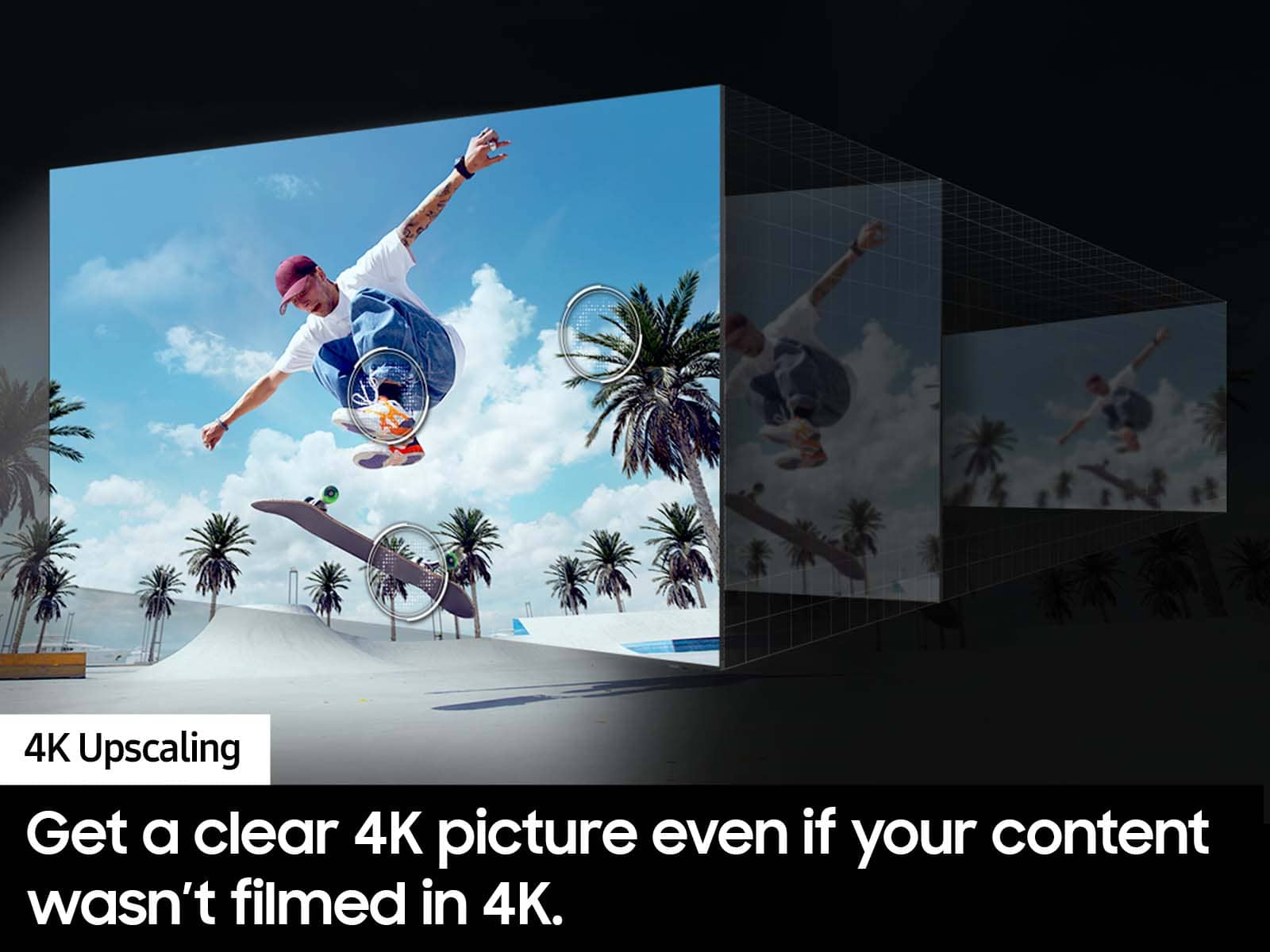
Thank you for sharing your thoughts on your DU8000 TV’s image quality. The TV will upscale any content sent to it as best as possible. The closer your content is to 4K, the better the image will look on the screen.
Here are some tips to help improve picture clarity:
1) HDMI cables are recommended for optimal HD viewing.
2) If you have an analog cable box or satellite box, upgrade to a digital cable box or satellite box.
3) Change the output resolution of your devices, such as digital broadcast receivers, IPTV, and set-top boxes, to UHD or HD.
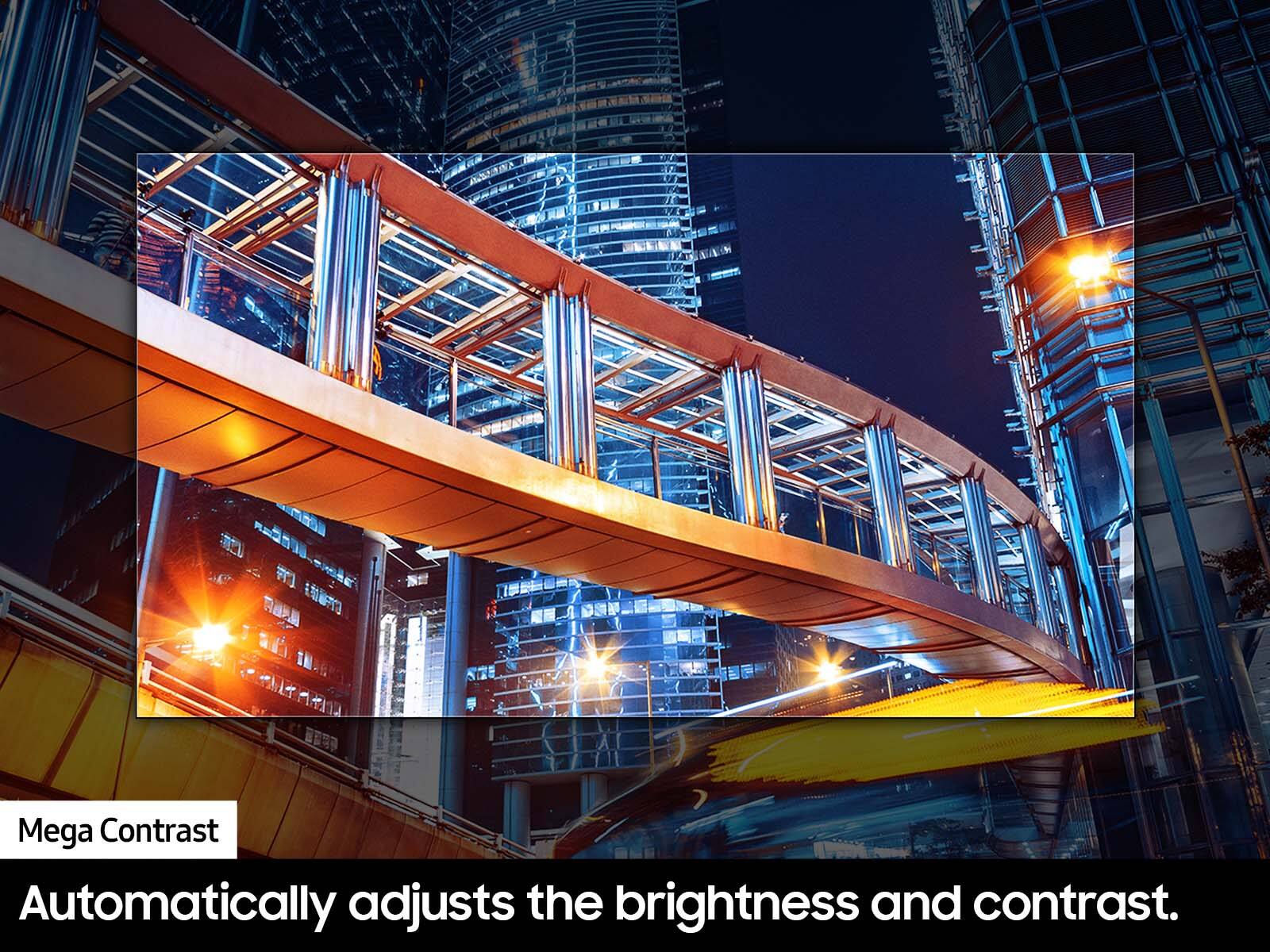
4) You can further adjust your sharpness, brightness, contrast, color, and more by going to Settings > All Settings> Picture > Expert Settings
5) Choose a Picture Mode by going to Settings > All Settings> Picture > Picture Mode and choose from Dynamic, Standard, Natural, Movie, or Filmmaker Mode.
6) For optimal motion image performance, you may want to adjust the picture clarity setting by going to Settings > All Settings> Picture > Expert Settings > Picture Clarity Settings.
Should you ever have questions or need help with TV features, specs, or operations, we are here to help. You can call us at 1-800-SAMSUNG, 8 AM - 12 AM EST, seven days a week. Our LiveChat agents are also available by clicking on the ‘Support’ link on our website.
~ Samsung Advisor
Don’t buy
||Posted . Owned for 1 month when reviewed.This reviewer received promo considerations or sweepstakes entry for writing a review.Bestbuy doesn’t refund or replace the tv. All the money I paid is gone.
No, I would not recommend this to a friendPoor TV
||Posted .This reviewer received promo considerations or sweepstakes entry for writing a review.After less than a month of buying the TV; horizontal lines developed on screen. Technician said TV has to be replaced!!
No, I would not recommend this to a friendBrand response from Samsung
Posted .Hi CKsReview,
I am very sorry that you experienced issues with your DU7200 Crystal UHD TV and are currently waiting for it to be serviced. I understand your frustration and appreciate your patience. Should you have any issues with your TV after service is complete, please contact Samsung Customer Support. You can call us at 1-800-SAMSUNG, 8 AM - 12 AM EST, seven days a week. Our LiveChat agents are also available by clicking on the ‘Support’ link on our website.
~ Samsung Advisor
- Pros mentioned:Ease of use, Picture quality
Great TV
Posted .This reviewer received promo considerations or sweepstakes entry for writing a review.Bought this TV due to it's high ratings and good price well worth it. Amazing picture easy to set up and looks great!
I would recommend this to a friend - Pros mentioned:Ease of use, Picture quality
Quality tv.
Posted .This reviewer received promo considerations or sweepstakes entry for writing a review.Great quality for the price. Great picture. Easy to use the picture color is great.
I would recommend this to a friend - Pros mentioned:Picture quality
Not bad
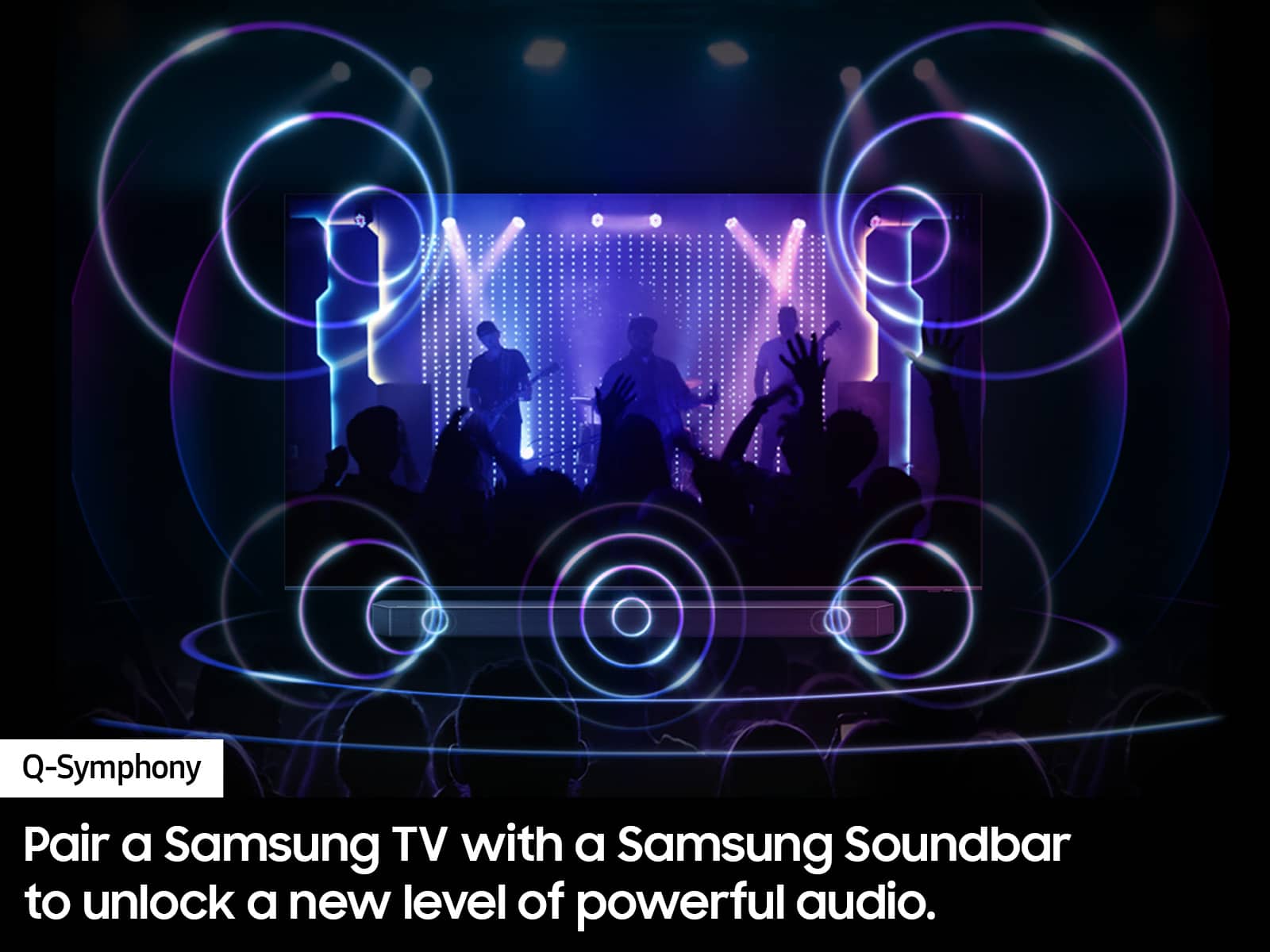
Posted .This reviewer received promo considerations or sweepstakes entry for writing a review.Got it for my grandparents, the features are a little too advanced for them but the image qualify is decent for what they watch. Definitely need a soundbar
I would recommend this to a friend - Pros mentioned:Picture quality
Great TV
Posted .This reviewer received promo considerations or sweepstakes entry for writing a review.Functions like a great TV should. Picture quality is 10/10.
I would recommend this to a friend - Pros mentioned:Picture quality
Worth it!
Posted .This reviewer received promo considerations or sweepstakes entry for writing a review.Absolutely love this tv for gaming! Set up was fairly easy and will be utilized for years to come!
I would recommend this to a friend - Pros mentioned:Picture quality
Best purchase
Posted .This reviewer received promo considerations or sweepstakes entry for writing a review.Love the size and the price! Works amazing ! I would buy again
I would recommend this to a friend Great TV
Posted .This reviewer received promo considerations or sweepstakes entry for writing a review.I was pleasantly surprised when my Samsung TV arrived. It was delivered right on time and it is better than I expected! Great buy! Thank you Best Buy for a great deal and a great TV. I can't wait for football season!
I would recommend this to a friend