Customer Ratings & Reviews
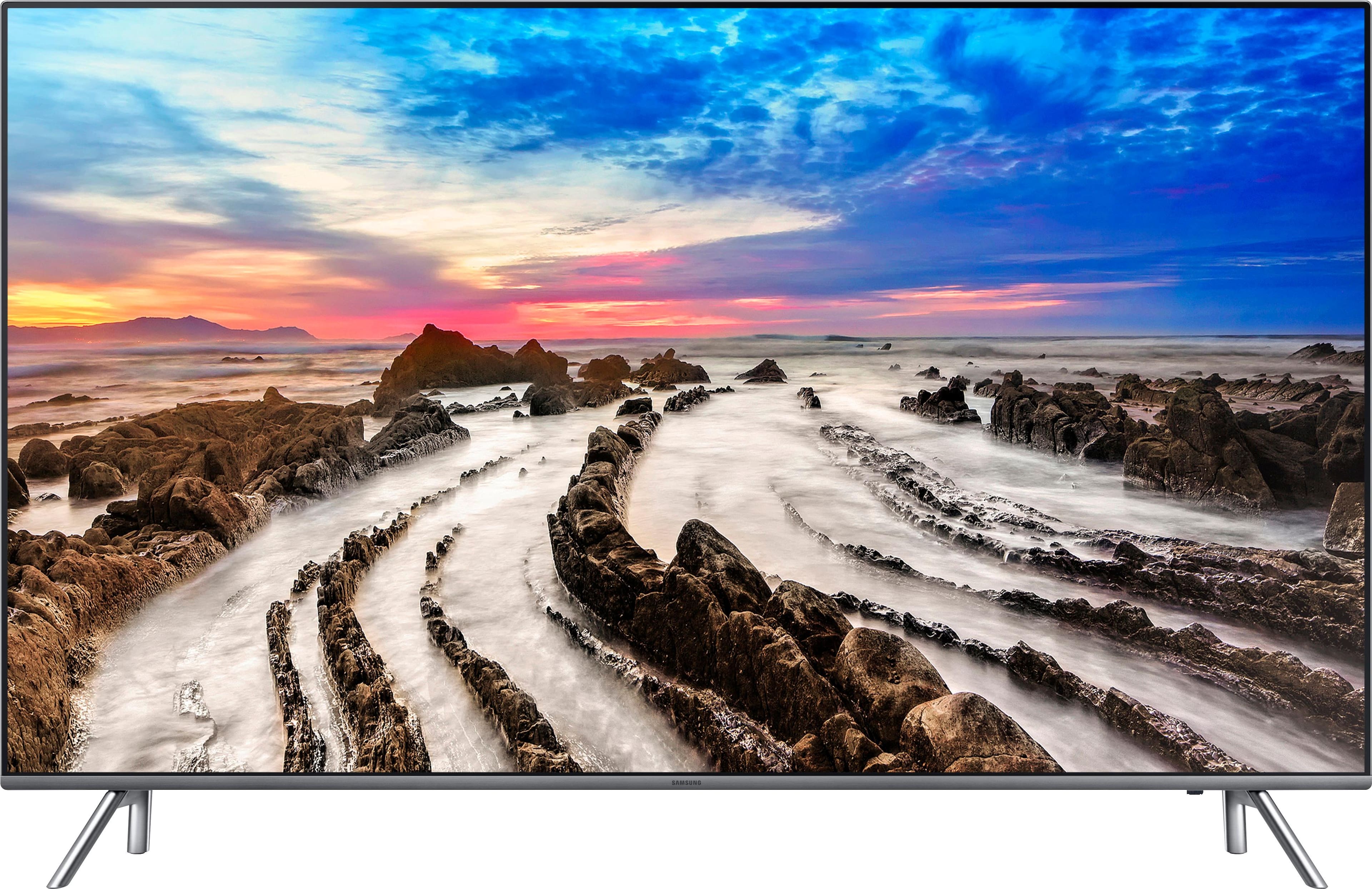
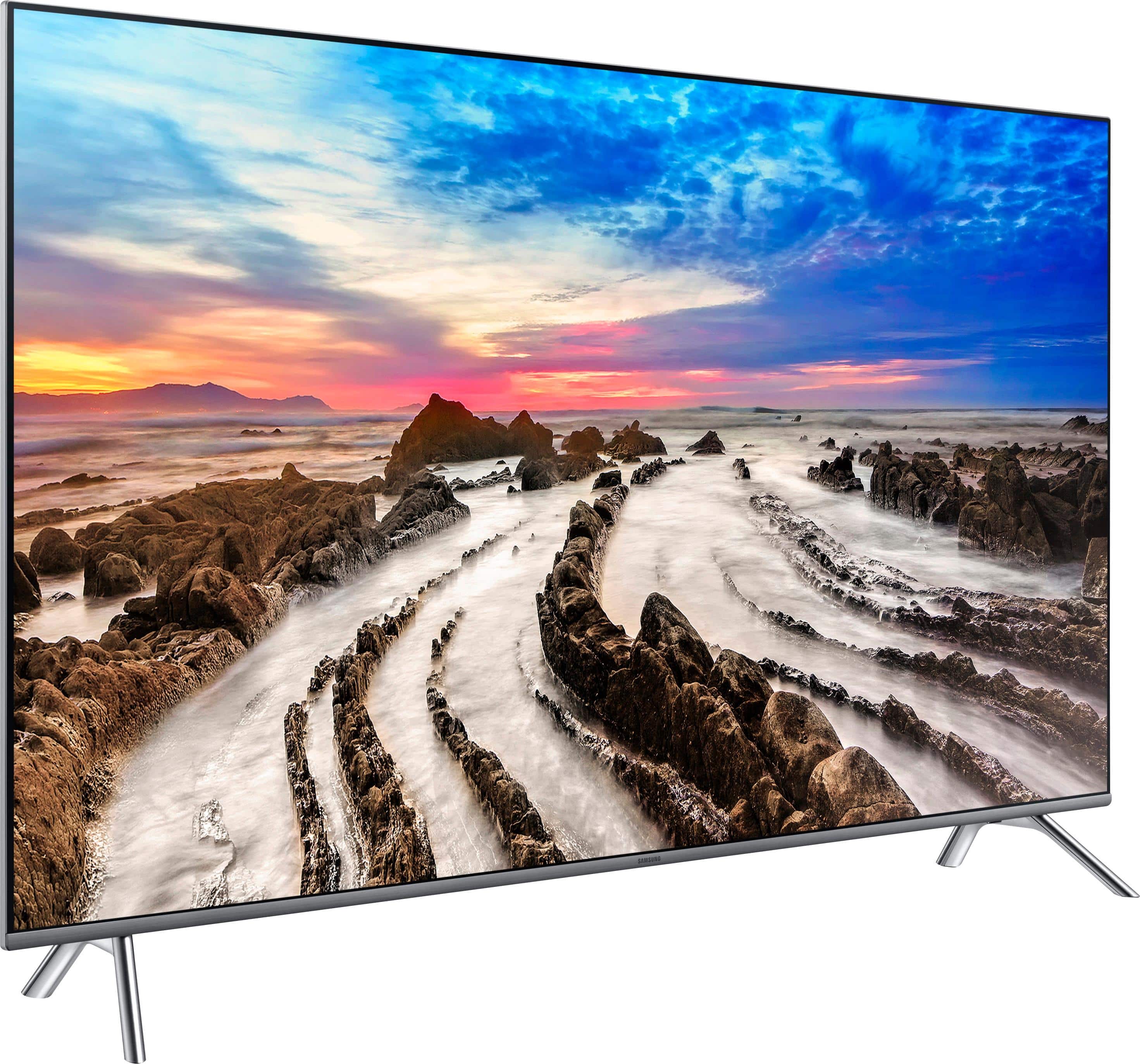
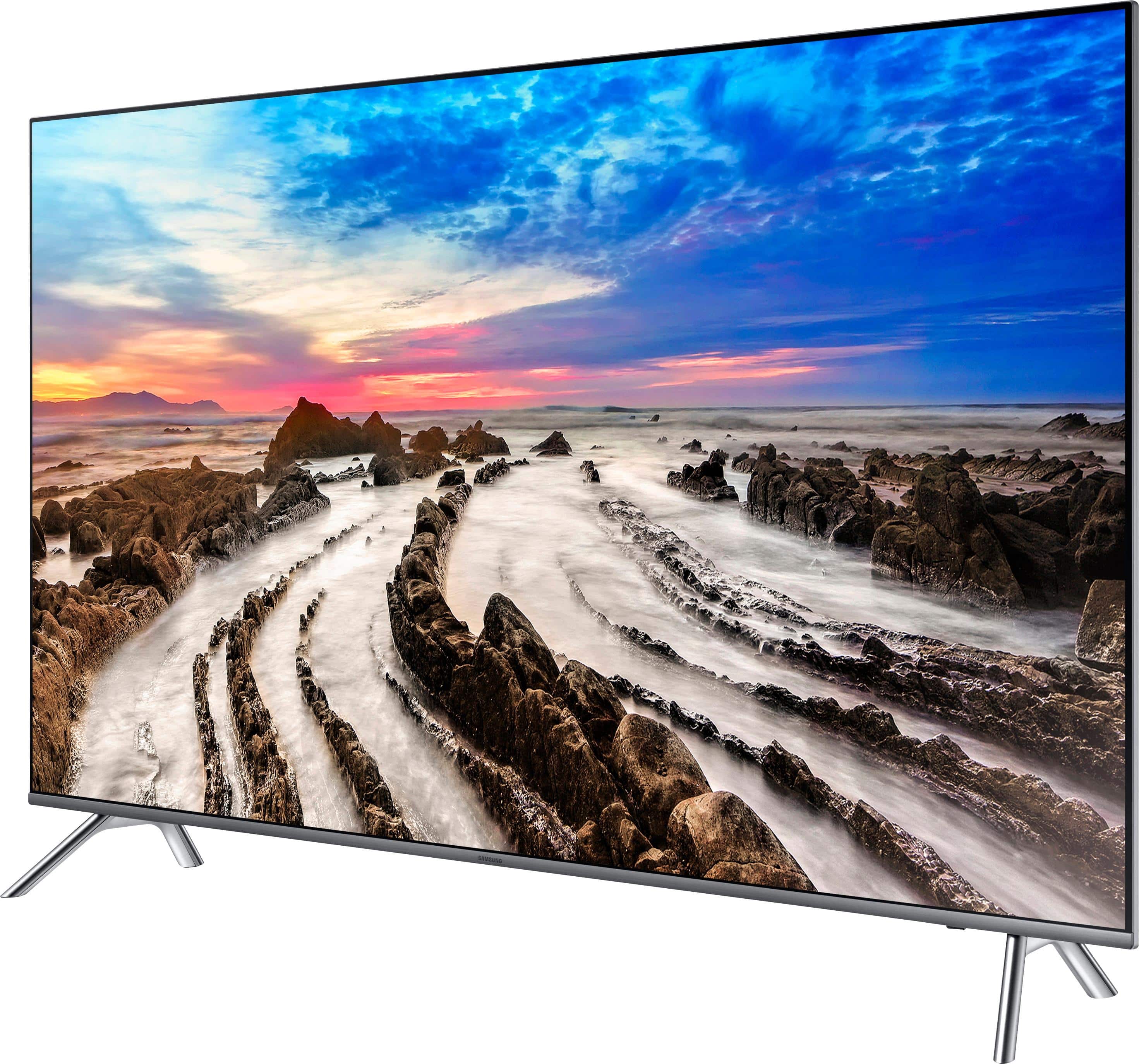
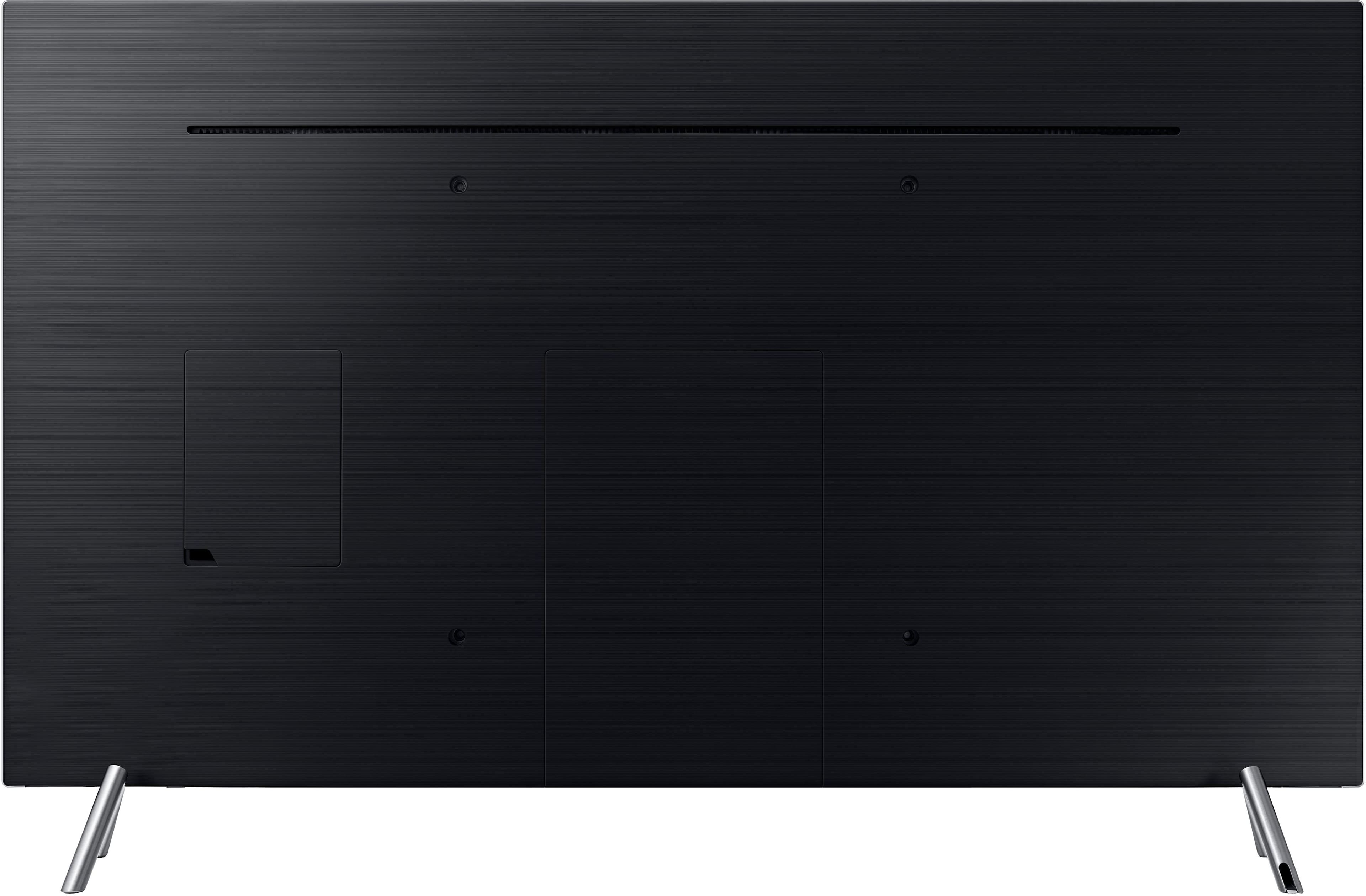

- Model:
- UN65MU8000FXZA
- SKU:
- 5773800
Rating by feature
- Picture Quality
Rating 4.7 out of 5 stars
- Sound Quality
Rating 4.5 out of 5 stars
- Brightness
Rating 4.7 out of 5 stars
Customers are saying
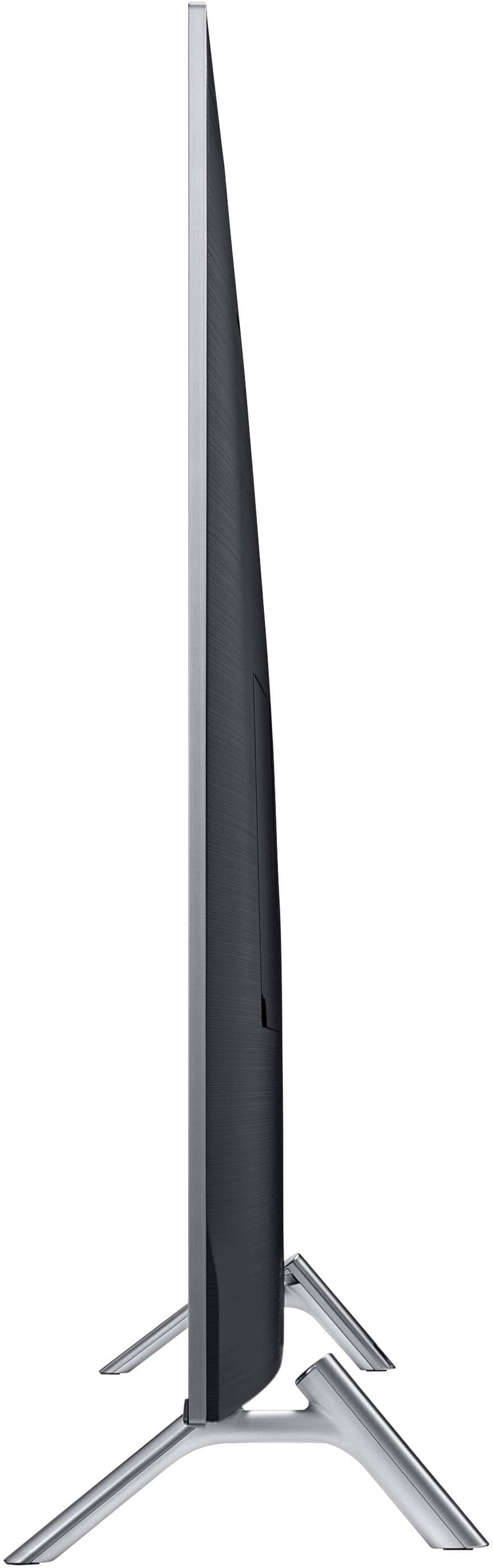
Customers regard the picture quality of the 65" Class - LED - MU8000 Series - 2160p - Smart - 4K UHD TV with HDR as excellent and are impressed with its size. They appreciate the easy setup and find the price to be reasonable. However, some customers have concerns about its durability, viewing angle, and connectivity.
This summary was generated by AI based on customer reviews.
Good TV for 4k offering
||Posted .This reviewer received promo considerations or sweepstakes entry for writing a review.Overall the TV offers a lot of apps and has a decent picture. Picture is not the best because 4k ultra technology is not readily available.
I would recommend this to a friendNice features
||Posted .This reviewer received promo considerations or sweepstakes entry for writing a review.I upgraded to this TV from a 20 yr old Samsung plasma 50" We feel we have a better pic on the plasma. Clarity not as good as plasma
No, I would not recommend this to a friendBrand response from MrSamsung
Posted .Bbill,
Thank you for your review of this MU8000 UHD Smart TV. I am sorry to hear that you were not happy with picture quality.
Here are a few tips that may help you enjoy more of the 4K vieiwng experience:
1. The TV will upscale as best as possible any content sent to it. The closer the signal is to 4K, the better it will look coming out. It is also designed with lots of custom settings, allowing users to adjust images to their liking.
2. In addition to the display screen, the quality of the image on your screen also depends on the source and the connection.
HDMI cables are recommended for optimal HD viewing; and when possible, 4k Content will provide the best picture quality.
3. The quality of the streaming content depends largely on the speed of your internet, as most content providers have adaptive streaming that would automatically adjust the image quality based on the network bandwidth.
Our customer support representatives are always happy to assist you with image quality adjustments tailored to your preferred viewing experience. Simply contact us via one of the following options:
1) Toll-free calling: 1-800-SAMSUNG
2) LiveChat or Email: https://www.samsung.com/us/support/#contact_us_for_support
3) Facebook Messenger: http://m.me/samsungsupport
4) Twitter: https://twitter.com/messages/compose?recipient_id=18768513
Again, thank you for taking the time to share your experience and provide us with information that helps improve our products and service. We hope to hear from you soon.
- Samsung Ambassador
Good price for size, but...
||Posted .This reviewer received promo considerations or sweepstakes entry for writing a review.The picture is not crisp and, honestly, not as good as my 6 year old 55" Samsung. Considering taking it back for the Q model line.
No, I would not recommend this to a friendGood tv
||Posted .This reviewer received promo considerations or sweepstakes entry for writing a review.The tv is good quality I should have shopped around though I saw the same tv at costco while grocery shopping for half the price
No, I would not recommend this to a friendPicture quality
||Posted .This reviewer received promo considerations or sweepstakes entry for writing a review.Picture quality is not as good as I had hoped. I wish tvs were displayed with TV channels rather than demos videos.
I would recommend this to a friendNice TV
||Posted .This reviewer received promo considerations or sweepstakes entry for writing a review.It could have been more information given to me at the time with my purchase
I would recommend this to a friendRandom black screens
||Posted .This reviewer received promo considerations or sweepstakes entry for writing a review.Everything but 4k works well, I get random black screens, still no fix found.
No, I would not recommend this to a friendNice
||Posted .This reviewer received promo considerations or sweepstakes entry for writing a review.Not bad but little outdated now. Definitely consider OLED/QLED
I would recommend this to a friendGood entry level TV
||Posted .This reviewer received promo considerations or sweepstakes entry for writing a review.Found cheaper price on PC Richardson and Best Buy matched the price. Easy to set up. Kids love it.
I would recommend this to a friendVery disappointed!
||Posted .This reviewer received promo considerations or sweepstakes entry for writing a review.After a week tv began making loud squeal when pausing and then playing channel. Then intermittently hisses and squeals. It doesn't do it while watching programming apps, ie you tube, Netflix ,Hulu ,etc. Also, doesn't do it with another tv plugged in. Trying to t/s with Samsung rep now but wishing I woulda went with the $300 cheaper Vizio M series.
No, I would not recommend this to a friendBrand response from MrSamsung
Posted .Vac4539,
Thank you for purchasing the Samsung 65" Class MU8000 4K TV and for bringing your concerns to our attention.
I apologize for the unfortunate experience you had with the noise issue.
Please know that Samsung is committed to providing the best possible product experience, quality, and value, and your feedback will be shared with our product and customer care teams.
Again, thank you for taking the time to share your experience and provide us with information that helps improve our products and service.
-Samsung Ambassador
Ok TV
||Posted .This reviewer received promo considerations or sweepstakes entry for writing a review.This tv performs ok for the price, but comparing it to my Sony, it doesn't stand a chance.
I would recommend this to a friendNot happy
||Posted .This reviewer received promo considerations or sweepstakes entry for writing a review.Did not get control missing legs, whent 2 store and they told me I have 2 purchase one ,
No, I would not recommend this to a friendGreat Picture, but not user friendly
||Posted .This reviewer received promo considerations or sweepstakes entry for writing a review.I have to use 3 remotes to utilize the system on this TV. It’s not fun trying to locate 3 remotes. Can’t get Netflix and Amazon Prime to connect to sound system so have to TV sound for those programs. Volume and channel voice requests do not always work.
No, I would not recommend this to a friendBrand response from MrSamsung
Posted .JillyBean99,
Thank you for purchasing and reviewing this Samsung MU8000 4K TV.
I am sorry to see that you had trouble with the remote functions.
Here is a step-by-step guide to pair the remote to your TV:
First Time Pairing:
When the remote is activated for the first time it will attempt to auto pair with the TV.
1.Press any button on the remote except POWER.
2.Watch top middle portion of the TV screen for pairing information.
3.Wait for Pairing attempt to finish.
◦If pairing is a success the remote is now paired with the TV and ready for use.
◦If pairing failed continue to Manual Pairing instructions below.
Manual Pairing (Or Re-Pairing):
1.Within 12 inches of the TV, aim the Smart Control at the TV's IR sensor.
2.Press and hold the RETURN and PLAY/PAUSE buttons at the same time.
3.Continue holding the buttons until Connecting to the Samsung Smart Remote appears in the top middle of the TV screen.
4.Pairing Complete appears when the remote has been successfully paired.
Please contact us for trouble-shooting of the app sound issue by calling 1-800-SAMSUNG, or by LiveChat or email. Simply copy-paste this link into your browser: http://www.samsung.com/us/support/contact
You can also find us on our Samsung Support Facebook page at: https://www.facebook.com/samsungsupport/app/158125230916392/
Again, thank you for taking the time to share your experience and provide us with information that helps improve our products and service.
-Samsung Ambassador
ice machine does not work correctly
||Posted .This reviewer received promo considerations or sweepstakes entry for writing a review.the refrigerator has a poor ice maker, after a year it freezes up every 4-6 weeks.
No, I would not recommend this to a friendGreat smart tv
||Posted .This reviewer received promo considerations or sweepstakes entry for writing a review.Excellence experience overall great tv. my very first smart tv and I love it.
I would recommend this to a friendBrand response from MrSamsung
Posted .Rane,
Thank you for purchasing this Samsung MU8000 UHD Smart TV. I am glad that you are happy with the viewing experience.
Should you need assistance with features or usage, please contact Samsung Customer Support toll-free at 1-800-SAMSUNG and a representative will gladly help you.
You can also contact Samsung via LiveChat or email. Please copy-paste this link into your browser: http://www.samsung.com/us/support/contact
We are likewise reachable on our Samsung Support Facebook page at: https://www.facebook.com/samsungsupport/app/158125230916392/
-Samsung Ambassador
great tv
||Posted .This reviewer received promo considerations or sweepstakes entry for writing a review.good experience working with sales person.. he was very good with product.
I would recommend this to a friend- Pros mentioned:Color, Picture quality
Absolutely Amazing TV !
Posted .This reviewer received promo considerations or sweepstakes entry for writing a review.This TV is absolutely amazing because of its viewing experience and its user interface. First of all, the graphics are lifelike. When watching content, it is as if you are actually there. The curve contributes towards the viewing experience. It immerses you in whatever you are viewing. Overall, watching movies and tv shows on this tv is a great experience. The colors are very vivid and distinct. If you are able to view the TV in the store, I would recommend a trip to the nearest Best Buy to see the amazing graphics for yourself. The user interface is pretty intuitive for right out of the box. It is very easy to add accounts such as Netflix, Spotify and Hulu; it makes it easy to have all accounts in one place to enjoy entertainment at the tap of your fingers. I have not had any significant problems with the software. This 65 inch TV is great for people who constantly love to watch movies and tv shows. I do not have anything negative to say about this product.
I would recommend this to a friend Nice Picture But Remote Iffy
||Posted .This reviewer received promo considerations or sweepstakes entry for writing a review.The remote on this TV works so, so. The picture quality is decent.
No, I would not recommend this to a friendGreat tv
||Posted .This reviewer received promo considerations or sweepstakes entry for writing a review.Great tv but the control sucks when you have to input info
I would recommend this to a friendBrand response from MrSamsung
Posted .Tvfam,
Thank you for purchasing and reviewing this Samsung 65"Class MU8000 4K TV. We value your user feedback on the remote control functionality and will share it with our product team.
Should you need assistance with features or usage, please contact Samsung Customer Support toll-free at 1-800-SAMSUNG and a representative will gladly help you.
You can also contact Samsung via LiveChat or email. Please copy-paste this link into your browser: http://www.samsung.com/us/support/contact
We are also live on our Samsung Support Facebook page at: https://www.facebook.com/samsungsupport/app/158125230916392/
Again, thank you for taking the time to share your experience and provide us with information that helps improve our products and service.
-Samsung Ambassador
Great picture quality
||Posted .This reviewer received promo considerations or sweepstakes entry for writing a review.Sound cuts out often for a few seconds then returns.
No, I would not recommend this to a friendBrand response from MrSamsung
Posted .Bear,
Thank you for purchasing the Samsung MU8000 4K Smart TV. I am sorry to hear that you are experiencing sound issue.
Please give us the opportunity to assist you by contacting Samsung Customer Support via one of the following options:
1) Toll-free calling: 1-800-SAMSUNG
2) LiveChat or Email: https://www.samsung.com/us/support/#contact_us_for_support
3) Facebook Messenger: http://m.me/samsungsupport
4) Twitter: https://twitter.com/messages/compose?recipient_id=18768513
Again, I am very sorry for the inconveniences you have had, and hope that we will hear from you soon.
-Samsung Ambassador