Customer Ratings & Reviews
- Model:
- UN65MU8000FXZA
- SKU:
- 5773800
Rating by feature
- Picture Quality
Rating 4.7 out of 5 stars
- Sound Quality
Rating 4.5 out of 5 stars
- Brightness
Rating 4.7 out of 5 stars
Customers are saying
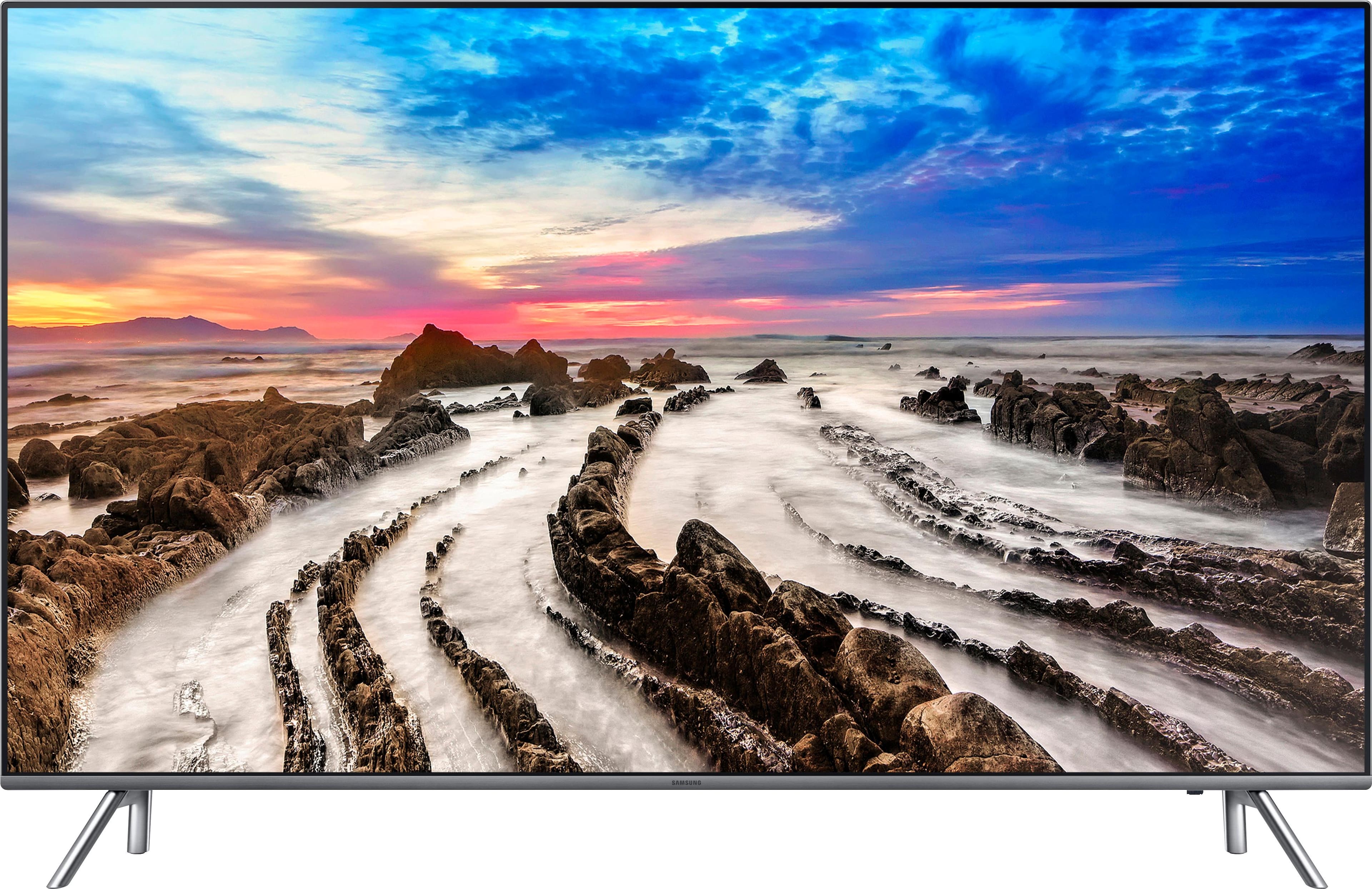
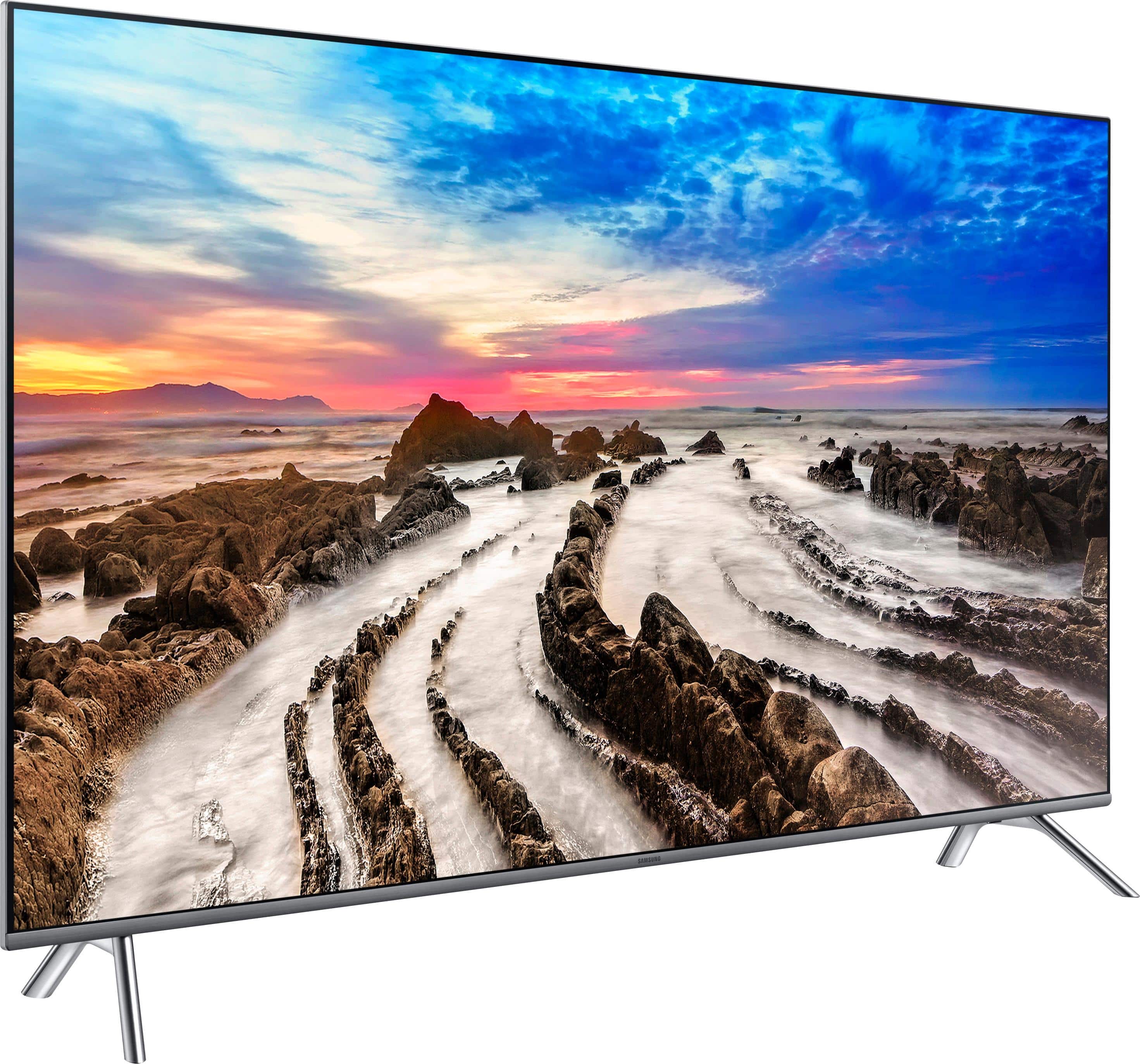
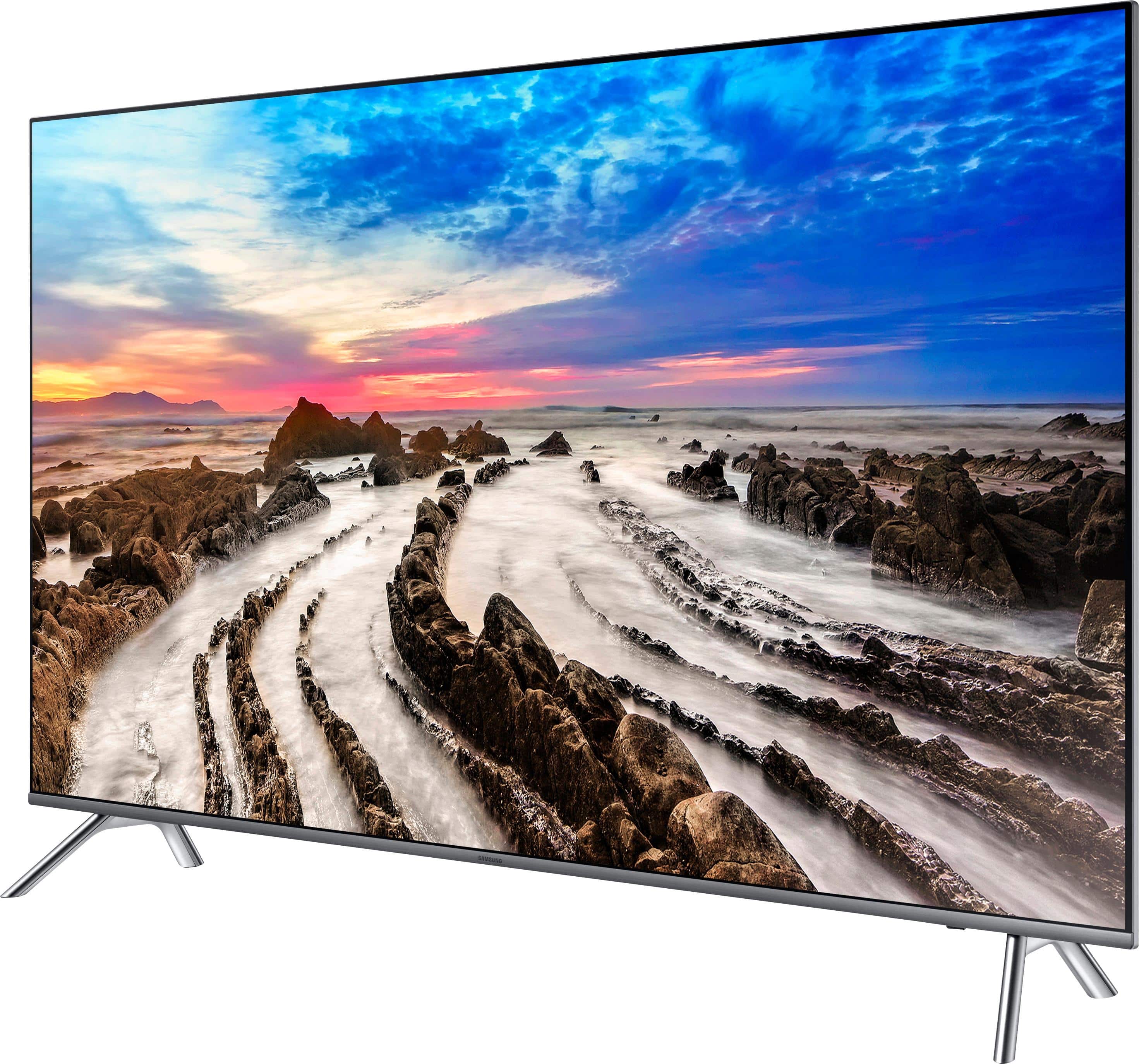
Customers regard the picture quality of the 65" Class - LED - MU8000 Series - 2160p - Smart - 4K UHD TV with HDR as excellent and are impressed with its size. They appreciate the easy setup and find the price to be reasonable. However, some customers have concerns about its durability, viewing angle, and connectivity.
This summary was generated by AI based on customer reviews.
Not worth the purchase
Posted .This reviewer received promo considerations or sweepstakes entry for writing a review.Since I bought this TV in 2018, some apps are incompatible. After three to four years of use, Samsung TVs seem to stop accepting apps. I had to buy this TV because I had the same problem with a Samsung 55-inch Curved TV that I had bought in 2015. Due to the incompatibility of the apps, the problem is now happening again. My recommendation is to avoid Samsung TVs.
No, I would not recommend this to a friend- Pros mentioned:Picture quality
Was a great TV until it wasn't
Posted .This reviewer received promo considerations or sweepstakes entry for writing a review.Samsung quality seems to have gone downhill in the recent years. I bought a 50 inch Samsung a few years ago and it broke after a year. I tried to get it fixed but the TV repair company said they could not repair it. I went with another brand...fast forward a few years and I decided to give Samsung another chance and went with this model. It was great at first but then started developing a black vertical line on the left side. It hadn't even been 3 weeks. I powered the set off and it would go away for a while. After one more day the black line kept coming back. Luckily I was still in my return period and Best Buy exchanged it. I decided to give this model another shot since I really liked it. I brought the new one and tried to set it up. This one had issues as well. The problem was that the remote would power on the TV but the directional pad/enter button would not work. I figured I got a dud remote so I went back and asked for the remote from the first TV. Brought that one back home and it still didn't work. I guess it was the sensor itself. I packed up the TV, again, and returned it. I ended going with my second choice which was a Sony . The picture actually seems a tad better and it was exactly the same price as the Samsung. The OS is a bit clunky but manageable. Hopefully, the Sony will last longer than 3 weeks. I can assure you I will not be buying another Samsung TV. Take a chance if you're feeling lucky but it's been 3 strikes for me so I'm out.
No, I would not recommend this to a friend BUYER BEWARE
Posted .This reviewer received promo considerations or sweepstakes entry for writing a review.Last night our KS8000 had 2 black vertical bars going down the middle and the screen is unwatchable. Contacted support and they said we were out of warranty by 2 weeks and nothing could be done. Have read many others complain about the issue as well. I would recommend checking out other brands as Samsung has had several quality control issues in the last few years such as the one with the Galaxy Note.
No, I would not recommend this to a friendNot a fan.
Posted .This reviewer received promo considerations or sweepstakes entry for writing a review.I will not say I am happy. I had a 55 inch Vizio I bought about 7 year ago and it was a 240 motion and 240 refresh rate. I was perfect I even bought a Sony for my parents with the same options several years ago and it is awesome. I bought the 240 motion rate with the 240 refresh rate that the Best Buy site said and it was horrible. I sent that one back got the Samsung. Not that much happier but it is better. I feel like they are selling us old inventory and calling it good. Not a fan.
No, I would not recommend this to a friendBob
Posted .This reviewer received promo considerations or sweepstakes entry for writing a review.This was the best purchase I made. The picture was very bright.
I would recommend this to a friendIf you buy - get extended Geek Squad Protection
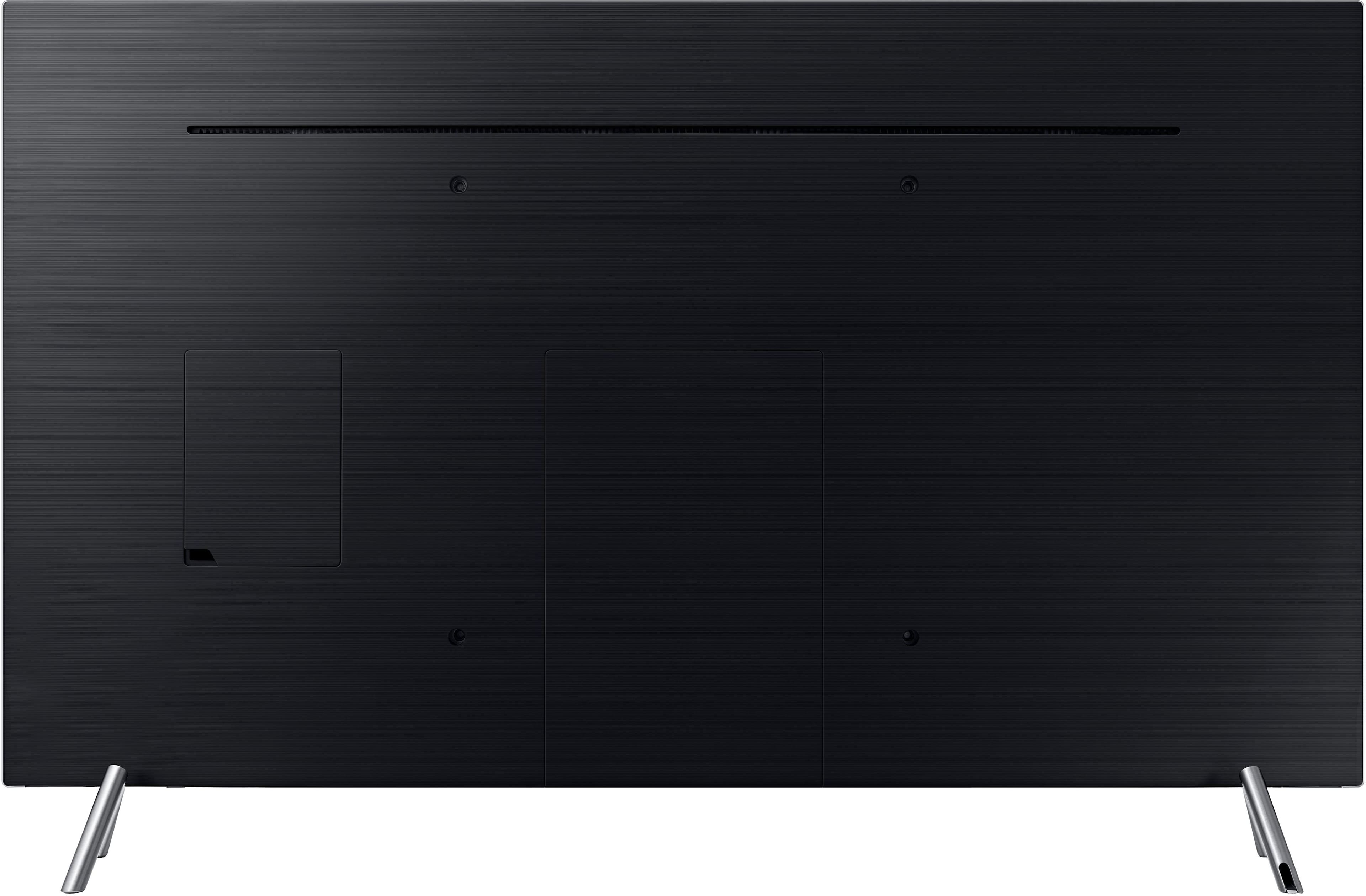
Posted .This reviewer received promo considerations or sweepstakes entry for writing a review.I purchased this TV just over a year ago. Weird issue number one was that the remote would start to give me some issues (it would stop responding when trying to browse through the channel guide), but not a deal breaker. But now there's more issues. After a long, brutal week, I came home and tried to play some video games, only to have the TV tell me there was no input detected for the HDMI. I try one other game system/cable, but nothing. I try rebooting/going back to the default factory settings, TWICE (first time I had to stop midway through/when it was going nowhere, finally worked after a second time this morning). Ok, stuff happens, I get it. I come home again later in the same day, same thing - "no input." So I call Samsung tech support, explaining what happened and that I want a solution more permanent than constantly going back to the factory defaults every day. They remote connect/eventually determine that it's an issue with the connection box (if you're not familiar, all the HDMI's are on a separate box, which then connects to the TV. No idea why that's supposed to be better than having them on the TV itself, but I'm not the engineer, I just watch the thing for hours every day). So the support starts telling me how I'll need to order a replacement. "So wait," I say. "This TV is BARELY over a year old. And it's not cheap to boot. And now I have to pay, because one of the parts is defective?" The support started laughing, which I called him out on immediately. "Let me see if there's anything else I can do," he said. "Yes, please do," I responded. After a decent wait, he finally comes back and is telling me "The best we can do is extend the TV warranty a year, but you still have to purchase a replacement part, because it's outside of the TV itself." Me: "But - it's literally a necessary part of the TV. The TV will not work without it." He keeps saying "Well it's an external accessory so it's not covered" and etc. And I tell him "Look, I get you don't make the policy here, but I see where this is going, and at this rate, I'm most likely not making any more Samsung purchases." Fortunately, I went back to my receipt, to find that I'd purchased Geek Squad coverage that was still valid. I try calling up (on a Saturday night, on a holiday weekend no less), explain the situation, and eventually the gentleman confirms that they'll be shipping me a free replacement part/have someone come to check up on it (technically, they're coming to install it, but I was like "It's super easy/I technically set this up by myself in the first place, so I should know how to install it, so if the part shows up first, can I go ahead and do that?" And the gentleman said "for this, sure, but we'll still send someone over to check up on it." Short version: Samsung customer support is terrible, Best Buy support is great.
No, I would not recommend this to a friendPicture is poor
Posted .This reviewer received promo considerations or sweepstakes entry for writing a review.I cam to buy the LG 65SJ8500 for same price but a Samsung Best Buy sales rep came to me and told me the LG I wanted has only 16 millions colors and the Samsung has 1 billion colors. He convinced me to switch my order. arrived at home and plugged the TV : i see nothing special and its like exactly the same quality picture as my 5 years old LG even blurrier some times. Not sure what my options are, i tried every settings on the TV but the quality of the picture stays the same : poor quality and bit blurry.
No, I would not recommend this to a friendBrand response from MrSamsung
Posted .JohnPierre
Thank you for purchasing this Samsung MU8000 TV. I am sorry to hear that you are not completely satisfied with picture quality.
Some users experience cloudiness or blurry images as they enable HDR+ while watching HDR content.
Please try disable that feature ,as HDR+ is for SDR content that you wish to upscale to HDR.
I hope this helps resolve your issue.
If you need more assistance with picture adjustments and settings, please contact Samsung Customer Support toll-free at 1-800-SAMSUNG and a representative will gladly help you.
You can also contact Samsung via LiveChat or email. Please copy-paste this link into your browser: http://www.samsung.com/us/support/contact
We are likewise reachable on our Samsung Support Facebook page at: https://www.facebook.com/samsungsupport/app/158125230916392/
-Samsung Ambassador
- Pros mentioned:Picture quality
Issues
Posted .This reviewer received promo considerations or sweepstakes entry for writing a review.Bought this TV and have less then 7 hours on it and the remote Bluetooth part in tv went bad is what I am being told. Cannot even believe it! The more I read the reviews it appears there are many ongoing issue with this model. Picture when it works is great! But for that price to have a TV less than 2 weeks old go bad. Frustrating to say the least. I am returning next week and cannot believe I am saying this but might be going with a SONY. Not paying the extra $700 to upgrade to a Q model and not willing to try my luck with a new MU8000 model. So I hope I have better luck in the Sony world then I have had with Samsung. And been a Samsung guy for years. Wish me luck!
No, I would not recommend this to a friend WiFi does not work
Posted .This reviewer received promo considerations or sweepstakes entry for writing a review.Do not buy Samsung TVs! The Samsung TV “smart hub” has difficulty connecting to wireless networks. I’ve has my tv only a few months and half the time I can’t use any apps because the “wireless network has failed”; however, all of my other devices work perfectly with my wireless internet. Look on the Samsung forums and you’ll see hundreds of complaints like mine. I’ve contacted Samsung to troubleshoot the problem and they just give me the same excuse that it must be my network. It’s more likely that the wireless issues are unfixable due to faulty hardware on many of these TVs. You can get around the issue by connecting a playstion or fire stick but I didn’t pay more than a thousand dollars for a smart tv that doesn’t work correctly.
No, I would not recommend this to a friendNot worth the money
Posted .This reviewer received promo considerations or sweepstakes entry for writing a review.I bought this tv based on reviews. I am a consumer who will spend more money if the product is good and will last. My tv stopped working after a year and a half. I called Samsung customer support and they had no concern and were quite rude. I will never buy another Samsung and will tell everyone my story.
No, I would not recommend this to a friendBrand response from MrSamsung
Posted .Thank you for purchasing this Samsung TV. I am sorry to hear that you were not satisfied with the experience.
Your user feedback is very important to us and will be shared with our Service team for future improvement.
-Samsung Ambassador
Buyers Remorse 101
Posted .This reviewer received promo considerations or sweepstakes entry for writing a review.I have had this TV for nearly 1 year, and it has had a myriad of issues from the beginning. 1) The plug on the power cord does not grip onto the power plug port. It just lays there, basically - nothing holding it in tight. Best Buy gave me a spare power cord thinking that would fix it. Nope. 2) At random times, probably once every 7-10 days, the TV fails to recognize its own remote when you attempt to turn it on. The red "standby" light is on the TV, so you know it is getting power. But the only way to rectify this is to unplug the power cord (the same one that is mentioned in issue #1), plug it back in, and then press the power button on the remote. 3) The smart apps are notoriously buggy. It isn't just one or two specific apps. It is all of them. They freeze up during loading or while in operation, and there is no "reset" to them. Samsung customer service told me that holding down the back button on the remote until it returns to home will work. Not in 99% of my experiences. The only way to fix it then, according to Samsung customer support, is to factory reset the entire TV. That means setting up EVERYTHING from the beginning. I have spoken with Samsung customer service about this TV more than I care to even explain. They offer to send out a technician, for a fee. I will not pay a fee for someone to come look at a TV that acts dumber than a cell phone with a virus. Instead I will continue dealing with all of its bugs and failures until I can justify spending a hefty amount of cash to replace it. (For certain with one by a different manufacturer.)
No, I would not recommend this to a friendTerrible picture in dark scenes
Posted .This reviewer received promo considerations or sweepstakes entry for writing a review.Bought this TV on reccomendation of sales associate over what I had intended to buy. Setup was problematic because Samsung does not reccognize Google as a TV/internet service provider. Played a movie and picture was terrible. Spent two days and nany hours adjusting picture setting with no improvement. Bright scenes are fine but dark scenes are horrible. The shade changes from dark to light look like paint by numbers. On scenes with someone carrying a torch in a cave, the orange to black is 4-5 color shifts. Game of Thrones looks terrible now. Blue rays look terrible. The only thing that looks great are cartoons. Having all the HDMI connections in a box that connects to the TV is a great feature that helps keep the tangle of cords more managanle. Will be calling to return this TV as the picture quality is not tolerable.
No, I would not recommend this to a friendBrand response from MrSamsung
Posted .Kurt,
Thank you for purchasing the 65” Samsung MU8000 Series 4K UHD TV. I am very sorry to see that you were not happy with the picture quality of your unit.
Our 2017 MU8000 Series features 4K Color Drive Extreme, Motion Rate 240, 4K HDR Extreme, Triple Black, and more, all designed to give you the best in lifelike, crystal-clear viewing enjoyment.
If you have not already returned your unit, please give us the opportunity to investigate the issue and provide step-by-step troubleshooting.
If you have already returned your unit, please accept our apology for the disappointing experience. If you should ever decide to give Samsung TVs another try, please know that we are always here to help with any concerns or questions.
Please reach out to Samsung Customer Support via one of the following options:
1) Toll-free calling: 1-800-SAMSUNG
2) LiveChat or Email: https://www.samsung.com/us/support/#contact_us_for_support
3) Facebook Messenger: http://m.me/samsungsupport
4) Twitter: https://twitter.com/messages/compose?recipient_id=18768513
Samsung is committed to providing the best possible product experience, quality, and value, and we are always here to help with any of your questions or concerns.
-Samsung Ambassador
- Cons mentioned:Screen
Stay away
Posted .This reviewer received promo considerations or sweepstakes entry for writing a review.Horrible quality control, only 8 months after purchasing, the tv developed a white line on the bottom of the screen.... Few dead pixies on the top of the screen. Should've sticked with sony.
No, I would not recommend this to a friend samsung is junk
Posted .This reviewer received promo considerations or sweepstakes entry for writing a review.I bought a 60in. 8000 model after 6 months it has large dark gray spot in the middle of the screen and sound cuts out. customer service and there tecs. said this is normal and refuse to warrant the tv. really really I paid 2000 for this tv so I can watch this watermelon size gray spot. they make a decision from a cell phone picture.
No, I would not recommend this to a friend- Cons mentioned:Screen
Not worth the money
Posted .This reviewer received promo considerations or sweepstakes entry for writing a review.TV just broke with big line of light in screen right after warranty expired, 5 years.
No, I would not recommend this to a friend Not a good choice
Posted .This reviewer received promo considerations or sweepstakes entry for writing a review.I bought this TV last night and returned it this morning. I had purchased an open box TV labeled as EXCELLENT. I don't blame the store though because this TV was a problem. I can't say for certain how lousy the TV model is, but the sales person this morning said that is hands down the most returned TV they sell. The TV wouldn't stay on for more than 15 minutes. It would turn off then back on without me htting a button. The TV remote was unresponsive half the time as well. The interface on the TV is not very intuitive and quite honestly, frustrating. I am glad to spend a little more on a better TV.
No, I would not recommend this to a friendDissapointed
Posted .This reviewer received promo considerations or sweepstakes entry for writing a review.Bought this TV 10 months ago and as I was using it this past weekend it started to turn on and off on its own. Called Samsung and followed the few steps they asked me to try to see if it would come back on to no avail. TV no longer has any picture. But instead of Samsung sending me a new TV since a $1200 TV went up within a year. They want to send someone out to repair mine. So I wasted $1200 for a refurbished TV within a year. Meanwhile, my Toshiba I bought 4 years ago works like new. No point in spending extra on TV's like Samsung anymore.
No, I would not recommend this to a friendNot a Good Investment
Posted .This reviewer received promo considerations or sweepstakes entry for writing a review.Not really convinced this TV is much better than my other 4K Samsung I purchased in 2014. It will not support my Comcast Remote that I prefer using over the Samsung Remote. Not much options are available to control the picture settings. There are only 4 options that I found. Dynamic, Standard, Natural, and Movie. Non of which really control the quality in my opinion. It just makes the screen brighter or darker. I have only had the TV for 1 week and I'm definitely returning it before my 14 days are up. Save your money for something better. This is definitely not worth the investment.
No, I would not recommend this to a friendBrand response from MrSamsung
Posted .Thank you for purchasing the Samsung 4K TV. I am sorry to hear that you are experiencing issue with control and image adjustment.
You can access more options of settings adjustment by following this step-by-step guide:
http://www.samsung.com/us/support/answer/ANS00062513/
I hope this helps solve your issue.
For further assistance, please call Samsung Customer Support toll-free at 1-800-SAMSUNG.
You can also contact Samsung via LiveChat or email. Please copy-paste this link into your browser: http://www.samsung.com/us/support/contact
We are likewise reachable on our Samsung Support Facebook page at: https://www.facebook.com/samsungsupport/app/158125230916392/
-Samsung Ambassador
Very disappointing
Posted .This reviewer received promo considerations or sweepstakes entry for writing a review.Have always been a Samsung fan due to their quality, but I don't know now. Had to return KS8000 after two weeks due to white edge bleeding, only to find it was no longer made. Had to pay extra to upgrade to this new model MU8000 (Bestbuy were good enough to give me some discount, but still had to pay another $387), only to get it home and find a screen defect (6 inch horizontal line visible even with no power, not a scratch, it looks sub-surface). Waiting for replacement for this one in 5 days, very disappointed with Samsung.
No, I would not recommend this to a friendBrand response from MrSamsung
Posted .Thank you for your review on these two Samsung TVs. I am sorry to hear that you are not completely satisfied with the experience.
Your user feedback is very important to us and will be shared with our TV and Service team for future improvement.
-Samsung Ambassador
Stopped Working after 2 Days
Posted .This reviewer received promo considerations or sweepstakes entry for writing a review.Worked fine for 2 days, then it would not turn on. Attempted to call the store to see if others had same issues but nobody would answer the extension. We are returning it today and buying a SONY.
No, I would not recommend this to a friendBrand response from MrSamsung
Posted .Bill,
Thank you for purchasing the Samsung 65" Class MU8000 4K TV. I am sorry to hear that you are experiencing issues.
Samsung products are engineered to the highest standards of performance and quality and we back the Samsung TV with a 1-year limited manufacturer's warranty, if purchased brand-new directly from an authorized seller.
Please contact our Customer Support toll-free at 1-800-SAMSUNG for assistance with troubleshooting or warranty services.
You can also contact Samsung via LiveChat or email. Please copy-paste this link into your browser: http://www.samsung.com/us/support/contact
We are likewise reachable on our Samsung Support Facebook page at: https://www.facebook.com/samsungsupport/app/158125230916392/
Again, I am very sorry for the unfortunate experience and hope that we will hear from you soon.
-Samsung Ambassador