Customer Ratings & Reviews
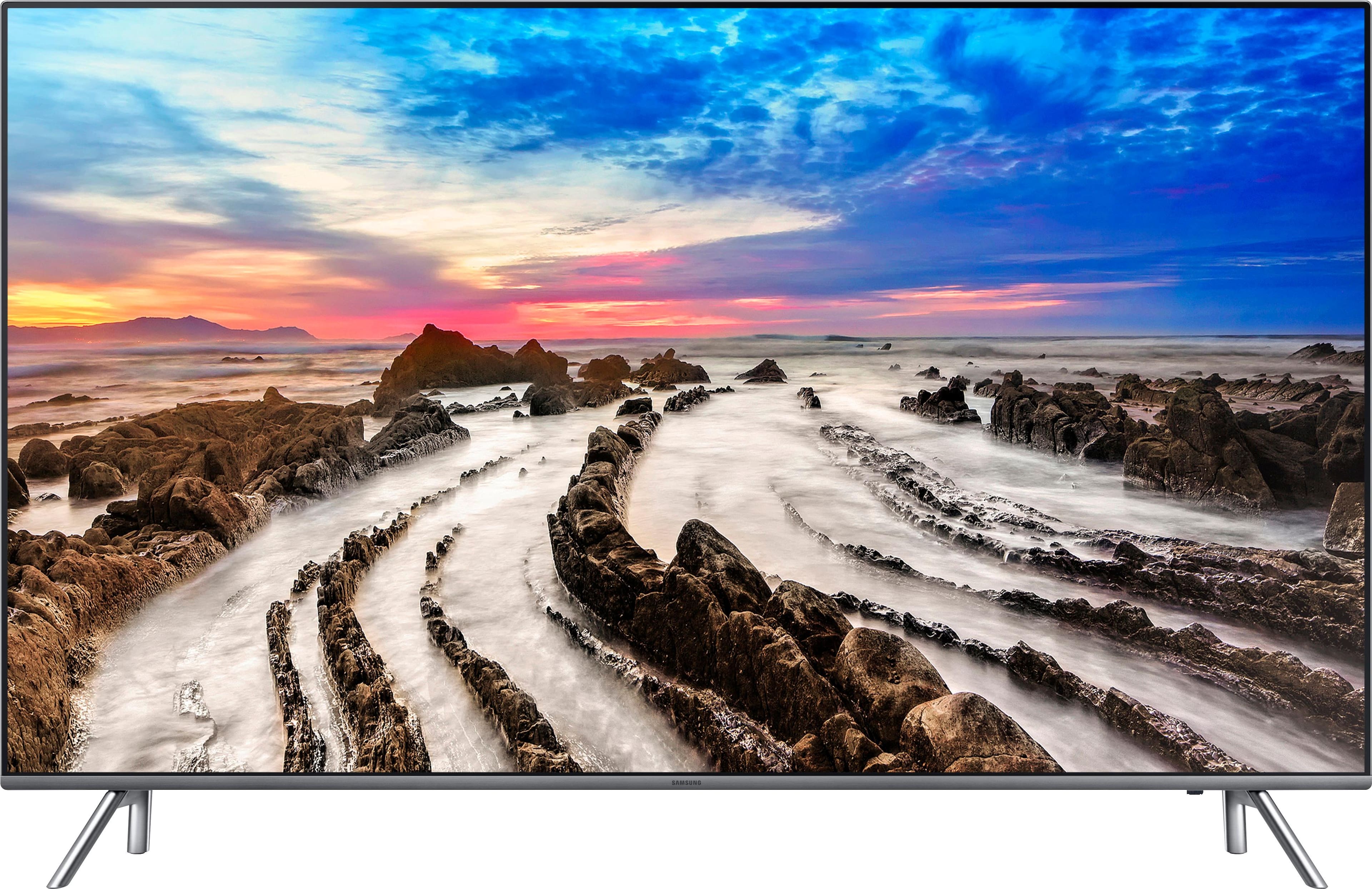
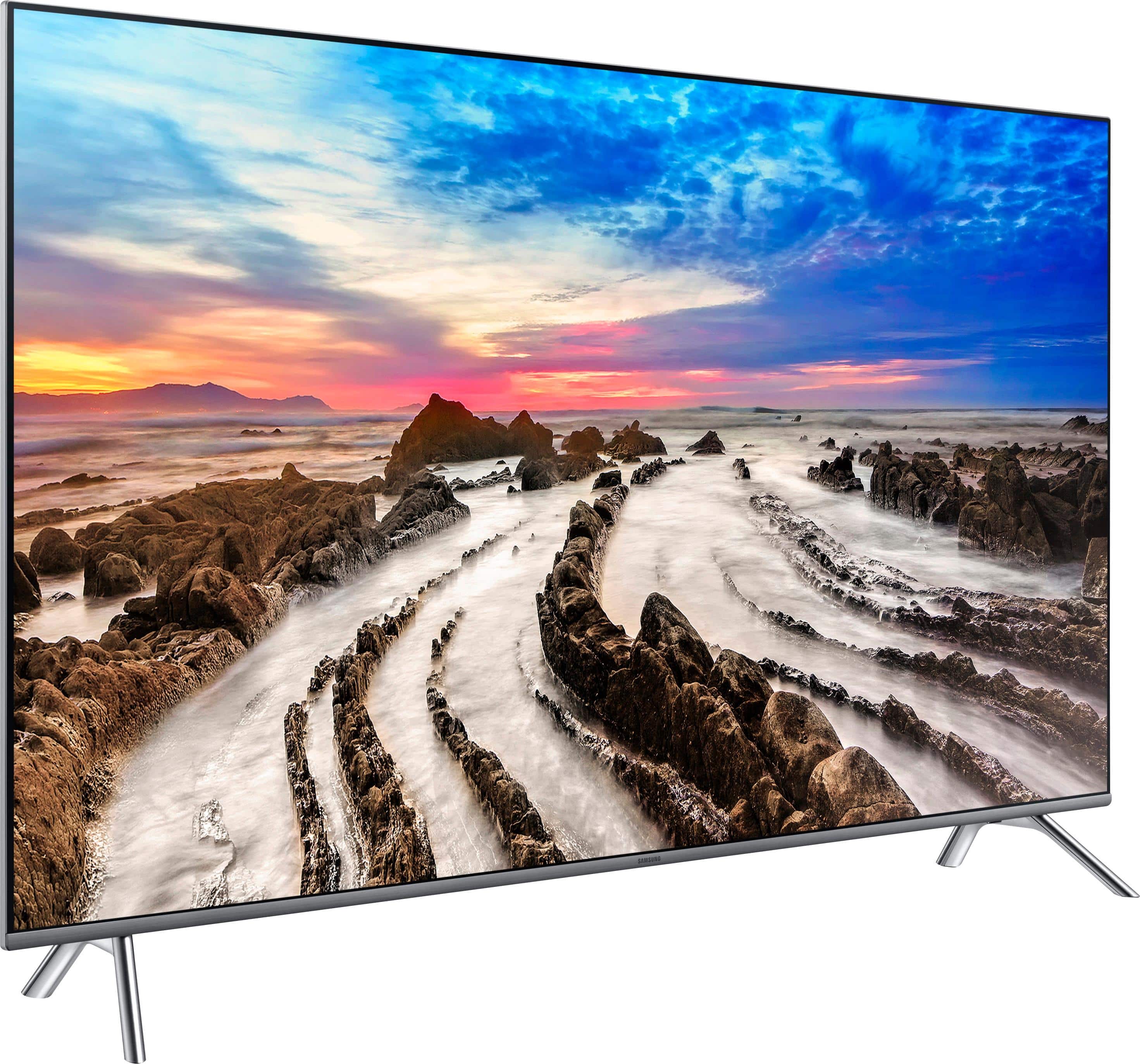
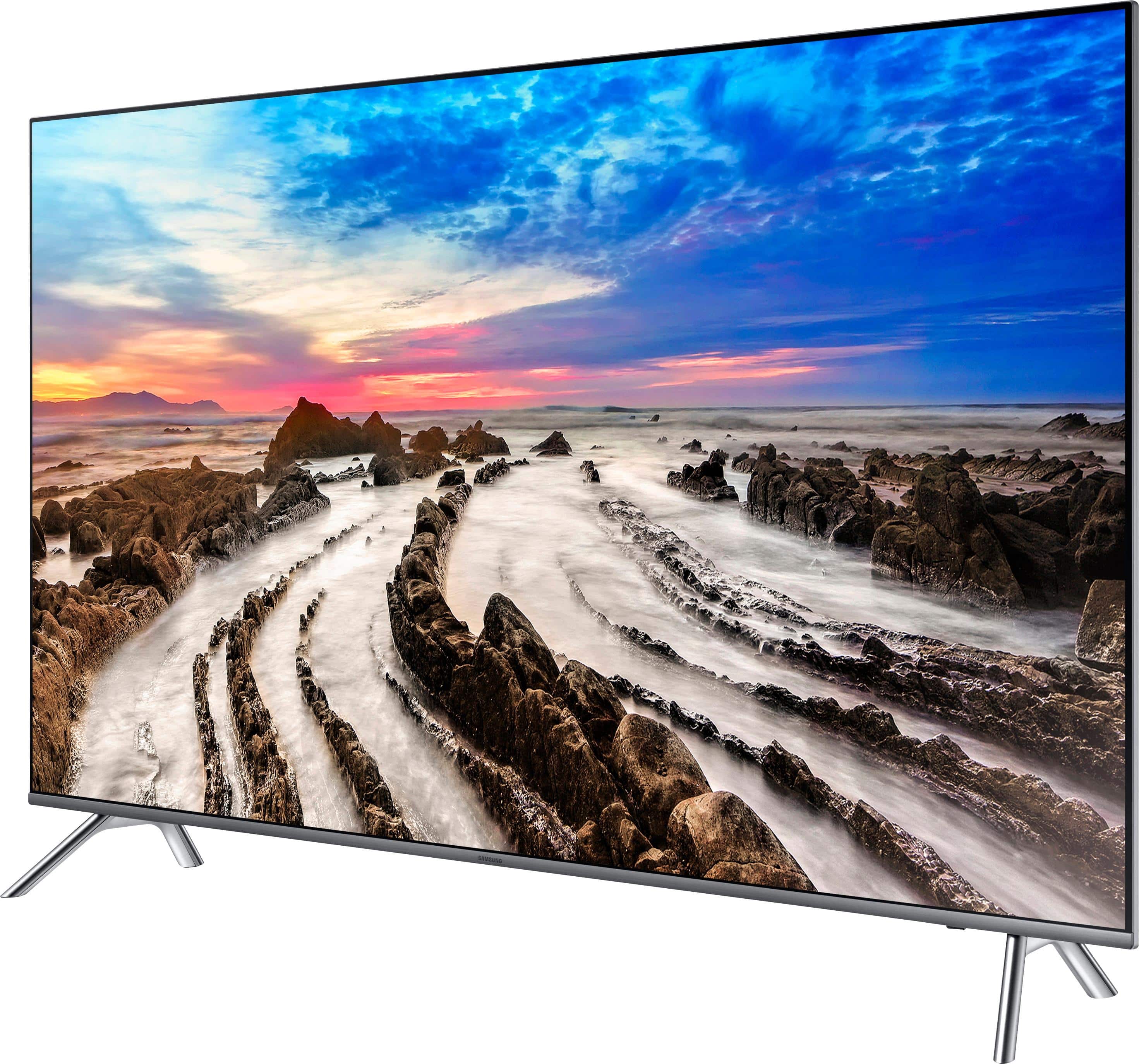
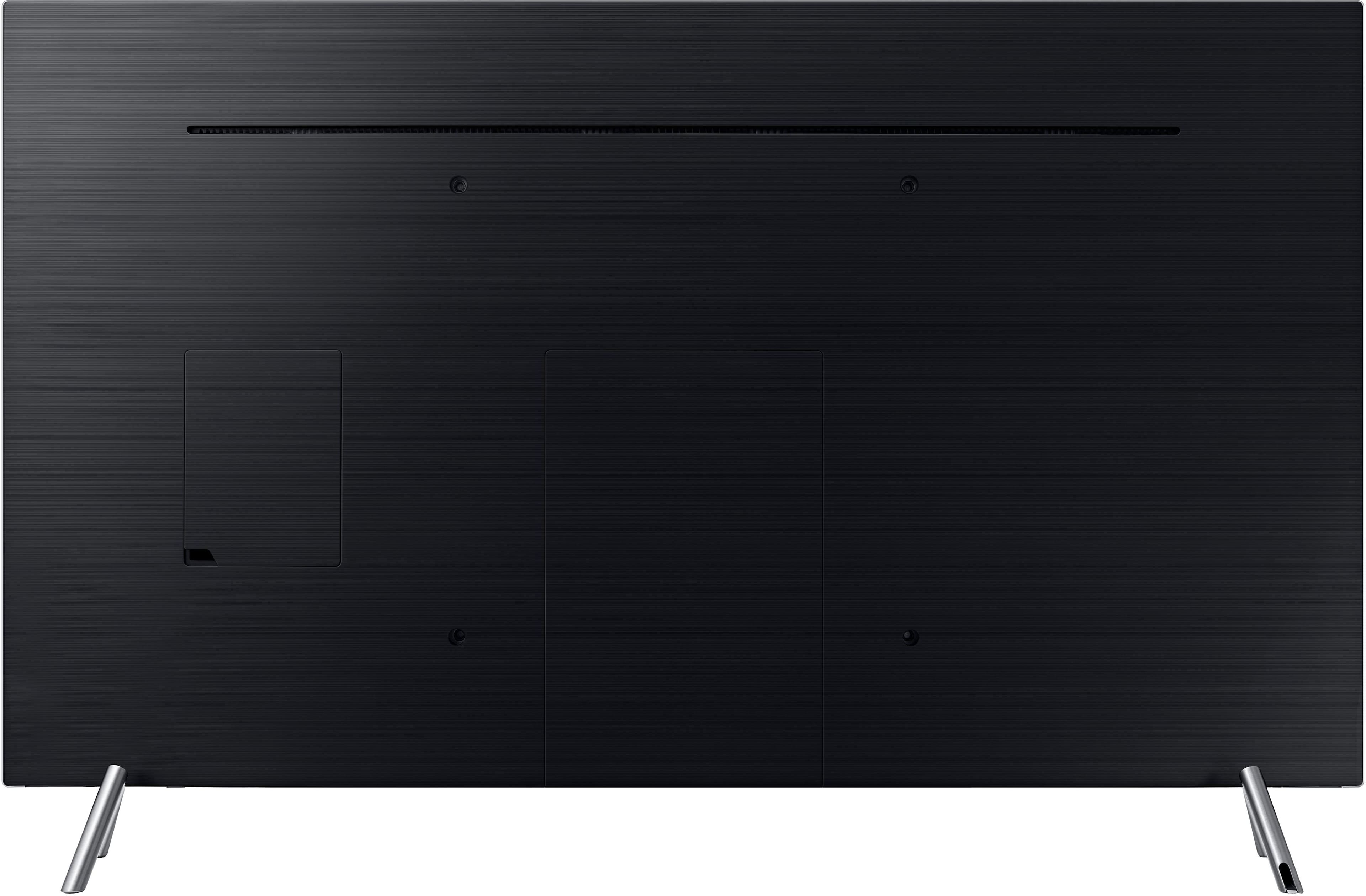
- Model:
- UN65MU8000FXZA
- SKU:
- 5773800
Rating by feature
- Picture Quality
Rating 4.7 out of 5 stars
- Sound Quality
Rating 4.5 out of 5 stars
- Brightness
Rating 4.7 out of 5 stars
Customers are saying
Customers regard the picture quality of the 65" Class - LED - MU8000 Series - 2160p - Smart - 4K UHD TV with HDR as excellent and are impressed with its size. They appreciate the easy setup and find the price to be reasonable. However, some customers have concerns about its durability, viewing angle, and connectivity.
This summary was generated by AI based on customer reviews.
Stay away from Samsung if you want the ARC to work
Posted .This reviewer received promo considerations or sweepstakes entry for writing a review.Have gone around and and around with Samsung regarding the issue of ARC not working correctly and dropping out. They refuse to admit there is a problem despite there being hundreds of pages on this. Search for ARC and Samsung and you will find it. Don't buy this if you need ARC to work correctly.
No, I would not recommend this to a friendBrand response from MrSamsung
Posted .Donewithsamsung,
Thank you for purchasing and reviewing this Samsung MU8000 UHD Smart TV.
I am sorry to see that you had trouble with the HDMI ARC function.
Here are some trouble-shooting tips that may help solve the issue:
A> If the HDMI-CEC/HDMI ARC is not working since initial setup
1) Check if HDMI cable supports HDMI ver. 1.4 or higher
2) Try a different high quality HDMI cable if possible
3) Check if HDMI cable is connected to the dedicated HDMI ARC port on TV and the HDMI ARC OUT on the receiver.
4) Check if HDMI-CEC/ARC function is enabled on both devices
5) Go to TV Menu > General > External Device Manger > Anynet+ (HDMI CEC) and verify that CEC
Anynet+ is turned on (button is green)*
6) Turn both TV and the receiver OFF. Power ON the TV first, then the receiver to synchronize HDMI-CEC communication
B> If the HDMI ARC was initially working then stopped functioning
1) Go thru the six steps listed above
2) Verify CEC is working on the TV by using a different CEC enabled device like Blu-ray player. You can also verify CEC is working if the TV remote can control volume on the receiver / sound bar
3) Remove all other HDMI devices except the receiver/sound bar (for testing purposes only). Some HDMI devices (e.g. cable boxes, game consoles etc) transmit invalid CEC data which may disturb CEC communication
4) Go to TV menu as above then turn CEC off then on. This sometimes refreshes the connection and re-establishes communication
5) Go to TV Menu > Sound > Expert Settings > Digital Output Audio Format and change the format to one that the receiver supports
Note that some apps (e.g. Netflix) have the ability to change TV audio format automatically. You may have to manually change the format back to the one that’s supported by your home theather devices.
Please reach out to us if the issue persists via one of the following options:
1) Toll-free calling: 1-800-SAMSUNG
2) LiveChat or Email: https://www.samsung.com/us/support/#contact_us_for_support
3) Facebook Messenger: http://m.me/samsungsupport
4) Twitter: https://twitter.com/messages/compose?recipient_id=18768513
Again, thank you for bringing the issue to our attention – we greatly value your feedback and utilize your concerns and opinions in our relentless efforts towards delivering world-class service and products.
-Samsung Ambassador
Black Shadow in Under a Year
Posted .This reviewer received promo considerations or sweepstakes entry for writing a review.We purchased this tv about nine months ago. Two months ago a large black shadow appeared from the top of the screen to the bottom. We contacted Samsung and have been receiving a run around ever since. Every time we call they tell us we will receive a return call from them in 3-5 days. They never call and we have to call again. The tv continues to have the shadow.
No, I would not recommend this to a frienddont buy piece of garbage
Posted .This reviewer received promo considerations or sweepstakes entry for writing a review.Tv worked for less than a year shuts off now and wont come back on, called Samsung and they just gave me numbers to repair shops,took it to get it repaired and it needs new board and costs over 300 hundred for a tv just a year old.
No, I would not recommend this to a friendBrand response from MrSamsung
Posted .brewster,
Thank you for purchasing the Samsung 65" Class MU8000 4K Smart TV and for bringing your concerns to our attention.
I apologize for the unfortunate experience you had in trying to fix the TV.
We back the Samsung TV with a 1-year limited manufacturer's warranty, including authorized repair for manufacturer defect, if purchased brand-new directly from an authorized seller.
Please reply to this post and provide your RMA # or the name you used to open so that we can contact you.
You can also contact us again via one of the following options:
1) Toll-free calling: 1-800-SAMSUNG
2) LiveChat or Email: https://www.samsung.com/us/support/#contact_us_for_support
3) Facebook Messenger: http://m.me/samsungsupport
4) Twitter: https://twitter.com/messages/compose?recipient_id=18768513
Again, I am very sorry for the inconveniences you have had, and hope that we will hear from you soon.
-Samsung Ambassador
TV picture went out 6 months after purchase
Posted .This reviewer received promo considerations or sweepstakes entry for writing a review.This TV was fantastic, until it stopped working. The circuit board went, and it's less than 6 months from the time we purchased it. If we had known Samsung TVs have so many issues, we would have gone with another brand. Waste of money and time. Samsung support is terrible.
No, I would not recommend this to a friendNever again
Posted .This reviewer received promo considerations or sweepstakes entry for writing a review.This tv was ok till about a year ago. Lots of problems streaming apps. Have to unplug it and pray all the time
No, I would not recommend this to a friend