Customer Ratings & Reviews

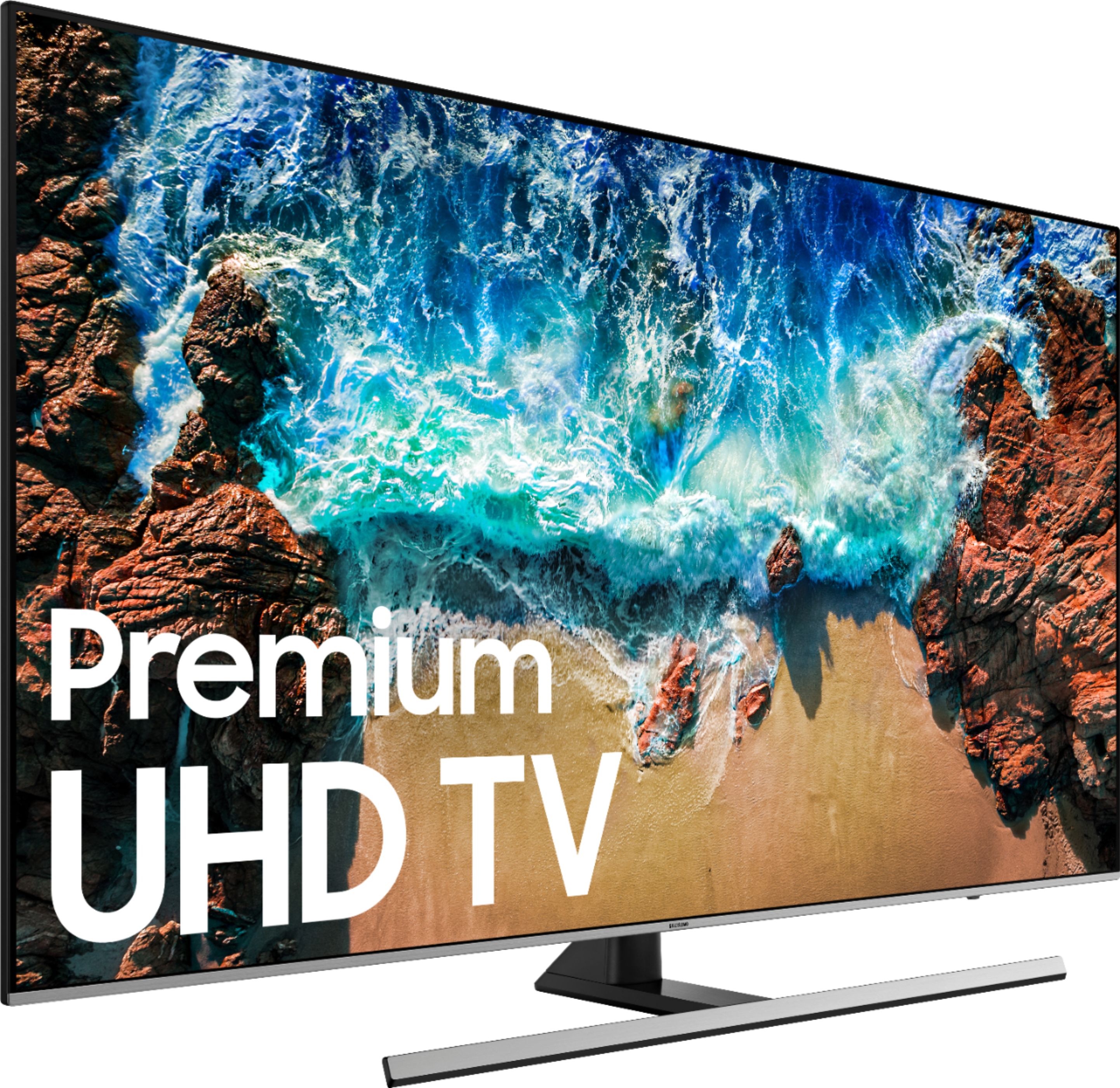
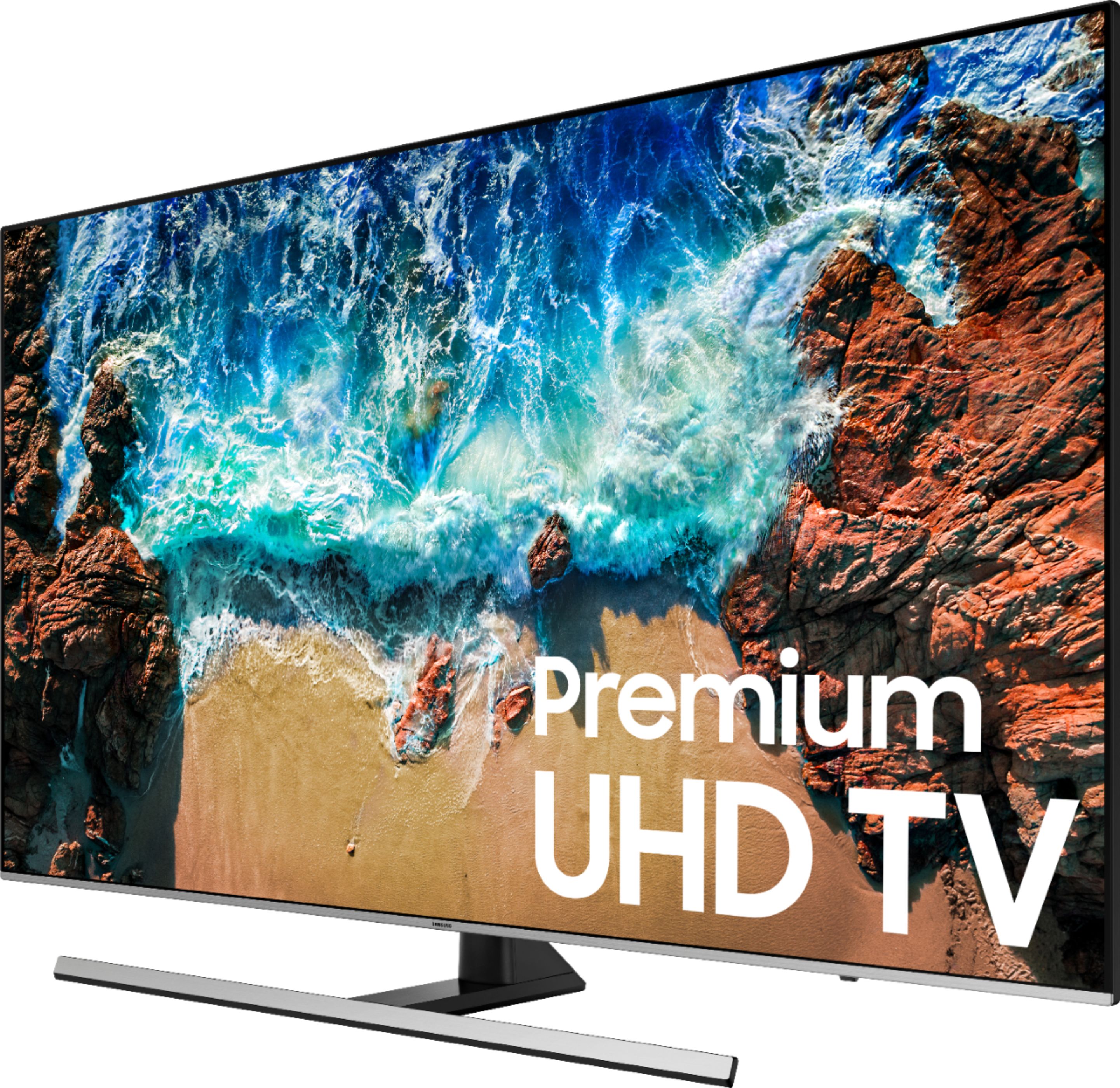
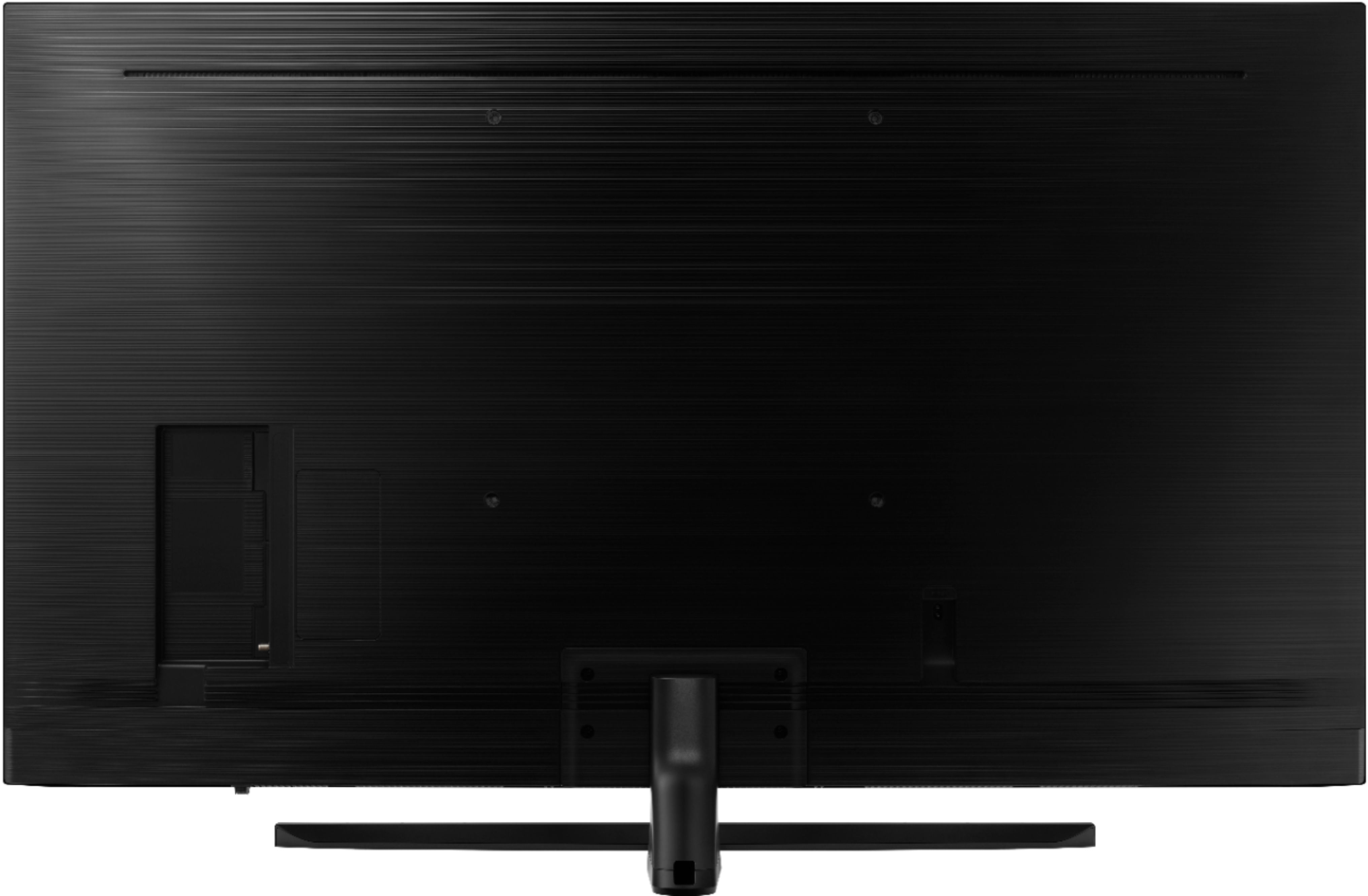

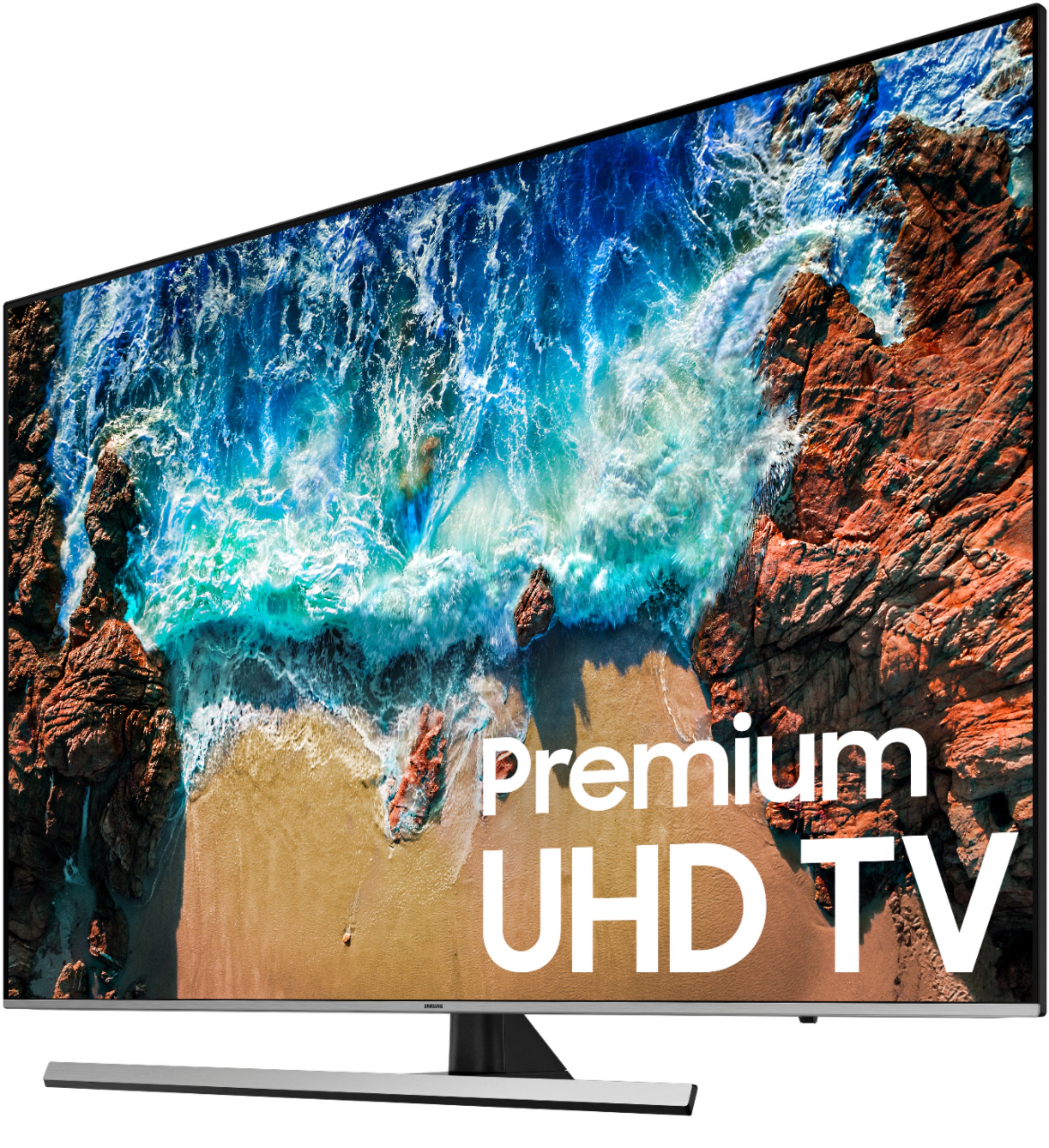
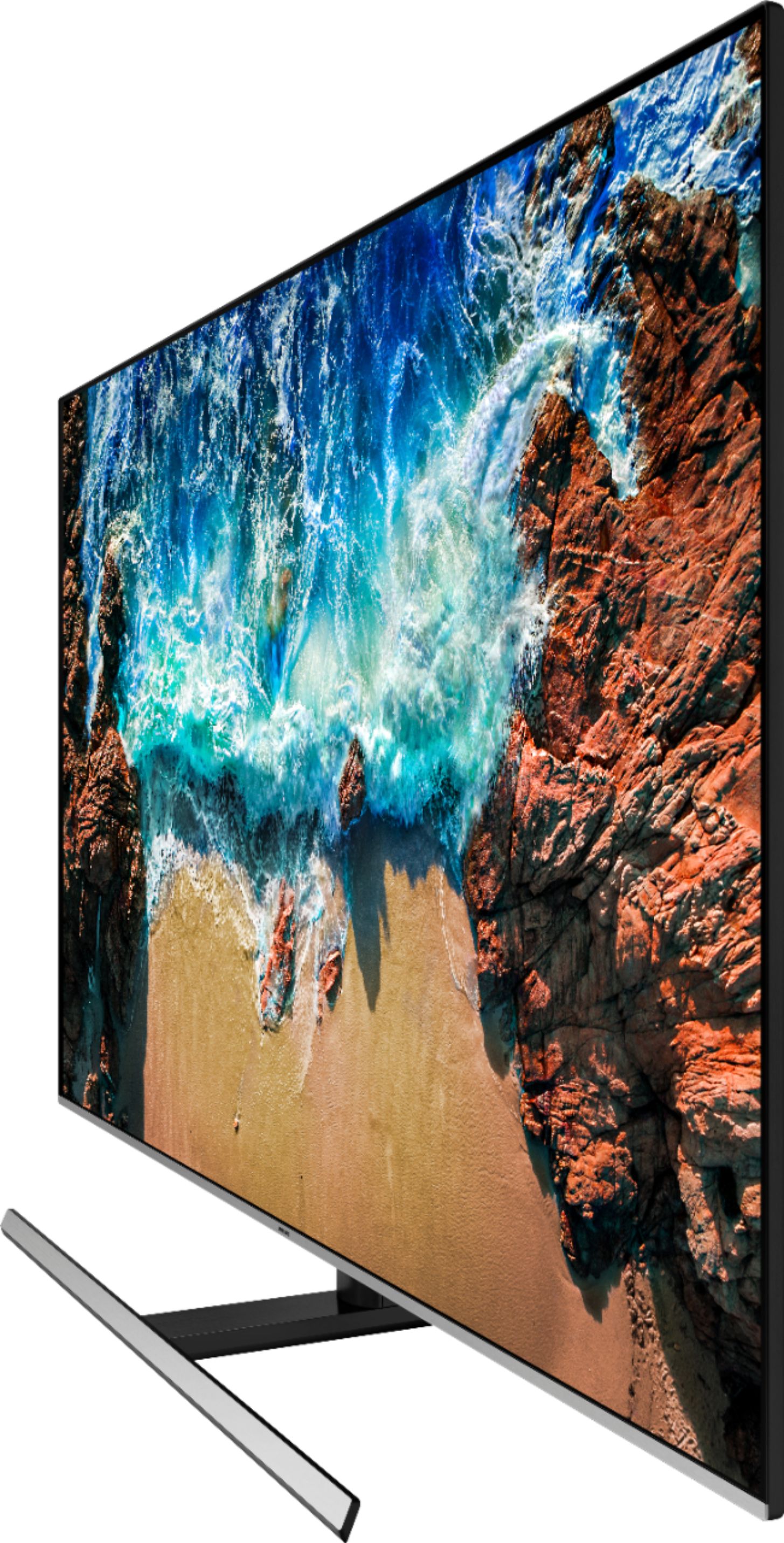



- Model:
- UN65NU8000FXZA
- SKU:
- 6199828
Rating by feature
- Picture Quality
Rating 4.7 out of 5 stars
- Sound Quality
Rating 4.3 out of 5 stars
- Brightness
Rating 4.8 out of 5 stars
Customers are saying
Customers are delighted by the picture quality, calling it "the finest" and "amazing". They also appreciate the easy setup and affordable price. The smart TV feature and remote control are also praised for their convenience. However, some customers have concerns about motion blur, speakers not being loud enough, durability issues, and the TV being expensive.
This summary was generated by AI based on customer reviews.
Tv had picture issues
||Posted .This reviewer received promo considerations or sweepstakes entry for writing a review.The tv I got had issues but was replaced with no problem
I would recommend this to a frienddosen't preform like salesman claimed
||Posted .This reviewer received promo considerations or sweepstakes entry for writing a review.pixeling - rapid movement of picture - imageing on certain things, not at all happy with tv, have call in to tech, to see if he can fix
No, I would not recommend this to a friendBrand response from Samsung
Posted .charlie,
I am sorry to hear that you are experiencing pixelation issue with your NU8000 TV.
Please give us the opportunity to assist you by contacting Samsung Customer Support via one of the following options:
1) Toll-free calling: 1-800-SAMSUNG
2) LiveChat or Email: https://www.samsung.com/us/support/#contact_us_for_support
3) Facebook Messenger: http://m.me/samsungsupport
4) Twitter: https://twitter.com/messages/compose?recipient_id=18768513
Again, I am very sorry for the inconveniences you have had, and hope that we will hear from you soon.
-Samsung Ambassador
- Pros mentioned:Picture quality, Remote controlCons mentioned:Stand
great tv for the price
Posted .This reviewer received promo considerations or sweepstakes entry for writing a review.I chose this TV because I really couldn't justify spending so much more money for an OLED. This is a beautiful TV for the price. The viewing angle issue is definitely one of the bigger drawbacks, but from straight on, it is gorgeous. Setup and configuration was very easy. Definitely tweak some of the picture settings .. but once you get it dialed in you'll be happy. I LOVE the remote .. it is awesome. Totally leaves the old school remotes behind! Not a huge fan of the stand, that could be better. True 4k content looks great, as does 1080. Hook the tv up to a real stereo .. no reason at all to complain about the onboard speakers. The onboard speakers will work for watching the news. But if you want to be immersed in a movie, you must use a real stereo. Anyway .. it is a very nice tv for the money. If you want a nice TV without breaking the bank, i recommend this tv.
I would recommend this to a friend Multiple repairs. Unreliable.
||Posted . Owned for more than 2 years when reviewed.This reviewer received promo considerations or sweepstakes entry for writing a review.TV got a line running thru it at about 6 months. Samsung repaired with entire new internals. Line was gone but after about three months it would no longer turn off without unpluging from wall.
No, I would not recommend this to a friendDo not recommend
||Posted .This reviewer received promo considerations or sweepstakes entry for writing a review.This unit worked fine for approximately 3 months and then it began turning off for no apparent reason. I did some research online and discovered this is a common issue with this TV. I reached out to Samsung and they had a local service technician come out for repair. He replaced one of the circuit boards and the TV worked for about a week before the issue began again. The tech came out a second time and replaced the main board, power board and screen; essentially the entire operating system. The TV has worked fine since. I was told by the Technician that this is a routine repair for them.
No, I would not recommend this to a friendA little dissapointed with the picture quality
||Posted .This reviewer received promo considerations or sweepstakes entry for writing a review.Picture jumps and is not crisp. Not sure if it is completely the TV or a Comcast/Xfinity issue or a combination of both. Whatever the case, the picture quality was not what I expected.
No, I would not recommend this to a friendBrand response from Samsung
Posted .Beaver,
I am sorry that you have experienced jumpy blurry picture with your NU8000 TV.
If the issue still persists, please let us help you with a solution so that these concerns do not detract from your overall viewing enjoyment.
You can contact our Customer Support toll-free at 1-800-SAMSUNG (ask for TVs) Available 8AM - 12AM EST (Mon-Fri) / 9AM - 11PM EST (Sat-Sun)
Simply copy-paste this link into your browser to LiveChat or Email us: https://www.samsung.com/us/support/#contact_us_for_support
We are likewise reachable by Facebook Messenger at: https://www.facebook.com/samsungsupport
Or find us on Twitter at https://twitter.com/SamsungSupport
-Samsung Ambassador
Ghosts - images leave a trail across the screen
||Posted . Owned for 1 year when reviewed.This reviewer received promo considerations or sweepstakes entry for writing a review.After spending this much money for a TV, I’m quite disappointed with the quality images ghost across the screen, and the image just isn’t that sharp. I’ve tried using a digital cable tuner versus over the air spectrum TV app. After spending this much money for a TV, I’m quite disappointed with the quality images ghost across the screen, and the image just isn’t that sharp. I’ve tried using a digital cable tuner versus over the air spectrum TV app. Nothing. Would not recommend ...
No, I would not recommend this to a friend- Pros mentioned:Picture quality, Remote control
Nice, but took a while to get it where I wanted
Posted .This reviewer received promo considerations or sweepstakes entry for writing a review.I struggled long and hard between the LG 8000 and the Samsung 8000. I currently have a 52" LG that just failed and a 55" LG which I'm very happy with, this 65" was to replace the 52" LG. The 52" had a common circuit board failure widely known on the internet that griped my behind causing me to look at other brands. The viewing angles of the LG vs the Samsung are different, the LG being advertised as wider viewing angle. My space isn't huge so I hoped it was a non issue. When comparing the two side by side, it sure looked to me that the viewing angle was better on the Samsung. I was leaning towards the Samsung because of the 5000 contrast ratio as compared to the LG which was 2000 if I recall. I was hoping for a WOW picture from the Samsung. I liked the remote features of the LG better, but after the fact, the Samsung features are just fine. The remote on the Samsung is pretty basic as compared to the LG, but plenty functional. Once I have it setup, I'll only be using my Comcast remote most of the time any way. Initial out of the box setup was very easy, the picture setup, not so easy. I spent about 5 days until I was happy with the picture, and even now have a few issues to work out. When watching a football game, white uniforms on the open field view seem to be too bright an lose detail when all other colors are good. A closer picture of the same player in a white jersey looked just fine. I was almost to the point of returning the TV in exchange for the LG until I hit on what I think is the almost perfect setting other than the white issue which is now much improved. I think at this point I've finally gotten the picture about as good as the LG that I'm replacing. Is it a WOW picture, eh, almost. I think the biggest fix for me was turning off local dimming, that seemed to bring back some detail that I was missing. Prior to that, close ups of peoples faces were too creamy and lacked detail. I should be able to see pores on the newscasters faces like I could on my LG. Some of the other settings seemed to just increase the blooming effect of the colors. I also seemed to struggle with consistency. Watching the news and weather were WOW pictures, watching a network show wasn't that great. It seems as though many shows have different quality. A good setup for one may not be a good setup for the other. Here's what I did, I put an NFL football game on and a show from Velocity on the jump channel. One good feature about the Samsung is you can bring up a setting and it stays up for a long time and doesn't time out. That allows you to compare picture quality on two different pictures to get it just right. I bounced back and forth between the two stations until I got it right. Audio-wise, the sound of the Samsung is far better than the other LGs that I have. I don't have a sound bar, which I'm sure would enhance the sound of either. Is it theatre sound without a sound bar, hardy, but its acceptable. In conclusion, the LG was $100 cheaper, and the setup of the Samsung picture took me a while. I can't compare the two exactly having only bought the Samsung, but I'm satisfied with it as of now and I'll keep it. Just know that the streaming that they do in the store is very hard to duplicate and remain consistant across many types of shows. It can however be done pretty well.
I would recommend this to a friend Confusing remote
||Posted .This reviewer received promo considerations or sweepstakes entry for writing a review.This tv comes with a small remote that doesn’t make any sense. Neither of us can figure out how to program it.
No, I would not recommend this to a friendBrand response from Samsung
Posted .Shen,
I am sorry to see that you had trouble with the remote functions.
Here is the link to the downloadable eManual that include the remote diagram and a detailed step-by-step guide (page 38-46):
http://downloadcenter.samsung.com/content/UM/201805/20180530102420977/ENG_US_KM2ATSCN-2.0.0.pdf
I hope this eManual provides all the information you are looking for.
Should you need further assistance with features or usage, please do reach out to our Customer Service by calling 1-800-SAMSUNG, or by LiveChat or email. Simply copy-paste this link into your browser: http://www.samsung.com/us/support/contact
You can also find us on our Samsung Support Facebook page at: https://www.facebook.com/samsungsupport/app/158125230916392/
Again, thank you for taking the time to share your experience and provide us with information that helps improve our products and service.
-Samsung Ambassador
Would not purchase again
||Posted .This reviewer received promo considerations or sweepstakes entry for writing a review.Purchased this tv for the 240 motion refresh rate for sports. So far it pixels for baseball and golf. Can't wait for hockey and football
No, I would not recommend this to a friendBrand response from Samsung
Posted .hi Steve,
I am sorry to see that you are not happy with its motion image performance.
Here is the step-by-step guide to change Auto Motion Plus settings that may help improve the pixelation:
With the TV powered on, press the Home button on the Samsung remote to open the Home screen> Select Settings>.Select Picture > Select Expert Settings> Select Auto Motion Plus.
(Note: This option may not be visible initially. Continue scrolling through the Expert Settings Menu to locate Auto Motion Plus)
>Select Auto Motion Plus again, and you will see the following three options:
◦Off: Auto Motion Plus will always be off.
◦Auto: Auto Motion Plus will automatically activate and deactivate based on the type of program being watched.
◦Custom: Allows custom adjustments and settings to be used.
By selecting the Custom option, you can access these advanced settings:
- Blur Reduction: Use the directional keys on the remote to adjust the Blur setting.
- Judder Reduction: Use the directional keys on the remote to adjust the Judder setting.
- LED Clear Motion: Select to turn On/Off.
For further assistance, please contact Samsung Customer Support toll-free at 1-800-SAMSUNG and a representative will gladly help you. Or LiveChat with our product experts by copy -paste this link into your browser: http://www.samsung.com/us/support/contact
We are likewise reachable via Facebook Messenger at: http://m.me/samsungsupport
You can also find us on Twitter at: https://twitter.com/messages/compose?recipient_id=18768513
-Samsung Ambassador
Not to bad
||Posted .This reviewer received promo considerations or sweepstakes entry for writing a review.TV did ok, really wanted a curve tv. But couldn’t find one so had to settle with this one. BestBuy really gave me poor service.
No, I would not recommend this to a friend- Pros mentioned:Picture quality, Remote control
Great TV with excellent picture
Posted .This reviewer received promo considerations or sweepstakes entry for writing a review.Bought this TV about 4 months ago and have no regrets at all. Picture is crisp and clear. Paired this with a Samsung Sound Bar HW-K650 and a pair of Samsung Radiant360 R3 wireless speakers. I originally had them on a Samsung 60 LED TV and had no issues getting surround sound to work. I haven't been able to get the 360 speakers to work with the new TV. The TV will see all the speakers but will not allow them to work as a surround sound setup. I currently have the sound bar using the HDMI option for sound and using the simulated surround sound option that works well. Issue that I have seen is the TV once in a while when first turned on does not always connect to the Sound Bar and you have to play around with settings to get it to be seen again. The TV does default back to the TV speakers when this happens so you still have sound. Other issue with using the HDMI cable for sound is that sometimes it looses communication to the sound bar when first turned on and the sound bar defaults to Digital audio. If you use the Digital Optical for sound you will not have this issue. The Remote has the ability through the TV menu for setting it up as a multi-remote. Select the manufacture and model of your device and it controls other devices with no issues. I have mine setup to work with the soundbar and Roku. It even has a remote overview for what buttons will do what function for each device on the TV screen. The remote Bixby search voice command option I have not found much use for. The couple of times I used it to find movies it brings up other apps that are pay services to watch the movies. Even when I have the plex app open and search for a movie I have on it the results do not give me an option to watch it on my Plex server. The TV runs Tizen (Linux OS), this is so much better than the old Samsung interface on my old TV. Installing apps is simple and you can add them to the favorites bar and move them into any order. On my older Samsung you had to go into the smarthub to do anything vs the newer Tizen OS pops up as a bar menu along the bottom of the TV. I dropped cable and have an HD antenna ClearStream 2 that gives me over 50 local Channels in my area along with the Sling TV app . Since the app interface on the TV works so well and has most of the apps I mainly use on my Roku I find that I rarely use my Roku any longer. Current apps I have installed are Plex, Sling, Netflix, Pluto TV, tubi TV, Prime Video, Crackle and YouTube to name a few. Even with the Sound issues I mentioned I would recommend this TV Since they are manageable and when they do happen it is only when you first turn the TV and soundbar on. It has never had an issue with working with the sound bar while actively using the TV. As I mentioned if you are using the Optical Audio instead of HDMI some of these issues you would not see. Just wish that I could get the setup to work with my 360 R3 speakers for surround Sound.
I would recommend this to a friend samsung 65"
||Posted .This reviewer received promo considerations or sweepstakes entry for writing a review.This tv was too big (it looked like land of the giants!), and the color and clarity were not what we expected from samsung.
No, I would not recommend this to a friendBrand response from Samsung
Posted .Susan,
I am very sorry to see that you were not happy with the picture quality of your NU800o TV.
Our 2018 NU8 Series features Ultra slim array backlight, HDR 10 plus, Wide viewing angle, Auto game mode and more, all designed to give you the best in lifelike, crystal-clear viewing enjoyment.
It is possible that your particular set was either defective or required adjustments in settings. Nonetheless, I do sincerely apologize for the let-down.
Please give us the opportunity to assist you with image quality adjustments by calling Samsung Customer Support toll-free at 1-800-SAMSUNG.
You can also contact Samsung via LiveChat or email. Please copy-paste this link into your browser: http://www.samsung.com/us/support/contact
We are likewise reachable by Facebook Messenger at: http://m.me/samsungsupport .
Or find us on Twitter at: https://twitter.com/messages/compose?recipient_id=18768513
We look forward to hearing from you.
- Samsung Ambassador
- Pros mentioned:Picture quality
A good choice for a midrange 4K TV
Posted .This reviewer received promo considerations or sweepstakes entry for writing a review.We were needing to replace our aging 10 year old Samsung TV to enter the modern 4K world. Our old model served us well, and in fact still works well, but it doesn’t have the sleek, small bezel look nor the sharp resolution of modern 4K TVs. The NU8000 at around $999.00 comes in at about half the price of that older TV. The NU8000 boasts a UHD 4K screen resolution, and 120 khz over-sampling for an amazingly clear image, even on older HD resolution content. Our cable service, DVD’s and streaming video all look brighter and more vivid on this TV. In short, the screen is gorgeous and the 65 inch size takes up only a few more inches of wall space than the old 55 inch unit due to the smaller bezel and form factor. This TV looks clean and modern whether powered on or off. I already had a Samsung sound bar and wireless subwoofer, which I hooked up to the NU8000 via optical cable, and darn if that sound bar (about 2 years old) doesn’t sound much better on this updated TV too – and the Samsung Smart Remote controls it seamlessly. The audio processing on this TV has improved it. But I want to focus my review on the TV user interface – something often neglected in looking for a new TV. Usually device user interfaces are kind of gimmicky, but honestly Samsung has learned a thing or two from their phone business. The NU8000 user interface and smart remote are a joy to use. I have been a long time user of the Harmony universal remote system by Logitech to help tame the complexity of cable boxes, DVD’s, Roku Boxes, and sound systems of a modern home theater. The NU8000 with it's smart remote, and built in streaming features almost eliminates the need for the Harmony remote (I'll hang on to it for awhile though). The user interface is content driven, and Samsung, like others has gotten into the content distribution business. Once you set up all your sources (Spectrum Cable box via HDMI, Roku via HDMI, and internal TV streaming Apps), you can search for content on your TV by voice much as you can with a Roku or Amazon device. These abilities are honestly moving past gimmick status to being truly useful. The TV has native Smart TV features and comes with Apps for Netflix, Amazon Video, YouTube, and Amazon Music, as well as the ability to install additional Aps for specific content providers (i.e. HGTV, CNN, Sports etc.). The Smart TV features work quite well, and all but eliminate the need for “yet another box” such as a Roku, Apple, or Amazon Fire Stick. And because the user interface is integrated into the TV, switching content sources is extremely easy and intuitive. It’s all there on the TV’s home screen, including your Cable provider. I will probably use the TV's native apps for Netflix and Amazon Prime, but I will still keep my Roku attached for those few apps not available in the Samsung world (for example Hoopla - a favorite!). The NU8000 comes with built in Wi-Fi (including 5 ghz band Wi-Fi), and with an Ethernet port. If you choose to use the native Smart TV aps (which I can highly recommend), I’d suggest hooking up an Ethernet cable if you are able. While the Wi-Fi works well, hard wired internet access improves latency – the time it takes for things to start loading. Bottom Line: If you are looking for a solid, mid-range 4K TV, the Samsung NU8000 will serve you well. You can buy TV’s with brighter and more impressive screens (LG's OLED or Samsung's QLED for example) and they are stunning, but at 2.5 times the cost. Mostly you notice the difference when in the showroom seeing screens side by side. For most of us, the NU8000 level of screen will serve nicely – maybe for another 10 years. The user interface, which doesn’t usually get much attention is really quite amazing, and the Samsung Smart Universal remote is also a strong value added, and intuitive (working by Wi-Fi rather than IR when available). This TV may well simplify your home theater set up. Definitely recommended.
I would recommend this to a friend Hate the remote
||Posted .This reviewer received promo considerations or sweepstakes entry for writing a review.The remote is awful. Impossible to change channels. Can’t get the numbers to work and it keeps bumping me off cable. Honestly, ready to return it!
No, I would not recommend this to a friendBrand response from Samsung
Posted .Hi Wendy,
I am sorry to see that you had trouble with the remote functions.
Here is the link to the downloadable eManual that include the remote diagram and a detailed step-by-step guide (page 38-46):
http://downloadcenter.samsung.com/content/UM/201805/20180530102420977/ENG_US_KM2ATSCN-2.0.0.pdf
I hope this eManual provides all the information you are looking for.
Should you need further assistance with features or usage, please do reach out to our Customer Service by calling 1-800-SAMSUNG, or by LiveChat or email. Simply copy-paste this link into your browser: http://www.samsung.com/us/support/contact
You can also find us on our Samsung Support Facebook page at: https://www.facebook.com/samsungsupport/app/158125230916392/
Again, thank you for taking the time to share your experience and provide us with information that helps improve our products and service.
-Samsung Ambassador
- Pros mentioned:Picture quality
Sound Quality is not good.
||Posted . Owned for more than 2 years when reviewed.This reviewer received promo considerations or sweepstakes entry for writing a review.Sound Quality is not good. Picture Quality is good.
No, I would not recommend this to a friend Big TV with poor color quality
||Posted .This reviewer received promo considerations or sweepstakes entry for writing a review.Poor color quality even after calibration. My older 55” Samsung is much nicer.
No, I would not recommend this to a friend- Pros mentioned:Remote control, Smart tv
Love it!
Posted .This reviewer received promo considerations or sweepstakes entry for writing a review.I own both a Sony 75-inch Smart TV and this one a Samsung 65 inch Smart TV. Both are 4K, and both are really good televisions. However, what sets Samsung apart is The Incredible Smart Remote and the extremely intuitive home interface that is superb! This is a smart TV! I love everything about it! As a matter of fact, I have three smart televisions. the smallest one is also a Samsung of the same series, and when I pitted the smaller Samsung against the larger Sony, I just thought it was no comparison! That's why I bought a larger Samsung as a third television. Think of it in terms of the Sony having an old school remote with about 50 buttons! The Samsung Smart Remote has everything you need, and seems to more smartly control secondary devices with a remote that is ergonomically superior, smaller, and just plain fun to use! I would highly recommend it!
I would recommend this to a friend Not my favorite
||Posted . Owned for 2 months when reviewed.This reviewer received promo considerations or sweepstakes entry for writing a review.Definitely not the best choice I have made when purchasing a TV
No, I would not recommend this to a friendOk tv
||Posted .This reviewer received promo considerations or sweepstakes entry for writing a review.It’s an OK TV returned it and got a Qled which is a much better TV
No, I would not recommend this to a friendBrand response from Samsung
Posted .Averageguy:
Thank you for having tried our NU8000 TV and for purchasing a Samsung QLED model.
Should you ever have questions or need assistance with TV operation, please reach out to us at Samsung TV Support:
1) Phone: 1-800-SAMSUNG (ask for TVs)
Available 8AM - 12AM EST (Mon-Fri) / 9AM - 11PM EST (Sat-Sun)
2) LiveChat or Email: https://www.samsung.com/us/support/#contact_us_for_support
3) Facebook Messenger: https://www.facebook.com/samsungsupport
4) Twitter: https://twitter.com/SamsungSupport
5) The Samsung TV Community is also a great resource for getting help from Samsung moderators and customers: https://us.community.samsung.com/t5/TVs/bd-p/tv