Skip to contentGo to Product SearchGo to Footer
Main Content

Customer Ratings & Reviews
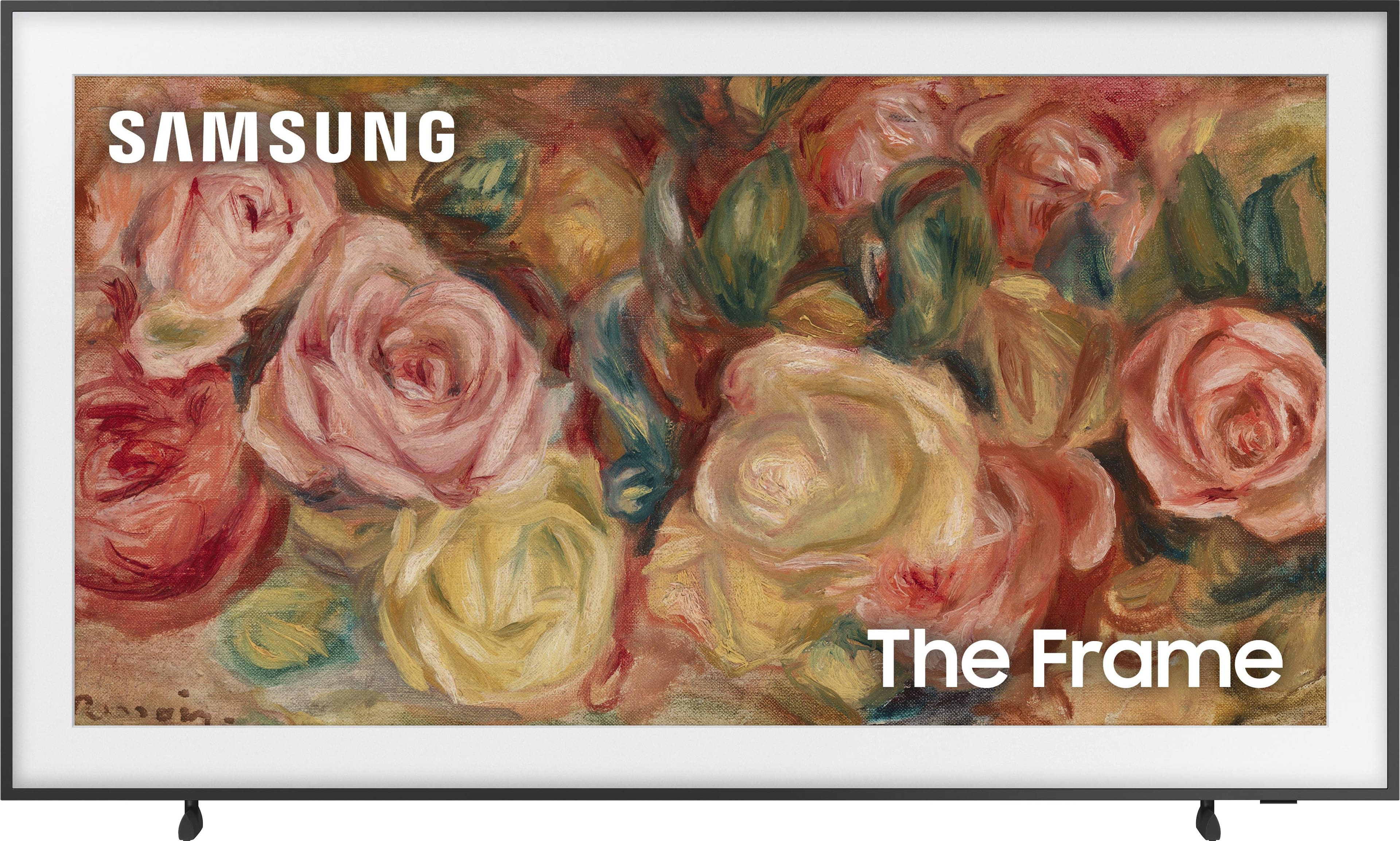

Your price for this item is $1,042.11
The comparable value price is $1,999.99

Customer reviews

Rating 4.6 out of 5 stars with 380 reviews

Rating Filter

Rating by feature

  • Picture Quality

    Rating 4.8 out of 5 stars

  • Sound Quality

    Rating 4.6 out of 5 stars

  • Brightness

    Rating 4.8 out of 5 stars

92%
would recommend
to a friend
The vast majority of our reviews come from verified purchases. Reviews from customers may include My Best Buy members, employees, and Tech Insider Network members (as tagged). Select reviewers may receive discounted products, promotional considerations or entries into drawings for honest, helpful reviews.

Page 19 Showing 361-380 of 380 reviews
  • Rated 2 out of 5 stars

    Samsung Frame

    |
    |
    Posted . Owned for 1 week when reviewed.
    This reviewer received promo considerations or sweepstakes entry for writing a review.

    Not the best tv in the market, picture quality is not as good as the OLETV for the price, I would not recommend this TV if you are looking for good nice viewing

    No, I would not recommend this to a friend
    • Brand response from Samsung
      Posted .

      Egpicture,


      Thank you for sharing your thoughts on the picture quality of your Frame TV. To ensure you’ve got the latest image quality updates, please confirm that your TV is up to date with the latest firmware version. You can check by going to: Home > Menu > Settings > Support > Software Update.

      If the picture you’re seeing is still not to your liking after updating firmware, there are several picture settings you may want to try adjusting.

      Go to Home > left direction button > Settings > All Settings > Picture > Picture Mode
      ...and select the mode that best fits your usage:
      1. Standard: Is the default mode suitable for general viewing environments
      2. Dynamic: Makes the picture brighter and clearer in bright viewing environments
      3. Eco: Provided to save energy
      4. Movie: Suitable for watching TV or movies in a dark room
      5. Filmmaker Mode: Provides source content just as the creators intended. If the image is defined as Filmmaker Mode, it’ll automatically switch to Filmmaker Mode while watching.

      You can also fine-tune your picture with expert settings such as brightness, contrast, sharpness and more (All Settings > Picture > Expert Settings).

      For further assistance with settings adjustments, please contact Samsung Customer Support at 1-800-SAMSUNG, 8AM - 12AM EST, 7 days a week. Or visit us on the Samsung website and click on the ‘Support’ link for:
      • LiveChat
      • Manuals, Software, & Warranty Info

      ~ Samsung Specialist Samsung

  • Rated 1 out of 5 stars

    Frame TV 65 inch

    |
    |
    Posted . Owned for 2 weeks when reviewed.
    This reviewer received promo considerations or sweepstakes entry for writing a review.

    Is the TV is not easy to operate no manuals not a lot of information and is very hard to adjust the color and I called the expert and they cannot adjust the color the way the Consumer want so I do not recommend this TV and I’m gonna return the TV anyway

    No, I would not recommend this to a friend
    • Brand response from Samsung
      Posted .

      KellyH,

      We appreciate you sharing your user experience. To help you get the most from your TV, you can download the full e-Manual and more by visiting Samsung’s website then navigating to: Support > Manual & Software > TVs & Home Theater. From there, you can search for and select your Frame TV model to view or download the available guides.

      The e-Manual and Remote Control Guide are also conveniently built into your TV: Settings > Support > Tips and User Guides

      If you need additional help, please contact Samsung Support at 1-800-SAMSUNG, 8AM – 12AM EST, 7 days a week. LiveChat agents are also available through the ‘Support’ link on our website.

      ~ Samsung Specialist Samsung

  • Rated 3 out of 5 stars

    Interesting TV

    |
    |
    Posted . Owned for 3 months when reviewed.
    This reviewer received promo considerations or sweepstakes entry for writing a review.

    I purchaaed this tv hoping the picture would be as good as our LG OLED, it is not. The matte really takes away from the picture quality. The art is great, so be ready to sacifice movie and screen quality for great art quality.

    No, I would not recommend this to a friend
    • Brand response from Samsung
      Posted .

      Astro,

      Thank you for sharing your thoughts on the picture quality of your Frame TV. To ensure you’ve got the latest image quality updates, please confirm that your TV is up to date with the latest firmware version. You can check by going to: Home > Menu > Settings > Support > Software Update.

      If the picture you’re seeing is still not to your liking after updating firmware, there are several picture settings you may want to try adjusting.

      Go to Home > left direction button > Settings > All Settings > Picture > Picture Mode
      ...and select the mode that best fits your usage:
      1. Standard: Is the default mode suitable for general viewing environments
      2. Dynamic: Makes the picture brighter and clearer in bright viewing environments
      3. Eco: Provided to save energy
      4. Movie: Suitable for watching TV or movies in a dark room
      5. Filmmaker Mode: Provides source content just as the creators intended. If the image is defined as Filmmaker Mode, it’ll automatically switch to Filmmaker Mode while watching.

      You can also fine-tune your picture with expert settings such as brightness, contrast, sharpness and more (All Settings > Picture > Expert Settings).

      For further assistance with settings adjustments, please contact Samsung Customer Support at 1-800-SAMSUNG, 8AM - 12AM EST, 7 days a week. Or visit us on the Samsung website and click on the ‘Support’ link for:
      • LiveChat
      • Manuals, Software, & Warranty Info

      ~ Samsung Specialist Samsung

  • Rated 1 out of 5 stars

    Best buy issue

    |
    |
    Posted .
    This reviewer received promo considerations or sweepstakes entry for writing a review.

    They gave me the TV without the power cord and the store refused to give me the power cord. I would not recommend this purchase from best buy, buy the TV from somewhere else.

    No, I would not recommend this to a friend
    • Brand response from Samsung
      Posted .

      It appears your 1-star review for the Samsung Frame TV is based on your experience with Best Buy, and we’re sorry to hear that. We recommend contacting the store directly to share your feedback.

      If you need help with the TV itself, Samsung Support is available at 1-800-SAMSUNG, 8AM – 12AM EST, 7 days a week, or via LiveChat under the ‘Support’ section of our website.

      ~ Samsung Specialist Samsung

  • Rated 1 out of 5 stars

    Software is glitchy

    |
    |
    Posted . Owned for 3 weeks when reviewed.
    This reviewer received promo considerations or sweepstakes entry for writing a review.

    We have owned 2 of the 2022 model Samsung Frame TVs, which we love. Got this one to add in another room and it is a dud. They might be able to fix the software, but for now nothing works quite right. The video cuts out randomly during a show, audio randomly goes quiet then back to normal, and the smart things automations on it don't work great. Oh and it's got a bug where the "Settings" screen usually doesn't open! Don't buy it at least for a few months, maybe they'll fix it with better firmware.

    No, I would not recommend this to a friend
    • Brand response from Samsung
      Posted .

      Crxporter,

      We appreciate your feedback on The Frame TV, and for optimal performance, we ask that you please ensure you've got the latest firmware version installed. You can check this by going to: Home > Menu > Settings > Support > Software Update.

      You may also want to further optimize performance with the self-diagnostic tool, which checks memory, frees up unused cached memory, and closes background apps. Go to: Home > Menu > Settings > Support > Device Care > Start Device Care

      I hope these tips help you enjoy your new product.
      You can always contact us for further help at 1-800-SAMSUNG, 8AM - 12AM EST, 7 days a week. Our LiveChat agents are also available by clicking on the ‘Support’ link on our website.

      ~ Samsung Specialist Samsung

  • Rated 1 out of 5 stars

    manufacture defect- screen

    |
    |
    Posted .
    This reviewer received promo considerations or sweepstakes entry for writing a review.

    although the picture quality is great, however, when the TV is displaying a moving picture, two lines appear in the top middle of the screen!

    No, I would not recommend this to a friend
    • Brand response from Samsung
      Posted .

      RameyB,

      We appreciate you taking the time to let us know about your experience. So that we can better troubleshoot this issue and provide steps towards a solution, please contact Samsung Support at 1-800-SAMSUNG, 8AM - 12AM EST, 7 days a week. Our LiveChat agents are also available by clicking on the ‘Support’ link on our website.

      ~ Samsung Specialist Samsung

  • Rated 1 out of 5 stars

    Be aware!

    |
    |
    Posted . Owned for 2 weeks when reviewed.
    This reviewer received promo considerations or sweepstakes entry for writing a review.

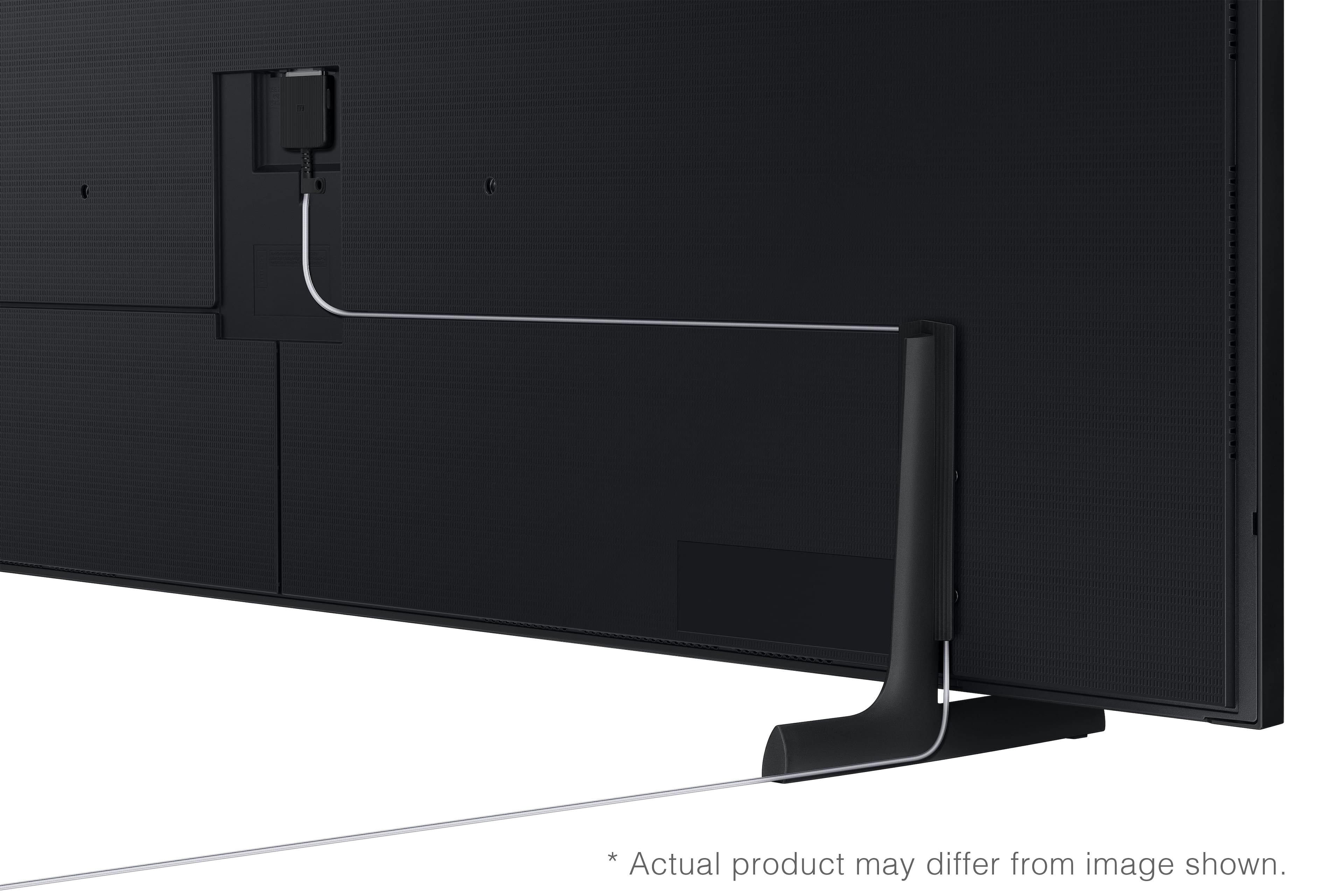
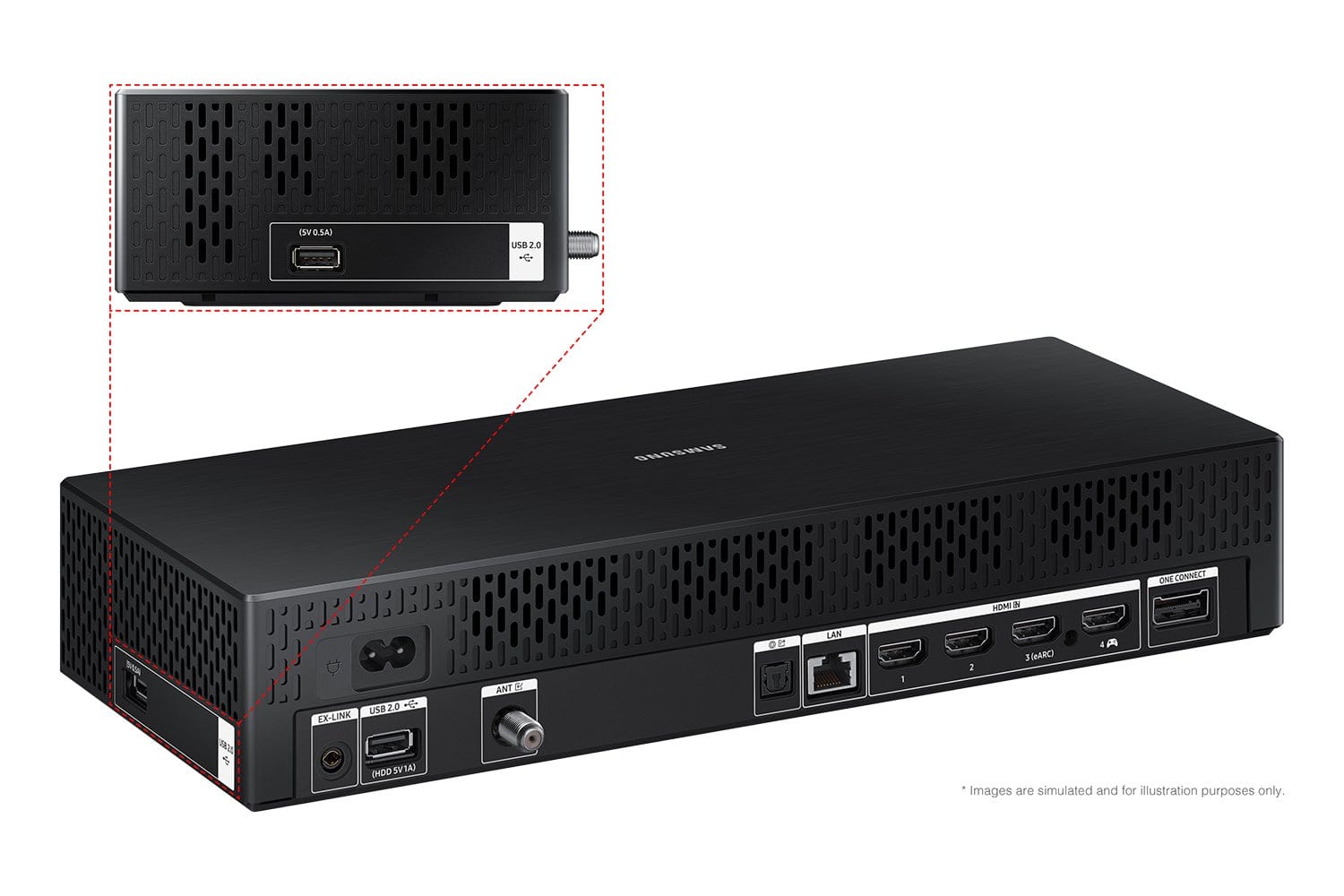
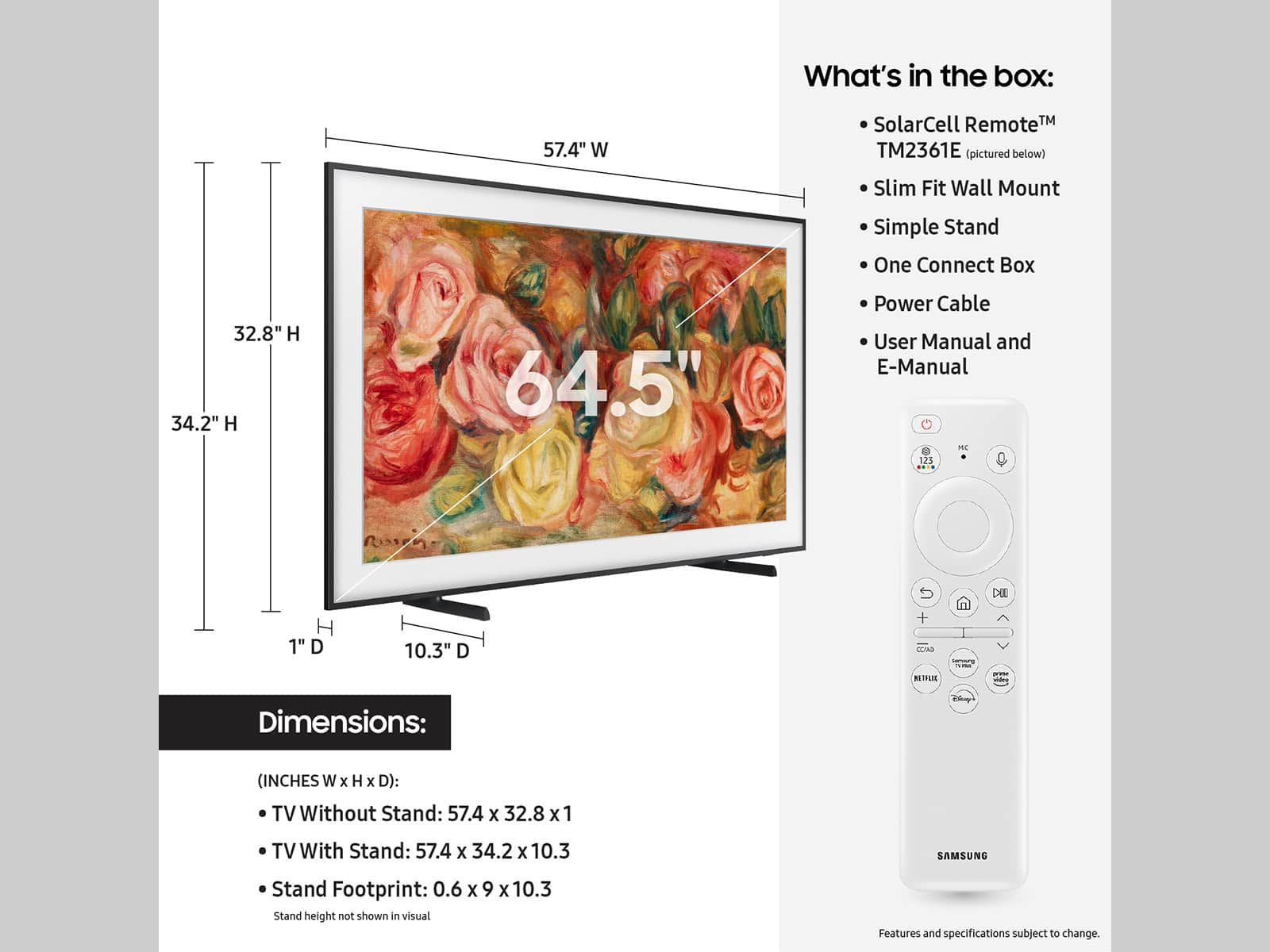
    Be aware this TV has an external box, larger than a cable box, that is wired to the unit.

    No, I would not recommend this to a friend
    • Brand response from Samsung
      Posted .

      SidneyL,

      We're sorry to hear of this misunderstanding. The Frame TV comes with a One Connect Box, allowing you to connect your components to one separate box, not to the back of the TV. Your TV is connected to the One Connect Box with the One Invisible Connection – a translucent cable allowing you to place your TV accessories wherever works best for you.

      The One Connect Box is required for use as it houses all input connections – power included.

      If there’s anything we can ever help with, please call us at 1-800-SAMSUNG, 8AM - 12AM EST, 7 days a week. Or visit us on the Samsung website and click on the ‘Support’ link for:
      • LiveChat
      • Manuals, Software, & Warranty Info

      ~ Samsung Specialist Samsung

  • Rated 1 out of 5 stars

    Product Neve Delivered / Unethical Company

    |
    |
    Posted . Owned for 2 months when reviewed.
    This reviewer received promo considerations or sweepstakes entry for writing a review.

    Your team never delivered my product and is absolutely no help on getting the situation fixed. I bought this TV 3-months ago. I'm out $3,000 with no TV or Frame! Welcome to Corporate America where no one cares about the customer. I'll never do business with best buy again in my life.

    No, I would not recommend this to a friend
    • Brand response from Samsung
      Posted .

      JACKSONH,

      We appreciate you sharing your experience; however, we recommend you contact Best Buy directly for assistance in correcting this situation. We hope your issue is resolved in a timely manner.

      You may also want to consider providing feedback directly to the Best Buy store where you made your purchase.

      Should you have any questions or need help with your TV once your issue has been resolved, please reach Samsung Support at 1-800-SAMSUNG, 8AM - 12AM EST, 7 days a week. Our LiveChat agents are also available by clicking on the ‘Support’ link on our website.

      ~ Samsung Specialist Samsung

  • Rated 2 out of 5 stars

    Cool TV but software is terrible

    |
    |
    Posted . Owned for 3 weeks when reviewed.
    This reviewer received promo considerations or sweepstakes entry for writing a review.

    I love the art mode on thr TV but this is probably thr worst software ive ever experienced on a TV. I’m currently stuck because I cant access the settings menu, and HDMI arc and CEC randomly stopped working. This software has been nothing but a pain to use

    No, I would not recommend this to a friend
    • Brand response from Samsung
      Posted .

      arjunsamir,

      We appreciate you taking the time to let us know about your experience with your Frame TV. So that we can better troubleshoot this issue and provide steps towards a solution, please contact Samsung Support at 1-800-SAMSUNG, 8AM - 12AM EST, 7 days a week. Our LiveChat agents are also available by clicking on the ‘Support’ link on our website.

      ~ Samsung Specialist Samsung

  • Rated 1 out of 5 stars

    Samsung tv

    |
    |
    Posted . Owned for less than 1 week when reviewed.
    This reviewer received promo considerations or sweepstakes entry for writing a review.

    Sans the day I bought this it was damaged and I have to replace two of them

    No, I would not recommend this to a friend
    • Brand response from Samsung
      Posted .

      BurimH,

      We appreciate you sharing your delivery experience and are sorry to hear that your TV arrived damaged. For issues related to shipping or delivery, we recommend reaching out to Best Buy directly so they can assist in resolving the situation.

      Once your issue is resolved, if you have any questions about setup, usage, or features, please don’t hesitate to contact Samsung Support at 1-800-SAMSUNG (8AM – 12AM EST, 7 days a week), or connect with a LiveChat agent via the ‘Support’ link on our website.

      ~ Samsung Specialist Samsung

  • Rated 1 out of 5 stars

    Not a fan.

    |
    |
    Posted .
    This reviewer received promo considerations or sweepstakes entry for writing a review.

    It’s my fault I didn’t research the frame tv more but I was bummed out that it included this huge connect one box - which I felt defeated the purpose of having a slim, picture like tv. You have to buy another box component to house it in behind the wall which was extra. I was going to have the tv mounted above our fireplace but it didn’t seem safe so I returned it instead.

    No, I would not recommend this to a friend
    • Brand response from Samsung
      Posted .

      SandyX,

      It’s unfortunate to hear the One Connect Box has caused you to return your Frame TV. Your experience is very important to us and will be shared with our product team.

      Should you ever decide to give Samsung TVs another try and have questions or need help with settings, setup, or features, please know we’re here to help. Call us at 1-800-SAMSUNG, 8AM - 12AM EST, 7 days a week.

      LiveChat with an agent as well as manuals, software, and warranty info can be found at the ‘Support’ link on our Samsung website.

      ~ Samsung Specialist Samsung

  • Rated 2 out of 5 stars

    Do not Buy Open Box

    |
    |
    Posted . Owned for less than 1 week when reviewed.
    This reviewer received promo considerations or sweepstakes entry for writing a review.

    I bought open box- execllent. It was missing the mounting hardware and was not like new. I dont know who checks these items before hand but they suck at there job.

    No, I would not recommend this to a friend
    • Brand response from Samsung
      Posted .

      Zach,

      We appreciate you sharing your experience; however, we recommend you contact Best Buy directly for assistance in correcting this situation. We hope your issue is resolved in a timely manner.

      You may also want to consider providing feedback directly to the Best Buy store where you made your purchase.

      Should you have any questions or need help with your TV once your issue has been resolved, please reach Samsung Support at 1-800-SAMSUNG, 8AM - 12AM EST, 7 days a week. Our LiveChat agents are also available by clicking on the ‘Support’ link on our website.

      ~ Samsung Specialist Samsung

  • Rated 1 out of 5 stars

    Best Buy/ Geek Squad disaster

    |
    |
    Posted . Owned for 3 weeks when reviewed.
    This reviewer received promo considerations or sweepstakes entry for writing a review.

    Truly disastrous instalation experience through Best Buy/ Geek Squad. No advance information on instalation requirements needed prior to delivery. Rescheduled instal canceled without notice, impossible web of customer service contacts/ accountabilities with no ability to raise issues with senior managers for resolution.

    No, I would not recommend this to a friend
    • Brand response from Samsung
      Posted .

      MarkW,

      We appreciate you sharing your experience; however, we recommend you contact Best Buy directly for assistance in correcting this situation. We hope your issue is resolved in a timely manner.

      You may also want to consider providing feedback directly to the Best Buy store where you made your purchase.

      Should you have any questions or need help with your TV once your issue has been resolved, please reach Samsung Support at 1-800-SAMSUNG, 8AM - 12AM EST, 7 days a week. Our LiveChat agents are also available by clicking on the ‘Support’ link on our website.

      ~ Samsung Specialist Samsung

  • Rated 1 out of 5 stars

    Don’t buy this version of 2024 Frame TV

    |
    |
    Posted . Owned for less than 1 week when reviewed.
    This reviewer received promo considerations or sweepstakes entry for writing a review.

    Since day one the TV turn on and off when you connect any eARC third party soundbar like Sonos or Bose. The support from the comoany is really slow resolving this issue that is affecting all the new buyers. Is a software isssue that they don’t have any date when will be fixed. Plus when you are using an Apple TV 4K and send the Apple TV 4K to sleep the Artwork mode doesn’t work.

    No, I would not recommend this to a friend
    • Brand response from Samsung
      Posted .

      faustoh,

      We appreciate your feedback on your experience. For optimal performance, we ask that you please ensure you've got the latest firmware version installed on your TV. You can check this by going to: Home > Menu > Settings > Support > Software Update.

      You may also want to further optimize performance with the self-diagnostic tool, which checks memory, frees up unused cached memory, and closes background apps. Go to: Home > Menu > Settings > Support > Device Care > Start Device Care

      I hope these tips help you enjoy your new product.
      You can always contact us for further help at 1-800-SAMSUNG, 8AM - 12AM EST, 7 days a week. Our LiveChat agents are also available by clicking on the ‘Support’ link on our website.

      ~ Samsung Specialist Samsung

  • Rated 1 out of 5 stars

    Defect after 3 weeks

    |
    |
    Posted . Owned for 1 month when reviewed.
    This reviewer received promo considerations or sweepstakes entry for writing a review.

    TV had a defect (blue vertical line across screen) within 3 weeks of purchase and Best Buy won’t take back.

    No, I would not recommend this to a friend
    • Brand response from Samsung
      Posted .

      MatthewM,

      It’s unfortunate to hear of your experience with Samsung’s Frame TV. Samsung is committed to providing the best possible product experience, quality, and value. We back this Samsung TV with a 1-year limited manufacturer's warranty, including authorized repair for manufacturer defect, if purchased brand-new directly from an authorized seller. You can enter your model number to review the full warranty details here: https://www.samsung.com/us/support/legal/LGL10000312/#standard-limited-warranty

      Please give us the opportunity to assist you by contacting Samsung Customer Support at 1-800-SAMSUNG, 8AM - 12AM EST, 7 days a week. Our LiveChat agents are also available by clicking on the ‘Support’ link on our website.

      ~ Samsung Specialist Samsung

  • Rated 5 out of 5 stars

    Great TV and Frame

    Posted .
    This reviewer received promo considerations or sweepstakes entry for writing a review.

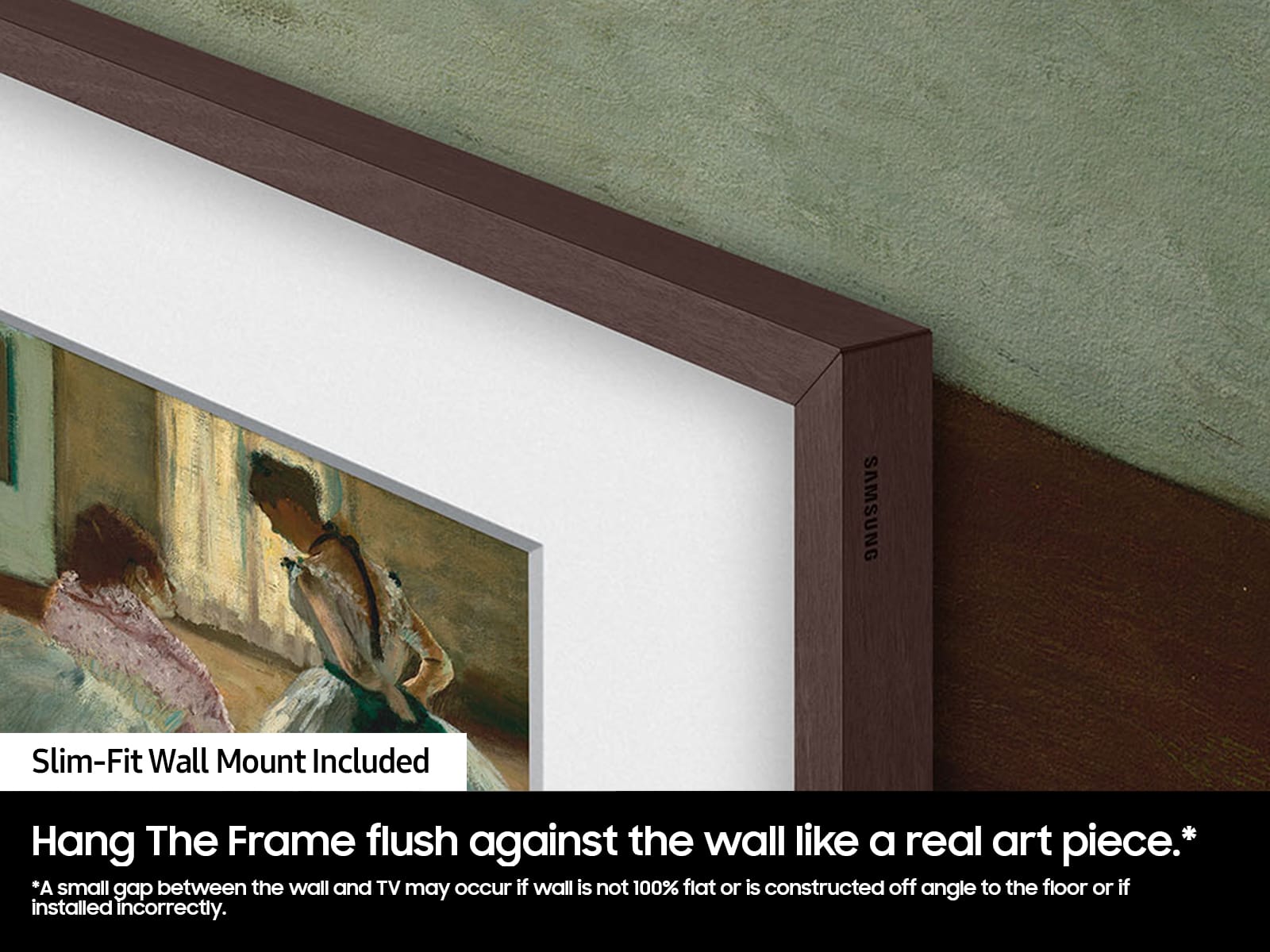
    I purchased this 65" Samsung Frame TV 2 weeks ago and finally installed this past weekend. This TV has exceeded my expectations and install was very simple with the provided TV mount. I would highly recommend this TV to anyone in the market. It is very attractive with the custom DECO frame and the picture and user interface are phenomenal! Great job, Samsung. And great job, DECO!

    I would recommend this to a friend
  • Rated 5 out of 5 stars

    Amazing versatility and elegance

    Posted .
    This reviewer received promo considerations or sweepstakes entry for writing a review.

    bought this for my small salon. This is useful for classes and stunning ads for passing traffic.

    I would recommend this to a friend
  • Rated 5 out of 5 stars

    Consumer

    Posted .
    This reviewer received promo considerations or sweepstakes entry for writing a review.

    Great picture, quality, and looks classy easy to use

    I would recommend this to a friend
  • Rated 5 out of 5 stars

    Sharp looking tv

    Posted .
    This reviewer received promo considerations or sweepstakes entry for writing a review.

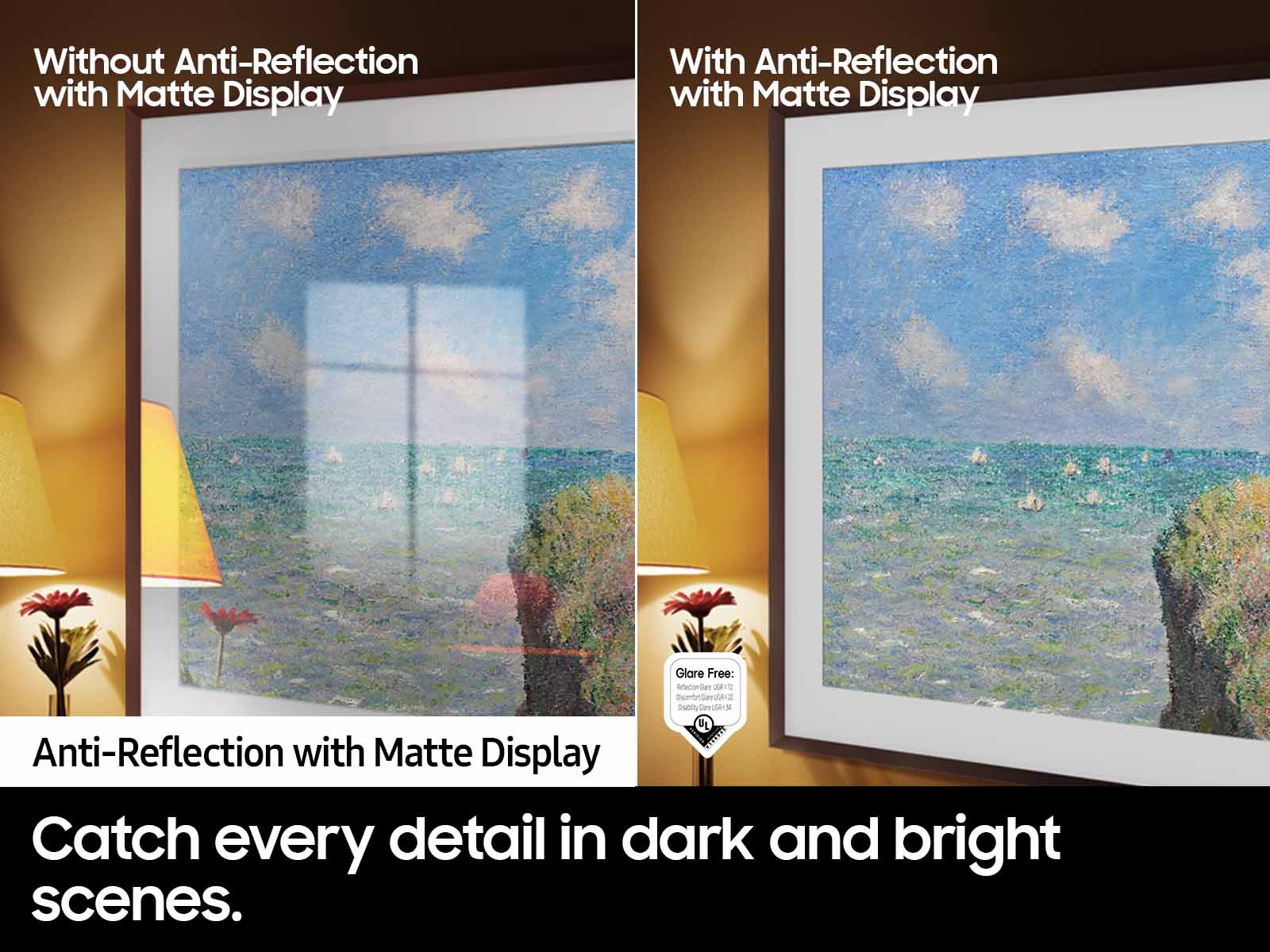
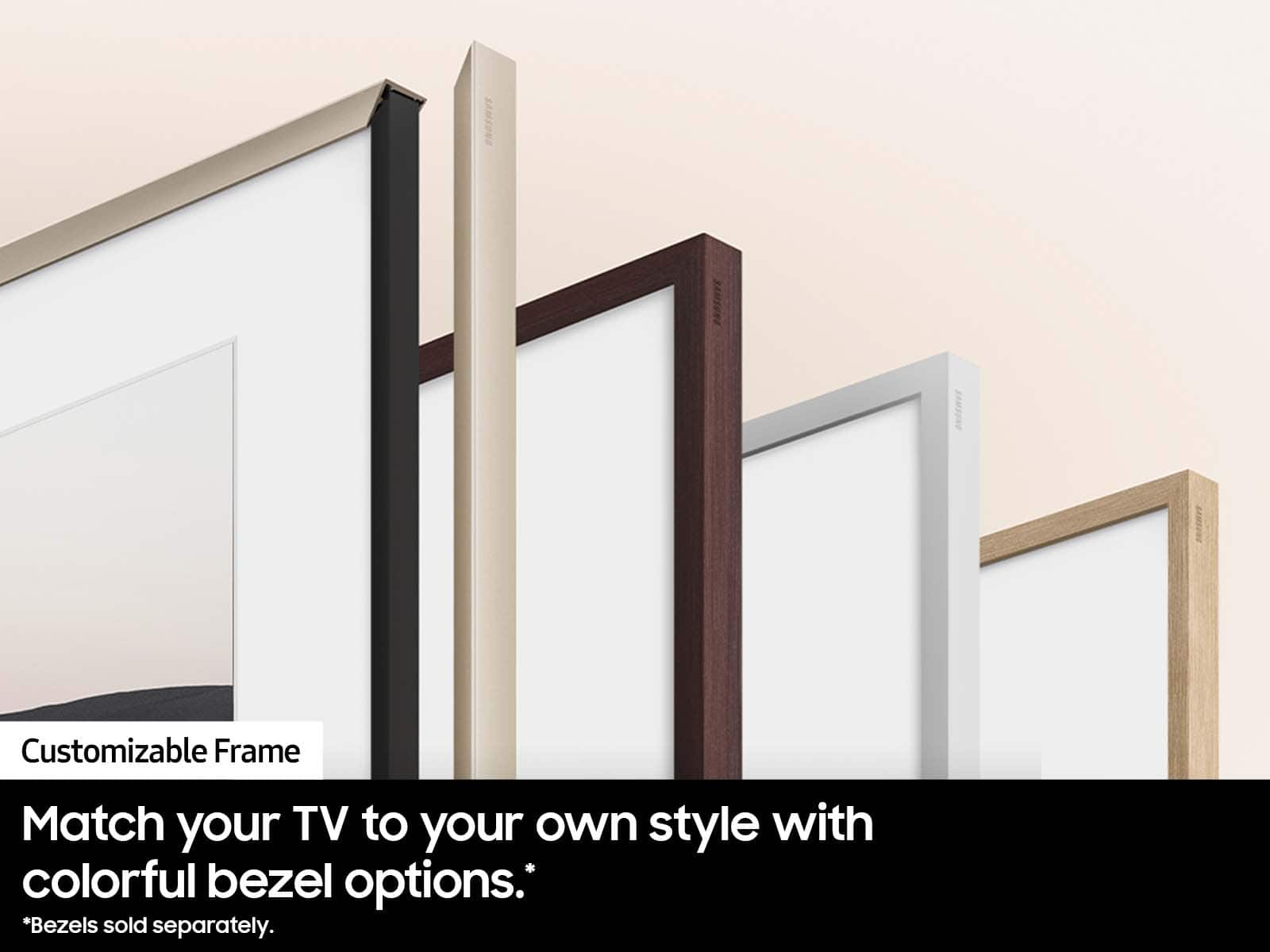
    Non glare screen is great. Looks even better with the bezel.

    I would recommend this to a friend
  • Rated 4 out of 5 stars

    Uh oh

    Posted .
    This reviewer received promo considerations or sweepstakes entry for writing a review.

    It’s a great TV however, the one I got from Best Buy had the pins bent in the back and I I had to return it bought it elsewhere

    I would recommend this to a friend