Customer Ratings & Reviews















- Model:
- QN65LS03DAFXZA
- SKU:
- 10188500
Rating by feature
- Picture Quality
Rating 4.8 out of 5 stars
- Sound Quality
Rating 4.6 out of 5 stars
- Brightness
Rating 4.8 out of 5 stars
to a friend
Great and great value!
||Posted .This reviewer received promo considerations or sweepstakes entry for writing a review.Love this TV - so many features and the thin artwork like feature is awesome. It’s a great value fo the quality.
I would recommend this to a friendHappy
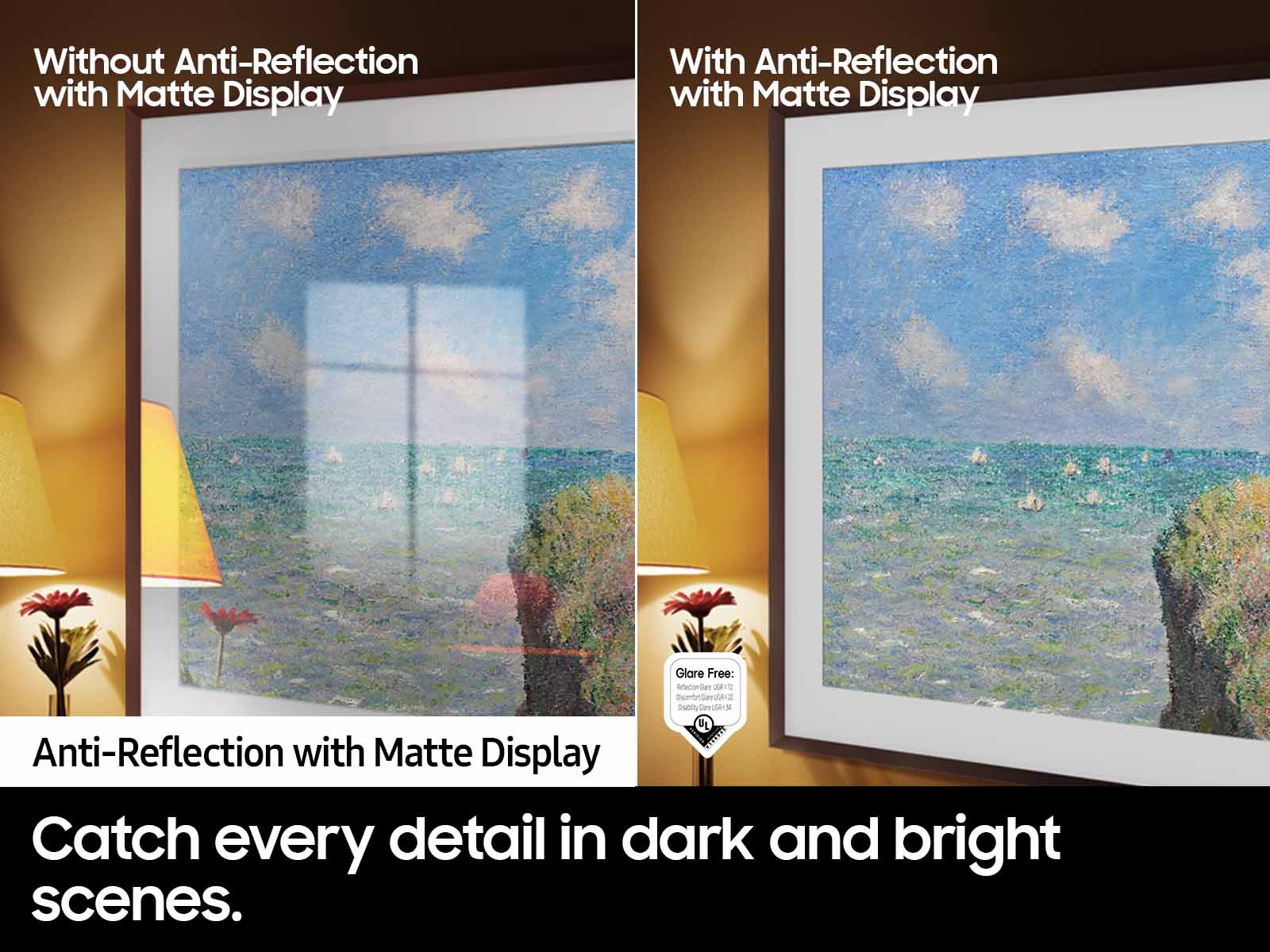
||Posted . Owned for 1 month when reviewed.This reviewer received promo considerations or sweepstakes entry for writing a review.Handl glare very well. Picture is excellent and sound is very good.
I would recommend this to a friendAmazing TV
||Posted .This reviewer received promo considerations or sweepstakes entry for writing a review.Excellent Tv with a great quality screen and an amazing performance ! Highly recommend ! Super good price !
I would recommend this to a friendHappy Customer
||Posted . Owned for 1 month when reviewed.This reviewer received promo considerations or sweepstakes entry for writing a review.Great TV...awesome picture and non glare! Love it!!!
I would recommend this to a friendGreat for above the fireplace
||Posted . Owned for 2 weeks when reviewed.This reviewer received promo considerations or sweepstakes entry for writing a review.Perfect solution to putting our a TV above our fireplace due to the power outlet being farther away from the TV closer to a bookshelf. The only issue we have is universal remote configuration with our sound bar (LG) and apps to our streaming services due to the ones we need are only Apple TV supported.
I would recommend this to a friendBrand response from Samsung
Posted .peboken78,
Thank you for sharing your review of The Frame TV. Please know you can control your connected devices using your TV remote by following these set-up steps:
1) Connect an external device to the HDMI port of the TV, and then power on the external device. Your TV will automatically recognize the device when connected through HDMI and will switch the output. If it doesn't automatically detect it, then keep following the steps to set up Universal Remote.
2) Go to Home > Menu > Connected Devices > Universal Remote. When you select a connected external device, the output of the selected device is displayed on the TV's screen.
3) Select Universal Remote on the Home screen. Next, select Start and make sure the device you want to connect is turned on. When your desired device displays, select it. Follow the on-screen instructions to complete the setup and register the device. The instructions may vary, depending on the device type selected.
4) Your TV and remote will memorize the external device and its connection port (HDMI 1, HDMI 2, etc.) to make controlling everything even easier. Occasionally, the device may not respond after it's registered. To make sure the connection is made, you may need to re-register the device or adjust the position of your external device.
If you need more help, Samsung is here for you. Please call us at 1-800-SAMSUNG, 8AM - 12AM EST, 7 days a week. Our LiveChat agents are also available by clicking on the ‘Support’ link on our website.
~ Samsung Specialist
Samsung 65” QLED picture frame TV
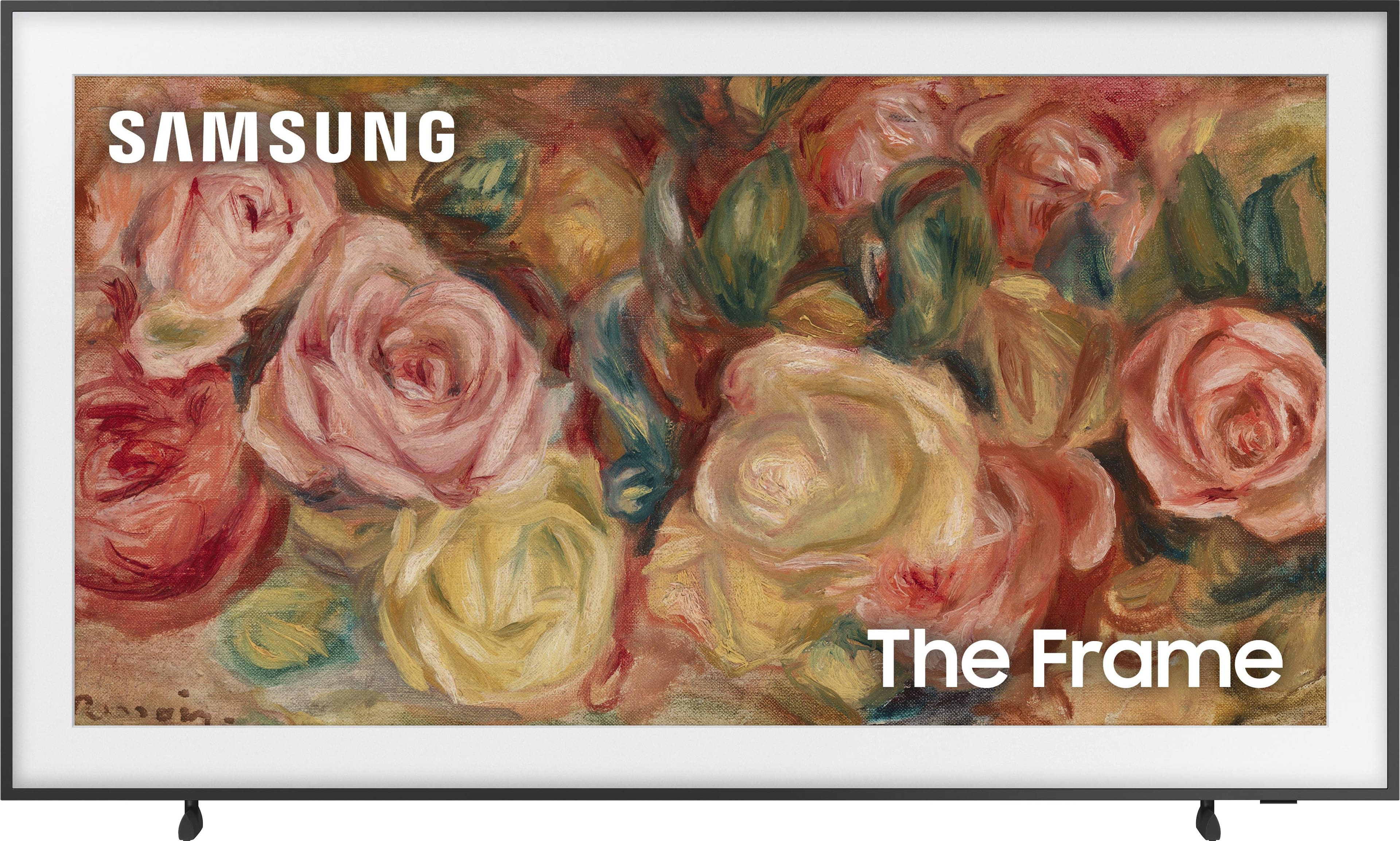
||Posted . Owned for 1 month when reviewed.This reviewer received promo considerations or sweepstakes entry for writing a review.Performs as described in specs. Paired with a Samsung sound bar produces an immersive experience. Easy to set up and attatch to the wall with included hardware. Integrated apps and Home Screen are intuitive. Screen is viewable even in bright light. Love the included art work that really makes it look like a picture frame
I would recommend this to a friendSamsung - 65" Class LS03D Frame
||Posted . Owned for 2 months when reviewed.This reviewer received promo considerations or sweepstakes entry for writing a review.This is a beautiful television, the color and crispness of the screen is amazing.
I would recommend this to a friendBest gift.
||Posted .This reviewer received promo considerations or sweepstakes entry for writing a review.Awesome picture. Set up is easy to do. Perfect for mounting to the walls.
I would recommend this to a friendNice TV
||Posted . Owned for 3 weeks when reviewed.This reviewer received promo considerations or sweepstakes entry for writing a review.It’s a pretty good tv. The actual frames cost a lot but I’d buy again. It’s also easy to hang in the wall.
I would recommend this to a friendPretty to look at, but not much else
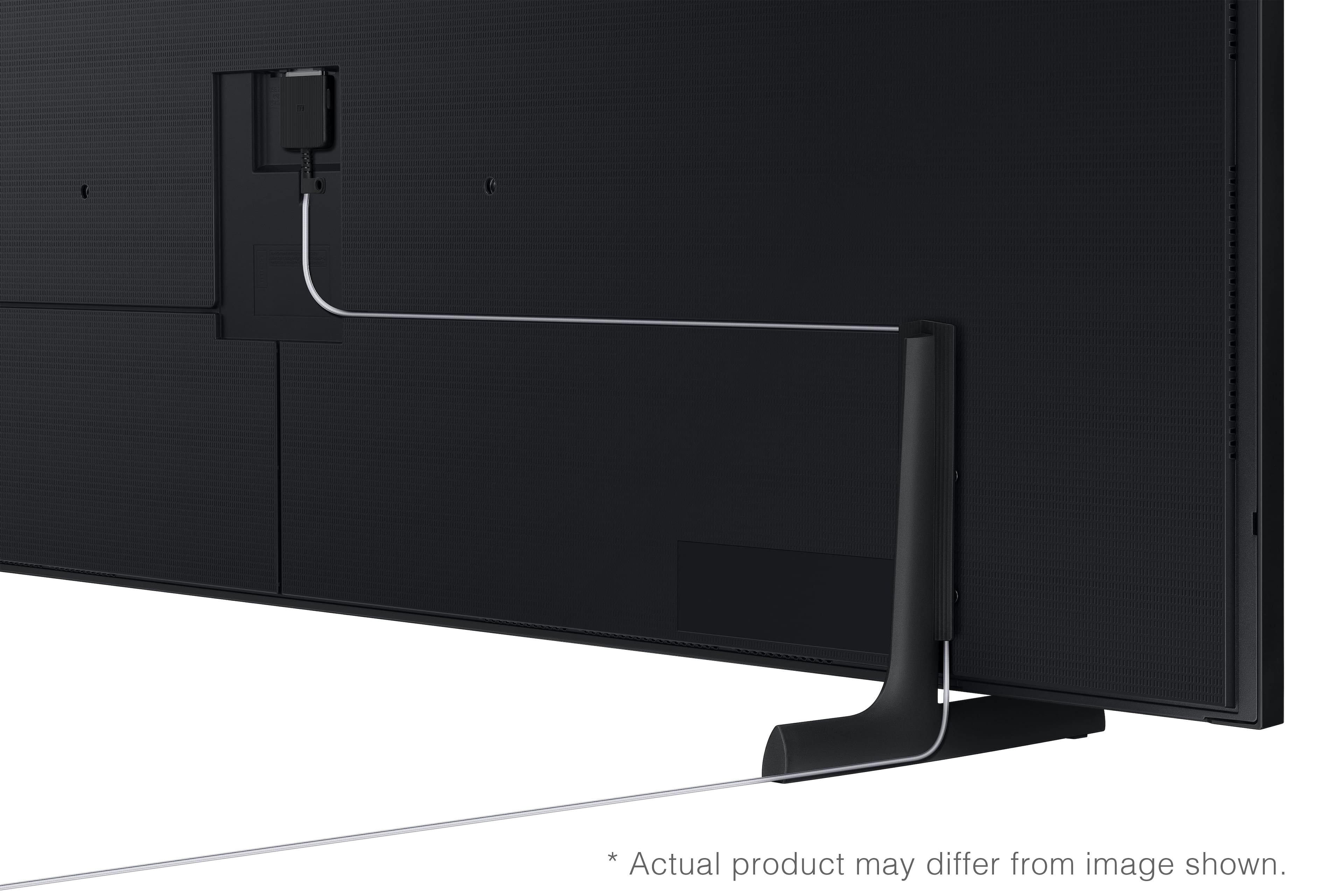
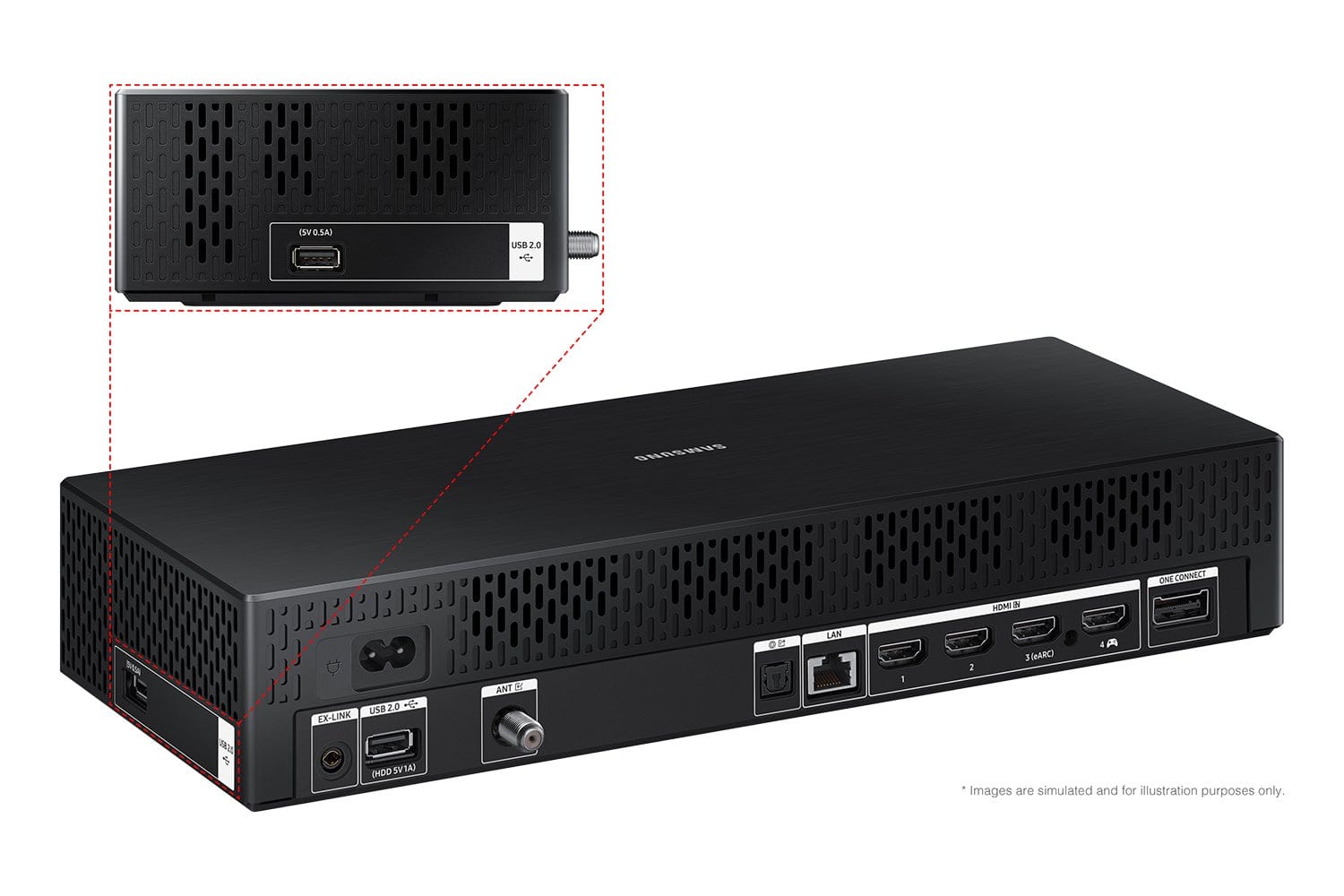
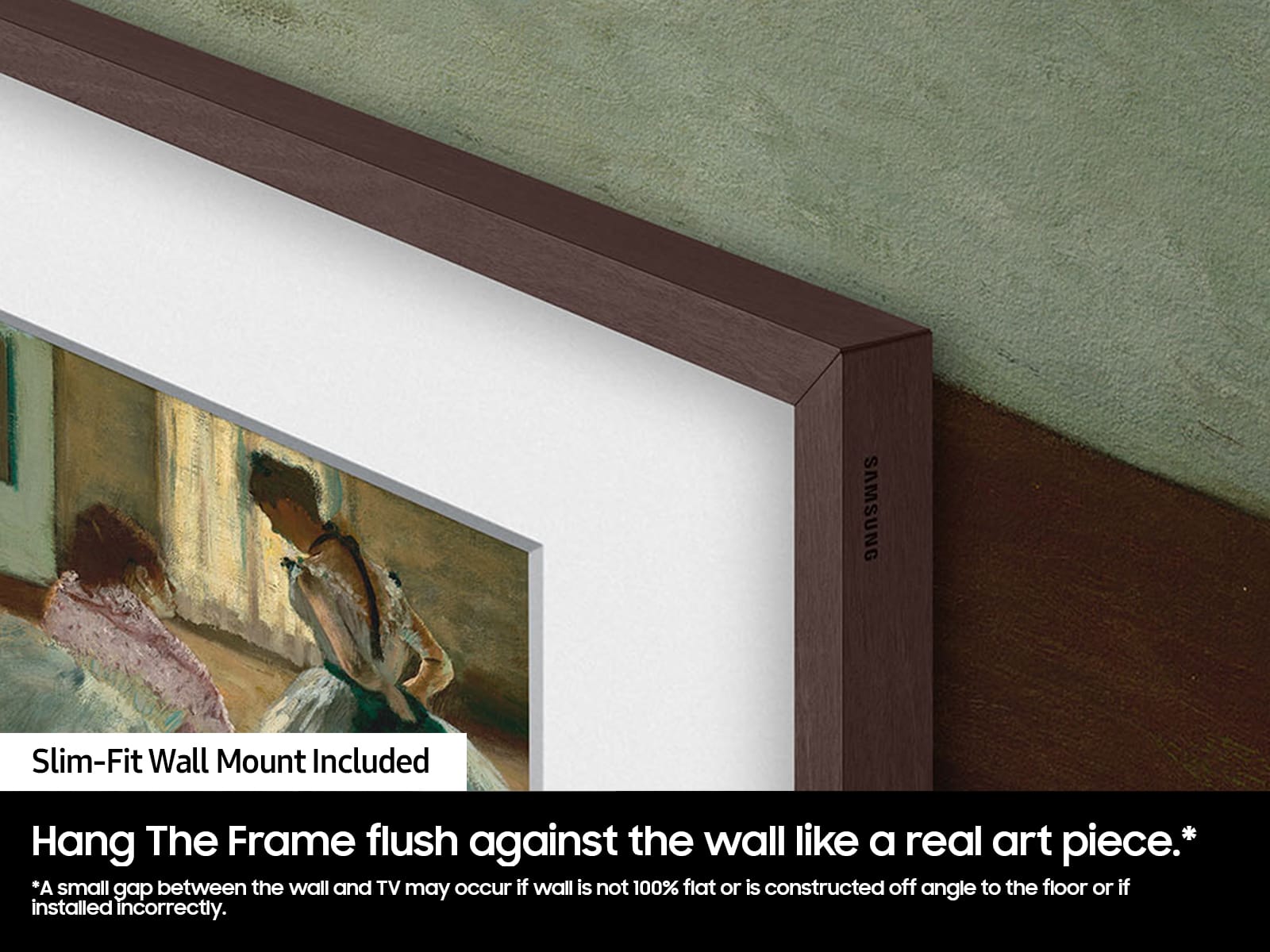
||Posted .This reviewer received promo considerations or sweepstakes entry for writing a review.It's.. okay. Having it flush to the wall looks nice, and the matte screen is great, but the One Connect box is a colossal pain to deal with (we had to cut a hole in the drywall and put a box behind it just to preserve the "no cables" look), and the third section of its backlight just began to flicker after only slightly over a year of ownership (conveniently, just outside of the 1 year warranty period).
No, I would not recommend this to a friendBrand response from Samsung
Posted .SeanathanVT,
I’m sorry to hear of the issues you’re experiencing with Samsung’s Frame TV. If your TV is outside of the 1-year Manufacturer's Warranty, you can find a service center near you by visiting:
https://www.samsung.com/us/support/service/locations/
If you have any questions during the process, Samsung Support is available at 1-800-SAMSUNG, 8AM – 12AM EST, 7 days a week. Or visit us on the Samsung website and click on the ‘Support’ link for:
• LiveChat
• Manuals, Software, & Warranty Info
~ Samsung Specialist
Great TV.
||Posted .This reviewer received promo considerations or sweepstakes entry for writing a review.Love this TV. Great picture. Only negative is the Samsung subscription for the art.
I would recommend this to a friendLove it.
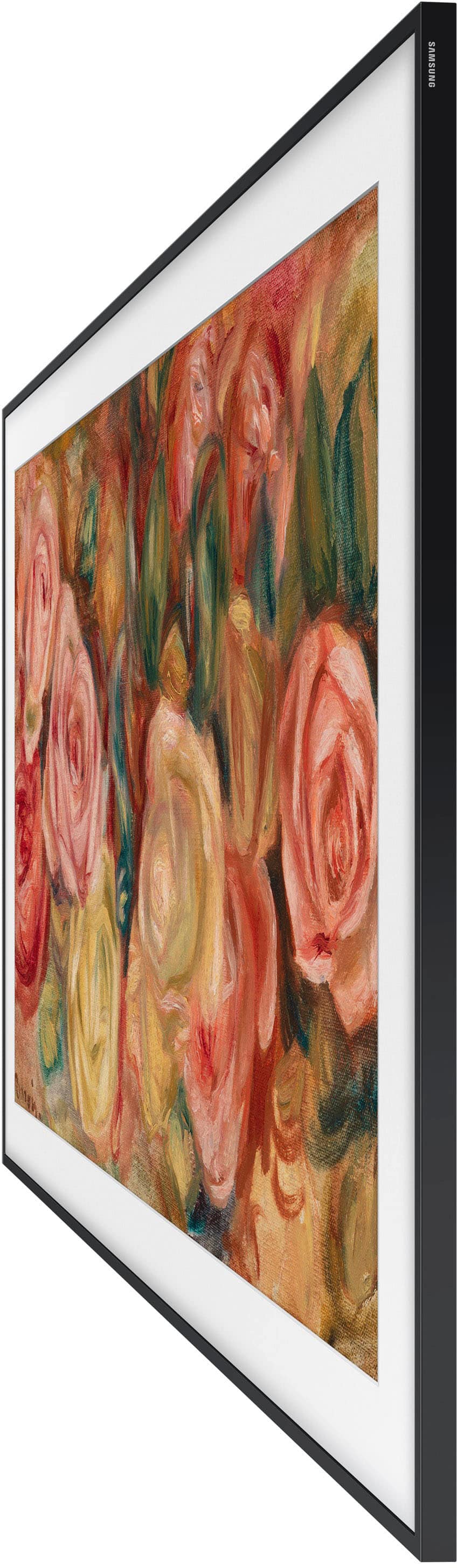
||Posted . Owned for 1 month when reviewed.This reviewer received promo considerations or sweepstakes entry for writing a review.Excellent picture. Love that it is flush against the wall.
I would recommend this to a friendGreat TV
||Posted . Owned for 2 weeks when reviewed.This reviewer received promo considerations or sweepstakes entry for writing a review.Great product. Nice picture. Easy set up with wall mount.
I would recommend this to a friendTv
||Posted . Owned for 1 month when reviewed.This reviewer received promo considerations or sweepstakes entry for writing a review.Decent tv nice picture and love the the no reflection from sunlight
I would recommend this to a friendGreat TV
||Posted .This reviewer received promo considerations or sweepstakes entry for writing a review.Love the picture quality, sound and processing speed for the streaming apps.
I would recommend this to a friendImpressive!!
||Posted . Owned for 3 weeks when reviewed.This reviewer received promo considerations or sweepstakes entry for writing a review.This TV is immaculate! The sound, matte finish picture, and gaming capabilities are incredible. There is so many features that I had no idea existed, including its own Internet Browser and Bluetooth connectivity. This is not only a TV, but an entire new entertainment PLATFORM that will CHANGE game and movie night.
I would recommend this to a friendThe Frame
||Posted . Owned for 3 weeks when reviewed.This reviewer received promo considerations or sweepstakes entry for writing a review.Great tv - nice picture but kinda hard to get color and sound setup correctly for my room. I also have issues getting the art portion setup like I like it . You do not get as many pictures free as i would have thought. you have to pay for the good ones.
I would recommend this to a friendBest Art EVER
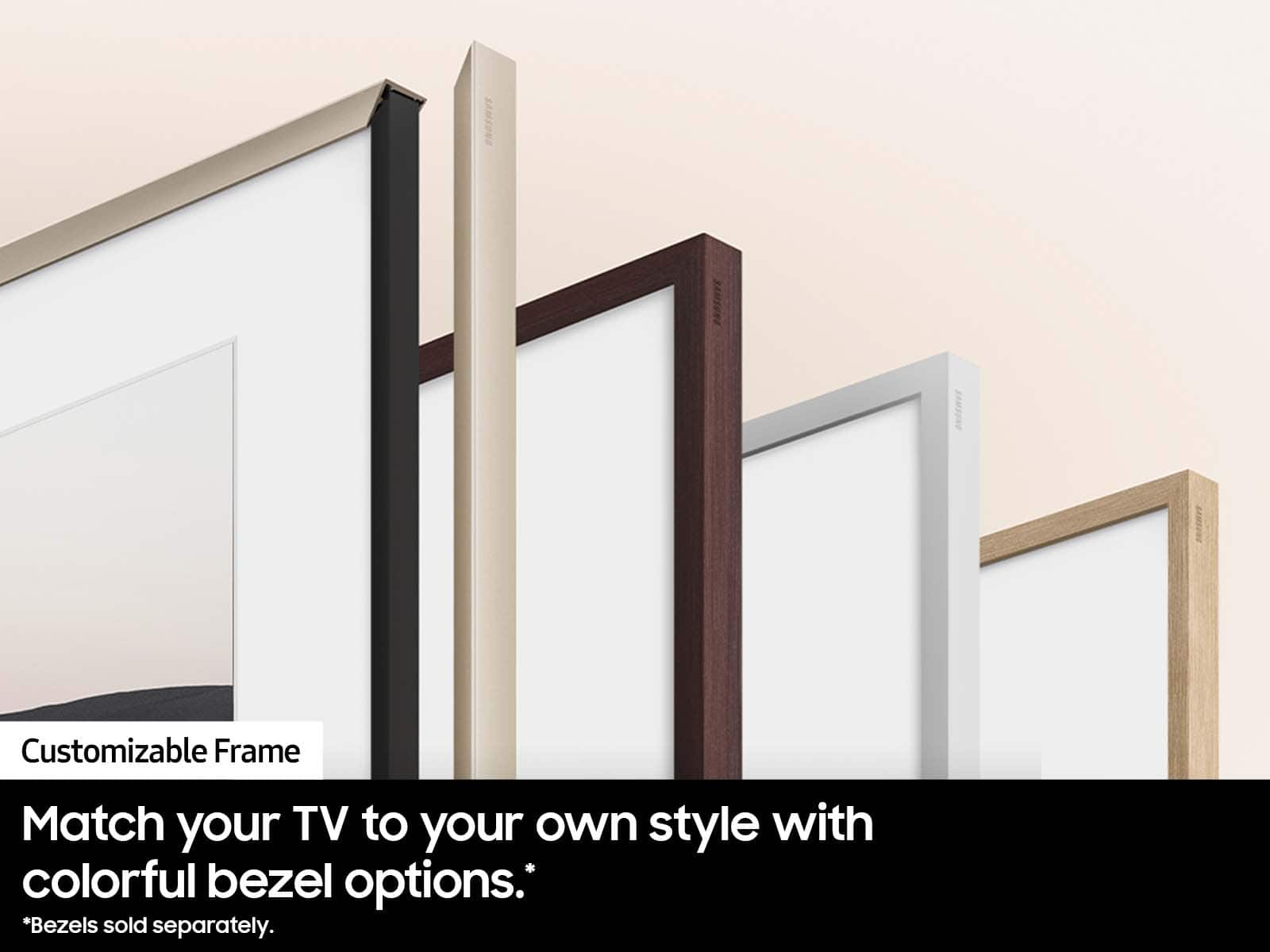
||Posted . Owned for 3 weeks when reviewed.This reviewer received promo considerations or sweepstakes entry for writing a review.The tv fits perfectly in our new home. Very beautiful with gold frame.
I would recommend this to a friendNice TV and even better design
||Posted . Owned for 3 weeks when reviewed.This reviewer received promo considerations or sweepstakes entry for writing a review.Design, is very nice and trendy. Picture is solid
I would recommend this to a friendNice glare free.
||Posted . Owned for 3 weeks when reviewed.This reviewer received promo considerations or sweepstakes entry for writing a review.Bought this tv for our sunroom due to its non reflective screen. I can’t imagine a better tv for this situation. We can watch anytime of day with our windows on the east west and north side. Never have an issue with glare or reflections. If you need a tv for in bright area this is it.
I would recommend this to a friend