Customer Ratings & Reviews







- Model:
- QN65LS03FWFXZA
- SKU:
- 10187532
Rating by feature
- Picture Quality
Rating 4.7 out of 5 stars
- Sound Quality
Rating 4.5 out of 5 stars
- Brightness
Rating 4.7 out of 5 stars
Customers are saying
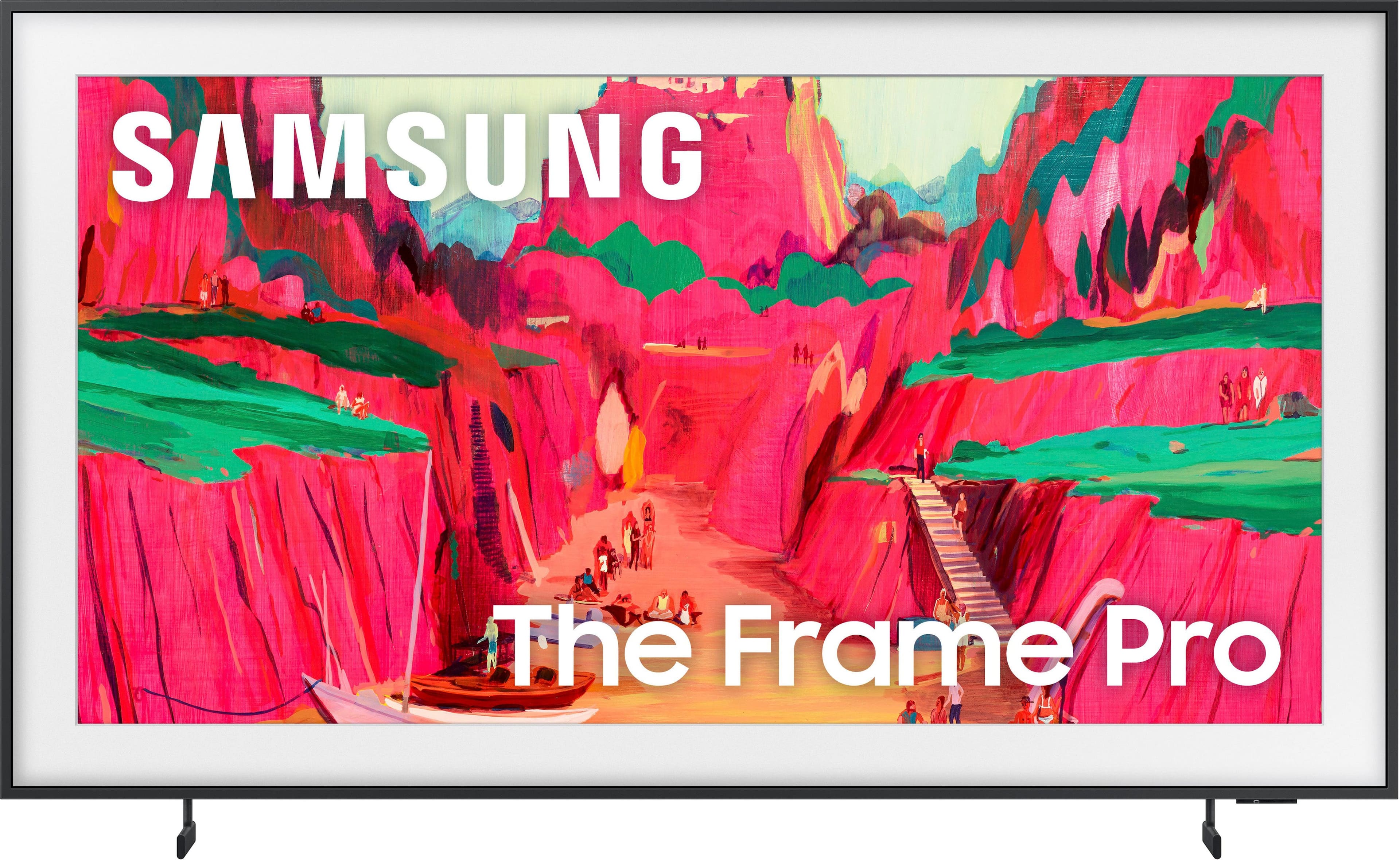
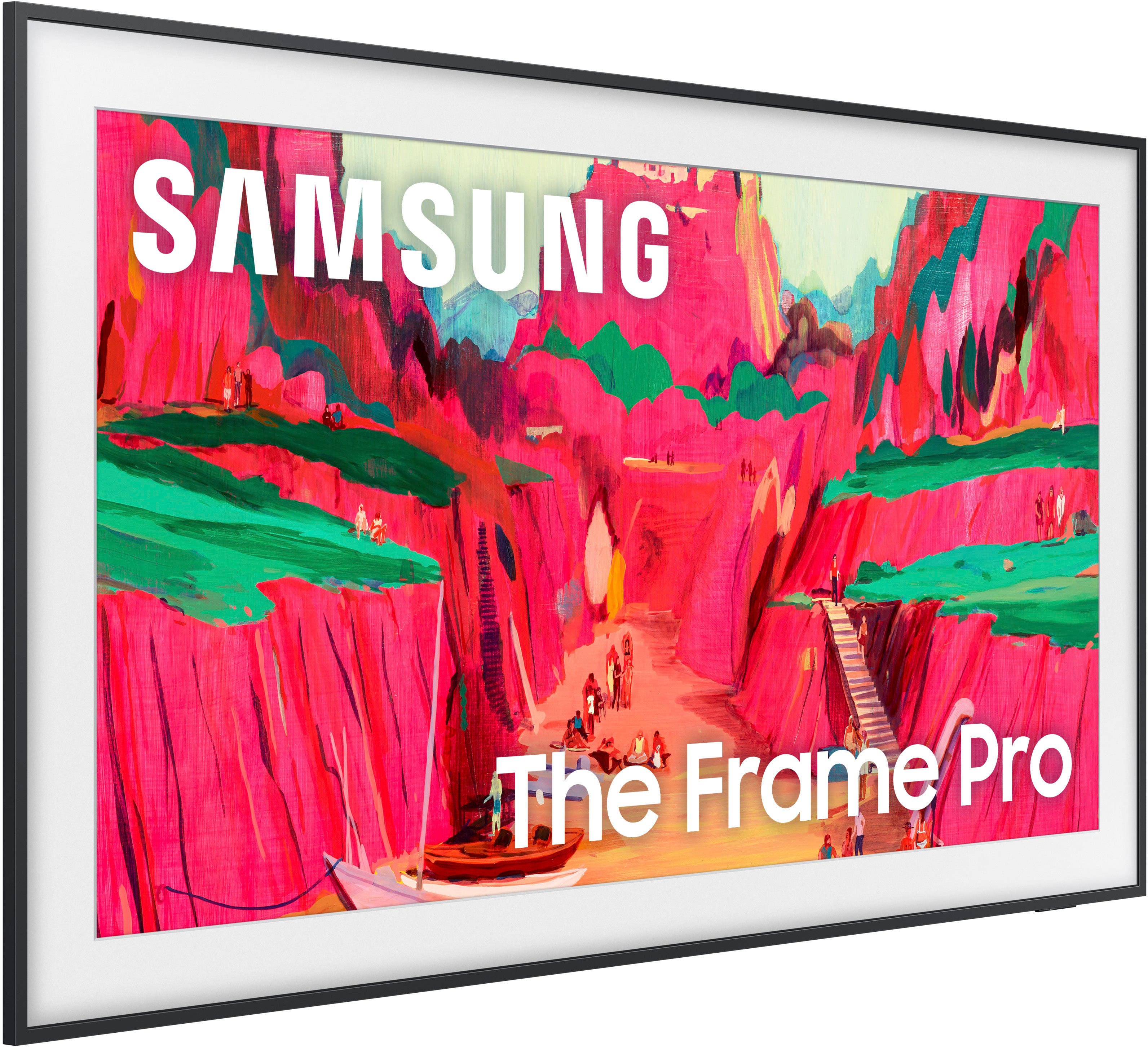
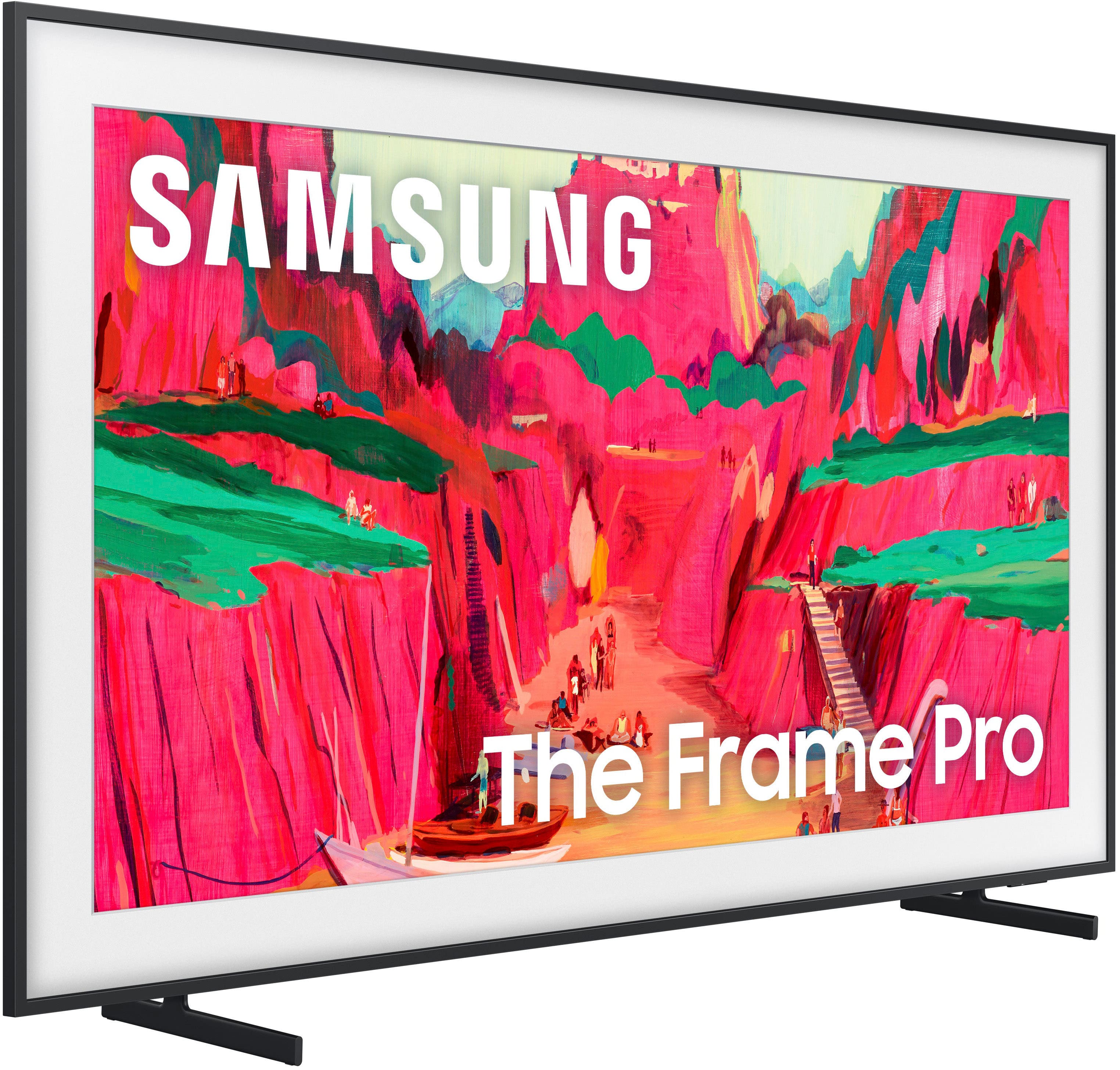
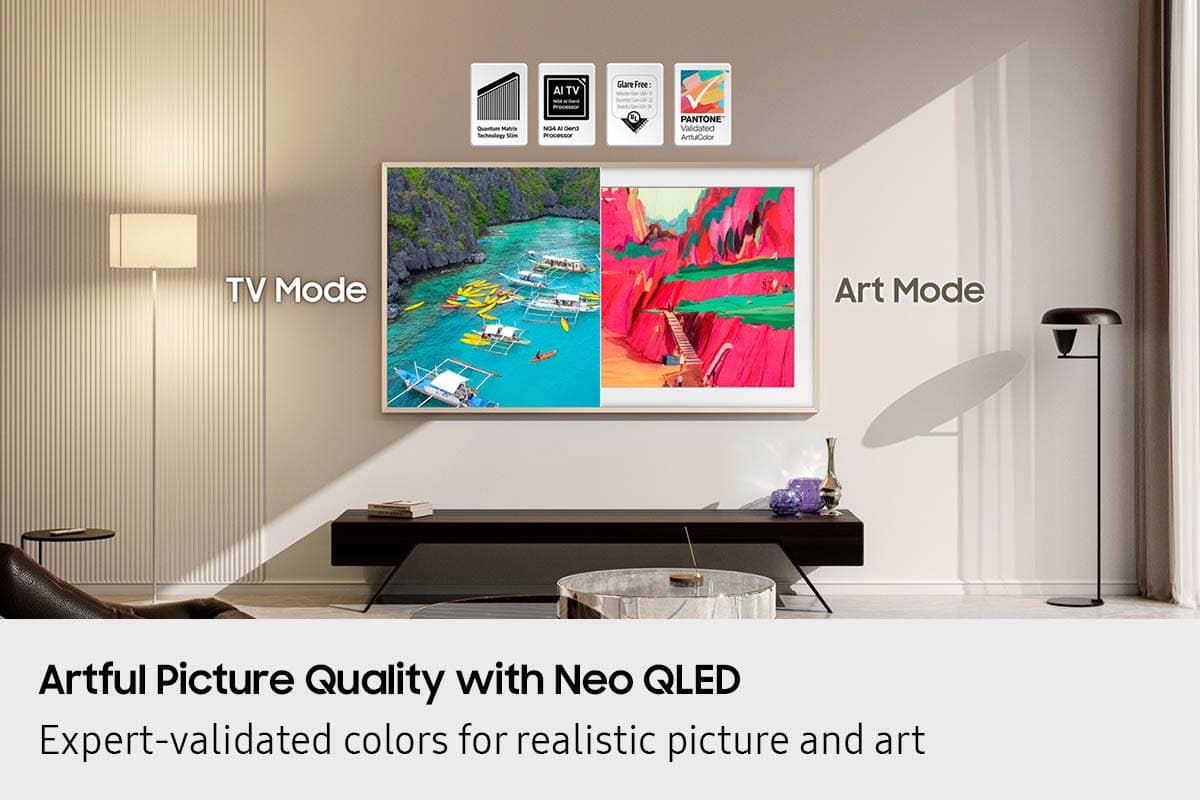
Customers recognize the exceptional picture quality of the product, with many describing it as amazing. They also highly value its elegant design, noting that it can double as a painting and looks great in their homes, alongside its effective glare reduction. Furthermore, the wireless connectivity and easy setup of the smart TV are frequently highlighted as positive aspects.
This summary was generated by AI based on customer reviews.
- Pros mentioned:Picture quality
All it does is lag
||Posted .This reviewer received promo considerations or sweepstakes entry for writing a review.Lag, lag, lag. I’ll save you time and money. Don’t get this tv. We turn the tv off and it turns itself back on. It’s painful to try to watch anything but the pictures we put on it as “art”. It’s plenty bright and has a nice picture. Worked for a few months before the Lagging.
No, I would not recommend this to a friendBrand response from Samsung
Posted .Hunter,
We appreciate your feedback regarding your Frame Pro TV’s performance. If you're experiencing freezing or lag in general response time, please try the following steps:
1. Check for firmware updates – Keeping your TV up to date can resolve many performance issues: Home > left directional key > Settings > Support > Software Update > Update Now
2. Run Device Care – This tool checks system memory, frees up cached data, and closes background apps that could be slowing things down: Home > left directional key > Settings > Support > Device Care > Start Device Care
3. Cold boot your TV – With the TV powered on, press and hold the Power button on your remote for 5+ seconds until the TV restarts. This helps refresh the system.
If you're still noticing performance snags after these steps, please contact Samsung Support at 1-800-SAMSUNG, 8AM – 12AM EST, 7 days a week. You can also connect with a LiveChat agent via the ‘Support’ link on our website.
~ Samsung Specialist
Best Buy is the worst buy yourself from Amazon
||Posted . Owned for 3 weeks when reviewed.This reviewer received promo considerations or sweepstakes entry for writing a review.I called earlier today to find out my package that should’ve been delivered yesterday. It’s been circling around for a week and when I called they told me oh we can’t help you with that. You actually had to call that vendor and I also asked him I bought a TV about three weeks ago from you guys. Is there a way you guys can price adjust because on your website now it shows is down by $300 and in response, it’s only 14 days you need to be a Best Buy member even though I have a Best Buy card I don’t understand what additional membership you need to buy. Never using Best Buy again.
No, I would not recommend this to a friendBrand response from Samsung
Posted .FormerBestBuycustomer,
It appears your 1-star review for the Samsung Frame Pro TV is based on your experience with Best Buy, and we’re sorry to hear that. We recommend contacting the store directly to share your feedback.
If you need help with the TV itself, Samsung Support is available at 1-800-SAMSUNG, 8AM – 12AM EST, 7 days a week, or via LiveChat under the ‘Support’ section of our website.
~ Samsung Specialist
- Pros mentioned:Picture quality
Extremely disappointing install
||Posted . Owned for 3 weeks when reviewed.This reviewer received promo considerations or sweepstakes entry for writing a review.Tv looks great. Operating system is a bit clunky. Rating one star for the Best Buy install. Team that installed did not know the new mounting brackets were changed in 2025 and therefore installed the tv in the wrong spot causing the $500 bezel to no longer fit. Upon calling Best Buy support I was disconnected 5 times with no call back. TLDR, tv good. Best Buy bad.
I would recommend this to a friendBrand response from Samsung
Posted .Jebb,
Please know that you're leaving a review and 1-star rating for The Frame Pro, but we’re sorry to hear of your experience with Best Buy, nonetheless. You may want to consider providing your feedback directly to the Best Buy store where the purchase was made.
If you have questions about the TV itself, Samsung is here to help. You can reach us at 1-800-SAMSUNG, 8AM – 12AM EST, 7 days a week. LiveChat agents are also available by clicking the ‘Support’ link on our website.
~ Samsung Specialist
Best Buy installation schedule not in time
||Posted . Owned for 2 weeks when reviewed.This reviewer received promo considerations or sweepstakes entry for writing a review.I haven’t tried the tv yet. I am leaving 1 start because my installation was scheduled for January 2nd and Best Buy changed it to the 17th. This was a Xmas present and have not been able to be installed closer to Xmas because Best Buy changed the installation schedule without any reason. I also called the customer service phone number and no one answered, so I had to go to the store to see what was happening with the installation and no one knew why the appointment was postpone
No, I would not recommend this to a friendBrand response from Samsung
Posted .Faguzman,
It appears your 1-star review for the Samsung Frame Pro TV is based on your experience with Best Buy, and we’re sorry to hear that. We recommend contacting the store directly to share your feedback.
If you need help with the TV itself, Samsung Support is available at 1-800-SAMSUNG, 8AM – 12AM EST, 7 days a week, or via LiveChat under the ‘Support’ section of our website.
~ Samsung Specialist
Rip Off
||Posted . Owned for 1 month when reviewed.This reviewer received promo considerations or sweepstakes entry for writing a review.Disappointed that I paid all this money for “The Frame” and the tv didn’t come with a frame. It looks like a regular tv on the wall. In addition they want extra money for the art work. What a rip off!
No, I would not recommend this to a friendBrand response from Samsung
Posted .JeanF,
We're sorry for the misunderstanding. The Frame Pro comes with a black frame, which cannot be removed. The Customizable Bezels sold separately are attached directly on top of the black frame and come in Sand Gold (Metal), Modern Brown, Modern Teak, & Modern White.
For future purchases, we recommend double-checking what's included on Best Buy’s site to ensure the model you choose has the ports you need. You’ll find the full list under the “Included” tab (just beneath the Highlights section): https://www.bestbuy.com/product/samsung-65-class-ls03fw-the-frame-pro-series-neo-qled-4k-uhd-art-mode-samsungvision-ai-smart-tv-w-wall-mount-2025/6613680
Should you ever need assistance with your TV, Samsung is here for you. Reach out by calling 1-800-SAMSUNG between 8AM - 12AM EST, any day of the week. You can also chat with us online by visiting the ‘Support’ section of our website.
~ Samsung Specialist
Defective Out of the Box - Endless Runaround
||Posted .This reviewer received promo considerations or sweepstakes entry for writing a review.I purchased a Samsung Frame TV and unboxed it less than 30 days later. The panel is warped, and a Samsung-certified tech confirmed it cannot be repaired - this is a manufacturer defect. I’ve spent time on the line with Samsung, who sent me to Best Buy, and now Best Buy is sending me back to Samsung. I know this is outside the return window, but as a trusted retailer, Best Buy should honor a defective-product replacement and stop the runaround.
No, I would not recommend this to a friendBrand response from Samsung
Posted .MatthewP,
It’s unfortunate to hear about your experience with Samsung’s Frame TV. We’re committed to delivering quality, value, and the best possible product experience. This TV is backed by a 1-year limited manufacturer’s warranty, which includes authorized repair for eligible defects when purchased brand-new from an authorized retailer. To review full warranty terms, you can enter your model number here: https://www.samsung.com/us/support/warranty/
We’d appreciate the opportunity to assist further. Please contact Samsung Customer Support at 1-800-SAMSUNG (8AM – 12AM EST, 7 days a week), or connect with a LiveChat agent by clicking the ‘Support’ link on our website.
~ Samsung Specialist
UNHELPFUL CUSTOMER SERVICE!!!
||Posted . Owned for 1 month when reviewed.This reviewer received promo considerations or sweepstakes entry for writing a review.I accidentally threw out the paper template that was included in the box that I need to hang my new 65" Frame TV. I spoke to a Samsung customer service rep who was not helpful. They were not aware that the tv came with the wall mount and kept insisting that I contact wherever I purchased the mount. I can't review the quality of theTV because I haven't been able to get past taking it out of the box!
No, I would not recommend this to a friendBrand response from Samsung
Posted .MindyE,
Please note that your 1-star review for The Frame Pro TV itself is based on your service experience; we're sorry to hear that.
For reference - you can quickly find/view/download the Unpacking & Installation Guide on Samsung.com: https://downloadcenter.samsung.com/content/EM/202505/20250528040757001/BN68-21917B-01_IG_LS03FW%20Round%20Feet%2065inch_ZA%20ZC_L02_250522.0.pdf
Hope it helps! If you need more help with mounting, call Samsung at 1-800-SAMSUNG, 8AM – 12AM EST, 7 days a week, or via LiveChat under the ‘Support’ section of our website.
~ Samsung Specialist
Samsung TV
||Posted . Owned for 2 weeks when reviewed.This reviewer received promo considerations or sweepstakes entry for writing a review.Television had be replaced less than a month after purchase. Also disappointed with attempting to schedule service through your system.
No, I would not recommend this to a friendBrand response from Samsung
Posted .DanielM,
It’s unfortunate to hear about your experience with Samsung’s Frame Pro TV. We’re committed to delivering quality, value, and the best possible product experience. This TV is backed by a 1-year limited manufacturer’s warranty, which includes authorized repair for eligible defects when purchased brand-new from an authorized retailer. To review full warranty terms, you can enter your model number here: https://www.samsung.com/us/support/warranty/
We’d appreciate the opportunity to assist further. Please contact Samsung Customer Support at 1-800-SAMSUNG (8AM – 12AM EST, 7 days a week), or connect with a LiveChat agent by clicking the ‘Support’ link on our website.
~ Samsung Specialist
Samsung Pile of Heap
||Posted . Owned for 2 weeks when reviewed.This reviewer received promo considerations or sweepstakes entry for writing a review.Don’t buy as the WiFi connect box is horrible!! I returned and bought a 65 95f OLED
No, I would not recommend this to a friendBrand response from Samsung
Posted .Hi,
Thank you for sharing your experience with Samsung’s Frame Pro TV and for explaining your decision to exchange it for a different model. We appreciate your feedback, and we’ll be sure to share it with our internal teams for further review.
If you have any questions or need support with your new Samsung S95F TV - whether it's setup, settings, or features - we’re here to help. You can reach us at 1-800-SAMSUNG, available daily from 8AM - 12AM EST. You can also visit the Samsung website and click on ‘Support’ for:
• Live Chat
• Manuals, Software, & Warranty Info
~ Samsung Specialist
Buyer be ware
||Posted .This reviewer received promo considerations or sweepstakes entry for writing a review.Never shop at Best Buy. Horrific experience and service. Go elsewhere. 0 upside to shopping at Best Buy. Only reason to shop here is if you want a stressful and irritating experience. The lack of customer service is appalling.
No, I would not recommend this to a friendBrand response from Samsung
Posted .user579065,
We're sorry to hear of your experience with Best Buy, though please note that your 1-star review is attached to the Samsung Frame Pro TV. We encourage you to share your feedback directly with Best Buy so they can address your concerns.
Should you have any questions or need assistance with the TV itself, Samsung is here to help at 1-800-SAMSUNG, 8AM – 12AM EST, 7 days a week. You can also connect with us via LiveChat at the ‘Support’ link on our website.
~ Samsung Specialist
- Pros mentioned:Design, Picture quality
Samsung The Frame Pro
Posted .This reviewer received promo considerations or sweepstakes entry for writing a review.With some adjustments the picture is good but not spectacular. The value is how this unit blends in with a room's decor. Installed flush to the wall, with a screen that is not as shiny and reflective when no picture is shown, and with the option to display art, this TV is significantly less offensive than a traditional one. On the downside, the software could be more user-friendly, and the sound is simply awful. A soundbar or separate speaker(s) is needed.
I would recommend this to a friend - Pros mentioned:Connectivity, Picture quality
Love the Frame Pro!
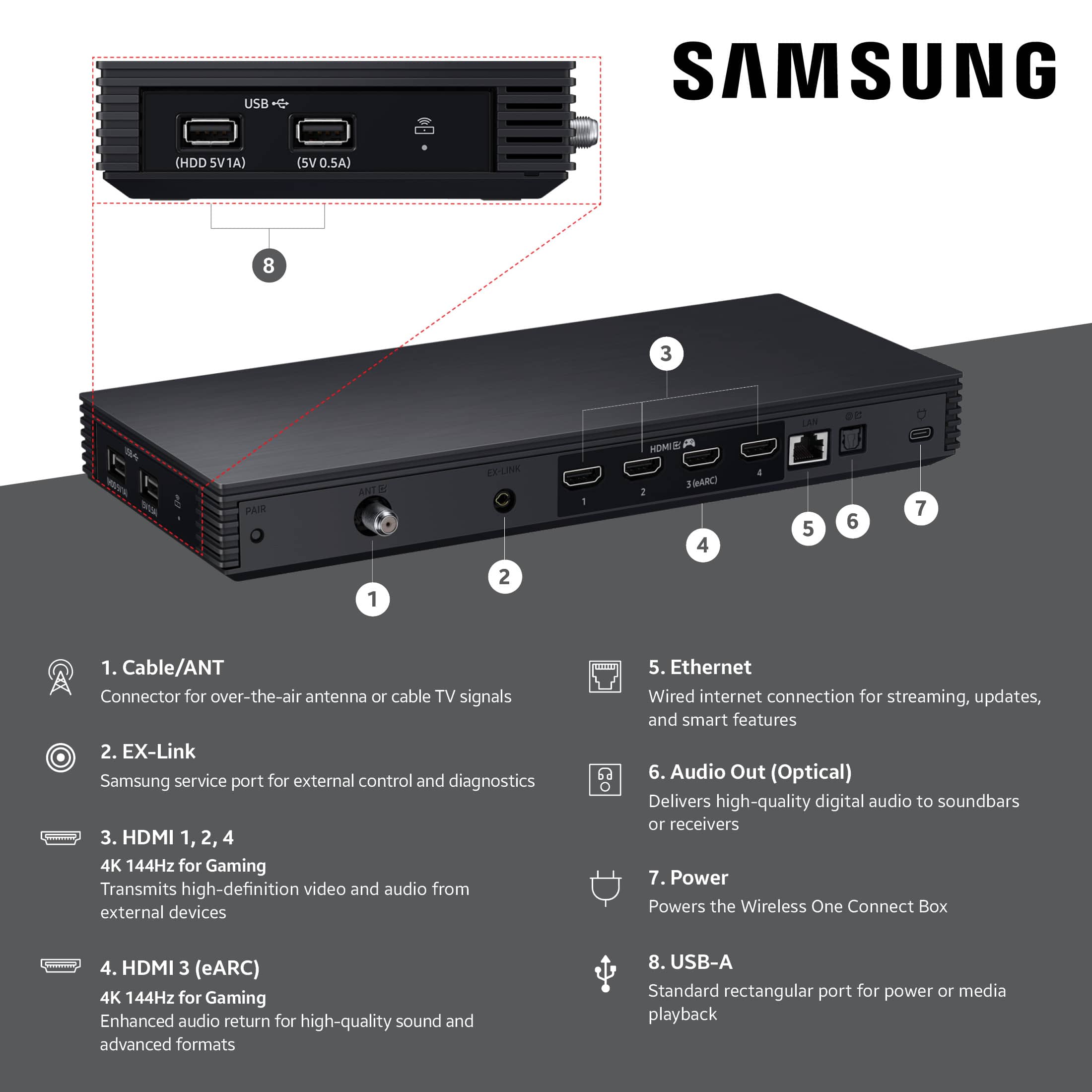
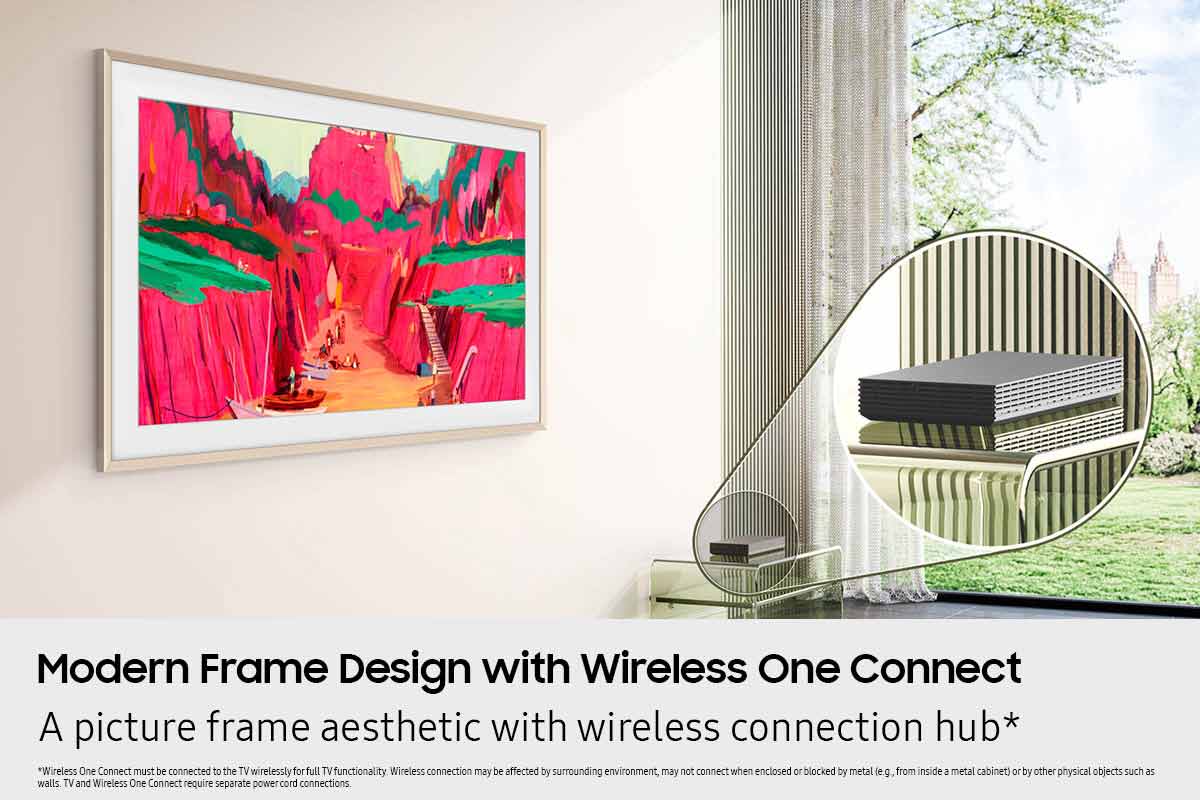
Posted .This reviewer received promo considerations or sweepstakes entry for writing a review.I love this TV. The wireless One Connect box is a game changer as it saves me from having another cord to run and allows for many different location to put the box rather than in one spot. The picture quality is fantastic and my wife loves the art work features we are able to display when not watching TV.
I would recommend this to a friend - Pros mentioned:Design, Picture quality
Love it!
Posted .This reviewer received promo considerations or sweepstakes entry for writing a review.Great TV, colors looks great and perfect for our space. I love that it hangs up on the wall like art frame.
I would recommend this to a friend - Pros mentioned:Glare reduction, Picture quality
Samsung 65” Frame Pro
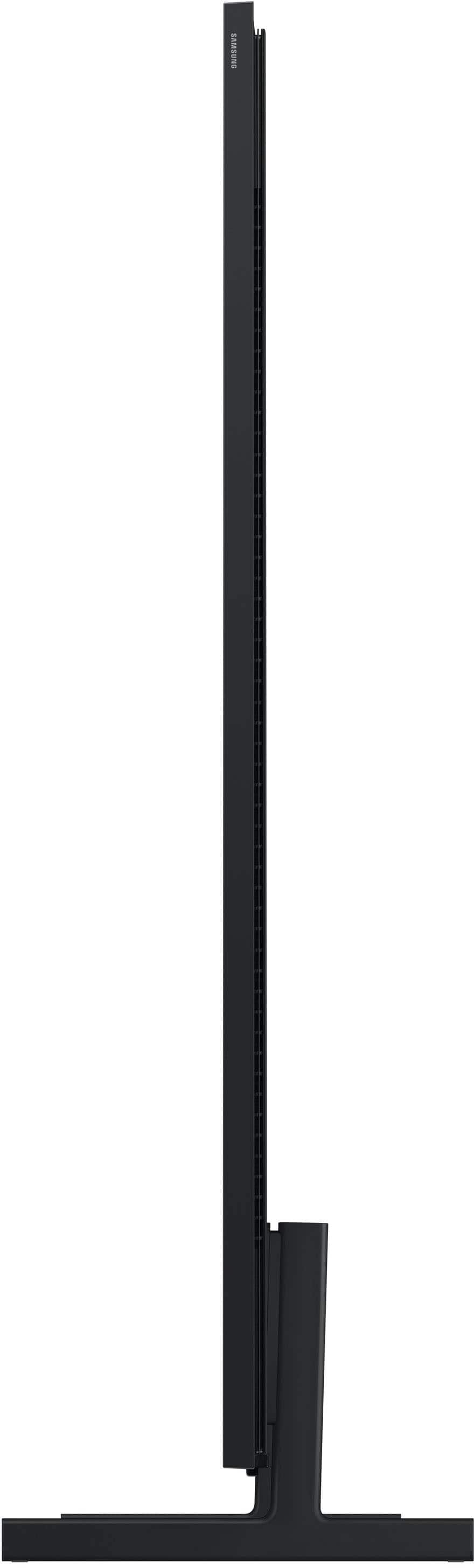
Posted .This reviewer received promo considerations or sweepstakes entry for writing a review.This TV is fantastic. Sits flat against the wall. Great picture quality. Anti glare for a room with a lot of light. Highly recommend.
I would recommend this to a friend - Pros mentioned:Picture quality
Love the Frame and photos
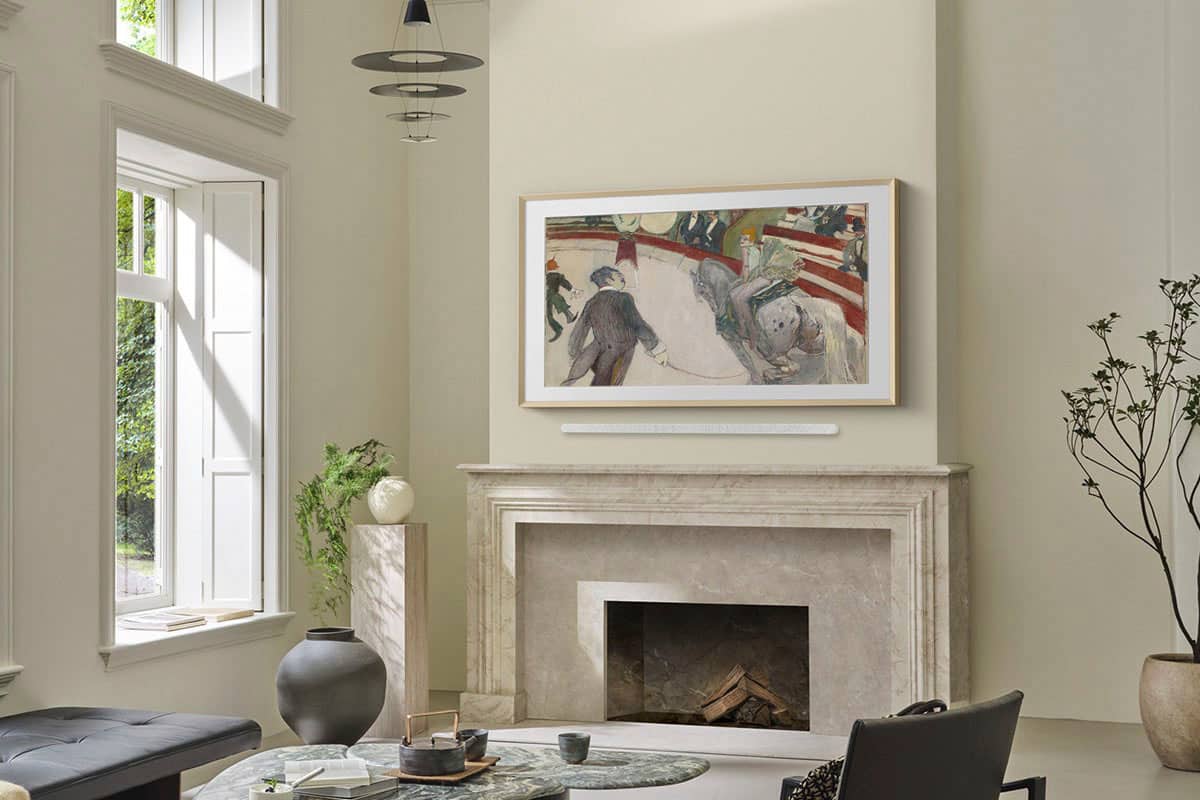
Posted .This reviewer received promo considerations or sweepstakes entry for writing a review.Looks great above my fireplace. I'm still trying to figure out how to use all the features. There is a good variety of free photos that come up with the option of downloading your own photos. The picture is good as well. I ordered white framing which just snapped onto the TV without issue, and it really made a difference.
I would recommend this to a friend - Pros mentioned:Picture quality
Exceeded expecttions
Posted .This reviewer received promo considerations or sweepstakes entry for writing a review.The item exceeded our expectations both in quality and fit for the area in which it is displayed. The staff was a big help and answered all of our questions ensuring we received what we looking for. The Frame TV is a great concept and is utilized daily.
I would recommend this to a friend - Pros mentioned:Picture quality
Nice upgrade
Posted .This reviewer received promo considerations or sweepstakes entry for writing a review.Love the new set. Looks great as a picture over the fireplace. Able to display our own pictures to boot!
I would recommend this to a friend - Pros mentioned:Picture quality
Frame review
Posted .This reviewer received promo considerations or sweepstakes entry for writing a review.The picture quality is amazing and display adapts well to varied lighting conditions. The downside is maintaining the artwork display in late afternoon and evening.
I would recommend this to a friend - Pros mentioned:Design
Samsung Frame TV 65"
Posted .This reviewer received promo considerations or sweepstakes entry for writing a review.I have wanted a Frame TV for some time and finally purchased one. My only concern is that it takes forever to turn on the tv and turn it off. The lag, while the tv is "thinking" is longer than I would like. Other than that, it is a beautiful.
I would recommend this to a friend - Pros mentioned:Design, Picture quality
Picture TV
Posted .This reviewer received promo considerations or sweepstakes entry for writing a review.excellent choice with great picture and sound looks good on the wall
I would recommend this to a friend