Customer Ratings & Reviews
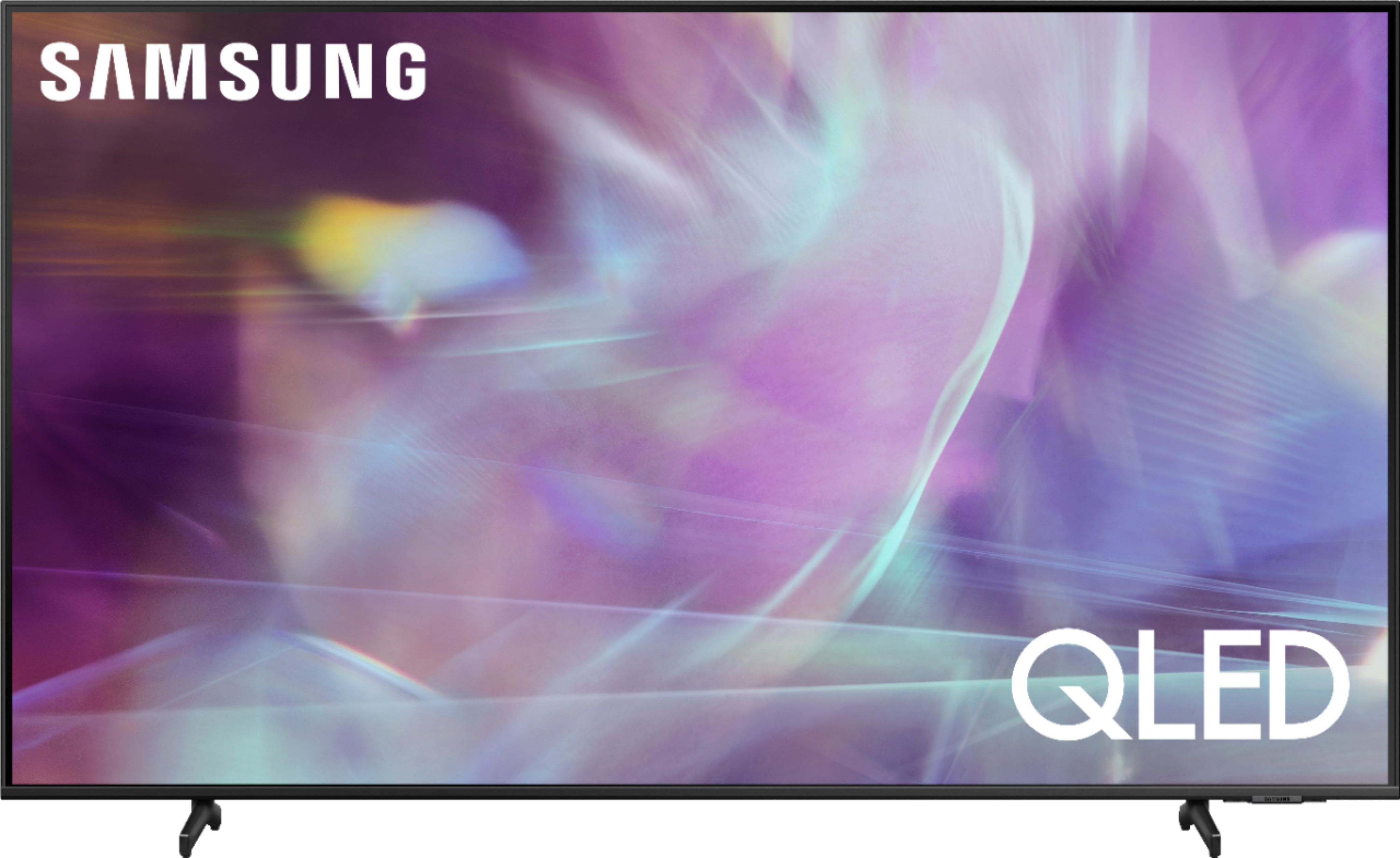

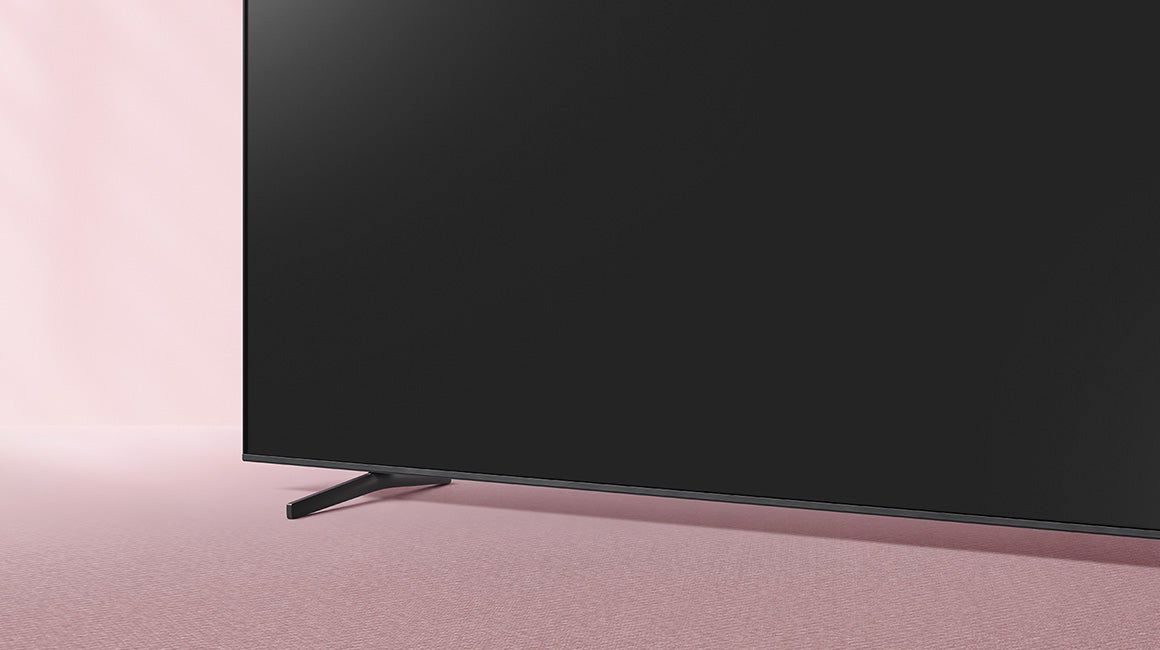
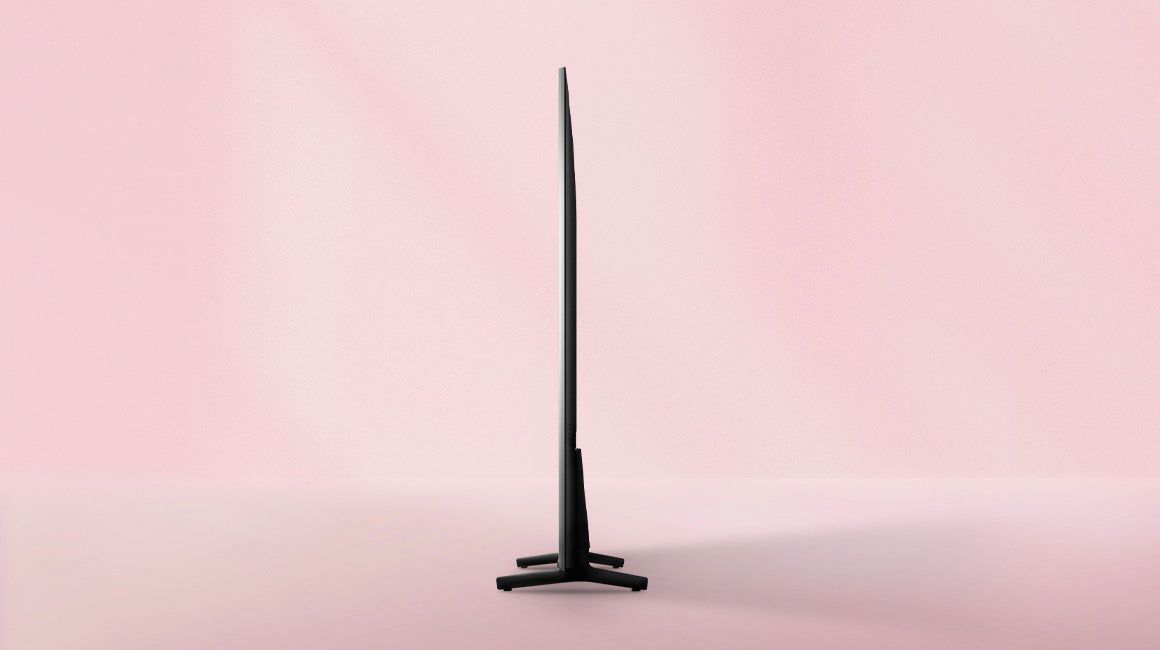
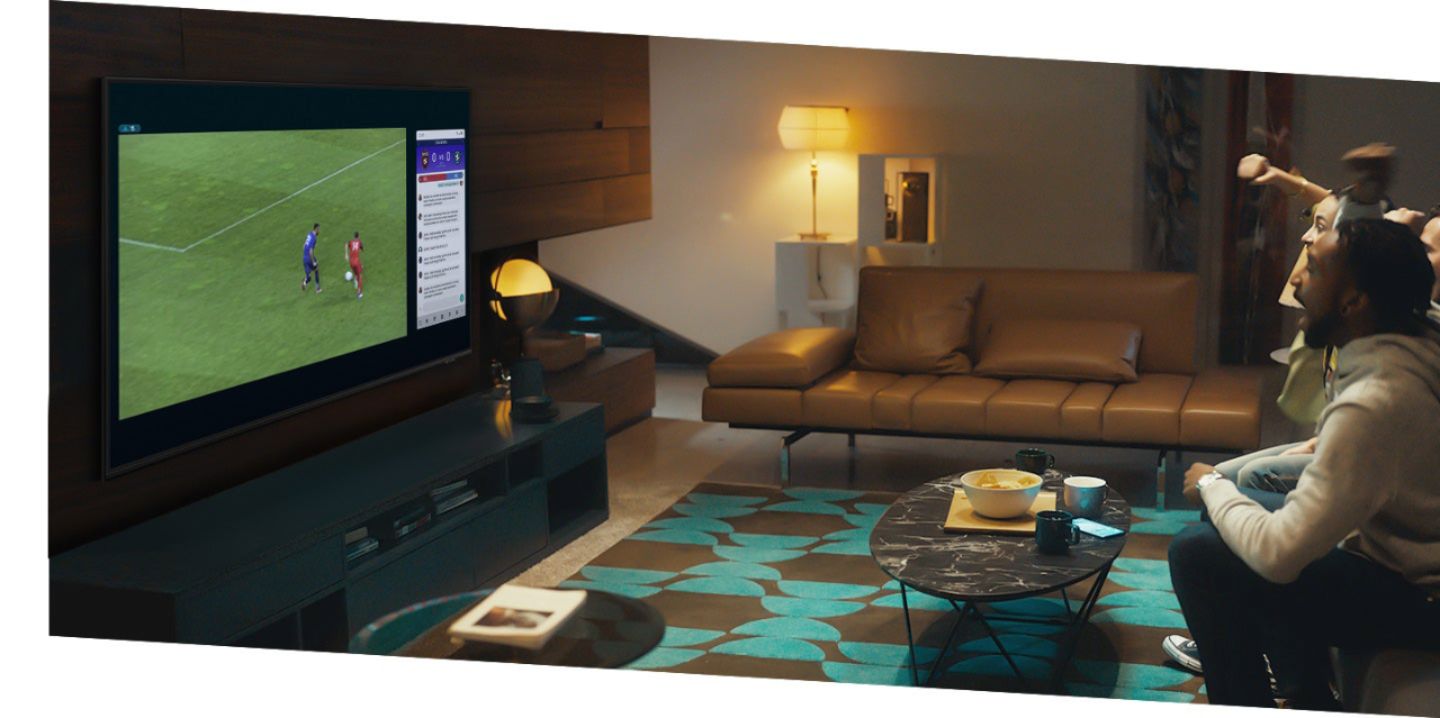
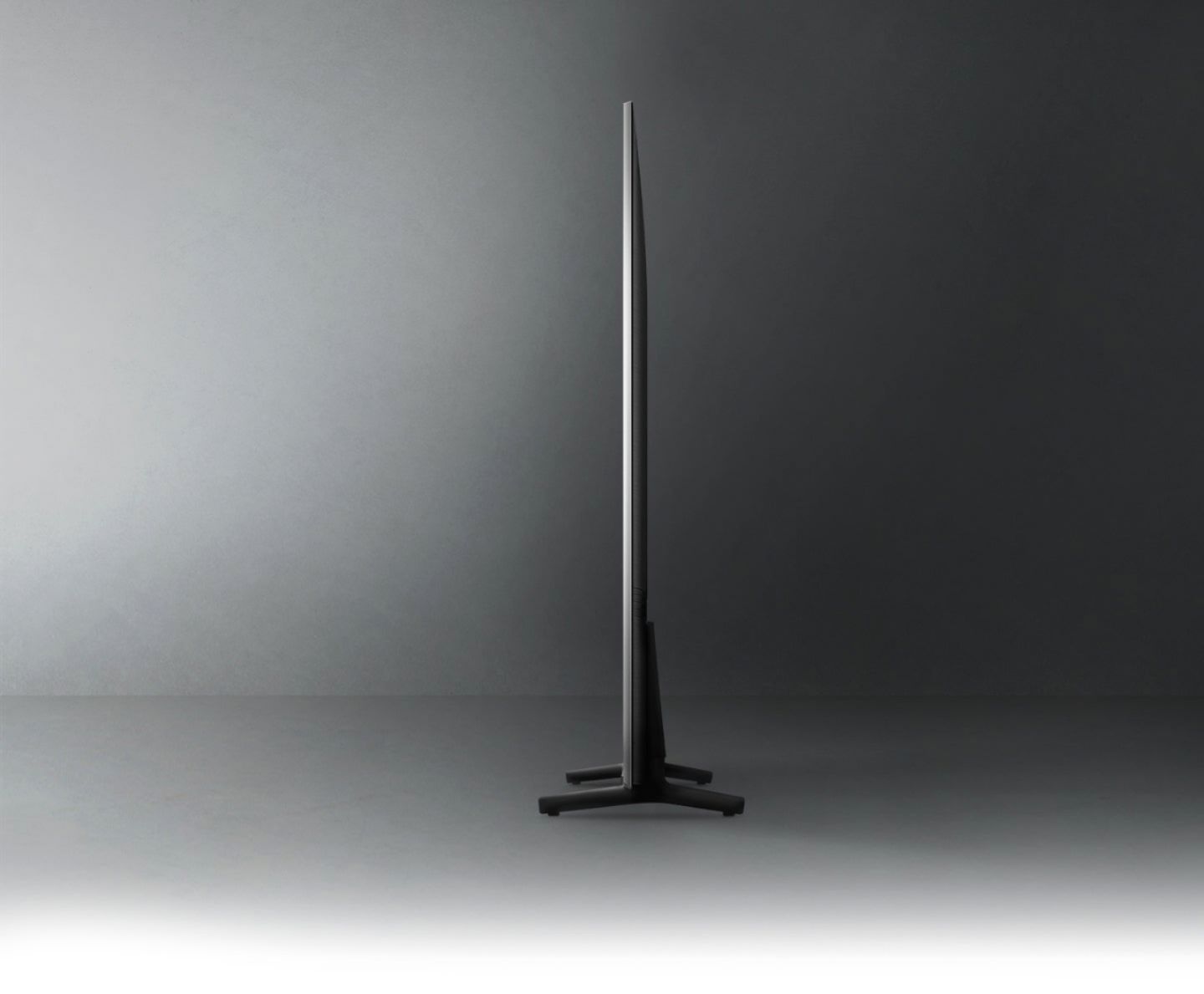







- Model:
- QN65Q60AAFXZA
- SKU:
- 6452371
Rating by feature
- Picture Quality
Rating 4.7 out of 5 stars
- Sound Quality
Rating 4.5 out of 5 stars
- Brightness
Rating 4.7 out of 5 stars
Customers are saying
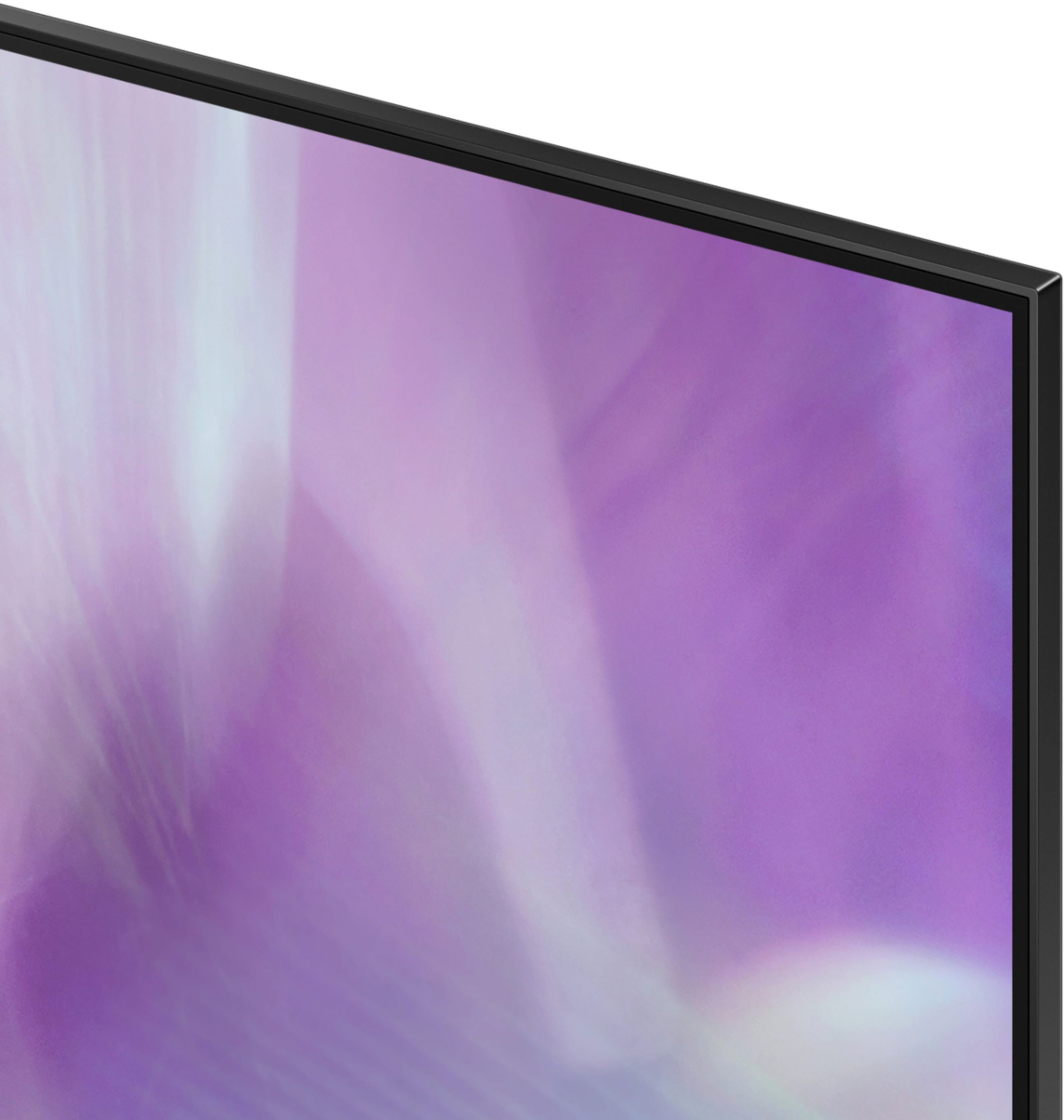
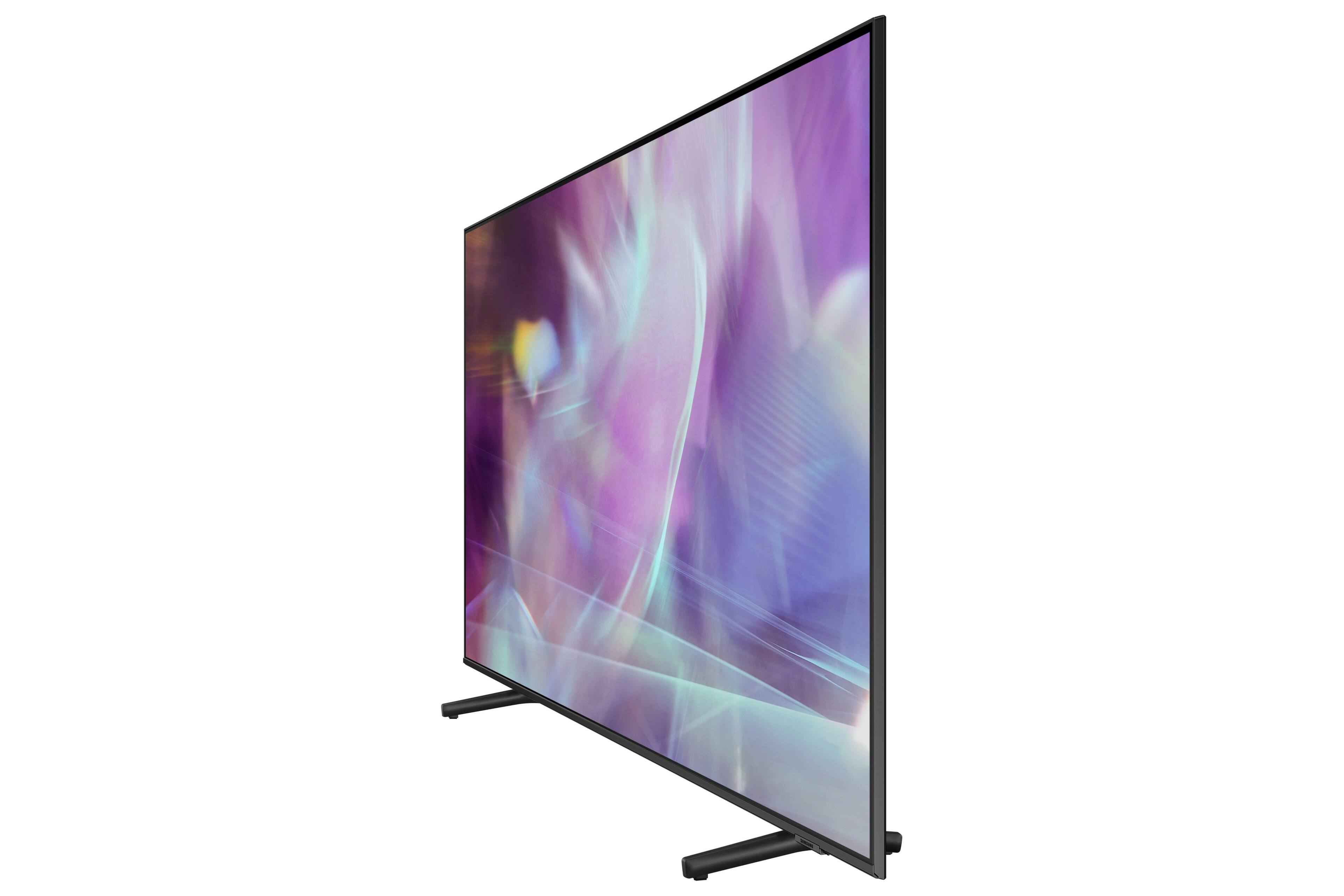
Customers appreciate the 65" Class Q60A Series QLED 4K UHD Smart Tizen TV for its exceptional picture quality, with many praising its vibrant colors and sharp details. The easy setup process is also a highlight, making it a user-friendly choice. While some users have concerns about the remote control's inconvenience and occasional glare issues, the overall sentiment is positive, with customers expressing satisfaction with the TV's performance and value for money.
This summary was generated by AI based on customer reviews.
Display
||Posted . Owned for 2 weeks when reviewed.This reviewer received promo considerations or sweepstakes entry for writing a review.Television came in a bad plastic packaging and did not come with a remote control or cables to connect and turn it on.
No, I would not recommend this to a friendSamsung QLed
||Posted . Owned for 1 month when reviewed.This reviewer received promo considerations or sweepstakes entry for writing a review.So far this has been a great tv. It has more features than we anticipated.
I would recommend this to a friendGreat Service
||Posted . Owned for 1 month when reviewed.This reviewer received promo considerations or sweepstakes entry for writing a review.Service guys were professional, courteous and very knowledgeable when installing our new TV.
I would recommend this to a friendjackie's tv
||Posted . Owned for 1 month when reviewed.This reviewer received promo considerations or sweepstakes entry for writing a review.the Geek squad service is amazing and the samsung tv is amazing. Thank You Best Buy!!!
I would recommend this to a friendSamsung 65
||Posted . Owned for 1 month when reviewed.This reviewer received promo considerations or sweepstakes entry for writing a review.Pretty good TV overall but has a bad refresh motion rate where fast motion appears blurry.
I would recommend this to a friendBrand response from Samsung
Posted .DecentTV:
Thank you for choosing the Samsung Q60A TV and for sharing your feedback regarding your picture when watching fast motion. For optimal motion image performance, you may want to adjust the picture clarity setting by going to: Settings > Picture > Expert Settings > Picture Clarity Settings
- Off: Picture Clarity Settings will always be off
- Auto: Picture Clarity Settings will automatically activate and deactivate based on the type of program being watched
- Custom: Allows custom adjustments and settings to be used. By selecting the Custom option, you can access these advanced settings for Judder Reduction, LED Clear Motion, and Noise Reduction.
Should you have questions or need further assistance, you can reach us at 1-800-SAMSUNG (ask for TVs), available 8AM -12AM EST, 7 days a week. Or text HELP to 62913.
For additional support resources, visit us on the Samsung website and click on the ‘Support’ link in the upper right corner of the homepage for:
1) More ‘Contact Us’ options – LiveChat, Facebook, Twitter, Samsung Community, Samsung Members app
2) Manuals & Software
3) Warranty Info
4) Product Registration: For access to easy warranty support, convenient opt-in to special promos and offers, faster troubleshooting and service, and quick notification of system updates.
~ Samsung Solutions
Hope this tv lasts longer than the LG 3 yrs ago
||Posted . Owned for 1 month when reviewed.This reviewer received promo considerations or sweepstakes entry for writing a review.The viewing angle is great on this tv however the sound quality is not so good.
I would recommend this to a friendAwesome TV!
||Posted . Owned for 1 month when reviewed.This reviewer received promo considerations or sweepstakes entry for writing a review.This has been a great TV. The apps and display are amazing. Recommend to a friend for sure.
I would recommend this to a friendTv mount
||Posted .This reviewer received promo considerations or sweepstakes entry for writing a review.Excellent service and crew. Very satisfied with all answered questions I had.
I would recommend this to a friendWell worth buying
||Posted . Owned for 3 weeks when reviewed.This reviewer received promo considerations or sweepstakes entry for writing a review.This is an amzing smart TV, but definitely needs a sound bar for better sound.
I would recommend this to a friendVery good for sports
||Posted . Owned for 3 months when reviewed.This reviewer received promo considerations or sweepstakes entry for writing a review.The TV works great for the most part, the picture quality is not as good as i thought it would be but still pretty decent.
I would recommend this to a friendNew TV
||Posted .This reviewer received promo considerations or sweepstakes entry for writing a review.Better than I expected! We had a much older, much heavier model. Also minus all the cabling.
I would recommend this to a friendFor top of the line, purchase Samsung.
||Posted . Owned for 3 weeks when reviewed.This reviewer received promo considerations or sweepstakes entry for writing a review.I own nothing but Samsung products. They never disappoint and are built to last.
I would recommend this to a friendNew 65 inch tv
||Posted . Owned for 1 month when reviewed.This reviewer received promo considerations or sweepstakes entry for writing a review.Install team did a great job . Had to drill into brick to mount over fireplace.
I would recommend this to a friendLunch tv
||Posted . Owned for 1 month when reviewed.This reviewer received promo considerations or sweepstakes entry for writing a review.Excellent product expertly installed by Best Buy Geek squad in a perfect position as requested!
I would recommend this to a friendFamilyroomTV
||Posted . Owned for 8 months when reviewed.This reviewer received promo considerations or sweepstakes entry for writing a review.Great TV for Family Room... Size and quality is like being there.
I would recommend this to a friendGreat TV
||Posted . Owned for 3 weeks when reviewed.This reviewer received promo considerations or sweepstakes entry for writing a review.Always been a Samsung buyer ever since Sony wouldn't stand behind their product. Great TV
I would recommend this to a friendCool Geek squad
||Posted . Owned for 1 month when reviewed.This reviewer received promo considerations or sweepstakes entry for writing a review.Arrived on time and very pleasant Geek squad team. Stayed and showed us how to operate.
I would recommend this to a friendGood tv but not amazing
||Posted .This reviewer received promo considerations or sweepstakes entry for writing a review.Tv isn’t as great as I had expected for 1k+. Blacks are good but when a dark scene is playing it can get washed out a bit. Tv is super thin so I do like that
I would recommend this to a friendBrand response from Samsung
Posted .Hi JustInCase,
Thank you for choosing Samsung's Q60A QLED 4K Smart TV and for sharing your feedback on the image quality. If the picture you are seeing out-of-the-box are not to your liking, there are several picture settings you may want to try adjusting.
You can select the Picture Mode that provides the best viewing experience. Go to Home > Settings > Picture > Picture Mode
1) Standard: Is the default mode suitable for general viewing environments.
2) Natural: Reduces eye strain for a comfortable viewing experience.
3) Movie: Is suitable for watching TV or movies in a dark room.
4) Dynamic: Makes the picture brighter and clearer in bright viewing environments.
5) Filmmaker Mode: You can watch the source content (e.g., movie) as it is. If the image is defined as Filmmaker Mode, it will automatically switch to Filmmaker Mode while watching.
You can also go to: Settings > Picture > Expert Settings > to manually fine tune your image.
For further assistance with settings adjustments, please contact Samsung Customer Support at 1-800-SAMSUNG (ask for TVs), available 8AM -12AM EST, 7 days a week. Or text HELP to 62913.
For additional support resources, visit us on the Samsung website and click on the ‘Support’ link in the upper right corner of the homepage for:
1) More ‘Contact Us’ options – LiveChat, Facebook, Twitter, Samsung Community, Samsung Members app
2) Manuals & Software
3) Warranty Info
4) Product Registration: For access to easy warranty support, convenient opt-in to special promos and offers, faster troubleshooting and service, and quick notification of system updates.
~ Samsung Specialist
Commander
||Posted . Owned for 1 month when reviewed.This reviewer received promo considerations or sweepstakes entry for writing a review.So far great purchase everything's working great can't wait for my next purchase
I would recommend this to a friendBest TV ever
||Posted . Owned for 1 month when reviewed.This reviewer received promo considerations or sweepstakes entry for writing a review.The best television I have ever had, this product is a game changer for me
I would recommend this to a friend