Customer Ratings & Reviews
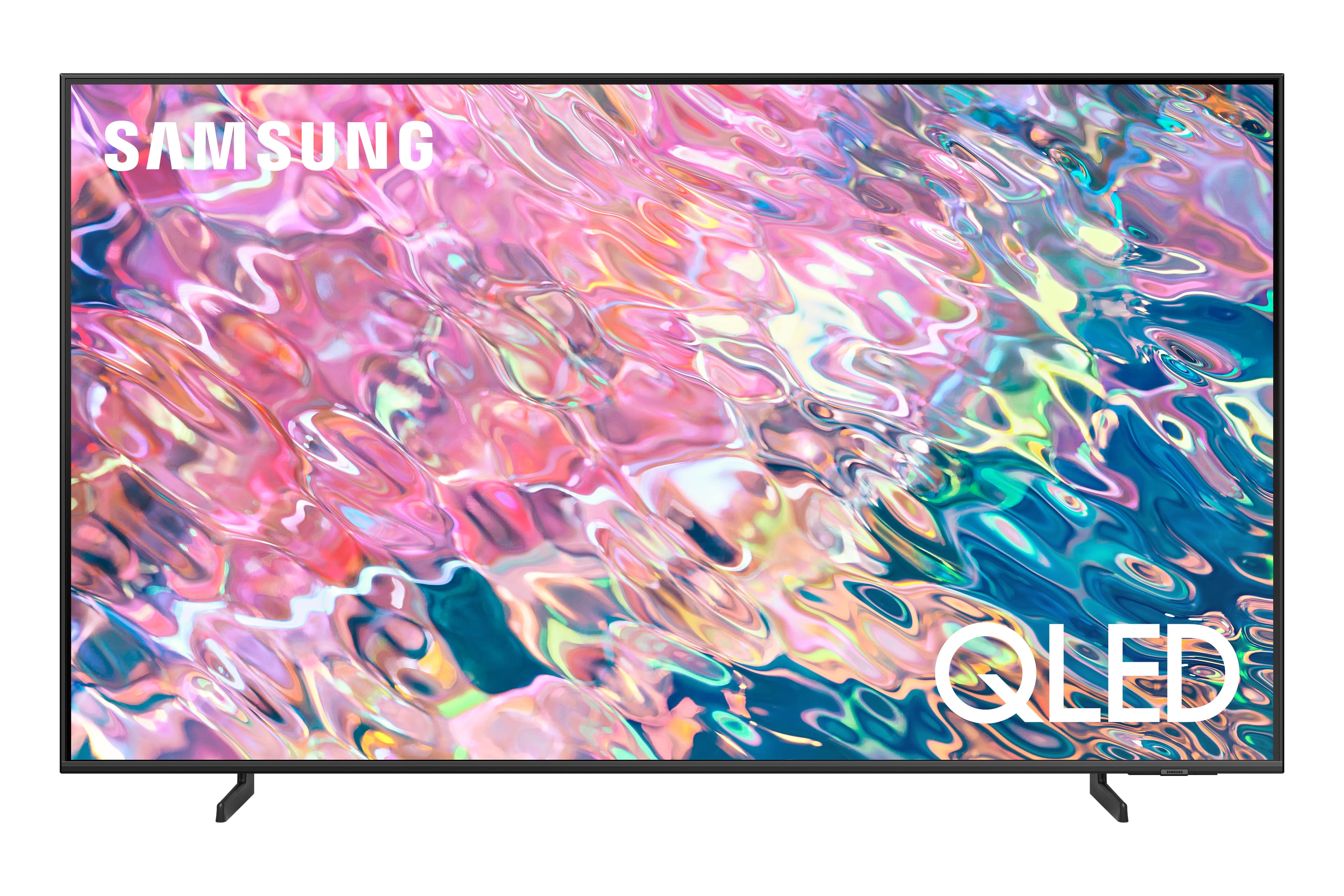
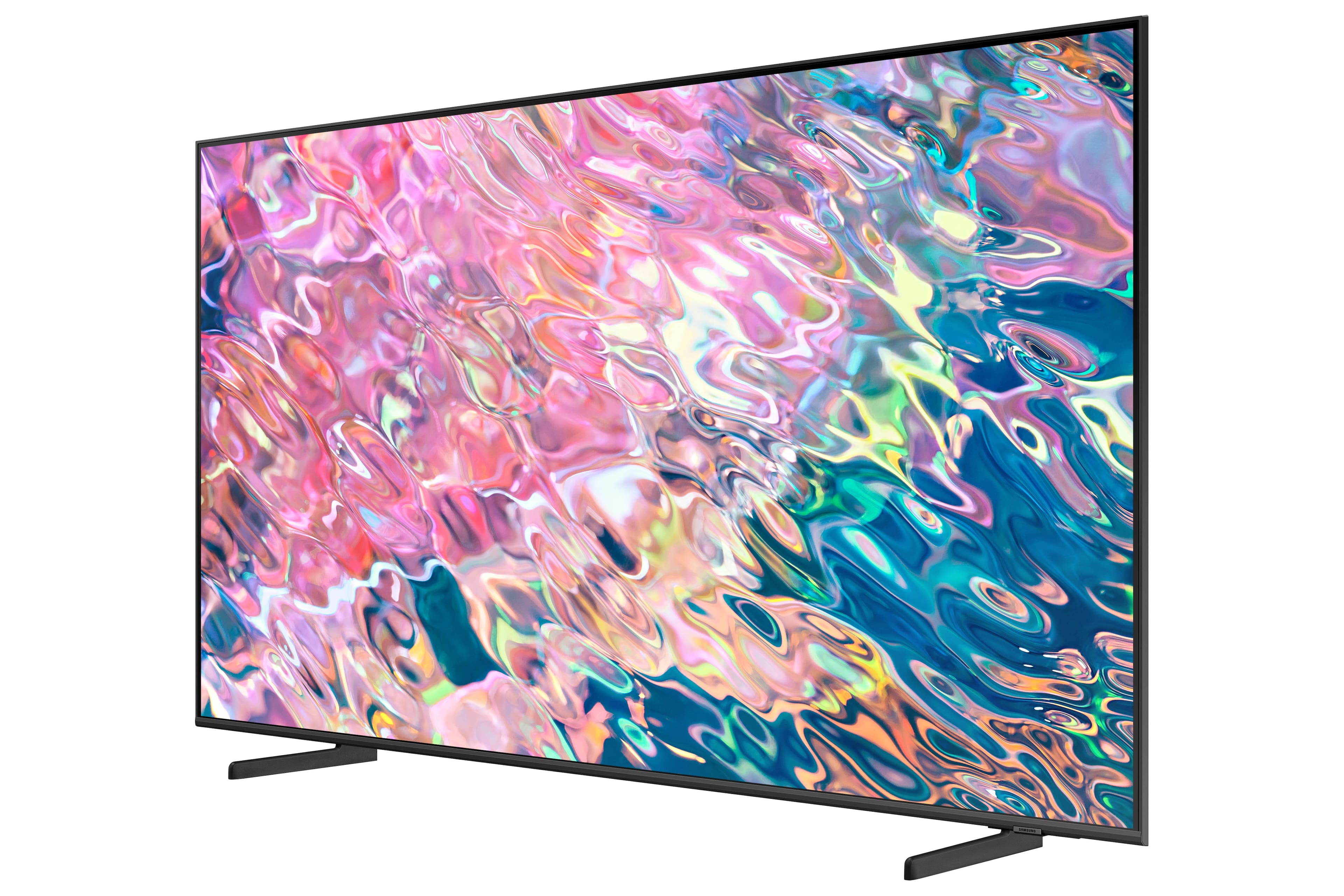
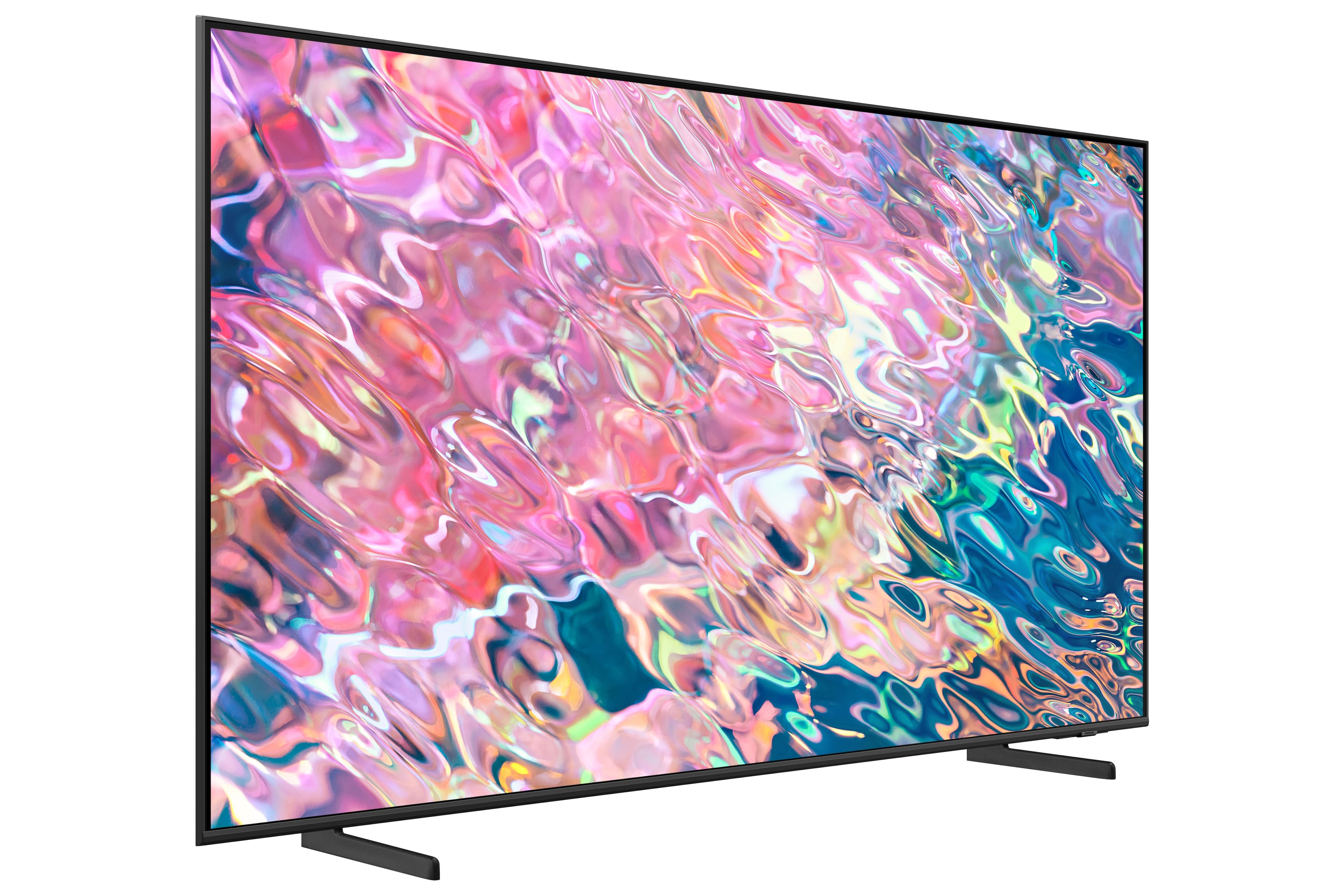
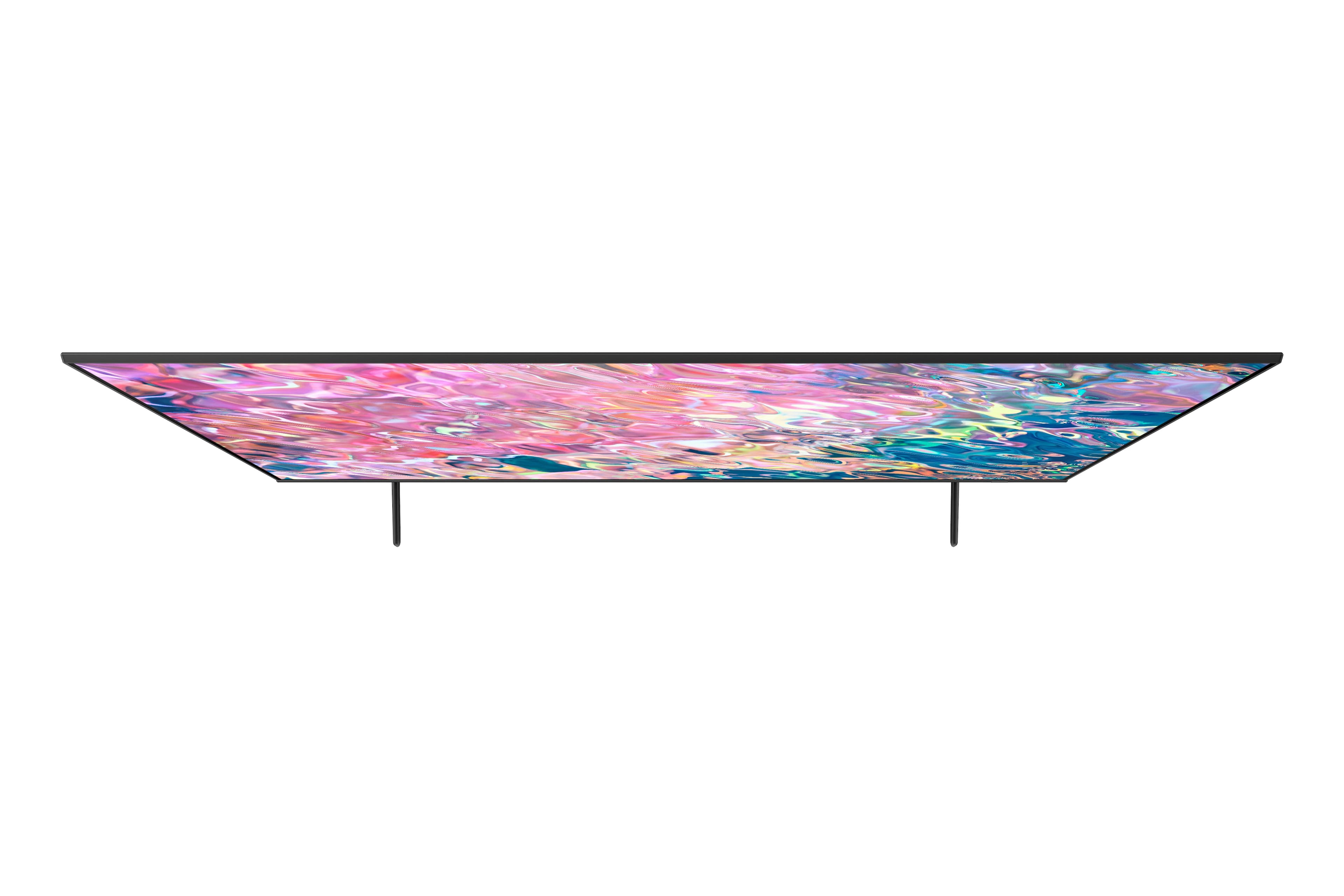
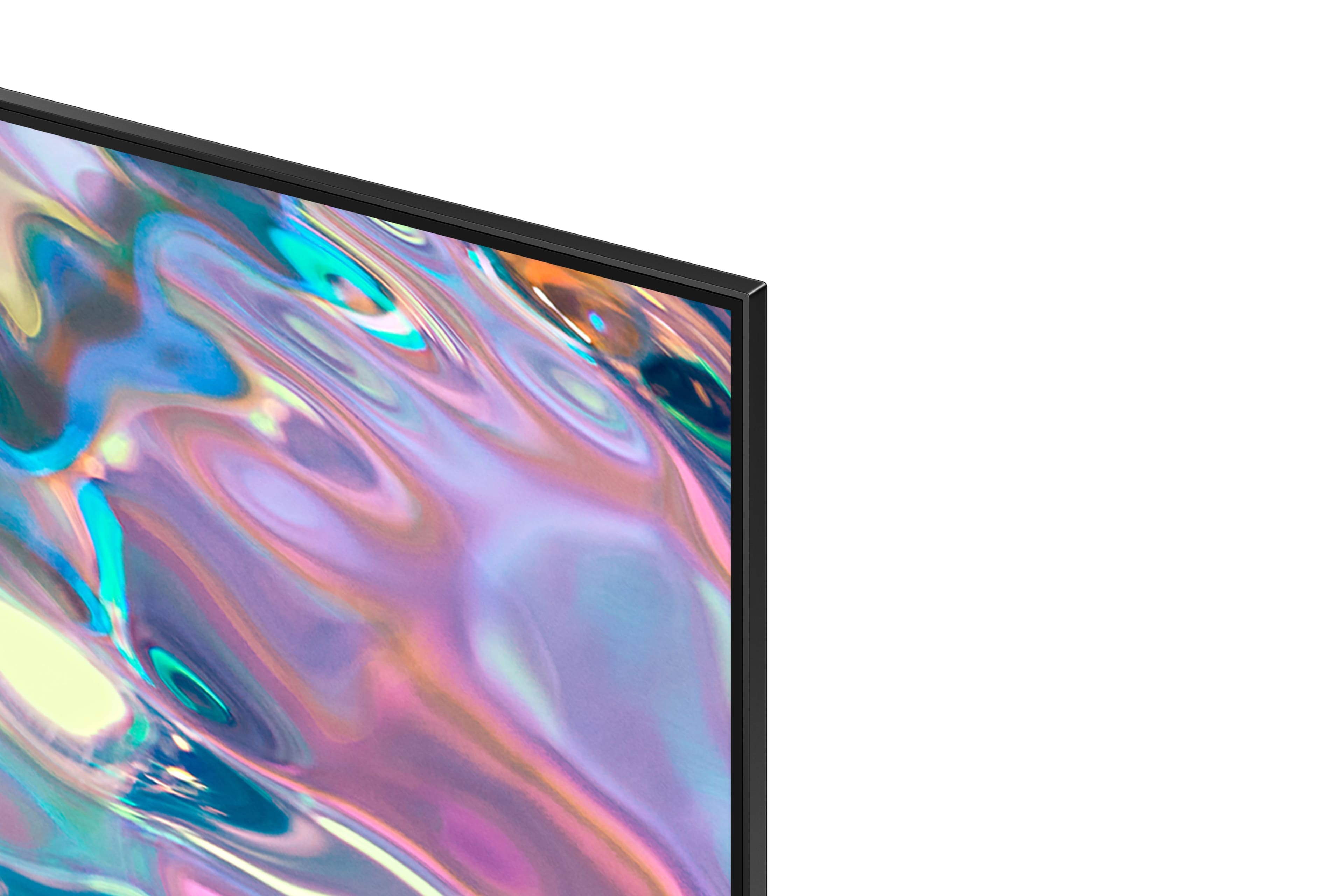
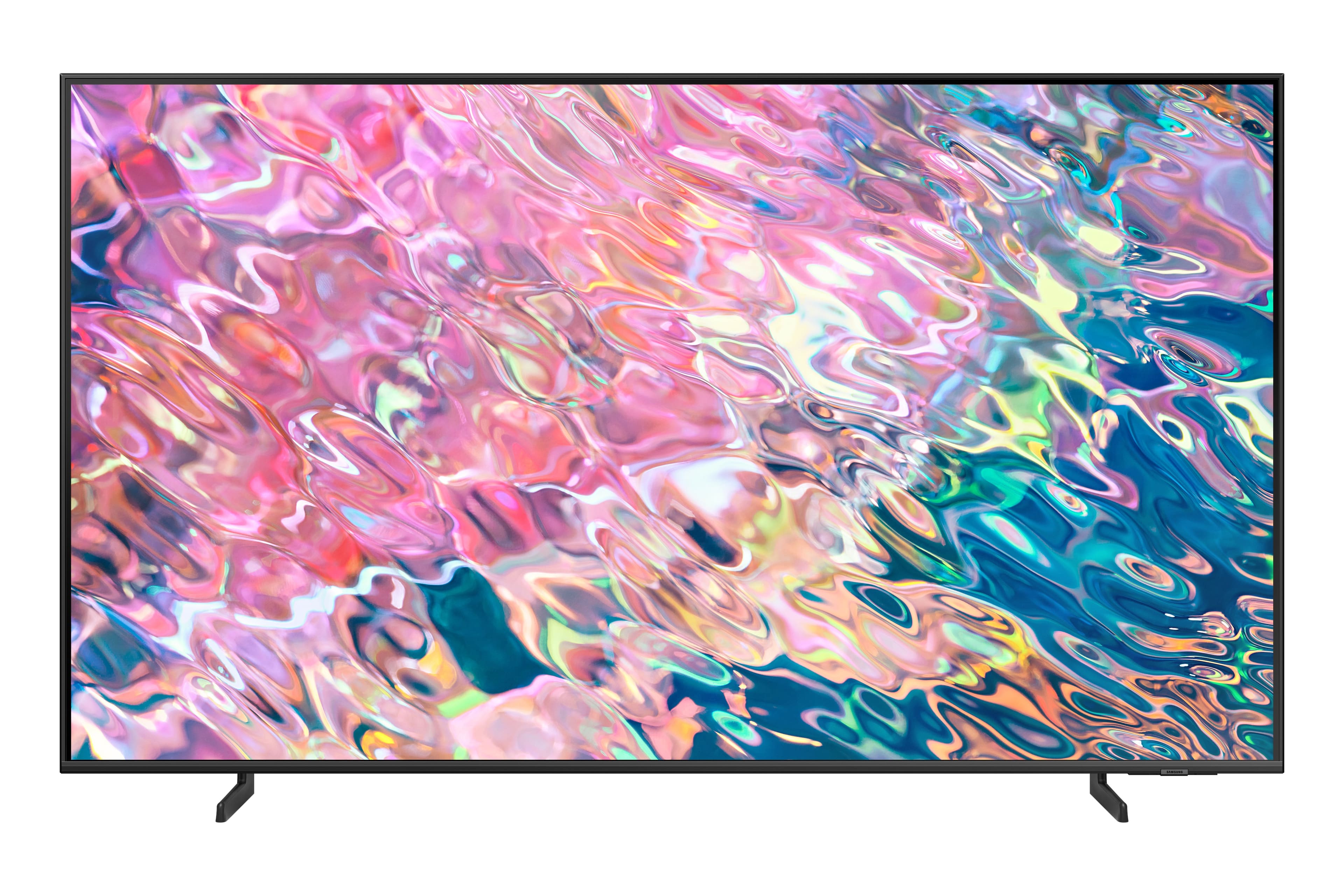
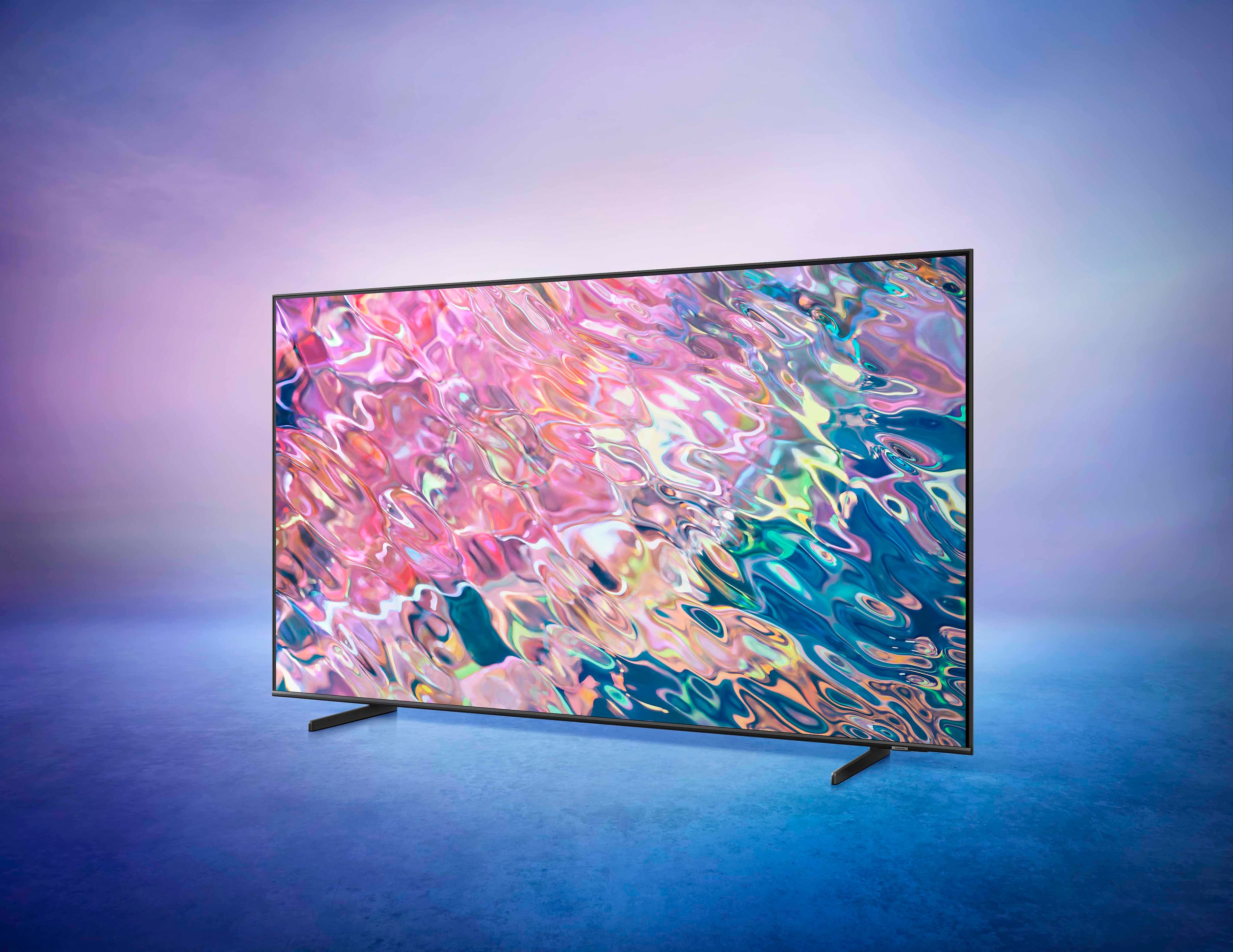
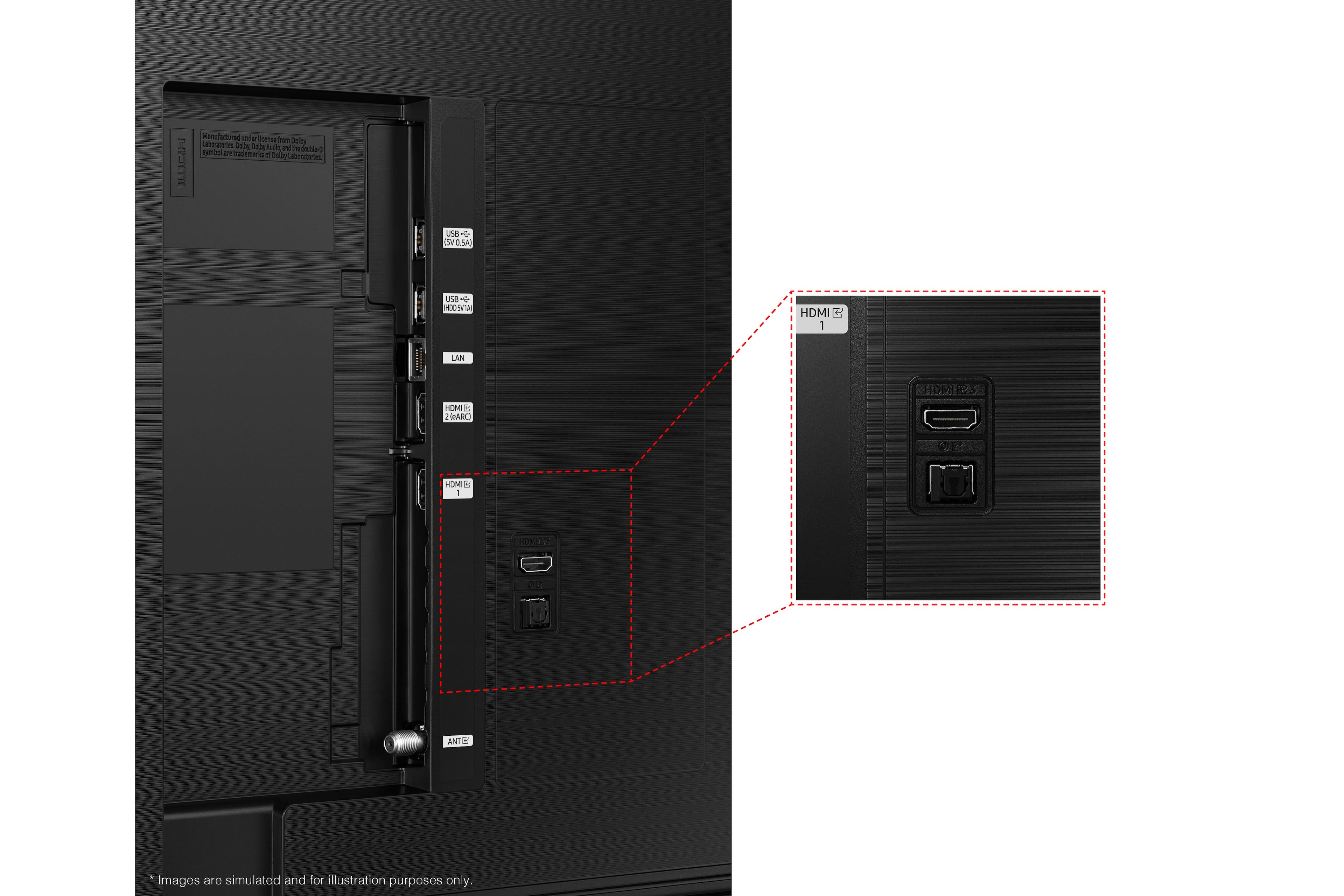











- Model:
- QN65Q60BAFXZA
- SKU:
- 6502240
Rating by feature
- Picture Quality
Rating 4.7 out of 5 stars
- Sound Quality
Rating 4.4 out of 5 stars
- Brightness
Rating 4.7 out of 5 stars
Customers are saying
Customers are pleased with the exceptional picture quality, vibrant colors, and great sound of the 65” Class Q60B QLED 4K Smart Tizen TV. They find the price affordable and appreciate the easy setup process. However, some customers have experienced issues with the remote control and backlight inconsistency.
This summary was generated by AI based on customer reviews.
Good Staff
||Posted . Owned for 1 month when reviewed.This reviewer received promo considerations or sweepstakes entry for writing a review.My daughter love the Tv and how we were greeted by the staff at Best Buy
I would recommend this to a friendFair enough
||Posted . Owned for 3 weeks when reviewed.This reviewer received promo considerations or sweepstakes entry for writing a review.A little hard to operate, but we're old so maybe that's why
No, I would not recommend this to a friendNot worth the money
||Posted . Owned for 1.5 years when reviewed.This reviewer received promo considerations or sweepstakes entry for writing a review.TV screen only lasted 2 years (after extended warranty) and failed. TV and warranty not worth the money.
No, I would not recommend this to a friendDo
||Posted . Owned for 1 year when reviewed.This reviewer received promo considerations or sweepstakes entry for writing a review.The sound didn’t work on the tv and Samsung didn’t want to fix it. Terrible customer service support. Alexa capabilities don’t work properly
No, I would not recommend this to a friendSamsung TV
||Posted . Owned for 1 month when reviewed.This reviewer received promo considerations or sweepstakes entry for writing a review.The TV is very nice and the graphics are what I expected
I would recommend this to a friendGreat tv Crummy Sound
||Posted . Owned for 3 weeks when reviewed.This reviewer received promo considerations or sweepstakes entry for writing a review.Great tv - if the sound was better I would give it 5 stars.
I would recommend this to a friend0/10 Best buy customer support, would not buy agai
||Posted . Owned for 2 weeks when reviewed.This reviewer received promo considerations or sweepstakes entry for writing a review.Purchase came without a remote, TV legs/stand and no power cable so was functionally useless. Make sure you check the item before leaving the store
No, I would not recommend this to a friendScrooge
||Posted . Owned for less than 1 week when reviewed.This reviewer received promo considerations or sweepstakes entry for writing a review.I would write one but they never installed it they were running late and left with it
No, I would not recommend this to a friendI’m not young enough to set this up
||Posted . Owned for 1 week when reviewed.This reviewer received promo considerations or sweepstakes entry for writing a review.This is very hard to use for a senior citizen. Alexa doesn’t understand.
No, I would not recommend this to a friendBrand response from Samsung
Posted .Dutto11,
We appreciate you sharing your experience with your Q60B TV. To further assist you in learning the various features, functions, and settings of your TV and remote, you can download the Q60B TV's User Manual, e-Manual, Remote Control Leaflet, and Quick Setup Guide on Samsung's website under ‘Support’ (top right corner) > Manuals & Software > TVs & Home Theater. From there, you can select the Q60B TV under QLED 4K TVs > B Model Lineup to download the guides you would like.
The e-Manual and Remote Guide are both also embedded into the TV itself under Menu > Settings > Support.
If you need more assistance with setup or have any questions on functions, operation, or settings, we are here to help. Call us at 1-800-SAMSUNG, 8AM - 12AM EST, 7 days a week. Our LiveChat agents are also available by clicking on the ‘Support’ link on our website.
~ Samsung Specialist
Temporary tv while ours is being repaired hopefull
||Posted . Owned for 1 month when reviewed.This reviewer received promo considerations or sweepstakes entry for writing a review.Pictures are blurry cheap sound system we had to hook up our surround sound the only reason we have this is because we are having trouble with our 75” Sony one year old still in warranty but tech has been out here 3 X for same thing but Sony refuses to give us a replacement tv ridiculous
No, I would not recommend this to a friendBrand response from Samsung
Posted .MarkW,
I’m sorry to hear you’re not fully satisfied with the clarity of your Q60B TV. If you’re noticing blurring or juddering on the screen, try adjusting the Picture Clarity Settings to improve your image. Go to: Menu > Settings > All Settings > Picture > Expert Settings > Picture Clarity Settings
- Off: Picture Clarity Settings will always be off
- Auto: Picture Clarity Settings will automatically activate and deactivate based on the type of program being watched
- Custom: Allows custom adjustments and settings to be used. By selecting the Custom option, you can access these advanced settings for Judder Reduction, LED Clear Motion, and Noise Reduction.
Additionally, there are several sound settings you can adjust to suit your personal sound preferences.
Change the Sound Mode by going to: Settings > All Settings > Sound > Sound Mode
You can also customize sound by going to: Settings > All Settings > Sound > Expert Settings
To assist you with possible sound settings adjustments for a better audio experience, or choosing a Samsung Soundbar to complement your viewing enjoyment, please reach out to us at 1-800-SAMSUNG, 8AM - 12AM EST, 7 days a week. Our LiveChat agents are also available by clicking on the ‘Support’ link on our website.
~ Samsung Specialist
ok tv
||Posted . Owned for 1 month when reviewed.This reviewer received promo considerations or sweepstakes entry for writing a review.Tv is good but remote real sucks Even the one on iPhone sucks
No, I would not recommend this to a friendBrand response from Samsung
Posted .Wikki1977,
I'm sorry to hear you're not happy with the Solar Cell remote. To assist you in the learning the various features, functions, and settings of the remote, you can download the Solar Cell Remote Guide directly from Samsung’s website under ‘Support’ (top right corner) > Manuals & Software > TVs & Home Theater. From there, you can select the Q60B under QLED 4K TVs > B Model Lineup.
If you need more help, Samsung is here for you. Please call us at 1-800-SAMSUNG, 8AM - 12AM EST, 7 days a week. Our LiveChat agents are also available by clicking on the ‘Support’ link on our website.
~ Samsung Specialist
Samsungtv
||Posted . Owned for 1 month when reviewed.This reviewer received promo considerations or sweepstakes entry for writing a review.That Tv is not 4k and i am very disappointed in the product
No, I would not recommend this to a friendBrand response from Samsung
Posted .Titan2608,
I'm sorry to hear you're not fully satisfied with Samsung's Q60B QLED 4K TV. So we can better understand the problems you are experiencing and provide you with troubleshooting assistance or warranty service, please reach out to Samsung Customer Support at 1-800-SAMSUNG, 8AM - 12AM EST, 7 days a week. Or visit us on the Samsung website and click on the ‘Support’ link for:
• LiveChat with an agent
• Manuals, Software, & Warranty Info
~ Samsung Specialist
Pixelated
||Posted . Owned for 1 month when reviewed.This reviewer received promo considerations or sweepstakes entry for writing a review.Horrible halo effects. Shadows and dark scenes are very pixelated. It bothered my vision. We had to return it.
No, I would not recommend this to a friendBrand response from Samsung
Posted .Mikeysmom,
We value your feedback, and regret to hear that you weren’t completely satisfied with your Q60B TV’s picture quality. Please know we are always here to help, and we could have assisted in providing image adjustments to resolve any issues you were experiencing.
Should you ever decide to give Samsung TVs another try and have questions or need assistance with settings, setup, or features, please know we are always here to help. Call us at 1-800-SAMSUNG, 8AM - 12AM EST, 7 days a week.
LiveChat with an agent as well as manuals, software, and warranty info can be found at the ‘Support’ link on our Samsung website.
We hope to regain you as a customer in the future.
~ Samsung Specialist
- Pros mentioned:Ease of use, Picture quality
Great tv!
Posted .This reviewer received promo considerations or sweepstakes entry for writing a review.I purchased the Samsung - 65” Class Q60B QLED 4K Smart Tizen TV to replace an older 55" Samsung. (Still working but since i movedto another place, i decided why not! (being on sale was an added bonus!) I am very happy with this TV, the picture is awesome, with great sound, and was easy to mount on the wall. I can always depend on Samsung for quality products.
I would recommend this to a friend Not as expected
||Posted . Owned for 1 week when reviewed.This reviewer received promo considerations or sweepstakes entry for writing a review.Not a full screen view. Black space on the top and bottom
No, I would not recommend this to a friendBrand response from Samsung
Posted .Gymgirl,
Black bars on the top and bottom of your screen can be caused by either a setting on your cable/satellite box or by the content you’re watching. However, the TV can be adjusted to help minimize this.
By adjusting the aspect ratio, you can get the image to fill the screen. Go to Menu > Settings > All Settings > Picture > Picture Size Settings > Picture Size
Should you need further assistance with settings, features, or functions, please contact Samsung Customer Support at 1-800-SAMSUNG, 8AM - 12AM EST, 7 days a week. Our LiveChat agents are also available by clicking on the ‘Support’ link on our website.
~ Samsung Specialist
High price for low quality
||Posted . Owned for 2 weeks when reviewed.This reviewer received promo considerations or sweepstakes entry for writing a review.Picture quality and options not for this high price
No, I would not recommend this to a friendBrand response from Samsung
Posted .MoufeedK,
Thank you for sharing your thoughts on the picture quality of your Q60B TV. To ensure you’ve got the latest image quality updates, please confirm that your TV is up to date with the latest firmware version. You can check by going to: Home > Menu > Settings > Support > Software Update.
If the picture you’re seeing is still not to your liking after updating firmware, there are several picture settings you may want to try adjusting.
Go to Home > Menu > Settings > All Settings > Picture > Picture Mode
...and select the mode that best fits your usage:
1) Standard: Is the default mode suitable for general viewing environments.
2) Movie: Is suitable for watching TV or movies in a dark room.
3) Dynamic: Makes the picture brighter and clearer in bright viewing environments.
4) Filmmaker Mode: You can watch the source content (e.g., movie) as it is. If the image is defined as Filmmaker Mode, it will automatically switch to Filmmaker Mode while watching.
You can also go to: Home > Menu > Settings > All Settings > Picture > Expert Settings to manually fine tune your image.
For further assistance with settings adjustments, please contact Samsung Customer Support at 1-800-SAMSUNG, 8AM - 12AM EST, 7 days a week. Our LiveChat agents are also available by clicking on the ‘Support’ link on our website.
~ Samsung Specialist
Samsung 65" Smart TV poor quality.
||Posted . Owned for 3 weeks when reviewed.This reviewer received promo considerations or sweepstakes entry for writing a review.This item had to be replaced due to losing picture twice in the first two weeks after purchase.
No, I would not recommend this to a friendBrand response from Samsung
Posted .wolfxx,
We appreciate you sharing the issues you have experienced with your Q60B TV. Thank you for your patience in having to deal with the inconvenience of an exchange.
Should you need help with your new unit, please contact Samsung Customer Support at 1-800-SAMSUNG, 8AM - 12AM EST, 7 days a week. Or visit us on the Samsung website and click on the ‘Support’ link for:
1) LiveChat
2) Manuals, Software, & Warranty Info
~ Samsung Specialist
- Pros mentioned:Picture quality, Tv quality
Great tvs
Posted .This reviewer received promo considerations or sweepstakes entry for writing a review.You cant go wrong with the Samsung QLEDs. This is the 3rd Ive added in my home. I have no complaints...even the built-in sound is good. All of my other tvs of different brands have required a soundbar...these can be enjoyed without one.
I would recommend this to a friend - Pros mentioned:Picture quality
Good Purchase
Posted .This reviewer received promo considerations or sweepstakes entry for writing a review.We purchased this TV during Thanksgiving weekend. The picture quality is really good. All the apps that are embedded in the samsung UI works perfect. The Sound quality could have been better but not bad at all.
I would recommend this to a friend No good
||Posted .This reviewer received promo considerations or sweepstakes entry for writing a review.No Good still have some problem on the scream sounds and a lot more things
No, I would not recommend this to a friendBrand response from Samsung
Posted .VictorC,
Thank you for your review. So we can better understand the problems you are experiencing and provide you with troubleshooting assistance, please reach out to Samsung Customer Support at 1-800-SAMSUNG, 8AM - 12AM EST, 7 days a week. Our LiveChat agents are also available by clicking on the ‘Support’ link on our website.
We look forward to hearing from you.
~ Samsung Specialist