Customer Ratings & Reviews
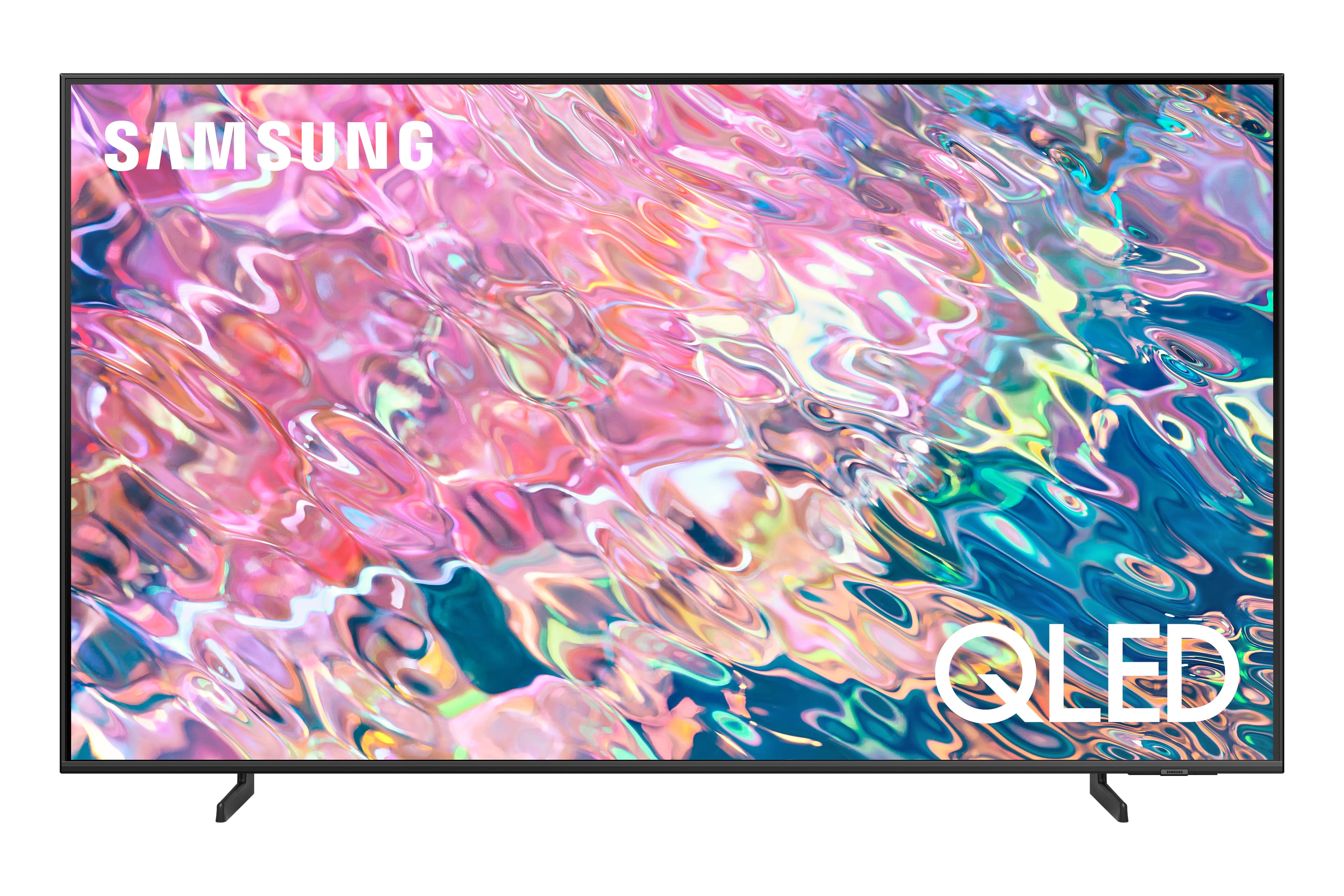
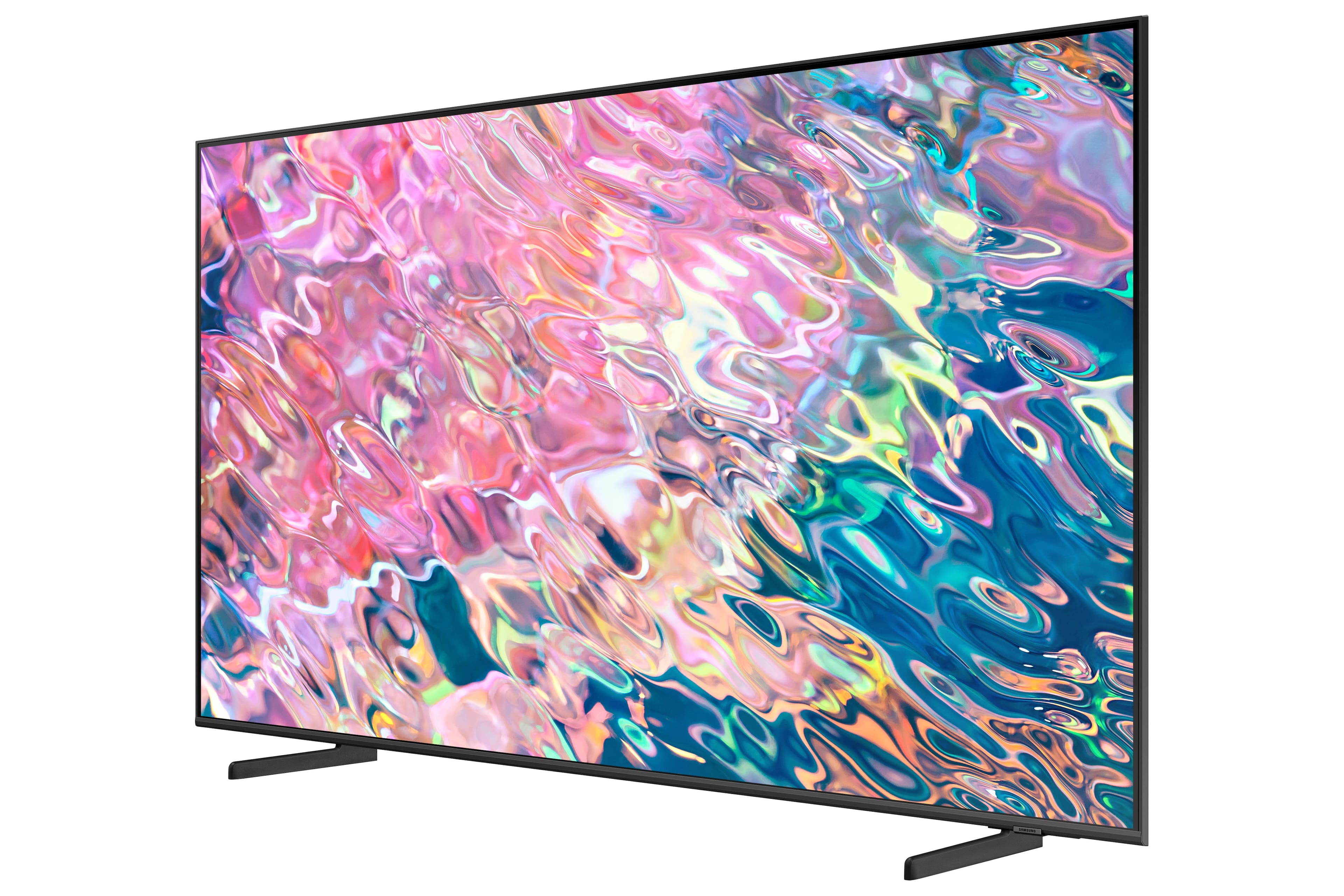
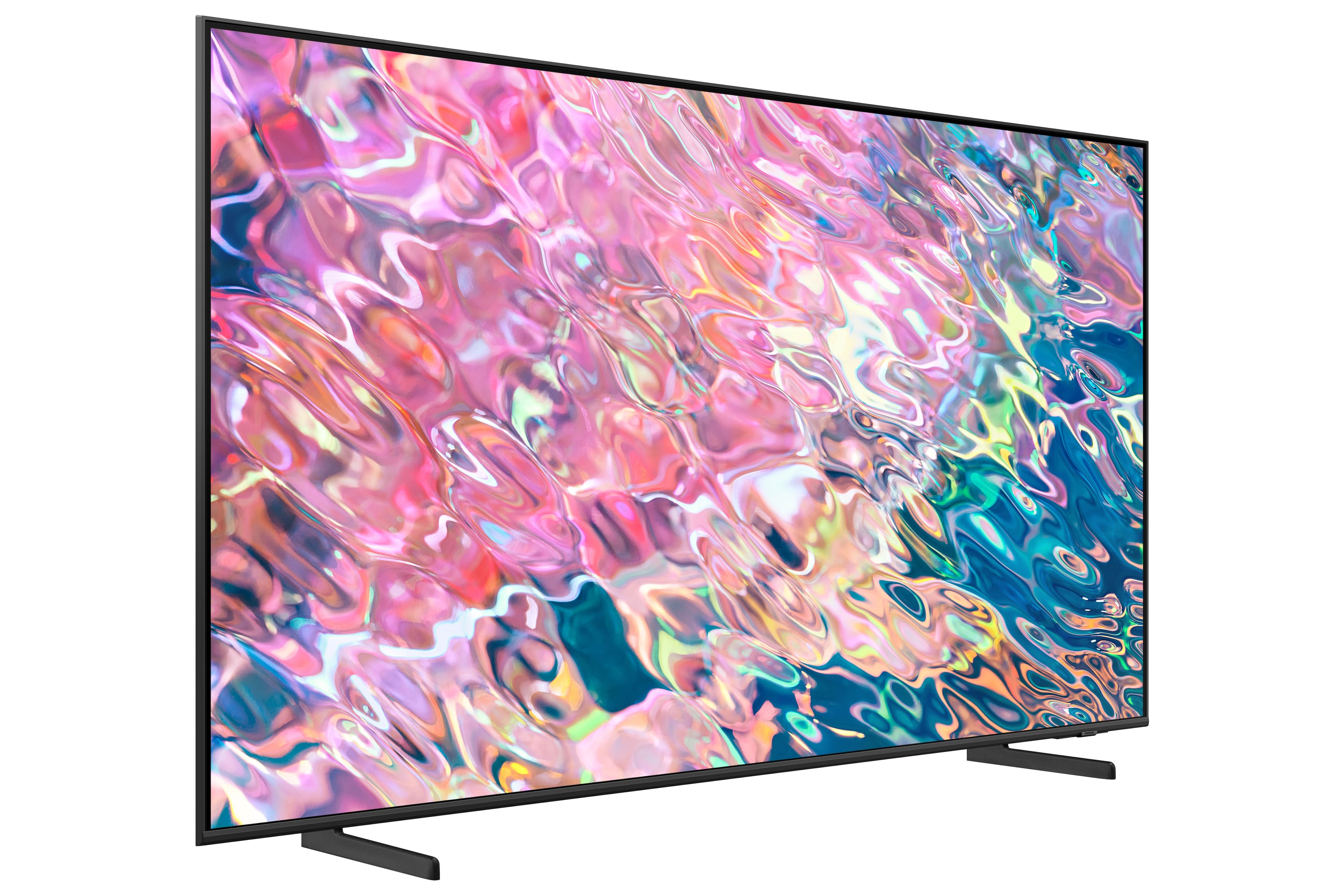
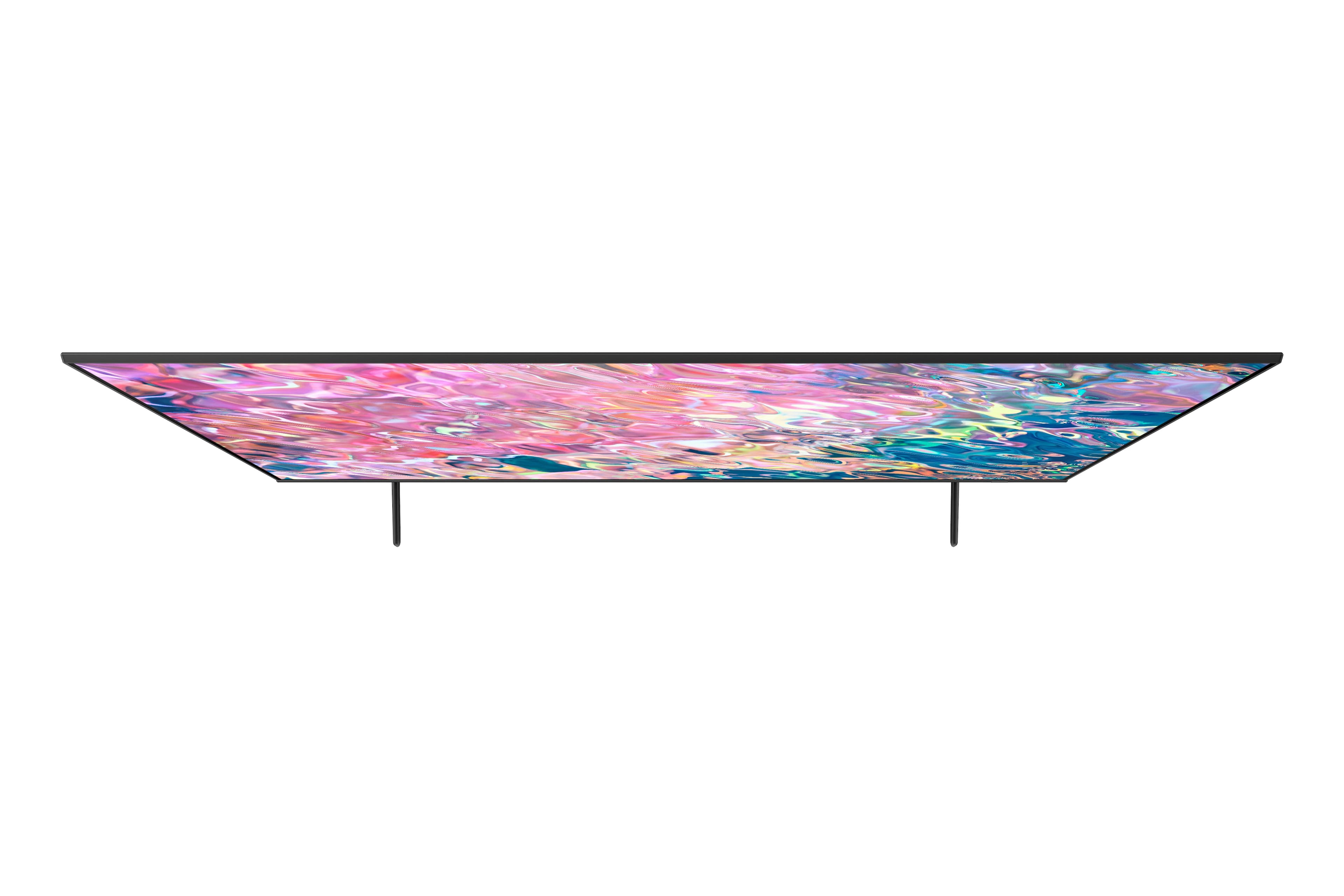
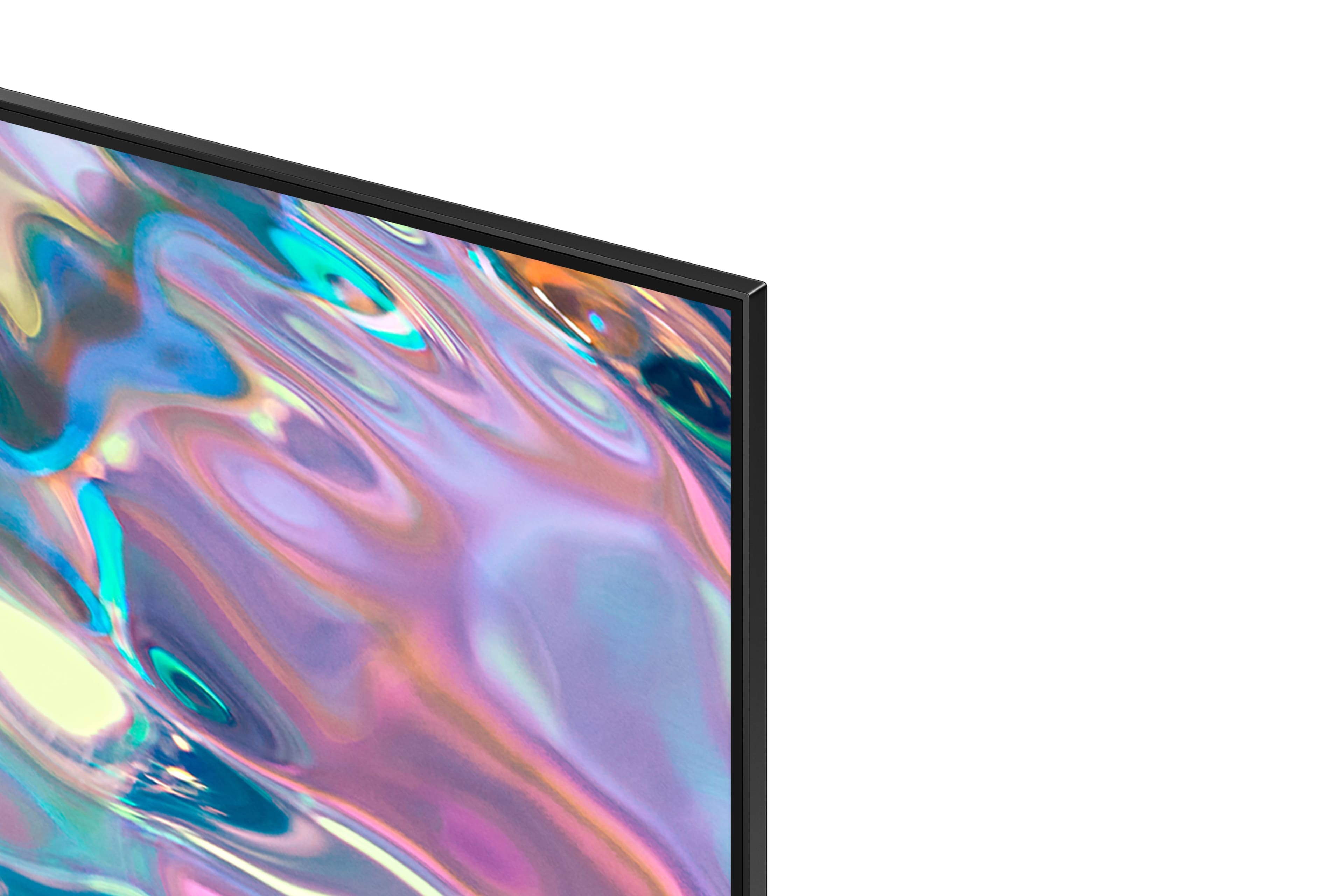
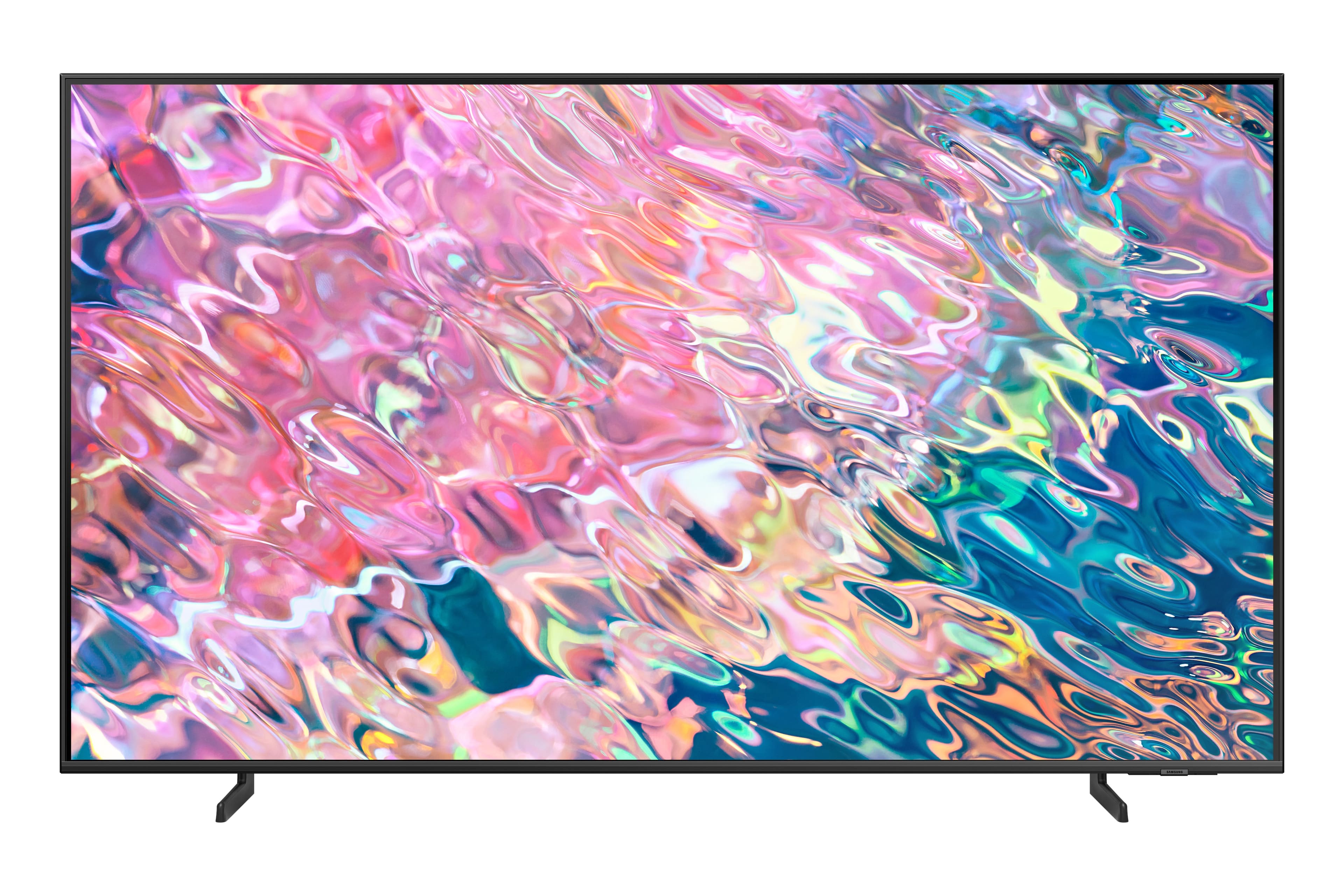
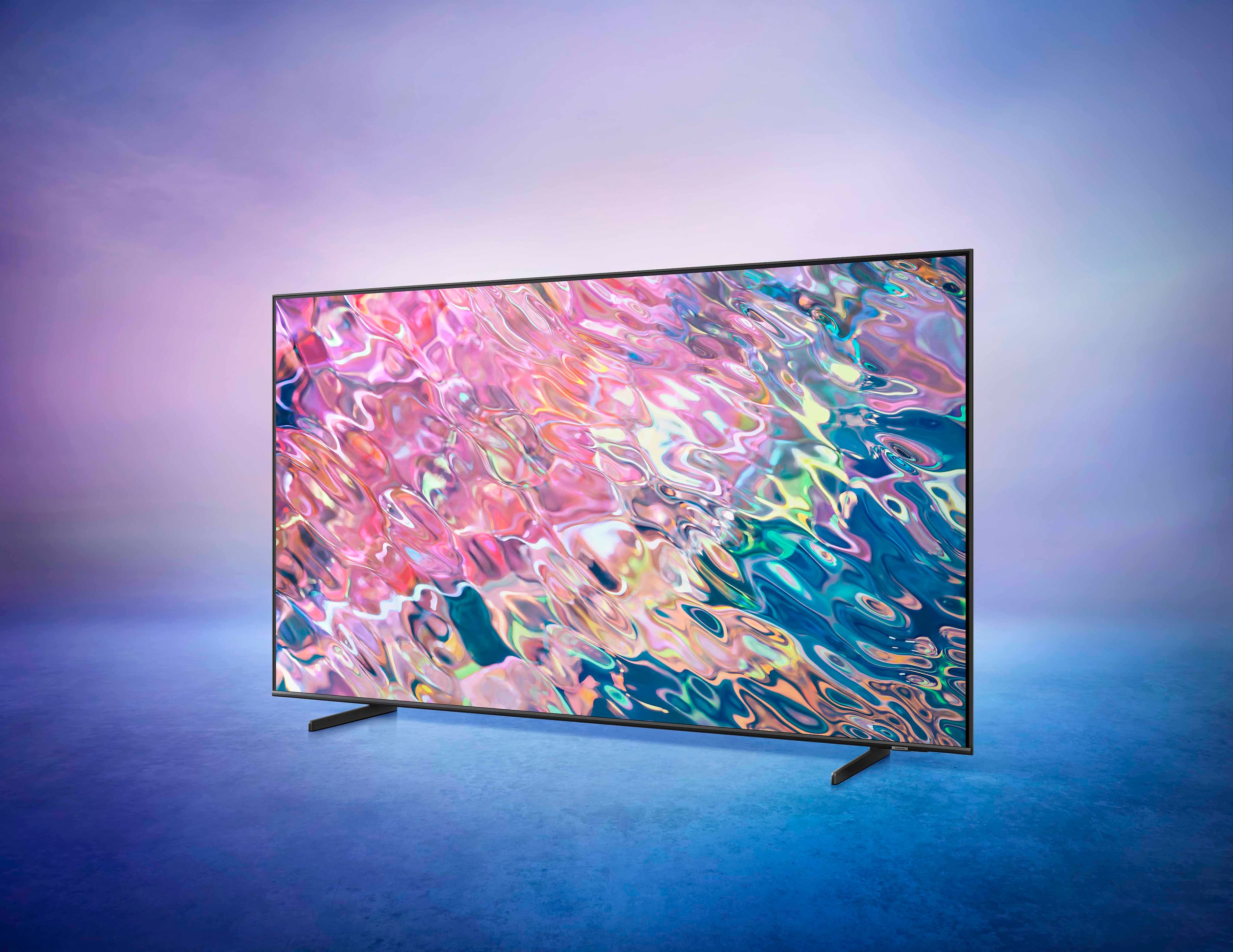
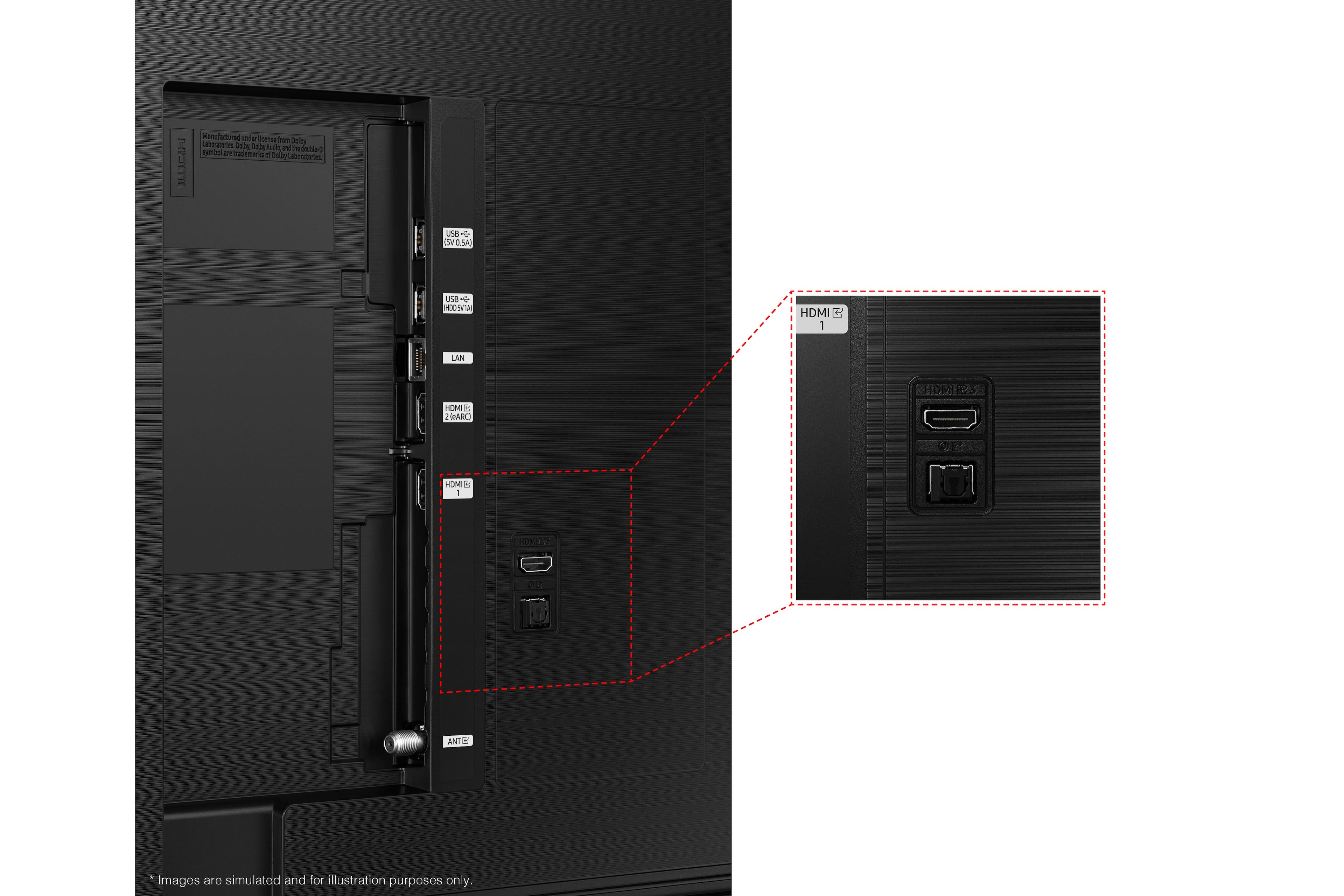










- Model:
- QN65Q60BAFXZA
- SKU:
- 6502240
Rating by feature
- Picture Quality
Rating 4.7 out of 5 stars
- Sound Quality
Rating 4.4 out of 5 stars
- Brightness
Rating 4.7 out of 5 stars
Customers are saying
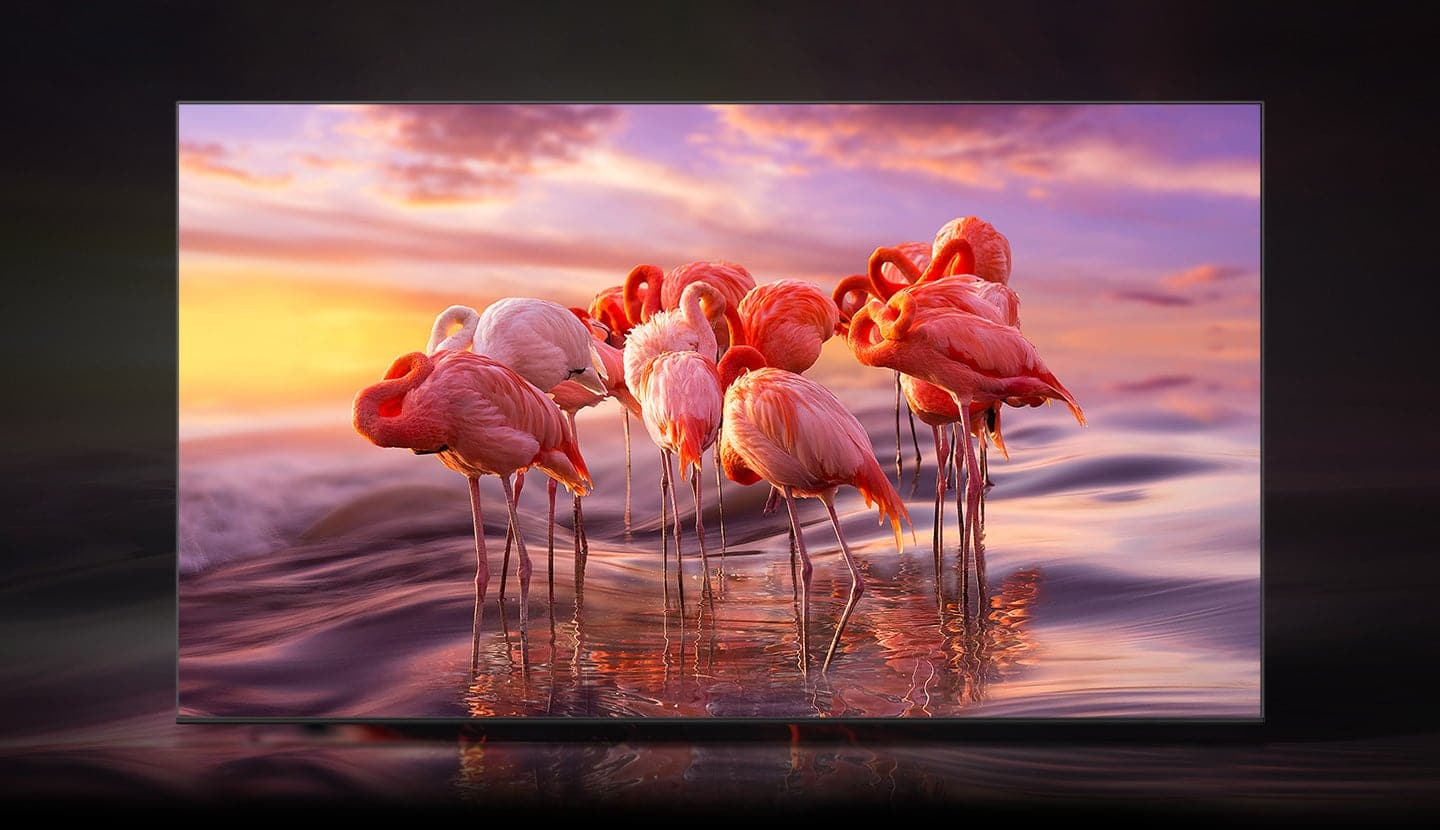
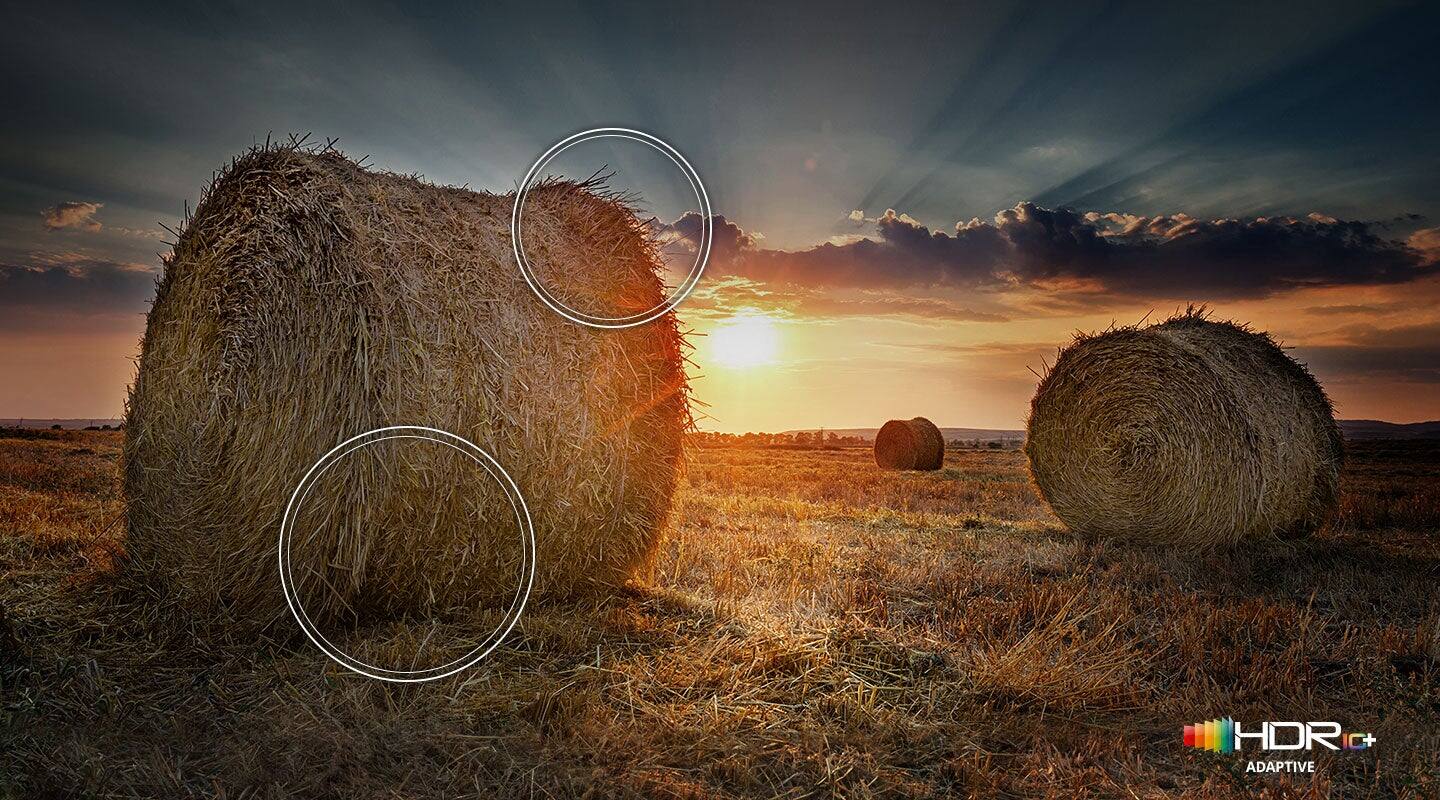
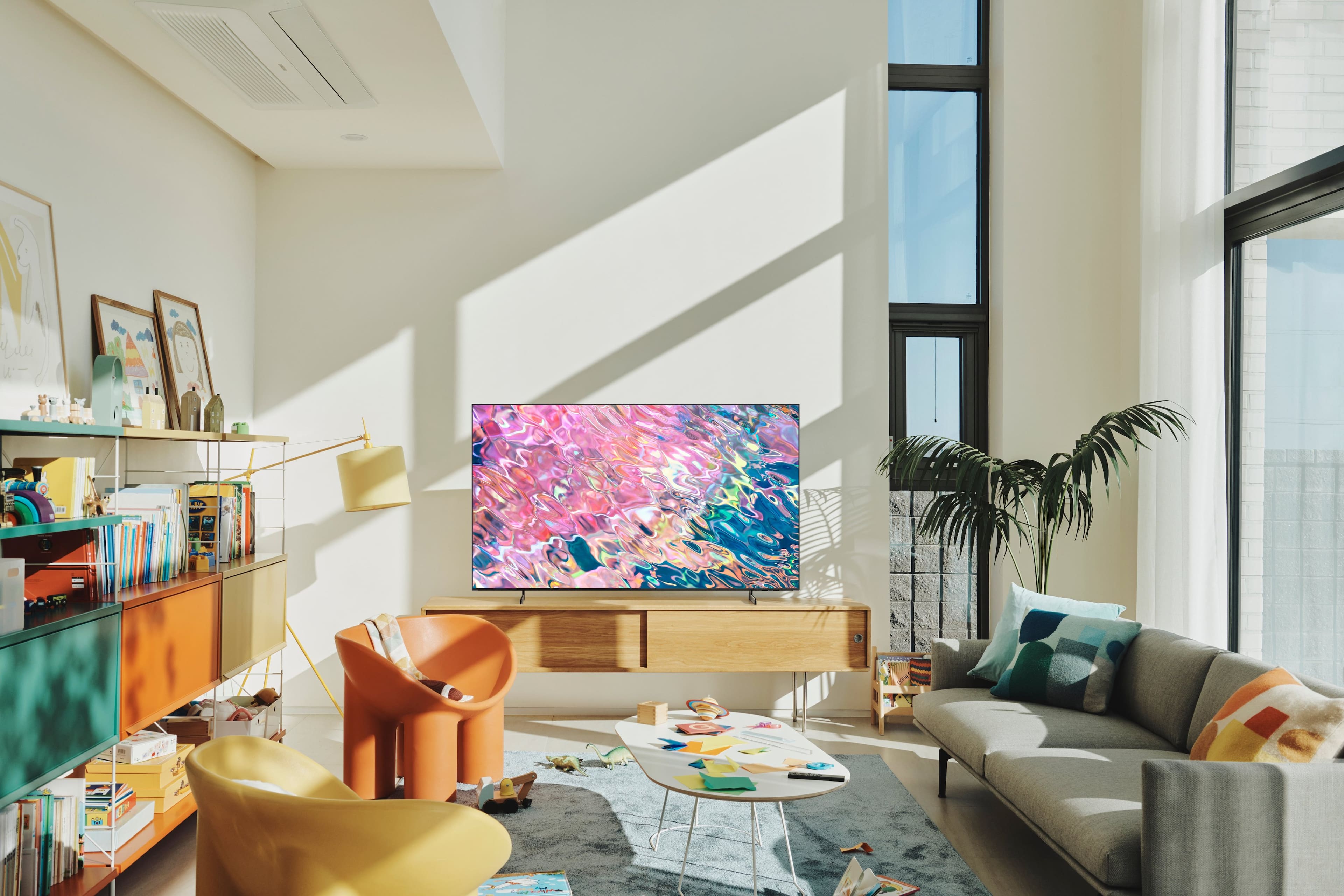
Customers are pleased with the exceptional picture quality, vibrant colors, and great sound of the 65” Class Q60B QLED 4K Smart Tizen TV. They find the price affordable and appreciate the easy setup process. However, some customers have experienced issues with the remote control and backlight inconsistency.
This summary was generated by AI based on customer reviews.
Samsung
Posted .This reviewer received promo considerations or sweepstakes entry for writing a review.The picture is dark and to much green. We cant seem to get it adjusted correctly. I should of spent more and got a better quality. but you get what you pay for , I guess!
No, I would not recommend this to a friendBrand response from Samsung
Posted .CherylE,
Thank you for sharing your thoughts on the picture quality of your Q60B TV. To ensure you’ve got the latest image quality updates, please confirm that your TV is up to date with the latest firmware version. You can check by going to: Home > Menu > Settings > Support > Software Update.
If the picture you’re seeing is still not to your liking after updating firmware, there are several picture settings you may want to try adjusting.
Go to Home > Menu > Settings > All Settings > Picture > Picture Mode
...and select the mode that best fits your usage:
1) Standard: Is the default mode suitable for general viewing environments.
2) Movie: Is suitable for watching TV or movies in a dark room.
3) Dynamic: Makes the picture brighter and clearer in bright viewing environments.
4) Filmmaker Mode: You can watch the source content (e.g., movie) as it is. If the image is defined as Filmmaker Mode, it will automatically switch to Filmmaker Mode while watching.
You can also go to: Home > Menu > Settings > All Settings > Picture > Expert Settings to manually fine tune your image.
For further assistance with settings adjustments, please contact Samsung Customer Support at 1-800-SAMSUNG, 8AM - 12AM EST, 7 days a week. Or visit us on the Samsung website and click on the ‘Support’ link for:
• LiveChat
• Manuals, Software, & Warranty Info
~ Samsung Specialist
Do not buy this tv!!!
Posted .This reviewer received promo considerations or sweepstakes entry for writing a review.This tv quit working after 2 years! Do not buy!!!!!!!!!!!!!!!
No, I would not recommend this to a friendPoor quality control from Samsung
Posted .This reviewer received promo considerations or sweepstakes entry for writing a review.The first TV came damaged with dents on the back of the tv towards the edges. It would also shut off on its own. The quality of the screen was poor. The second TV also came damaged. This time the panel attaching to the TV was bent and pulled off of the TV. Had both of them returned and refunded.
No, I would not recommend this to a friendBrand response from Samsung
Posted .user168560,
It’s unfortunate to hear of the issues that have caused you to return your Q60B TV. Your experience is very important to us and will be shared with our product team.
Should you ever decide to give Samsung TVs another try and have questions or need help with settings, setup, or features, please know we’re here to help. Call us at 1-800-SAMSUNG, 8AM - 12AM EST, 7 days a week.
LiveChat with an agent as well as manuals, software, and warranty info can be found at the ‘Support’ link on our Samsung website.
We hope to regain you as a customer in the future.
~ Samsung Specialist