Customer Ratings & Reviews
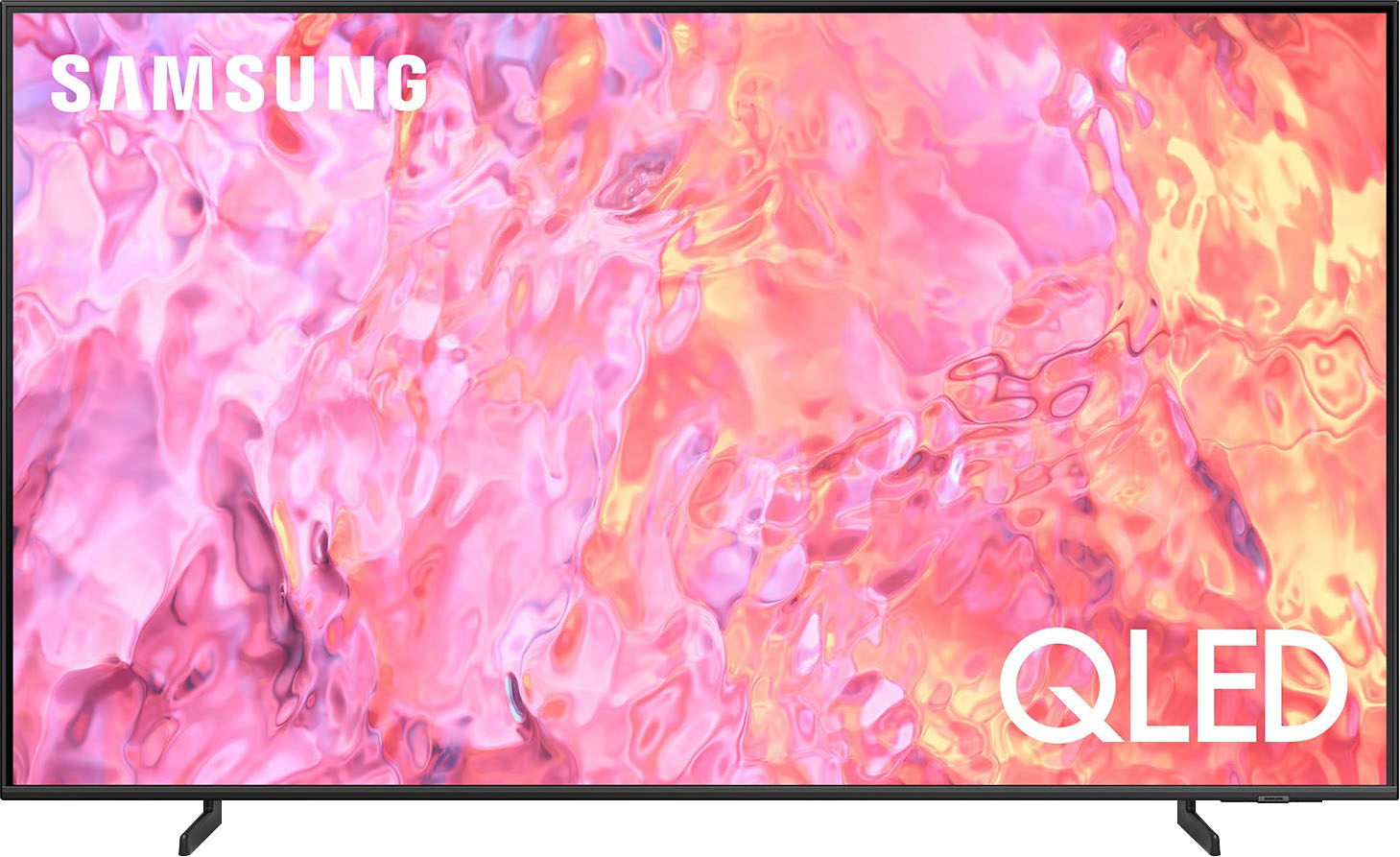
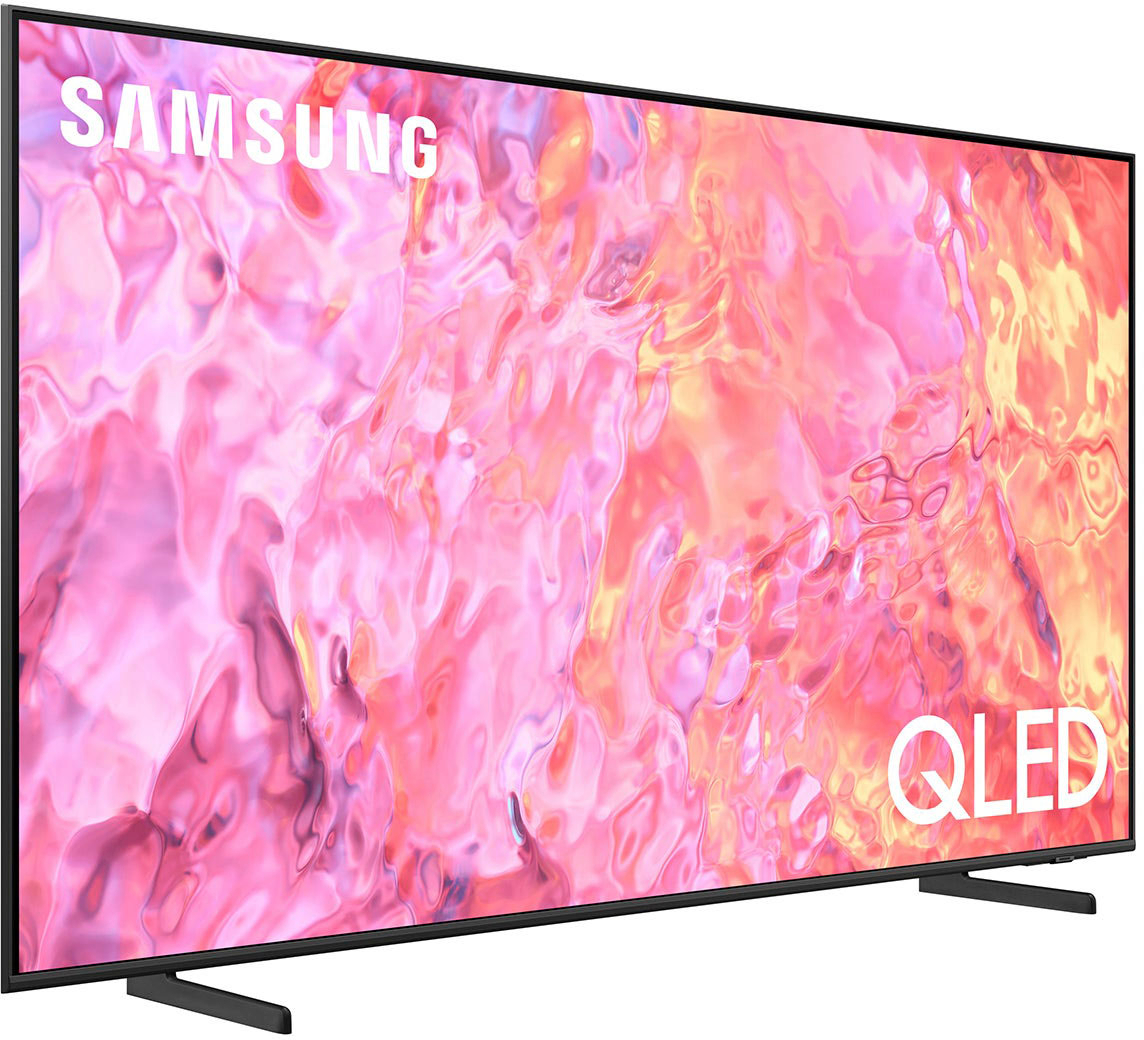
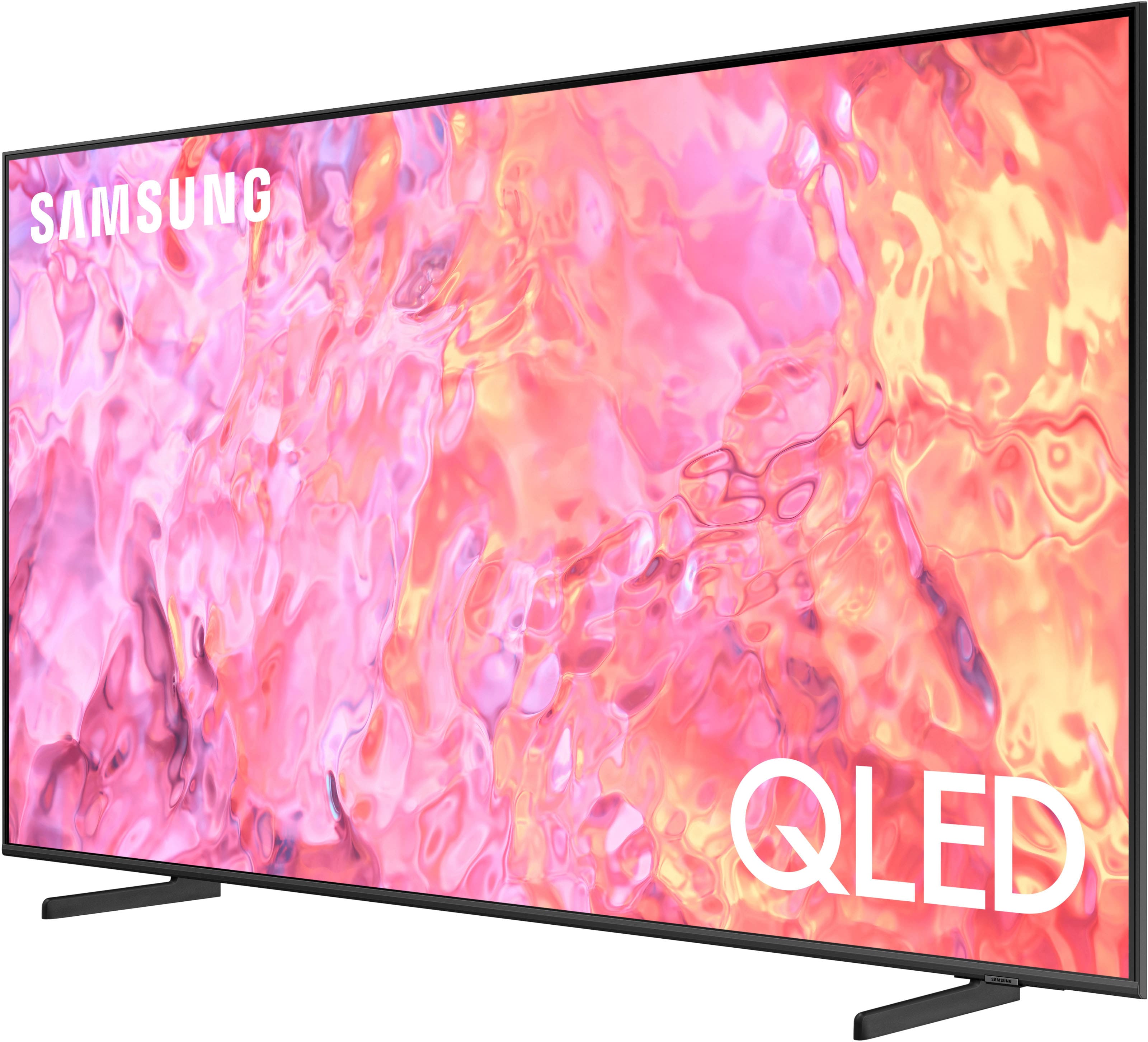
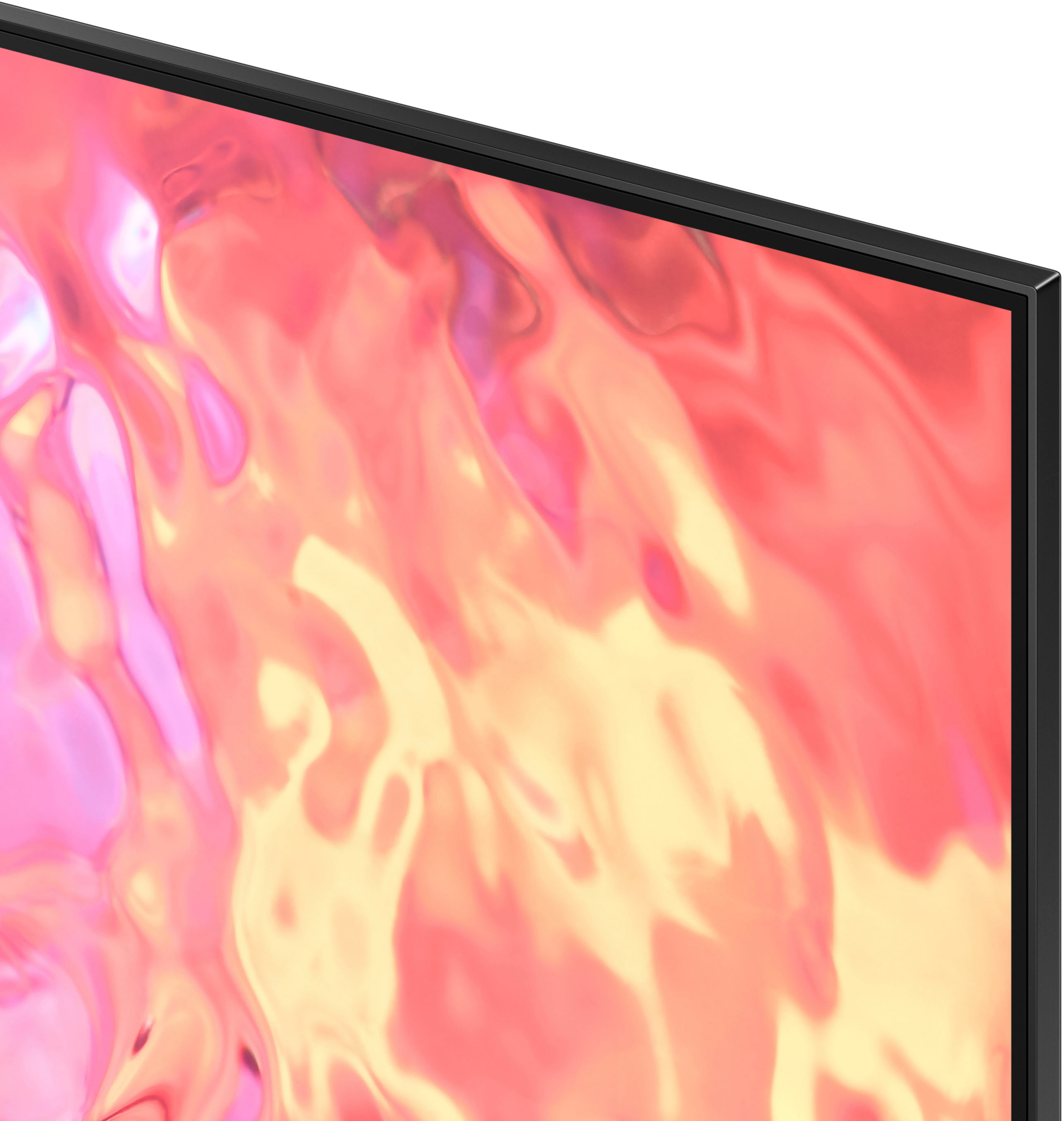
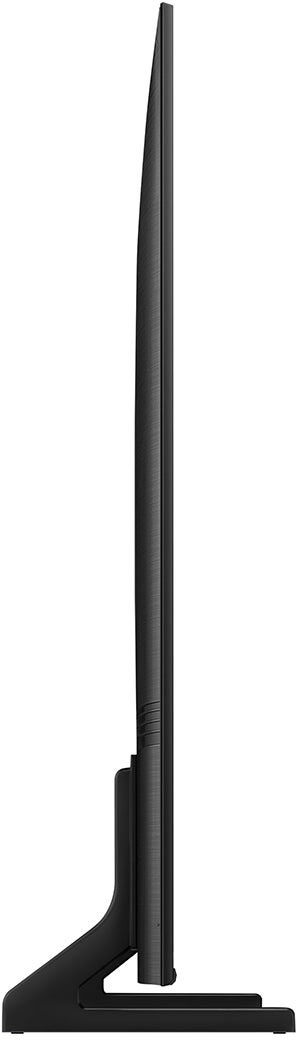




- Model:
- QN65Q60CAFXZA
- SKU:
- 10362552
Rating by feature
- Picture Quality
Rating 4.8 out of 5 stars
- Sound Quality
Rating 4.5 out of 5 stars
- Brightness
Rating 4.8 out of 5 stars
to a friend
Excellent TV
||Posted . Owned for 1 month when reviewed.This reviewer received promo considerations or sweepstakes entry for writing a review.I'm very happy with this new 65" Samsung. Picture resolution is great and I no longer need a sound bar to have good audio. Setup was also easy and I was able to do the install myself.
I would recommend this to a friendCWR
||Posted . Owned for 3 weeks when reviewed.This reviewer received promo considerations or sweepstakes entry for writing a review.We purchased a new 65 tv and soundbar. We also had it all installed by Geek Squad. Installation was flawless and we couldn’t have asked for better service. We are very happy!
I would recommend this to a friendQLED Is Alright
||Posted . Owned for 1 week when reviewed.This reviewer received promo considerations or sweepstakes entry for writing a review.This TV has been fantastic. I wanted to go OLED but decided to wait until I buy a home to make the more expensive purchase. QLED may not be the best on the market, but it's pretty darn good. Really loving Filmmaker Mode, and the integration of my smart devices.
I would recommend this to a friendBuying a long-awaited TV
||Posted . Owned for 3 weeks when reviewed.This reviewer received promo considerations or sweepstakes entry for writing a review.We were very satisfied with the service, despite the fact that we had to spend two days, as the card did not pass the first day in the system, but the staff did everything possible to make us happy with our purchase
I would recommend this to a friendBest Buy were awesome
||Posted . Owned for 3 weeks when reviewed.This reviewer received promo considerations or sweepstakes entry for writing a review.The gentleman removed my old TV that was hanging up and replaced it with a new tv . They were awesome . I bought from my new tv from Best Buy . I recommend them and Best Buy.
I would recommend this to a friendExceptional Customer Service
||Posted . Owned for 1 month when reviewed.This reviewer received promo considerations or sweepstakes entry for writing a review.Buying experience was amazing the fentalman was new that was helping and explained everything nicely and calmly. I would recommend going to this store to anyone.
I would recommend this to a friendSAmsung 65" TV
||Posted . Owned for 2 weeks when reviewed.This reviewer received promo considerations or sweepstakes entry for writing a review.We have really enjoyed our new TV purchase, the sales people were great and I felt they were here for helping me out with the balance of a specs TV we desired and the cost outlay.
I would recommend this to a friendReview
||Posted . Owned for 1 week when reviewed.This reviewer received promo considerations or sweepstakes entry for writing a review.We received excellent service and did not feel rushed or pressured. The sales associate had a great attitude and knowledge to help us pick the right tv.
I would recommend this to a friendExcellent pur
||Posted . Owned for 3 weeks when reviewed.This reviewer received promo considerations or sweepstakes entry for writing a review.It’s great TV. As to Best Buy purchasing and delivery process, excellent! As to the tv itself. I thought it was going to be sharper and better with it picture resolution. Overall, a very good purchase.
I would recommend this to a friendExpected better.
||Posted . Owned for 4 months when reviewed.This reviewer received promo considerations or sweepstakes entry for writing a review.The picture quality is good. Occasionally you get disorted pictures that quickly clear. The sound quality is bad. Wven in 100 it is low. The tv requires a sound bar if you want good sound.
No, I would not recommend this to a friendBrand response from Samsung
Posted .KizzyH,
We appreciate you sharing your thoughts on the image and sound quality of Samsung's Q60C. To ensure you've got the latest enhancements, please be sure your TV is running the most recent firmware. You can check this by going to: Home > Menu > Settings > Support > Software Update.
For optimal motion image performance, you may want to adjust the picture clarity setting by going to: Menu > Settings > All Settings > Picture > Expert Settings > Picture Clarity Settings
- Off: Picture Clarity Settings will always be off
- Auto: Picture Clarity Settings will automatically activate and deactivate based on the type of program being watched
- Custom: Allows custom adjustments and settings to be used. By selecting the Custom option, you can access these advanced settings for Judder Reduction, LED Clear Motion, and Noise Reduction.
There are also several sound settings you can adjust to suit your personal preferences.
• Sound Modes may better meet your personal preferences. Go to: Menu > Settings > All Settings > Sound > Sound Mode, or Expert Settings to fine-tune and customize your sound.
• Adaptive Sound will also further optimize sound quality by analyzing the viewing space and the acoustic components of the content. Go to: Menu > Settings > All Settings > General & Privacy > Intelligent Mode Settings.
Should you choose to add a Samsung Soundbar to your TV, please know that our Q-Series Soundbars (such as the HW-Q600C) feature Q-Symphony which will synchronize with the speakers of your TV for an immersive 3D sound experience.
To assist you with possible sound settings adjustments for a better audio experience or choosing a Samsung Soundbar to complement your viewing enjoyment, please reach out to us at 1-800-SAMSUNG, 8 AM - 12 AM EST, seven days a week.
Our LiveChat agents are also available by clicking on the ‘Support’ link on our website.
~ Samsung Specialist
Geek Squad installed my TVs. They both look Great
||Posted . Owned for 3 weeks when reviewed.This reviewer received promo considerations or sweepstakes entry for writing a review.Agents installed my TV and set it up, ready for use. Answered my questions about apps and channels. Very professional explained everything easily and simply.
I would recommend this to a friendall in one TV
||Posted . Owned for 1 month when reviewed.This reviewer received promo considerations or sweepstakes entry for writing a review.excellent results and as per our needs. kids love the new tv. very smart and new tech. no need of cable tv, all channels run on internet wifi
I would recommend this to a friendBest Buy rocks!
||Posted . Owned for 1 month when reviewed.This reviewer received promo considerations or sweepstakes entry for writing a review.We could not be happier with our purchase of the big screen Samsung TV. The sales associate was extremely helpful with our choice.
I would recommend this to a friendPresident
||Posted . Owned for 3 weeks when reviewed.This reviewer received promo considerations or sweepstakes entry for writing a review.Great product and very professional service. I am satisfied. Would always recommend Best Buy.
I would recommend this to a friendTV replacement
||Posted . Owned for less than 1 week when reviewed.This reviewer received promo considerations or sweepstakes entry for writing a review.Fantastic product and the best part, that i was allowed to put warranty for 5 year, excellent service, thank you
I would recommend this to a friendAlem
||Posted . Owned for 1 month when reviewed.This reviewer received promo considerations or sweepstakes entry for writing a review.My first ever online purchase ,and it was a great experience.I love all about my new TV.
I would recommend this to a friendBob Krol
||Posted . Owned for 1 month when reviewed.This reviewer received promo considerations or sweepstakes entry for writing a review.Would have been helpful if legs on tv were movable to fir the stand the tv is being placed on.
I would recommend this to a friendGreat experience
||Posted . Owned for 3 weeks when reviewed.This reviewer received promo considerations or sweepstakes entry for writing a review.Very easy to purchase online and when I got to the store for pickup, customer service was top tier
I would recommend this to a friendcustomer Frantz Payen
||Posted . Owned for 3 weeks when reviewed.This reviewer received promo considerations or sweepstakes entry for writing a review.Smooth transaction, honest delivery done with care. Delivery person went above and beyond . Great job
I would recommend this to a friendGreat TV
||Posted . Owned for 1 month when reviewed.This reviewer received promo considerations or sweepstakes entry for writing a review.Great TV for the money I paid. It was on sale and I snagged it up real quick. Definitely recommend.
I would recommend this to a friend