Customer Ratings & Reviews
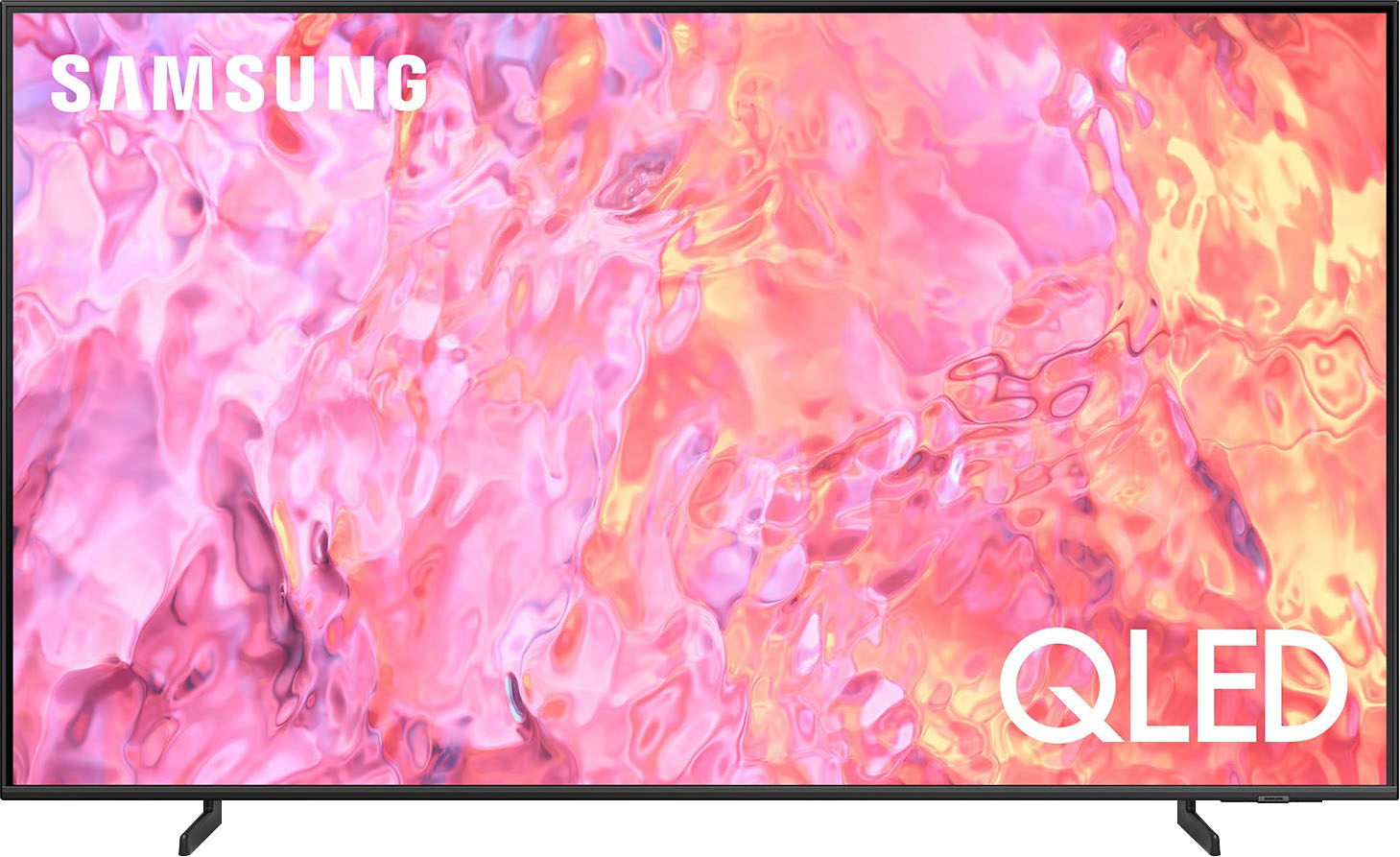
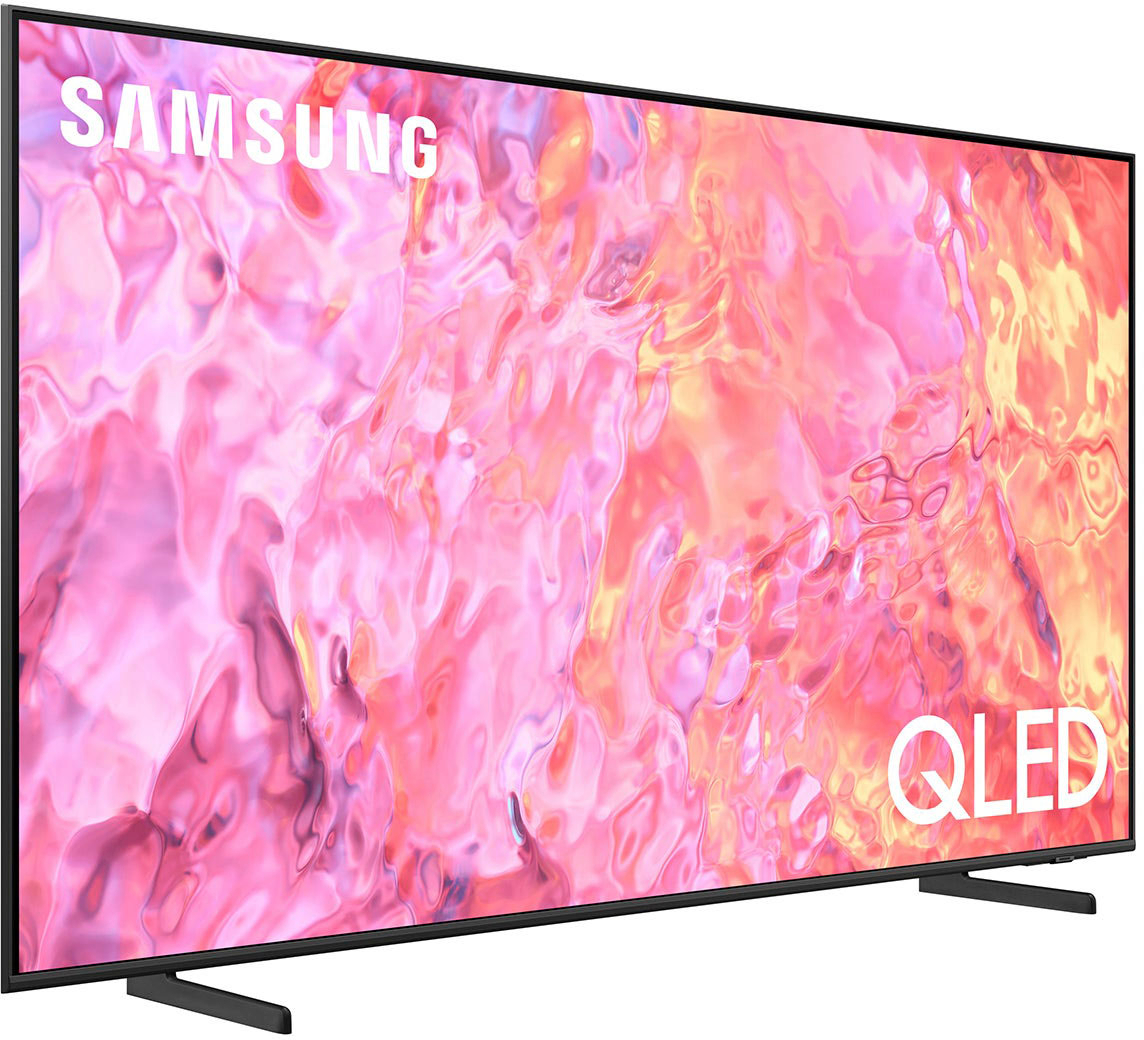
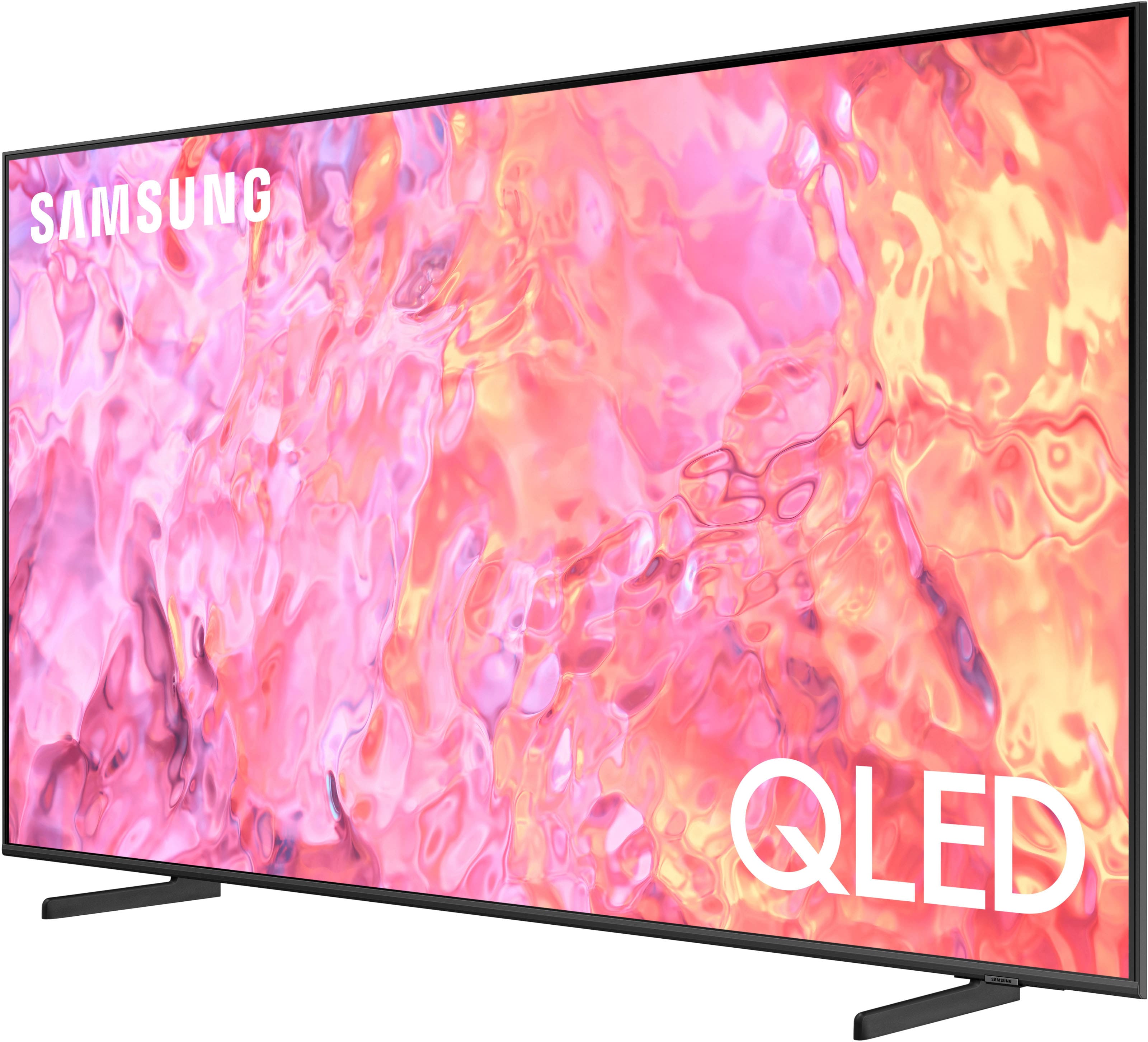




- Model:
- QN65Q60CAFXZA
- SKU:
- 10362552
Rating by feature
- Picture Quality
Rating 4.8 out of 5 stars
- Sound Quality
Rating 4.5 out of 5 stars
- Brightness
Rating 4.8 out of 5 stars
to a friend
Shameful
||Posted . Owned for 3 months when reviewed.This reviewer received promo considerations or sweepstakes entry for writing a review.Shame on Best Buy. This is not a review of the Samsung TV itself. Best Buy had this item as "Open Box", and tried selling it without any packaging,, no Bubble Wrap or anything. I was totally blown away. No one takes the extra step anymore
I would recommend this to a friendQ60c
||Posted . Owned for 1 month when reviewed.This reviewer received promo considerations or sweepstakes entry for writing a review.Sounds system not really good I want sound like movie thethre
No, I would not recommend this to a friendDon’t do it!
||Posted . Owned for less than 1 week when reviewed.This reviewer received promo considerations or sweepstakes entry for writing a review.Brought this tv in store on Wednesday it was delivered Saturday. Everything seem cool all day Saturday no problems no nothing until Sunday. I was watching TV and the TV just turned off and it went blank. I tried everything I unplugged it from the back of the TV. I checked my circuit breaker to make sure nothing was tripped, but the TV itself is not working. It’s a defective TV. I should have stuck with LG I would never ever buy a Sansom TV again, and this TV was recommended to me by sales associate in the store Customer service was a smooth breeze. They came to pick up the TV and they would issue my refund within five days. Don’t do it y’all
No, I would not recommend this to a friendBrand response from Samsung
Posted .BrandyD,
It’s unfortunate to hear of the issues that have caused you to return your Q60C TV. Your experience is very important to us and will be shared with our product team.
Please know we’re always here to help, and we could’ve provided additional troubleshooting assistance to resolve any issues you were experiencing.
Should you ever decide to give Samsung TVs another try and have questions or need help with settings, setup, or features, please know we’re here to help. Call us at 1-800-SAMSUNG, 8AM - 12AM EST, 7 days a week.
LiveChat with an agent as well as manuals, software, and warranty info can be found at the ‘Support’ link on our Samsung website.
~ Samsung Specialist
Tv picture isnt good
||Posted . Owned for 1 month when reviewed.This reviewer received promo considerations or sweepstakes entry for writing a review.Picture not as clear as i ghought it be of i could return i would do so
No, I would not recommend this to a friendBrand response from Samsung
Posted .MikeB,
I’m sorry to hear you’re not fully satisfied with the clarity of your Q60C TV. If you’re noticing blurring or juddering on the screen, try adjusting the Picture Clarity Settings to improve your image. Go to: Menu > Settings > All Settings > Picture > Expert Settings > Picture Clarity Settings
- Off: Picture Clarity Settings will always be off
- Auto: Picture Clarity Settings will automatically activate and deactivate based on the type of program being watched
- Custom: Allows custom adjustments and settings to be used. By selecting the Custom option, you can access these advanced settings for Judder Reduction, LED Clear Motion, and Noise Reduction.
I hope these tips help you enjoy your new product.
You can always contact us for further help at 1-800-SAMSUNG, 8AM - 12AM EST, 7 days a week. Our LiveChat agents are also available by clicking on the ‘Support’ link on our website.
~ Samsung Specialist
Should have stuck with a Roku
||Posted . Owned for 2 months when reviewed.This reviewer received promo considerations or sweepstakes entry for writing a review.The screen is fine but it really does need the soundbar. Problem is the soundbar does not stay connected. The menu is terrible, and now nothing works because the remote died.
No, I would not recommend this to a friendBrand response from Samsung
Posted .MichaelB,
We appreciate you taking the time to let us know about your experience with your Q60C TV. So that we can better troubleshoot this issue and provide steps towards a solution, please contact Samsung Support at 1-800-SAMSUNG, 8AM - 12AM EST, 7 days a week.
Our LiveChat agents are also available by clicking on the ‘Support’ link on our website.
~ Samsung Specialist
65” Samsung tv
||Posted . Owned for 10 months when reviewed.This reviewer received promo considerations or sweepstakes entry for writing a review.We have had nothing but trouble with this set from the beginning.. we have tried numerous times resetting it but nothing works. We have had other Samsung tvs and never had one problem. This set is a lemon.
No, I would not recommend this to a friendHorrible Customer Service
||Posted . Owned for 5 months when reviewed.This reviewer received promo considerations or sweepstakes entry for writing a review.Bought this tv in September 2023 and almost immediately it started freezing and switching channels back to Samsung TV Plus. Been on the phone numerous times with support and it's the same routine of resetting this or unplugging that, until eventually they sent someone out. They canceled the first appointment because they didn't have the part, then showed up again and said nothing was wrong with the tv, and to call again if it continued happening. 30 minutes after they left it froze again. It's a known issue but they don't care.
No, I would not recommend this to a friendBrand response from Samsung
Posted .sjmarshall34,
We appreciate your feedback on the response time, and for optimal performance, we ask that you please ensure you've got the latest firmware version installed on your Q60C TV. You can check this by going to: Home > Menu > Settings > Support > Software Update.
You may also want to further optimize performance with the self-diagnostic tool, which checks memory, frees up unused cached memory, and closes background apps. Go to: Home > Menu > Settings > Support > Device Care > Start Device Care
I hope these tips help you enjoy your new product.
You can always contact us for further help at 1-800-SAMSUNG, 8AM - 12AM EST, 7 days a week. Our LiveChat agents are also available by clicking on the ‘Support’ link on our website.
~ Samsung Specialist
Rip off! Ask about the 4k monthly cost to have qua
||Posted . Owned for 1 month when reviewed.This reviewer received promo considerations or sweepstakes entry for writing a review.Beware! When you see the beautiful colors and quality of this TV in the show room. They firget to tell you that you have to pay for that quality otgerwise its a dull color. When connecting TV etc... you will be asked to pay a monthly fee $6.00 for 4K quality. What a joke!! Not worth the cost.
No, I would not recommend this to a friendBrand response from Samsung
Posted .CherylH,
I'm sorry to hear of this misunderstanding. Please know the Q60C is a native 4K resolution TV, meaning there is nothing you need to pay for to receive 4K quality. You may be referring to separately added streaming networks; if that's the case, we recommend providing these companies feedback directly on their websites and/or platforms.
Should you have questions or concerns on usage or setup of your TV, please call us at 1-800-SAMSUNG, 8AM - 12AM EST, 7 days a week. Or visit us on the Samsung website and click on the ‘Support’ link for:
• LiveChat
• Manuals, Software, & Warranty Info
~ Samsung Specialist
Over all power sound quality.
||Posted . Owned for 3 weeks when reviewed.This reviewer received promo considerations or sweepstakes entry for writing a review.Very poor sound quality, bass is not there at all. Newer TV sounds have been so bad, an expectation that user will use sound bar/arc anyway. Other issue, remote is very sensitive, slight pick alway result in change of functions.
No, I would not recommend this to a friendBrand response from Samsung
Posted .Kayle,
Thank you for purchasing Samsung's Q60C TV and for your feedback on the remote, as well as the sound. To ensure you’ve got the latest sound quality updates, please confirm that your TV is up to date with the latest firmware version. You can check by going to: Home > Menu > Settings > Support > Software Update.
If the sound is still not to your liking after updating firmware, there are several sound settings you can adjust to suit your personal preferences.
• Sound Modes may better meet your personal preferences. Go to: Menu > Settings > All Settings > Sound > Sound Mode, or Expert Settings to fine-tune and customize your sound.
• Adaptive Sound will also further optimize sound quality by analyzing the viewing space and the acoustic components of the content. Go to: Menu > Settings > All Settings > General & Privacy > Intelligent Mode Settings.
Should you choose to add a Samsung Soundbar to your TV, please know that our Q-Series Soundbars (such as the HW-Q600C) feature Q-Symphony which will synchronize with the speakers of your TV for an immersive 3D sound experience.
To assist you with possible sound settings adjustments for a better audio experience or choosing a Samsung Soundbar to complement your viewing enjoyment, please reach out to us at 1-800-SAMSUNG, 8 AM - 12 AM EST, seven days a week.
~ Samsung Specialist
Unhappy Customer
||Posted . Owned for 1 month when reviewed.This reviewer received promo considerations or sweepstakes entry for writing a review.Bad purchase experience. Salesman didn't fully explain details at point of purchase. Had to make several trips to store to straighten things out. NOT HAPPY!!!!
I would recommend this to a friendBrand response from Samsung
Posted .SandyD,
We appreciate you sharing your in-store purchase experience with us. You may want to consider providing feedback directly to the Best Buy store where you made your purchase.
Should you have questions on setup, features or operation of your Q60C TV, Samsung is ready to help. You can reach us at 1-800-SAMSUNG, 8AM - 12AM EST, 7 days a week. Our LiveChat agents are also available by clicking on the ‘Support’ link on our website.
~ Samsung Specialist
Damaged TV
||Posted . Owned for 1.5 years when reviewed.This reviewer received promo considerations or sweepstakes entry for writing a review.This is the second Samsung TV I received that had dead pixels right out the box. Highly disappointed with this TV and Samsung.
No, I would not recommend this to a friendGood with some Issue
||Posted . Owned for 3 months when reviewed.This reviewer received promo considerations or sweepstakes entry for writing a review.TV gets disconnected to internet often. Need to restart the TV if that happens all the time.
No, I would not recommend this to a friendBrand response from Samsung
Posted .VarunR,
Thank you for sharing your experience with Wi-Fi connectivity on your Q60C TV. This may be caused by a network issue. You might want to go through these steps to check your network connection:
1) Minimize interference by not using or turning off wireless devices. Also, verify that there are no obstacles between the TV and the modem or access point. (Wi-Fi strength can be decreased by appliances, cordless phones, stone walls/fireplaces, etc.)
2) If the wireless connection fails, connect the TV to the access point via a LAN cable. If the TV can connect to the Internet normally via the wired connection, there might be a problem with the access point. In this case, try using a different access point.
3) Perform a network test to check if there is a network problem. Press the Home button on your remote. Navigate to Settings > Support > Device Care > Self Diagnosis> Smart Hub Connection Test
4) Try a cold reboot of your TV by pressing and holding the power button for 5+ seconds until the TV turns off and on again.
5) Please also be sure you have the latest firmware update. You may want to enable automatic updates for convenience. Select Settings > Support > Software Update, then select Auto Update.
For further assistance or service, please contact us at 1-800-SAMSUNG, 8AM - 12AM EST, 7 days a week. Our LiveChat agents are also available by clicking on the ‘Support’ link on our website.
~ Samsung Specialist
Not so good!
||Posted . Owned for 2 weeks when reviewed.This reviewer received promo considerations or sweepstakes entry for writing a review.The picture doesn't look any much different or better than a non-qled tv
No, I would not recommend this to a friendBrand response from Samsung
Posted .Hi Junk,
We appreciate your thoughts on the picture quality of Samsung’s Q60C TV. If the image you’re seeing isn’t to your liking, there are several picture settings you may want to adjust.
Go to Home > left direction button > Settings > All Settings > Picture > Picture Mode
...and select the mode that best fits your usage:
1. Standard: Is the default mode suitable for general viewing environments
2. Dynamic: Makes the picture brighter and clearer in bright viewing environments
3. Eco: Provided to save energy
4. Movie: Suitable for watching TV or movies in a dark room
5. Filmmaker Mode: Provides source content just as the creators intended. If the image is defined as Filmmaker Mode, it’ll automatically switch to Filmmaker Mode while watching.
You can also fine-tune your picture with expert settings such as brightness, contrast, sharpness and more (All Settings > Picture > Expert Settings).
For further assistance with settings adjustments, please contact Samsung Customer Support at 1-800-SAMSUNG, 8AM - 12AM EST, 7 days a week. Or visit us on the Samsung website and click on the ‘Support’ link for:
• LiveChat
• Manuals, Software, & Warranty Info
~ Samsung Specialist
TV not working dont buy , They are Fraud
||Posted . Owned for 11 months when reviewed.This reviewer received promo considerations or sweepstakes entry for writing a review.The TV is not working before the warranty expires Samsung and best buy both are not helping in any manner Its still in warranty but no action they are just ignoring
No, I would not recommend this to a friendNo point in having a app
||Posted . Owned for 1 month when reviewed.This reviewer received promo considerations or sweepstakes entry for writing a review.It won’t let me connect my account or see my citi account. It will not let me make a payment online. I can’t even pay through text, I call the automated to get anything done. Why is it a hassle to make a payment??????
No, I would not recommend this to a friendBrand response from Samsung
Posted .KKMM,
Please know you are leaving a review and 1-star rating for the Q60C TV, but we are sorry to hear of your Best Buy experience, nonetheless. You may want to consider providing feedback directly to the Best Buy store where you made your purchase.
Should you have questions on the Q60C TV itself, Samsung is here for you. You can reach us at 1-800-SAMSUNG, 8AM - 12AM EST, 7 days a week. Our LiveChat agents are also available by clicking on the ‘Support’ link on our website.
~ Samsung Specialist
I was sold a defective TV
||Posted . Owned for 3 weeks when reviewed.This reviewer received promo considerations or sweepstakes entry for writing a review.My new TV stopped working after 16 days. Best Buy refused to do a replacement since 26 days have passed. I am now dealing with Samsung who is extremely slow.
No, I would not recommend this to a friendBrand response from Samsung
Posted .DavidP,
We appreciate you sharing the details of your power issue and for your patience while waiting for your service appointment. Should you need further assistance after your service is complete, please contact Samsung Customer Support at 1-800-SAMSUNG, 8AM - 12AM EST, 7 days a week. Or visit us on the Samsung website and click on the ‘Support’ link for:
• LiveChat
• Manuals, Software, & Warranty Info
~ Samsung Specialist
TV audio volume
||Posted . Owned for 1 week when reviewed.This reviewer received promo considerations or sweepstakes entry for writing a review.The volume from the audio system is totally inadequate. i am considering returning the TV. The illustration in the setup instructions didn't clearly cover the locking clip setting when installing the stands.
No, I would not recommend this to a friendBrand response from Samsung
Posted .BigMama,
Thank you for choosing the 2023 Q60C QLED TV and for your review. There are several volume features you can enable/disable/adjust to your liking.
– Auto Volume automatically adjusts the sound to a certain level when changing channels or switching to another external input.
– Adaptive Volume automatically adjusts to a specific volume level while you are watching TV. The TV analyzes your volume usage history by time to automatically adjust the volume when you use an app or switch to an external input source.
– Several Sound Modes are likewise available to meet your personal preferences: Menu > Settings > All Settings > Sound > Sound Mode
Also, some sources have their own volume control which might be set too low. Please check the volume control of the external device (cable box or satellite box, DVD, Blu-ray, etc.) connected to your TV. Also, check the cable connection between an external device and the TV and then try cable connection again.
I hope these tips help you enjoy your new product.
You can always contact us for further help at 1-800-SAMSUNG, 8AM - 12AM EST, 7 days a week. Our LiveChat agents are also available by clicking on the ‘Support’ link on our website.
~ Samsung Specialist
Bad installation
||Posted . Owned for 3 weeks when reviewed.This reviewer received promo considerations or sweepstakes entry for writing a review.The crew who hung the TV drilled thru and messed up my wiring system. Didn’t have power so they left. They were like you have no power. Sorry
No, I would not recommend this to a friendBrand response from Samsung
Posted .LanceW,
It's unfortunate to hear of your installation experience. We recommend you contact Best Buy directly for assistance. You also may want to consider providing feedback to the Best Buy store where you made your purchase. We hope your issue is resolved quickly.
Should you ever need help or have questions on Samsung TVs, please reach Samsung Support at 1-800-SAMSUNG, 8AM - 12AM EST, 7 days a week. Our LiveChat agents are also available by clicking on the ‘Support’ link on our website.
~ Samsung Specialist
don't do it
||Posted . Owned for 4 months when reviewed.This reviewer received promo considerations or sweepstakes entry for writing a review.always looses signal won't load samsung ap at all on a samsung tv?? only tv in the house thats a samsung only tv I have problems with
No, I would not recommend this to a friendBrand response from Samsung
Posted .Angb,
Thank you for sharing your experience with the Samsung TV Plus app. If your app is freezing, not loading, or crashing, you can try cold booting your TV by holding down the power button on your remote for 5+ sec until the TV turns off and on again, deleting and downloading the apps again, and completing full reset of Smart Hub to correct the issue.
Please also make sure your TV is running the latest firmware version. Go to: Settings > Support > Software Update.
I hope these tips help you enjoy your new product.
You can always contact us for further help at 1-800-SAMSUNG, 8AM - 12AM EST, 7 days a week. Our LiveChat agents are also available by clicking on the ‘Support’ link on our website.
~ Samsung Specialist
waste
||Posted . Owned for 6 months when reviewed.This reviewer received promo considerations or sweepstakes entry for writing a review.very delicate tv. damaging screen if we touch the screen also
No, I would not recommend this to a friend