Customer Ratings & Reviews
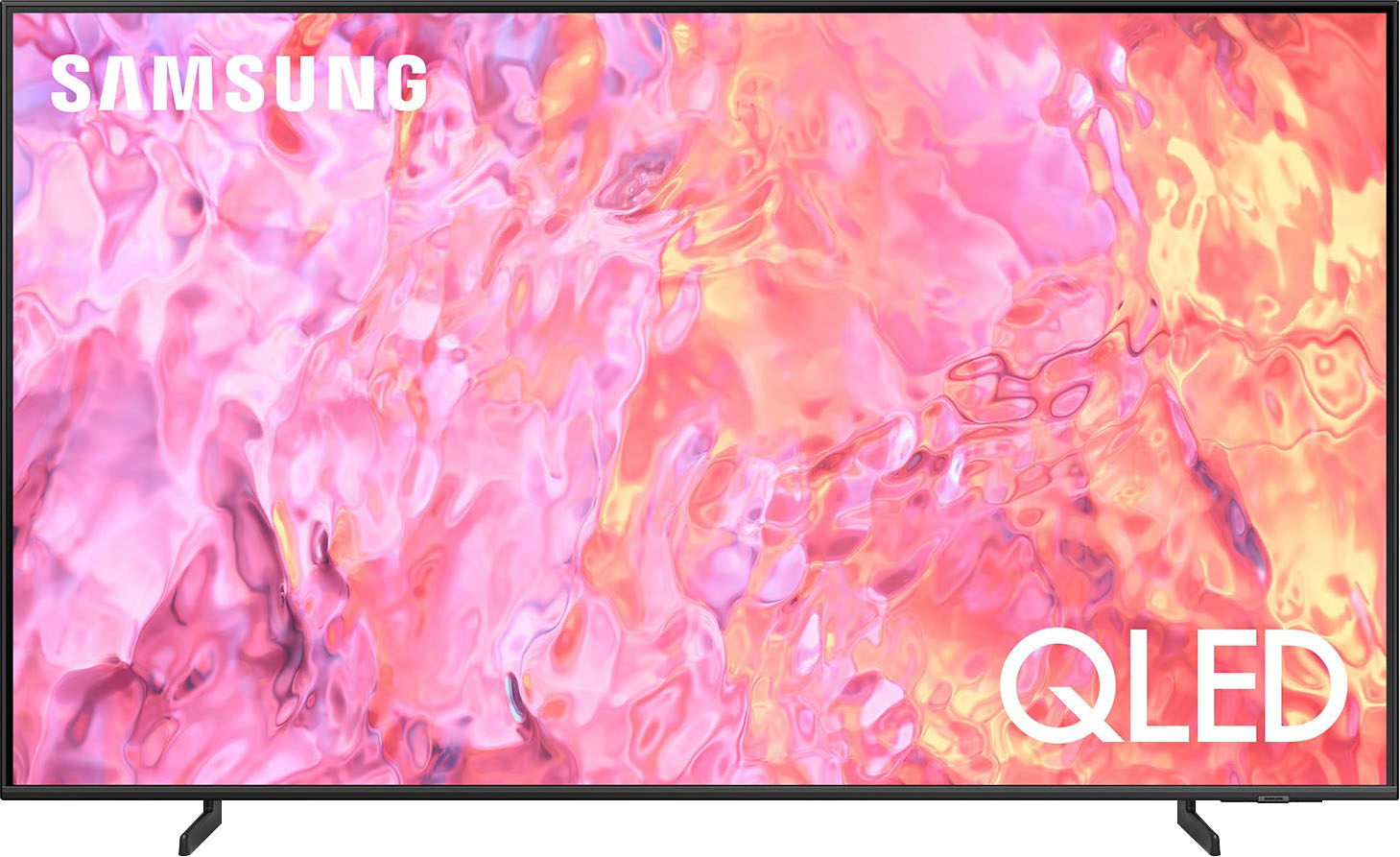
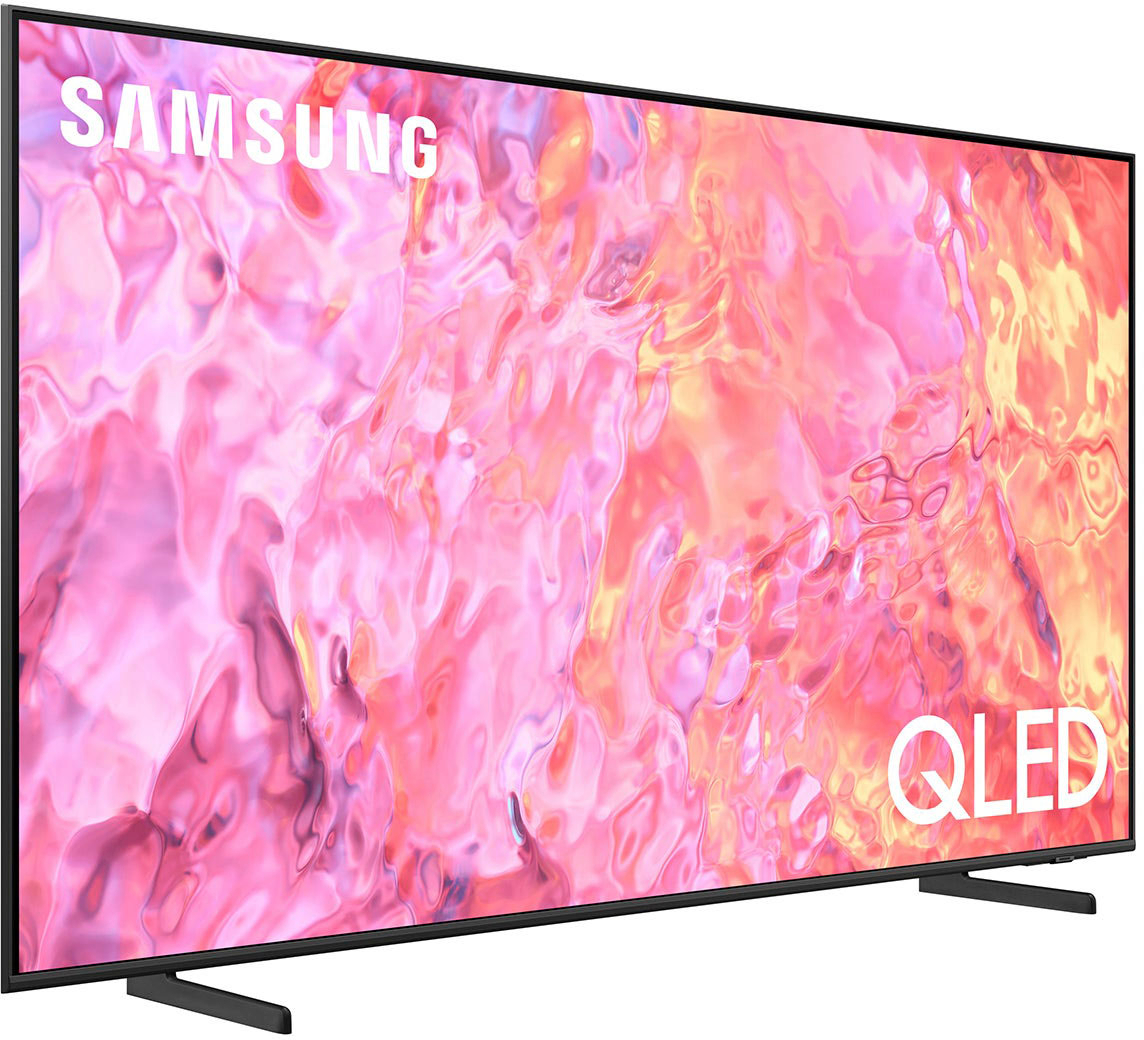
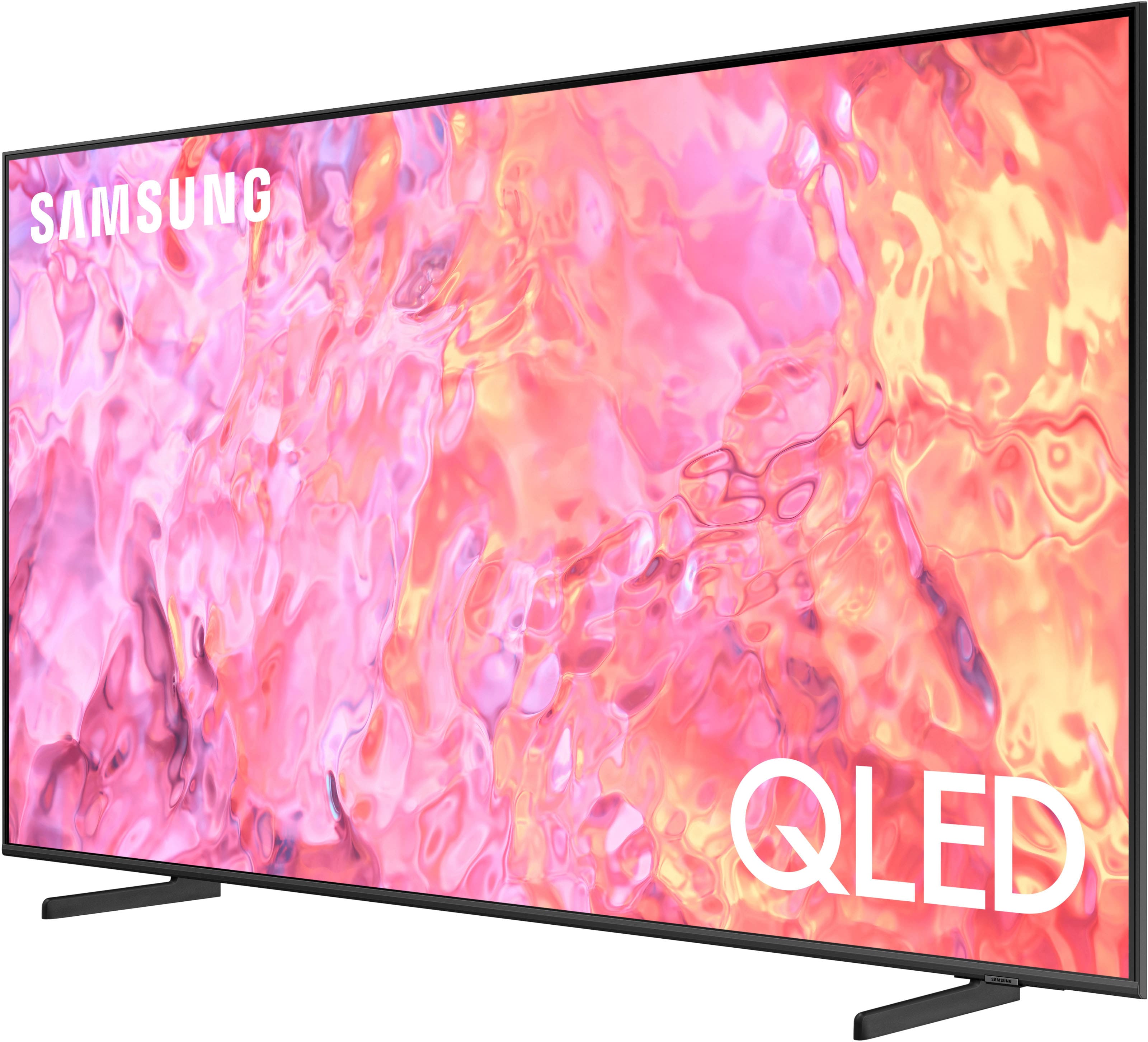




- Model:
- QN65Q60CAFXZA
- SKU:
- 6537375
Rating by feature
- Picture Quality
Rating 4.8 out of 5 stars
- Sound Quality
Rating 4.5 out of 5 stars
- Brightness
Rating 4.8 out of 5 stars
Customers are saying
Customers recognize the outstanding picture quality of the 65" Class Q60C QLED 4K UHD Smart Tizen TV (2023), along with its sleek design that complements any living space. Users also appreciate the easy setup, amazing brightness, and simple connectivity options. The size of the TV is well-suited for many rooms, and the remote control is also a welcomed feature.
This summary was generated by AI based on customer reviews.
- Pros mentioned:Picture quality
samsung tv
Posted .This reviewer received promo considerations or sweepstakes entry for writing a review.excellent color and clarity. would give two thumbs up on this tv
I would recommend this to a friend - Pros mentioned:Picture quality
Qled 65" Samsung 4k tv
Posted .This reviewer received promo considerations or sweepstakes entry for writing a review.This is so far the best tv I ever had Excellent service from best buy
I would recommend this to a friend - Pros mentioned:Picture quality
Perfect Picture Quality and Sound!
Posted .This reviewer received promo considerations or sweepstakes entry for writing a review.This is an awesome TV! This one has ALL the others beat!
I would recommend this to a friend - Pros mentioned:Picture quality
We love it
Posted .This reviewer received promo considerations or sweepstakes entry for writing a review.A top of the line TV. My husband really enjoys watching it.
I would recommend this to a friend - Pros mentioned:Setup ease
TV
Posted .This reviewer received promo considerations or sweepstakes entry for writing a review.Great TV, easy to set up and easy to use the remote.
I would recommend this to a friend - Pros mentioned:Picture quality
Great TV
Posted .This reviewer received promo considerations or sweepstakes entry for writing a review.This is a great tv would buy again in a heartbeat.
I would recommend this to a friend - Pros mentioned:Picture quality
Samsung TV
Posted .This reviewer received promo considerations or sweepstakes entry for writing a review.Excellent TV! Couldn’t be happier with quality of picture.
I would recommend this to a friend - Pros mentioned:Picture quality
?
Posted .This reviewer received promo considerations or sweepstakes entry for writing a review.Easy set up, has a good picture, works well with my surround system
I would recommend this to a friend - Pros mentioned:Picture quality
Worst Purchse - Will Never Buy A Samsung Product
Posted .This reviewer received promo considerations or sweepstakes entry for writing a review.I bought this TV for my other half for her birthday and was really excited to have it. I had looked at it many times, read the reviews all that. Bought it 2 months ago and got it setup. The first month was fine, we only watched shows that were bright and well lit but over the last couple of weeks we started watching normal movies that have nighttime scenes and other movies that are totally dark like Underworld. Well alas, the TV is so dark you just can't see anything and it is completely unwatchable. I contacted support, they sent a technician and he said the TV is fine, it is just how they are made. What? are you serious? So basically as long as I am watching Despicable Me I will have a solid picture but if I deviate from cartoons well then, may not be so great. Samsung will do nothing, so I am stuck with this beast of a TV, out the money and super frustrated. Save yourself some frustration and money and just buy a cheap TCL from Amazon, the picture will be light years better than this one. Also when you look at TVs at places like best buy or others have them put on a dark scene movie so you can see what it will look like, also check in different lit areas so you can get an idea of what the screen will look like in the real world.
No, I would not recommend this to a friendBrand response from Samsung
Posted .DawnD,
Thank you for sharing your thoughts on the picture quality of your Q60C TV. To ensure you’ve got the latest image quality updates, please confirm that your TV is up to date with the latest firmware version. You can check by going to: Home > Menu > Settings > Support > Software Update.
If the picture you’re seeing is still not to your liking after updating firmware, there are several picture settings you may want to try adjusting.
Go to Home > left direction button > Settings > All Settings > Picture > Picture Mode
...and select the mode that best fits your usage:
1. Standard: Is the default mode suitable for general viewing environments
2. Dynamic: Makes the picture brighter and clearer in bright viewing environments
3. Eco: Provided to save energy
4. Movie: Suitable for watching TV or movies in a dark room
5. Filmmaker Mode: Provides source content just as the creators intended. If the image is defined as Filmmaker Mode, it’ll automatically switch to Filmmaker Mode while watching.
If the image is still too dim, please also try disabling some of the TV's energy efficiency functions, as these will automatically adjust your picture and may cause your screen to appear brighter or darker than preferred. Go to: Home > Menu > Settings > All Settings > General & Privacy > Power and Energy Saving > turn off Brightness Optimization, Brightness Reduction, and Motion Lighting
You can also customize the brightness level of your screen between 0 – 50 to your preference. Go to: Home > Menu > Settings > All Settings > Picture > Expert Settings
I hope these tips help improve your experience.
You can always contact us for further assistance at 1-800-SAMSUNG, 8AM - 12AM EST, 7 days a week. Our LiveChat agents are also available by clicking on the ‘Support’ link on our website.
~ Samsung Specialist
Great Store Manager!
Posted .This reviewer received promo considerations or sweepstakes entry for writing a review.Great customer service from the store manager in helping me with this purchase
I would recommend this to a friendNot happy customer
Posted .This reviewer received promo considerations or sweepstakes entry for writing a review.Was not set up properly.I had no picture and had to call cable service for help
I would recommend this to a friendBrand response from Samsung
Posted .DominickV,
I'm sorry to hear of this. We recommend you contact Best Buy Customer Support or your local Best Buy store directly for assistance in correcting this situation. We hope your issue is resolved in a timely manner.
Should you have questions or concerns regarding the usage or setup of your TV once your issue has been resolved, please contact Samsung Customer Support at 1-800-SAMSUNG, 8AM - 12AM EST, 7 days a week. Or visit us on the Samsung website and click on the ‘Support’ link for:
• LiveChat
• Manuals, Software, & Warranty Info
~ Samsung Specialist
Store pickup less than desirable.
Posted .This reviewer received promo considerations or sweepstakes entry for writing a review.Not exactly pleased with the store, picked up my tv at the store (great tv) but they gave me no receipt and no copy of the extended warranty. Not sure how I would ever use the warranty.
I would recommend this to a friendBrand response from Samsung
Posted .user286080,
Thank you for your review. Please know your review is for the Q60C TV itself, not the service provided by Best Buy. You may want to consider providing feedback directly to the Best Buy store where you made your purchase.
Should you ever need help or have questions on your new TV, please reach Samsung Support at 1-800-SAMSUNG, 8AM - 12AM EST, 7 days a week. Or visit us on the Samsung website and click on the ‘Support’ link for:
• LiveChat
• Manuals, Software, & Warranty Info
~ Samsung Specialist
Buyer Beware
Posted .This reviewer received promo considerations or sweepstakes entry for writing a review.Bought this TV on January 7, 2024. Set it up today January 25, 2024. TV has vertical lines on the screen. Best Buy Customer Service told me that the Return/Exchange timeframe had expired! It’s just 14 Days. The Customer Service Rep advised me to contact Samsung for the warranty. This was unbelievable too me! Needless to say Best Buy could be the “worst purchase” decision I’ve ever made. My recommendation is to shop elsewhere!
No, I would not recommend this to a friendBrand response from Samsung
Posted .TMcG,
It’s unfortunate to hear of your experience with Samsung’s Q60C TV. Samsung is committed to providing the best possible product experience, quality, and value. We back this Samsung TV with a 1-year limited manufacturer's warranty, including authorized repair for manufacturer defect, if purchased brand-new directly from an authorized seller. You can see the full details of your warranty here: https://www.samsung.com/us/support/service/warranty/QN65Q60CAFXZA/
Please give us the opportunity to assist you by contacting Samsung Customer Support at 1-800-SAMSUNG, 8AM - 12AM EST, 7 days a week. Our LiveChat agents are also available by clicking on the ‘Support’ link on our website.
~ Samsung Specialist
Samsung TV Not Recommended
Posted .This reviewer received promo considerations or sweepstakes entry for writing a review.This is one of the worst TVs I have ever purchased,. TV shuts off on its own, will not connect to channels and must be reset to turn it on.
No, I would not recommend this to a friendBrand response from Samsung
Posted .user476793,
We appreciate your review of Samsung’s Q60C TV. So we can better understand the issues you’re experiencing and provide you with troubleshooting assistance, please reach out to Samsung Customer Support at 1-800-SAMSUNG, 8AM - 12AM EST, 7 days a week. Our LiveChat agents are also available by clicking on the ‘Support’ link on our website.
~ Samsung Specialist