Customer Ratings & Reviews
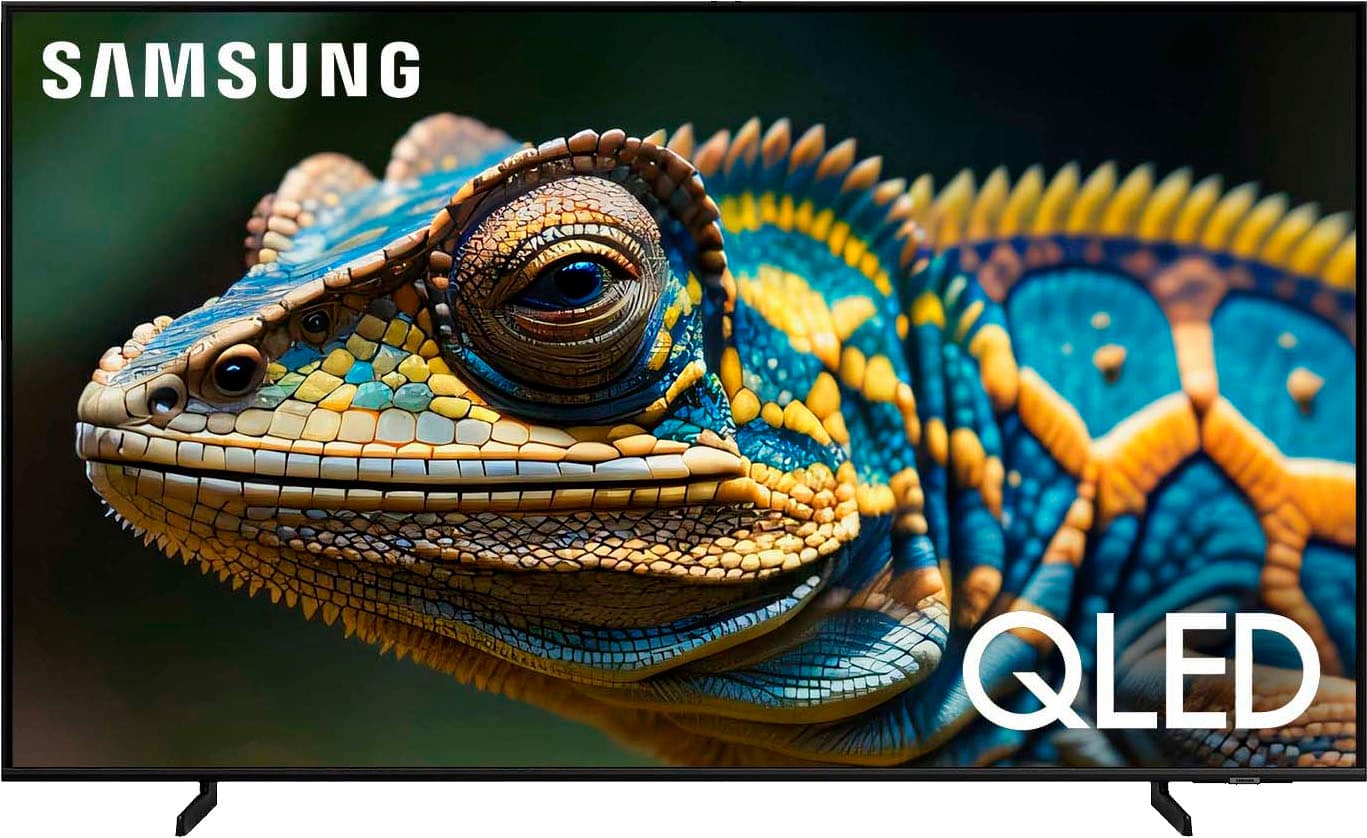
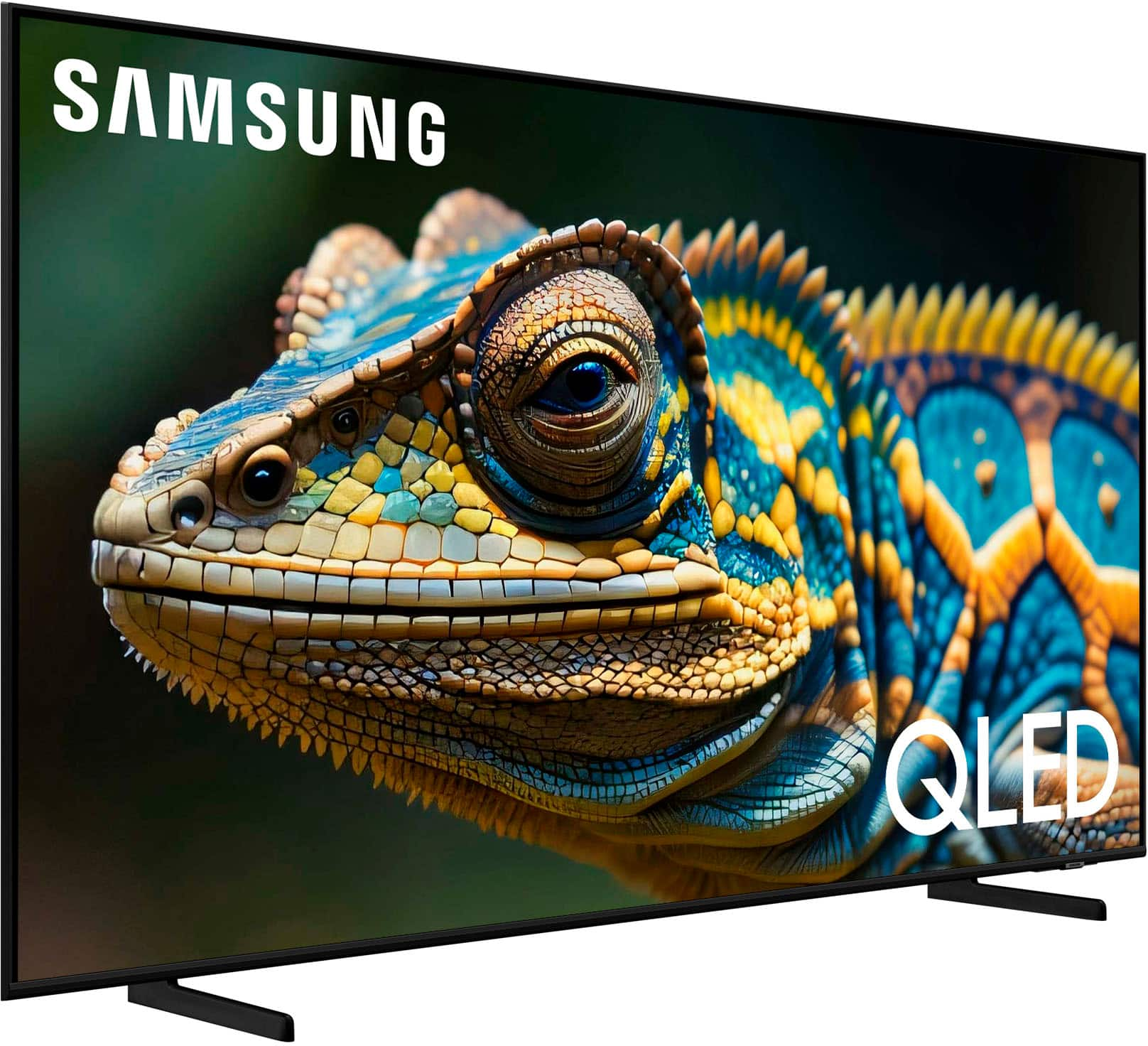
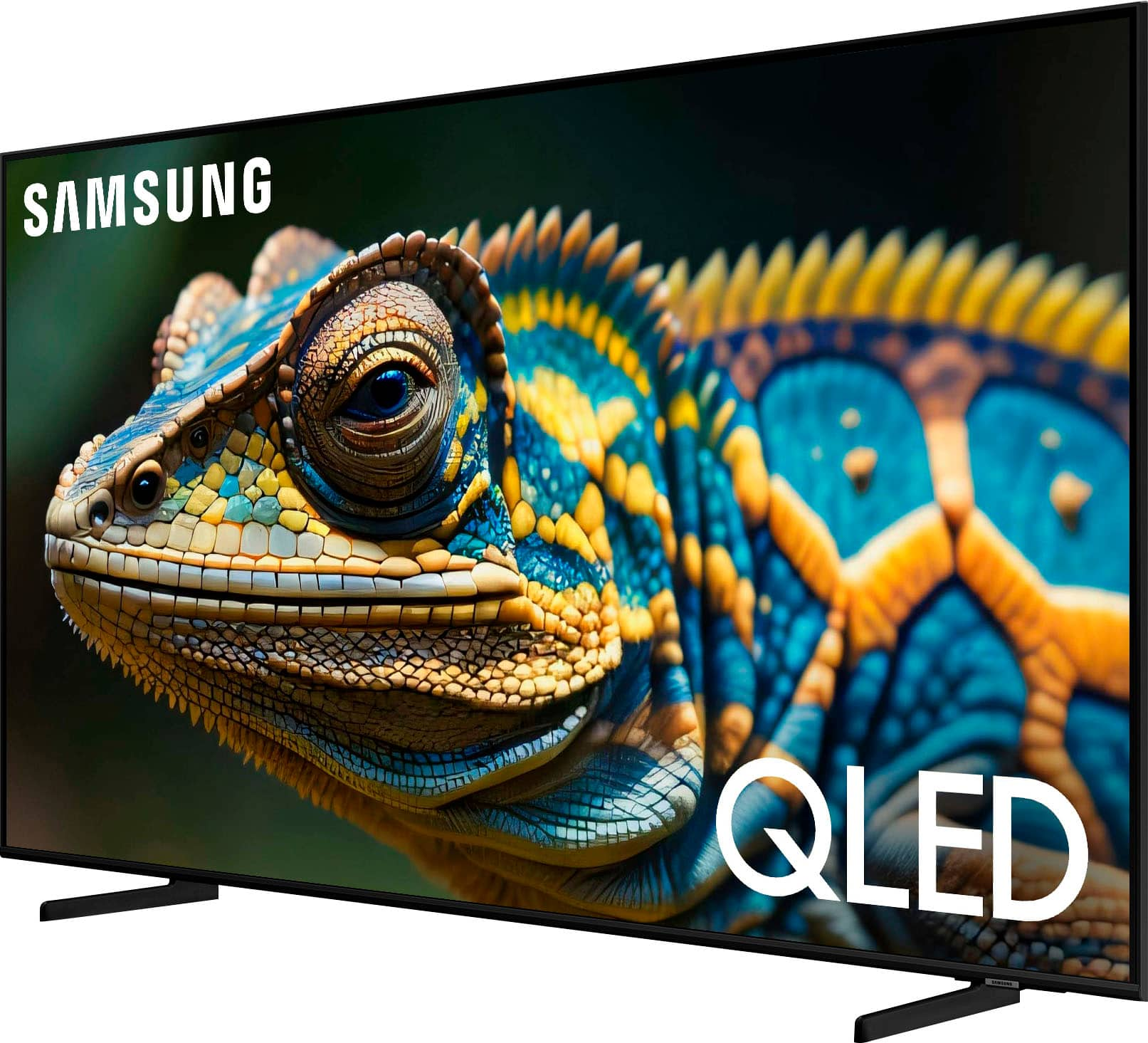
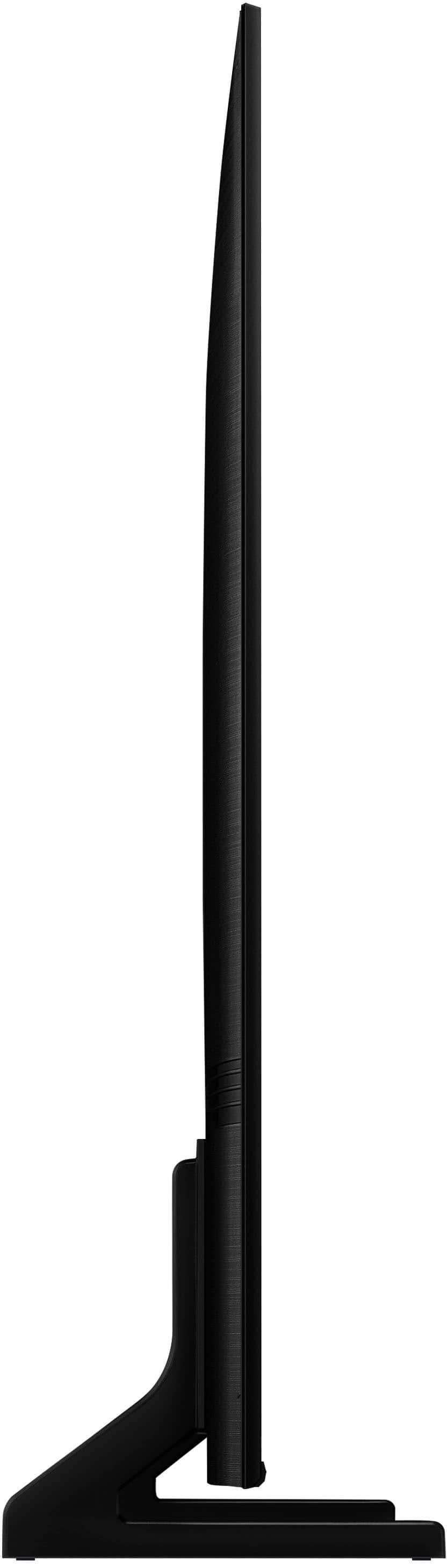






- Model:
- QN65Q60DAFXZA
- SKU:
- 10362550
Rating by feature
- Picture Quality
Rating 4.7 out of 5 stars
- Sound Quality
Rating 4.5 out of 5 stars
- Brightness
Rating 4.7 out of 5 stars
to a friend
I love Best Buy tvs
||Posted . Owned for 3 weeks when reviewed.This reviewer received promo considerations or sweepstakes entry for writing a review.Very nice quality price was fair I feel like I will buying more tvs from Best Buy in the future
I would recommend this to a friendTv
||Posted . Owned for 3 months when reviewed.This reviewer received promo considerations or sweepstakes entry for writing a review.Excellent inversión magnífico televisor súper rápido
I would recommend this to a friendSAMSUNG QLED TV
||Posted . Owned for 1 week when reviewed.This reviewer received promo considerations or sweepstakes entry for writing a review.excellent service by our sales person since the start to the end of purchase
I would recommend this to a friendTV
||Posted . Owned for 3 weeks when reviewed.This reviewer received promo considerations or sweepstakes entry for writing a review.Luck of picture resize ability. remote control to small
I would recommend this to a friendNice tv
||Posted . Owned for 1 month when reviewed.This reviewer received promo considerations or sweepstakes entry for writing a review.Very good TV and good resolution apart from good design
I would recommend this to a friendNew tv
||Posted . Owned for 1 month when reviewed.This reviewer received promo considerations or sweepstakes entry for writing a review.Everything is great with the tv, the sound could be a little better.
I would recommend this to a friendGreat tv
||Posted . Owned for 1 month when reviewed.This reviewer received promo considerations or sweepstakes entry for writing a review.Geat choice on my tv from best buy, thanks to best buy credit.
I would recommend this to a friendSamsung
||Posted . Owned for 1 month when reviewed.This reviewer received promo considerations or sweepstakes entry for writing a review.Geek squad did a great job. Efficient and thorough
I would recommend this to a friendtv
||Posted . Owned for 1 month when reviewed.This reviewer received promo considerations or sweepstakes entry for writing a review.works although a lot of stuff to go through to figure it all out
I would recommend this to a friendNot for Older shows poor quality picture
||Posted .This reviewer received promo considerations or sweepstakes entry for writing a review.We replaced our older Samsung that we bought for the Patriots vs Falcons Superbowl in 2017. When moving it was damaged and the corner black spot started spreading, Unfortunately this does not even come close to the clarity of the old UN65MU8000 on the older shows. Tried messing around with the sharpness, brightness and all that but no luck. Also don't like how when I try to change settings, it just goes to the home screen so I ant really see the picture I was watching/trying to adjust. Having all the streaming features and what not is great and the quick buttons for Netflix and Disney on the remote is a good feature, but I buy a tv to watch a crisp clear picture. hopefully I'll get used to it. Also the sound is very poor compared to the older tv, kind of forces you to buy a sound bar.
No, I would not recommend this to a friendBrand response from Samsung
Posted .JerC,
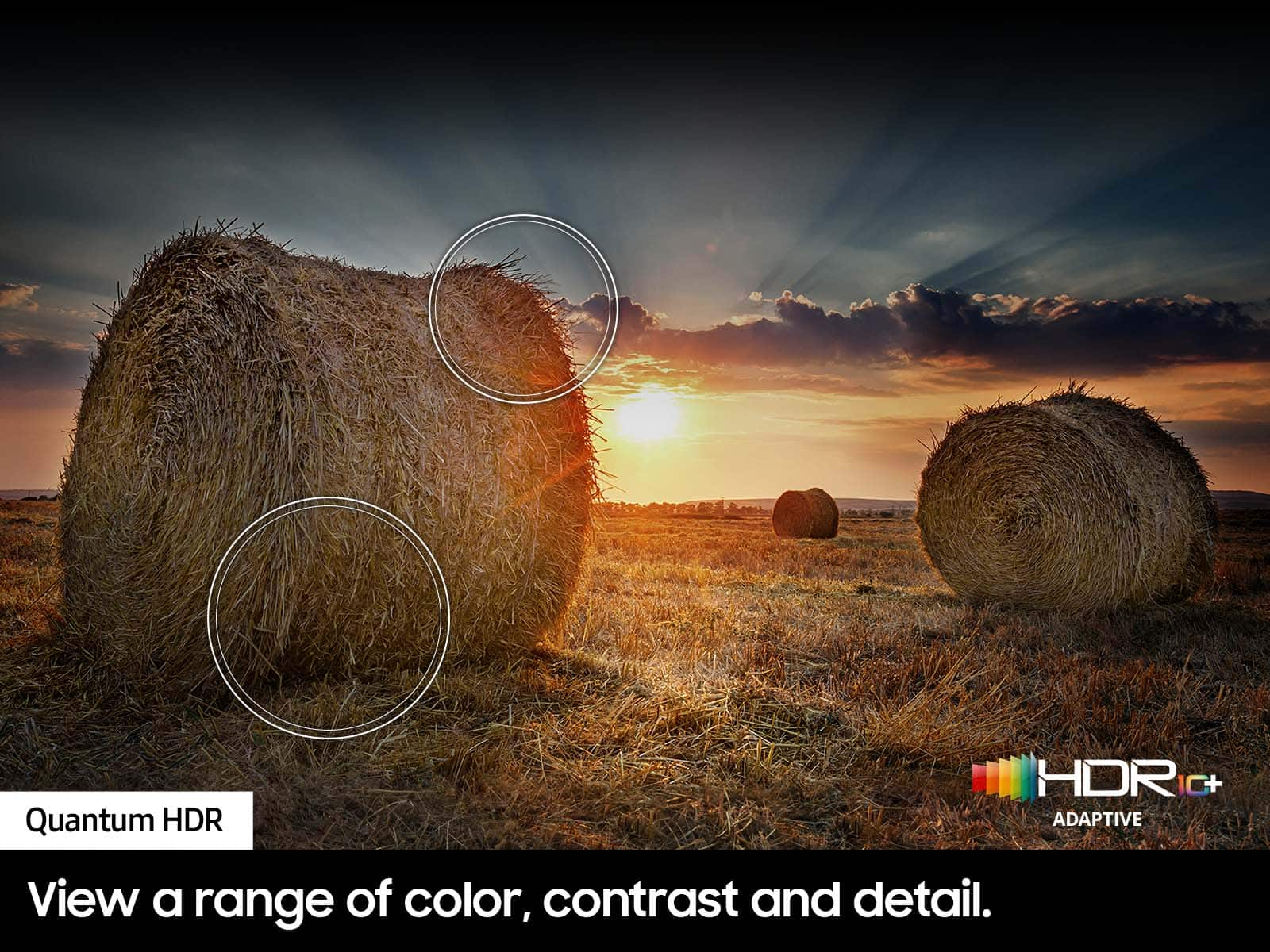
Thank you for sharing your thoughts on your Q60D TV’s image quality. The TV will upscale as best as possible any content sent to it. The closer your content is to 4K, the better the image will look on the screen.
Here are some tips to help improve the picture clarity:
1) HDMI cables are recommended for optimal HD viewing.
2) If you have an analog cable box or satellite box, upgrade to a digital cable box or satellite box.
3) Change the output resolution of your devices, such as digital broadcast receiver, IPTV, and set-top box to UHD or HD.
4) You can further adjust your sharpness, brightness, contrast, color, and more by going to Menu > Settings > All Settings > Picture > Expert Settings
5) Choose a Picture Mode by going to Menu > Settings > All Settings > Picture > Picture Mode and choose from Dynamic, Movie, or Filmmaker Mode.
Please know you can quickly access your TV Settings by pressing the Settings/Number/Color button (below the power button) on your remote. Here’s how to use it:
1. Press the Settings/Number/Color button on your remote.
2. Press the UP directional button on your remote. When you press this button, the Settings menu/Virtual number pad/Color pad are displayed.
3. From the Settings menu, you can quickly set the options of your frequently used functions. For advanced settings, select All Settings.
If we can help with anything else, please call us at 1-800-SAMSUNG, 8AM - 12AM EST, 7 days a week. LiveChat with an agent as well as manuals, software, and warranty info can be found at the ‘Support’ link on our Samsung website.
~ Samsung Specialist
All good!
||Posted . Owned for 3 weeks when reviewed.This reviewer received promo considerations or sweepstakes entry for writing a review.Patient staff and the TV was delivered as promised!
I would recommend this to a friendMachine experts
||Posted . Owned for 3 weeks when reviewed.This reviewer received promo considerations or sweepstakes entry for writing a review.Not good for price but good for money you pay next time just get OLED
No, I would not recommend this to a friendSamsung 65” QLED television is a waste of money.
||Posted . Owned for less than 1 week when reviewed.This reviewer received promo considerations or sweepstakes entry for writing a review.I don’t recommend the Samsung QN65Q60DAFX. It is extremely difficult to use. The small remote does not have a number keypad. There is no instruction book. The remote is not compatible with a cable box, so you have to use 2 remotes. The sound quality is poor. Need to have volume at 60. This TV is made for streaming and the menu is an absolute mess. DI NOT BUY THIS SAMSUNG TV.
No, I would not recommend this to a friendBrand response from Samsung
Posted .DoNotBuy,
We appreciate you sharing your user experience. To assist in learning the various functions, please know you can download the Q60D TV's User Manual, e-Manual, Remote Control Leaflet, and Quick Setup Guide on Samsung's website under Support > Manuals & Software > TVs & Home Theater. You can search for and select the Q60D TV to download the guides you would like.
The e-Manual and Remote Guide are both also embedded into your TV itself under Menu > Settings > Support > Open e-Manual.
. To ensure you’ve got the latest sound quality updates, please confirm that your TV is up to date with the latest firmware version. You can check by going to: Home > Menu > Settings > Support > Software Update.
If the sound is still not to your liking after updating firmware, there are several sound settings you can adjust to suit your personal preferences.
• Sound Modes may better meet your personal preferences. Go to: Menu > Settings > All Settings > Sound > Sound Mode, or Expert Settings to fine-tune and customize your sound.
• Adaptive Sound will also further optimize sound quality by analyzing the viewing space and the acoustic components of the content. Go to: Menu > Settings > All Settings > General & Privacy > Intelligent Mode Settings.
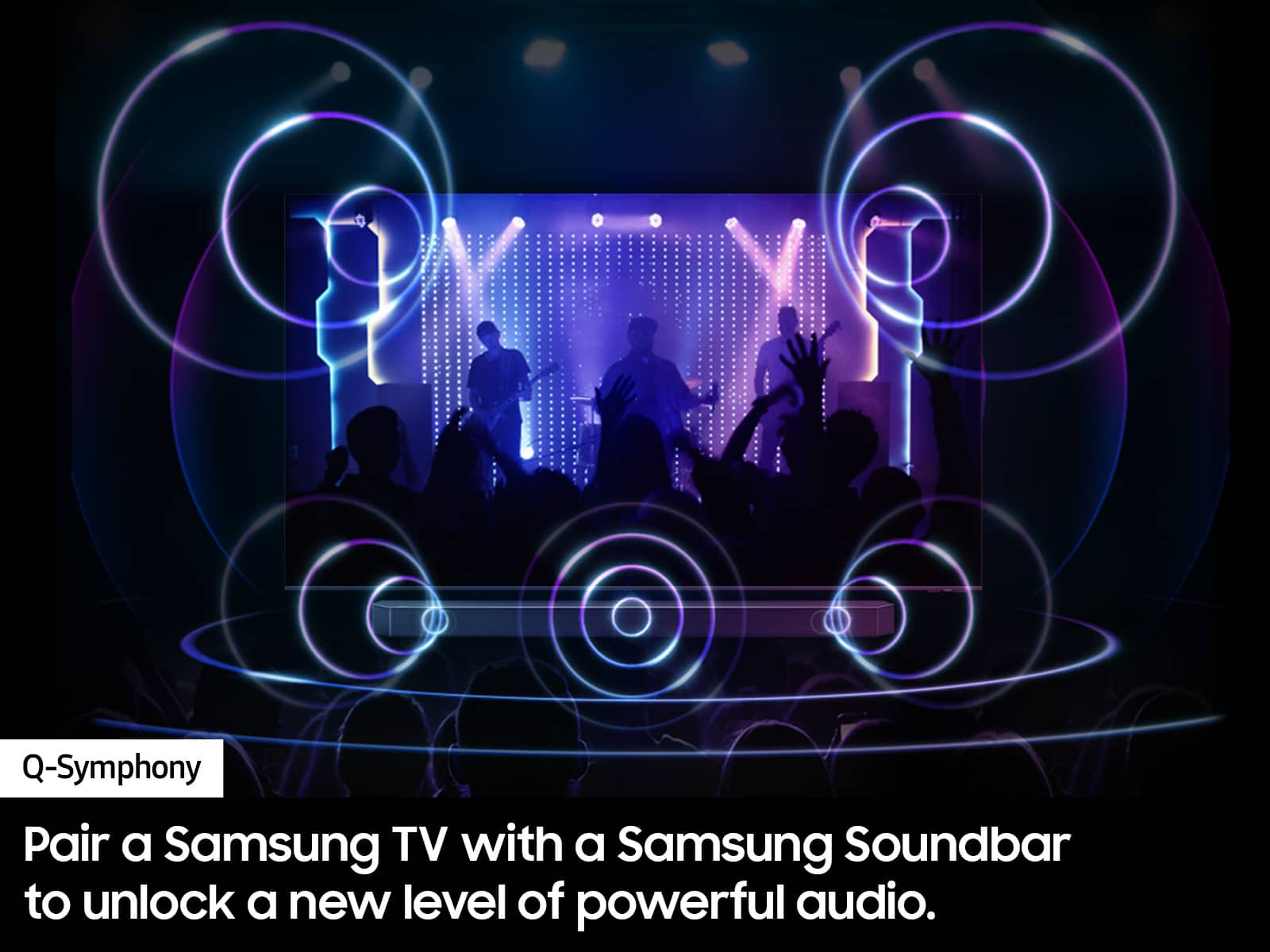
Should you choose to add a Samsung Soundbar to your TV, please know that our Q-Series Soundbars (such as the HW-Q600C) feature Q-Symphony which will synchronize with the speakers of your TV for an immersive 3D sound experience.
To assist you with possible sound settings adjustments for a better audio experience or choosing a Samsung Soundbar to complement your viewing enjoyment, please reach out to us at 1-800-SAMSUNG, 8 AM - 12 AM EST, seven days a week.
~ Samsung Specialist
Needs better sound quality
||Posted .This reviewer received promo considerations or sweepstakes entry for writing a review.This tv is good for people that dont have a lot of noise in their home. Sound quality could be better. But over all a good tv
I would recommend this to a friendBrand response from Samsung
Posted .StephanieC,
Thank you for purchasing Samsung's Q60D TV and for your feedback on the sound. To ensure you’ve got the latest sound quality updates, please confirm that your TV is up to date with the latest firmware version. You can check by going to: Home > Menu > Settings > Support > Software Update.
If the sound is still not to your liking after updating firmware, there are several sound settings you can adjust to suit your personal preferences.
• Sound Modes may better meet your personal preferences. Go to: Menu > Settings > All Settings > Sound > Sound Mode, or Expert Settings to fine-tune and customize your sound.
• Adaptive Sound will also further optimize sound quality by analyzing the viewing space and the acoustic components of the content. Go to: Menu > Settings > All Settings > General & Privacy > Intelligent Mode Settings.
Should you choose to add a Samsung Soundbar to your TV, please know that our Q-Series Soundbars (such as the HW-Q600C) feature Q-Symphony which will synchronize with the speakers of your TV for an immersive 3D sound experience.
To assist you with possible sound settings adjustments for a better audio experience or choosing a Samsung Soundbar to complement your viewing enjoyment, please reach out to us at 1-800-SAMSUNG, 8 AM - 12 AM EST, seven days a week.
~ Samsung Specialist
Is it defective?
||Posted . Owned for 1 month when reviewed.This reviewer received promo considerations or sweepstakes entry for writing a review.Volume has be turned up in the 40s to hear my previous Samsung had much better volume. Is there a problem with volume sometimes have to almost go to max area of control?
No, I would not recommend this to a friendBrand response from Samsung
Posted .DaleB,
Thank you for purchasing Samsung's Q60D TV and for your feedback on the sound. To ensure you’ve got the latest sound quality updates, please confirm that your TV is up to date with the latest firmware version. You can check by going to: Home > Menu > Settings > Support > Software Update.
If the sound is still not to your liking after updating firmware, there are several sound settings you can adjust to suit your personal preferences.
• Sound Modes may better meet your personal preferences. Go to: Menu > Settings > All Settings > Sound > Sound Mode, or Expert Settings to fine-tune and customize your sound.
• Adaptive Sound will also further optimize sound quality by analyzing the viewing space and the acoustic components of the content. Go to: Menu > Settings > All Settings > General & Privacy > Intelligent Mode Settings.
Should you choose to add a Samsung Soundbar to your TV, please know that our Q-Series Soundbars (such as the HW-Q600C) feature Q-Symphony which will synchronize with the speakers of your TV for an immersive 3D sound experience.
To assist you with possible sound settings adjustments for a better audio experience or choosing a Samsung Soundbar to complement your viewing enjoyment, please reach out to us at 1-800-SAMSUNG, 8 AM - 12 AM EST, seven days a week.
~ Samsung Specialist
Samsung Q60D Speakers are Very BAD
||Posted . Owned for 3 weeks when reviewed.This reviewer received promo considerations or sweepstakes entry for writing a review.Coming from a 2012 high end Samsung TV with a bad power supply, we didn’t want to purchase a low end unit. Decided on the Q60D hoping this was a good mid-range unit. The Video is fine, not great, not bad. Unfortunately, the sound from the internal speakers is very bad. It sounds like you’re listening through a tin can or something. Going to need a sound bar or something, just a shame that it’s necessary and not just a nice to have.
No, I would not recommend this to a friendBrand response from Samsung
Posted .JasonC,
Thank you for purchasing Samsung's Q60D TV and for your feedback on the sound. To ensure you’ve got the latest sound quality updates, please confirm that your TV is up to date with the latest firmware version. You can check by going to: Home > Menu > Settings > Support > Software Update.
If the sound is still not to your liking after updating firmware, there are several sound settings you can adjust to suit your personal preferences.
• Sound Modes may better meet your personal preferences. Go to: Menu > Settings > All Settings > Sound > Sound Mode, or Expert Settings to fine-tune and customize your sound.
• Adaptive Sound will also further optimize sound quality by analyzing the viewing space and the acoustic components of the content. Go to: Menu > Settings > All Settings > General & Privacy > Intelligent Mode Settings.
Should you choose to add a Samsung Soundbar to your TV, please know that our Q-Series Soundbars (such as the HW-Q600C) feature Q-Symphony which will synchronize with the speakers of your TV for an immersive 3D sound experience.
To assist you with possible sound settings adjustments for a better audio experience or choosing a Samsung Soundbar to complement your viewing enjoyment, please reach out to us at 1-800-SAMSUNG, 8 AM - 12 AM EST, seven days a week.
~ Samsung Specialist
Dont get
||Posted . Owned for 11 months when reviewed.This reviewer received promo considerations or sweepstakes entry for writing a review.Will never go with samsung tvs again, overpriced, and quality is horrible.
No, I would not recommend this to a friendDisappointed
||Posted . Owned for 1 month when reviewed.This reviewer received promo considerations or sweepstakes entry for writing a review.Picture quality not as good as promoted. Disappointing
No, I would not recommend this to a friendBrand response from Samsung
Posted .Hi Disappointed,
We appreciate your thoughts on the picture quality of Samsung’s Q60D TV. If the image you’re seeing isn’t to your liking, there are several picture settings you may want to adjust.
Go to Home > left direction button > Settings > All Settings > Picture > Picture Mode
...and select the mode that best fits your usage:
1. Standard: Is the default mode suitable for general viewing environments
2. Dynamic: Makes the picture brighter and clearer in bright viewing environments
3. Eco: Provided to save energy
4. Movie: Suitable for watching TV or movies in a dark room
5. Filmmaker Mode: Provides source content just as the creators intended. If the image is defined as Filmmaker Mode, it’ll automatically switch to Filmmaker Mode while watching.
You can also fine-tune your picture with expert settings such as brightness, contrast, sharpness and more (All Settings > Picture > Expert Settings).
For further assistance with settings adjustments, please contact Samsung Customer Support at 1-800-SAMSUNG, 8AM - 12AM EST, 7 days a week. Or visit us on the Samsung website and click on the ‘Support’ link for:
• LiveChat
• Manuals, Software, & Warranty Info
~ Samsung Specialist
Remot too small
||Posted . Owned for 3 weeks when reviewed.This reviewer received promo considerations or sweepstakes entry for writing a review.The remote is too small and needs a close-up caption button. The up,down,left,right buttons are too small for adult finfers
I would recommend this to a friendBrand response from Samsung
Posted .JamesW,
We appreciate you sharing your experience. To assist you in the learning the various features, functions, and settings of the remote, you can download the Solar Cell Remote Guide directly from Samsung’s website under ‘Support’ (top right corner) > Manuals & Software > TVs & Home Theater. From there, you can select the Q60D under QLED 4K TVs > D Model Lineup.
The Remote Guide is also embedded into your TV itself under Menu > Settings > Support.
If you need more help, Samsung is here for you. Please call us at 1-800-SAMSUNG, 8AM - 12AM EST, 7 days a week. Our LiveChat agents are also available by clicking on the ‘Support’ link on our website.
~ Samsung Specialist
Great TV until it wasn't
||Posted . Owned for 3 months when reviewed.This reviewer received promo considerations or sweepstakes entry for writing a review.Needs a sound bar to sound good. Bought this TV 3 months ago, with the 2 year geek squad plan. This WAS the best TV I've ever had......until last week. Without warning, the TV wouldn't turn on. Called Best Buy (with my 2 year plan), "It's under warranty, call Samsung." Gee thanks. Called Samsung, gave them pictures and details. You need service. Scheduled service. Samsung cancels appointment because they need to order a part. Scheduled new service, They come out. Tried to turn on the TV, and it wouldn't turn on. NO KIDDING! We need to order a new part. NO KIDDING! Now they are scheduling a new appointment. 3 days off of work, 2 weeks without a TV. Never again Samsung, and most likely never again Best Buy. We are 0 for 2 on our last two purchases with you guys.
No, I would not recommend this to a friendBrand response from Samsung
Posted .JeffW,
It’s unfortunate to hear of the issues you’re experiencing with your Q60D TV, and we greatly appreciate your patience while waiting for your service appointment.
Should you have any questions after your service is complete, Samsung is here for you. Call us at 1-800-SAMSUNG, 8AM - 12AM EST, 7 days a week. Our LiveChat agents are also available by clicking on the ‘Support’ link on our website.
~ Samsung Specialist