Customer Ratings & Reviews
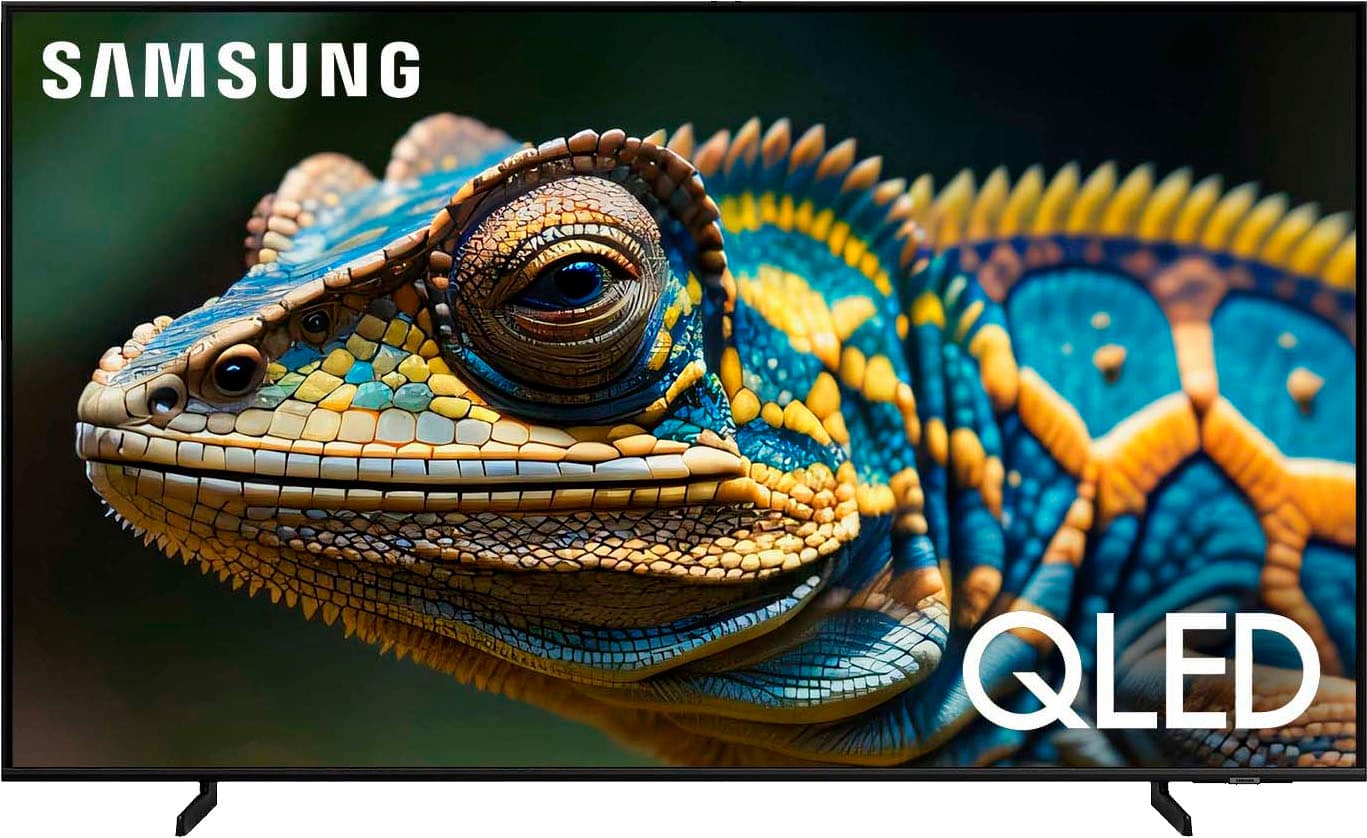
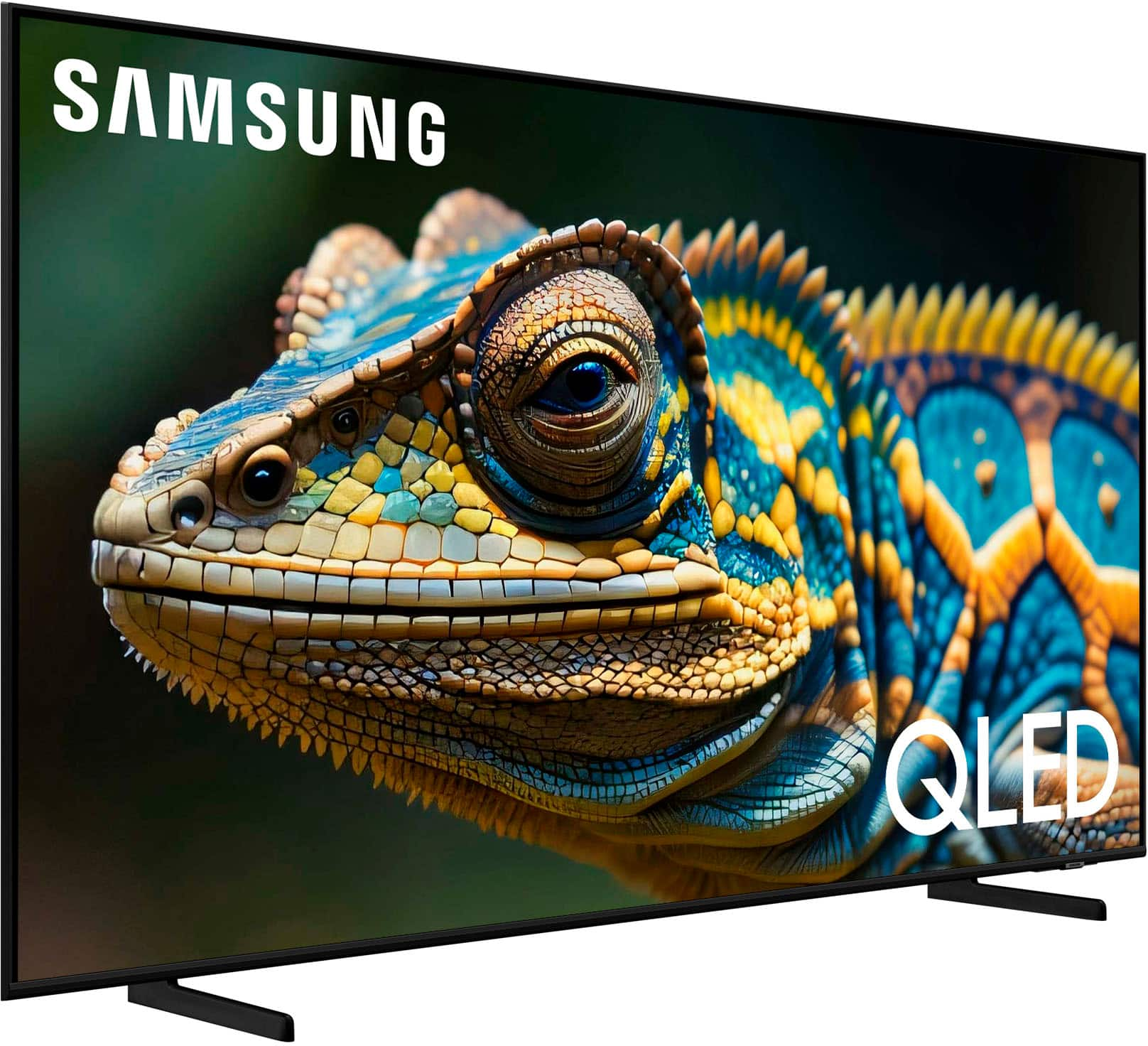
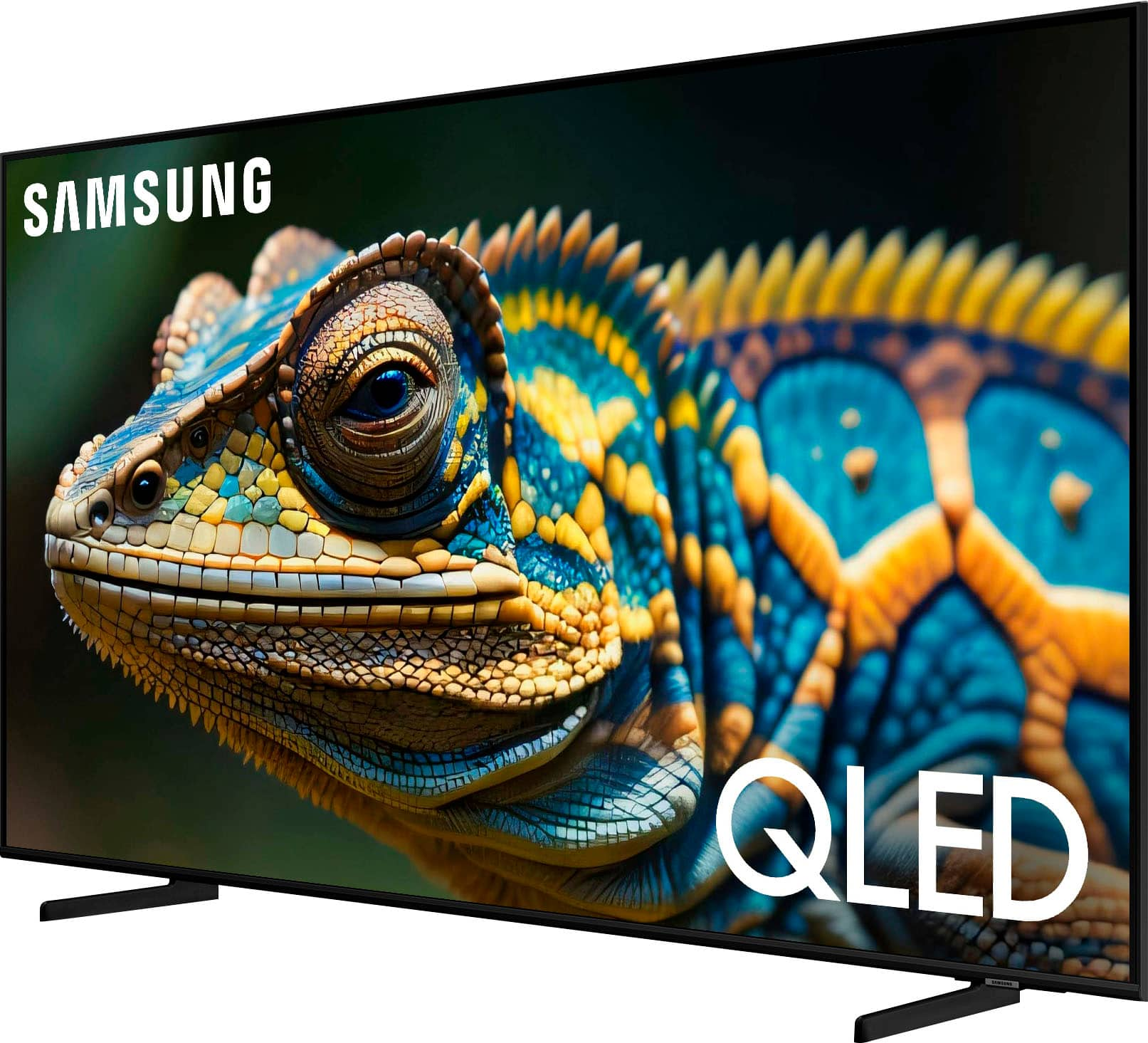
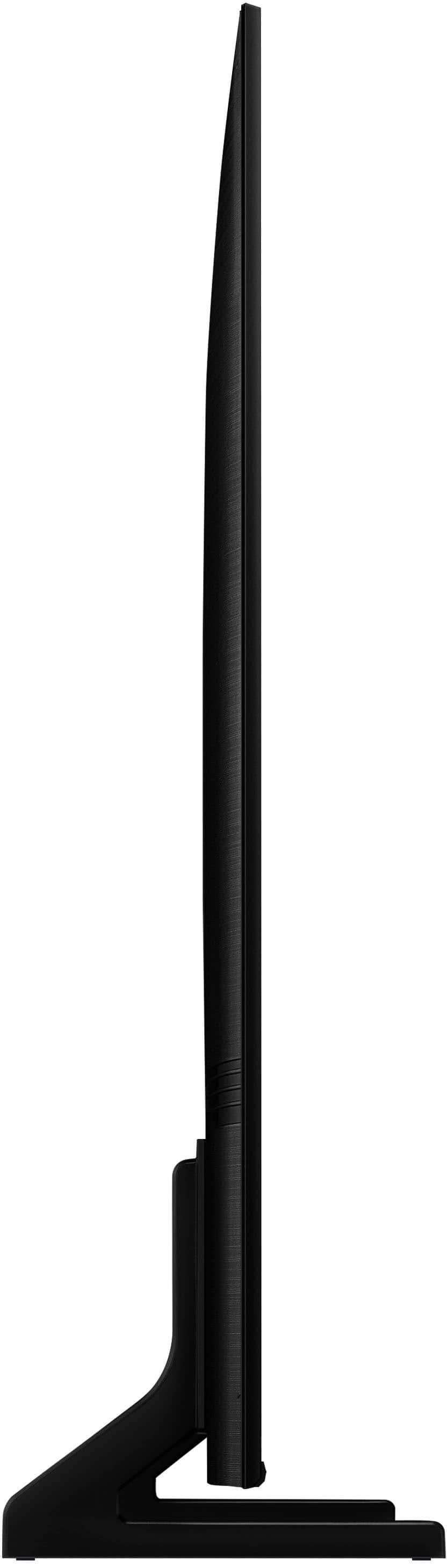
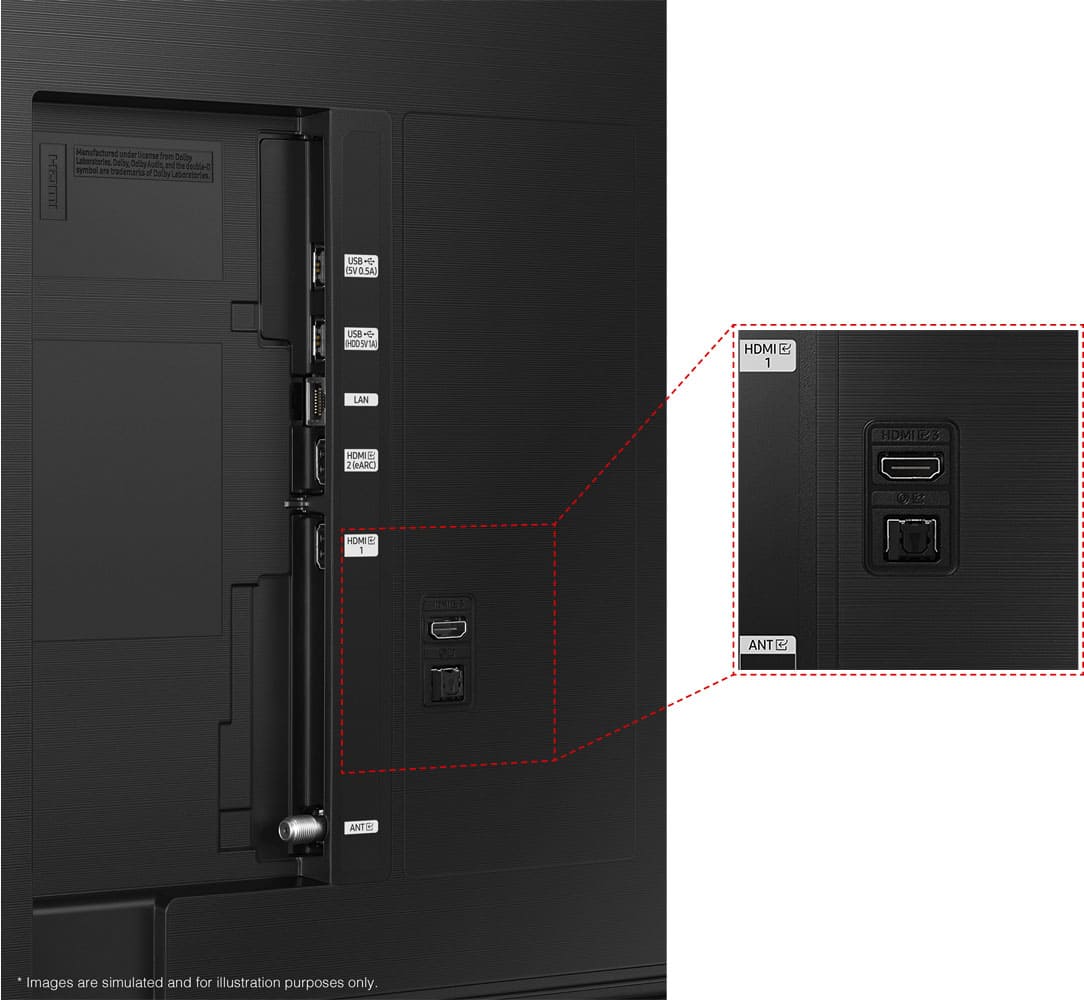
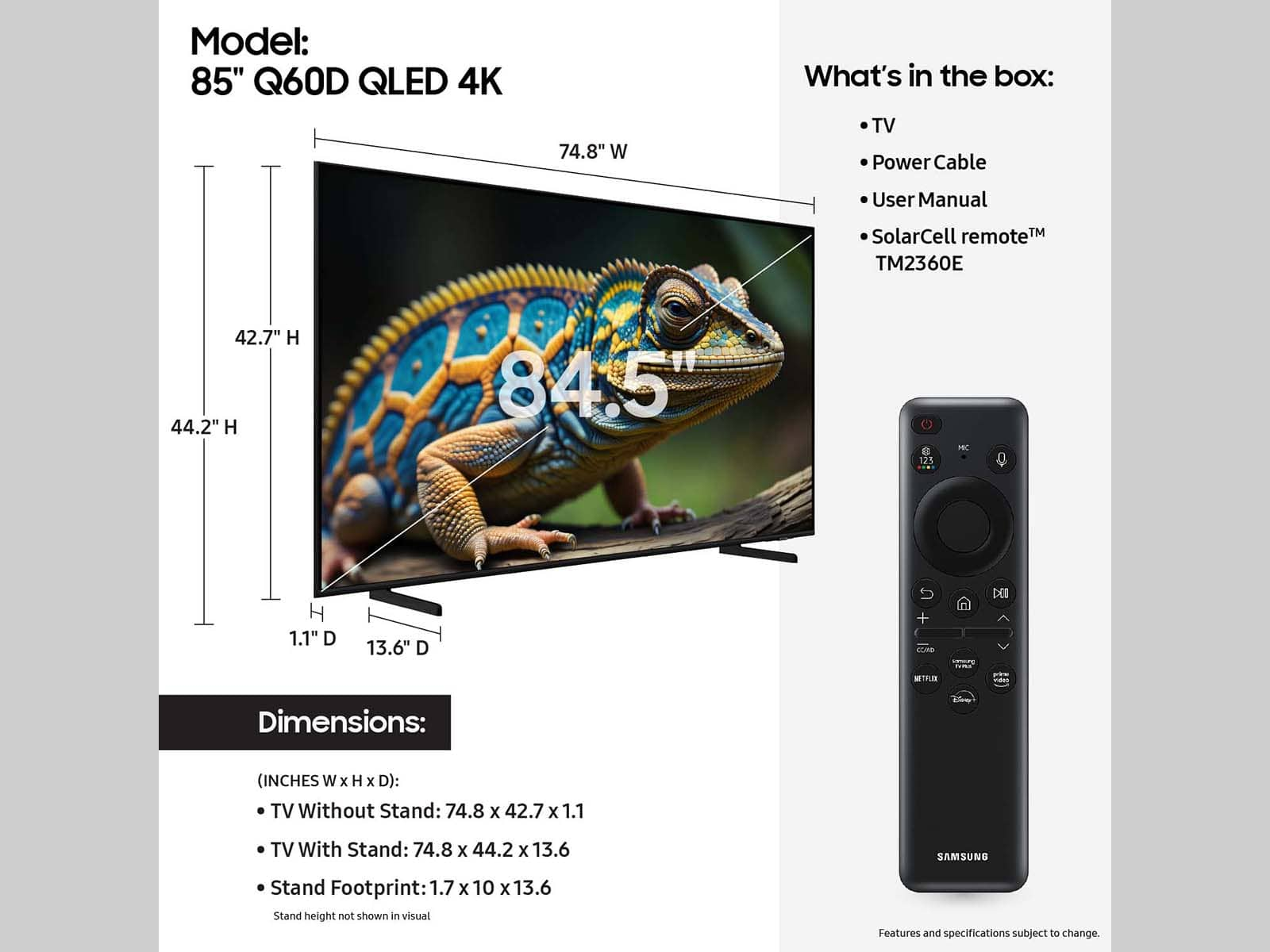





- Model:
- QN65Q60DAFXZA
- SKU:
- 10413036
Rating by feature
- Picture Quality
Rating 4.7 out of 5 stars
- Sound Quality
Rating 4.5 out of 5 stars
- Brightness
Rating 4.7 out of 5 stars
to a friend
disappointed
||Posted . Owned for 3 weeks when reviewed.This reviewer received promo considerations or sweepstakes entry for writing a review.no manual. difficult to turn off, how do get help?
No, I would not recommend this to a friendBrand response from Samsung
Posted .ThomasC,
We appreciate you sharing your experience with your TV. To assist you in learning the various features, functions, and settings of your Q60D TV and remote, you can download the Q60D TV's User Manual, e-Manual, Remote Control Leaflet, and Quick Setup Guide on Samsung's website under ‘Support’ (top right corner) > Manuals & Software > TVs & Home Theater. From there, you can select the Q60D TV under QLED 4K TVs > D Model Lineup to download the guides you would like.
The e-Manual and Remote Guide are both also embedded into the TV itself under Menu > Settings > Support
If you need more help, Samsung is here for you. Please call us at 1-800-SAMSUNG, 8AM - 12AM EST, 7 days a week. Our LiveChat agents are also available by clicking on the ‘Support’ link on our website.
~ Samsung Specialist
Deplorable service continues at Reynoldsburg OH!
||Posted . Owned for 2 weeks when reviewed.This reviewer received promo considerations or sweepstakes entry for writing a review.This is another Best Buy purchase during the 2024 Holiday season at the Reynoldsburg Ohio Best Buy Store, and the lies by salespersons and after purchase service by store management, continues to be deplorable. The Only reason we shopped at BB is because my BB Total Member annual fee was paid in 11-2024 and is non-refundable. I do not plan to renew this annual membership going forward, and therefore will not be shopping at BB after my current membership expires.
I would recommend this to a friendBrand response from Samsung
Posted .Sharon,
Please know you are leaving a review and 1-star rating for the Q60D TV, but we are sorry to hear of your Best Buy experience, nonetheless. You may want to consider providing feedback directly to the Best Buy store where you made your purchase.
Should you have questions on the Q60D TV itself, Samsung is here for you. You can reach us at 1-800-SAMSUNG, 8AM - 12AM EST, 7 days a week. Our LiveChat agents are also available by clicking on the ‘Support’ link on our website.
~ Samsung Specialist
Best Buy sucks
||Posted . Owned for 2 weeks when reviewed.This reviewer received promo considerations or sweepstakes entry for writing a review.I received this tv damaged 3 different times. Best Buy was not helpful whatsoever and it took weeks to finally get a new tv. Ended up going with an lg which is not what I wanted. I won’t be purchasing anything at Best Buy again solely based off my experience on how they handled this situation.
No, I would not recommend this to a friendBrand response from Samsung
Posted .GaryT,
It’s unfortunate to hear of the issues that have caused you to return your TV. Your experience is very important to us and will be shared with our product team.
Should you ever decide to give Samsung TVs another try and have questions or need help with settings, setup, or features, please know we’re here to help. Call us at 1-800-SAMSUNG, 8AM - 12AM EST, 7 days a week.
LiveChat with an agent as well as manuals, software, and warranty info can be found at the ‘Support’ link on our Samsung website.
We hope to regain you as a customer in the future.
~ Samsung Specialist
TV issues
||Posted . Owned for 3 weeks when reviewed.This reviewer received promo considerations or sweepstakes entry for writing a review.tv broken= only half of screen worked after out of box
No, I would not recommend this to a friendBrand response from Samsung
Posted .Rosz,
We appreciate you sharing your experience; however, we recommend you contact Best Buy directly for assistance in correcting this situation. We hope your issue is resolved in a timely manner.
You may also want to consider providing feedback directly to the Best Buy store where you made your purchase.
Should you have any questions or need help with your TV once your issue has been resolved, please reach Samsung Support at 1-800-SAMSUNG, 8AM - 12AM EST, 7 days a week. Our LiveChat agents are also available by clicking on the ‘Support’ link on our website.
~ Samsung Specialist
Wasted time
||Posted . Owned for 4 months when reviewed.This reviewer received promo considerations or sweepstakes entry for writing a review.ordered on dec 2, scheduled delivery on Dec 22. Called multiple times that day as I was never notified of the delivery window. Kept being told that it was coming, just wait. No on ever showed. called next day and was told "oops, sorry" best we can do in Jan 2. I canceled the order, Soon as I canceled, TV price went up 1000$, coincidence?
No, I would not recommend this to a friendBrand response from Samsung
Posted .Hi JamesS,
Please know you are leaving a review and 1-star rating for the Q60D TV, but we are sorry to hear of your Best Buy experience, nonetheless. You may want to consider providing feedback directly to the Best Buy store where you made your purchase.
Should you have questions on Samsung TVs, Samsung is here for you. You can reach us at 1-800-SAMSUNG, 8AM - 12AM EST, 7 days a week. Our LiveChat agents are also available by clicking on the ‘Support’ link on our website.
~ Samsung Specialist
Tv
||Posted . Owned for 4 months when reviewed.This reviewer received promo considerations or sweepstakes entry for writing a review.It’s good tv no issues so far but Old is better then Qld
No, I would not recommend this to a friendBrand response from Samsung
Posted .Sums,
We appreciate your thoughts on the picture quality of Samsung’s Q60D TV. If the image you’re seeing isn’t to your liking, there are several picture settings you may want to adjust.
Go to Home > left direction button > Settings > All Settings > Picture > Picture Mode
...and select the mode that best fits your usage:
1. Standard: Is the default mode suitable for general viewing environments
2. Dynamic: Makes the picture brighter and clearer in bright viewing environments
3. Eco: Provided to save energy
4. Movie: Suitable for watching TV or movies in a dark room
5. Filmmaker Mode: Provides source content just as the creators intended. If the image is defined as Filmmaker Mode, it’ll automatically switch to Filmmaker Mode while watching.
You can also fine-tune your picture with expert settings such as brightness, contrast, sharpness and more (All Settings > Picture > Expert Settings).
For further assistance with settings adjustments, please contact Samsung Customer Support at 1-800-SAMSUNG, 8AM - 12AM EST, 7 days a week. Our LiveChat agents are also available by clicking on the ‘Support’ link on our website.
~ Samsung Specialist
Mel
||Posted . Owned for 3 months when reviewed.This reviewer received promo considerations or sweepstakes entry for writing a review.Picture was not as good as the Samsung the 55 QLED I purchased 3 years ago.
No, I would not recommend this to a friendBrand response from Samsung
Posted .MelB,
We appreciate your thoughts on the picture quality of Samsung’s Q60D TV. If the image you’re seeing isn’t to your liking, there are several picture settings you may want to adjust.
Go to Home > left direction button > Settings > All Settings > Picture > Picture Mode
...and select the mode that best fits your usage:
1. Standard: Is the default mode suitable for general viewing environments
2. Dynamic: Makes the picture brighter and clearer in bright viewing environments
3. Eco: Provided to save energy
4. Movie: Suitable for watching TV or movies in a dark room
5. Filmmaker Mode: Provides source content just as the creators intended. If the image is defined as Filmmaker Mode, it’ll automatically switch to Filmmaker Mode while watching.
You can also fine-tune your picture with expert settings such as brightness, contrast, sharpness and more (All Settings > Picture > Expert Settings).
For further assistance with settings adjustments, please contact Samsung Customer Support at 1-800-SAMSUNG, 8AM - 12AM EST, 7 days a week. Or visit us on the Samsung website and click on the ‘Support’ link for:
• LiveChat
• Manuals, Software, & Warranty Info
~ Samsung Specialist
Worst color space and contrast I have ever seen
||Posted . Owned for less than 1 week when reviewed.This reviewer received promo considerations or sweepstakes entry for writing a review.picture was one of the worst I have ever seen. Flesh tones were crushed and blue levels were completely off. I don't know how anyone could think this is how video should look. DO NOT BUY A SAMSUNG. I am keeping my 15 year old Plasma (yes...plasma). It is better.
No, I would not recommend this to a friendBrand response from Samsung
Posted .ToddP,
Thank you for sharing your thoughts on the picture quality of your Q60D TV. To ensure you’ve got the latest image quality updates, please confirm that your TV is up to date with the latest firmware version. You can check by going to: Home > Menu > Settings > Support > Software Update.
If the picture you’re seeing is still not to your liking after updating firmware, there are several picture settings you may want to try adjusting.
Go to Home > left direction button > Settings > All Settings > Picture > Picture Mode
...and select the mode that best fits your usage:
1. Standard: Is the default mode suitable for general viewing environments
2. Dynamic: Makes the picture brighter and clearer in bright viewing environments
3. Eco: Provided to save energy
4. Movie: Suitable for watching TV or movies in a dark room
5. Filmmaker Mode: Provides source content just as the creators intended. If the image is defined as Filmmaker Mode, it’ll automatically switch to Filmmaker Mode while watching.
You can also fine-tune your picture with expert settings such as brightness, contrast, sharpness and more (All Settings > Picture > Expert Settings).
For further assistance with settings adjustments, please contact Samsung Customer Support at 1-800-SAMSUNG, 8AM - 12AM EST, 7 days a week. Or visit us on the Samsung website and click on the ‘Support’ link for:
• LiveChat
• Manuals, Software, & Warranty Info
~ Samsung Specialist
Sorry after years of use of shopping Est Buy
||Posted . Owned for 1 month when reviewed.This reviewer received promo considerations or sweepstakes entry for writing a review.I would never buy a new 65” Samsung tv that does not have an, aspect ratio control and I told the salesman that I did not want another credit car as it hurts my credit rating and they sent it to me and it did make a strong rating bad effect
No, I would not recommend this to a friendBrand response from Samsung
Posted .AlanP,
Thank you for your review. By adjusting the aspect ratio, you can get the image to fill the screen. Go to Menu > Settings > All Settings > Picture > Picture Size Settings > Picture Size
Should you need further assistance with settings, features, or functions, please contact Samsung Customer Support at 1-800-SAMSUNG, 8AM - 12AM EST, 7 days a week. Or visit us on the Samsung website and click on the ‘Support’ link for:
• LiveChat
• Manuals, Software, & Warranty Info
~ Samsung Specialist
NEVER BUYING FROM BEST BUY AGAIN
||Posted . Owned for 4 months when reviewed.This reviewer received promo considerations or sweepstakes entry for writing a review.Issue with TV after 2 months - Best Buy told me because its more than 15 days they can't help me. NEVER BUYING A PRODUCT FROM HERE AGAIN
No, I would not recommend this to a friendBrand response from Samsung
Posted .BVC96,
It’s unfortunate to hear of your experience with Samsung’s Q60D TV. Samsung is committed to providing the best possible product experience, quality, and value. We back this Samsung TV with a 1-year limited manufacturer's warranty, including authorized repair for manufacturer defect, if purchased brand-new directly from an authorized seller. You can enter your model number to review the full warranty details here: https://www.samsung.com/us/support/legal/LGL10000312/#standard-limited-warranty
Please give us the opportunity to assist you by contacting Samsung Customer Support at 1-800-SAMSUNG, 8AM - 12AM EST, 7 days a week. Our LiveChat agents are also available by clicking on the ‘Support’ link on our website.
~ Samsung Specialist
Don’t buy at Best Buy
||Posted . Owned for 2 months when reviewed.This reviewer received promo considerations or sweepstakes entry for writing a review.Worst tv and worst customer service I But this tv and in the second month it Damaged I don’t even use it because the apartment is a vacaction apt. When I went to best buy to report the tv they are making me pay 190 to change the tv
No, I would not recommend this to a friendBrand response from Samsung
Posted .Aandreas,
We are sorry to hear of your experience with your TV as well as Best Buy. You may want to consider providing feedback directly to the Best Buy store where you made your purchase. We hope your issue is resolved in a timely manner.
Should you have questions or concerns on usage or setup of your TV once your issue has been resolved, please call us at 1-800-SAMSUNG, 8AM - 12AM EST, 7 days a week. Our LiveChat agents are also available by clicking on the ‘Support’ link on our website.
~ Samsung Specialist
Poor picture quality
||Posted . Owned for 3 weeks when reviewed.This reviewer received promo considerations or sweepstakes entry for writing a review.Poor picture quality. Picture quality is a tv from 10 yeara ago.
No, I would not recommend this to a friendBrand response from Samsung
Posted .SeanD,
We appreciate your thoughts on the picture quality of Samsung’s Q60D TV. If the image you’re seeing isn’t to your liking, there are several picture settings you may want to adjust.
Go to Home > left direction button > Settings > All Settings > Picture > Picture Mode
...and select the mode that best fits your usage:
1. Standard: Is the default mode suitable for general viewing environments
2. Dynamic: Makes the picture brighter and clearer in bright viewing environments
3. Eco: Provided to save energy
4. Movie: Suitable for watching TV or movies in a dark room
5. Filmmaker Mode: Provides source content just as the creators intended. If the image is defined as Filmmaker Mode, it’ll automatically switch to Filmmaker Mode while watching.
You can also fine-tune your picture with expert settings such as brightness, contrast, sharpness and more (All Settings > Picture > Expert Settings).
For further assistance with settings adjustments, please contact Samsung Customer Support at 1-800-SAMSUNG, 8AM - 12AM EST, 7 days a week. Our LiveChat agents are also available by clicking on the ‘Support’ link on our website.
~ Samsung Specialist
Buy a samsung tv again ? Not sure.
||Posted . Owned for 1 month when reviewed.This reviewer received promo considerations or sweepstakes entry for writing a review.My 65 inch QLED lasted a little over 30 days then would only display a blue then black screen.
No, I would not recommend this to a friendBrand response from Samsung
Posted .It’s unfortunate to hear of your experience with Samsung’s Q60D TV. Samsung is committed to providing the best possible product experience, quality, and value. We back this Samsung TV with a 1-year limited manufacturer's warranty, including authorized repair for manufacturer defect, if purchased brand-new directly from an authorized seller. You can enter your model number to review the full warranty details here: https://www.samsung.com/us/support/legal/LGL10000312/#standard-limited-warranty
Please give us the opportunity to assist you by contacting Samsung Customer Support at 1-800-SAMSUNG, 8AM - 12AM EST, 7 days a week. Our LiveChat agents are also available by clicking on the ‘Support’ link on our website.
~ Samsung Specialist
samsung
||Posted . Owned for 3 weeks when reviewed.This reviewer received promo considerations or sweepstakes entry for writing a review.audio is terriable the programing is awful the whole thing is a pice of S--- will never buy another samsung crap
No, I would not recommend this to a friendBrand response from Samsung
Posted .ArnoldMalton,
Thank you for purchasing Samsung's Q60D TV and for your feedback on the sound. To ensure you’ve got the latest sound quality updates, please confirm that your TV is up to date with the latest firmware version. You can check by going to: Home > Menu > Settings > Support > Software Update.
If the sound is still not to your liking after updating firmware, there are several sound settings you can adjust to suit your personal preferences.
• Sound Modes may better meet your personal preferences. Go to: Menu > Settings > All Settings > Sound > Sound Mode, or Expert Settings to fine-tune and customize your sound.
• Adaptive Sound will also further optimize sound quality by analyzing the viewing space and the acoustic components of the content. Go to: Menu > Settings > All Settings > General & Privacy > Intelligent Mode Settings.
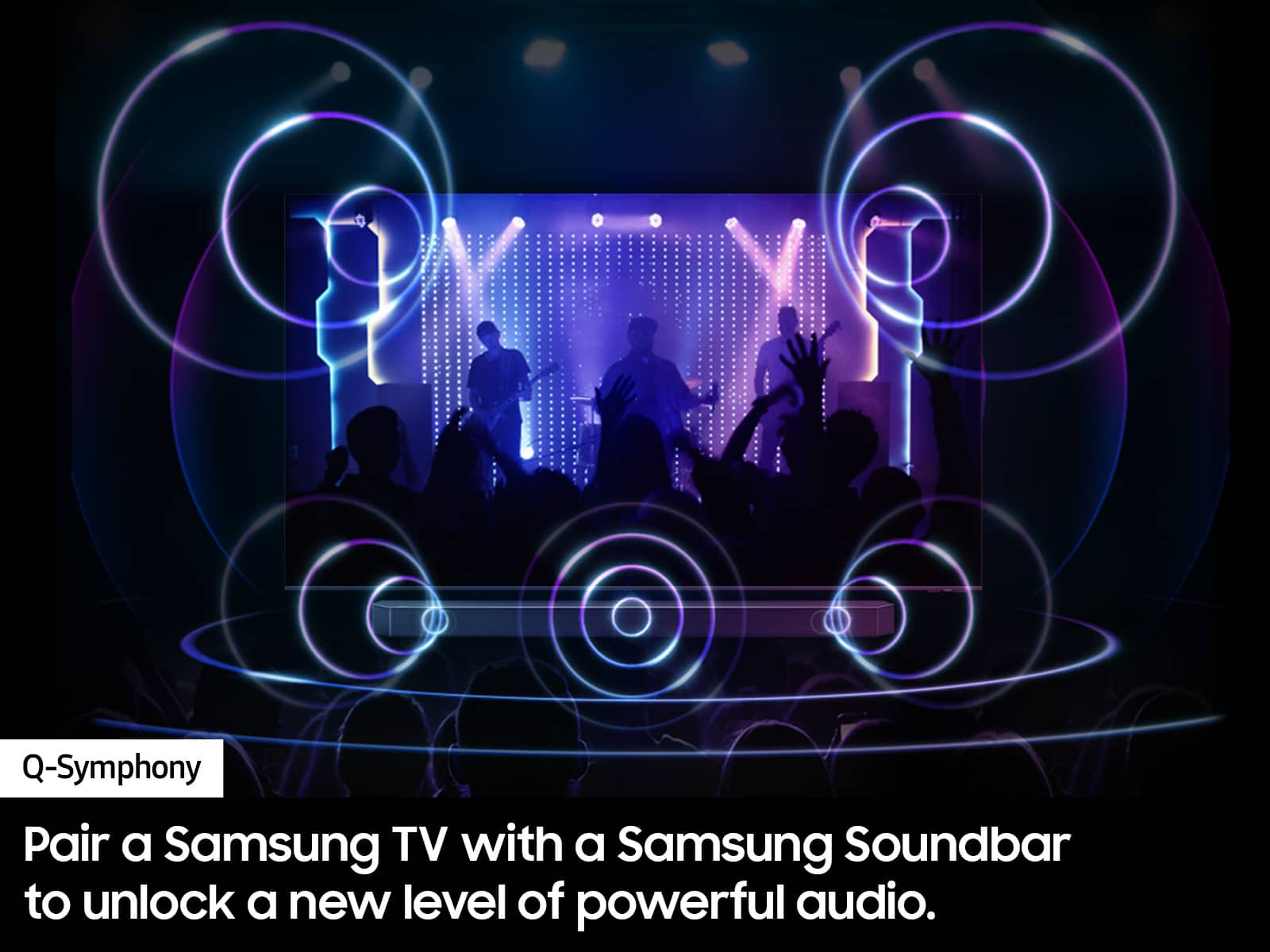
Should you choose to add a Samsung Soundbar to your TV, please know that our Q-Series Soundbars (such as the HW-Q600C) feature Q-Symphony which will synchronize with the speakers of your TV for an immersive 3D sound experience.
To assist you with possible sound settings adjustments for a better audio experience or choosing a Samsung Soundbar to complement your viewing enjoyment, please reach out to us at 1-800-SAMSUNG, 8 AM - 12 AM EST, seven days a week.
~ Samsung Specialist
65" TV
||Posted . Owned for 1 week when reviewed.This reviewer received promo considerations or sweepstakes entry for writing a review.TV stopped working 6 days after purchase and Best Buy would not compensate me for my time in mounting/dismounting the tv and taking it back to them.
No, I would not recommend this to a friendBrand response from Samsung
Posted .Olga,
We appreciate you sharing your experience with Samsung's Q60D. We recommend you contact Best Buy Customer Support or your local Best Buy store directly for assistance in correcting this situation. We hope your issue is resolved in a timely manner.
Should you have questions or concerns regarding the usage or setup of your TV once your issue has been resolved, please contact Samsung Customer Support at 1-800-SAMSUNG, 8AM - 12AM EST, 7 days a week. Or visit us on the Samsung website and click on the ‘Support’ link for:
• LiveChat
• Manuals, Software, & Warranty Info
~ Samsung Specialist
Bad experience
||Posted . Owned for 1 week when reviewed.This reviewer received promo considerations or sweepstakes entry for writing a review.First TV was not working , and they gave me hard time when I returned it
No, I would not recommend this to a friendBrand response from Samsung
Posted .YazeedA,
We appreciate you sharing your experience; however, we recommend you contact Best Buy directly for assistance in correcting this situation. We hope your issue is resolved in a timely manner.
You may also want to consider providing feedback directly to the Best Buy store where you made your purchase.
Should you have any questions or need help with your TV once your issue has been resolved, please reach Samsung Support at 1-800-SAMSUNG, 8AM - 12AM EST, 7 days a week. Our LiveChat agents are also available by clicking on the ‘Support’ link on our website.
~ Samsung Specialist
Great Buy.
Posted .This reviewer received promo considerations or sweepstakes entry for writing a review.Up graded from a Samsung 60 inch, that I had for 13 years. The picture is fantastic and it works great with all my apps.
I would recommend this to a friendsuper
Posted .This reviewer received promo considerations or sweepstakes entry for writing a review.Amazing TV for the living room to watch movies with the family.
I would recommend this to a friendJoanne
Posted .This reviewer received promo considerations or sweepstakes entry for writing a review.Love the new TV. Works great, installation team were quick and knowledgeable.
I would recommend this to a friendSmart TV by Tizen is cheap
Posted .This reviewer received promo considerations or sweepstakes entry for writing a review.The Smart TV by Tizen interface is laggy and requires frequent restarts. Will never buy another Samsung device. This is quite frustrating and is an overall poor experience with the product. It doesn’t matter how good the picture looks if it takes 10 minutes to boot up. I paid $1,000+ for this TV in 2022.
No, I would not recommend this to a friendBrand response from Samsung
Posted .KraigE,
We appreciate your feedback on the response time, and for optimal performance, we ask that you please ensure you've got the latest firmware version installed on your TV. You can check this by going to: Home > Menu > Settings > Support > Software Update.
You may also want to further optimize performance with the self-diagnostic tool, which checks memory, frees up unused cached memory, and closes background apps. Go to: Home > Menu > Settings > Support > Device Care > Start Device Care
I hope these tips help.
You can always contact us for further help at 1-800-SAMSUNG, 8AM - 12AM EST, 7 days a week. Our LiveChat agents are also available by clicking on the ‘Support’ link on our website.
~ Samsung Specialist