Customer Ratings & Reviews
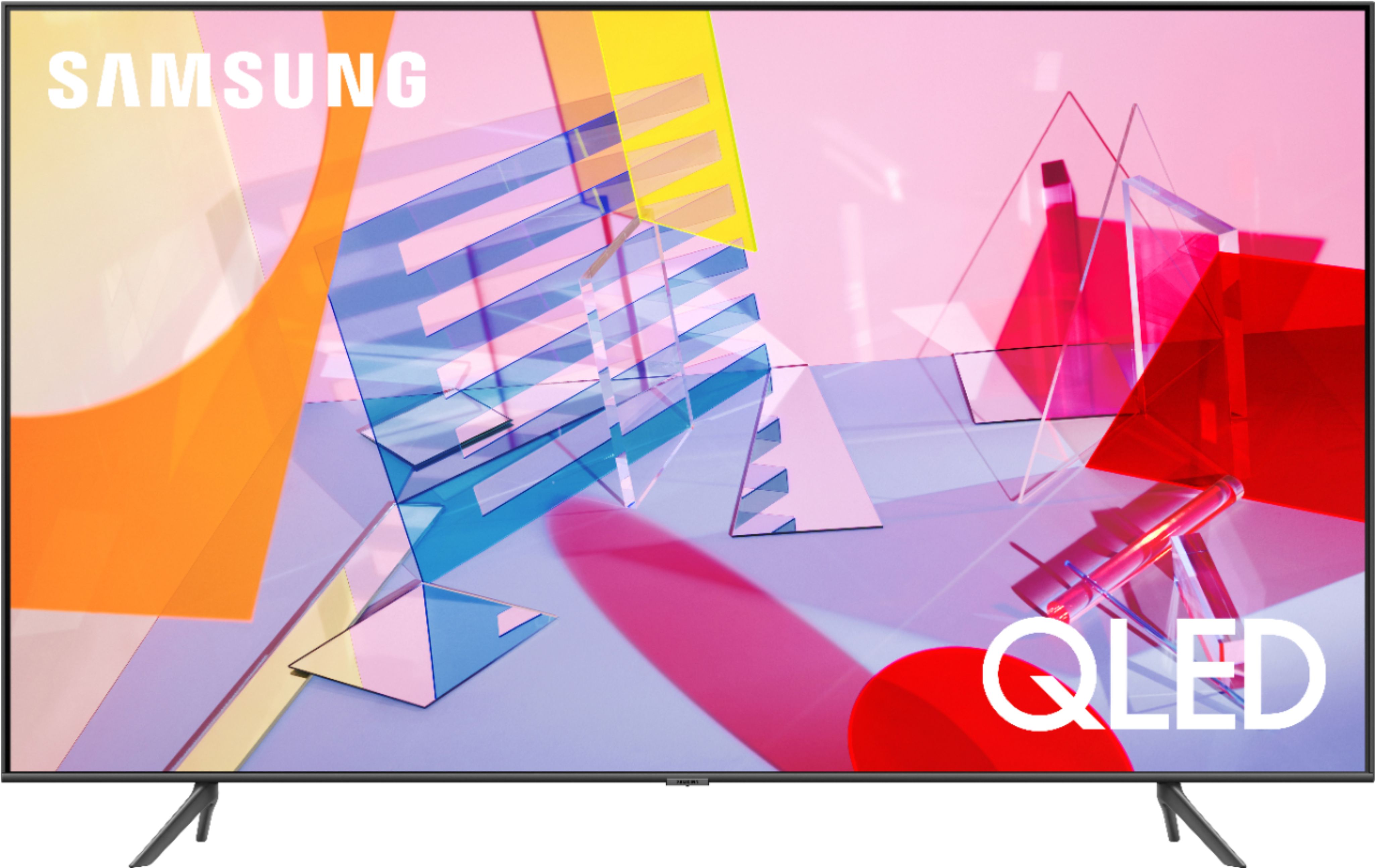
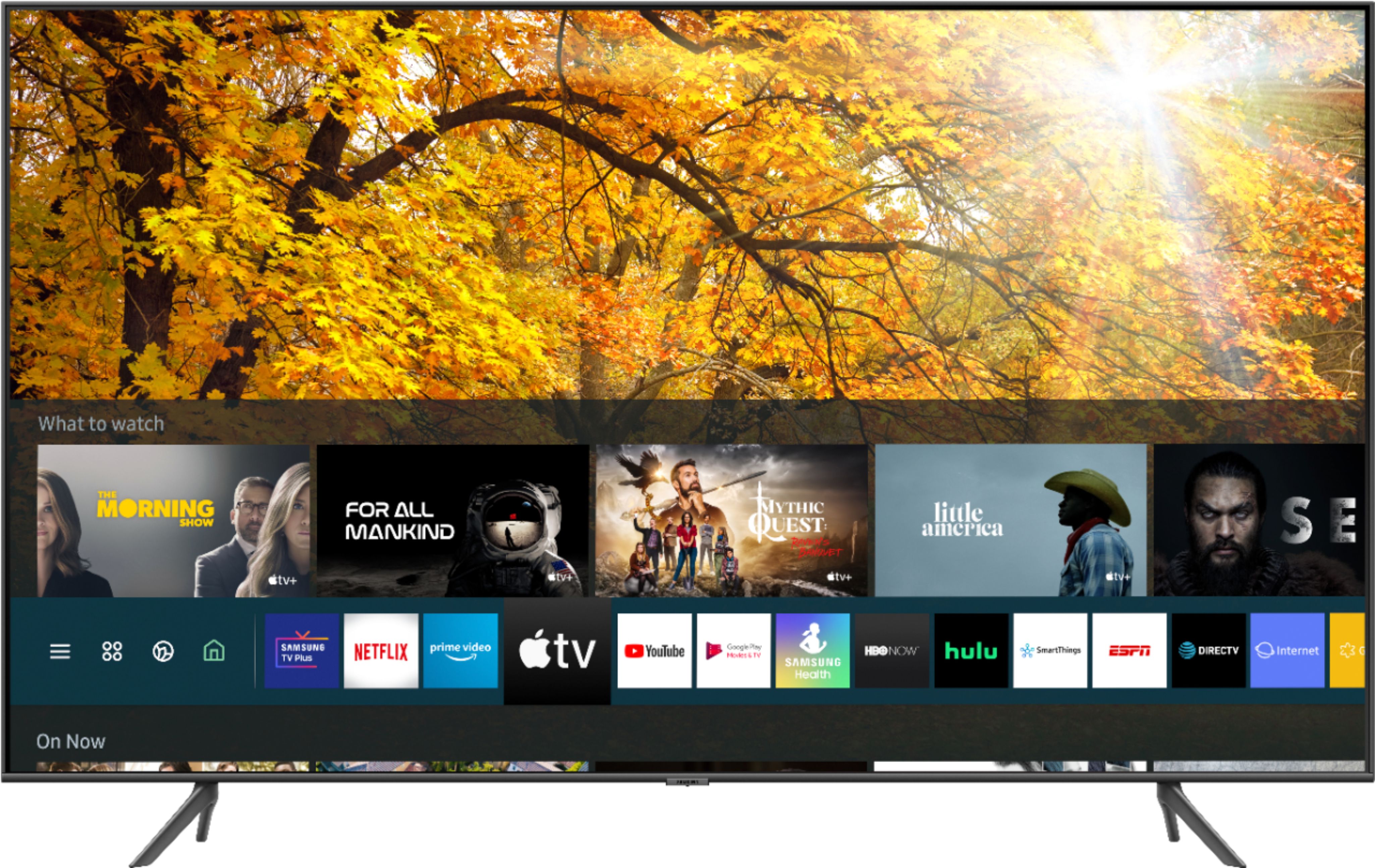
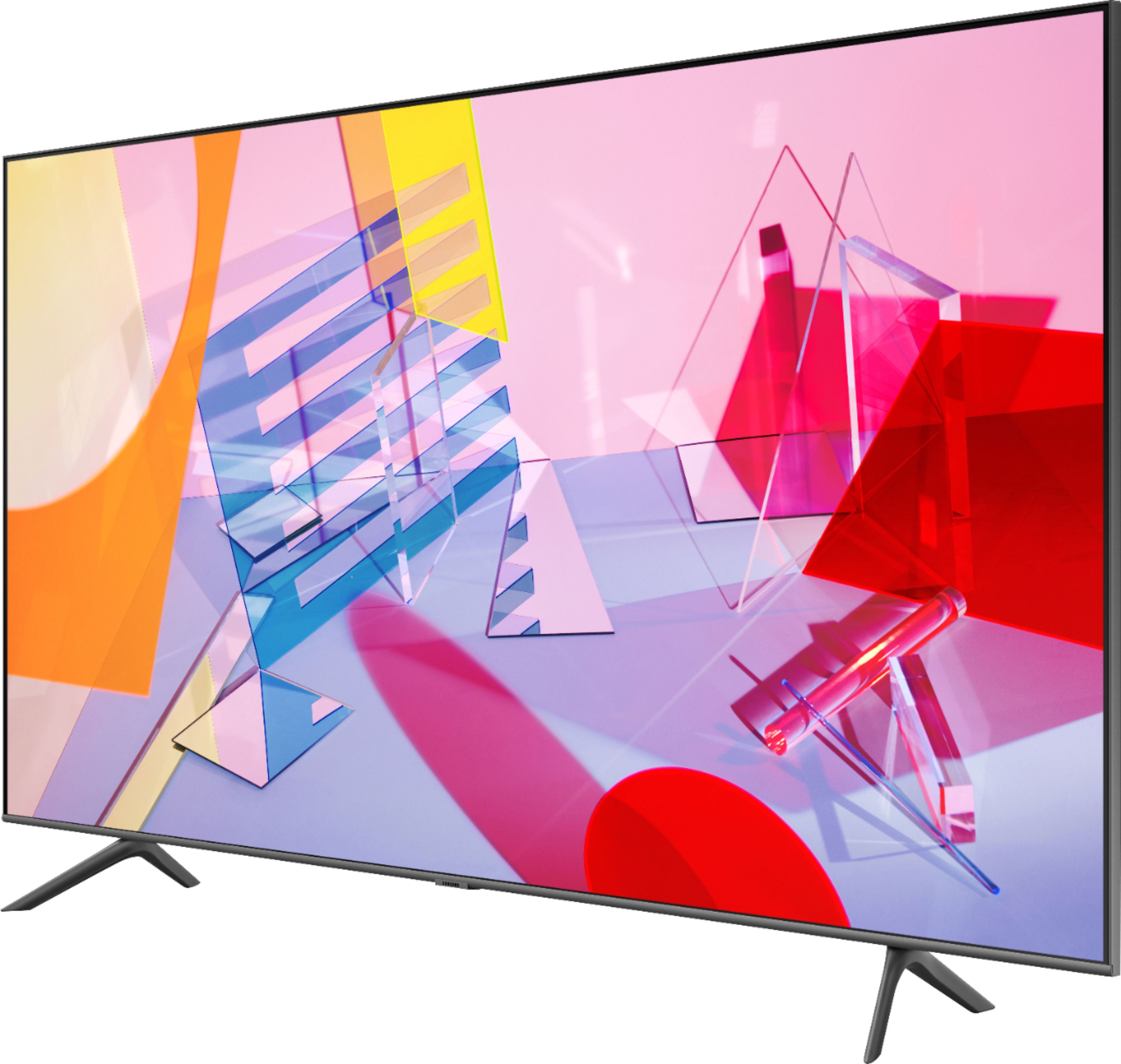
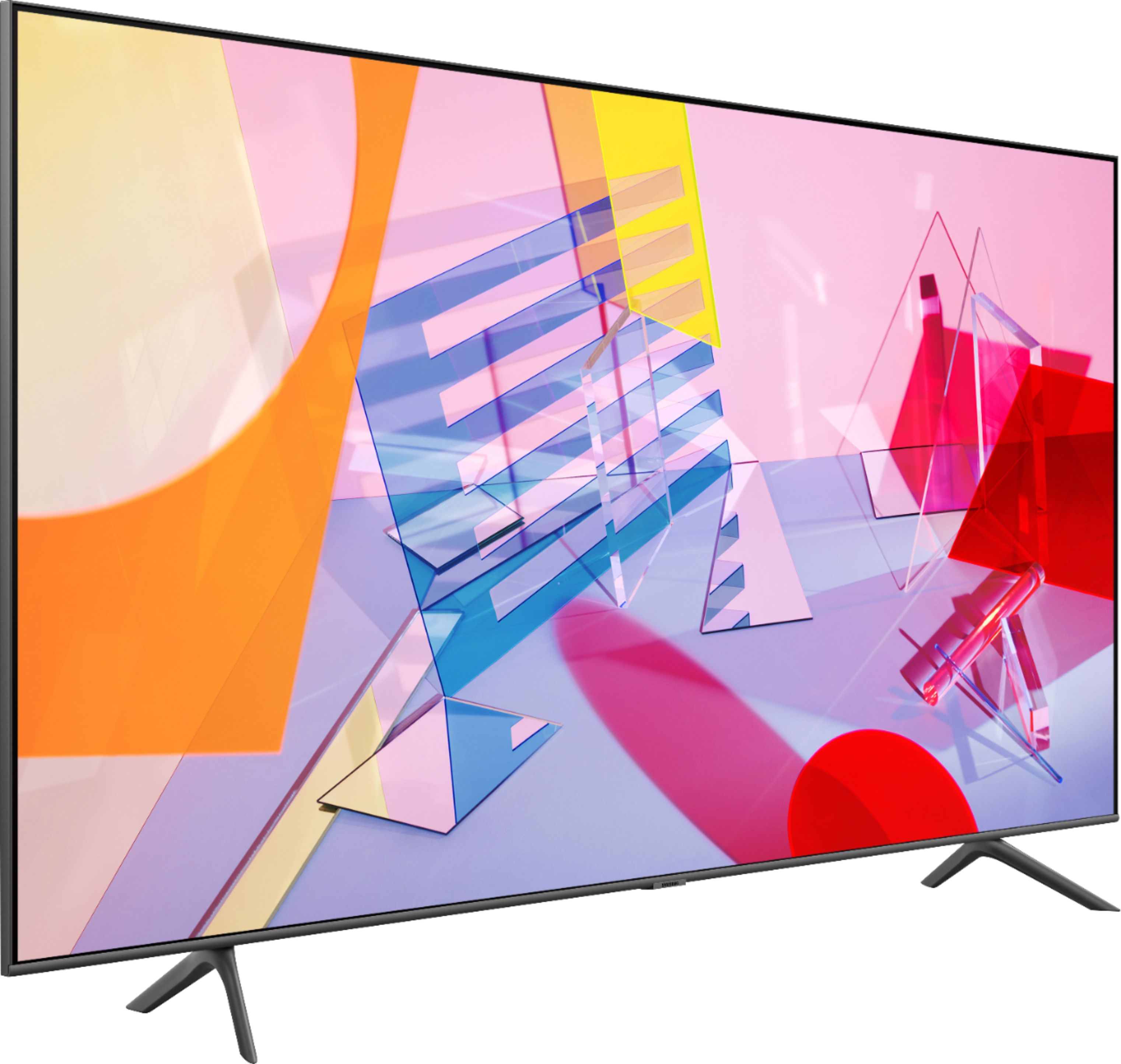
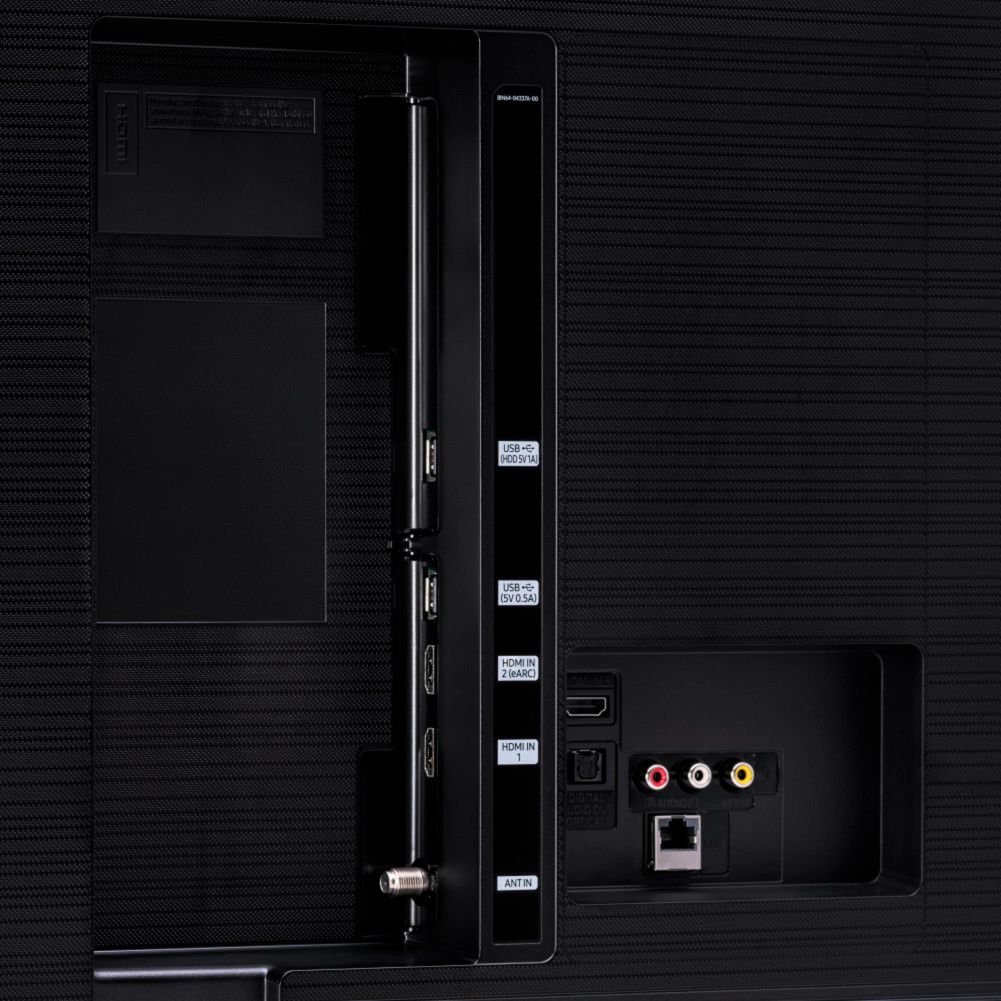

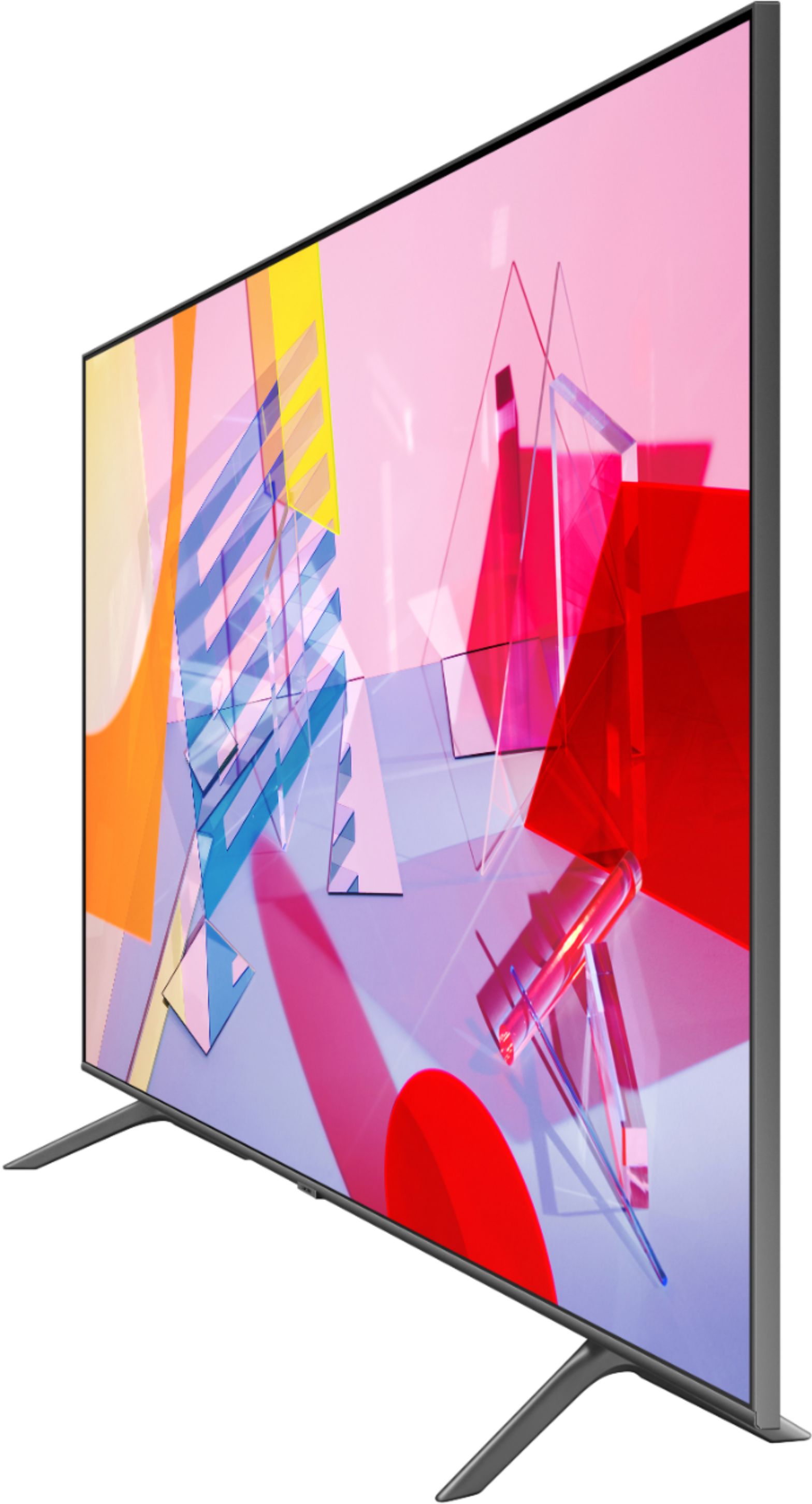

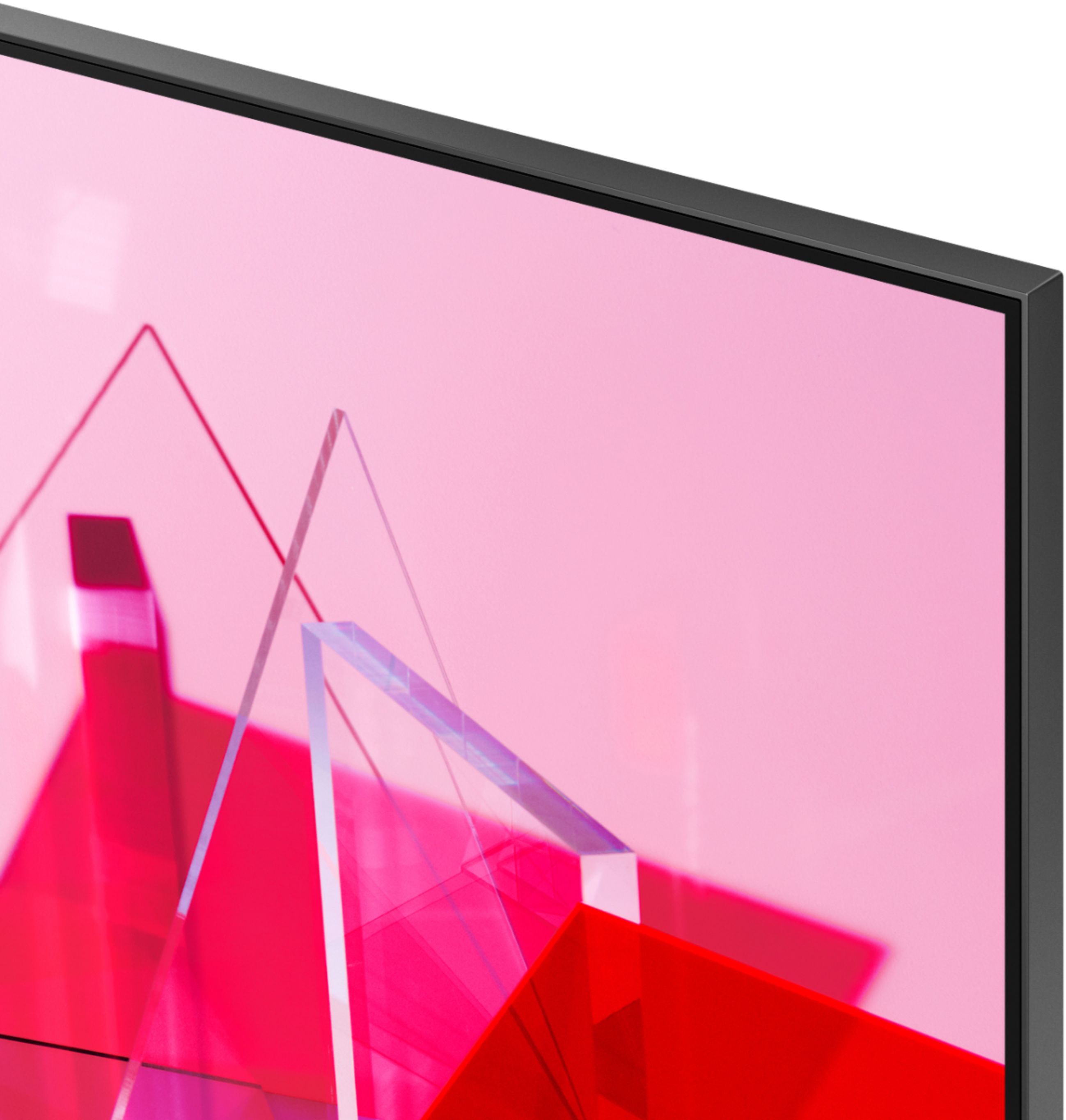
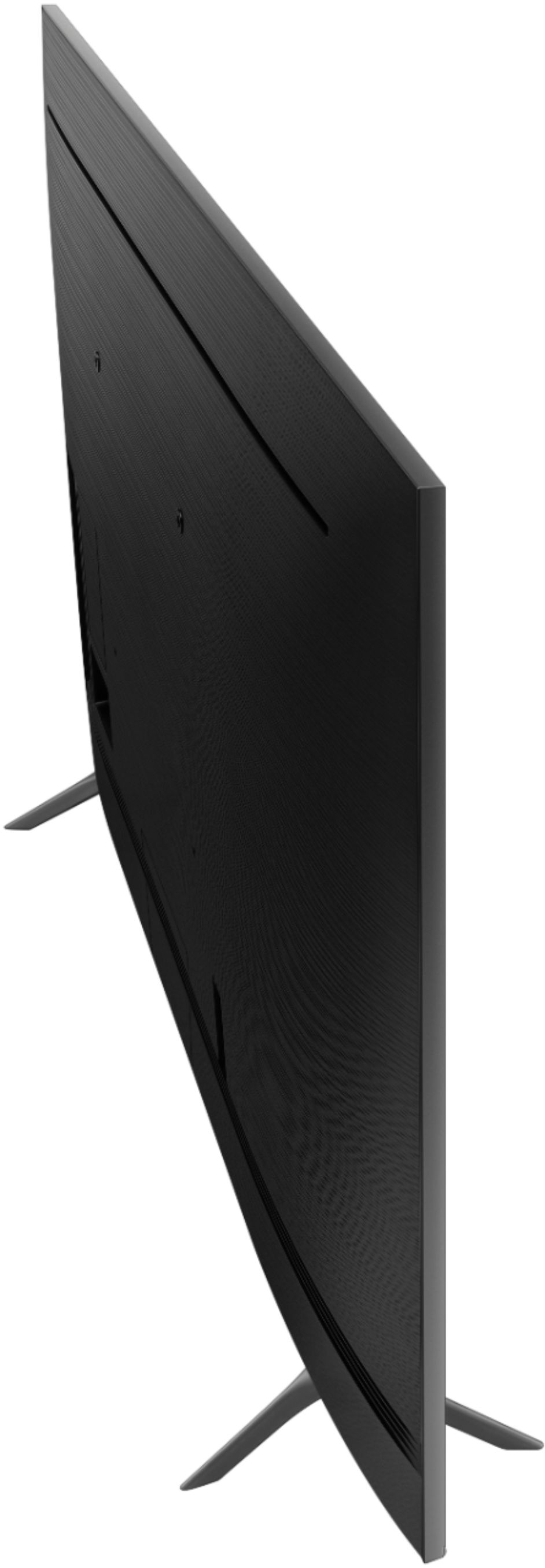
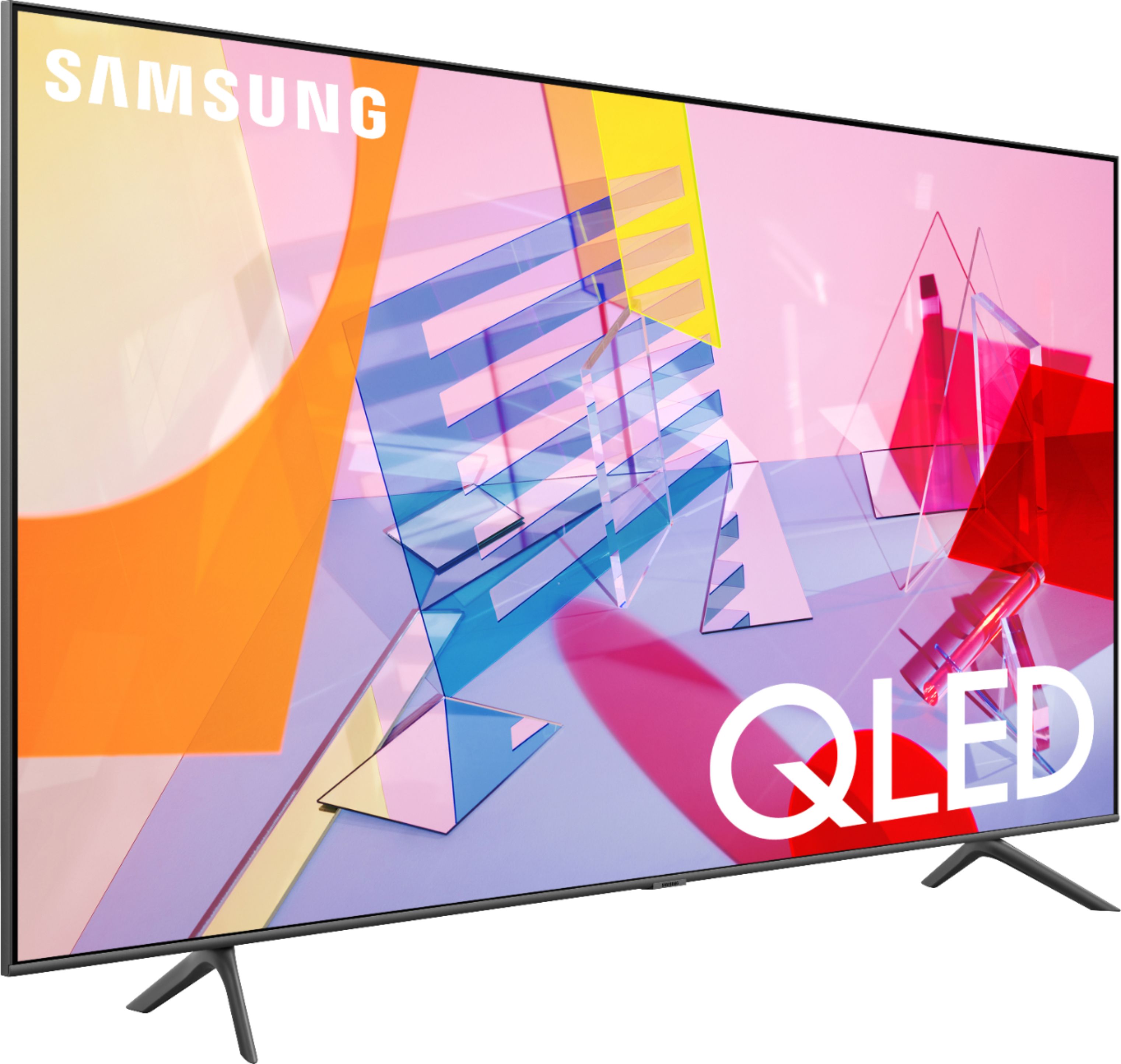








- Model:
- QN65Q60TAFXZA
- SKU:
- 6401714
Rating by feature
- Picture Quality
Rating 4.8 out of 5 stars
- Sound Quality
Rating 4.7 out of 5 stars
- Brightness
Rating 4.8 out of 5 stars
Customers are saying
Customers are delighted by the 65" Class Q60T Series QLED 4K UHD Smart Tizen TV's picture quality, describing it as amazing and incredible for both movies and games. They also appreciate the easy setup process and the great price point for a QLED TV. While some customers have concerns about the remote control's lack of lighted buttons, the TV's color and clarity are considered top-notch.
This summary was generated by AI based on customer reviews.
Great tv!
||Posted .This reviewer received promo considerations or sweepstakes entry for writing a review.This tv is beautiful!! We love it works great no light bleed at all!!
I would recommend this to a friend4k
||Posted .This reviewer received promo considerations or sweepstakes entry for writing a review.Love it broke my 65 8 series so went and bought this one love it fast and nice for gameing
I would recommend this to a friendTV policy
||Posted . Owned for less than 1 week when reviewed.This reviewer received promo considerations or sweepstakes entry for writing a review.Tv was terrible. Didn’t work at all. Had a line through the TV. Eventually screen goes blank and only have sound. Greek Squad over the phone at customer service was terrible. Mgr in store was helpful. Only had TV for 19 days and the run around I got was someone need to find fix it. I should have to have replacement parts put on a brand new tv
No, I would not recommend this to a friendBrand response from Samsung
Posted .PWalker:
If you've switched on your TV and the sound comes through fine, but you're not seeing any picture; there are 3 potential issues.
1) A connection issue; the most common problem. Where there is a bad connection, faulty cables or improper installation.
2) An issue with the device connected to the TV. There may be a video output setting on the device that you must set properly before it will output to the TV.
3) There is something wrong with the TV, which will require a technician to assess the TV and find a solution.
Please give us the opportunity to assist you by contacting Samsung Customer Support via any of the following options:
1) Phone: 1-800-SAMSUNG (ask for TVs), available 8AM – 12AM EST 7 days a week
2) LiveChat: https://www.samsung.com/us/support/#contact_us_for_support
3) Facebook Messenger: https://www.facebook.com/samsungsupport
4) Twitter: https://twitter.com/SamsungSupport
5) The Samsung Members Community is also a great resource for getting help from Samsung moderators and customers: https://us.community.samsung.com
If you have not already done so, we invite you to register your new Samsung product at: https://www.samsung.com/us/account/signin/?redirect=https%3A%2F%2Fwww.samsung.com%2Fus%2Fsupport%2Fregister%2F
Registering your product gives you access to easy warranty support, convenient opt-in to special promos and offers, faster troubleshooting and service, and quick notification of system updates.
~ Samsung Solutions
- Pros mentioned:Picture quality
QLED to the next level
Posted .This reviewer received promo considerations or sweepstakes entry for writing a review.Avid Samsung QLED fan and owner, this is my first 2020 QLED model running alongside my 2018 Q9F and 2019 Q60R Models. I also run a Samsung RU8000 Series TV which from looking at specs, matches closer to the Q60T model when compared to last years, Q60R model. The picture quality on this set it superb, the clarity shines through when watching SDR and HDR content. Our 4K streams look great, colors are vibrant and the picture comes to life. Even watching our 1080P content is like 4K, the awesome Quantum processor to near-perfect 4K levels. Although the Lite version in this model, compared to my Q60R and Q9F QLEDs the content still outshines regular non scaled 1080P content. The TV does not have local dimming zones, but the Dual LED backlighting tech really does make it like there was. It does not get quite as bright as the Q9F, but does closely match the Q60T from last year, and is an improvement over the RU8000 model. When comparing to the RU8000, you do get a much better picture, HDR is brighter, and SDR looks great. Blacks are dark and true to what they should be. Pretty darn close to those of an OLED. The built-in Ambient mode has a lot of new content to showcase, similar to that of the Frame TV. You can show art while the TV sits idle. With super thin bezels the you get all the picture and no fuss. The SmartThings integration is taken to a new level with the updated Tizen UI and software. I can see who is at the front door, as well as check into the cameras throughout the house. Easily turn on lights, and automation via the SmartThings app built into the TV. The tap view makes casting content from your Galaxy Phone to the TV easy by getting the phone close to the edge of the TV. Using the phone you can perform all the remote functions in an enchased way with the ability to not only change channels and turn up the volume. But you can also enable Ambient mode, and browse the Universal Guide right from your hands. Enabling Alexa, the voice assistant is smooth and easy just like you would expect. Commands are easy to perform via voice. Easily control basic functions with your voice. The One Remote makes things a breeze to navigate, and easy to understand. The Universal Guide brings all your streaming apps together to showcase all the latest and most personalized way to enjoy all your content in one screen. Overall this is a great improvement over the RU8000 series and last year's Q60R models! I would highly recommend this QLED to all looking for a great TV.
I would recommend this to a friendBrand response from Samsung
Posted .Ray102382,
I am glad to see that you are enjoying the spectacular image quality of the new Samsung Q60T QLED Smart TV.
In addition to the Dual LED technology, The Q60T series, powered by our proprietary Quantum Processor, optimizes the picture according to the scene as well as to your room environment, such as the lighting condition.
Have you tried Multi VIew and Tap VIew? New to our 2020 TVs, MultiView lets users enjoy TV and mobile contents together on the big screen.
Tap View lets you screen mirror on TV by tapping your phone. Mobile View lets users enjoy TV and mobile content together on the big screen.
Music Wall is another great feature that shows matching visuals that fits the music you plau on the TV.
Should you have questions, please contact us at 1-800-SAMSUNG and a representative will gladly help you.
You can also reach us via LiveChat: http://www.samsung.com/us/support/contact
Or by Facebook Messenger: https://www.facebook.com/samsungsupport
Find us on Twitter: https://twitter.com/SamsungSupport
Thank you for taking the time to share your positive experience and for choosing Samsung.
-Samsung Ambassador
Rainbow lines in middle
||Posted .This reviewer received promo considerations or sweepstakes entry for writing a review.Hi this is showing rainbow lines after purchase of 6 months .
No, I would not recommend this to a friend- Pros mentioned:Ease of use, Picture quality
Love my Samsung!
Posted .This reviewer received promo considerations or sweepstakes entry for writing a review.Great tv. Crisp picture. Watch a lot of sports on it and it’s great. Easy to mount as well.
I would recommend this to a friend - Pros mentioned:Picture quality
Stunning tv
Posted .This reviewer received promo considerations or sweepstakes entry for writing a review.Let me start off by saying I love everything about this tv! Easy setup, stunning looks, every streaming app you could ever need or use. TV was well protected out the box. absolutely flawless and in perfect condition. It has a standard VESA mount and worked with the wall mount I purchased. Installation was easy and straightforward. Powered on the TV and after setting up the wireless connection I was up and streaming within a few minutes. Netflix, Hulu, Disney +, HBO Max are all installed and ready to go. It also has Apple TV available. Picture quality is amazing! QLED picture is absolutely perfect. Blacks are dark and colors pop off the screen. Movies look amazing, Netflix streams in UHD and takes shows to a whole new level! I would absolutely recommend this TV. Hands down one of the best I have ever owned! I received this television at a discounted price in exchange for my honest review.
I would recommend this to a friend - Pros mentioned:Picture quality, Price
Nice tv for the price
||Posted . Owned for 1 year when reviewed.This reviewer received promo considerations or sweepstakes entry for writing a review.This tv has been great! Bright and crisp colors and looks great in my family room. No reason to spend more when you can get a nice tv at this price. It also helped that I got a great deal on a bundle set with the wall mount and a soundbar.
I would recommend this to a friend - Pros mentioned:Picture quality, Price
Frickin great
||Posted . Owned for 2 months when reviewed.This reviewer received promo considerations or sweepstakes entry for writing a review.Big TV. Good picture. Good price. Connected easily to my streaming services. If they don't have an app for what you want, you can use the web browser to access content that way. Happy casting YouTube from my mobile device to my TV. It recognizes my Switch from the HDMI port, so if I turn the game console on, the TV will turn on too. Same as when casting content from mobile. The TV came with free channels, so you can enjoy the picture right away, without signing in to other accounts. I have a sound bar, so I can't comment on the audio quality. The initial set up will ask you to download an app. You don't need that, unless you want your TV to be part of a Smart Home system (like AC, lights, etc). I did curbside pick up and it fit in my SUV with the seats down. A smaller car may have issues. Can't speak to shipping safety. Definitely my favorite purchase in the past year.
I would recommend this to a friend - Pros mentioned:Ease of use, Picture quality, Tv quality
Wow! Just wow!
||Posted . Owned for 7 months when reviewed.This reviewer received promo considerations or sweepstakes entry for writing a review.I've had this TV for a little over 6 months now and compared to my other 60 inch Samsung LED this is amazing. Easy set up. The colors are so deep and the picture is great. I use this for Xbox gaming more than anything and it is paired with a Bose soundbar and it doesn't get any better! Wow!
I would recommend this to a friend - Pros mentioned:Ease of use, Picture quality
Samsung QLED
||Posted . Owned for 1 month when reviewed.This reviewer received promo considerations or sweepstakes entry for writing a review.I am satisfied by the product performance so far. Clear picture and voice, wonderful size to my living room, nice and slim thickness that looks great on the wall. Features loaded in the TV are fantastic and easy to use. This smart TV serves me as a computer too. Access my favorites movies, TV shows, and local and world news. So, all in all this device is a multifunctional unit and I am happy about it!!!
I would recommend this to a friend - Pros mentioned:Color, Picture quality
Smart TV Amazing picture
||Posted . Owned for 1 month when reviewed.This reviewer received promo considerations or sweepstakes entry for writing a review.The color is amazing! Sound is great! Nice size. We had trouble getting the stand on but that was more us than the tv. You’ll really enjoy this purchase.
I would recommend this to a friend - Pros mentioned:Ease of use, Picture qualityCons mentioned:Remote control
Great picture
||Posted . Owned for 3 weeks when reviewed.This reviewer received promo considerations or sweepstakes entry for writing a review.Really great TV. Set up was very easy to load my streaming services. This is an upgrade from a 15 year old plasma. The picture is amazing!! Some of the remote navigation will take time to get used to and the voice control doesn't seem to find what I want. The Xbox looks great and moves well.
I would recommend this to a friend Truly Crystal Clear
Posted .This reviewer received promo considerations or sweepstakes entry for writing a review.This TV went beyond my expectations! The picture quality is crisp and the colors are vibrant. The screen and UHD features makes things literally look like they're in the room with you. The built in Samsung TV Plus and other features are a great bonus too. Having a cable subscription is unnecessary. There are thousands of free movies and TV shows available. The One Remote replaces multiple that were used before. You're able to use your cable guide features, Samsung TV direct access, Fire Stick and more; all from a single remote. Several apps, such as Hulu, Firestick, Alexa, YouTube, and more are accessible via the remote. The remote also knows what device is connected to the TV and is able to control them. No more juggling multiple remotes! If you have Google Home, you're able to pair that as well. The setup was very intuitive and quick. There is so much that you're able to go from this TV. This is truly a smart television. I'm a fan! Disclaimer: I received this product at a discounted price in exchange for my honest feedback.
I would recommend this to a friend- Pros mentioned:Picture quality
Beautiful
||Posted . Owned for 3 weeks when reviewed.This reviewer received promo considerations or sweepstakes entry for writing a review.The set is very easy to set up, and once set up, the picture is beautiful. You have to make manual adjustments as the color is too intense and the brightness too high out of the box. There is a break in period which is normal. After several hours it is a simple matter to tweak the settings. The downside is you have to watch the TV from straight on. If you're on the side the picture is washed out. Also, the instructions are very poor if you are using an antenna. I had to call Samsung to figure out how to do a channel search for the initial set-up. They are really great and walked me through the procedure. Once the TV was set-up properly I was very happy with it.
I would recommend this to a friend - Pros mentioned:Picture qualityCons mentioned:Remote control
Excellent picture quality and Tizen OS. Remote?
||Posted .This reviewer received promo considerations or sweepstakes entry for writing a review.Deduct two stars for a remote flub. The Samsung One remote does not control volume when using optical. I don’t know if this issue affects all Samsungs or just this new one. This is a known issue. I confirmed this with BB Total Tech Support, and have a Samsung trouble ticket number. If Samsung reads this review, the ticket number is 2230598771. No response. The issue relates to the default on rf. I have a Sonos Playbar and Sonos states in their E- manual, the Samsung One remote will not work. Per Sonos “ The Samsung One Remote does not output IR signals by default like many other remotes.” They repeat this sentence three times for emphasis. The recommended fix did not work. My older Samsung remote does control the volume as does my DTV remote. You need to have 2 remotes handy. I considered returning the TV, but the picture quality is excellent. Returning would have been easy as BB wall mounted it and would have done all the work. I hope Samsung corrects this defect and sends all buyers a new remote. I pulled up You Tube TV screen tests. On black, perfect black. On white, perfect white with thin dark areas on the edges. Is that because of edge lighting? On gray, perfect gray, with darkness on the edges. The TV is in a room, next to an 8 ft. patio door, with vertical blinds that are usually open. No direct sunlight. Picture is excellent. There is reflection from a standing lamp that is off to the side, on the opposite side of the room. I found wide angle viewing to be pretty good. Somewhat washed out, but still enjoyable, I’m talking about watching it from the kitchen, about 30 feet away, and at an angle. . I did have to play with a picture control icon, going between standard, dynamic and natural. Finally got the perfect picture. The bottom of the black frame, the actual plastic, shows sloppy workmanship. The bottom edge is rough.
I would recommend this to a friendBrand response from Samsung
Posted .RetireeKettering,
Thank you for sharing your experience with our Q60T QLED TV.
Please know that your One Remote can be seutp to control volume of your Sonos soundbar.
Try these steps in the specified sequence for optimal connection:
a. Position the Sonos Play Bar where one of the IR receivers has a line of site with IR blaster (transmitter) on the TV
b. Turn the Sonos on – make sure it’s not in standby
c. Connect the optical cable on Sonos first (important)
d. Connect the optical cable to the TV without changing the position of Play Bar. This will trigger the auto detection process. The TV will detect the Play Bar and should be able to control it with the Samsung remote
e. If the above did not work, flip the Sonos so the other IR receiver is active (no indication on Sonos to which IR is active so it has to be done by trial and error). Repeat steps a ~ d)
I hope the above tip helps resolve your concern.
Should you need more help on sound bar pairing, or any other features, please do reach out to us again and reference your ticket number for prompt assistance.
You can contact Samsung Customer Support via any of the following options:
1) Phone: 1-800-SAMSUNG (ask for TVs), available 8AM – 9PM EST (Mon-Fri)
2) LiveChat: https://www.samsung.com/us/support/#contact_us_for_support
3) Facebook Messenger: https://www.facebook.com/samsungsupport
4) Twitter: https://twitter.com/SamsungSupport
5) The Samsung Members Community is also a great resource for getting help from Samsung moderators and customers: https://us.community.samsung.com
If you have not already done so, we invite you to register your new Samsung product at: https://www.samsung.com/us/account/signin/?redirect=https%3A%2F%2Fwww.samsung.com%2Fus%2Fsupport%2Fregister%2F
Registering your product gives you access to easy warranty support, convenient opt-in to special promos and offers, faster troubleshooting and service, and quick notification of system updates.
-Samsung Ambassador
- Pros mentioned:Picture quality
Excellent Picture
||Posted . Owned for 3 weeks when reviewed.This reviewer received promo considerations or sweepstakes entry for writing a review.My wife and I saw this TV at another store and loved the picture. It was crystal clear and on some channels almost looks 3D. It was easy to set up and the available apps that available are also excellent. It seemed that the TV almost set itself up by us just as answering the questions when we turned it on. Then going to Best Buy, we found this TV for $50.00 less than the competitor. I would recommend this TV and for just under a $1000.00, it is worth the price!
I would recommend this to a friend - Pros mentioned:Picture qualityCons mentioned:Remote control
Great TV
||Posted . Owned for 2 weeks when reviewed.This reviewer received promo considerations or sweepstakes entry for writing a review.Fairly easy set up coming out of the box. Does not seem to have the capability on the back of the set to be mounted on a TV stand. I used the rather cheaply made legs that came with to sit the TV on the flat surface of the stand, but due to its large size, it barely made fits the stand. TV picture quality, color, and clarity are very good! Black is very black and contrast is really good. Lots of apps with this one, including free Samsung TV. They can be a bit too much for those just wanting to watch TV. It's good for gaming, if that's hour thing. Remote worked without having to be paired with the cable box. It's sleek and versatile, but there is a small learning curve with mastering how to use it. Remote can be a pain because it gets stuck and freezes and fails to work the TV.
I would recommend this to a friend - Pros mentioned:ColorCons mentioned:Refresh rate, Remote control
Great picture quality
||Posted . Owned for 1 month when reviewed.This reviewer received promo considerations or sweepstakes entry for writing a review.Excellent color and sharpness. Remote is minimal and difficult to learn and will not control Klipsch soundbar. Refresh rate is not as fast as I would have liked for watching sports but most of the time it isn’t noticeable.
I would recommend this to a friend - Pros mentioned:Color, Picture quality
Samsung 65 inch TV
||Posted .This reviewer received promo considerations or sweepstakes entry for writing a review.Samsung 65 inch Tv. Awesome picture, Color, and Sound. Purchased another on 75 inch plus sound bar system. They are awesome together!
I would recommend this to a friend