Customer Ratings & Reviews
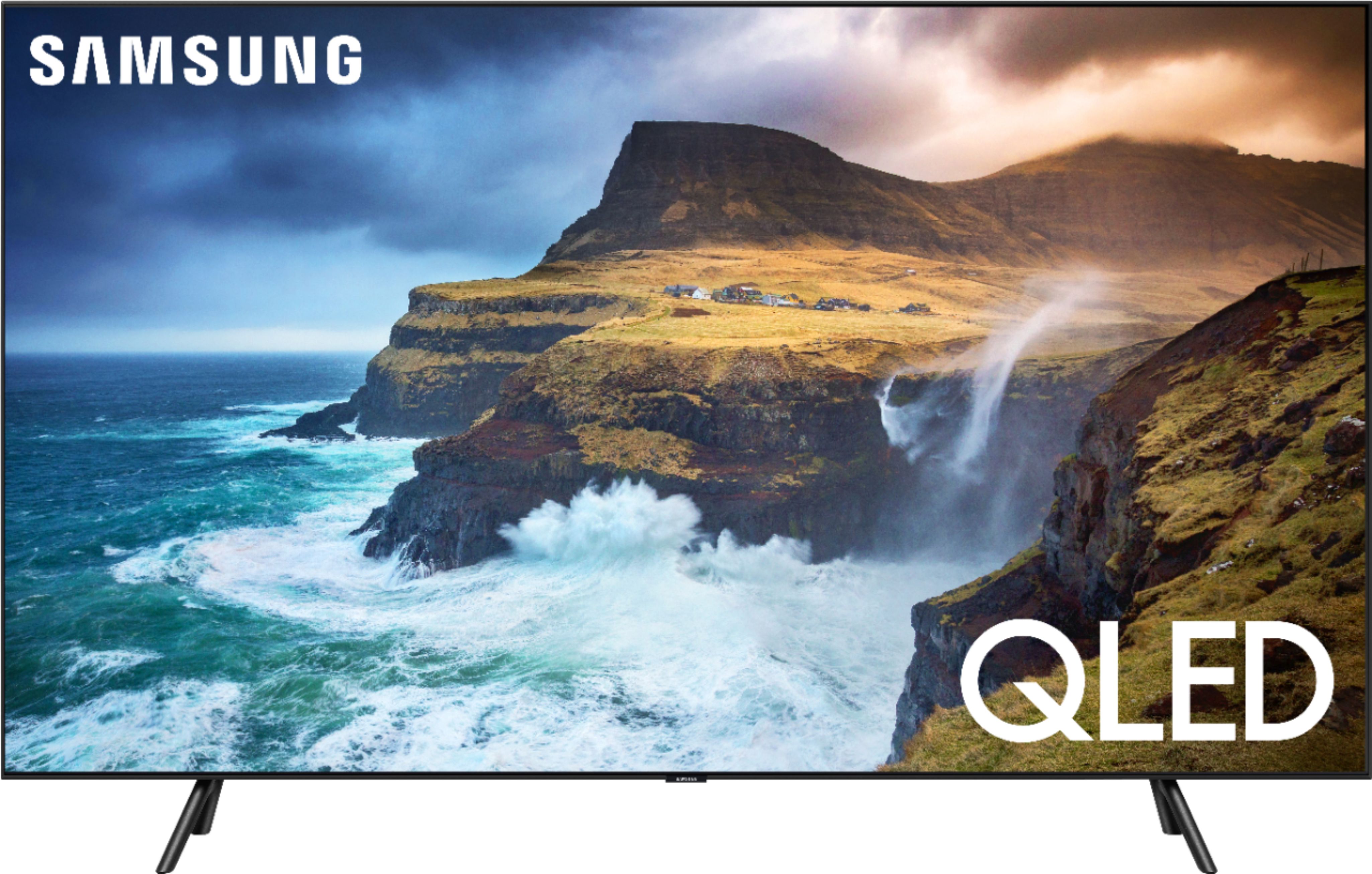
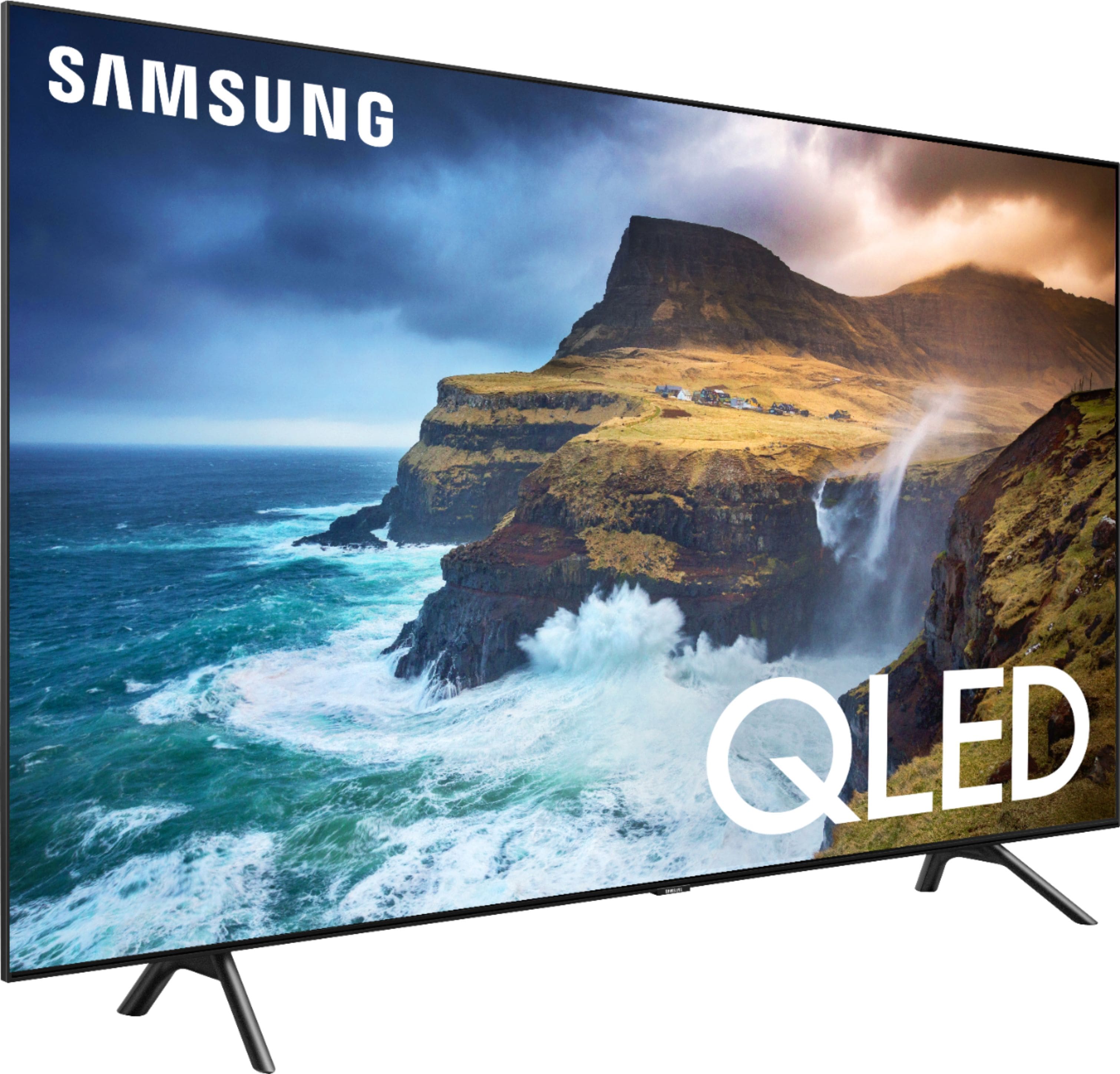
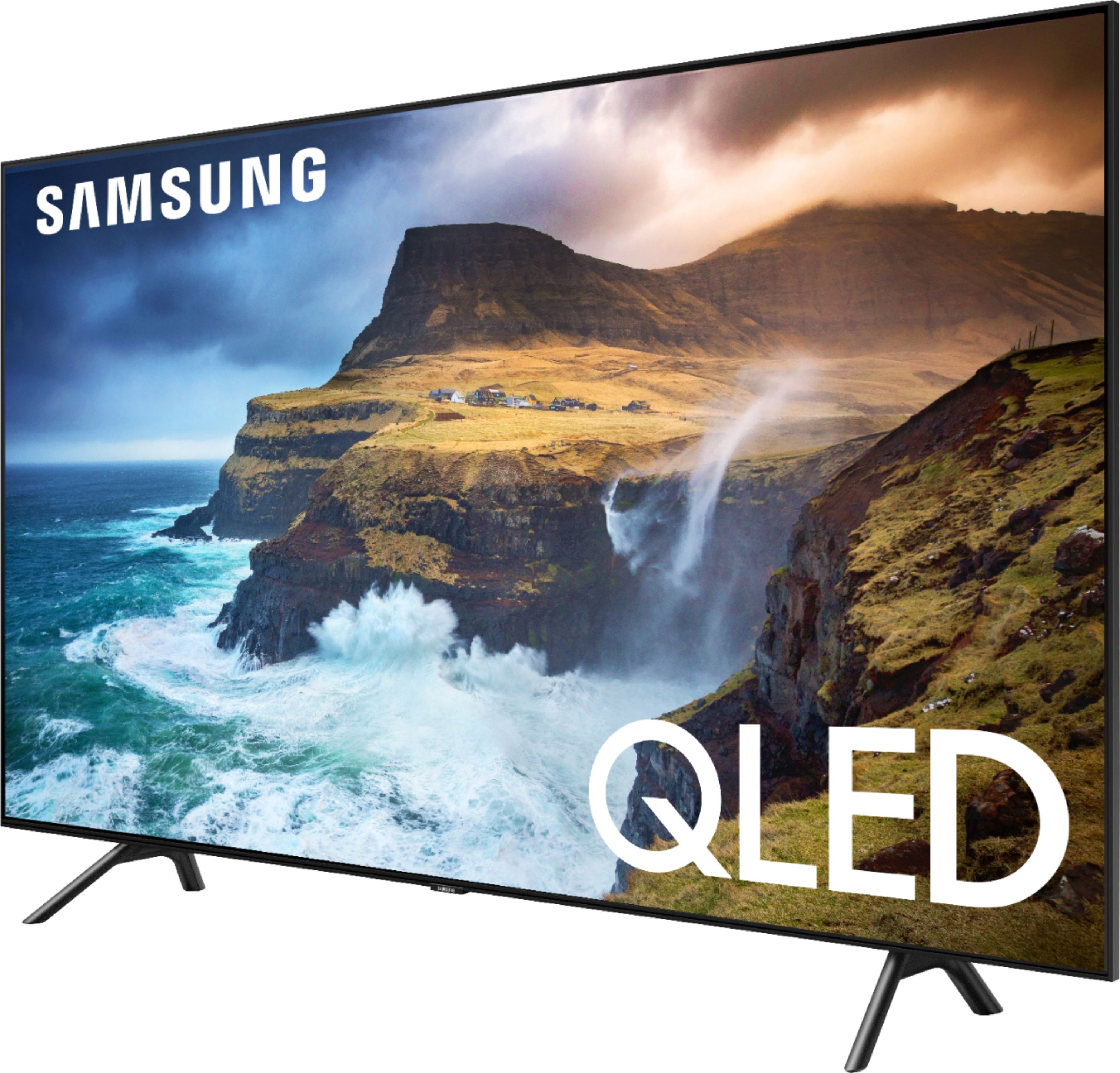
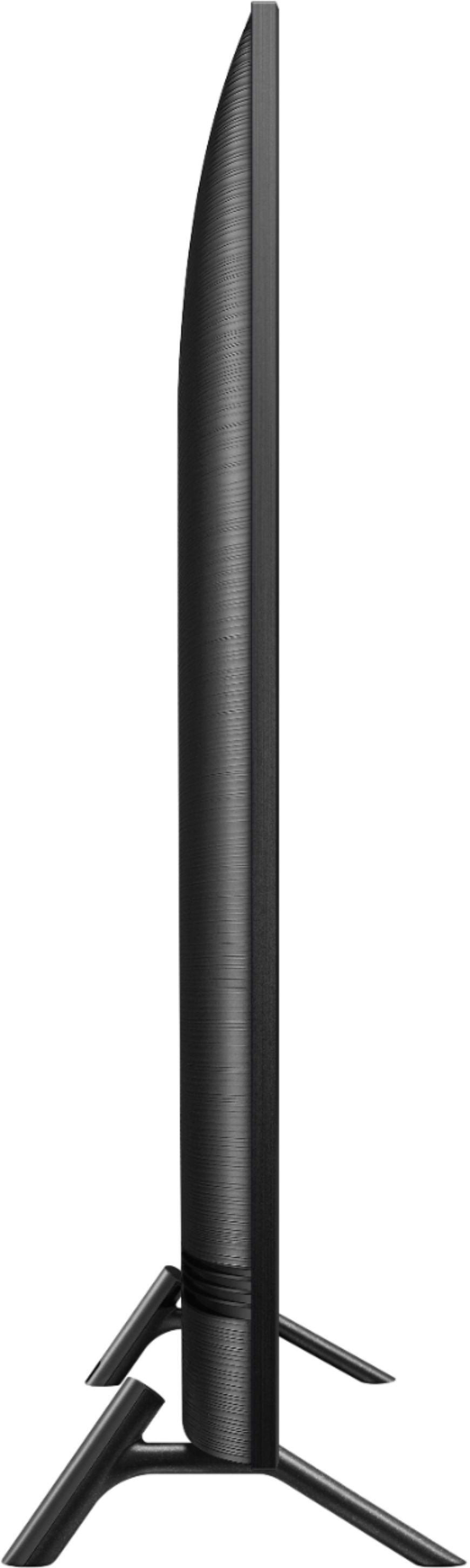

- Model:
- QN65Q70RAFXZA
- SKU:
- 6331762
Rating by feature
- Picture Quality
Rating 4.6 out of 5 stars
- Sound Quality
Rating 4.4 out of 5 stars
- Brightness
Rating 4.7 out of 5 stars
Customers are saying
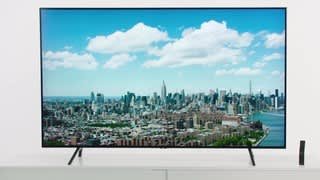
Customers are satisfied with the picture quality, easy setup, price, color, and gaming experience of the 65" Class Q70 Series QLED 4K UHD Smart Tizen TV. They appreciate the great viewing angles, excellent sound, and reasonable price for its size. However, some customers have concerns about the small remote control without number buttons, potential dead pixels, glare, and the quality of the speakers.
This summary was generated by AI based on customer reviews.
Not worth the $
||Posted . Owned for 1 year when reviewed.This reviewer received promo considerations or sweepstakes entry for writing a review.The TV died in less than 2 years. Not happy with the fact the TV lasted only 16 months. The screen will no longer come on, the TV just keeps clicking. I was very loyal to Samsung, but their quality seems to have really dropped off in the past few years.
No, I would not recommend this to a friendWorst buy I ever made
||Posted . Owned for 1 month when reviewed.This reviewer received promo considerations or sweepstakes entry for writing a review.It’s just not what I expected a lot of ghosting when watching football I can’t even see the ball until it reaches the receiver I mean I could go on and on but but nothing will change and to think that I replaced last years Samsung for this tv.Worst mistake I made I’m going back to Sony once I get rid of this set
No, I would not recommend this to a friendBrand response from Samsung
Posted .Notimportant1,
I am sorry to see that you are not happy with the motion image performance of your Samsung Q70R TV.
Please try adjusting Auto Motion Plus to eliminate the ghosting.
You can change Auto Motion Plus settings by following these steps:
1) With the TV powered on, press the Home button on the Samsung remote to open the Home screen
2) Then select Settings > Picture > Expert Settings > Auto Motion Plus Settings
3) Then you will see the following three options:
a) Off: Auto Motion Plus will always be off
b) Auto: Auto Motion Plus will automatically activate and deactivate based on the type of program being watched
c) Custom: Allows custom adjustments and settings to be used
4) By selecting the Custom option, you can access these advanced settings:
a) Blur Reduction: Use the directional keys on the remote to adjust the Blur setting
b) Judder Reduction: Use the directional keys on the remote to adjust the Judder setting
c) LED Clear Motion: Select to turn On/Off
For further assistance on this feature or other advanced setting adjustments, please contact Samsung Customer Support at 1-800-SAMSUNG and a representative will gladly help you. Or LiveChat with our product experts at: http://www.samsung.com/us/support/contact
We are likewise reachable via Facebook Messenger at: https://www.facebook.com/samsungsupport
You can also find us on Twitter at: https://twitter.com/SamsungSupport
- Samsung Ambassador
my tv is blurry
||Posted .This reviewer received promo considerations or sweepstakes entry for writing a review.im not happy with my television,its blurry and the picture its not clear
I would recommend this to a friendBrand response from Samsung
Posted .soco,
I am sorry that you are not happy with the image quality of your Q70R QLED Smart TV.
The TV will upscale as best as possible any content sent to it. The closer your content is to 4K, the better the image will look on the screen.
Here are some tips to help improve the sharpness.
1. HDMI cables are recommended for optimal HD viewing.
2. If you have an analog cable box or satellite box, upgrade to a digital cable box or satellite box.
3. Adjust the cable box or satellite box's video output resolution to 1080i.
4. Look for a channel that is broadcasting native HD content. For over the air/cable antenna connection, try these steps to find HD channels:
Go to Menu>Settings> Broadcasting> Auto Program
Please know that Samsung Customer Support is always happy to assist you with image quality adjustments tailored to your preferred viewing experience.
Simply phone us at 1-800-SAMSUNG (ask for TV)
You can also LiveChat or email us by copy-pasting this link into your browser: http://www.samsung.com/us/support/contact
We are likewise reachable by Facebook Messenger at: https://www.facebook.com/samsungsupport
Or find us on Twitter at https://twitter.com/SamsungSupport
Again, thank you for taking the time to share your experience. We hope to hear from you soon.
- Samsung Ambassador
Issues with stand...screws or no screws???
||Posted . Owned for 3 weeks when reviewed.This reviewer received promo considerations or sweepstakes entry for writing a review.I put the tv together. The stand looks like it needs screws. There is a hole beside where the feet go in. It looks like if I pick it up the feet would fall off. Called best buy. They were no help at all and kept me on hold and bounced me around. Called Samsung, they said they would send screws.
No, I would not recommend this to a friendBrand response from Samsung
Posted .AK123:
Screws are not used to connect the stands. Please refer to the Quick Setup Guide that came with the TV, or download here: http://downloadcenter.samsung.com/content/EM/201905/20190516131051851/BN68-09449E-00_QSG_Q70R_Simple_ZA_190416.0.pdf
If you need further assistance, please know we are here to help. You can reach Samsung Support via:
1) Phone: 1-800-SAMSUNG
Available 8AM - 12AM EST (Mon-Fri) / 9AM - 11PM EST (Sat-Sun)
2) LiveChat: https://www.samsung.com/us/support/#contact_us_for_support
3) Facebook Messenger: https://www.facebook.com/samsungsupport
4) Twitter: https://twitter.com/SamsungSupport
5) The Samsung Members Community is also a great resource for getting help from Samsung moderators and customers: https://us.community.samsung.com
If you have not already done so, we invite you to register your new Samsung product at: https://us.community.samsung.com
Registering your product gives you access to easy warranty support, convenient opt-in to special promos and offers, faster troubleshooting and service, and quick notification of system updates.
Tv
||Posted . Owned for 7 months when reviewed.This reviewer received promo considerations or sweepstakes entry for writing a review.Having a lot of problems. Didn’t get the help I needed
No, I would not recommend this to a friendGreat TV if you get one that works.
||Posted . Owned for 2 months when reviewed.This reviewer received promo considerations or sweepstakes entry for writing a review.The vertical banding on this TV is absolutely atrocious. This particular model received high praise, but watching ANY dark scenes on a game or show is miserable. Unfortunately, I'm past my return period, or I'd return this TV ASAP.
No, I would not recommend this to a friendPower supply fail
||Posted . Owned for 6 months when reviewed.This reviewer received promo considerations or sweepstakes entry for writing a review.6 months old and this tv already has a power supply failure. This is the second time I had a power supply go out on a Samsung tv, the first was 11 years ago. I’m not happy and wouldn’t suggest you buy this.
No, I would not recommend this to a friend- Pros mentioned:Features, Picture quality
A very satisfied Samsung customer
Posted .This reviewer received promo considerations or sweepstakes entry for writing a review.We have had this Samsung 65" TV since December of 2019. It has an excellent picture and the audio is great also. The setup is very easy. The smart features work fantastic. It has capabilities that we don't even use. I would definitely recommend it. This is our second Samsung TV. We also have the Samsung Curve that we have had for many years. It still has an amazing picture.
I would recommend this to a friend No!
||Posted . Owned for 11 months when reviewed.This reviewer received promo considerations or sweepstakes entry for writing a review.After 2 years this tv is nothing but problems. Constantly has issues connecting to the nternet, while my TCL in the office has no issues at all. Full regret.
No, I would not recommend this to a friendUgh
||Posted . Owned for 1 year when reviewed.This reviewer received promo considerations or sweepstakes entry for writing a review.Color gave out in 1 year very disappointing, i have insurance but for some reason bestbuy always gives me a hard time to replace my stuff
No, I would not recommend this to a friendStop working lil after 6 months for 1200$ tv
||Posted . Owned for 6 months when reviewed.This reviewer received promo considerations or sweepstakes entry for writing a review.All of a sudden while I was watching the TV just started going black and flash white just a little just over 6 months need help
No, I would not recommend this to a friendWorst Buy
||Posted .This reviewer received promo considerations or sweepstakes entry for writing a review.Lines in TV after year and a half. Continent for Samsung that it happened after warranty… Worst Buy.
No, I would not recommend this to a friendVery bad service
||Posted . Owned for 3 weeks when reviewed.This reviewer received promo considerations or sweepstakes entry for writing a review.The TV stopped working after 10 days and Best Buy told us that since we didn’t get the warranty they could not help with fixing it
No, I would not recommend this to a friend- Pros mentioned:Picture quality
Great versatile family TV!
Posted .This reviewer received promo considerations or sweepstakes entry for writing a review.I’ve used my Samsung 65-inch QLED Q70R 65” TV for enough time now to have seen it all and want to express how happy I am with this TV! The unboxing was easy with their convenient packaging. The TV is beefy but not too heavy, the feet were easy to attach, and everything is labeled appropriately. I’m not quite as technical as my husband but the menus were easy to navigate and make adjustments as needed. Pushing the remote buttons gets an instant response and I have not seen any lag or jerkiness while navigating the menus. The TV appstore has all the popular apps that we use, minus the PS Vue app, maybe that will be added in the future! Netflix, Amazon Video and Hulu all work well. The slim design looks great in our living room. This is our first HDR and QLED tv. We have one other 4K TV (LED) and the picture quality on our new Samsung seems to be more vibrant and alive. The brightness of the TV scales with the ambient conditions and does get bright enough to watch even in our bright living room with large windows. You can watch from a wide variety of angles too with little color skewing. I have managed to setup the Ambient Mode to display a background similar to our wall color and it shows the weather as well. The on-screen menu even has an option for Samsung CS to connect to your device to troubleshoot, should you need it. Overall, we are very happy with our new TV and am enjoying it daily! Can’t wait to show it off to the neighbors and tell them all about our experience! My family watches a lot of streaming content as well as playing PS4 games, and we get the picture to look amazing regardless of the input. We have noticed no dead pixels and the Samsung build quality is second to none! I really wanted this TV to upgrade from a smaller TV while getting the best picture possible in my price range. Of course there are OLED's for a lot more money, but I believe that the contrast/color quality of this TV rivals a lot of OLED TV's on the market. I didn't really know what I was missing in regards to HDR, but now that I've seen it, I love it.Netflix has a lot of HDR content and I can't say enough how much of an upgrade over a 1080p LED tv this has been! I highly recommend this TV to anyone!
I would recommend this to a friend - Pros mentioned:Features, Picture quality
Fantastic Television!
Posted .This reviewer received promo considerations or sweepstakes entry for writing a review.I would like to start off by saying Samsung is by far our favorite brand. Every appliance we own in the house is Samsung. Not to mention every TV is also Samsung. They have been so reliable that when an opportunity came up to purchase this one, it was simply a no-brainer. When we took the TV out of the box and set it up, the quality was so impeccable. We have never had a QLED (we have had plasmas before) so the image is so bright that it almost looks like you are there. There is no wasted space on the screen- the entire front of the TV is a TV. It doesn’t matter where you stand, you can see the picture clearly. The slim design is also very unique as you have many options as far as where to put it. For me, one of the best features on the TV is that it is controllable via your smartphone. All you have to do is download an app and it's a very simple process from there. The TV comes with USB inputs which is awesome. You can just plug your camera/ USB drive into it and it turns into a viewing party. It can turn any house into a “cool” house. The parental feature is definitely something we love and use. Being able to block and restrict what our kids are watching gives us a piece of mind that we can leave the room knowing that they wont get into something that isn’t appropriate. This TV is definitely a TV of all TVs and I am glad that we made this purchase!
I would recommend this to a friend Get the warranty
||Posted . Owned for 9 months when reviewed.This reviewer received promo considerations or sweepstakes entry for writing a review.I broke in less then two years later. Very dissatisfied. My last Samsung lasted about 7 years
No, I would not recommend this to a friend- Pros mentioned:Picture quality
Problem free
Posted .This reviewer received promo considerations or sweepstakes entry for writing a review.Had the Tv basically 4 years to the day. Not one issue at all. Picture has been outstanding. Handles video games and live sports well. Paired with a Samsung sound bar watching movies is always fun. No complaints here with the QLED. Would recommend. Great tv at a great price.
I would recommend this to a friend Picture not that bright
||Posted . Owned for 2 weeks when reviewed.This reviewer received promo considerations or sweepstakes entry for writing a review.I had a previous Samsung and it was great, this picture is not that bright
I would recommend this to a friendBrand response from Samsung
Posted .DewGuy:
Thank you for purchasing the Samsung Q70R TV. I am very sorry to see that you are not satisfied with overall picture brightness.
You can adjust brightness by going to Home > Settings > Picture > Expert Settings > Brightness
In addition, you may want to adjust your Eco Solution settings:
1) Ambient Light Detection: Automatically adjusts the brightness level of the TV, according to the ambient light level, to reduce power consumption. If Ambient Light Detection has adjusted the screen brightness to a too bright or dark level, you can select Minimum Backlight to manually adjust the minimum screen brightness.
2) Minimum Backlight: When Ambient Light Detection is turned on, you can manually adjust the minimum brightness of the TV screen.
Please refer to your User Manual, or contact Samsung TV Support and a representative will gladly assist you:
1) Phone: 1-800-SAMSUNG (ask for TVs) Available 8AM - 12AM EST (Mon-Fri) / 9AM - 11PM EST (Sat-Sun)
2) LiveChat or Email: https://www.samsung.com/us/support/#contact_us_for_support
3) Facebook Messenger: https://www.facebook.com/samsungsupport
4) Twitter: https://twitter.com/SamsungSupport
5) The Samsung TV Community is also a great resource for getting help from Samsung moderators and customers: https://us.community.samsung.com/
If you have not already done so, we invite you to register your new Samsung product at: https://www.samsung.com/us/support/register/
Registering your product gives you access to easy warranty support, convenient opt-in to special promos & offers, faster troubleshooting & service, and quick notification of system updates.
bad
||Posted . Owned for 1 month when reviewed.This reviewer received promo considerations or sweepstakes entry for writing a review.Very bad picture quality... such a surprise for Samsung
No, I would not recommend this to a friend- Pros mentioned:Picture quality
Great TV
Posted .This reviewer received promo considerations or sweepstakes entry for writing a review.Great TV with awesome picture!!! I would definitely recommend.
I would recommend this to a friend