Customer Ratings & Reviews
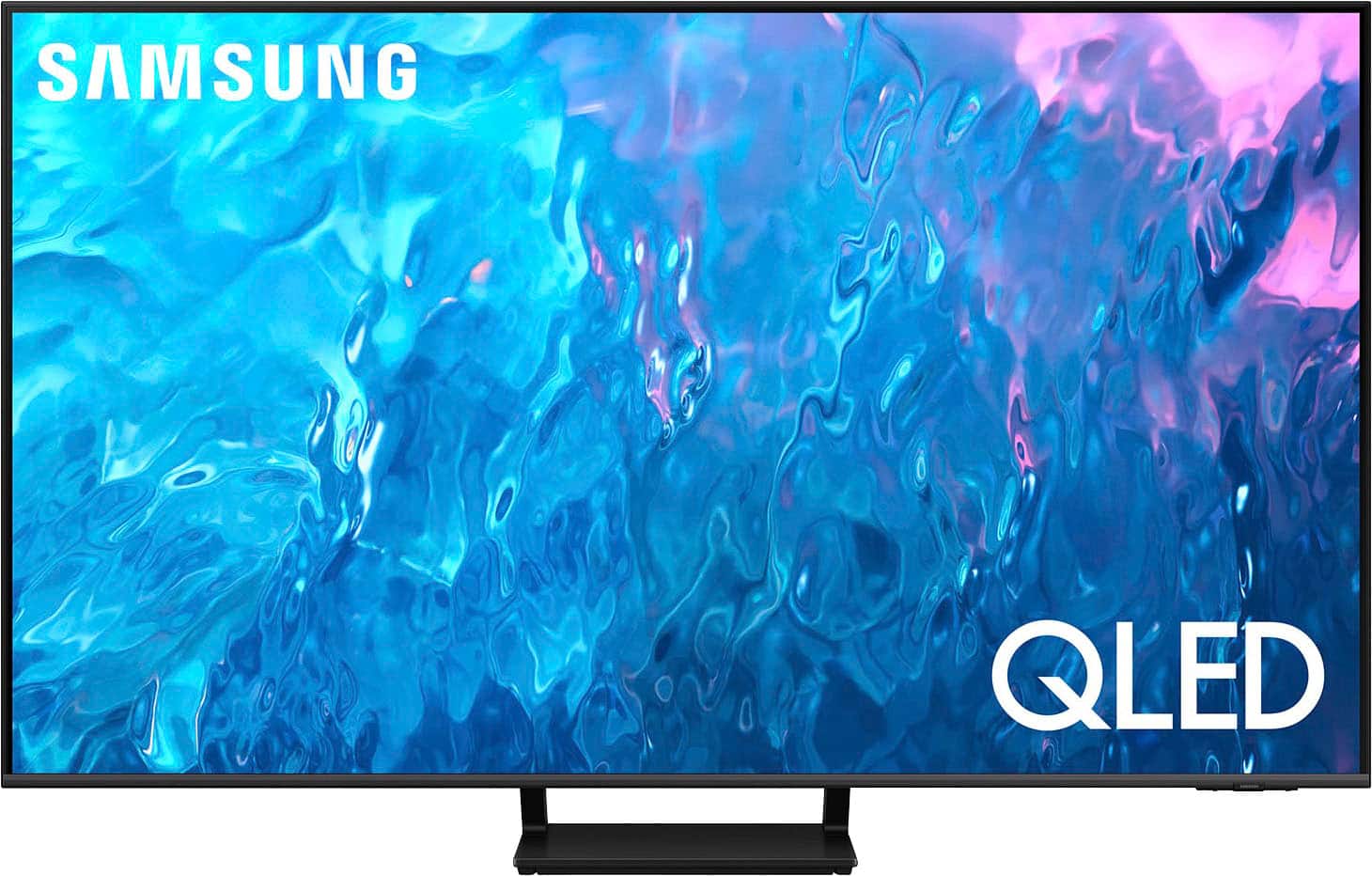
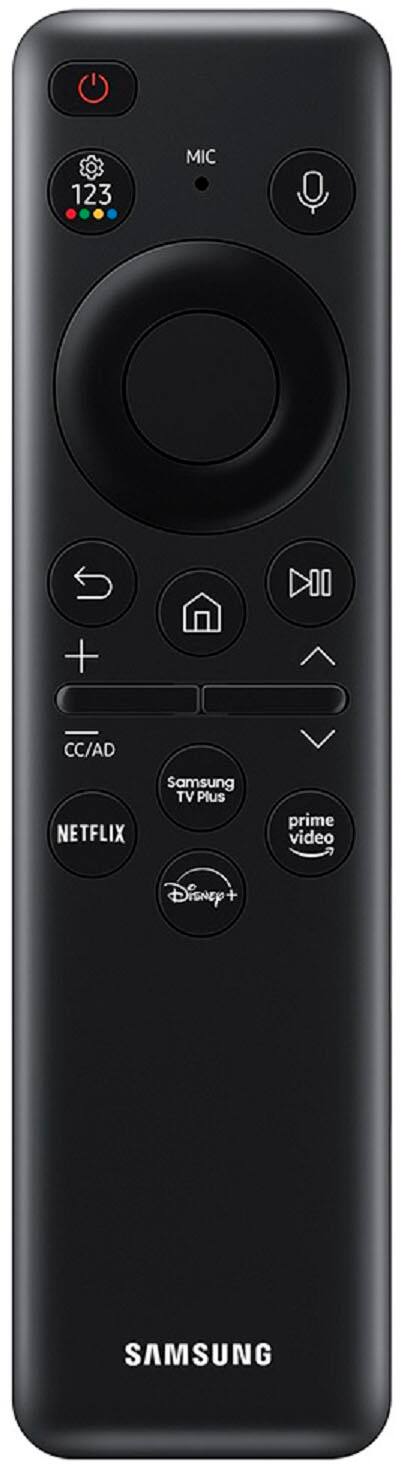




- Model:
- QN65Q70CAFXZA
- SKU:
- 6537337
Rating by feature
- Picture Quality
Rating 4.8 out of 5 stars
- Sound Quality
Rating 4.4 out of 5 stars
- Brightness
Rating 4.7 out of 5 stars
Customers are saying
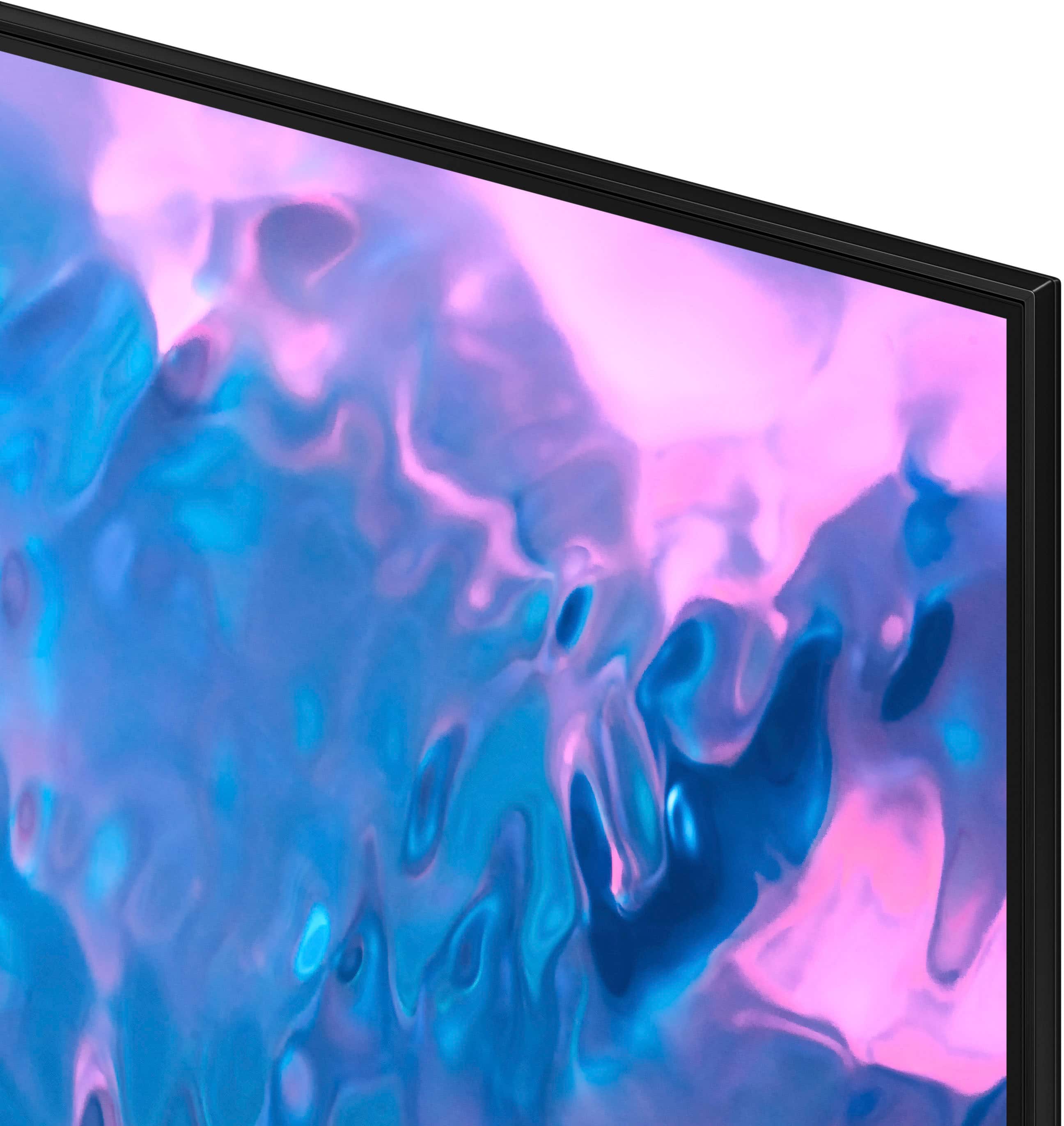
Customers often highlight the excellent picture quality, crisp colors, and ease of use of the 65" Class Q70C QLED 4K UHD Smart Tizen TV (2023). Many appreciate the user-friendly interface and the innovative solar-powered remote control. Positive feedback also mentions the TV's value for its price. The refresh rate is another frequently praised feature, particularly for gaming.
This summary was generated by AI based on customer reviews.
TV is awesome
||Posted . Owned for 7 months when reviewed.This reviewer received promo considerations or sweepstakes entry for writing a review.Outstanding display once adjusted to my likeness with no complaints at this time. Always have good luck with Samsung when you upgrade to a better model and spend the extra money to do so.
I would recommend this to a friendGreat
||Posted . Owned for 3 weeks when reviewed.This reviewer received promo considerations or sweepstakes entry for writing a review.Overall really love this tv. Only issue ive had is getting surround sound and xbox that is connected to it to all connect at the same time. Took some troubleshooting but after resetting the tv and then reconnecting all parts, have had no issues with the tv thus far.
I would recommend this to a friend- Pros mentioned:Ease of use
Monie tv
||Posted . Owned for 1 month when reviewed.This reviewer received promo considerations or sweepstakes entry for writing a review.A good product for the price like the features it has easy-to-use
I would recommend this to a friend Good condition
||Posted . Owned for 9 months when reviewed.This reviewer received promo considerations or sweepstakes entry for writing a review.Liked it, was an open box tv but works perfectly. Im more than satisfied
I would recommend this to a friendStellar
||Posted . Owned for 5 months when reviewed.This reviewer received promo considerations or sweepstakes entry for writing a review.Everything was great from the delivery to the set up. The tech that came out and set it up was spot on man. knew exactly what he was doing and in an out. even gave him a nice tip.
I would recommend this to a friend- Pros mentioned:Picture quality
Great TV
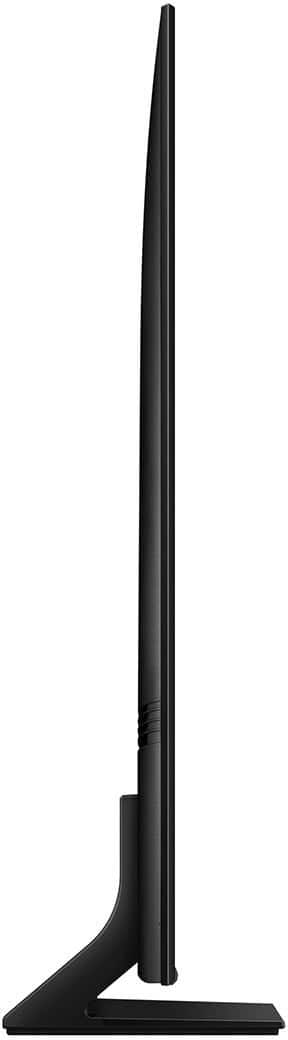
||Posted . Owned for 3 weeks when reviewed.This reviewer received promo considerations or sweepstakes entry for writing a review.Great picture quality. I love the base and how easy it was to assemble
I would recommend this to a friend - Pros mentioned:Picture quality
65 inch
||Posted . Owned for 1 month when reviewed.This reviewer received promo considerations or sweepstakes entry for writing a review.Picture is good .. Reds could be better but over all a good picture
I would recommend this to a friend TV Good BUT
||Posted . Owned for 2 weeks when reviewed.This reviewer received promo considerations or sweepstakes entry for writing a review.This TV is too smart and beware comes with the very least instructions. I called to request a manual and Samsung refused to send - they said I could download - the manual is over 100 pages! RIDICULOUS AND UNACCEPTABLE!! Overall video quality is great but audio quality is not as good as my last Samsung from 10 years ago which had a surround built-in audio.
No, I would not recommend this to a friendBrand response from Samsung
Posted .MauricioP,
Thank you for your review. To further assist you in learning the various features, functions, and settings of your TV and remote, you can download the Q70C TV's User Manual, e-Manual, Remote Control Leaflet, and Quick Setup Guide on Samsung's website under ‘Support’ (top right corner) > Manuals & Software > TVs & Home Theater. From there, you can select the Q70C TV under QLED 4K TVs > C Model Lineup to download the guides you would like.
The e-Manual and Remote Guide are both also embedded into the TV itself under Menu > Settings > Support.
To ensure you’ve got the latest sound quality updates, please confirm that your TV is up to date with the latest firmware version. You can check by going to: Home > Menu > Settings > Support > Software Update.
There are several sound settings you can adjust to suit your personal sound preferences.
Change the Sound Mode by going to: Settings > All Settings > Sound > Sound Mode
You can also customize sound by going to: Settings > All Settings > Sound > Expert Settings
To assist you with possible sound settings adjustments for a better audio experience, or choosing a Samsung Soundbar to complement your viewing enjoyment, please reach out to us at 1-800-SAMSUNG, 8AM - 12AM EST, 7 days a week. Or visit us on the Samsung website and click on the ‘Support’ link for:
• LiveChat
• Manuals, Software, & Warranty Info
~ Samsung Specialist
- Pros mentioned:Picture quality
I love it.
||Posted . Owned for 1 month when reviewed.This reviewer received promo considerations or sweepstakes entry for writing a review.Wonderful picture. TV remote is WAY TOO SMALL, especially for older people.
I would recommend this to a friend TV
||Posted . Owned for 1.5 years when reviewed.This reviewer received promo considerations or sweepstakes entry for writing a review.Love samsung products and only use samsung tvs. Love the solar charge ability of the remote.
I would recommend this to a friend- Pros mentioned:Ease of use
Best TV Ever!!
||Posted . Owned for 3 weeks when reviewed.This reviewer received promo considerations or sweepstakes entry for writing a review.I absolutely love the TV and the ease to navigate the apps.
I would recommend this to a friend - Pros mentioned:Picture quality
Affordable TV
||Posted . Owned for 1 month when reviewed.This reviewer received promo considerations or sweepstakes entry for writing a review.Found online! So far, great picture and sound. Affordable!
I would recommend this to a friend Not worth 1k
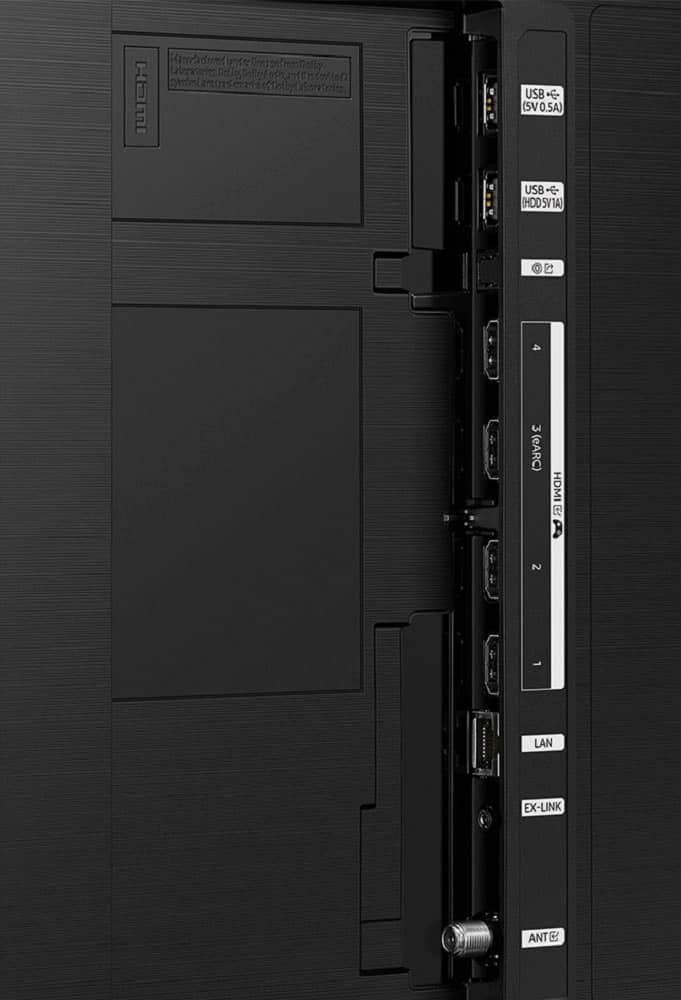
||Posted . Owned for 3 weeks when reviewed.This reviewer received promo considerations or sweepstakes entry for writing a review.Good for a teenagers gaming TV. The gaming mode that's built into the TV, works great on games. It even has a built in crosshair for FPS. But it turns on every console automatically when you power the TV on. Which is quite annoying. The brightness is kind of blah. It's either binding or dull. You will have to do a lot of manual adjustments to get it to where you want it. The built in speakers are garbage. For a grand plus i thought the speakers would have good sound. I was wrong. Good thing i have a polk sound bar to compensate. I was hoping it would have a better picture then my 400 version i bought 5 years ago, but it definitely doesn't. The one thing i do like is it has more hdmi ports then my other Tv did. It's always nice to have more ports. I wanted to use this in my living room. But now it's in my children's room for their gaming systems. I'm going to have to search for a better tv for the living room. Definitely not worth the price tag.
No, I would not recommend this to a friendBrand response from Samsung
Posted .Michael,
I'm sorry to hear of the misunderstanding. Please know your TV has Anynet+ enabled which prompts the console auto-ons. To disable this function, go to: Settings > All Settings > Connection > External Device Manager > Anynet+ (HDMI-CEC) = OFF.
For optimal image and sound enhancements, please be sure you're running the latest firmware version. You can check this by going to: Home > Menu > Settings > Support > Software Update.
If the picture you’re seeing is still not to your liking after updating firmware, there are several picture settings you may want to try adjusting.
Go to Home > Menu > Settings > All Settings > Picture > Picture Mode
...and select the mode that best fits your usage:
1. Standard: Is the default mode suitable for general viewing environments
2. Dynamic: Makes the picture brighter and clearer in bright viewing environments
3. Eco: Provided to save energy
4. Movie: Suitable for watching TV or movies in a dark room
5. Filmmaker Mode: Provides source content just as the creators intended. If the image is defined as Filmmaker Mode, it’ll automatically switch to Filmmaker Mode while watching.
Intelligent Mode enables the TV to recognize and analyze the surroundings, noise, content, and your usage patterns to provide the best viewing experience. You can enable Intelligent Mode by going to Menu > Settings > All Settings > General & Privacy > Intelligent Mode Settings > Intelligent Mode.
You may also want to enable some Intelligent Mode Sound options, as these recognize and analyze the surroundings, noise, content, and your usage patterns to provide the best viewing experience.
Go to Menu > Settings > All Settings > General & Privacy > Intelligent Mode Settings. Turn the options on or off to meet your needs:
Active Voice Amplifier (AVA): Analyzes ambient noise and provides optimal sound depending on the noise
Adaptive Sound: Provides optimized sound quality by analyzing the viewing space and the acoustic components of the content.
Adaptive Volume: Automatically adjusts to a specific volume level while you are watching TV. By analyzing your volume usage history by time period it’ll automatically adjust the volume when you use an app or switch to an external source.
You can also customize sound by going to: Settings > All Settings > Sound > Expert Settings
If you need more help, Samsung is here for you. Please call us at 1-800-SAMSUNG, 8AM - 12AM EST, 7 days a week. Our LiveChat agents are also available by clicking on the ‘Support’ link on our website.
~ Samsung Specialist
Buy it
||Posted .This reviewer received promo considerations or sweepstakes entry for writing a review.Great product, very loud,fits perfectly really nice product
I would recommend this to a friend- Pros mentioned:Picture quality
Samsung
||Posted . Owned for 1 month when reviewed.This reviewer received promo considerations or sweepstakes entry for writing a review.This is the best TV quality of the pictures very good
I would recommend this to a friend Donato Tapias
||Posted . Owned for 1 year when reviewed.This reviewer received promo considerations or sweepstakes entry for writing a review.I love the tv, never ever has given me any issue at all.
I would recommend this to a friend- Pros mentioned:Picture quality
65 inches QLED TV
||Posted . Owned for 3 weeks when reviewed.This reviewer received promo considerations or sweepstakes entry for writing a review.Overall satisfied, very high picture quality indeed.
I would recommend this to a friend - Pros mentioned:Picture quality
Great tv
||Posted . Owned for 3 weeks when reviewed.This reviewer received promo considerations or sweepstakes entry for writing a review.Great tv. Picture quality is great very easy to set up.
I would recommend this to a friend Highly recommended
||Posted .This reviewer received promo considerations or sweepstakes entry for writing a review.Great TV highly recommend. Lightweight easy to maneuver.
I would recommend this to a friendSamsung TV purchase
||Posted . Owned for 1 month when reviewed.This reviewer received promo considerations or sweepstakes entry for writing a review.I bought a Samsung 65” TV and surround system from an online representative, he was very helpful, and it was price protected through Black Friday sales. I picked it up in the store and it was perfect. We love it.
I would recommend this to a friend