Customer Ratings & Reviews
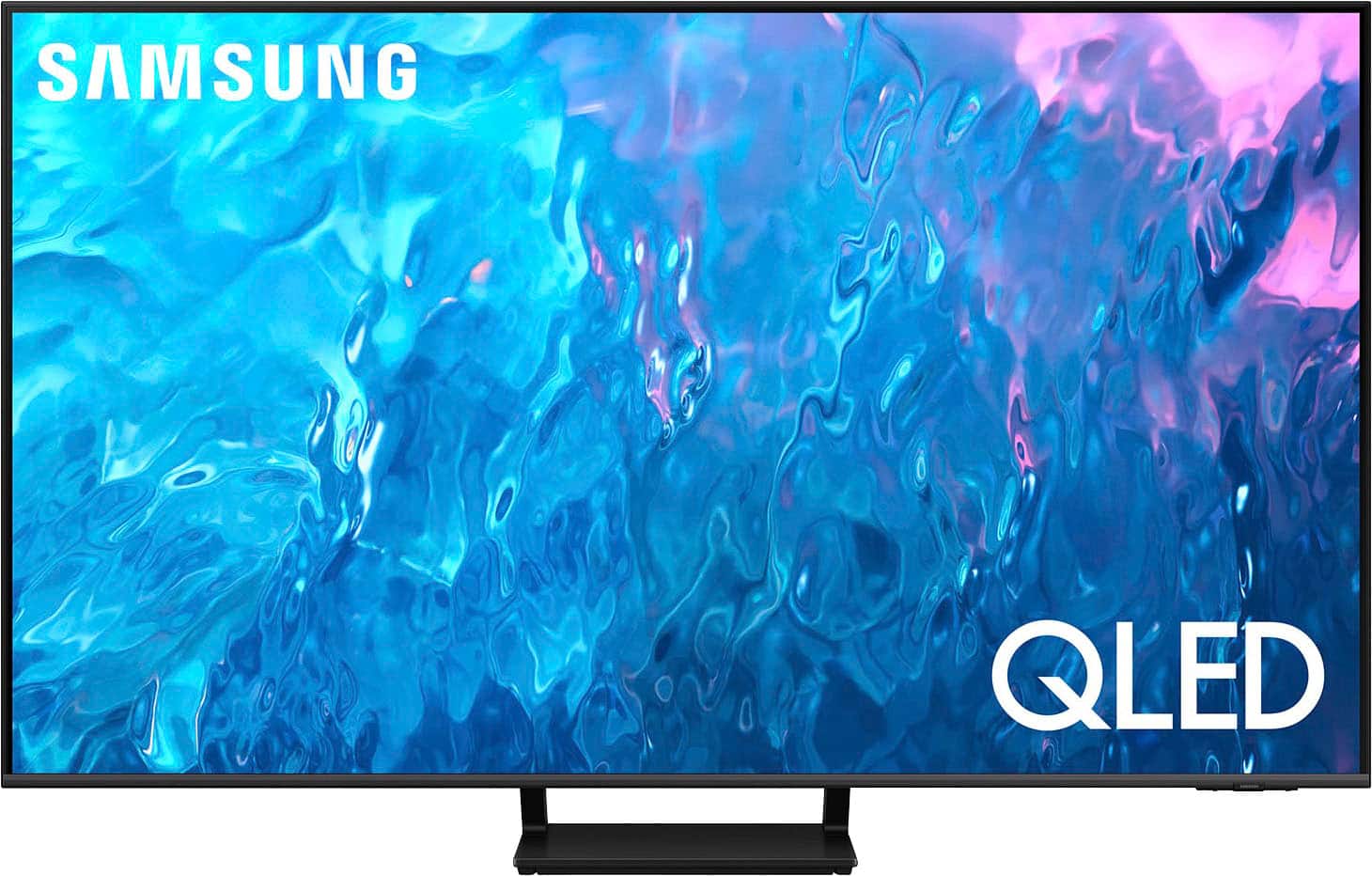
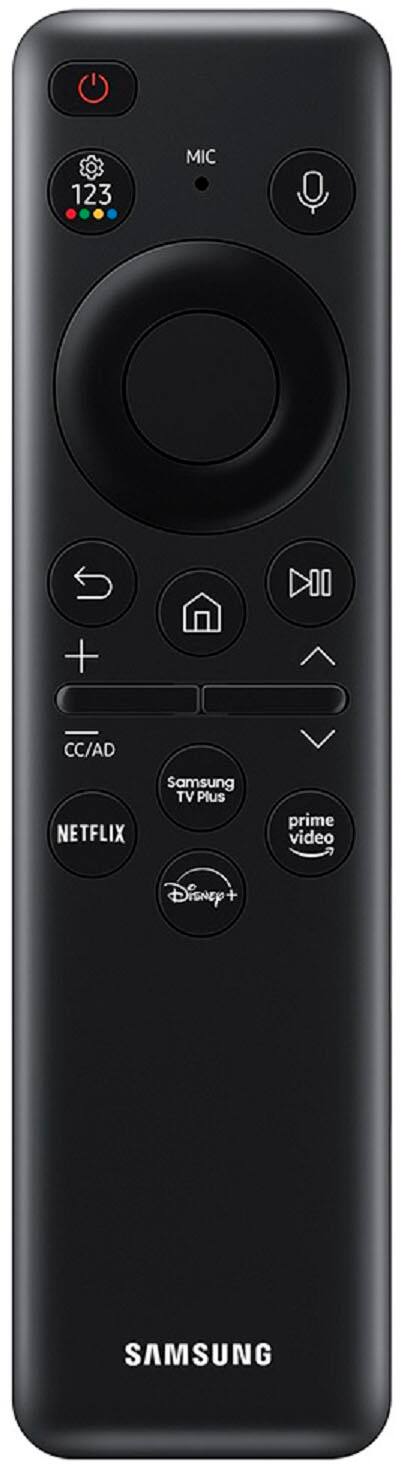
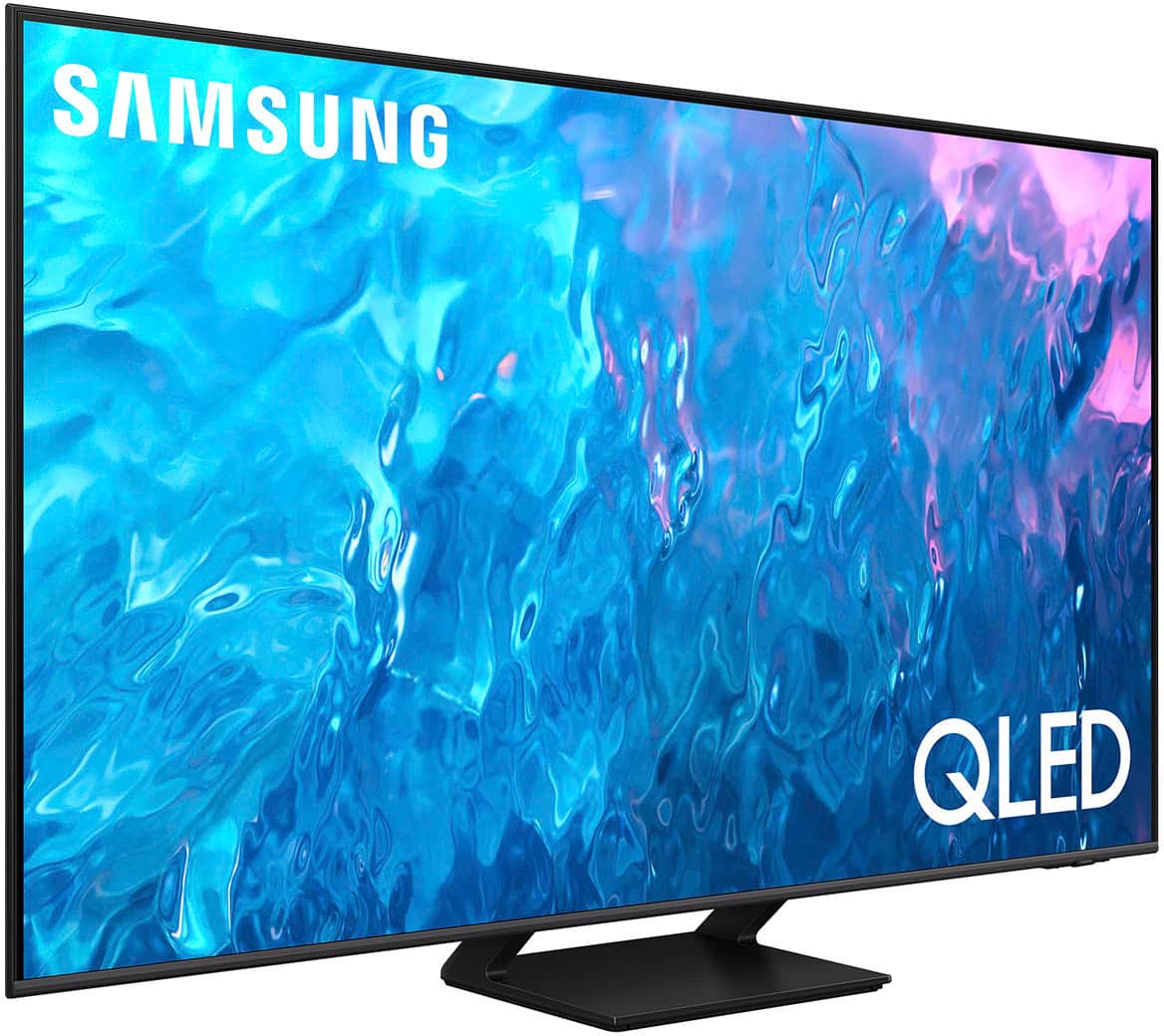
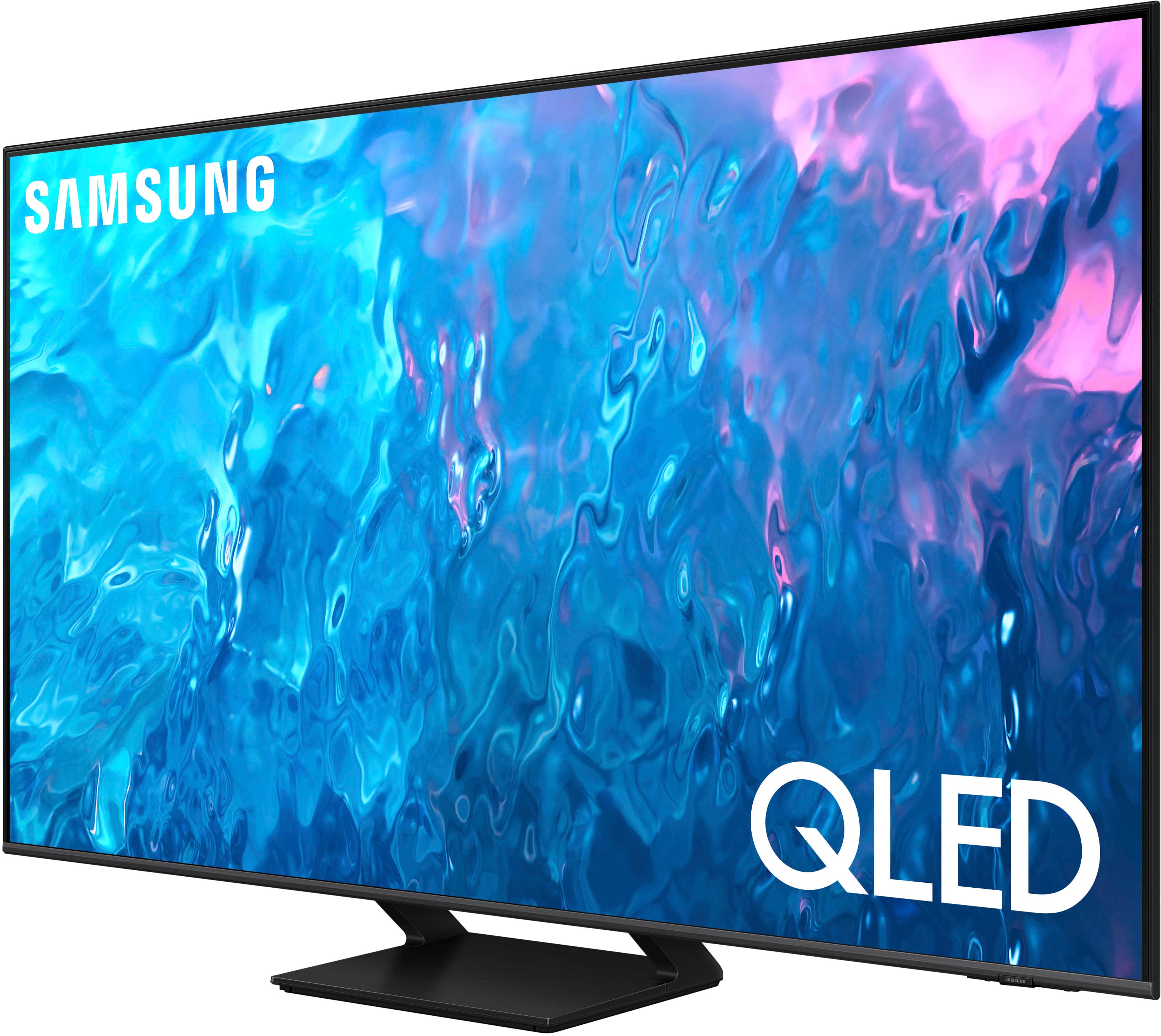
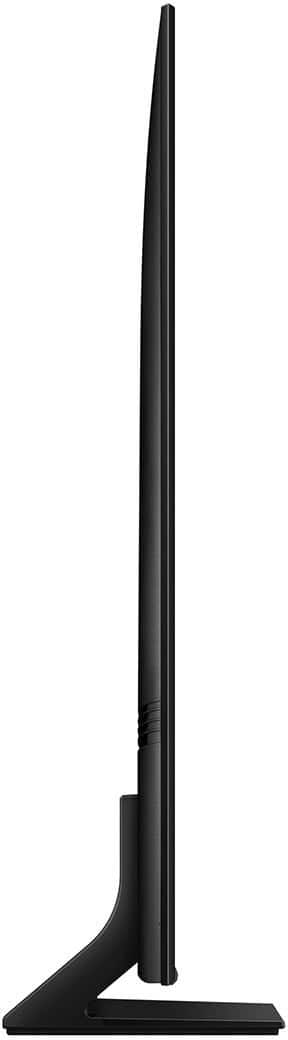
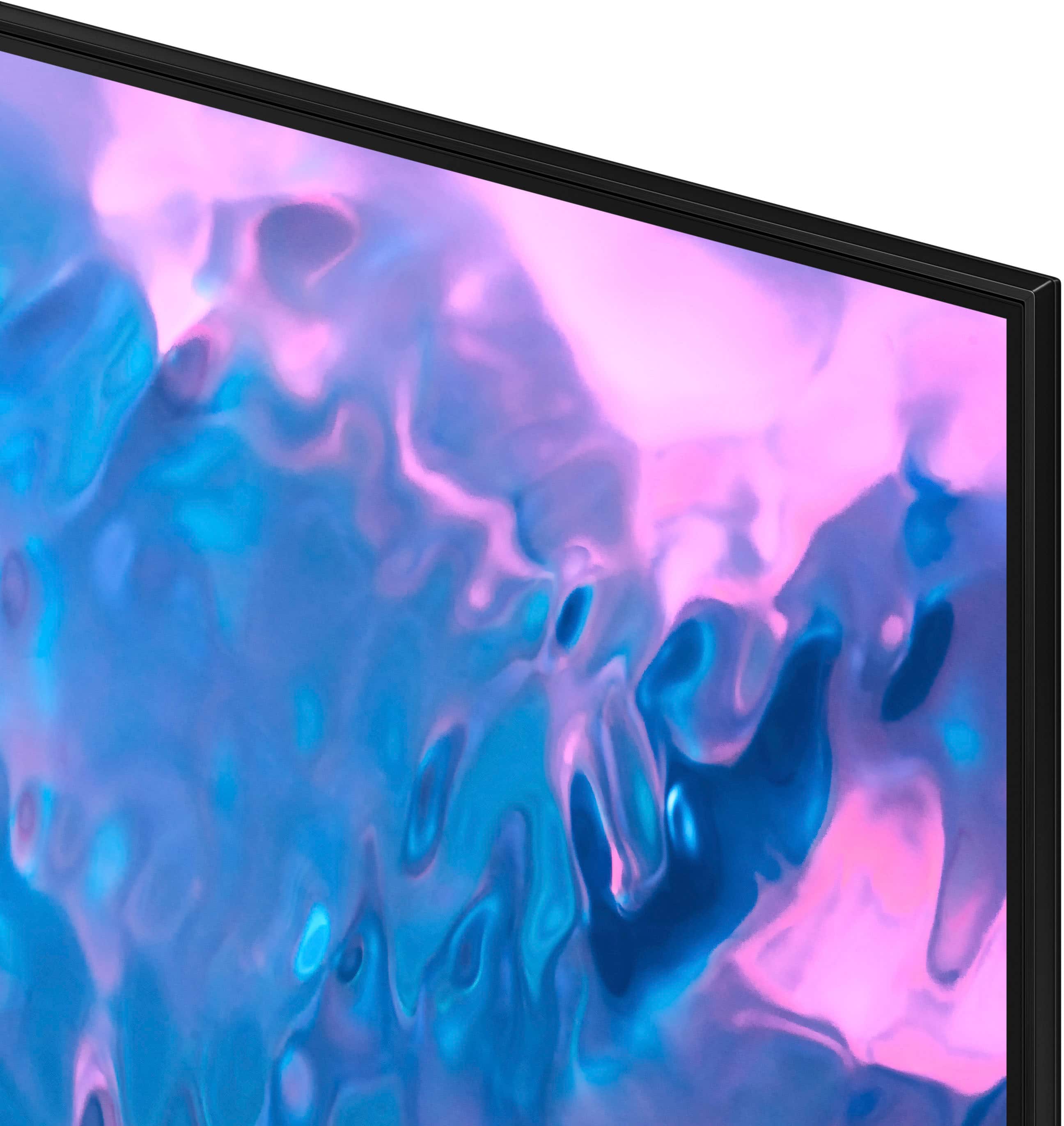
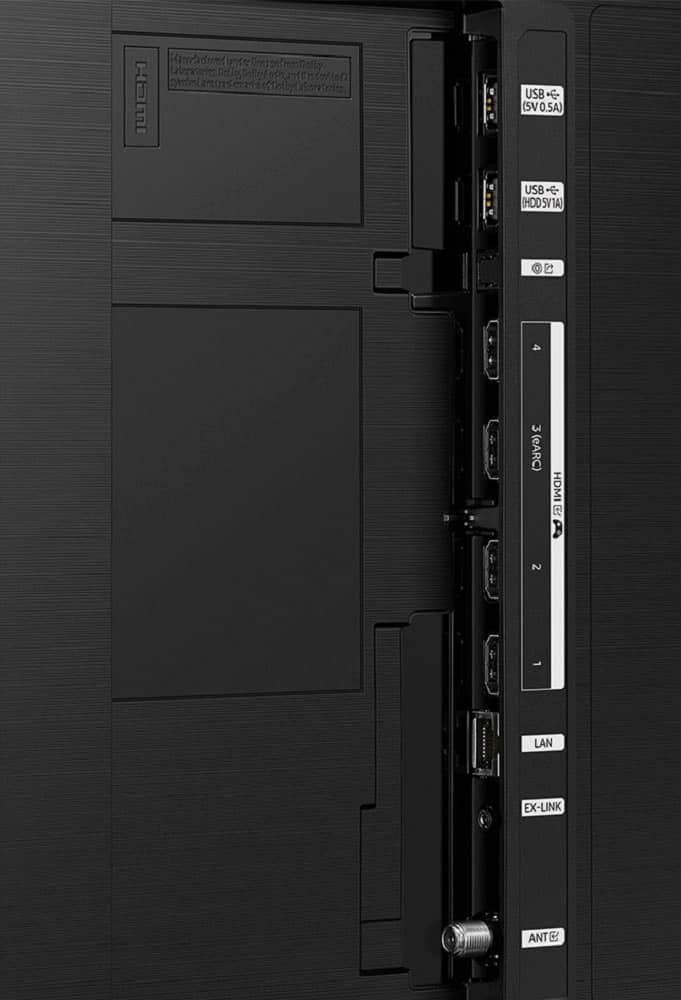




- Model:
- QN65Q70CAFXZA
- SKU:
- 6537337
Rating by feature
- Picture Quality
Rating 4.8 out of 5 stars
- Sound Quality
Rating 4.4 out of 5 stars
- Brightness
Rating 4.7 out of 5 stars
Customers are saying
Customers often highlight the excellent picture quality, crisp colors, and ease of use of the 65" Class Q70C QLED 4K UHD Smart Tizen TV (2023). Many appreciate the user-friendly interface and the innovative solar-powered remote control. Positive feedback also mentions the TV's value for its price. The refresh rate is another frequently praised feature, particularly for gaming.
This summary was generated by AI based on customer reviews.
Buyer beware
||Posted . Owned for 1 month when reviewed.This reviewer received promo considerations or sweepstakes entry for writing a review.This tv is something you need a degree incomputer technology. The fella who supposedly helped us didnt say anything about the solar-powered remote and the difficulty in setting it up. It messed up my internet and the volume control will not work. It was easy to see the young man didn't want to wait on older people. Didnt explain anything about the extended warranty. Sam's club had the same tv with a 5 year warranty included, yours we had to pay for. NOT HAPPY!!!
No, I would not recommend this to a friendBrand response from Samsung
Posted .HelenT,
We appreciate your review of Samsung’s Q70C TV. So we can better understand the volume issues you’re experiencing and provide you with troubleshooting assistance, please reach out to Samsung Customer Support at 1-800-SAMSUNG, 8AM - 12AM EST, 7 days a week.
Our LiveChat agents are also available by clicking on the ‘Support’ link on our website.
~ Samsung Specialist
Screen Issues
||Posted .This reviewer received promo considerations or sweepstakes entry for writing a review.Everything looked good, but vertical brown lines started to show on the right side of the screen in less than a year after purchase. A Samsung tech replaced the screen at no cost and told me this was a rare issue. The TV was fixed, but the same issue happened this time on the left side of the screen in less than a year after being fixed. Now, since the warranty expired, Samsung will charge me for fixing this. Most likely, I will not buy another Samsung TV going forward. Frustrated with the product.
No, I would not recommend this to a friendNot a primary tv
||Posted . Owned for 1 month when reviewed.This reviewer received promo considerations or sweepstakes entry for writing a review.This is the least expensive tv I own and honestly you get what you pay for, only intended for use in a third bedroom.
No, I would not recommend this to a friendBrand response from Samsung
Posted .ScottF,
We appreciate your review of Samsung’s Q70C TV. So we can better understand the issues you’re experiencing and provide you with troubleshooting assistance, please reach out to Samsung Customer Support at 1-800-SAMSUNG, 8AM - 12AM EST, 7 days a week. Or visit us on the Samsung website and click on the ‘Support’ link for:
• LiveChat
• Manuals, Software, & Warranty Info
~ Samsung Specialist
Q70a is. Joke not worth it
Posted .This reviewer received promo considerations or sweepstakes entry for writing a review.Q70A after 20 months just turn black tv not working no more Never buy a samsung no more
No, I would not recommend this to a friendVoice commands issue
||Posted . Owned for 1 month when reviewed.This reviewer received promo considerations or sweepstakes entry for writing a review.Sometimes tv turns on automatically. Giving info that voice command activated. Fact is we didn’t touch Reno control at all.
I would recommend this to a friendBrand response from Samsung
Posted .Patel,
It’s unfortunate to hear your Q70C TV is turning on by itself. Please try a few troubleshooting steps that may help solve the issue:
1. Unplug the TV from the wall outlet or surge protector and leave it unplugged for 30 seconds.
2. Check the power cord to see if there is any visible damage.
3. Plug the TV power cord back into the wall outlet. If you were using a surge protector, bypass it for now and use a wall outlet.
4. Try to update the software. In some cases, a software update can correct the problem. There is a risk, however. If the TV turns off during the software update, it could damage the TV. Updates can take up to 30 minutes depending on network speed, so if the TV is not turning off too frequently, try updating the software.
5. Disable the Power On with Mobile option. TVs that can connect to SmartThings can be turned on using compatible devices, sometimes automatically. However, if abnormal "power on" signals are sent through the wireless network, they will trigger this function and make the TV turn on. If you do not want this function, navigate to Menu > Settings > All Settings > Connection > Network > Expert Settings > Power On with Mobile, and turn the setting off.
If the TV continues to turn on by itself, please call us at 1-800-SAMSUNG, 8AM - 12AM EST, 7 days a week. Our LiveChat agents are also available by clicking on the ‘Support’ link on our website.
~ Samsung Specialist
Keeps startng by itself
||Posted . Owned for 2 weeks when reviewed.This reviewer received promo considerations or sweepstakes entry for writing a review.It keeps starting by itself sometimes in the night and is very spooky tried lot os setting but still the same issue
No, I would not recommend this to a friendBrand response from Samsung
Posted .FakeOffer,
It’s unfortunate to hear your Q70C TV is turning on by itself. Please try a few troubleshooting steps that may help solve the issue:
1. Unplug the TV from the wall outlet or surge protector and leave it unplugged for 30 seconds.
2. Check the power cord to see if there is any visible damage.
3. Plug the TV power cord back into the wall outlet. If you were using a surge protector, bypass it for now and use a wall outlet.
4. Try to update the software. In some cases, a software update can correct the problem. There is a risk, however. If the TV turns off during the software update, it could damage the TV. Updates can take up to 30 minutes depending on network speed, so if the TV is not turning off too frequently, try updating the software.
5. Disable the Power On with Mobile option. TVs that can connect to SmartThings can be turned on using compatible devices, sometimes automatically. However, if abnormal "power on" signals are sent through the wireless network, they will trigger this function and make the TV turn on. If you do not want this function, navigate to Menu > Settings > All Settings > Connection > Network > Expert Settings > Power On with Mobile, and turn the setting off.
If the TV continues to turn on by itself, please call us at 1-800-SAMSUNG, 8AM - 12AM EST, 7 days a week. Our LiveChat agents are also available by clicking on the ‘Support’ link on our website.
~ Samsung Specialist
Samsung
||Posted . Owned for 3 weeks when reviewed.This reviewer received promo considerations or sweepstakes entry for writing a review.This TV had a screen defect right away. Best Buy was great and swapped it out with an LG.
I would recommend this to a friendBrand response from Samsung
Posted .PhilipN,
It’s unfortunate to hear of the issues that have caused you to return your Q70C TV. Your experience is very important to us and will be shared with our product team.
Should you ever decide to give Samsung TVs another try and have questions or need help with settings, setup, or features, please know we’re here to help. Call us at 1-800-SAMSUNG, 8AM - 12AM EST, 7 days a week.
LiveChat with an agent as well as manuals, software, and warranty info can be found at the ‘Support’ link on our Samsung website.
~ Samsung Specialist
Shortage in lcd panel. 1 year
||Posted .This reviewer received promo considerations or sweepstakes entry for writing a review.Lcd panel burnt out within 1 year of purchase. This is a terrible TV to purchase. Check youtube videos for this model and fixes for black screen relating to lcd panels you'll see many stating that their TVs went bad a few months after the warranty expired. Never again will I buy Samsung or from Bestbuy
No, I would not recommend this to a friendrefresh = no
||Posted . Owned for 3 weeks when reviewed.This reviewer received promo considerations or sweepstakes entry for writing a review.refresh rate not as advertised 60Hz instead of 120
I would recommend this to a friendBrand response from Samsung
Posted .Bulldogstl,
I am sorry to hear of this misunderstanding. The Q70C features Motion Rate 240 (120Hz Refresh Rate). Your feedback is nonetheless appreciated, and will be shared with our internal teams.
If there’s anything we can ever help with, please call us at 1-800-SAMSUNG, 8AM - 12AM EST, 7 days a week. Or visit us on the Samsung website and click on the ‘Support’ link for:
• LiveChat
• Manuals, Software, & Warranty Info
~ Samsung Specialist
Horrible!!!
||Posted . Owned for 1 week when reviewed.This reviewer received promo considerations or sweepstakes entry for writing a review.Gotthe tv and was told half way thru the process they didn’t have it in store, I set up delivery for the next Tuesday. I got texts the whole time its comeing that day its coming that day then on the day of delivery I get texts all day saying now the time is between 1-5 then I get a text at 2:00 saying the driver has your tv and will be there at 2:15…. When the tv didn’t come by 5 I checked the tracking again and it wants me to set up delivery again!!!!! They told me they didnt have the tv and I would have to wait at least another week!!!!! I canceled the order and am completely dissatisfied with all aspecs of this interaction
No, I would not recommend this to a friendBrand response from Samsung
Posted .AngryinAlabama,
Please know you are leaving a review and 1-star rating for the 65" Q70C TV, but we are sorry to hear of your Best Buy experience, nonetheless. You may want to consider providing feedback directly to the Best Buy store where you made your purchase.
Should you have questions on the Q70C TV itself, Samsung is here for you. You can reach us at 1-800-SAMSUNG, 8AM - 12AM EST, 7 days a week. Our LiveChat agents are also available by clicking on the ‘Support’ link on our website.
~ Samsung Specialist
2 problems and not sure if it a defect
||Posted . Owned for less than 1 week when reviewed.This reviewer received promo considerations or sweepstakes entry for writing a review.There 1 thing i dont like about it and it the os im a huge anime fan so you cant download Crunchyroll. Aside of that im not sure but on the very bottom left corner i see that there a tiny bighter spot then and other corner. Might be a defect
No, I would not recommend this to a friendBrand response from Samsung
Posted .Angel,
We appreciate your thoughts on app availability as well as the screen abnormalities you may be seeing. Please run a Picture Test to determine if the problem is caused by the TV. Picture Test displays a high-definition picture you can examine for flaws or faults. Go to Settings > Support > Device Care > Self Diagnosis > Picture Test
If this occurs on all sources and the picture test, this may require service. For help with setting up a service appointment, please contact Samsung Support at 1-800-SAMSUNG, 8AM - 12AM EST, 7 days a week. Our LiveChat agents are also available by clicking on the ‘Support’ link on our website.
~ Samsung Specialist
TV worked for 2 weeks & Best Buy no help
||Posted . Owned for 1 month when reviewed.This reviewer received promo considerations or sweepstakes entry for writing a review.After installing the TV, it worked for about 2 weeks and now it won't power on. Best Buy has rid its hands of the problem to leave me dealing directly with Samsung on the issue after only having the TV approximately 3 weeks. I will think real hard before I make another large purchase through Best Buy considering the lack of support this time around.
No, I would not recommend this to a friendBrand response from Samsung
Posted .ChadM,
It’s unfortunate to hear of your experience with Samsung’s Q70C TV. Samsung is committed to providing the best possible product experience, quality, and value. We back this Samsung TV with a 1-year limited manufacturer's warranty, including authorized repair for manufacturer defect, if purchased brand-new directly from an authorized seller. You can see the full details of your warranty here: https://www.samsung.com/us/support/service/warranty/QN65Q70CAFXZA/
Please give us the opportunity to assist you by contacting Samsung Customer Support at 1-800-SAMSUNG, 8AM - 12AM EST, 7 days a week. Our LiveChat agents are also available by clicking on the ‘Support’ link on our website.
~ Samsung Specialist
Crap
||Posted . Owned for 7 months when reviewed.This reviewer received promo considerations or sweepstakes entry for writing a review.The reviews that you read about this TV are not true, this is the stupidest TV I've ever owned, you turn on the TV the cable box turns off, you turn on the cable box in the TV goes off, you fight with this back and forth until you get both of them on. I will never buy another Samsung TV again in my life, LG TVs maybe my next one, have to check reviews first. If I was you I would not buy this TV by Samsung, but this is my opinion.
No, I would not recommend this to a friendSamsung is Garbage
||Posted . Owned for 4 months when reviewed.This reviewer received promo considerations or sweepstakes entry for writing a review.Samsung provided absolutely terrible customer service when my screen started to form bubbles under it the first month I had the TV. They blamed it on me and voided my warranty when I did absolutely nothing to cause the bubbling. Will never buy another Samsung in my life.
No, I would not recommend this to a friendBrand response from Samsung
Posted .Ddrake5,
It’s unfortunate to hear of your experience with Samsung’s Q70C TV. Samsung is committed to providing the best possible product experience, quality, and value. We back this Samsung TV with a 1-year limited manufacturer's warranty, including authorized repair for manufacturer defect, if purchased brand-new directly from an authorized seller. You can see the full details of your warranty here: https://www.samsung.com/us/support/service/warranty/QN65Q70CAFXZA/
Please give us the opportunity to assist you by contacting Samsung Customer Support at 1-800-SAMSUNG, 8AM - 12AM EST, 7 days a week. Or visit us on the Samsung website and click on the ‘Support’ link for:
• LiveChat
• Manuals, Software, & Warranty Info
~ Samsung Specialist
Do NOT buy!
||Posted . Owned for more than 2 years when reviewed.This reviewer received promo considerations or sweepstakes entry for writing a review.Do NOT buy this TV!! Barely made it 2 years and I accidentally cancelled the expensive tech protection plan after a year!
No, I would not recommend this to a friendThis TV sucks
||Posted . Owned for more than 2 years when reviewed.This reviewer received promo considerations or sweepstakes entry for writing a review.Worst Tv I have ever purchased. It stopped working after 2 years. I do not recommend Samsung products.
No, I would not recommend this to a friendNo happy with my tv
||Posted . Owned for 1 month when reviewed.This reviewer received promo considerations or sweepstakes entry for writing a review.It broke in 3 weeks. Best Buy says its past the 15 day return. Samsung has been very difficult to deal with to get someone to look at tv to see if it can be fixed. No one coming until 9/12.
No, I would not recommend this to a friendBrand response from Samsung
Posted .DawnD,
We appreciate you sharing the details of your issue and for your patience while waiting for your service appointment. Should you need further assistance after your service is complete, please contact Samsung Customer Support at 1-800-SAMSUNG, 8AM - 12AM EST, 7 days a week. Or visit us on the Samsung website and click on the ‘Support’ link for:
• LiveChat
• Manuals, Software, & Warranty Info
~ Samsung Specialist
Say no to samsung
||Posted . Owned for 2 weeks when reviewed.This reviewer received promo considerations or sweepstakes entry for writing a review.The TV just stopped working we had it delivered on the 13th and on the 18th it just shut off and wouldn’t turn back on no matter what we tried to do so. Plus you had to get an account on the TV through Samsung to allow it us to use the apps on the TV. We couldn’t do anything without setting up that account and now I don’t have the TV anymore so Samsung can bite me.
No, I would not recommend this to a friendBrand response from Samsung
Posted .disappointedintexas2,
It’s unfortunate to hear of the issues that have caused you to return your Q70C TV. Your experience is very important to us and will be shared with our product team.
Should you ever decide to give Samsung TVs another try and have questions or need help with settings, setup, or features, please know we’re here to help. Call us at 1-800-SAMSUNG, 8AM - 12AM EST, 7 days a week.
LiveChat with an agent as well as manuals, software, and warranty info can be found at the ‘Support’ link on our Samsung website.
We hope to regain you as a customer in the future.
~ Samsung Specialist
Don’t recommend
||Posted . Owned for 1 month when reviewed.This reviewer received promo considerations or sweepstakes entry for writing a review.Not a sharp picture like Sony product. Disappointed. Sound is horrible. Should come with a free soundbar
No, I would not recommend this to a friendBrand response from Samsung
Posted .JosephM,
Thank you for sharing your thoughts on the picture quality of your Q70C TV. To ensure you’ve got the latest image quality updates, please confirm that your TV is up to date with the latest firmware version. You can check by going to: Home > Menu > Settings > Support > Software Update.
If the picture you’re seeing is still not to your liking after updating firmware, there are several picture settings you may want to try adjusting.
Go to Home > left direction button > Settings > All Settings > Picture > Picture Mode
...and select the mode that best fits your usage:
1. Standard: Is the default mode suitable for general viewing environments
2. Dynamic: Makes the picture brighter and clearer in bright viewing environments
3. Eco: Provided to save energy
4. Movie: Suitable for watching TV or movies in a dark room
5. Filmmaker Mode: Provides source content just as the creators intended. If the image is defined as Filmmaker Mode, it’ll automatically switch to Filmmaker Mode while watching.
You can also fine-tune your picture with expert settings such as brightness, contrast, sharpness and more (All Settings > Picture > Expert Settings).
There are also several sound settings you can adjust to suit your personal sound preferences.
Change the Sound Mode by going to: Settings > All Settings > Sound > Sound Mode
You can also customize sound by going to: Settings > All Settings > Sound > Expert Settings
To assist you with possible sound settings adjustments for a better audio experience, or choosing a Samsung Soundbar to complement your viewing enjoyment, please reach out to us at 1-800-SAMSUNG, 8AM - 12AM EST, 7 days a week. Or visit us on the Samsung website and click on the ‘Support’ link for:
• LiveChat
• Manuals, Software, & Warranty Info
~ Samsung Specialist
Samsung TV
||Posted . Owned for 8 months when reviewed.This reviewer received promo considerations or sweepstakes entry for writing a review.If I could return it now, I would. It's really not a great quality TV (picture quality).
No, I would not recommend this to a friendBrand response from Samsung
Posted .RidScott,
We appreciate your thoughts on the picture quality of Samsung’s Q70C TV. If the image you’re seeing isn’t to your liking, there are several picture settings you may want to adjust.
Go to Home > left direction button > Settings > All Settings > Picture > Picture Mode
...and select the mode that best fits your usage:
1. Standard: Is the default mode suitable for general viewing environments
2. Dynamic: Makes the picture brighter and clearer in bright viewing environments
3. Eco: Provided to save energy
4. Movie: Suitable for watching TV or movies in a dark room
5. Filmmaker Mode: Provides source content just as the creators intended. If the image is defined as Filmmaker Mode, it’ll automatically switch to Filmmaker Mode while watching.
You can also fine-tune your picture with expert settings such as brightness, contrast, sharpness and more (All Settings > Picture > Expert Settings).
For further assistance with settings adjustments, please contact Samsung Customer Support at 1-800-SAMSUNG, 8AM - 12AM EST, 7 days a week. Or visit us on the Samsung website and click on the ‘Support’ link for:
• LiveChat
• Manuals, Software, & Warranty Info
~ Samsung Specialist