Customer Ratings & Reviews
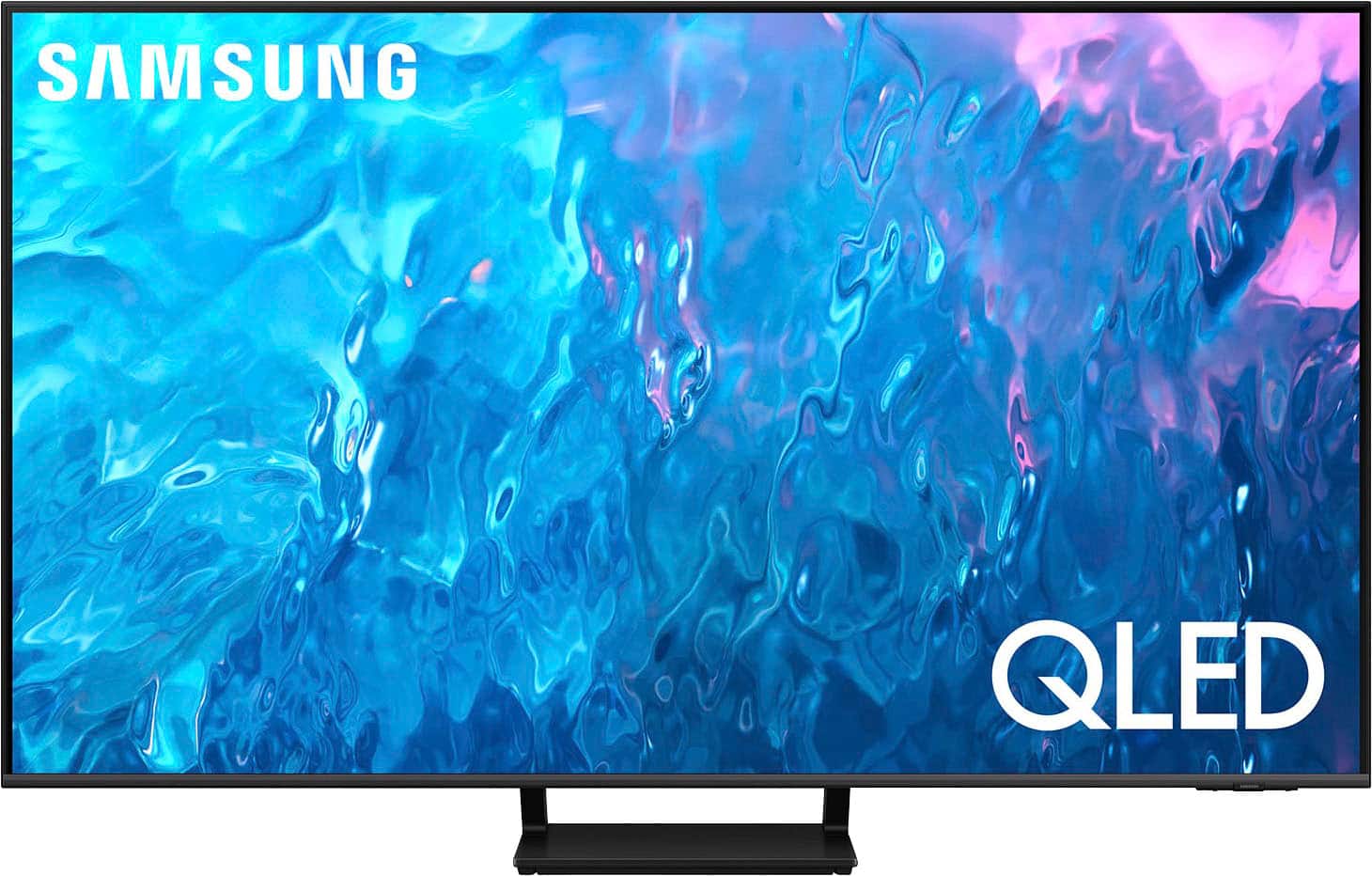
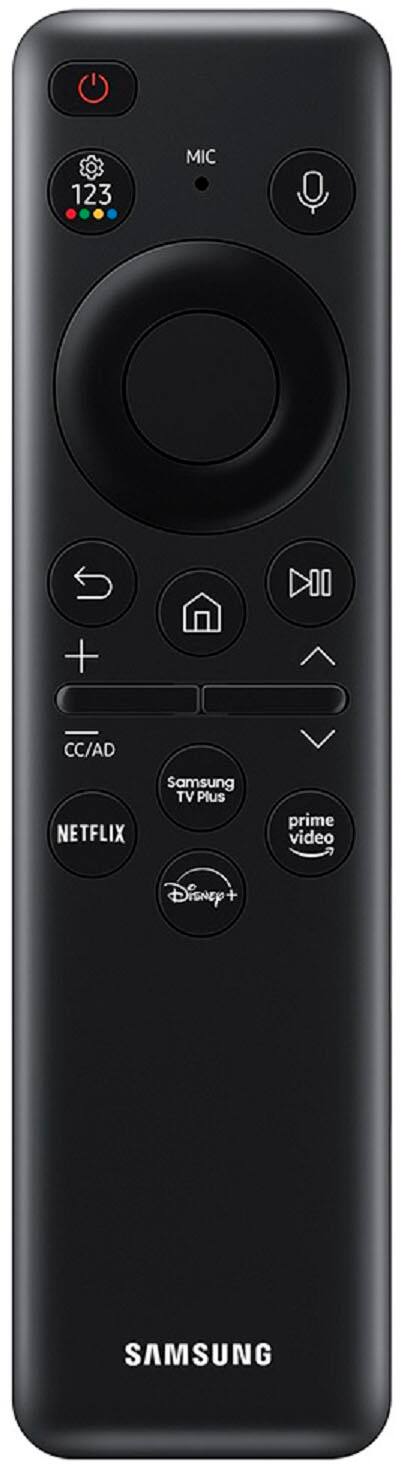
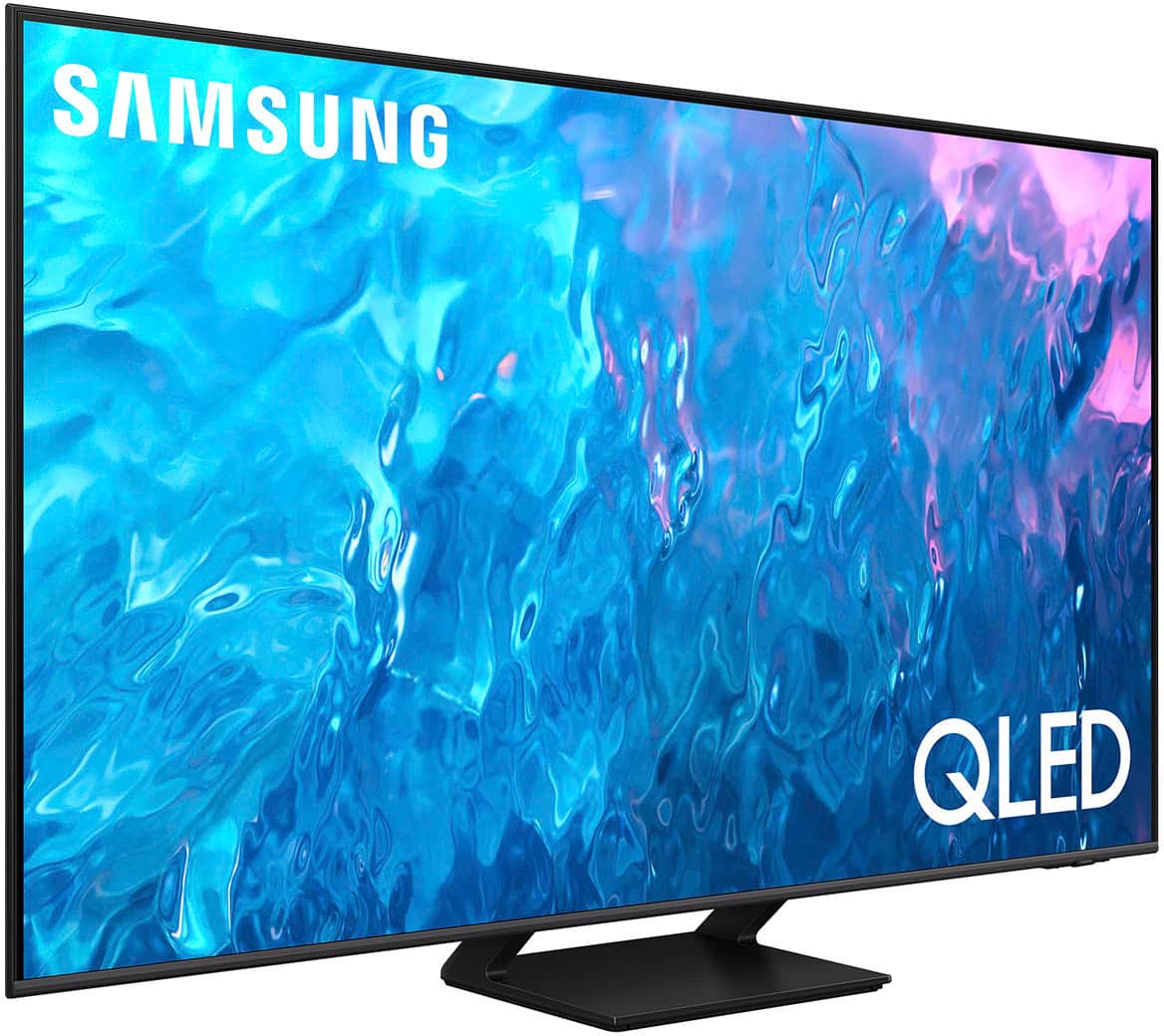
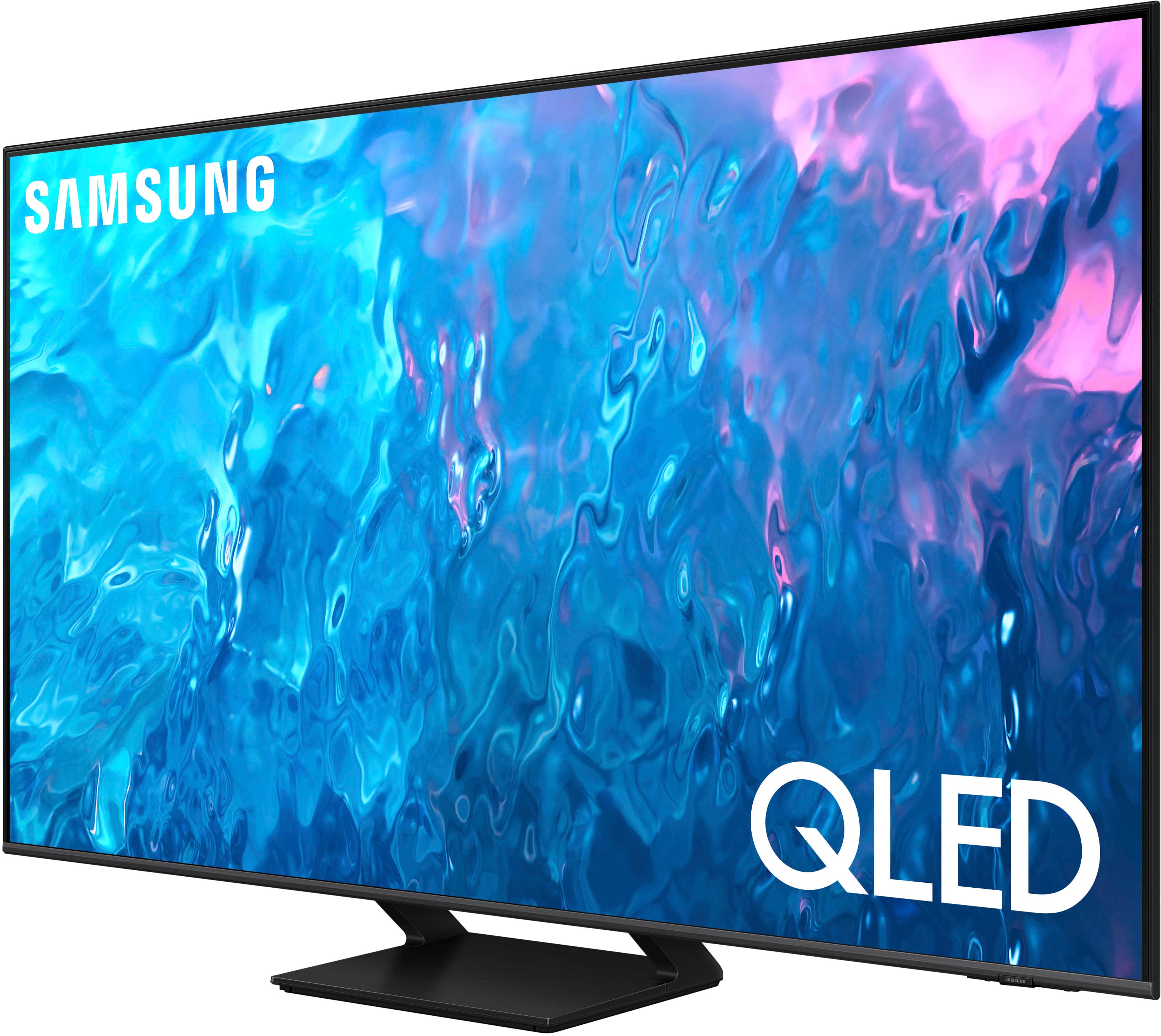




- Model:
- QN65Q70CAFXZA
- SKU:
- 6537337
Rating by feature
- Picture Quality
Rating 4.8 out of 5 stars
- Sound Quality
Rating 4.4 out of 5 stars
- Brightness
Rating 4.7 out of 5 stars
Customers are saying
Customers often highlight the excellent picture quality, crisp colors, and ease of use of the 65" Class Q70C QLED 4K UHD Smart Tizen TV (2023). Many appreciate the user-friendly interface and the innovative solar-powered remote control. Positive feedback also mentions the TV's value for its price. The refresh rate is another frequently praised feature, particularly for gaming.
This summary was generated by AI based on customer reviews.
Do not purchase this TV
||Posted . Owned for 1.5 years when reviewed.This reviewer received promo considerations or sweepstakes entry for writing a review.I am so upset with this purchase I bought this TV July 2023 and it already does not work. The whole half of the screen went black lol ridiculous the TV can’t even last two years.
No, I would not recommend this to a friendNot for sports.
||Posted . Owned for 3 weeks when reviewed.This reviewer received promo considerations or sweepstakes entry for writing a review.Not so good for watching sports; good for watching films.
No, I would not recommend this to a friendBrand response from Samsung
Posted .sports,
We appreciate your feedback on your Q70C TV’s picture when watching fast motion. For optimal motion image performance, you may want to adjust the picture clarity setting by going to: Menu > Settings > All Settings > Picture > Expert Settings > Picture Clarity Settings
- Off: Picture Clarity Settings will always be off
- Auto: Picture Clarity Settings will automatically activate and deactivate based on the type of program being watched
- Custom: Allows custom adjustments and settings to be used. By selecting the Custom option, you can access these advanced settings for Judder Reduction, LED Clear Motion, and Noise Reduction.
Should you need further assistance with features or other product usage, please reach out to Samsung Support at 1-800-SAMSUNG, 8AM - 12AM EST, 7 days a week. Or visit us on the Samsung website and click on the ‘Support’ link for:
• LiveChat
• Manuals, Software, & Warranty Info
~ Samsung Specialist
LG now forcing adds on screem
||Posted . Owned for 6 months when reviewed.This reviewer received promo considerations or sweepstakes entry for writing a review.Horrible. Tv was fine until recently when LG forced am update to the TV. Now guess what? TV now plays adds on yhe screen after screen goes into sleep mode. No idea how thats legal. This ismt a cheap TV but paying extra only to be forced to have adds thrown in your face is horrible.
No, I would not recommend this to a friendVery Dissapointing Picture and Sound :( !!!
||Posted . Owned for less than 1 week when reviewed.This reviewer received promo considerations or sweepstakes entry for writing a review.Dissapointing bought 2 Samsung tvs before this but THIS TV NO GOOD sound ..and picture quality very dissapointing NOT good had to return AND I BOUGHT A HISENSE U8K instead and its Superb compared to this..so glad I returned this..sorry Samsung
No, I would not recommend this to a friendBrand response from Samsung
Posted .ZulemaM,
I’m sorry to hear the picture and sound quality of Samsung’s Q70C TV did not meet your expectations. Your feedback is appreciated and will be shared with our internal teams.
Please know we’re always here to help, and we could have assisted in providing image adjustments to resolve any issues you were experiencing.
Should you ever decide to give Samsung TVs another try and have questions or need help with settings, setup, or features, please know we’re here to help. Call us at 1-800-SAMSUNG, 8AM - 12AM EST, 7 days a week.
LiveChat with an agent as well as manuals, software, and warranty info can be found at the ‘Support’ link on our Samsung website.
~ Samsung Specialist
Tv
||Posted . Owned for 2 months when reviewed.This reviewer received promo considerations or sweepstakes entry for writing a review.Samsung makes a great phone but not so much when it comes to TVs unless you pay the big bucks. Slow software, dull picture and just not worth the 1000 it cost
No, I would not recommend this to a friendBrand response from Samsung
Posted .Merlynmajic,
We appreciate your feedback on the response time, and for optimal performance, we ask that you please ensure you've got the latest firmware version installed on your Q70C TV. You can check this by going to: Home > Menu > Settings > Support > Software Update.
You may also want to further optimize performance with the self-diagnostic tool, which checks memory, frees up unused cached memory, and closes background apps. Go to: Home > Menu > Settings > Support > Device Care > Start Device Care
You may want to try adjusting image settings to improve your picture.
Go to Home > Menu > Settings > All Settings > Picture > Picture Mode
...and select the mode that best fits your usage:
1. Standard: Is the default mode suitable for general viewing environments
2. Dynamic: Makes the picture brighter and clearer in bright viewing environments
3. Eco: Provided to save energy
4. Movie: Suitable for watching TV or movies in a dark room
5. Filmmaker Mode: Provides source content just as the creators intended. If the image is defined as Filmmaker Mode, it’ll automatically switch to Filmmaker Mode while watching.
Intelligent Mode enables the TV to recognize and analyze the surroundings, noise, content, and your usage patterns to provide the best viewing experience. You can enable Intelligent Mode by going to Menu > Settings > All Settings > General & Privacy > Intelligent Mode Settings > Intelligent Mode.
If adjusting image settings does not improve your picture, please contact Samsung Customer Support at 1-800-SAMSUNG, 8AM - 12AM EST, 7 days a week. Or visit us on the Samsung website and click on the ‘Support’ link for:
• LiveChat
• Manuals, Software, & Warranty Info
~ Samsung Specialist
Unhappy customer
||Posted . Owned for 3 months when reviewed.This reviewer received promo considerations or sweepstakes entry for writing a review.When I opened this TV up it was noticeably damaged. No way Best Buy inspected this prior to selling. Total piece of junk! Best Buy refused my return. Warning, never buy their open box TVs, you may get damaged goods like I did.
No, I would not recommend this to a friendTv
||Posted . Owned for 9 months when reviewed.This reviewer received promo considerations or sweepstakes entry for writing a review.Tv stop working after 9 months, Best Buy manager in Williston told me I have to contact Samsung which I did. Now I have to wait 2 weeks without TV to be fixed, and I still have repaired tv which is still under manufacturing warranty. To bad.
No, I would not recommend this to a friendTV Dies within a year of having it
||Posted . Owned for 11 months when reviewed.This reviewer received promo considerations or sweepstakes entry for writing a review.TV Died on us with just 9 months of using it. Really disappointed with this product to spend this money and have the tv die with less than a year of having it
No, I would not recommend this to a friendWorst TV
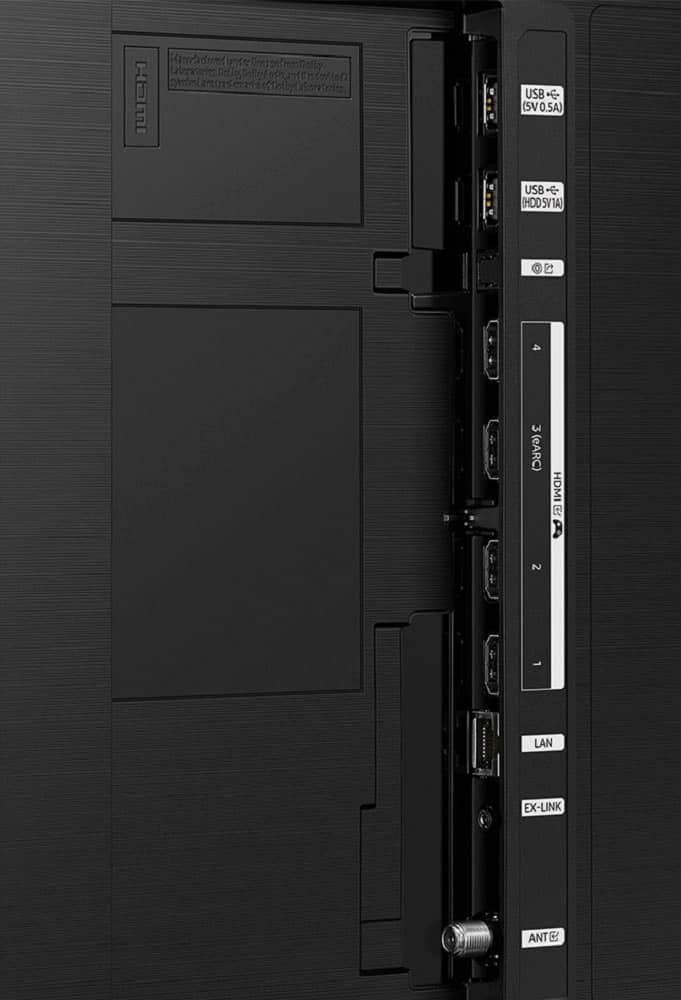
||Posted . Owned for 2 months when reviewed.This reviewer received promo considerations or sweepstakes entry for writing a review.Worst TV ever. , , freezing apps and eARC not working . Worsts support . Always had SOny first Samsung , never Samsung.
No, I would not recommend this to a friendBrand response from Samsung
Posted .TY123456,
We appreciate your feedback on the response time and connectivity, and for optimal performance, we ask that you please ensure you've got the latest firmware version installed on your Q70C TV. You can check this by going to: Home > Menu > Settings > Support > Software Update.
You may also want to further optimize performance with the self-diagnostic tool, which checks memory, frees up unused cached memory, and closes background apps. Go to: Home > Menu > Settings > Support > Device Care > Start Device Care
I hope these tips help you enjoy your new product.
You can always contact us for further help at 1-800-SAMSUNG, 8AM - 12AM EST, 7 days a week. Our LiveChat agents are also available by clicking on the ‘Support’ link on our website.
~ Samsung Specialist
Bad quality
||Posted . Owned for 1 month when reviewed.This reviewer received promo considerations or sweepstakes entry for writing a review.Worst TV ever. After unbox it, The optical port is broken after single plug in and unplug. So frustrating. The quality is so bad! Do not buy Samsung Tv
No, I would not recommend this to a friendBrand response from Samsung
Posted .Chris,
We appreciate you sharing your experience with the Optical port. We recommend you contact Best Buy Customer Support or your local Best Buy store directly for assistance in correcting this situation. We hope your issue is resolved in a timely manner.
Should you have questions or concerns regarding the usage or setup of your TV once your issue has been resolved, please contact Samsung Customer Support at 1-800-SAMSUNG, 8AM - 12AM EST, 7 days a week.
Our LiveChat agents are also available by clicking on the ‘Support’ link on our website.
~ Samsung Specialist
Not good for streaming
||Posted . Owned for 2 months when reviewed.This reviewer received promo considerations or sweepstakes entry for writing a review.This tv started out nice, but within 2 month you can’t watch 15 minutes before it freezes up. Very disappointed in this “smart tv” that won’t allow you to use the apps.
No, I would not recommend this to a friendBrand response from Samsung
Posted .KenD,
We appreciate your feedback on the response time, and for optimal performance, we ask that you please ensure you've got the latest firmware version installed on your Q70C TV. You can check this by going to: Home > Menu > Settings > Support > Software Update.
You may also want to further optimize performance with the self-diagnostic tool, which checks memory, frees up unused cached memory, and closes background apps. Go to: Home > Menu > Settings > Support > Device Care > Start Device Care
I hope these tips help you enjoy your new product.
You can always contact us for further help at 1-800-SAMSUNG, 8AM - 12AM EST, 7 days a week. Our LiveChat agents are also available by clicking on the ‘Support’ link on our website.
~ Samsung Specialist
This would be considered bad picture qulity in the
||Posted .This reviewer received promo considerations or sweepstakes entry for writing a review.Remote doesn't work picture quality is horrible. Thecold game pong had better picture ots all pixalscwith huge black gaps in between sound quality is terrible
No, I would not recommend this to a friendBrand response from Samsung
Posted .Jsanchez,
We appreciate your thoughts on the picture quality of Samsung’s xxx TV. If the image you’re seeing isn’t to your liking, there are several picture settings you may want to adjust.
Go to Home > left direction button > Settings > All Settings > Picture > Picture Mode
...and select the mode that best fits your usage:
1. Standard: Is the default mode suitable for general viewing environments
2. Dynamic: Makes the picture brighter and clearer in bright viewing environments
3. Eco: Provided to save energy
4. Movie: Suitable for watching TV or movies in a dark room
5. Filmmaker Mode: Provides source content just as the creators intended. If the image is defined as Filmmaker Mode, it’ll automatically switch to Filmmaker Mode while watching.
You can also fine-tune your picture with expert settings such as brightness, contrast, sharpness and more (All Settings > Picture > Expert Settings).
Please also try these steps which may help resolve the remote issues you're having:
1. Press and hold Return and Microphone buttons (diagonally up and to the right of Return). This will reset the remote.
2. Stand within 1 foot of the TV and press and hold Return and Play/Pause simultaneously for at least 5 seconds or until a message appears on your TV indicating that the remote is now connected
If you’re still experiencing issues with the remote, please also try the following:
- Unplug the TV for 30 seconds, and plug it back in.
- Try moving closer to the TV and re-pairing.
- Check to see if your remote is charged: Settings > All Settings > General & Privacy > Power and Energy Saving > Available Remote Battery
- Check for available firmware updates on your TV: Settings > Support > Software Update > Update Now
I hope the above helps. Should the issue persist, please contact Samsung Support at 1-800-SAMSUNG, 8AM - 12AM EST, 7 days a week. Or visit us on the Samsung website and click on the ‘Support’ link for:
• LiveChat
• Manuals, Software, & Warranty Info
~ Samsung Specialist
open box
||Posted . Owned for 6 months when reviewed.This reviewer received promo considerations or sweepstakes entry for writing a review.I bought an open-box TV with missing and broken items and returned it.
No, I would not recommend this to a friendQled
||Posted . Owned for 11 months when reviewed.This reviewer received promo considerations or sweepstakes entry for writing a review.Absolute garbage , half the screen is yellow. The one year warranty is a scam
No, I would not recommend this to a friendNot flexible
||Posted . Owned for 1 month when reviewed.This reviewer received promo considerations or sweepstakes entry for writing a review.Tv maybe good, missed the return date and would not exchange it for a smaller size although the box had never been opened
No, I would not recommend this to a friendBrand response from Samsung
Posted .DonnaR,
Please know you are leaving a review and 1-star rating for the Q70C TV, but we are sorry to hear of your Best Buy experience, nonetheless. You may want to consider providing feedback directly to the Best Buy store where you made your purchase.
Should you have questions on the Q70C TV itself, Samsung is here for you. You can reach us at 1-800-SAMSUNG, 8AM - 12AM EST, 7 days a week. Our LiveChat agents are also available by clicking on the ‘Support’ link on our website.
~ Samsung Specialist
Bad quality tv and no good service
||Posted . Owned for 1 month when reviewed.This reviewer received promo considerations or sweepstakes entry for writing a review.Nothing but problems with this TV Best Buy misrepresented the quality of the product in order to make a sale
No, I would not recommend this to a friendBrand response from Samsung
Posted .SaulP,
We appreciate your review of Samsung’s Q70C TV. So we can better understand the issues you’re experiencing and provide you with troubleshooting assistance, please reach out to Samsung Customer Support at 1-800-SAMSUNG, 8AM - 12AM EST, 7 days a week. Our LiveChat agents are also available by clicking on the ‘Support’ link on our website.
~ Samsung Specialist
Returned the TV
||Posted . Owned for less than 1 week when reviewed.This reviewer received promo considerations or sweepstakes entry for writing a review.For the price, picture quality, and sound the TV was not worth it. I returned the TV.
No, I would not recommend this to a friendBrand response from Samsung
Posted .Jeanna,
I’m sorry to hear the picture and sound quality of Samsung’s Q70C TV did not meet your expectations. Your feedback is appreciated and will be shared with our internal teams.
Please know we’re always here to help, and we could have assisted in providing settings adjustments to resolve any issues you were experiencing.
Should you ever decide to give Samsung TVs another try and have questions or need help with settings, setup, or features, please know we’re here to help. Call us at 1-800-SAMSUNG, 8AM - 12AM EST, 7 days a week.
LiveChat with an agent as well as manuals, software, and warranty info can be found at the ‘Support’ link on our Samsung website.
We hope to regain you as a customer in the future.
~ Samsung Specialist
Samsung tv
||Posted . Owned for 1 month when reviewed.This reviewer received promo considerations or sweepstakes entry for writing a review.Nothing noticeably different from my crystal UHD tv. Just the price increase
No, I would not recommend this to a friendBrand response from Samsung
Posted .Redone99,
We appreciate your thoughts on the picture quality of Samsung’s Q70C TV. If the image you’re seeing isn’t to your liking, there are several picture settings you may want to adjust.
Go to Home > left direction button > Settings > All Settings > Picture > Picture Mode
...and select the mode that best fits your usage:
1. Standard: Is the default mode suitable for general viewing environments
2. Dynamic: Makes the picture brighter and clearer in bright viewing environments
3. Eco: Provided to save energy
4. Movie: Suitable for watching TV or movies in a dark room
5. Filmmaker Mode: Provides source content just as the creators intended. If the image is defined as Filmmaker Mode, it’ll automatically switch to Filmmaker Mode while watching.
You can also fine-tune your picture with expert settings such as brightness, contrast, sharpness and more (All Settings > Picture > Expert Settings).
For further assistance with settings adjustments, please contact Samsung Customer Support at 1-800-SAMSUNG, 8AM - 12AM EST, 7 days a week. Or visit us on the Samsung website and click on the ‘Support’ link for:
• LiveChat
• Manuals, Software, & Warranty Info
~ Samsung Specialist
Samsung tv doesnt work only a little over 1 month
||Posted . Owned for 1 month when reviewed.This reviewer received promo considerations or sweepstakes entry for writing a review.Purchased 09/04/2023 today the tv went out, doesn't work!!!
No, I would not recommend this to a friendBrand response from Samsung
Posted .Michelle,
It’s unfortunate to hear of your experience with Samsung’s Q70C TV. Samsung is committed to providing the best possible product experience, quality, and value. We back this Samsung TV with a 1-year limited manufacturer's warranty, including authorized repair for manufacturer defect, if purchased brand-new directly from an authorized seller.
Please give us the opportunity to assist you by contacting Samsung Customer Support at 1-800-SAMSUNG, 8AM - 12AM EST, 7 days a week. Our LiveChat agents are also available by clicking on the ‘Support’ link on our website.
~ Samsung Specialist
Tv tilted
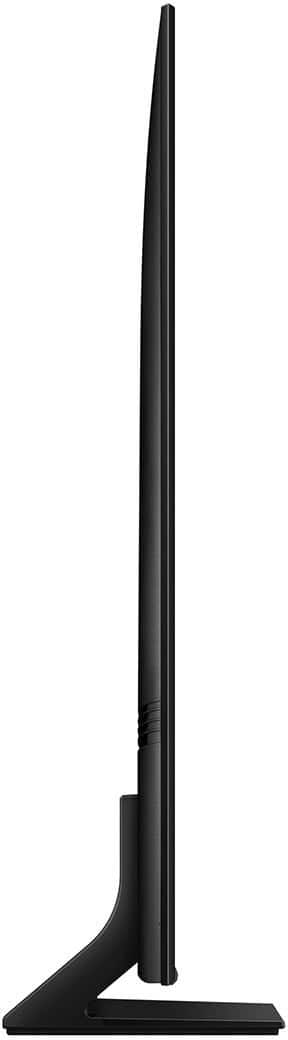
||Posted . Owned for 1 month when reviewed.This reviewer received promo considerations or sweepstakes entry for writing a review.The tv leans back at an angle. I’m going to return it.
No, I would not recommend this to a friendBrand response from Samsung
Posted .MichaelT,
We appreciate your review of Samsung’s Q70C TV. So we can better understand the stand issues you’re experiencing and provide you with troubleshooting assistance, please reach out to Samsung Customer Support at 1-800-SAMSUNG, 8AM - 12AM EST, 7 days a week. Our LiveChat agents are also available by clicking on the ‘Support’ link on our website.
~ Samsung Specialist