Customer Ratings & Reviews
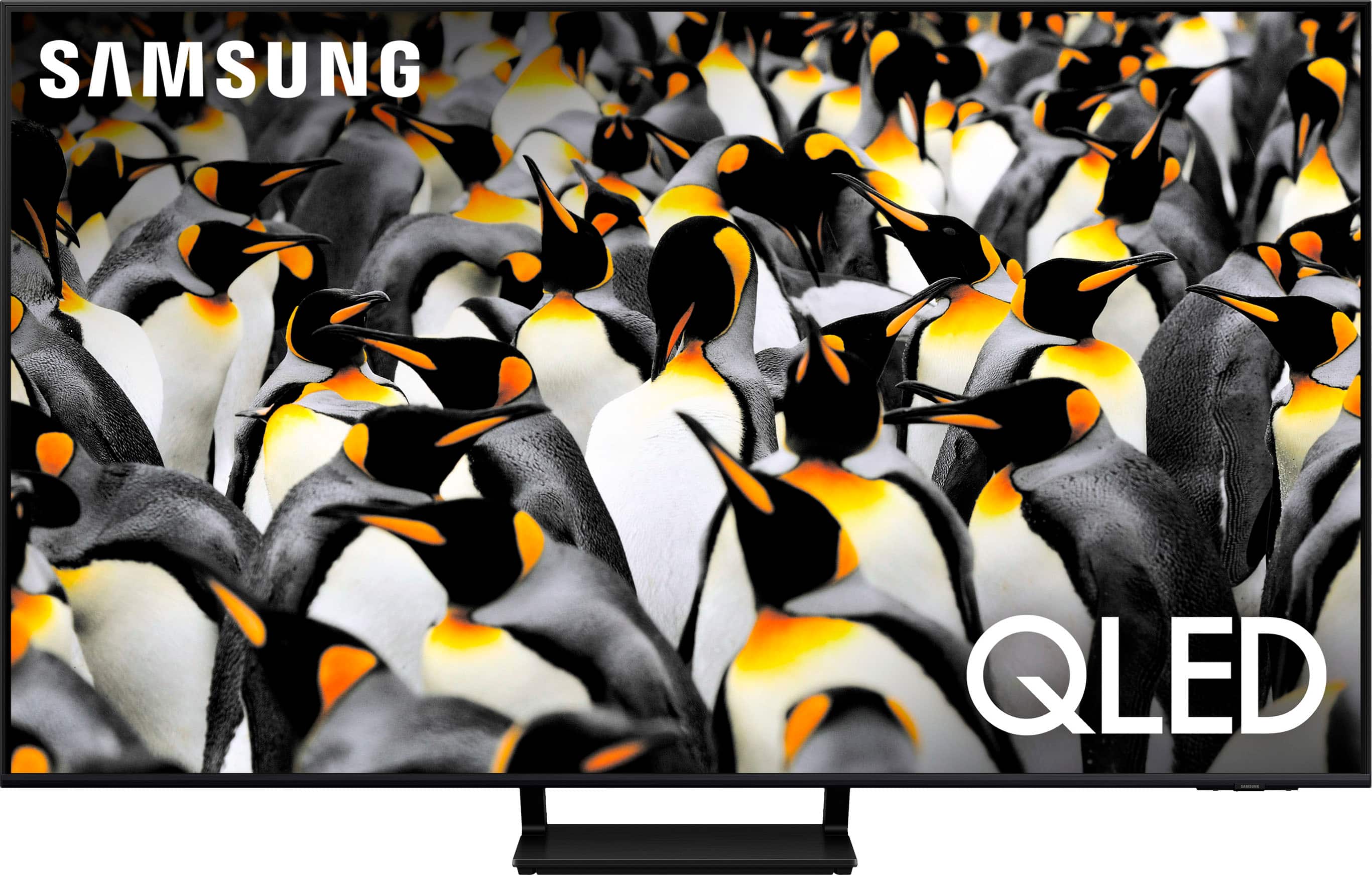
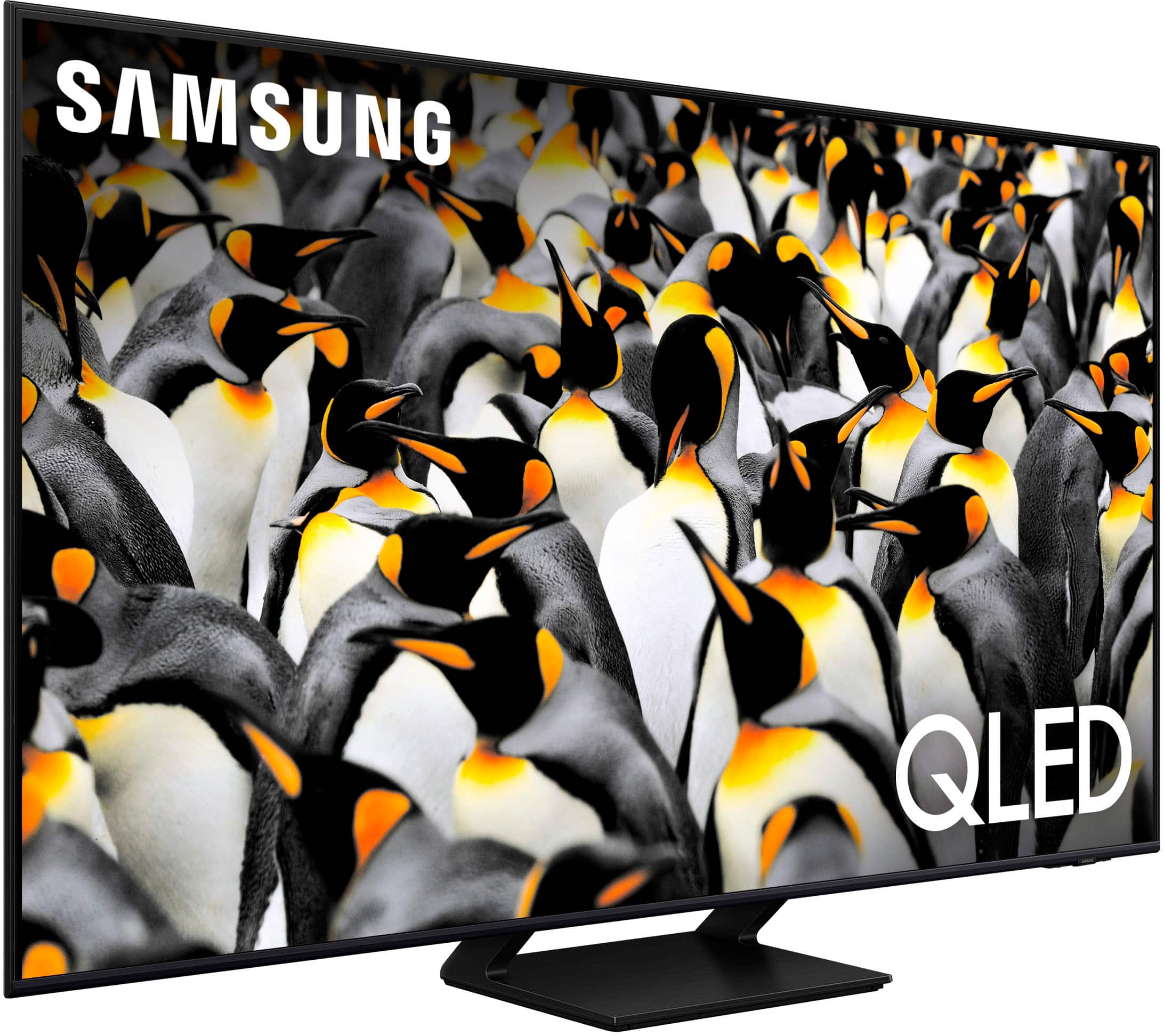
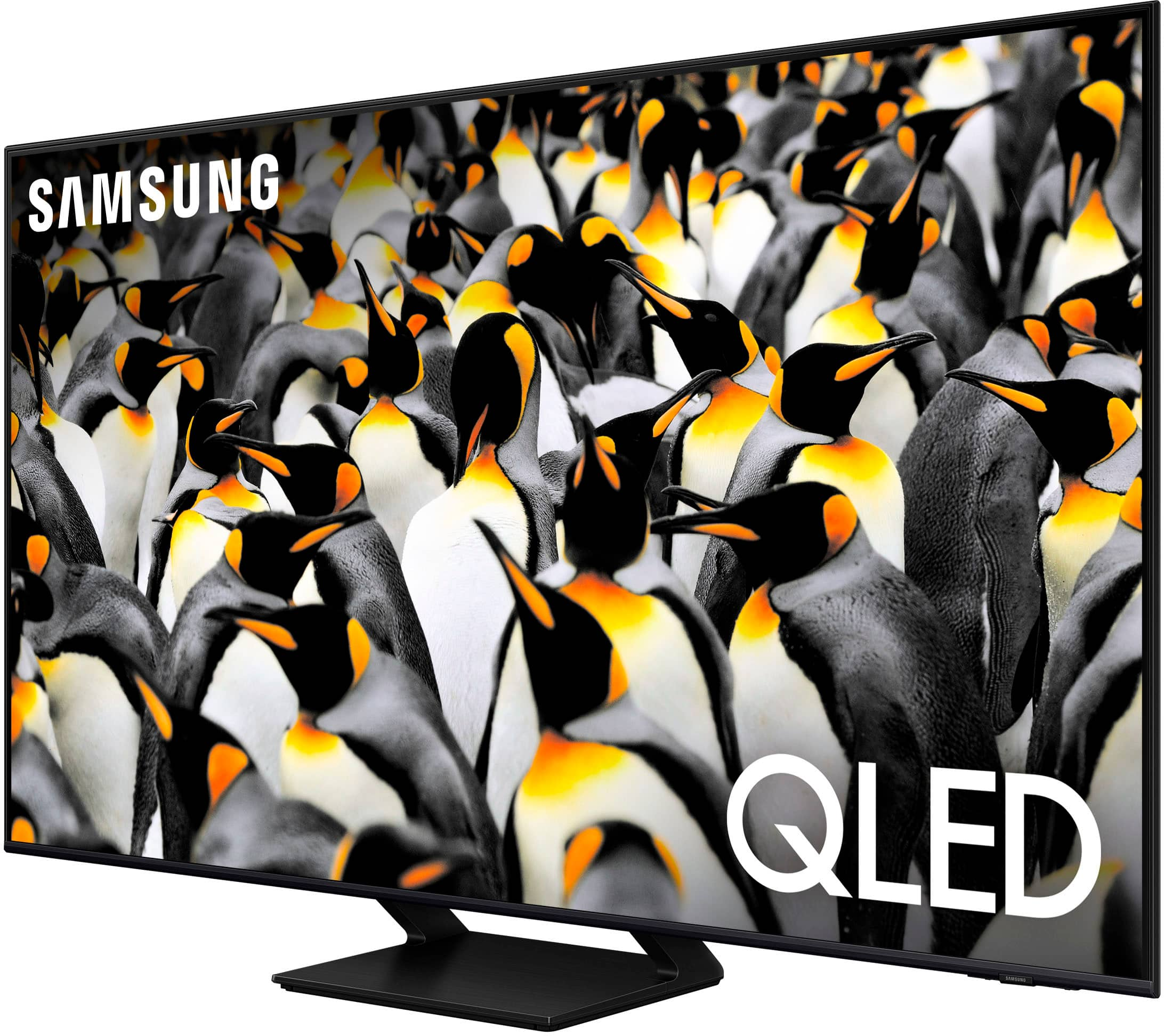
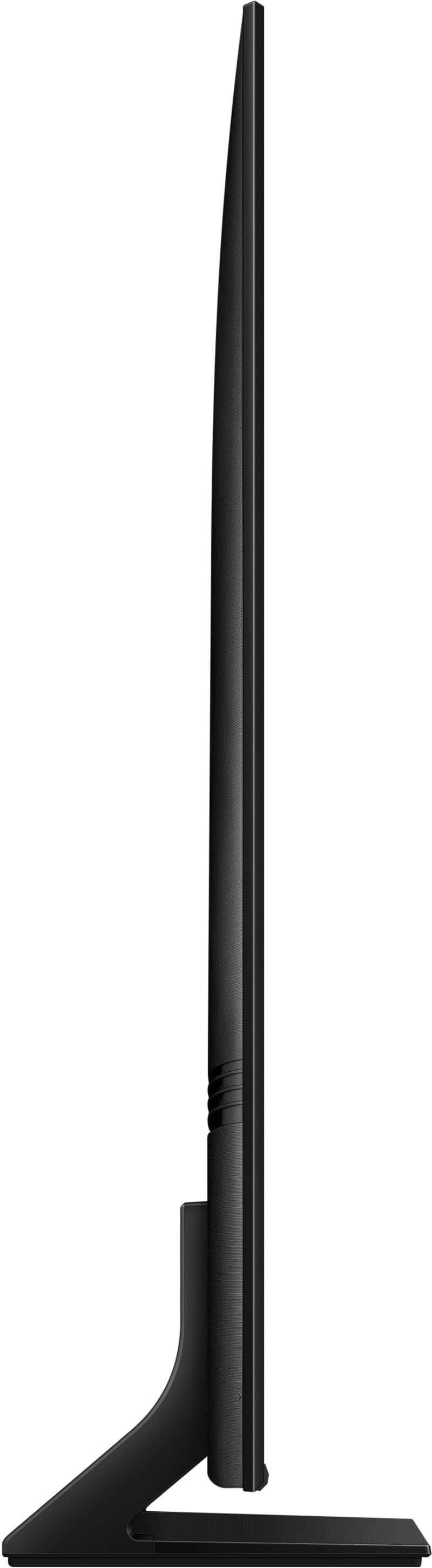




- Model:
- QN65Q70DAFXZA
- SKU:
- 10818442
Rating by feature
- Picture Quality
Rating 4.8 out of 5 stars
- Sound Quality
Rating 4.6 out of 5 stars
- Brightness
Rating 4.8 out of 5 stars
to a friend
Flicking TV
||Posted . Owned for 3 weeks when reviewed.This reviewer received promo considerations or sweepstakes entry for writing a review.Performs as expected except the TV turned on doing the middle of the night by itself and flickered and scrolled across the screen.
No, I would not recommend this to a friendTV in family room
||Posted . Owned for 3 weeks when reviewed.This reviewer received promo considerations or sweepstakes entry for writing a review.Second purchase of this product have been pleased again.
I would recommend this to a friendpoor service
||Posted . Owned for 3 weeks when reviewed.This reviewer received promo considerations or sweepstakes entry for writing a review.picture is ok.No manual with tv.Called Best Buy and they said call Samsung.No help from either one.Will not buy from Best Buy again.
No, I would not recommend this to a friendBrand response from Samsung
Posted .JimE,
To assist you in learning the various features, functions, and settings of your TV and remote, you can download the Q70D TV's User Manual, e-Manual, Remote Control Leaflet, and Quick Setup Guide on Samsung's website under ‘Support’ (top right corner) > Manuals & Software > TVs & Home Theater. From there, you can search for and select the Q70D TV to download the guides you would like.
The e-Manual and Remote Guide are both also embedded into your TV itself under Menu > Settings > Support
If you need more help, Samsung is here for you. Please call us at 1-800-SAMSUNG, 8AM - 12AM EST, 7 days a week. Our LiveChat agents are also available by clicking on the ‘Support’ link on our website.
~ Samsung Specialist
Mostly Awesome
||Posted . Owned for 6 months when reviewed.This reviewer received promo considerations or sweepstakes entry for writing a review.Pretty great tv - especially for gaming. Only weakness is that the TV does not deal great with glare from windows or other sources of light.
I would recommend this to a friendGood purchase
||Posted . Owned for 1 month when reviewed.This reviewer received promo considerations or sweepstakes entry for writing a review.Nice picture especially for my gaming needs but with Tizen I can’t download a lot of my everyday apps ☹️
I would recommend this to a friendBrand response from Samsung
Posted .HaroldJ,
Thank you for sharing your thoughts regarding app availability. We'll be sure to pass your feedback along to our internal teams.
If there’s anything we can ever help with, please call us at 1-800-SAMSUNG, 8AM - 12AM EST, 7 days a week. Or visit us on the Samsung website and click on the ‘Support’ link for:
• LiveChat
• Manuals, Software, & Warranty Info
~ Samsung Specialist
A
||Posted . Owned for 1 month when reviewed.This reviewer received promo considerations or sweepstakes entry for writing a review.Just as I expected Kokokokokokokokokokpkokokpkomkokokokoo
I would recommend this to a friendT.V
||Posted . Owned for 3 months when reviewed.This reviewer received promo considerations or sweepstakes entry for writing a review.It is a good t.v once you do the upgrade. Then you have no issues with the t.v.
I would recommend this to a friendnew tv
||Posted . Owned for 3 weeks when reviewed.This reviewer received promo considerations or sweepstakes entry for writing a review.set up was so worth the nominal charge. the team was excellent
I would recommend this to a friendTV Purchase
||Posted . Owned for 1 month when reviewed.This reviewer received promo considerations or sweepstakes entry for writing a review.The purchase was worth the funds expended. Absolutely no complaints thus far.
I would recommend this to a friendBrand response from Samsung
Posted .GilbertH,
Thank you for your review. If you’re experiencing specific issues which caused you to give this a 3-star rating, please know Samsung Customer Support is here to help.
You can reach us at 1-800-SAMSUNG, 8AM - 12AM EST, 7 days a week. Our LiveChat agents are also available by clicking on the ‘Support’ link on our website.
~ Samsung Specialist
Good experience
||Posted . Owned for 1 week when reviewed.This reviewer received promo considerations or sweepstakes entry for writing a review.Completely satisfied with my experience. Samsung TV
I would recommend this to a friend65” Samsung QLED
||Posted .This reviewer received promo considerations or sweepstakes entry for writing a review.Not overly impressed with the picture. I can’t get those true crisp blacks, no matter how much I mess with the picture settings. Otherwise it’s a decent tv for the price.
No, I would not recommend this to a friendTV
||Posted . Owned for 3 weeks when reviewed.This reviewer received promo considerations or sweepstakes entry for writing a review.Had to update my Game Tv excellent purchase for that..
I would recommend this to a friendBest Buy TV purchases
||Posted . Owned for 3 weeks when reviewed.This reviewer received promo considerations or sweepstakes entry for writing a review.Good prices, professional service with delivery and set up.
I would recommend this to a friendDo not buy. Setup instructions are horrible.
Posted .This reviewer received promo considerations or sweepstakes entry for writing a review.The setup doesn’t tell you that you have to turn the mic on with a switch on the bottom right side of the TV that is impossible to find. Instead you will try to use voice commands and get a meaningless error message that your mic is not working and you need to turn it on but there are no instructions on how to do so. DO NOT BUY THIS TV.
No, I would not recommend this to a friendBrand response from Samsung
Posted .Garry68,
I'm sorry to hear of your user experience. To assist you in learning the various features, functions, and settings of your TV and remote, you can download the Q70D TV's User Manual, e-Manual, Remote Control Leaflet, and Quick Setup Guide on Samsung's website under ‘Support’ (top right corner) > Manuals & Software > TVs & Home Theater. From there, you can search for and select the Q70D TV to download the guides you would like.
The e-Manual and Remote Guide are both also embedded into the TV itself under Menu > Settings > Support
If you need more help, Samsung is here for you. Please call us at 1-800-SAMSUNG, 8AM - 12AM EST, 7 days a week. Our LiveChat agents are also available by clicking on the ‘Support’ link on our website.
~ Samsung Specialist
Best TV
||Posted . Owned for 3 weeks when reviewed.This reviewer received promo considerations or sweepstakes entry for writing a review.Excellent clarity Best for watching movies and playing games
I would recommend this to a friendSamsung 65" Q70D
||Posted . Owned for 1 month when reviewed.This reviewer received promo considerations or sweepstakes entry for writing a review.The Samsung 65 " TV is excellent. The delivery service was poor at best
I would recommend this to a friendIt's not worth the bucks
||Posted . Owned for 3 weeks when reviewed.This reviewer received promo considerations or sweepstakes entry for writing a review.On some of the channels, the pictures look like mud drawing. There is no option to enter a channel when I watch regular TV. My firestick stopped working in two of the HDMI slots. When I watch NBA basketball, none of the players are clear from a the stadium view. The only time the players are clear, is when they are close to the camera.
No, I would not recommend this to a friendBrand response from Samsung
Posted .TonyW,
Thank you for sharing your thoughts on the picture quality of your Q70D TV. To ensure you’ve got the latest image quality updates, please confirm that your TV is up to date with the latest firmware version. You can check by going to: Home > Menu > Settings > Support > Software Update.
If the picture you’re seeing is still not to your liking after updating firmware, there are several picture settings you may want to try adjusting.
Go to Home > Menu > Settings > All Settings > Picture > Picture Mode
...and select the mode that best fits your usage:
1. Standard: Is the default mode suitable for general viewing environments
2. Dynamic: Makes the picture brighter and clearer in bright viewing environments
3. Eco: Provided to save energy
4. Movie: Suitable for watching TV or movies in a dark room
5. Filmmaker Mode: Provides source content just as the creators intended. If the image is defined as Filmmaker Mode, it’ll automatically switch to Filmmaker Mode while watching.
Intelligent Mode enables the TV to recognize and analyze the surroundings, noise, content, and your usage patterns to provide the best viewing experience. You can enable Intelligent Mode by going to Menu > Settings > All Settings > General & Privacy > Intelligent Mode Settings > Intelligent Mode.
If adjusting image settings does not improve your picture, please contact Samsung Customer Support at 1-800-SAMSUNG, 8AM - 12AM EST, 7 days a week. Or visit us on the Samsung website and click on the ‘Support’ link for:
• LiveChat
• Manuals, Software, & Warranty Info
~ Samsung Specialist
Pretty good picture, but not perfect.
||Posted . Owned for 3 weeks when reviewed.This reviewer received promo considerations or sweepstakes entry for writing a review.Good overall TV. Picture could be a little better especially in dark scenes.
No, I would not recommend this to a friendFrustrated
||Posted .This reviewer received promo considerations or sweepstakes entry for writing a review.I am about to request warrantee support on my 65" TV purchased in December 2024. This is my 3rd issue I've had with the Sansung 65" QLED televisions. I purchased the first one in 2021, and within a year there were shadows depicted on the screen. Samsung replaced the display screen and it worked fine for over a year. Then shadows appeared again and i was told they wouldn't replace it again. I lived with the shadows for a while but soon it got worse so I had the garbage people haul it off. I have had Samsung TVs for about 25 years and never experienced problems, so I gave them the benefit of the doubt and bought another of the same model thinking that surely they have perfected their QLEDs by now. The new unit worked fine but within 10 months the shadows returned but in different locations. This has led me to believe that QLED is not ready for prime time. If they fix the issue I only have hope that the TV will last more than a year
No, I would not recommend this to a friendSamsung 66-QLED
||Posted . Owned for 1 month when reviewed.This reviewer received promo considerations or sweepstakes entry for writing a review.Awesome product. Had to buy 2. Works better with Samsung soundbar.
I would recommend this to a friend