Customer Ratings & Reviews
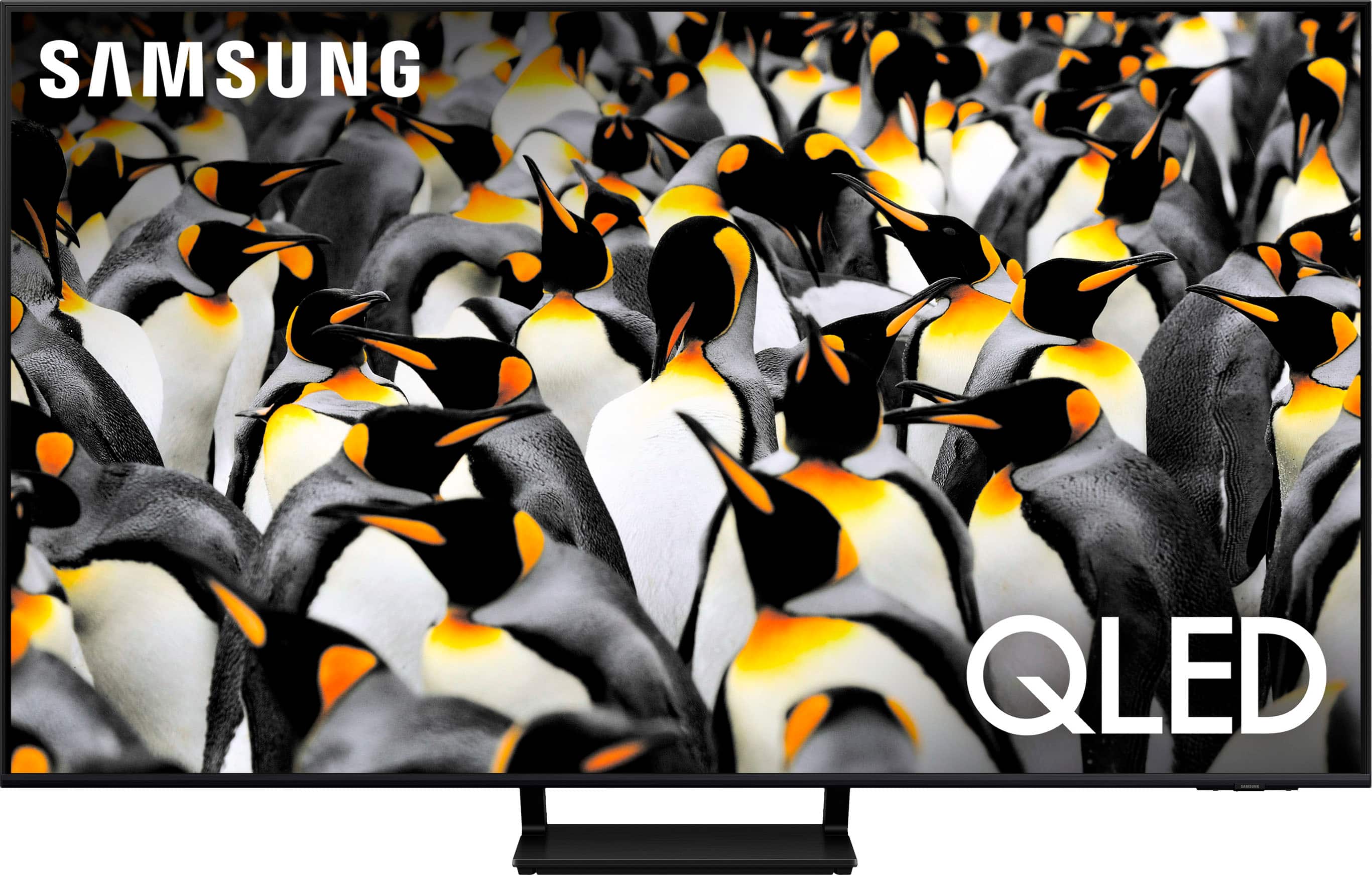
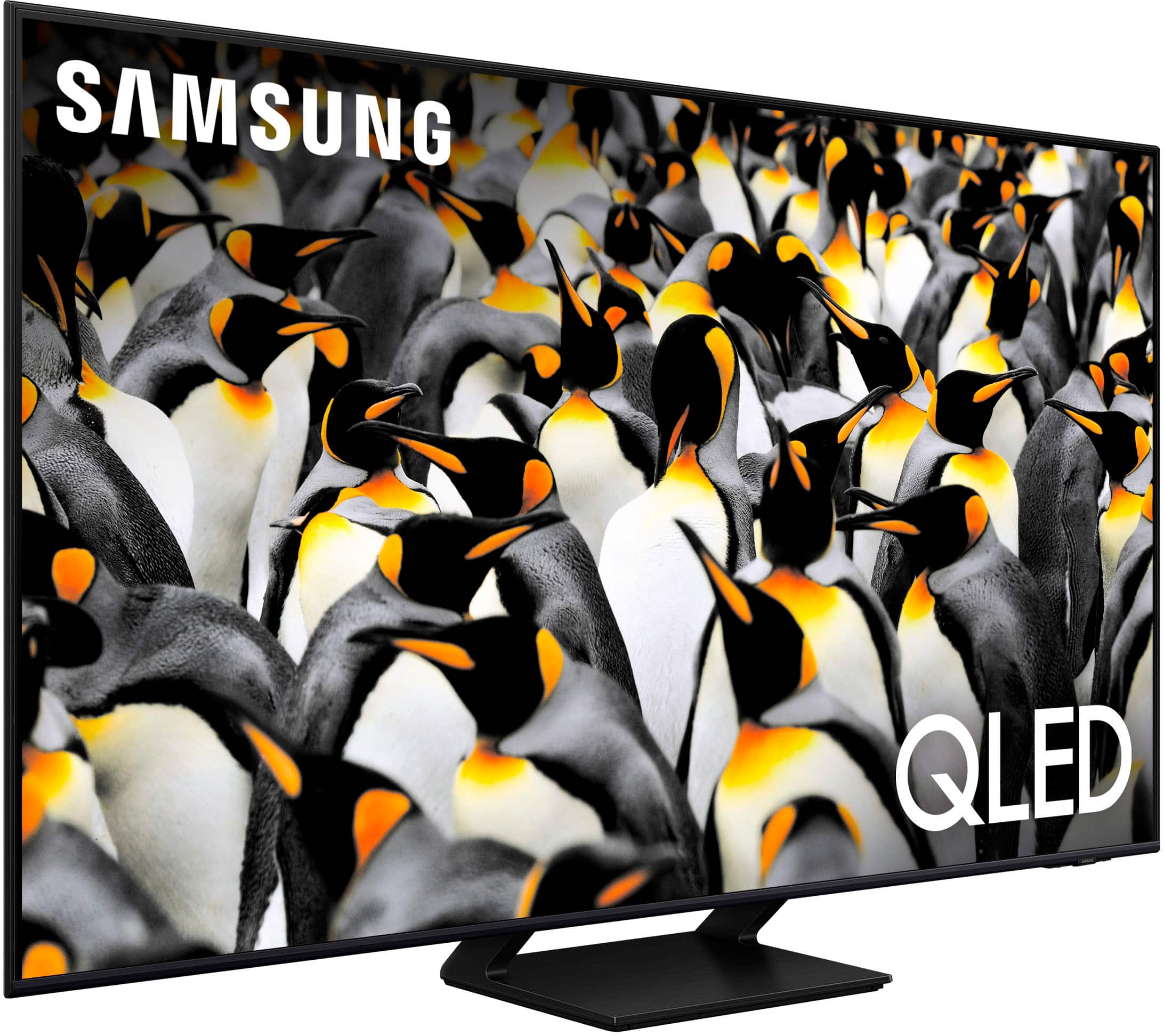
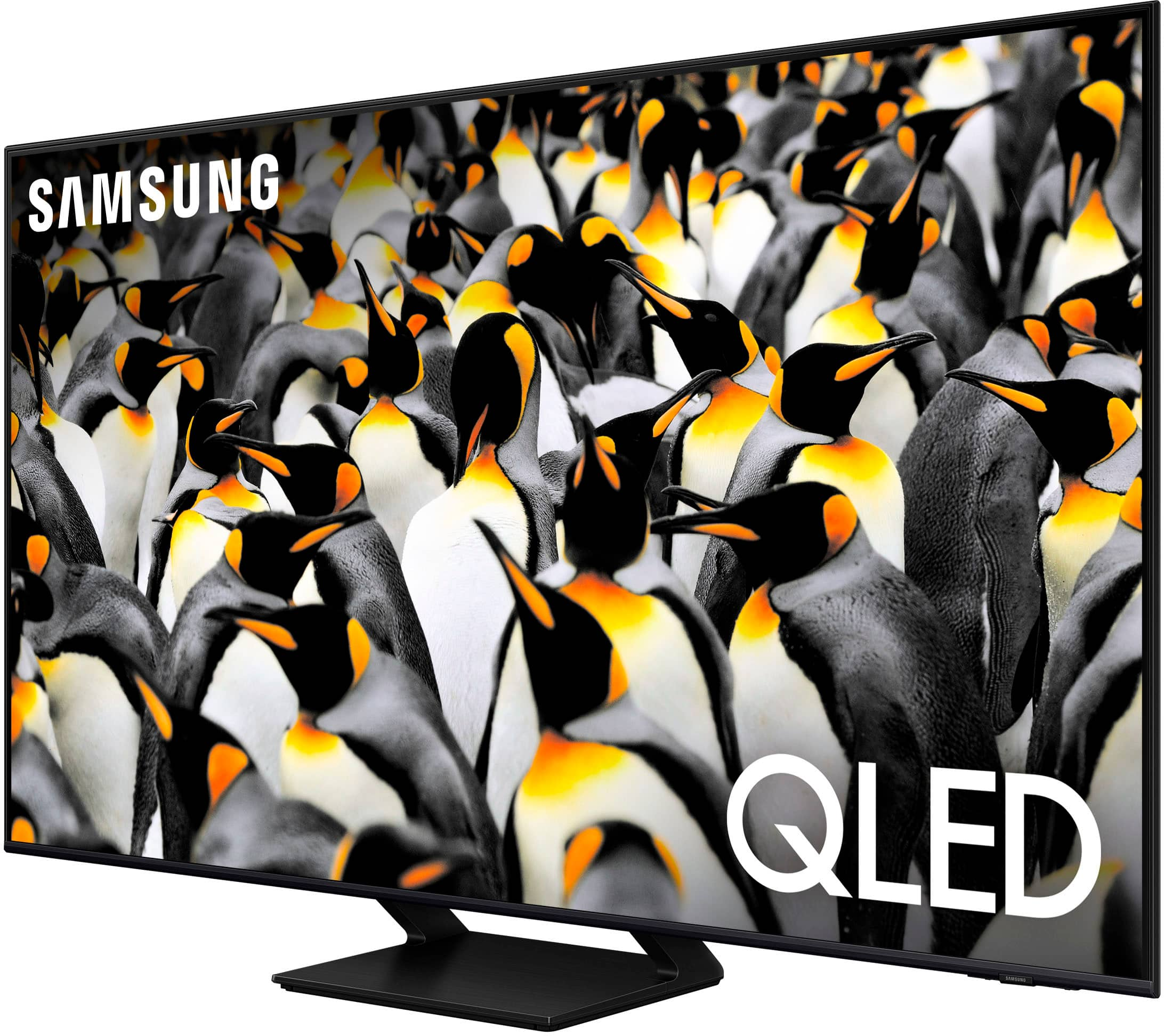
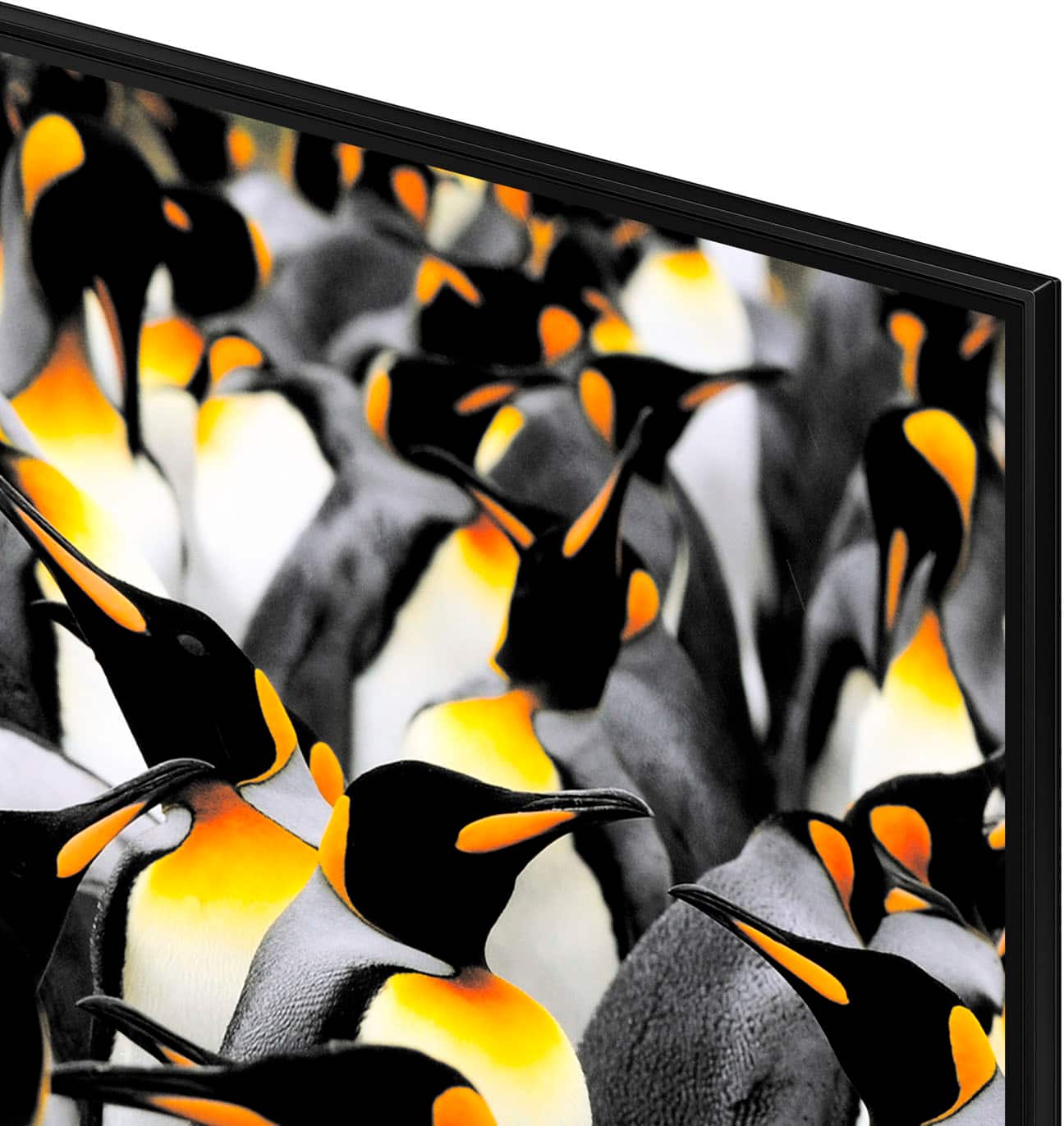
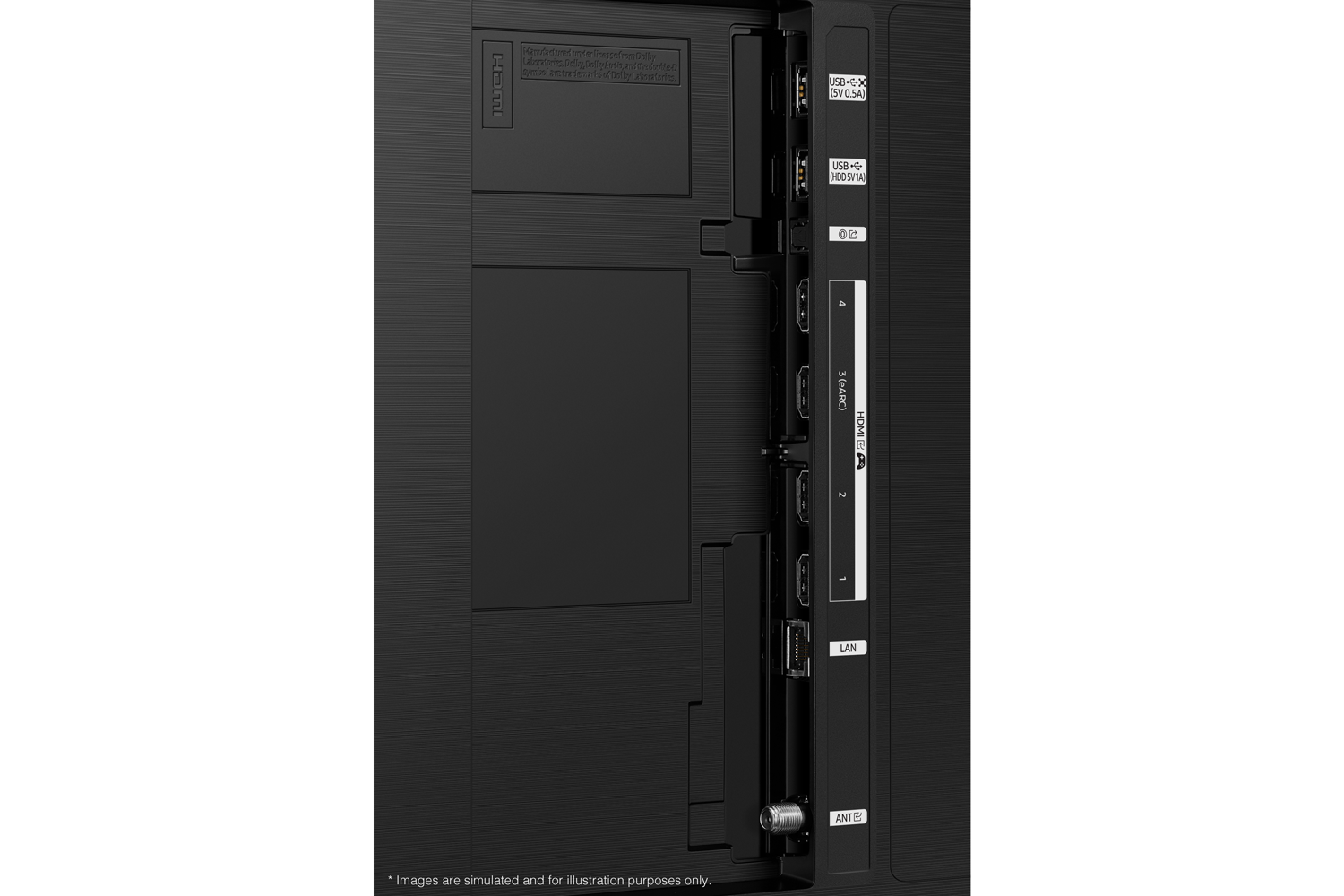
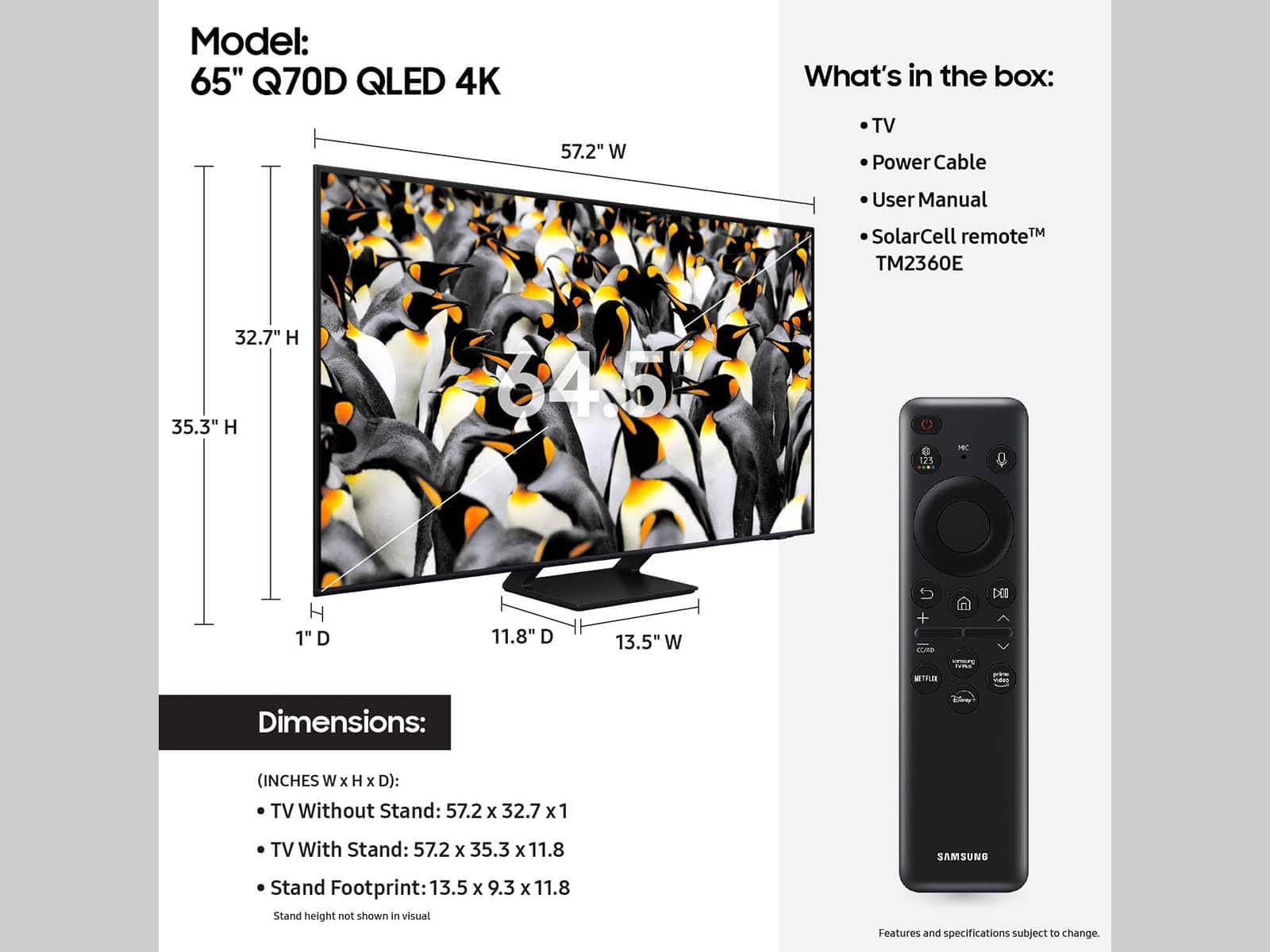
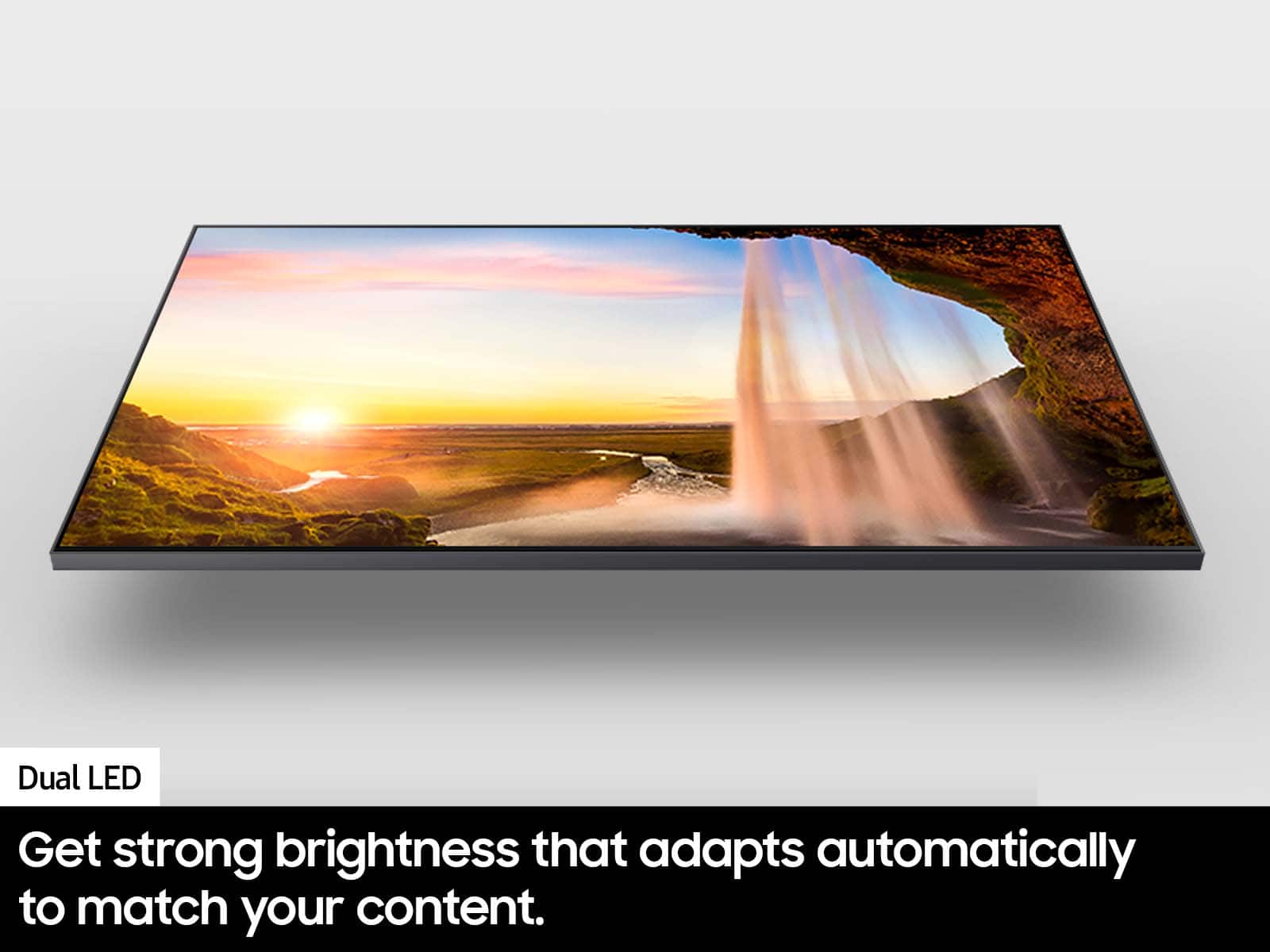




- Model:
- QN65Q70DAFXZA
- SKU:
- 6576591
Rating by feature
- Picture Quality
Rating 4.8 out of 5 stars
- Sound Quality
Rating 4.6 out of 5 stars
- Brightness
Rating 4.8 out of 5 stars
to a friend
Customers are saying
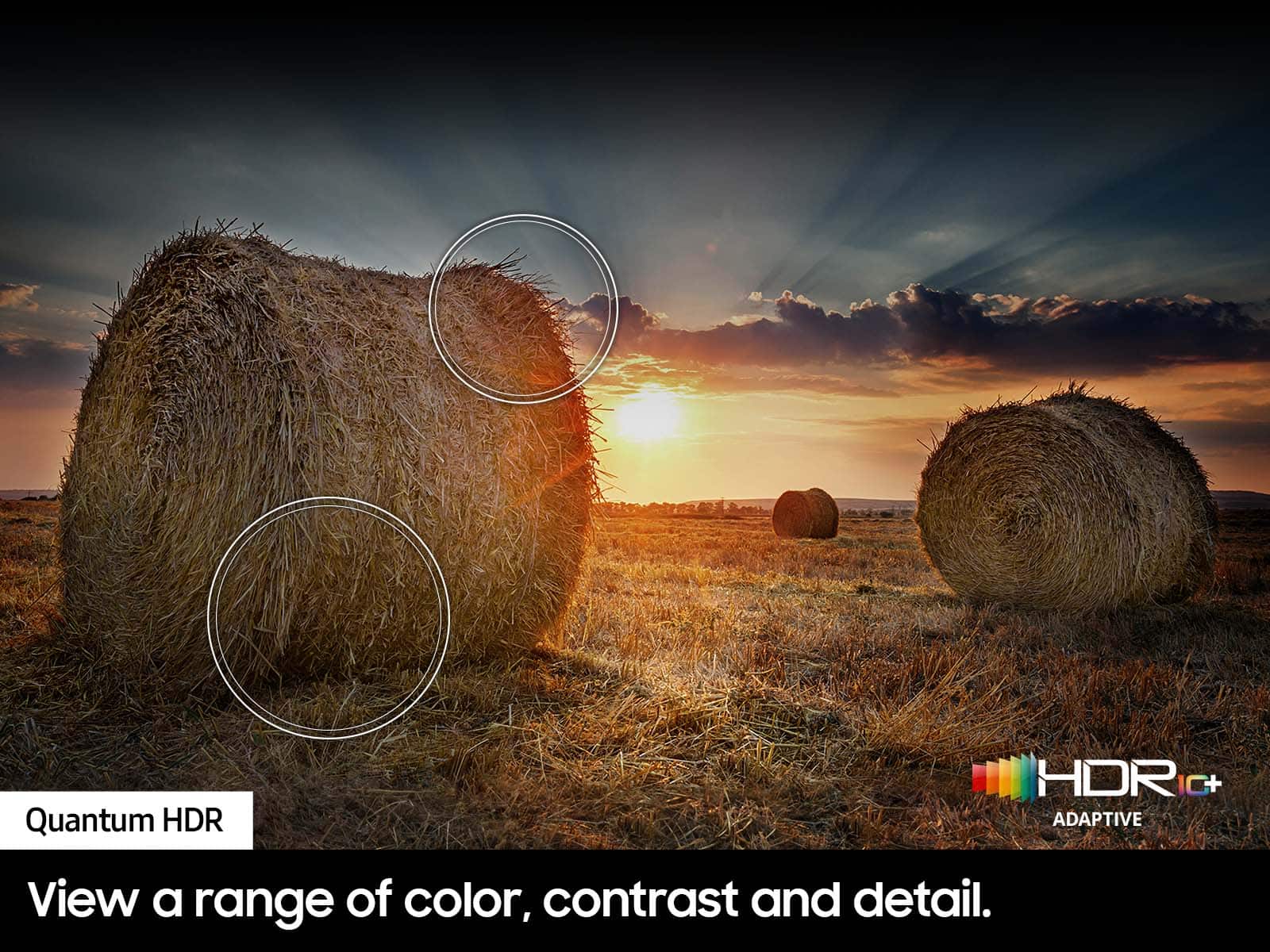
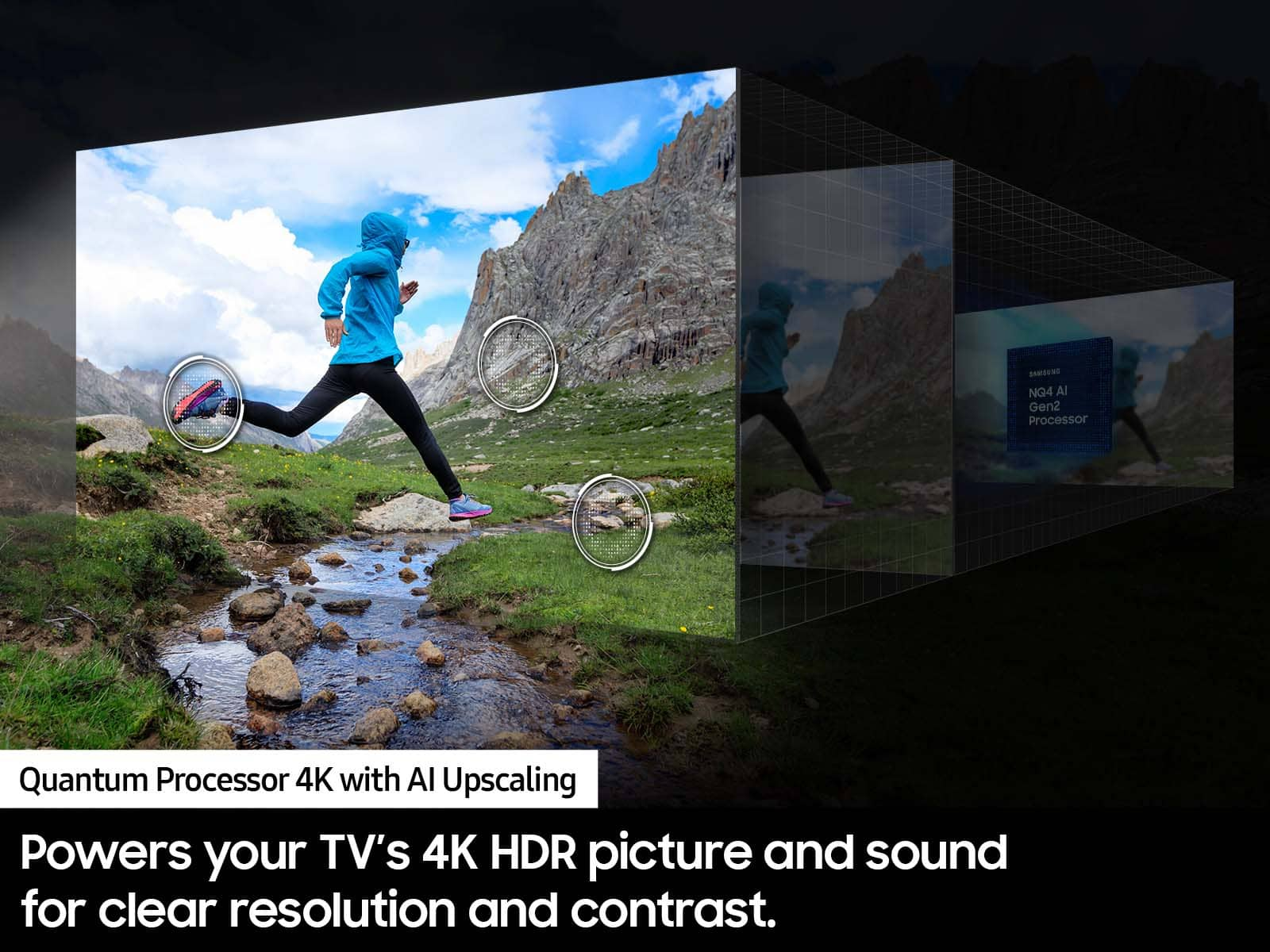
Customers enjoy the excellent picture quality and ease of use of the 65” Class Q70D Series QLED 4K Smart Tizen TV (2024). Many appreciate the vibrant colors, fast refresh rate for gaming, and overall TV quality. Some customers have noted issues with the remote control and backlight. The TV is also praised for its easy setup, numerous features, and good price.
This summary was generated by AI based on customer reviews.
TV purchase
||Posted . Owned for 3 weeks when reviewed.This reviewer received promo considerations or sweepstakes entry for writing a review.Bad open box purchase. Probably better if I bought it new
No, I would not recommend this to a friendBrand response from Samsung
Posted .LeonardoA,
We're sorry to hear about your Open Box experience. We recommend contacting Best Buy directly for assistance. We hope your issue is resolved in a timely manner.
Should you have questions or concerns on usage or setup of your TV once your issue has been resolved, please call us at 1-800-SAMSUNG, 8AM - 12AM EST, 7 days a week. Our LiveChat agents are also available by clicking on the ‘Support’ link on our website.
~ Samsung Specialist
Never Buy A Samsung Again
||Posted .This reviewer received promo considerations or sweepstakes entry for writing a review.Totally regret buying a more expensive Samsung because I was told it was compatible with Spectrum and Xumo. It is not and it is much harder to navigate than the inexpensive VISIO TV I bought for my bedroom. I would never buy a Samsung again.
No, I would not recommend this to a friendDid not last long!
||Posted .This reviewer received promo considerations or sweepstakes entry for writing a review.Worked fined for a few months and then screen started to go dim and irregular light/brightness, cannot be fixed apparently.
No, I would not recommend this to a friendDoesn't work long
||Posted .This reviewer received promo considerations or sweepstakes entry for writing a review.Nice quality, great picture but stopped working 9 weeks after delivery which is just outside of the Best Buy warranty period......now having to deal with Samsung customer service to get it "repaired".
No, I would not recommend this to a friendGood but low quality
||Posted . Owned for 1 month when reviewed.This reviewer received promo considerations or sweepstakes entry for writing a review.Plagued with dirty screen effect after 10 days of use. Could not watch any movies or tv shows that had dark scenes.
No, I would not recommend this to a friendBrand response from Samsung
Posted .Kozy,
Thank you for sharing your thoughts on the picture quality of your Q70D TV. To ensure you’ve got the latest image quality updates, please confirm that your TV is up to date with the latest firmware version. You can check by going to: Home > Menu > Settings > Support > Software Update.
If the picture you’re seeing is still not to your liking after updating firmware, there are several picture settings you may want to try adjusting.
Go to Home > Menu > Settings > All Settings > Picture > Picture Mode
...and select the mode that best fits your usage:
1. Standard: Is the default mode suitable for general viewing environments
2. Dynamic: Makes the picture brighter and clearer in bright viewing environments
3. Eco: Provided to save energy
4. Movie: Suitable for watching TV or movies in a dark room
5. Filmmaker Mode: Provides source content just as the creators intended. If the image is defined as Filmmaker Mode, it’ll automatically switch to Filmmaker Mode while watching.
Intelligent Mode enables the TV to recognize and analyze the surroundings, noise, content, and your usage patterns to provide the best viewing experience. You can enable Intelligent Mode by going to Menu > Settings > All Settings > General & Privacy > Intelligent Mode Settings > Intelligent Mode.
If adjusting image settings does not improve your picture, please contact Samsung Customer Support at 1-800-SAMSUNG, 8AM - 12AM EST, 7 days a week. Or visit us on the Samsung website and click on the ‘Support’ link for:
• LiveChat
• Manuals, Software, & Warranty Info
~ Samsung Specialist
Dissatisfied
||Posted .This reviewer received promo considerations or sweepstakes entry for writing a review.Samsung tv’s have been a good brand. We bought this one last December cause we wanted a bigger one for the games and gaming and enjoyment not a year later and it’s dying
No, I would not recommend this to a friendGreat picture
||Posted . Owned for 2 weeks when reviewed.This reviewer received promo considerations or sweepstakes entry for writing a review.Have had the tv for 1 week and the sound went out. The experience and product was great unfortunately I think we just got a bad batch.
No, I would not recommend this to a friendBrand response from Samsung
Posted .AlexandreaK,
We appreciate you sharing your experience with Samsung's Q70D. We recommend you contact Best Buy Customer Support or your local Best Buy store directly for assistance in correcting this situation. We hope your issue is resolved in a timely manner.
Should you have questions or concerns regarding the usage or setup of your TV once your issue has been resolved, please contact Samsung Customer Support at 1-800-SAMSUNG, 8AM - 12AM EST, 7 days a week. Or visit us on the Samsung website and click on the ‘Support’ link for:
• LiveChat
• Manuals, Software, & Warranty Info
~ Samsung Specialist
Returned
||Posted . Owned for 2 weeks when reviewed.This reviewer received promo considerations or sweepstakes entry for writing a review.TVs arent made like they use to make em and cost more!
No, I would not recommend this to a friendBrand response from Samsung
Posted .It’s unfortunate to hear of the issues that have caused you to return your TV. Your experience is very important to us and will be shared with our product team.
Should you ever decide to give Samsung TVs another try and have questions or need help with settings, setup, or features, please know we’re here to help. Call us at 1-800-SAMSUNG, 8AM - 12AM EST, 7 days a week.
LiveChat with an agent as well as manuals, software, and warranty info can be found at the ‘Support’ link on our Samsung website.
~ Samsung Specialist
Don't waste your money
||Posted . Owned for 8 months when reviewed.This reviewer received promo considerations or sweepstakes entry for writing a review.I have only had this TV for about 8 months. It was a replacement for a Samsung QLED 70 C that had a faulty panel. I had to pay another fee to get the protection on my replacement TV. Now this replacement TV has a similar issue as the one I returned last December. I am not happy! A TV should function properly longer than 8 months! No more Samsung for me!
No, I would not recommend this to a friendBlurry sometimes with motion
||Posted . Owned for 3 weeks when reviewed.This reviewer received promo considerations or sweepstakes entry for writing a review.Picture can be blurry while commercials/shows are running and takes a bit to clear up
I would recommend this to a friendBrand response from Samsung
Posted .EmilyC,
We appreciate your thoughts on the picture quality of Samsung’s Q70D TV. If the image you’re seeing isn’t to your liking, there are several picture settings you may want to adjust.
Go to Home > left direction button > Settings > All Settings > Picture > Picture Mode
...and select the mode that best fits your usage:
1. Standard: Is the default mode suitable for general viewing environments
2. Dynamic: Makes the picture brighter and clearer in bright viewing environments
3. Eco: Provided to save energy
4. Movie: Suitable for watching TV or movies in a dark room
5. Filmmaker Mode: Provides source content just as the creators intended. If the image is defined as Filmmaker Mode, it’ll automatically switch to Filmmaker Mode while watching.
You can also fine-tune your picture with expert settings such as brightness, contrast, sharpness and more (All Settings > Picture > Expert Settings).
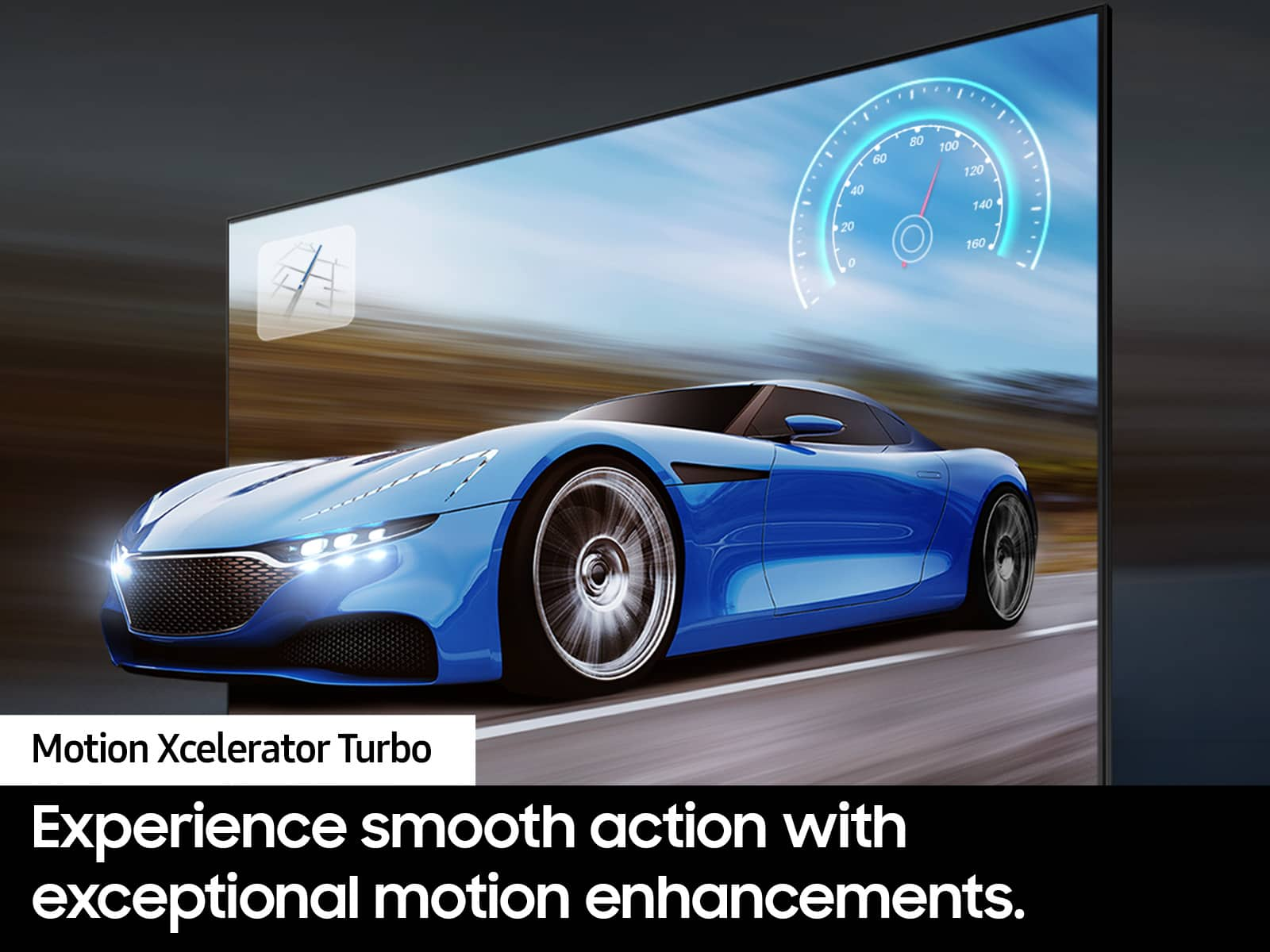
For optimal motion image performance, you may also want to adjust the picture clarity setting by going to: Menu > Settings > All Settings > Picture > Expert Settings > Picture Clarity Settings
- Off: Picture Clarity Settings will always be off
- Auto: Picture Clarity Settings will automatically activate and deactivate based on the type of program being watched
- Custom: Allows custom adjustments and settings to be used. By selecting the Custom option, you can access these advanced settings for Judder Reduction, LED Clear Motion, and Noise Reduction.
For further assistance with settings adjustments, please contact Samsung Customer Support at 1-800-SAMSUNG, 8AM - 12AM EST, 7 days a week. Or visit us on the Samsung website and click on the ‘Support’ link for:
• LiveChat
• Manuals, Software, & Warranty Info
~ Samsung Specialist
Echostar
||Posted . Owned for 1 month when reviewed.This reviewer received promo considerations or sweepstakes entry for writing a review.Not recommended. Try other brand. Picture sound clarity is poor.
No, I would not recommend this to a friendBrand response from Samsung
Posted .Echostar,
Thank you for purchasing Samsung's Q70D TV . To ensure you’ve got the latest image and sound quality updates, please confirm that your TV is up to date with the latest firmware version. You can check by going to: Home > Menu > Settings > Support > Software Update.
If the picture you’re seeing is still not to your liking after updating firmware, there are several picture settings you may want to try adjusting.
Go to Home > left direction button > Settings > All Settings > Picture > Picture Mode
...and select the mode that best fits your usage:
1. Standard: Is the default mode suitable for general viewing environments
2. Dynamic: Makes the picture brighter and clearer in bright viewing environments
3. Eco: Provided to save energy
4. Movie: Suitable for watching TV or movies in a dark room
5. Filmmaker Mode: Provides source content just as the creators intended. If the image is defined as Filmmaker Mode, it’ll automatically switch to Filmmaker Mode while watching.
You can also fine-tune your picture with expert settings such as brightness, contrast, sharpness and more (All Settings > Picture > Expert Settings).
Additionally, there are several sound settings you can adjust to suit your personal preferences.
• Sound Modes may better meet your personal preferences. Go to: Menu > Settings > All Settings > Sound > Sound Mode, or Expert Settings to fine-tune and customize your sound.
• Adaptive Sound will also further optimize sound quality by analyzing the viewing space and the acoustic components of the content. Go to: Menu > Settings > All Settings > General & Privacy > Intelligent Mode Settings.
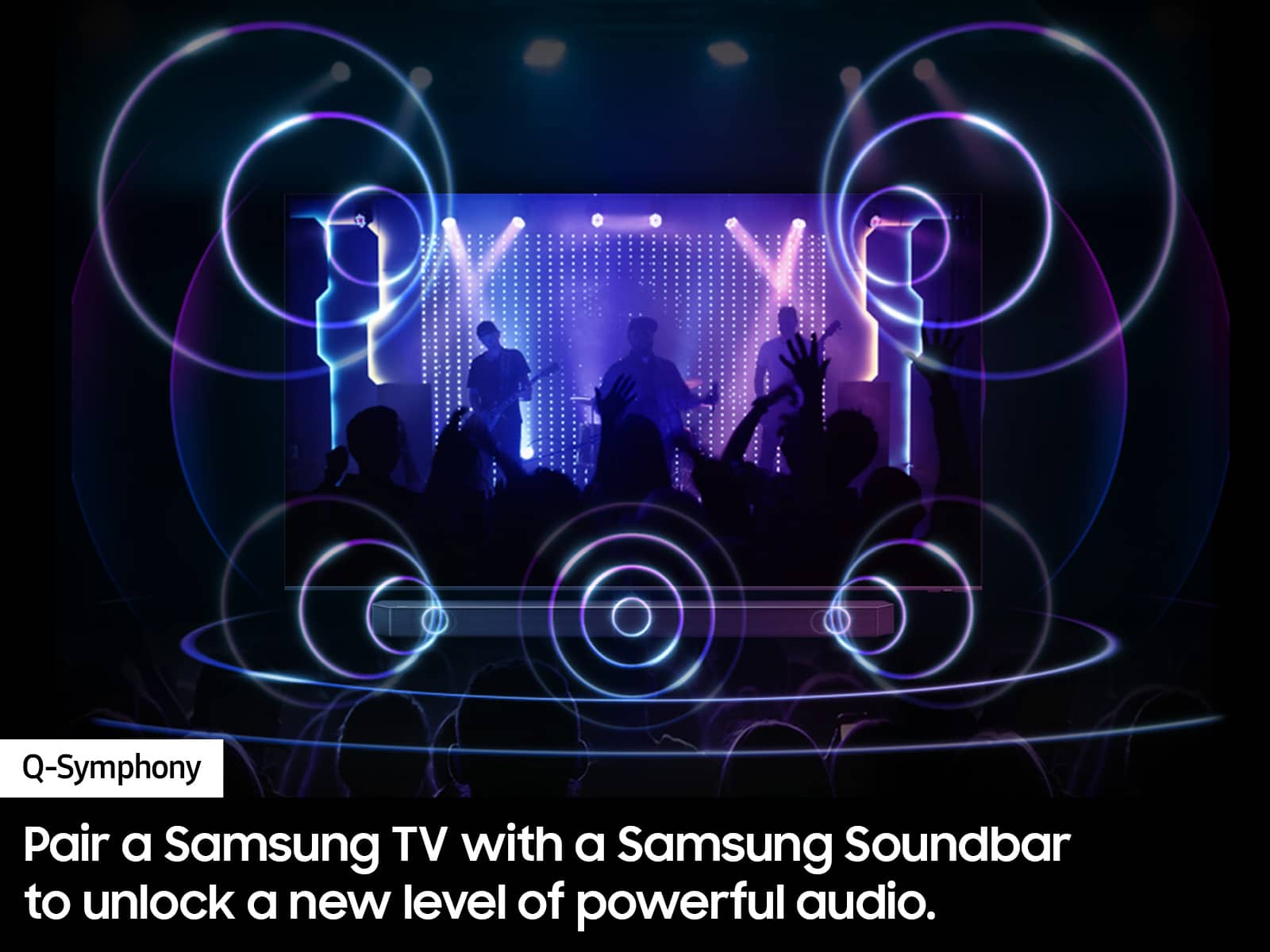
Should you choose to add a Samsung Soundbar to your TV, please know that our Q-Series Soundbars (such as the HW-QS730D) feature Q-Symphony which will synchronize with the speakers of your TV for an immersive 3D sound experience.
To assist you with possible sound settings adjustments for a better audio experience or choosing a Samsung Soundbar to complement your viewing enjoyment, please reach out to us at 1-800-SAMSUNG, 8 AM - 12 AM EST, seven days a week.
~ Samsung Specialist
DEAD PIXEL- WHITE SPOT
||Posted .This reviewer received promo considerations or sweepstakes entry for writing a review.dead pixel - WHITE SPOT, poor quality screen, very very slow response time between channels or any operation SLOW
No, I would not recommend this to a friendBrand response from Samsung
Posted .user139648,
We appreciate your feedback regarding the screen abnormalities you’re seeing on your TV. Please run a Picture Test to determine if the problem is caused by the TV. Picture Test displays a high-definition picture you can examine for flaws or faults. Go to Settings > Support > Device Care > Self Diagnosis > Picture Test
If this occurs on all sources and the picture test, this may require service. For help with setting up a service appointment, please contact Samsung Support at 1-800-SAMSUNG, 8AM - 12AM EST, 7 days a week. Our LiveChat agents are also available by clicking on the ‘Support’ link on our website.
~ Samsung Specialist
Bad led
||Posted . Owned for 1 year when reviewed.This reviewer received promo considerations or sweepstakes entry for writing a review.Left side of TV went dark. In only 15months. Warrenty only good for 12months.
No, I would not recommend this to a friendSamsung 65" Class Q7OD QLED 4K Smart Tizen TV.
Posted .This reviewer received promo considerations or sweepstakes entry for writing a review.TV is great. Love having direct access to apps I am subbed to on the remote. Easy overall setup of the TV. Has a great picture quality with 4k programming and movies.. True 120hz for console gaming for those that want to know. I wasn't aware when I bought the TV that the remote was re-chargeable. Just an FYI, you'll need to flip the remote over and make sure you have it in a place to get indirect light to recharge it.
I would recommend this to a friendBad tv
||Posted . Owned for 2 months when reviewed.This reviewer received promo considerations or sweepstakes entry for writing a review.The TV gives a shadow on the faces of the characters on the TV is a blue character. I wouldn’t recommend
No, I would not recommend this to a friendBrand response from Samsung
Posted .Thank you for sharing your thoughts on the picture quality of your Q70D TV. To ensure you’ve got the latest image quality updates, please confirm that your TV is up to date with the latest firmware version. You can check by going to: Home > Menu > Settings > Support > Software Update.
If the picture you’re seeing is still not to your liking after updating firmware, there are several picture settings you may want to try adjusting.
Go to Home > Menu > Settings > All Settings > Picture > Picture Mode
...and select the mode that best fits your usage:
1. Standard: Is the default mode suitable for general viewing environments
2. Dynamic: Makes the picture brighter and clearer in bright viewing environments
3. Eco: Provided to save energy
4. Movie: Suitable for watching TV or movies in a dark room
5. Filmmaker Mode: Provides source content just as the creators intended. If the image is defined as Filmmaker Mode, it’ll automatically switch to Filmmaker Mode while watching.
Intelligent Mode enables the TV to recognize and analyze the surroundings, noise, content, and your usage patterns to provide the best viewing experience. You can enable Intelligent Mode by going to Menu > Settings > All Settings > General & Privacy > Intelligent Mode Settings > Intelligent Mode.
If adjusting image settings does not improve your picture, please contact Samsung Customer Support at 1-800-SAMSUNG, 8AM - 12AM EST, 7 days a week. Or visit us on the Samsung website and click on the ‘Support’ link for:
• LiveChat
• Manuals, Software, & Warranty Info
~ Samsung Specialist
Recommended
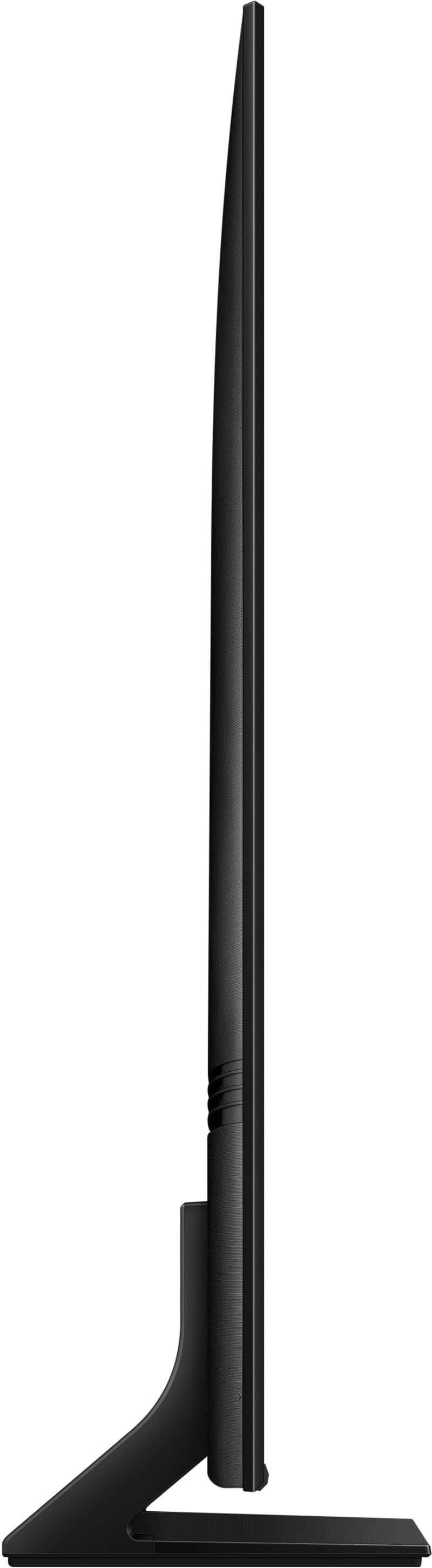
Posted .This reviewer received promo considerations or sweepstakes entry for writing a review.Great picture quality, sound is good, and I really like how thin the television is.
I would recommend this to a friendBest decision I have made in a long time
Posted .This reviewer received promo considerations or sweepstakes entry for writing a review.High quality and easy to set up ... should have got this years ago
I would recommend this to a friendLove it!!
Posted .This reviewer received promo considerations or sweepstakes entry for writing a review.Love the picture and ease of use. Very good buy for the money
I would recommend this to a friendSuperb picture
Posted .This reviewer received promo considerations or sweepstakes entry for writing a review.Very sharp picture, I really like Samsung quality. Best Buy techs mounted tv on wall and connected sound bar. They did a quality job of installing, explaining tv controls and cleaning up after the job was done.
I would recommend this to a friendSamsung TV
Posted .This reviewer received promo considerations or sweepstakes entry for writing a review.I love it! Vibrant colors. Excellent picture quality.
I would recommend this to a friend