Customer Ratings & Reviews
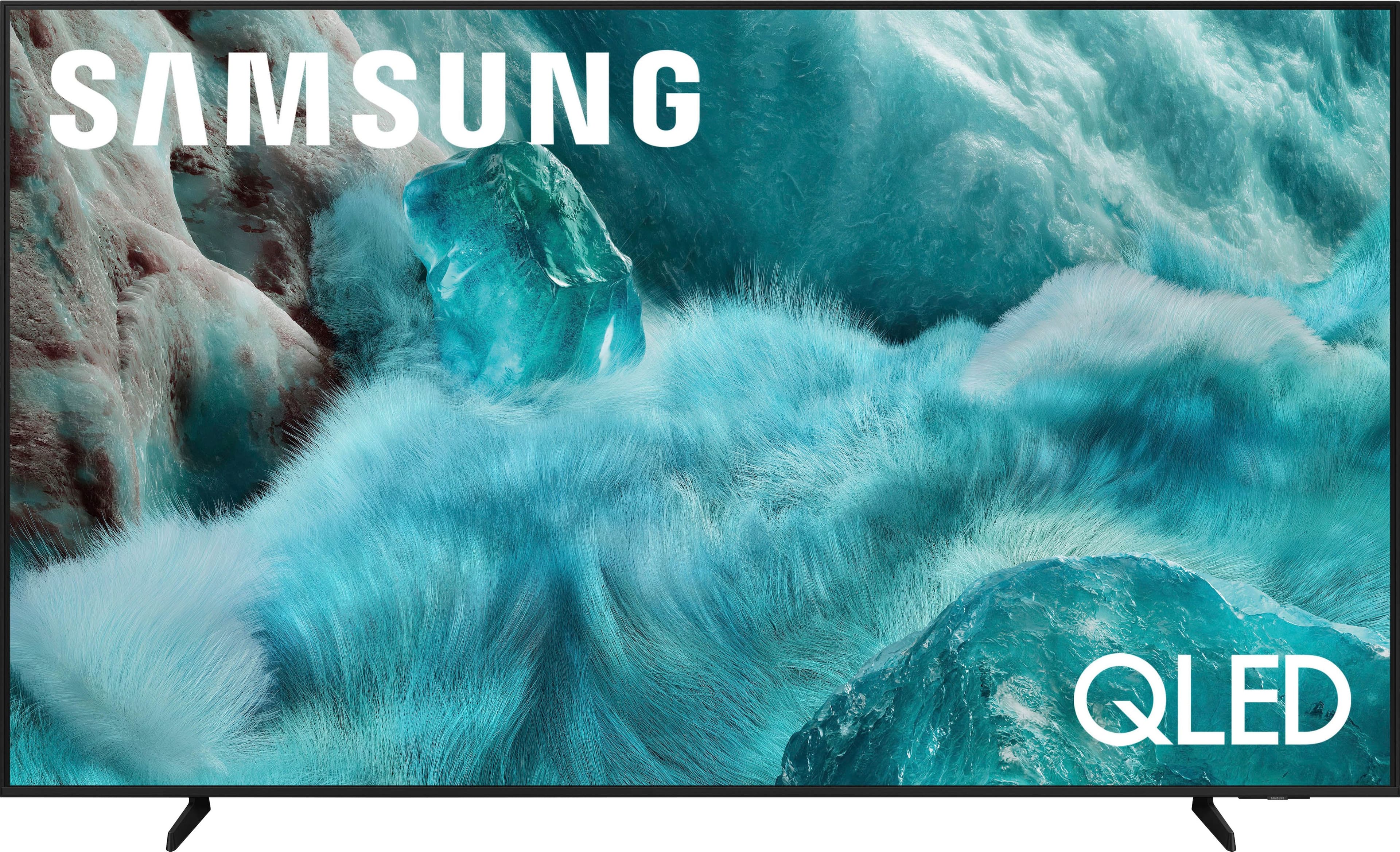
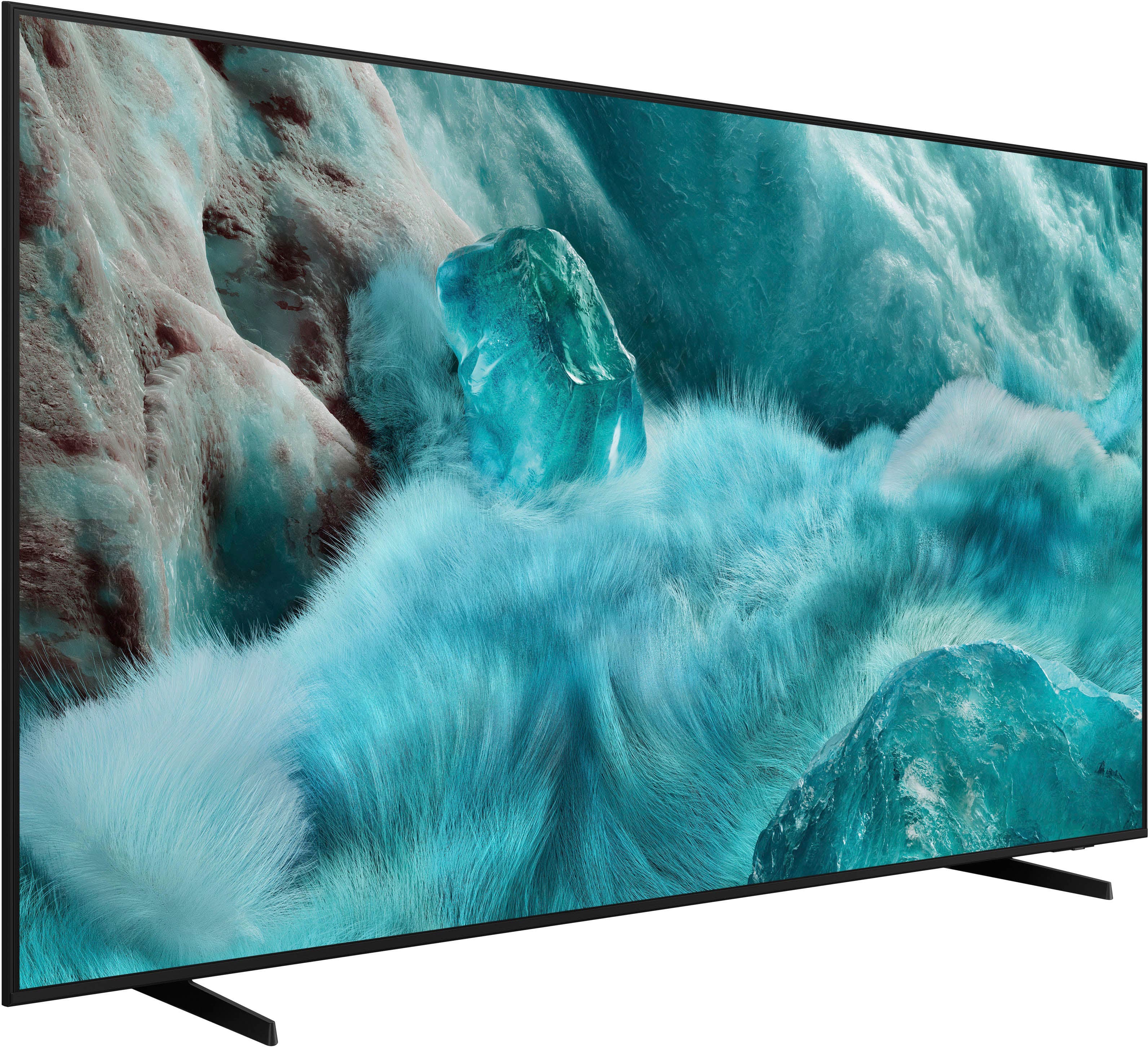
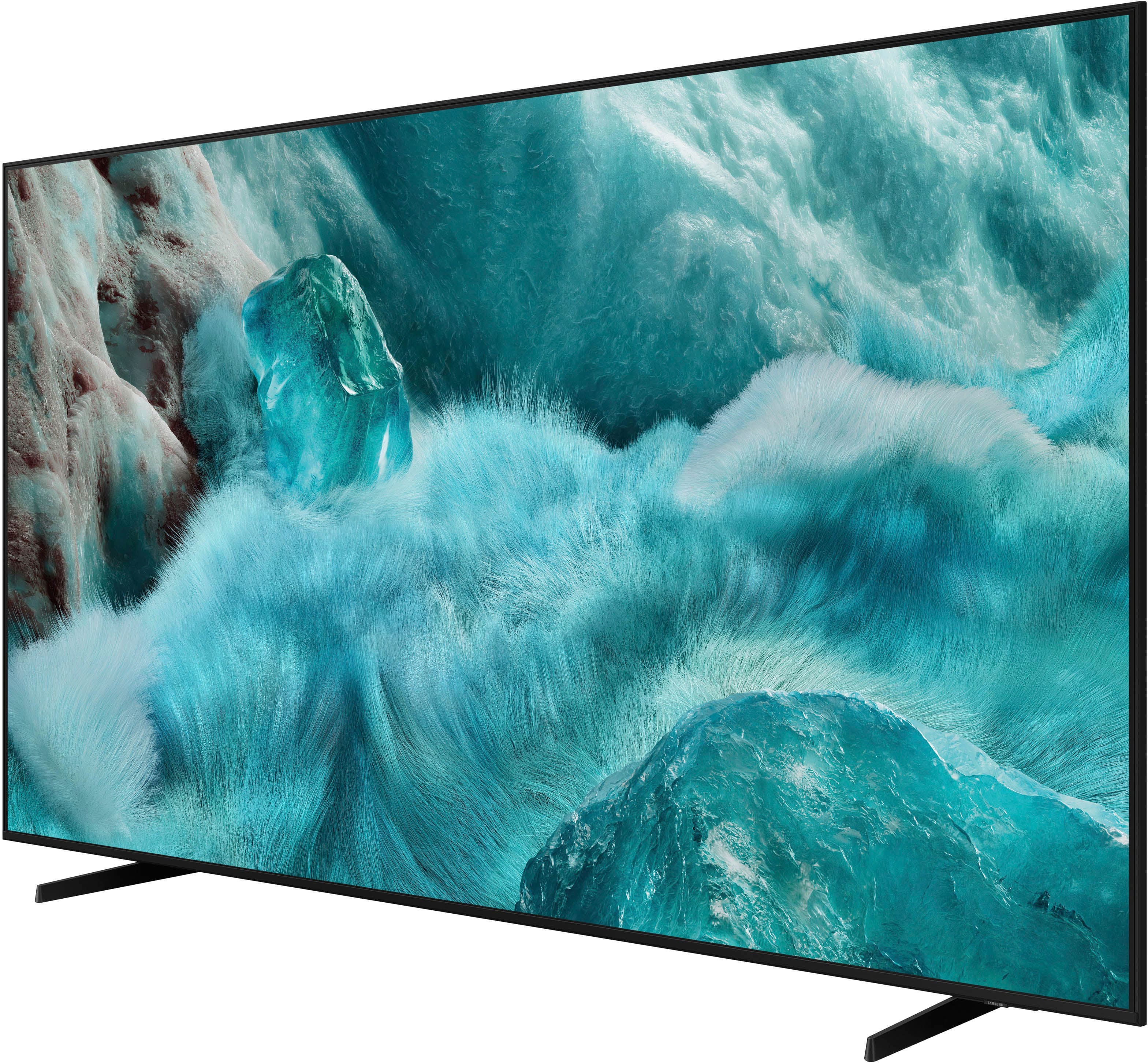
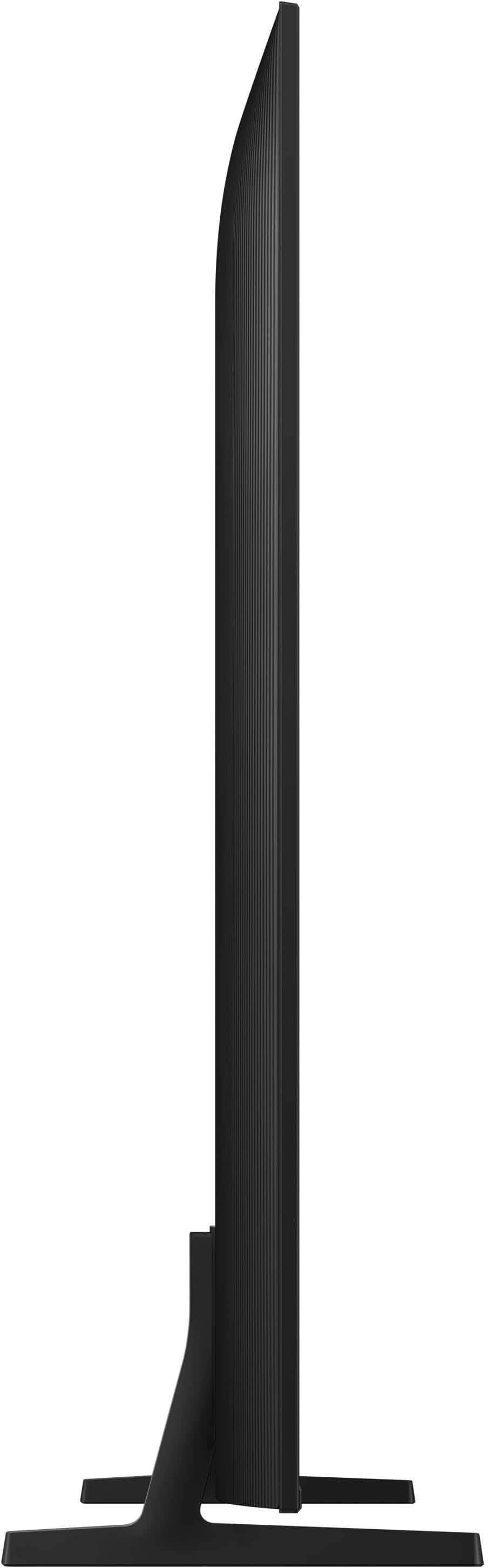

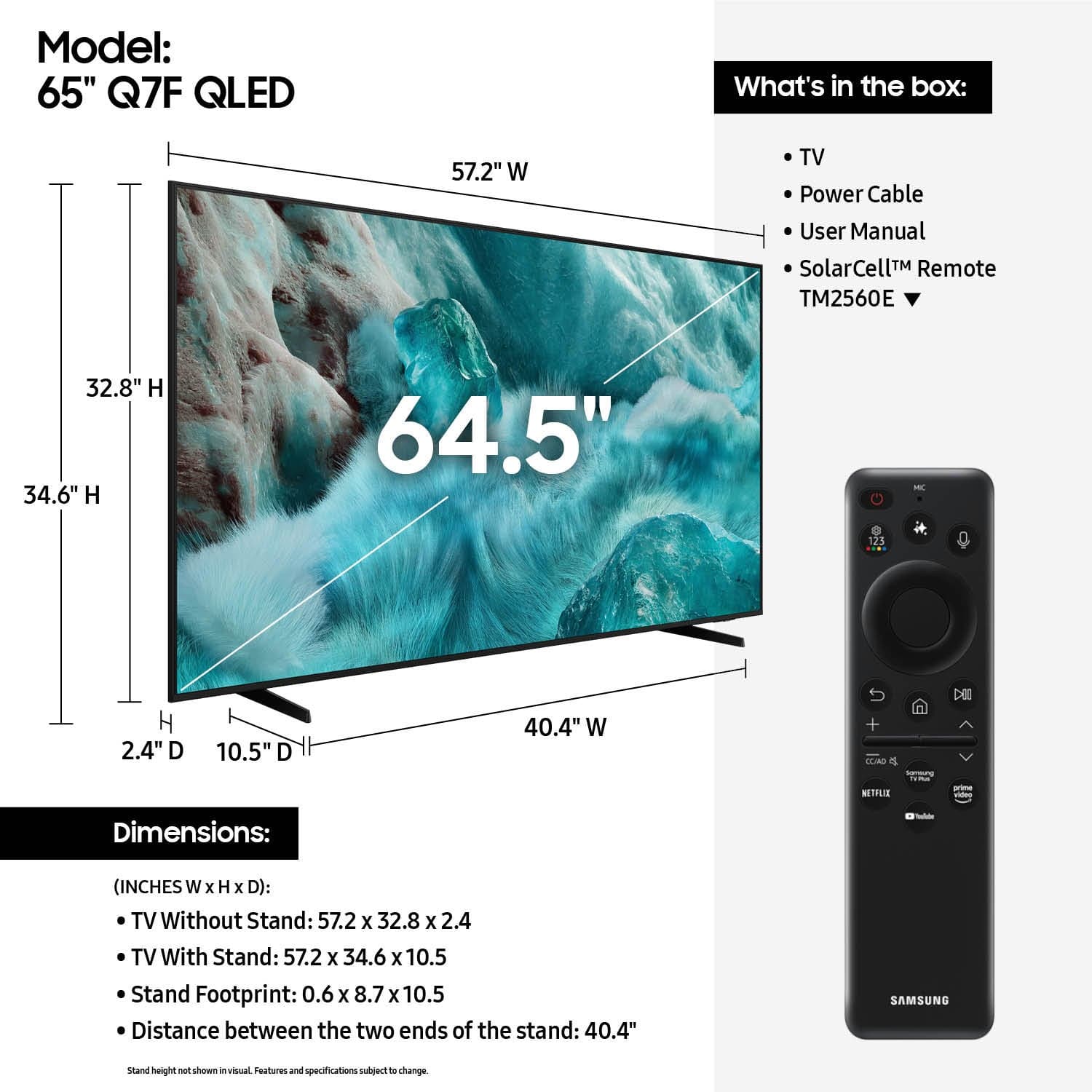











- Model:
- QN65Q7FAAFXZA
- SKU:
- 10187634
Rating by feature
- Picture Quality
Rating 4.8 out of 5 stars
- Sound Quality
Rating 4.6 out of 5 stars
- Brightness
Rating 4.8 out of 5 stars
- Pros mentioned:Picture quality
Good TV
||Posted . Owned for 1 month when reviewed.This reviewer received promo considerations or sweepstakes entry for writing a review.Picture quality is really good but it’s hard to install some apps
I would recommend this to a friend incompetence/employee/manager-error cost $1500+
||Posted . Owned for 7 months when reviewed.This reviewer received promo considerations or sweepstakes entry for writing a review.This was not the tv, I had specifically got financed exactly for, the correct one was even on the receipt, employee confirmed he knows I told him the next model up(again that exact tv being the only reason I financed) to simply be told sorry our employee used your high interest rate rent to own for an absurd amount, not 24 hrs had passed when I had called them immediately upon even prior to that to be told since it was financed tho sorry it was entirely there errors I’d have to pay to restock return other ludicrous fees while also saying then it could possibly be removed from the loan but I’d have to reapply, also on same receipt payment plan I specifically said pa5 pro disc drive said that on receipt employee admitted as well to the extent I picked up a physical new released ps5 physical game specifically since I was told it was the disk drive version, each item went hand and hand with another was entirely there fault even accidentally ran credit in my wife’s name which I was assured while asking numerous times not to be assured because if not through my name I didn’t want the financing, what do you know every item which was purchased in there exact models was in compliment of the other items of not o my because ti which they also admitted complete fault repeating sorry we bound you to a high interest loan and under the false pretense of the items would be those of which I provided in detail and model I had given having had the employee confirm to almost annoyance by the end reading the numbers back to still grab the incorrect item of each when not making all other mistakes I was doing confirmation checks on nausea failing spectacularly ending by management confirming there errors, sorry they’re incompetent, sucks for me they didn’t know how to fix their issue, spoiler alert they made zero effort attempting to resolve via calling a superior or checking a employee manual, anything, exc
No, I would not recommend this to a friendBrand response from Samsung
Posted .Hi CaitlinD,
We appreciate you sharing your experience; however, we recommend contacting Best Buy directly for assistance in correcting this situation. We hope it’s resolved in a timely manner.
If you have any questions or need help with your TV once your issue is resolved, please contact Samsung Support at 1-800-SAMSUNG (8AM – 9PM EST Mon – Fri, 8AM – 6PM Sat – Sun). LiveChat agents are also available via the ‘Support’ link on our website.
~ Samsung Specialist
- Pros mentioned:Picture quality
Samsung TV
||Posted . Owned for 1 month when reviewed.This reviewer received promo considerations or sweepstakes entry for writing a review.TV was damaged when delivered. Once replaced, we live the quality of the picture.
I would recommend this to a friendBrand response from Samsung
Posted .CindyS,
We appreciate you sharing the issues you initially experienced with Samsung’s Q7F TV. Thank you for your patience throughout the inconvenience of arranging an exchange.
If you have any questions about your new unit or need assistance with setup or features, we’re here to help. You can reach us at 1-800-SAMSUNG, available daily from 8AM - 12AM EST. You can also visit the Samsung website and click on ‘Support’ for:
• Live Chat
• Manuals, Software, & Warranty Info
~ Samsung Specialist
It’s so good, I want another
||Posted . Owned for 1 month when reviewed.This reviewer received promo considerations or sweepstakes entry for writing a review.I love it. I’m thinning of getting another for my bedroom.
I would recommend this to a friendGreat TV
||Posted .This reviewer received promo considerations or sweepstakes entry for writing a review.Great TV. Excellent price. Picture is very clear with good sound.
I would recommend this to a friend- Pros mentioned:Picture quality
review
||Posted . Owned for 3 weeks when reviewed.This reviewer received promo considerations or sweepstakes entry for writing a review.good price working fine so far. .................................................
I would recommend this to a friend Bang for your buck
||Posted . Owned for 1 month when reviewed.This reviewer received promo considerations or sweepstakes entry for writing a review.Quality resolution for a decent price. Not a big fan of the Home Screen layout as it’s harder to reach wanted streaming services compared to older models. But overall, the tv is without a doubt worth the price and I would give it a 4.7 if given an option just due to the annoyance of the Home Screen layout.
I would recommend this to a friendAnitaL.
||Posted .This reviewer received promo considerations or sweepstakes entry for writing a review.Its not what I really wanted but it will do . It has some nice up grades but the overall picture view look like the same as as a older model TV set.
No, I would not recommend this to a friendBest choice
||Posted . Owned for 1 month when reviewed.This reviewer received promo considerations or sweepstakes entry for writing a review.Always the best spot to find the electronics im looking for an the help is always available ..
I would recommend this to a friendGreat value
||Posted . Owned for 1 month when reviewed.This reviewer received promo considerations or sweepstakes entry for writing a review.Great value easy stallment plan very convinient, staff are very helpful
I would recommend this to a friendVery Nice
||Posted . Owned for 6 months when reviewed.This reviewer received promo considerations or sweepstakes entry for writing a review.Very nice TV. We have been enjoying it for several months now.
I would recommend this to a friendGreat TV
||Posted . Owned for 1 month when reviewed.This reviewer received promo considerations or sweepstakes entry for writing a review.Great price for a 65” TV. Son loves it in his living room!!
I would recommend this to a friendSatisfied with my services at bestbuy.
||Posted . Owned for 1 month when reviewed.This reviewer received promo considerations or sweepstakes entry for writing a review.Excellent service and very knowledgeable on my preference of the tv i purchased. Satisfied 100%
I would recommend this to a friendRating on my service at best buy.
||Posted . Owned for 1 week when reviewed.This reviewer received promo considerations or sweepstakes entry for writing a review.Service was what I expected. Very professional and helpful at be st. Pick up was short and sweet. I wouldn't shop anywhere else.
I would recommend this to a friend- Pros mentioned:Picture quality
65 tv
||Posted . Owned for 3 weeks when reviewed.This reviewer received promo considerations or sweepstakes entry for writing a review.Picture is. Very good. Great tv for the price and quality
I would recommend this to a friend - Pros mentioned:Picture quality
This tv is a hit or miss!
||Posted . Owned for 1 week when reviewed.This reviewer received promo considerations or sweepstakes entry for writing a review.I bought this tv in late June and I am now currently on my 3rd tv of this model! The 1st tv had a defective sound issue where the sound would just go out randomly then pop back in but it showed a nice picture. Best Buy sent tech support to swap it out and the 2nd one that shows a completely different looking picture (In a good way) like almost 120 hz looking and the colors were much more vibrant and rich and the picture was just all around mucher sharper then the 1st tv. However, upon unboxing I noticed that there was styrofoam stuck inside the bottom of the screen that I couldn’t remove because the screen was loose and it was crammed in there. I thought to myself, how is this even possible? Only to realize that the screen was separated from the frame and when I would tap it with my fingernail the screen literally moved. This was so odd because it was only the bottom of the screen that wasnt secured onto the frame of the tv. Best buy swaps it out again and now this 3rd tv is showing a horrile picture, lines in certain movies and a very poor picture quality and get this…THE BOTTOM OF THE SCREEN MOVES WHEN I TAP IT JUST LIKE THE 2nd TV! Atp I am done with Samsung! These tv’s are being built poorly and very inconsistent! What a shame because I had my last Samsung tv for over 10 years and it was awesome! I’m going to see if I can get a refund if not store credit and buy myself a Sony! I will never purchase another Samsung tv again!
No, I would not recommend this to a friendBrand response from Samsung
Posted .Techsavymom,
Thanks for your review, and we're sorry to hear you've had trouble with more than one unit. That's not the experience we want for any customer. We'll make sure your feedback is sent to our product teams so they can review it closely as we continue improving for the future.
If you haven’t already, we recommend contacting Best Buy as soon as possible to request a refund or exchange while you're still eligible under their return policy.
If you decide to explore Samsung TVs again in the future, we’re always here to support you - whether it’s setup, features, or troubleshooting. Reach us anytime at 1-800-SAMSUNG (8AM – 12AM EST, 7 days a week), or visit the ‘Support’ section of our website for LiveChat, manuals, and more.
~ Samsung Specialist
Samsung Big Hit for Xmas
||Posted .This reviewer received promo considerations or sweepstakes entry for writing a review.It was a gift and he loved it!!!!!!!!!!!!!!!!!!!!!!!!!!!!!!1111111
I would recommend this to a friendSamsung 65 inch
||Posted .This reviewer received promo considerations or sweepstakes entry for writing a review.10/10 would recommend, love the operating system and ability to sync with smart things app
I would recommend this to a friendGreat Buy
||Posted .This reviewer received promo considerations or sweepstakes entry for writing a review.Love it! Perfect Christmas present, came right on time
I would recommend this to a friendTv 65 inch Samsung
||Posted . Owned for 1 month when reviewed.This reviewer received promo considerations or sweepstakes entry for writing a review.Overall we are totally enjoying our new 65 inch Samsung Tv. We shopped around and found the best price for this Tv @ Best Buy. We always seem to find what works best for us @ Best Buy!
I would recommend this to a friend