Customer Ratings & Reviews
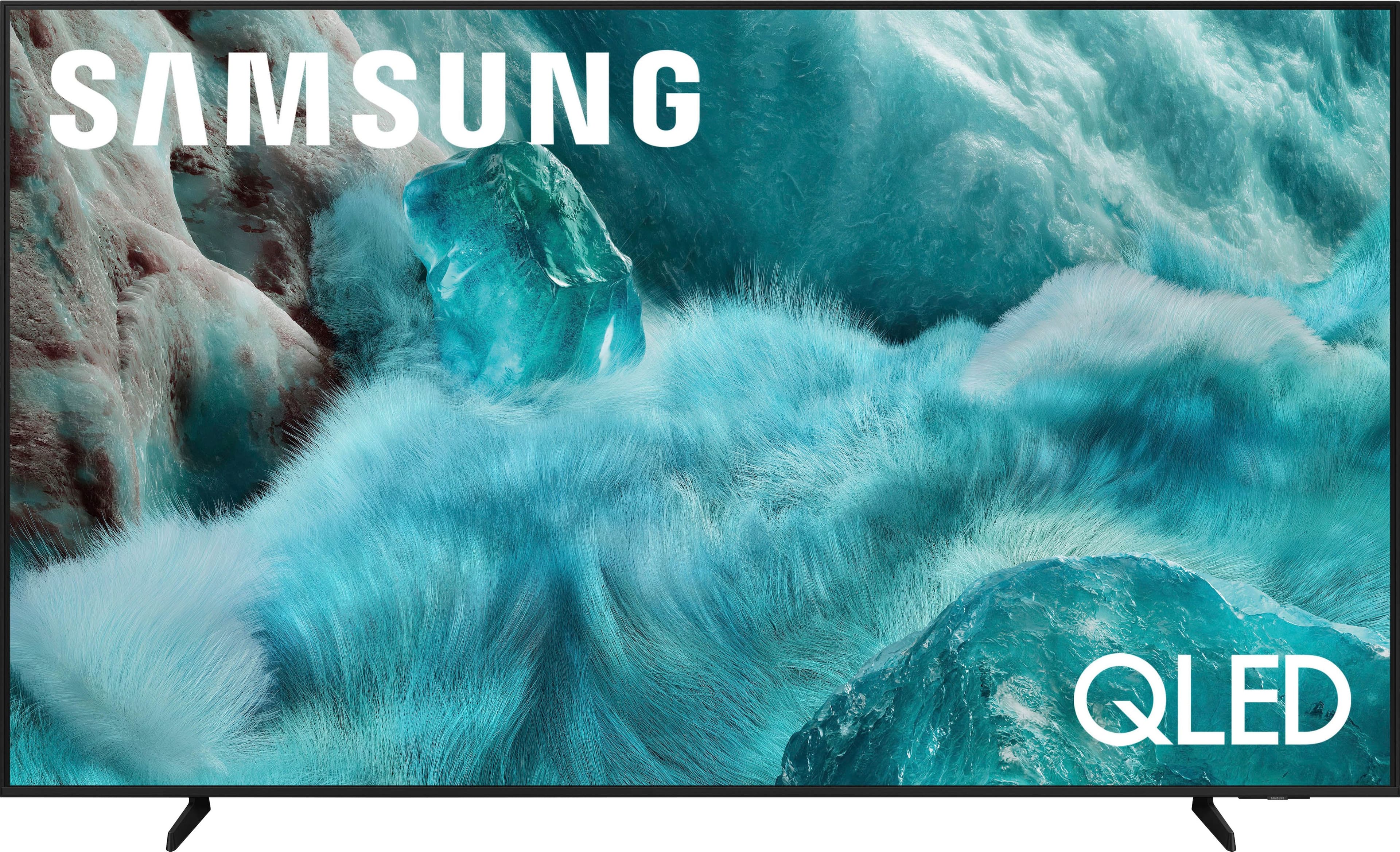
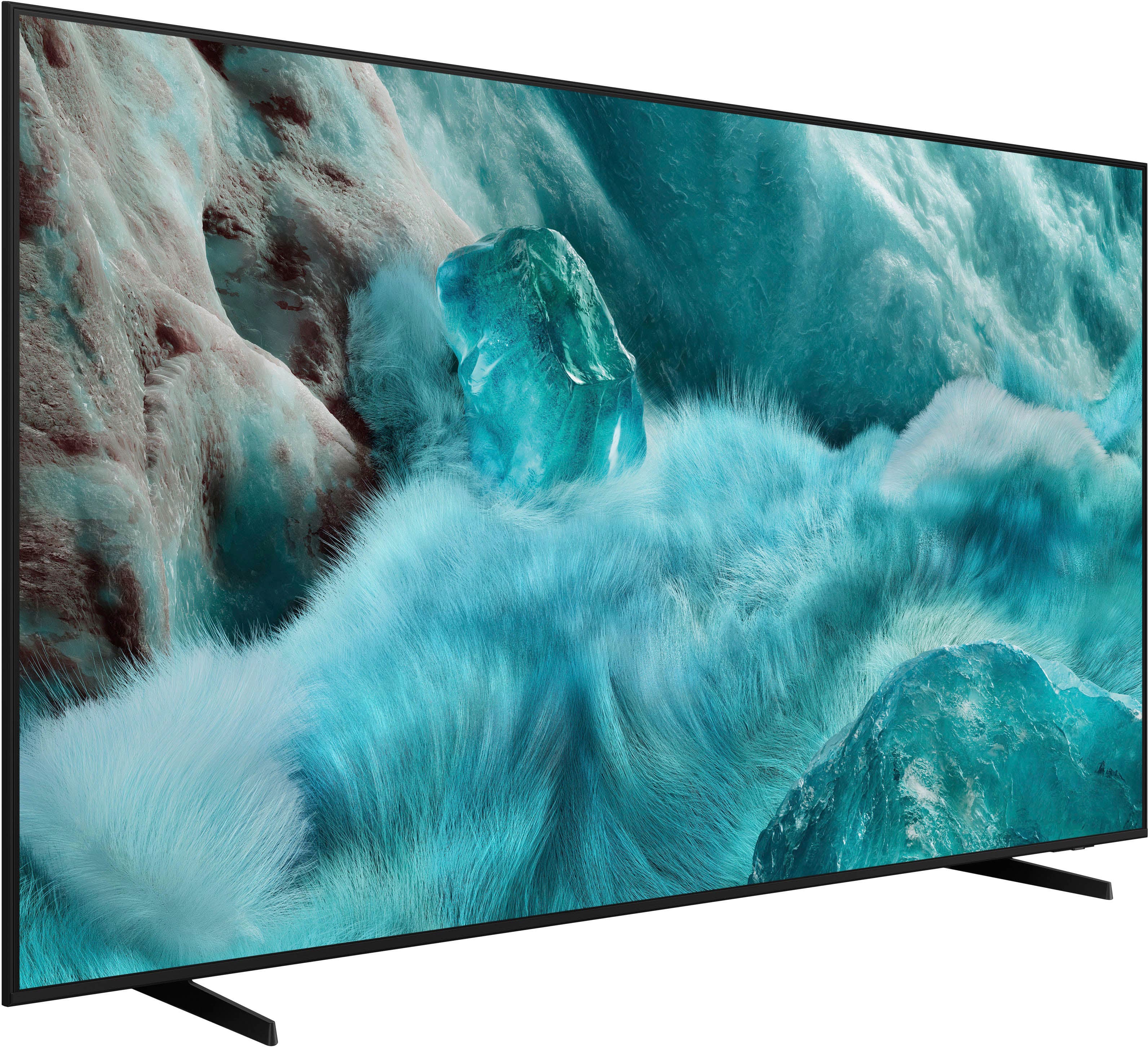
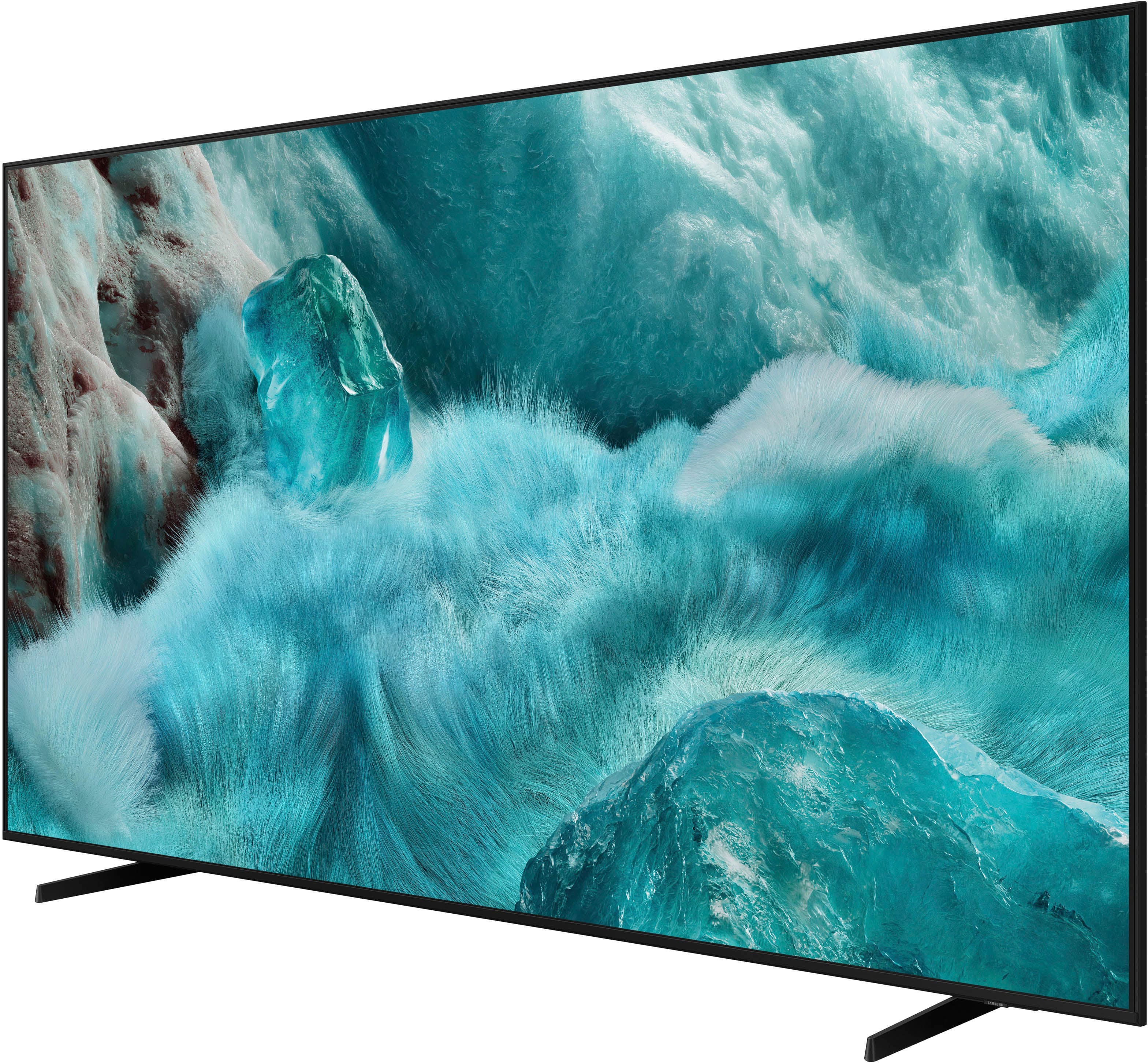
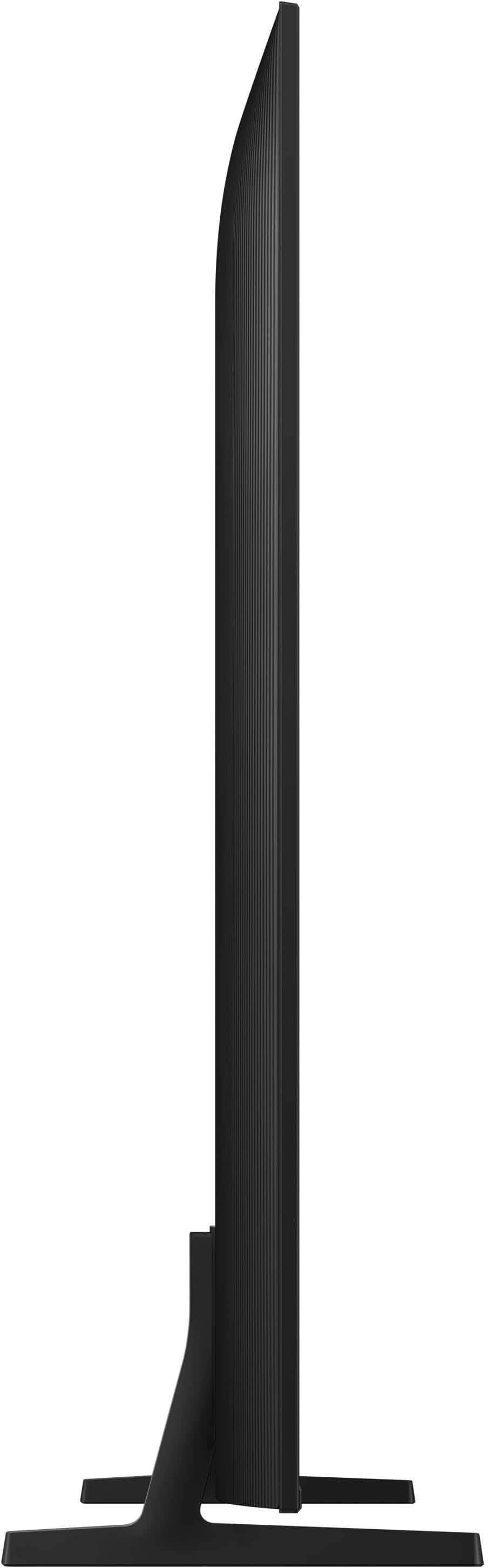



- Model:
- QN65Q7FAAFXZA
- SKU:
- 10187634
Rating by feature
- Picture Quality
Rating 4.8 out of 5 stars
- Sound Quality
Rating 4.6 out of 5 stars
- Brightness
Rating 4.8 out of 5 stars
Television
||Posted . Owned for 2 weeks when reviewed.This reviewer received promo considerations or sweepstakes entry for writing a review.I am just wanting the $400 gift card. Dont know if it even exists
I would recommend this to a friendSamsung QLED
||Posted .This reviewer received promo considerations or sweepstakes entry for writing a review.Stunning and Vibrant! Couldn’t be happier! Displays are wonderful to watch.
I would recommend this to a friendGood purchase
||Posted . Owned for 1 month when reviewed.This reviewer received promo considerations or sweepstakes entry for writing a review.Good purchase and best value at Best Buy. Recommended
I would recommend this to a friendSamsung 65" tv
||Posted . Owned for 3 weeks when reviewed.This reviewer received promo considerations or sweepstakes entry for writing a review.The quality of this tv is amazing and it is at a great price.
I would recommend this to a friendNew tv
||Posted . Owned for 3 weeks when reviewed.This reviewer received promo considerations or sweepstakes entry for writing a review.Good for the its price, the boules ver good but not bright enough
I would recommend this to a friendTv looks gorgeous,
||Posted . Owned for 1 month when reviewed.This reviewer received promo considerations or sweepstakes entry for writing a review.Tv looks gorgeous, it integrates with the rest of my system incredibly,
I would recommend this to a friendBang for the buck
||Posted . Owned for 1 month when reviewed.This reviewer received promo considerations or sweepstakes entry for writing a review.Great value for the money. Picture has good detail.
I would recommend this to a friendGood TV
||Posted .This reviewer received promo considerations or sweepstakes entry for writing a review.It’s a nice tv to get. The only thing that a very minor issue was the sound quality but I have a sound bar that fixed that.
I would recommend this to a friendGood for the price
||Posted . Owned for 1 week when reviewed.This reviewer received promo considerations or sweepstakes entry for writing a review.It’s a bit confusing as how to load streaming services and customize the home page
I would recommend this to a friendLove it
||Posted .This reviewer received promo considerations or sweepstakes entry for writing a review.Very hard to believe that this TV is way under $1000
I would recommend this to a friendGreat Picture Quality
||Posted . Owned for less than 1 week when reviewed.This reviewer received promo considerations or sweepstakes entry for writing a review.High quality with great resolution. Thinner than most televsions.
I would recommend this to a friendDifficult to control
||Posted . Owned for 2 weeks when reviewed.This reviewer received promo considerations or sweepstakes entry for writing a review.Problematic to switch between regular TV and streaming. Need to use both the cable remote and the TV remote, and frequently need to turn it off and back on to switch, and even then it's quite frustrating.
No, I would not recommend this to a friendBrand response from Samsung
Posted .JOEZ,
We appreciate you sharing your experience. To help you get the most from your TV and remote functions, you can download the full e-Manual and more by visiting Samsung’s website then navigating to: Support > Manual & Software > TVs & Home Theater. From there, you can search for and select your Q7F TV model to view or download the available guides.
The e-Manual & Remote Control Guide are also conveniently built into your TV: Settings > Support > Tips and User Guides.
For additional guidance, your TV also includes Accessibility features designed to assist with navigation and remote use.
• Learn Menu Screen provides audio guidance for on-screen menus by announcing the name and function of each item as you scroll – without making any changes. This is especially helpful for users who are visually impaired or new to Smart TV menus. Enable via: Settings > All Settings > General & Privacy > Accessibility > Learn Menu Screen. To exit, press the Return key twice.
• Learn TV Remote helps users become familiar with the layout and function of each button on the Samsung remote. Pressing a button (other than Power) will prompt the TV to announce its name and purpose, again without affecting TV operation. Enable via: Settings > All Settings > General & Privacy > Accessibility > Learn TV Remote. To exit, press the Return key twice.
If you’d like more assistance with these features, please reach Samsung Support at 1-800-SAMSUNG, available 8AM – 12AM EST, 7 days a week. LiveChat agents are also available through the ‘Support’ link on our website.
~ Samsung Specialist
Its ok
||Posted . Owned for 1 month when reviewed.This reviewer received promo considerations or sweepstakes entry for writing a review.I mean nothing to see here. Not user friendly have to have Samsung account just to do anything annoying. My Nfl app isnt working. Look for better options not worth.
No, I would not recommend this to a friendBrand response from Samsung
Posted .Customer,
We appreciate you sharing your user experience. To help you get the most from your TV, you can download the full e-Manual and more by visiting Samsung’s website then navigating to: Support > Manual & Software > TVs & Home Theater. From there, you can search for and select your Q7F TV model to view or download the available guides.
The e-Manual and Remote Control Guide are also conveniently built into your TV: Settings > Support > Tips and User Guides
If you need additional help, please contact Samsung Support at 1-800-SAMSUNG, 8AM – 12AM EST, 7 days a week. LiveChat agents are also available through the ‘Support’ link on our website.
~ Samsung Specialist
Replacement
||Posted .This reviewer received promo considerations or sweepstakes entry for writing a review.Picture is not the great. My old hisense was better pictures
No, I would not recommend this to a friendA Poor Company To Do Business With
||Posted . Owned for 3 weeks when reviewed.This reviewer received promo considerations or sweepstakes entry for writing a review.Pitiful customer service and follow-up by Best Buy representatives. I can’t express how disappointed I was with a company which we had truly trusted with all our appliance and technology purchases prior. I can truly say we will not be purchasing from Best Buy in the future because they have become a poor excuse as far as customer service is concerned.
I would recommend this to a friendBrand response from Samsung
Posted .Buffalo,
Please know you are leaving a review and 3-star rating for the 2025 Q7F TV, but we are sorry to hear of your Best Buy experience, nonetheless. You may want to consider providing feedback directly to the Best Buy store where you made your purchase.
Should you have questions on the Q7F TV itself, Samsung is here for you. You can reach us at 1-800-SAMSUNG, 8AM - 12AM EST, 7 days a week. Our LiveChat agents are also available by clicking on the ‘Support’ link on our website.
~ Samsung Specialist
Good quality
||Posted . Owned for 1 month when reviewed.This reviewer received promo considerations or sweepstakes entry for writing a review.Really good product, probably the sound system needs to be improved.
I would recommend this to a friendVery Slow and Laggy
||Posted . Owned for 3 weeks when reviewed.This reviewer received promo considerations or sweepstakes entry for writing a review.I have had 4 Samsung Tvs and this one is the slowest and lags alot. I wont get another one.
No, I would not recommend this to a friendBrand response from Samsung
Posted .Hi STEPHENP,
We appreciate your feedback regarding response time. For optimal performance, please ensure your TV is running the latest firmware. You can check this by going to: Home > left directional key > Settings > Support > Software Update
To further optimize performance, try running Device Care, which checks memory, clears unused cached data, and closes background apps: Home > left directional key > Settings > Support > Device Care > Start Device Care
If issues continue, please reach Samsung Support at 1-800-SAMSUNG (8AM – 9PM EST Mon – Fri, 8AM – 6PM Sat – Sun). LiveChat is also available via the ‘Support’ link on our website.
~Samsung Advisor
Bad streaming
||Posted .This reviewer received promo considerations or sweepstakes entry for writing a review.The TV itself is fine but the internet connection is atrocious and constantly buffers and drops. It is not the internet because peripherals work fine. It is a huge annoyance when streaming anything. Would not have purchased if we knew this issue.
No, I would not recommend this to a friendBrand response from Samsung
Posted .Amyy,
Thank you for sharing your experience. Buffering during streaming is typically related to internet speed or signal strength. This can happen when your connection isn’t able to deliver data quickly enough for smooth playback.
We recommend the following steps to help improve streaming performance:
1. Use a 5GHz Wi-Fi connection, if available
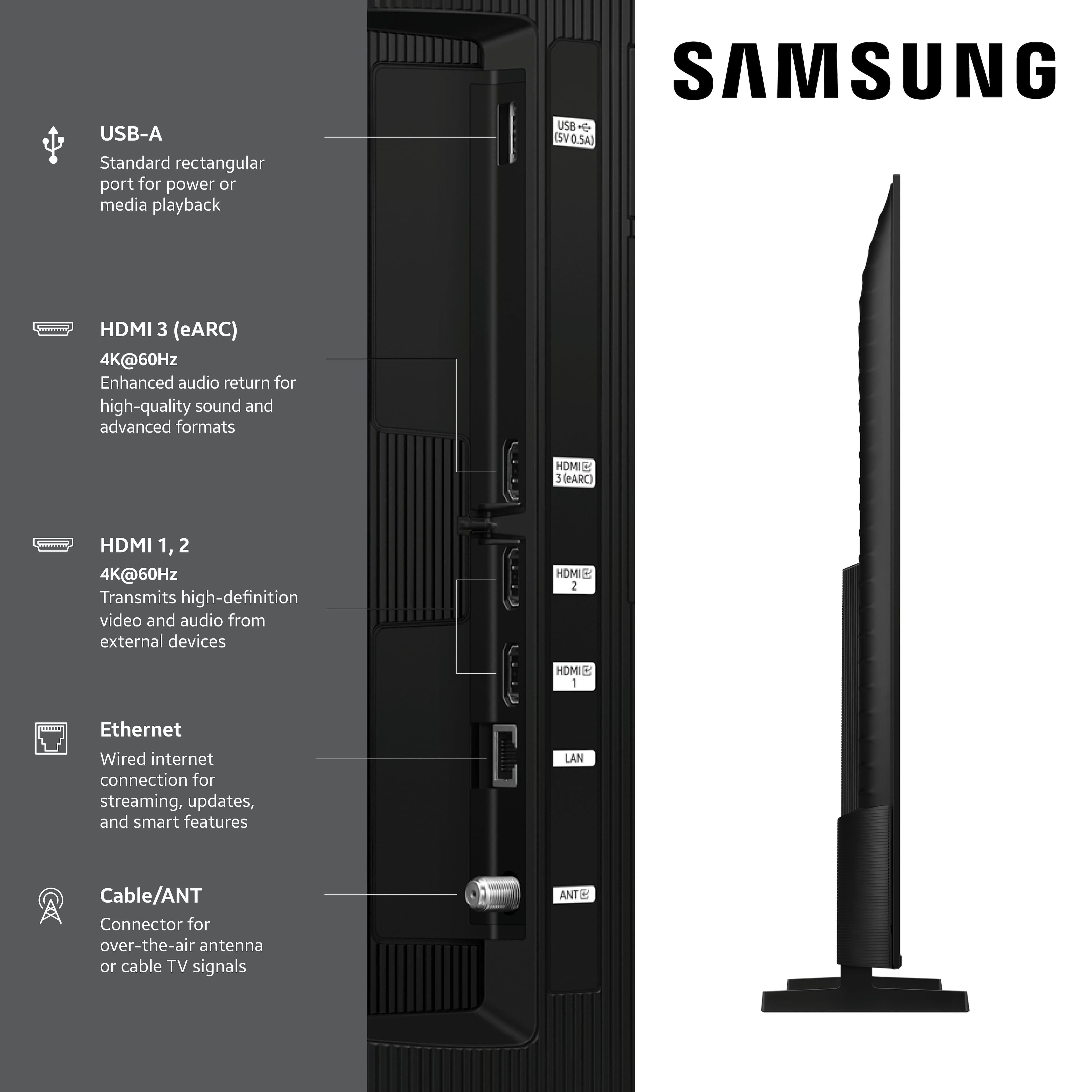
2. Try a wired LAN connection for more stability
3. Reposition your router to minimize obstacles between it and the TV
4. Make sure your TV is running the latest firmware (Settings > Support > Software Update)
5. Run Device Care to optimize performance: Home > left directional key > Settings > Support > Device Care > Start Device Care
If buffering continues, you may want to contact your internet service provider to check your current speed or explore upgrade options.
If we can assist further, please call us at 1-800-SAMSUNG from 8AM - 12AM EST, seven days a week, or connect with a LiveChat agent anytime by selecting ‘Support’ on our website.
~ Samsung Specialist
review
||Posted .This reviewer received promo considerations or sweepstakes entry for writing a review.TV and in store service was great. Excellent. Paying proved to be most difficult.
I would recommend this to a friendBrand response from Samsung
Posted .DeniseS,
It appears your 3-star review for the Samsung Q7F TV is based on your experience with Best Buy, and we’re sorry to hear that. We recommend contacting the store directly to share your feedback.
If you need help with the TV itself, Samsung Support is available at 1-800-SAMSUNG, 8AM – 12AM EST, 7 days a week, or via LiveChat under the ‘Support’ section of our website.
~ Samsung Specialist
Picture Quality
||Posted . Owned for 1 month when reviewed.This reviewer received promo considerations or sweepstakes entry for writing a review.The picture when watching sports and local tv is terrible. Not clear and very grainy. Tried multiple settings, no good. Foggy, not bright, grainy. Samgsung 65” from 6 years ago was a much better tv hands down. Not worth the money.
No, I would not recommend this to a friendBrand response from Samsung
Posted .KLTV,
We appreciate your feedback on the picture quality of Samsung’s Q7F TV. If the image doesn’t quite match your preferences, there are several adjustments you can make to better suit your viewing environment and content type.
First, please ensure your TV is running the latest firmware, as updates may include important picture quality enhancements. Go to: Home > Left directional button > Settings > Support > Software Update > Update Now
To explore picture mode options, navigate to: Home > Left directional button > Settings > All Settings > Picture > Picture Mode. Options include:
• Standard – Ideal for general viewing
• Dynamic – Brighter and more vibrant for well-lit spaces
• Eco – Optimized for energy efficiency
• Movie – Best for viewing in low light
• Filmmaker Mode – Preserves the content creator’s intent and disables motion smoothing for supported content
You can further customize your image by going to: Settings > All Settings > Picture > Expert Settings, where you can adjust Brightness, Contrast, Color Tone, Sharpness, Contrast Enhancer and more.
If you’d like help finding the best picture settings for your preferences, please don’t hesitate to contact Samsung Support at 1-800-SAMSUNG, available 8AM – 12AM EST, 7 days a week. You can also LiveChat with an agent or explore additional resources on our website by clicking the ‘Support’ link.
~ Samsung Specialist