Customer Ratings & Reviews
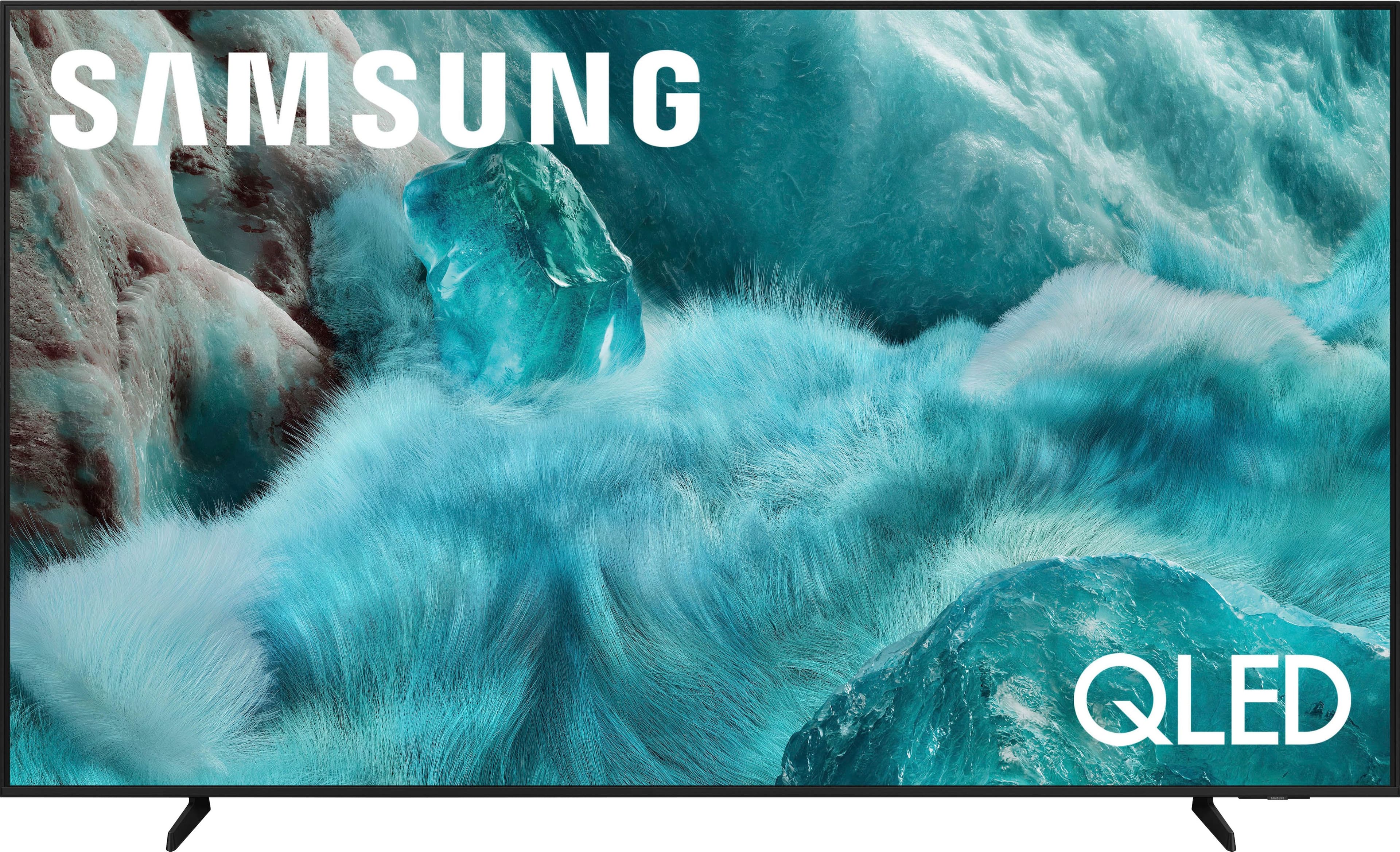
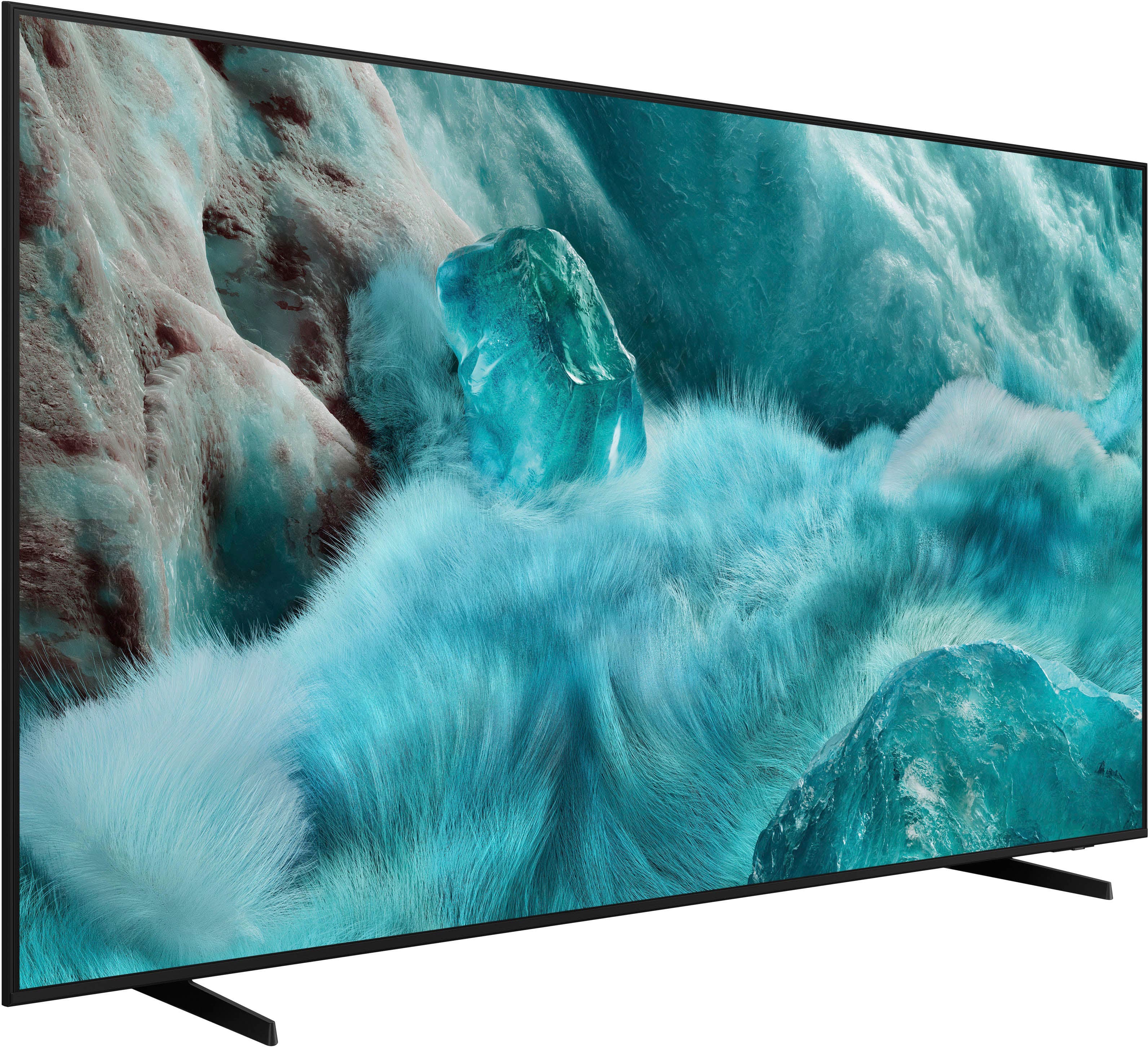
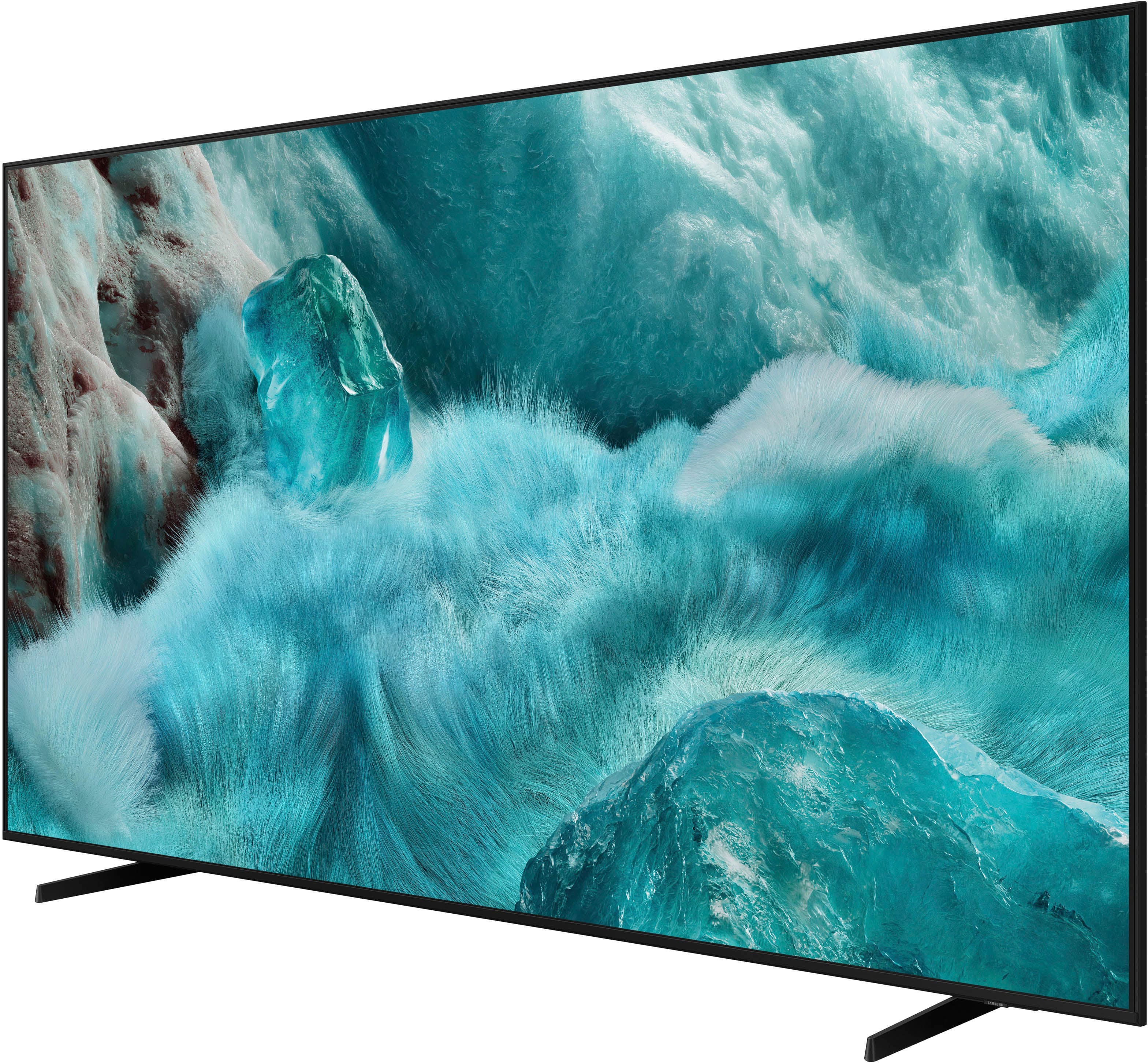
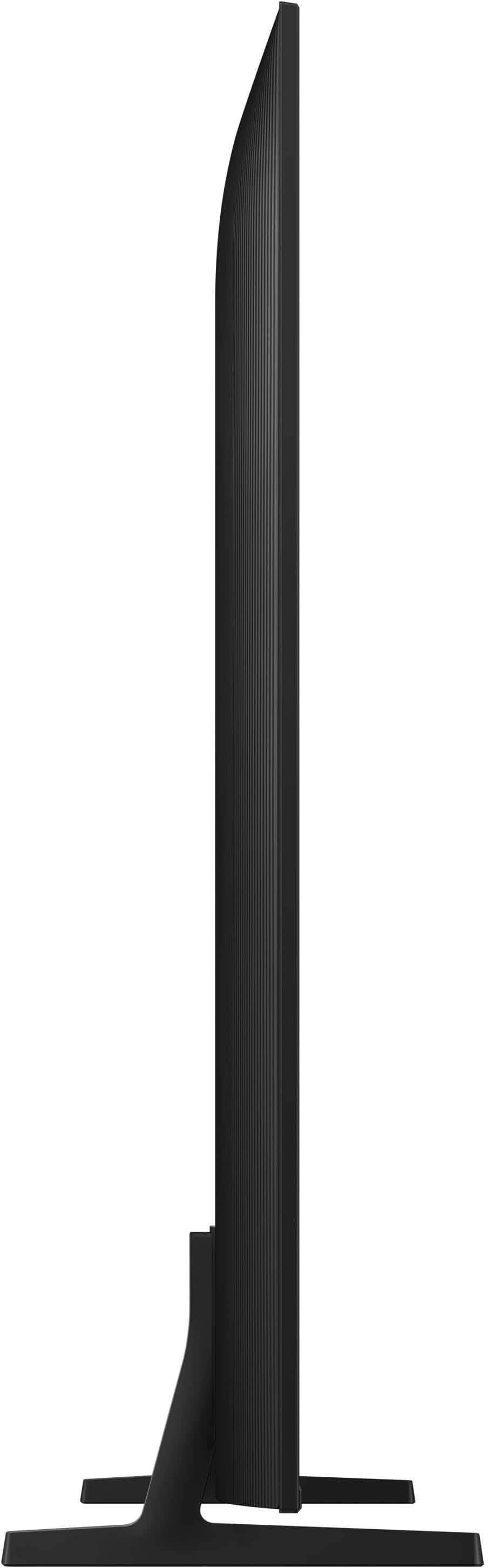












- Model:
- QN65Q7FAAFXZA
- SKU:
- 10187634
Rating by feature
- Picture Quality
Rating 4.8 out of 5 stars
- Sound Quality
Rating 4.6 out of 5 stars
- Brightness
Rating 4.8 out of 5 stars
Don’t recommend. Get 2024 model.
||Posted . Owned for 2 weeks when reviewed.This reviewer received promo considerations or sweepstakes entry for writing a review.Returned this TV after 2 weeks because the picture was terrible for sports and any movie where objects or people were moving quickly. Watching the NHL playoffs, the players were “fuzzy” and when grouped together or during a face off, there were no edge lines around the players and they blurred together. Additionally, watching any sports, the picture seemed to “drag” and it was as if the picture was trying to catch up with the camera. Also, I purchased this TV because I was told the Spectrum app only worked on Samsung TV’s. The app is. It available on this model. Do not recommend this first generation technology. I ended up getting the 2024 model for half the price and love it.
No, I would not recommend this to a friendBrand response from Samsung
Posted .Hi Nick,
We’re sorry to hear that Samsung’s Q7F TV didn’t meet your expectations for picture quality. Your feedback is appreciated and will be shared with our product team as we continue to refine our technology and user experience.
Just to note: the Spectrum app became available on our 2025 TV lineup as of 4/25.
Should you decide to try Samsung TVs again in the future, we’re here to help with any setup, settings, or picture adjustments to ensure the best performance. You can reach us at 1-800-SAMSUNG, available daily from 8AM - 12AM EST. You can also visit the Samsung website and click on ‘Support’ for:
• Live Chat
• Manuals, Software, & Warranty Info
~ Samsung Specialist
Don’t waste your time
||Posted . Owned for 3 weeks when reviewed.This reviewer received promo considerations or sweepstakes entry for writing a review.Could not create Samsung account. TV picture was good trying to create a Samsung account was terrible to the point where TV was returned. Would not recommend this product.
No, I would not recommend this to a friendBrand response from Samsung
Posted .KurtA,
We're sorry to hear that your experience with the Q7F TV led to a return. Your feedback matters to us and will be shared with our product team.
If you decide to explore Samsung TVs again in the future, we’re always here to support you - whether it’s setup, features, or troubleshooting. Reach us anytime at 1-800-SAMSUNG (8AM – 12AM EST, 7 days a week), or visit the ‘Support’ section of our website for LiveChat, manuals, and more.
~ Samsung Specialist
Entry level
||Posted . Owned for less than 1 week when reviewed.This reviewer received promo considerations or sweepstakes entry for writing a review.It is a entry level TV , no optical audio, did not like it.
No, I would not recommend this to a friendBrand response from Samsung
Posted .DanielC,
Thanks for your review. If there's anything we can do to improve your experience, please reach Samsung Support at 1-800-SAMSUNG, available from 8AM - 12AM EST, seven days a week. You can also chat with one of our agents by clicking the ‘Support’ link on our website for:
• Live Chat
• Manuals, Software, & Warranty Info
~ Samsung Specialist
Picture died after 5 days
||Posted . Owned for 2 weeks when reviewed.This reviewer received promo considerations or sweepstakes entry for writing a review.Decent TV but the picture crapped out after about a week. Got a replacement and so far everything works but it was disappointing.
No, I would not recommend this to a friendBrand response from Samsung
Posted .CHRISTIS,
We appreciate you sharing the issues you initially experienced with Samsung’s Q7F TV. Thank you for your patience throughout the inconvenience of arranging an exchange.
If you have any questions about your new unit or need assistance with setup or features, we’re here to help. You can reach us at 1-800-SAMSUNG, available daily from 8AM - 12AM EST. You can also chat with a LiveChat agent by clicking the ‘Support’ link on our website for:
• Live Chat
• Manuals, Software, & Warranty Info
• Creating a Service ticket
~ Samsung Specialist
They gave me the wrong size t. V.
||Posted . Owned for 3 weeks when reviewed.This reviewer received promo considerations or sweepstakes entry for writing a review.They gave me a 57 inch. Instead of a 65 inch, the box lied.
No, I would not recommend this to a friendBrand response from Samsung
Posted .Chauntae,
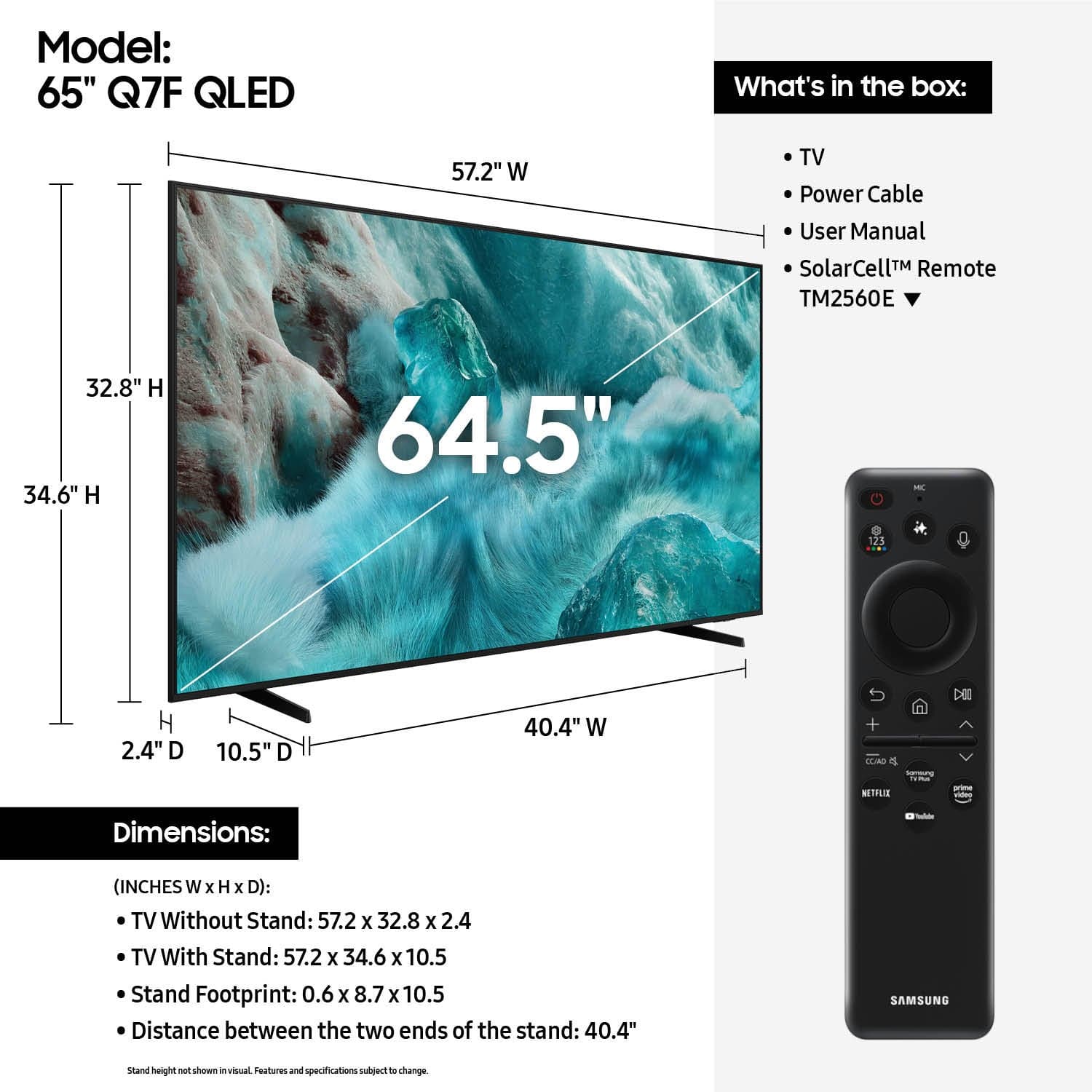
Please know that the industry standard when measuring screen size refers to the measurement of the screen when measured diagonally. The measurements of your 65” model are 57.2" x 32.8" x 2.4" (W x H x D) when measured without the stand.
Measurements can be found on the product page on Best Buy’s website by clicking on Specifications, then scrolling down to Dimensions.
If you have any questions or need help, we’re always here. Call 1-800-SAMSUNG from 8AM - 12AM EST, seven days a week, or connect with a LiveChat agent anytime by selecting ‘Support’ on our website.
~ Samsung Specialist
Television
||Posted . Owned for 3 weeks when reviewed.This reviewer received promo considerations or sweepstakes entry for writing a review.I wanted to get a bigger tv, but the sales guy from best buy talked me out of it, and now I regret it
No, I would not recommend this to a friendBrand response from Samsung
Posted .TedW,
It appears your 1-star review for the Samsung Q7F TV is based on your experience with Best Buy, and we’re sorry to hear that. We recommend contacting the store directly to share your feedback.
If you need help with the TV itself, Samsung Support is available at 1-800-SAMSUNG, 8AM – 12AM EST, 7 days a week, or via LiveChat under the ‘Support’ section of our website.
~ Samsung Specialist
Very Bad Customer at Best Buy
||Posted .This reviewer received promo considerations or sweepstakes entry for writing a review.Purchased on 09/06 on 09/09 developed a blue line on screen. Called Best Buy and they said it wasn't their problem and I should contact Samsung.
I would recommend this to a friendBrand response from Samsung
Posted .Thank you for sharing your experience. If your TV is displaying lines on the screen, we recommend the following steps to help isolate the issue:
1. Check all input cable connections for any external devices (e.g., HDMI, streaming boxes, Blu-ray players)
2. Switch channels or inputs to see if the issue appears across all sources
3. Run a Picture Test to check for panel-related issues: Settings > Support > Device Care > Self Diagnosis > Picture Test
4. Perform a cold boot by holding the power button on your remote for about 10 seconds
5. Ensure your TV has the latest software installed: Settings > Support > Software Update
If the issue continues after these steps, the TV may require service. For further assistance, please contact Samsung Support at 1-800-SAMSUNG, 8AM – 12AM EST, 7 days a week. LiveChat and additional support resources are also available through the Support link on our website.
~ Samsung Specialist
Not happy
||Posted .This reviewer received promo considerations or sweepstakes entry for writing a review.Very disappointed. My tv died 14 days after purchase. Best Buy would not let me bring it back.
No, I would not recommend this to a friendBrand response from Samsung
Posted .user905551,
It’s unfortunate to hear about your experience with Samsung’s Q7F TV. We’re committed to delivering quality, value, and the best possible product experience. This TV is backed by a 1-year limited manufacturer’s warranty, which includes authorized repair for eligible defects when purchased brand-new from an authorized retailer. To review full warranty terms, you can enter your model number here: https://www.samsung.com/us/support/warranty/
We’d appreciate the opportunity to assist further. Please contact Samsung Customer Support at 1-800-SAMSUNG (8AM – 12AM EST, 7 days a week), or connect with a LiveChat agent by clicking the ‘Support’ link on our website.
~ Samsung Specialist
- Pros mentioned:Picture quality
Perfect !!
Posted .This reviewer received promo considerations or sweepstakes entry for writing a review.Great picture quality, easy to use, and sleek design. Perfect for movies and streaming—highly recommend for the price.
I would recommend this to a friend Employees and customers service are the worst.
||Posted .This reviewer received promo considerations or sweepstakes entry for writing a review.Worst interaction ever. I gave 1 start because I couldn’t give 1-2 start.
No, I would not recommend this to a friendBrand response from Samsung
Posted .GuyS,
Please know that you're leaving a review and 1-star rating for the Q7F TV, but we’re sorry to hear of your experience with Best Buy, nonetheless. You may want to consider providing your feedback directly to the Best Buy store where the purchase was made.
If you have questions about the TV itself, Samsung is here to help. You can reach us at 1-800-SAMSUNG, 8AM – 12AM EST, 7 days a week. LiveChat agents are also available by clicking the ‘Support’ link on our website.
~ Samsung Specialist
Thumbs down
||Posted .This reviewer received promo considerations or sweepstakes entry for writing a review.I couldn't get the color right so I had to return it
No, I would not recommend this to a friendBrand response from Samsung
Posted .LindaW,
We're sorry to hear that your experience with the Q7F TV led to a return. If you experience any issues in the future, please know we’re here to help. Many common problems can be resolved with simple troubleshooting steps, and we’re happy to guide you through them if you decide to try Samsung again.
If you choose to try another Samsung TV down the road, we’re ready to help with setup and support every step of the way. Call 1-800-SAMSUNG (8AM – 12AM EST, 7 days), or visit our website and click ‘Support’ to connect with a LiveChat agent.
~ Samsung Specialist
Great fit.
Posted .This reviewer received promo considerations or sweepstakes entry for writing a review.I have a small living room so this size is perfect. I have no complaints. The only thing I don't like is being limited to downloading apps.
I would recommend this to a friend- Pros mentioned:Picture quality
Great TV
Posted .This reviewer received promo considerations or sweepstakes entry for writing a review.Love this TV. Picture and sound quality is great. The remote control is difficult at first, but when you understand how it works, you can set everything up exactly as you want. The picture and the sound can be adjusted to your satisfaction. Initially I had a problem with the background color. I had to change white to black that wasn't easy.
I would recommend this to a friend - Pros mentioned:Picture quality, Setup ease
Samsung
Posted .This reviewer received promo considerations or sweepstakes entry for writing a review.Beautiful picture, Easy to set up. Always loved Samsung products.
I would recommend this to a friend - Pros mentioned:Picture quality
Samsung
Posted .This reviewer received promo considerations or sweepstakes entry for writing a review.Tv has a perfect picture and is easy to operate!!!
I would recommend this to a friend - Pros mentioned:Picture quality
Great TV—Terrible Administration and Appointment p
Posted .This reviewer received promo considerations or sweepstakes entry for writing a review.The TV is perfect! Really enjoy it clear picture and is working 5.0. However, Scheduling through Best Buy was a nightmare. I almost put down one star, but realized I’m reviewing the product not the service. That said, good things to say about the actual Best Buy installers Jason, Pat, and Charlie! They were great. Best Buy is having issues with the offshore of its scheduling process. It is broken!
I would recommend this to a friend - Pros mentioned:Picture quality, Setup ease
Nice tv
Posted .This reviewer received promo considerations or sweepstakes entry for writing a review.Good picture, easy to use. Nice bright colors. Good sound quality.
I would recommend this to a friend - Pros mentioned:Picture quality
Samsung QLED
Posted .This reviewer received promo considerations or sweepstakes entry for writing a review.These are excellent devices of high quality, offering a variety of colors that make images appear very realistic. It is also worth highlighting that this is a very good television, as it provides a wide range of applications.
I would recommend this to a friend - Pros mentioned:Setup ease
Nice TV
Posted .This reviewer received promo considerations or sweepstakes entry for writing a review.Great TV! Would recommend to buy. Easy set up. Lots of features.
I would recommend this to a friend - Pros mentioned:Picture quality
Samsung - 65” Class Q7F Series QLED 4K UHD Samsung
Posted .This reviewer received promo considerations or sweepstakes entry for writing a review.Sharp picture. Could use 1 or 2 more HDMI inputs.
I would recommend this to a friend