Customer Ratings & Reviews
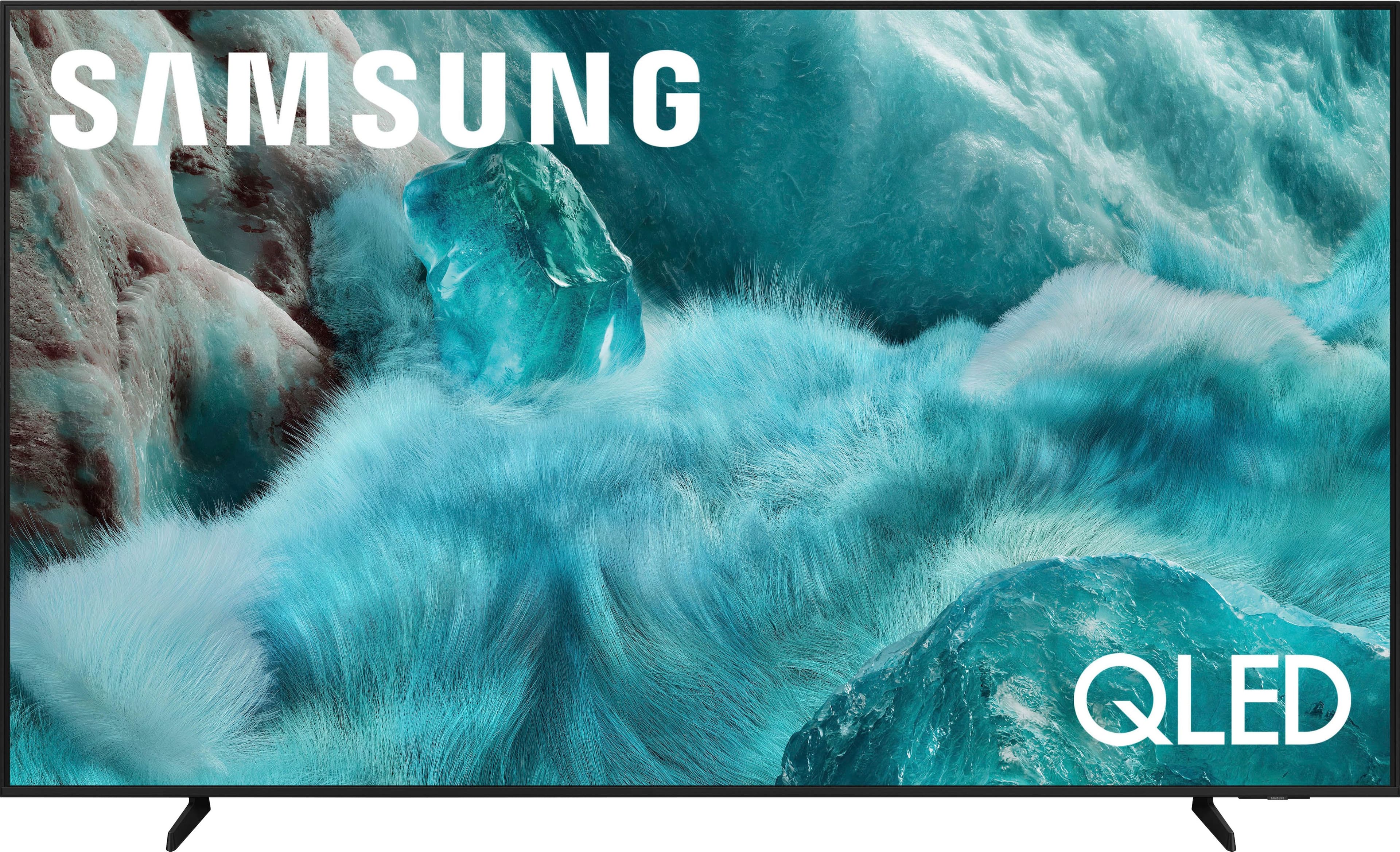
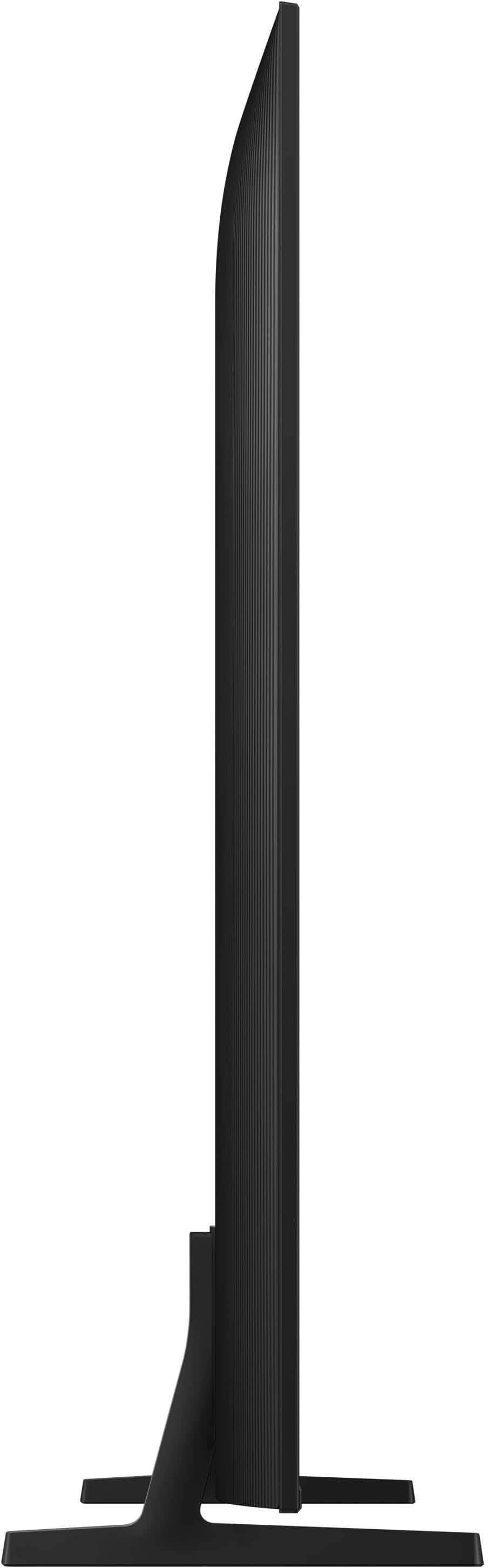

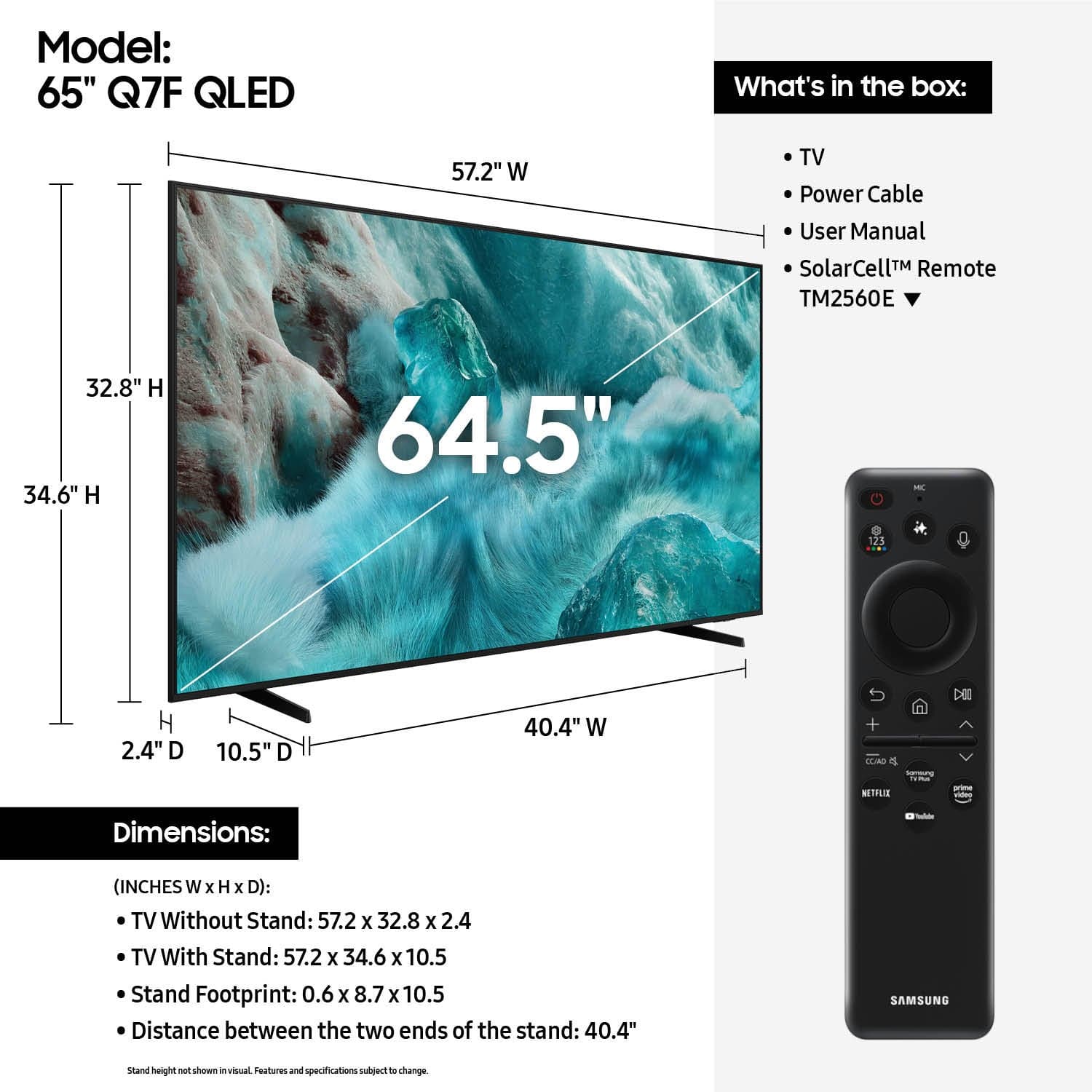











- Model:
- QN65Q7FAAFXZA
- SKU:
- 12161446
Rating by feature
- Picture Quality
Rating 4.8 out of 5 stars
- Sound Quality
Rating 4.6 out of 5 stars
- Brightness
Rating 4.8 out of 5 stars
Customers are saying
Customers have good things to say about the product's Picture Quality. They appreciate the excellent picture quality, noting its clean, crisp color and sharp definition.
This summary was generated by AI based on customer reviews.
Great TV
||Posted . Owned for 3 weeks when reviewed.This reviewer received promo considerations or sweepstakes entry for writing a review.Very nice TV. Super quick and the quality is great. Very little glare when sun hits it too. 10/10 Recommend
I would recommend this to a friendAnnie
||Posted . Owned for 1 month when reviewed.This reviewer received promo considerations or sweepstakes entry for writing a review.Not enough option No HDMI out No audio out No videos out No optical out
No, I would not recommend this to a friendBrand response from Samsung
Posted .Hi there Newhouse,
We're sorry of this misunderstanding - your Q7F features 3x HDMI ports. If an Optical port is a crucial part of your setup needs, you’ll find that connection starting with our Q8F Series and above.
For future purchases, we recommend double-checking the product specs on Best Buy’s site to ensure the model you choose has the ports you need. You’ll find the full list under the “Specifications” tab (just beneath the Highlights section): https://www.bestbuy.com/site/samsung-43-class-q7f-series-qled-4k-uhd-samsungvision-ai-smart-tizen-tv-2025/6619443.p?skuId=6619443
Should you ever need assistance with your TV, Samsung is here for you. Reach out by calling 1-800-SAMSUNG between 8AM - 12AM EST, any day of the week. You can also chat with us online by visiting the ‘Support’ section of our website.
~ Samsung Specialist
Samsung QLED 75"
||Posted . Owned for 3 weeks when reviewed.This reviewer received promo considerations or sweepstakes entry for writing a review.I paid $499.99 and it is a good tv for the price.
I would recommend this to a friendGreat TV set
||Posted .This reviewer received promo considerations or sweepstakes entry for writing a review.Great TV set with an amazing clarity and sound system.
I would recommend this to a friendNew TV
||Posted . Owned for 3 weeks when reviewed.This reviewer received promo considerations or sweepstakes entry for writing a review.I am very satisfied with this TV. I would recommend it to others.
I would recommend this to a friendHope you like troubleshooting issues
||Posted . Owned for 6 months when reviewed.This reviewer received promo considerations or sweepstakes entry for writing a review.Between the ads on the home screen, the input delay from the remote, and the home screen freezing, you’ll be doing yourself a disservice by purchasing this tv. Skip the Samsung TV and look at Sony (or any other brand). I had zero issues with my Sony TV and nothing but frustration with this Samsung. Maybe Samsung should focus on making a properly functioning television before loading it up with advertisements.
No, I would not recommend this to a friendBrand response from Samsung
Posted .Austin,
We appreciate your feedback regarding your Q7F TV’s performance. If you're experiencing freezing or lag in general response time, please try the following steps:
1. Check for firmware updates – Keeping your TV up to date can resolve many performance issues: Home > left directional key > Settings > Support > Software Update > Update Now
2. Run Device Care – This tool checks system memory, frees up cached data, and closes background apps that could be slowing things down: Home > left directional key > Settings > Support > Device Care > Start Device Care
3. Cold boot your TV – With the TV powered on, press and hold the Power button on your remote for 5+ seconds until the TV restarts. This helps refresh the system.
If you're still noticing performance snags after these steps, please contact Samsung Support at 1-800-SAMSUNG (8AM – 9PM EST Mon – Fri, 8AM – 6PM Sat – Sun). You can also connect with a LiveChat agent via the ‘Support’ link on our website.
~ Samsung Specialist
Build Quality concerns
||Posted .This reviewer received promo considerations or sweepstakes entry for writing a review.So far, it’s pretty good. There’s a ventilation grille on the back of the TV, I believe. However, the material feels quite soft, which raises some concerns about build quality—so I’m giving it a lower rating.
No, I would not recommend this to a friendBrand response from Samsung
Posted .SangPiC,
Thank you for sharing your thoughts on the Q7F TV's build quality - we'll be sure to pass this along to our internal teams.
If there’s anything we can assist with, please don’t hesitate to call us at 1-800-SAMSUNG, available daily from 8AM - 12AM EST. You can also visit the Samsung website and click on ‘Support’ for:
• Live Chat
• Manuals, Software, & Warranty Info
~ Samsung Specialist
Television
||Posted . Owned for 2 weeks when reviewed.This reviewer received promo considerations or sweepstakes entry for writing a review.I am just wanting the $400 gift card. Dont know if it even exists
I would recommend this to a friendSamsung QLED
||Posted .This reviewer received promo considerations or sweepstakes entry for writing a review.Stunning and Vibrant! Couldn’t be happier! Displays are wonderful to watch.
I would recommend this to a friendGood purchase
||Posted . Owned for 1 month when reviewed.This reviewer received promo considerations or sweepstakes entry for writing a review.Good purchase and best value at Best Buy. Recommended
I would recommend this to a friendSamsung 65" tv
||Posted . Owned for 3 weeks when reviewed.This reviewer received promo considerations or sweepstakes entry for writing a review.The quality of this tv is amazing and it is at a great price.
I would recommend this to a friendNew tv
||Posted . Owned for 3 weeks when reviewed.This reviewer received promo considerations or sweepstakes entry for writing a review.Good for the its price, the boules ver good but not bright enough
I would recommend this to a friendTv looks gorgeous,
||Posted . Owned for 1 month when reviewed.This reviewer received promo considerations or sweepstakes entry for writing a review.Tv looks gorgeous, it integrates with the rest of my system incredibly,
I would recommend this to a friendBad picture quality
||Posted . Owned for 2 weeks when reviewed.This reviewer received promo considerations or sweepstakes entry for writing a review.Bad picture quality and doesn't have any optical output. Built in sound is also bad. I have spent money to install it on my wall so couldn't return.
No, I would not recommend this to a friendBrand response from Samsung
Posted .FRAAA,
We appreciate your feedback on the picture quality of Samsung’s Q7F TV. If the image doesn’t quite match your preferences, there are several adjustments you can make to better suit your viewing environment and content type.
First, please ensure your TV is running the latest firmware, as updates may include important picture quality enhancements. Go to: Home > Left directional button > Settings > Support > Software Update > Update Now
To explore picture mode options, navigate to: Home > Left directional button > Settings > All Settings > Picture > Picture Mode. Options include:
• Standard – Ideal for general viewing
• Dynamic – Brighter and more vibrant for well-lit spaces
• Eco – Optimized for energy efficiency
• Movie – Best for viewing in low light
• Filmmaker Mode – Preserves the content creator’s intent and disables motion smoothing for supported content
You can further customize your image by going to: Settings > All Settings > Picture > Expert Settings, where you can adjust Brightness, Contrast, Color Tone, Sharpness, Contrast Enhancer and more.
If you’d like help finding the best picture settings for your preferences, please don’t hesitate to contact Samsung Support at 1-800-SAMSUNG (8AM – 9PM EST Mon – Fri, 8AM – 6PM Sat – Sun). You can also LiveChat with an agent or explore additional resources on our website by clicking the ‘Support’ link.
~ Samsung Specialist
Bang for the buck
||Posted . Owned for 1 month when reviewed.This reviewer received promo considerations or sweepstakes entry for writing a review.Great value for the money. Picture has good detail.
I would recommend this to a friendGood TV
||Posted .This reviewer received promo considerations or sweepstakes entry for writing a review.It’s a nice tv to get. The only thing that a very minor issue was the sound quality but I have a sound bar that fixed that.
I would recommend this to a friendGood for the price
||Posted . Owned for 1 week when reviewed.This reviewer received promo considerations or sweepstakes entry for writing a review.It’s a bit confusing as how to load streaming services and customize the home page
I would recommend this to a friendLove it
||Posted .This reviewer received promo considerations or sweepstakes entry for writing a review.Very hard to believe that this TV is way under $1000
I would recommend this to a friendGreat Picture Quality
||Posted . Owned for less than 1 week when reviewed.This reviewer received promo considerations or sweepstakes entry for writing a review.High quality with great resolution. Thinner than most televsions.
I would recommend this to a friendDifficult to control
||Posted . Owned for 2 weeks when reviewed.This reviewer received promo considerations or sweepstakes entry for writing a review.Problematic to switch between regular TV and streaming. Need to use both the cable remote and the TV remote, and frequently need to turn it off and back on to switch, and even then it's quite frustrating.
No, I would not recommend this to a friendBrand response from Samsung
Posted .JOEZ,
We appreciate you sharing your experience. To help you get the most from your TV and remote functions, you can download the full e-Manual and more by visiting Samsung’s website then navigating to: Support > Manual & Software > TVs & Home Theater. From there, you can search for and select your Q7F TV model to view or download the available guides.
The e-Manual & Remote Control Guide are also conveniently built into your TV: Settings > Support > Tips and User Guides.
For additional guidance, your TV also includes Accessibility features designed to assist with navigation and remote use.
• Learn Menu Screen provides audio guidance for on-screen menus by announcing the name and function of each item as you scroll – without making any changes. This is especially helpful for users who are visually impaired or new to Smart TV menus. Enable via: Settings > All Settings > General & Privacy > Accessibility > Learn Menu Screen. To exit, press the Return key twice.
• Learn TV Remote helps users become familiar with the layout and function of each button on the Samsung remote. Pressing a button (other than Power) will prompt the TV to announce its name and purpose, again without affecting TV operation. Enable via: Settings > All Settings > General & Privacy > Accessibility > Learn TV Remote. To exit, press the Return key twice.
If you’d like more assistance with these features, please reach Samsung Support at 1-800-SAMSUNG, available 8AM – 12AM EST, 7 days a week. LiveChat agents are also available through the ‘Support’ link on our website.
~ Samsung Specialist