Customer Ratings & Reviews

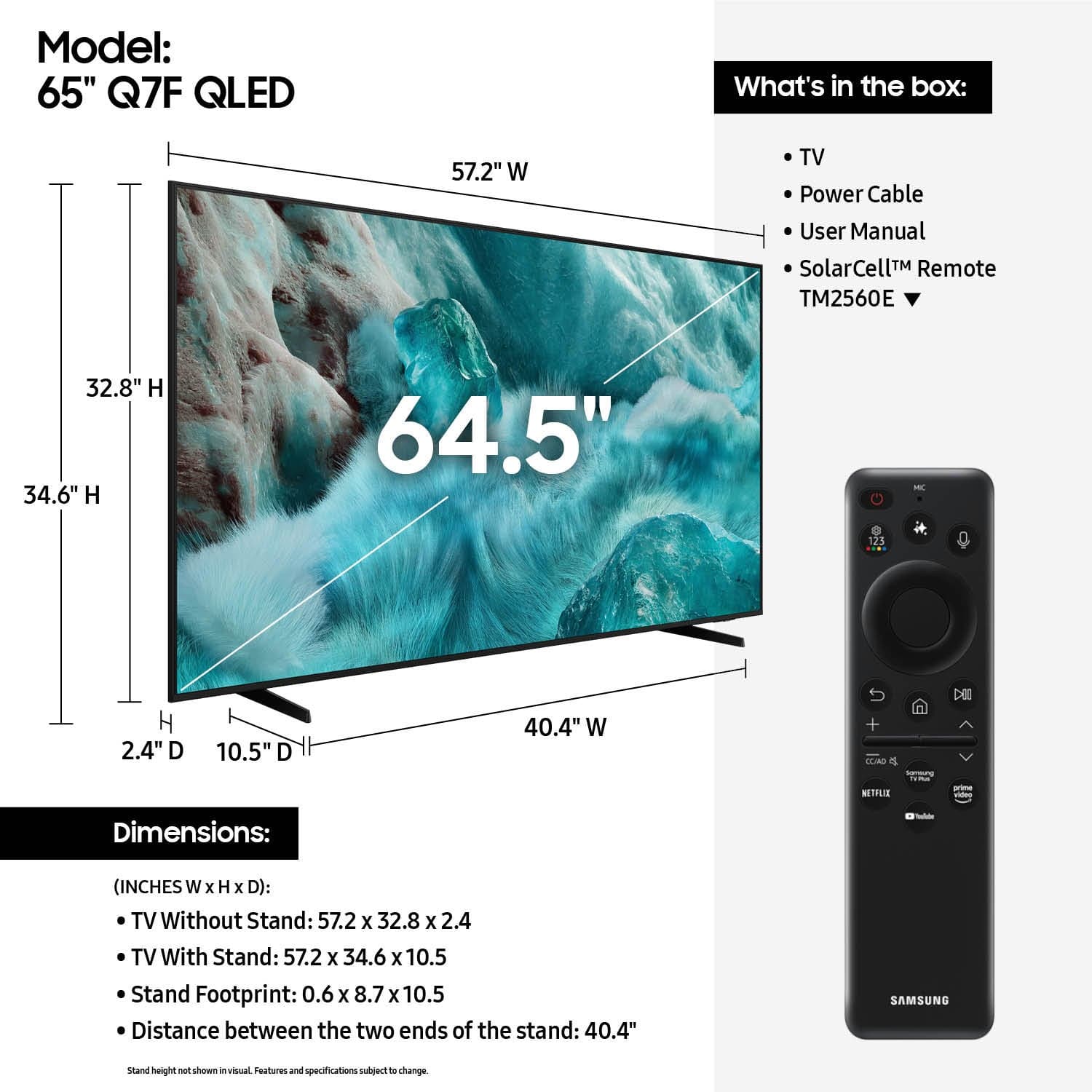











- Model:
- QN65Q7FAAFXZA
- SKU:
- 6619254
Rating by feature
- Picture Quality
Rating 4.8 out of 5 stars
- Sound Quality
Rating 4.6 out of 5 stars
- Brightness
Rating 4.8 out of 5 stars
Customers are saying
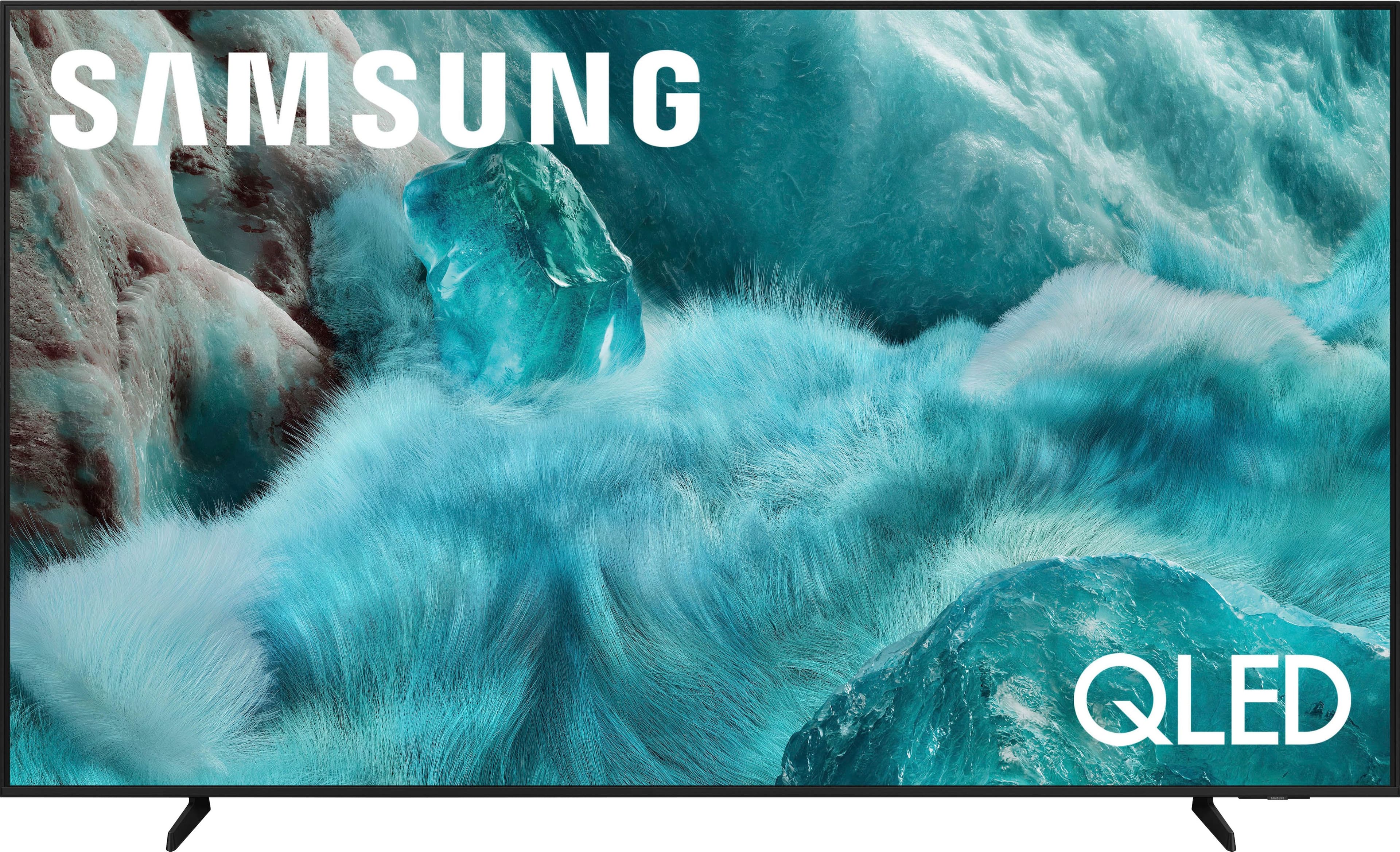
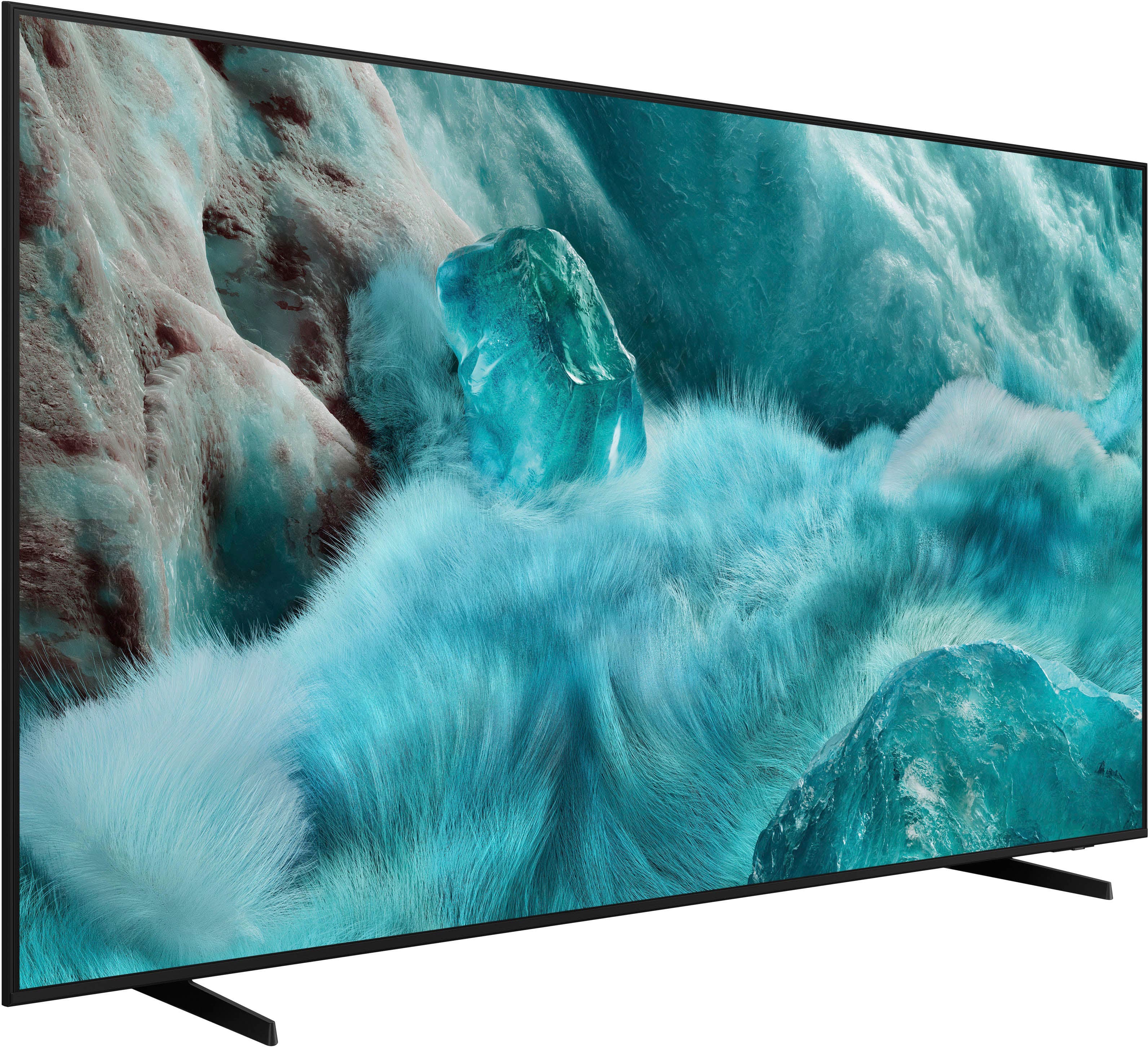
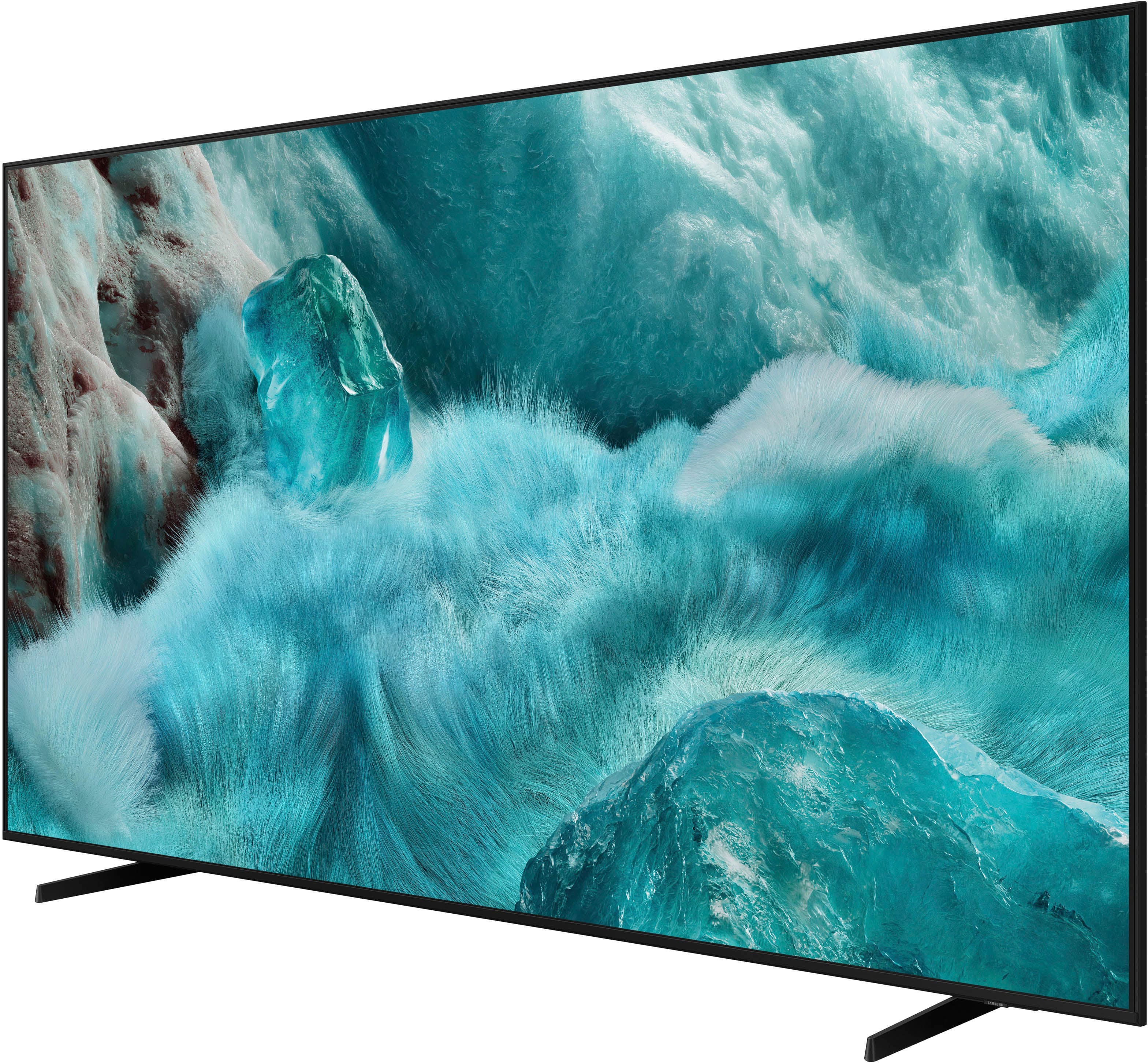
Customers frequently mention the excellent picture quality of the 65” Class Q7F Series QLED 4K UHD SamsungVision AI Smart Tizen TV (2025), as well as the ease of setting it up. Some customers appreciate the size and design of the TV. However, some customers have noted issues with connectivity, the remote control, brightness, and volume output.
This summary was generated by AI based on customer reviews.
Very good
Posted .This reviewer received promo considerations or sweepstakes entry for writing a review.Professional service, reasonable prices, and quality products.
I would recommend this to a friendmy TV
Posted .This reviewer received promo considerations or sweepstakes entry for writing a review.this is a great TV and the install guy Austin knows what he is doing
I would recommend this to a friendNeeds improvement
Posted .This reviewer received promo considerations or sweepstakes entry for writing a review.The interface of the tv is really slow . The same tv worth 1000$ was way faster smart tv interface
No, I would not recommend this to a friendBrand response from Samsung
Posted .EhsanL,
We appreciate your feedback regarding response time. For optimal performance, please ensure your TV is running the latest firmware. You can check this by going to: Home > left directional key > Settings > Support > Software Update
To further optimize performance, try running Device Care, which checks memory, clears unused cached data, and closes background apps: Home > left directional key > Settings > Support > Device Care > Start Device Care
If issues continue, please reach Samsung Support at 1-800-SAMSUNG (8AM – 9PM EST Mon – Fri, 8AM – 6PM Sat – Sun).
LiveChat is also available via the ‘Support’ link on our website.
~ Samsung Specialist
- Pros mentioned:Picture quality
SAMSUNG TV
Posted .This reviewer received promo considerations or sweepstakes entry for writing a review.I LOVE THE SIZE OF THE TV BUT THE SOUND VOLUME IS AWFUL. NOW IM LOOKING FOR AN AFFORDABLE SURROUND SOUND SYSTEM.
No, I would not recommend this to a friendBrand response from Samsung
Posted .NicoleM,
Thank you for purchasing Samsung’s Q7F TV and for sharing your feedback regarding low volume. To start, we recommend making sure your TV is running the latest firmware, as updates can include improvements to sound performance: Home > left directional key > Settings > Support > Software Update
If volume levels still seem too low, you can improve sound performance by adjusting a few key settings:
Sound Mode: Navigate to: Settings > All Settings > Sound > Sound Mode
• Standard: Balanced for everyday viewing
• Optimized: Enhances effects and creates a more spacious sound
• Amplify: Boosts mid and high tones, especially helpful if dialogue is difficult to hear
Auto Volume: This feature helps maintain consistent volume levels across content and input sources. Turn it on under: Settings > All Settings > Sound > Expert Settings > Auto Volume = On
You can also explore Expert Settings to fine-tune sound output with adjustments for Balance, Equalizer, and more.
If you’re considering enhancing your setup, Samsung’s Q- and S-Series Soundbars (like the HW-Q600F) feature Q-Symphony, which syncs your TV and soundbar speakers for a fuller, more immersive sound experience.
For personalized support with these settings or selecting a soundbar to complement your setup, contact Samsung Support at 1-800-SAMSUNG (8AM – 12AM EST, 7 days a week) or use LiveChat via the ‘Support’ link on our website.
~ Samsung Specialist
Samsung
Posted .This reviewer received promo considerations or sweepstakes entry for writing a review.I can’t say we will buy another Samsung. The price was great but the audio in the tv is terrible. On some shows where there is soft speaking you can’t hear what they are saying then it goes to commercials and the volume goes really loud .. so bizarre! We thought the Ai in the tv would help regulate sound and picture quality. Would not recommend . Thought about returning but too much trouble.
No, I would not recommend this to a friendBrand response from Samsung
Posted .BeckkimT,
Thank you for sharing your experience with volume fluctuations on your Samsung TV. Sudden changes in volume can often be related to audio settings or content differences between sources or apps.
Please try the following adjustments to help stabilize your TV's audio:
1. Enable Auto Volume. Go to: Settings > All Settings > Sound > Expert Settings > Auto Volume. This feature helps maintain a consistent volume level when switching channels or apps.
2. Change Sound Mode. Try a different sound mode to see if one offers a more stable output: Settings > All Settings > Sound > Sound Mode (We recommend Standard or Amplify for more even performance.)
3. Check External Devices. If you're using a soundbar, receiver, or other audio device, check that its volume leveling or dynamic range settings aren’t interfering with the TV’s audio.
4. Update Firmware. Ensure your TV is running the latest software, as updates may include audio improvements: Settings > Support > Software Update > Update Now
If the issue persists after these steps, please don’t hesitate to reach Samsung Customer Support at 1-800-SAMSUNG, 8AM – 12AM EST, 7 days a week. LiveChat is also available via the ‘Support’ link on our website.
~ Samsung Specialist
Tv is small
Posted .This reviewer received promo considerations or sweepstakes entry for writing a review.The tv is smaller than I expected. They had me measure it crisscross, but it’s still looks smaller than the Actual size
No, I would not recommend this to a friendBrand response from Samsung
Posted .KathyB,
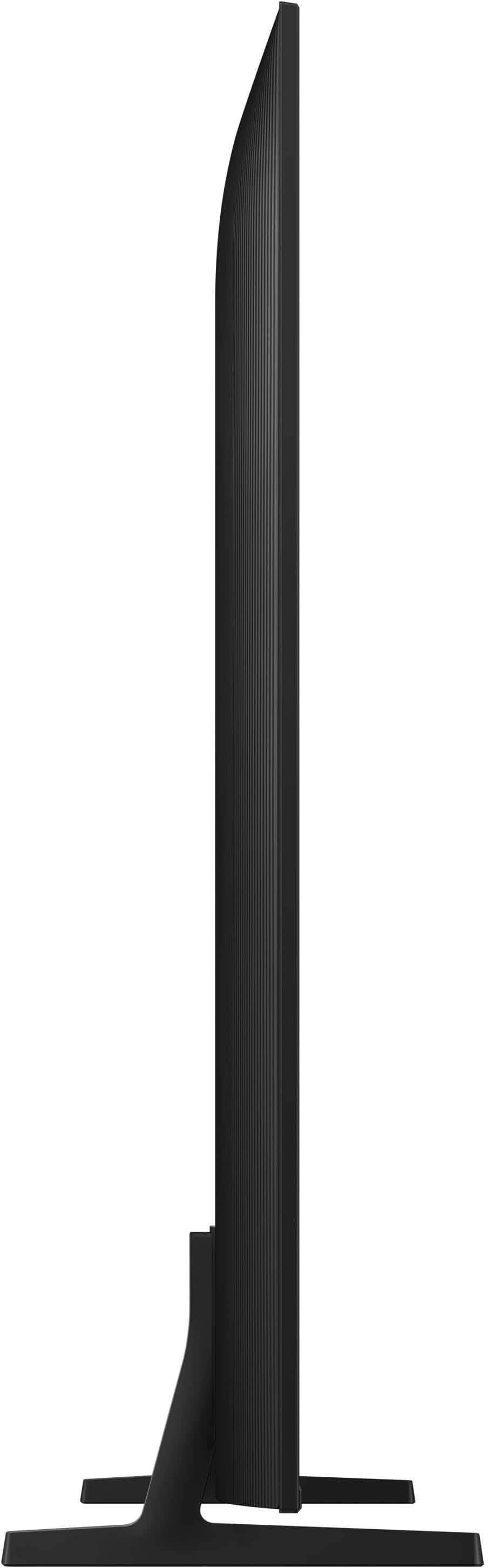
Please know that the industry standard when measuring screen size refers to the measurement of the screen when measured diagonally (64.5"). The measurements of your 65” model are 57.2" x 32.8" x 2.4" (W x H x D) when measured without the stand.
Measurements can be found on the product page on Best Buy’s website by clicking on Specifications, then scrolling down to Dimensions / Display.
If you have any questions or need help, we’re always here. Call 1-800-SAMSUNG from 8AM - 12AM EST, seven days a week, or connect with a LiveChat agent anytime by selecting ‘Support’ on our website.
~ Samsung Specialist