Customer Ratings & Reviews
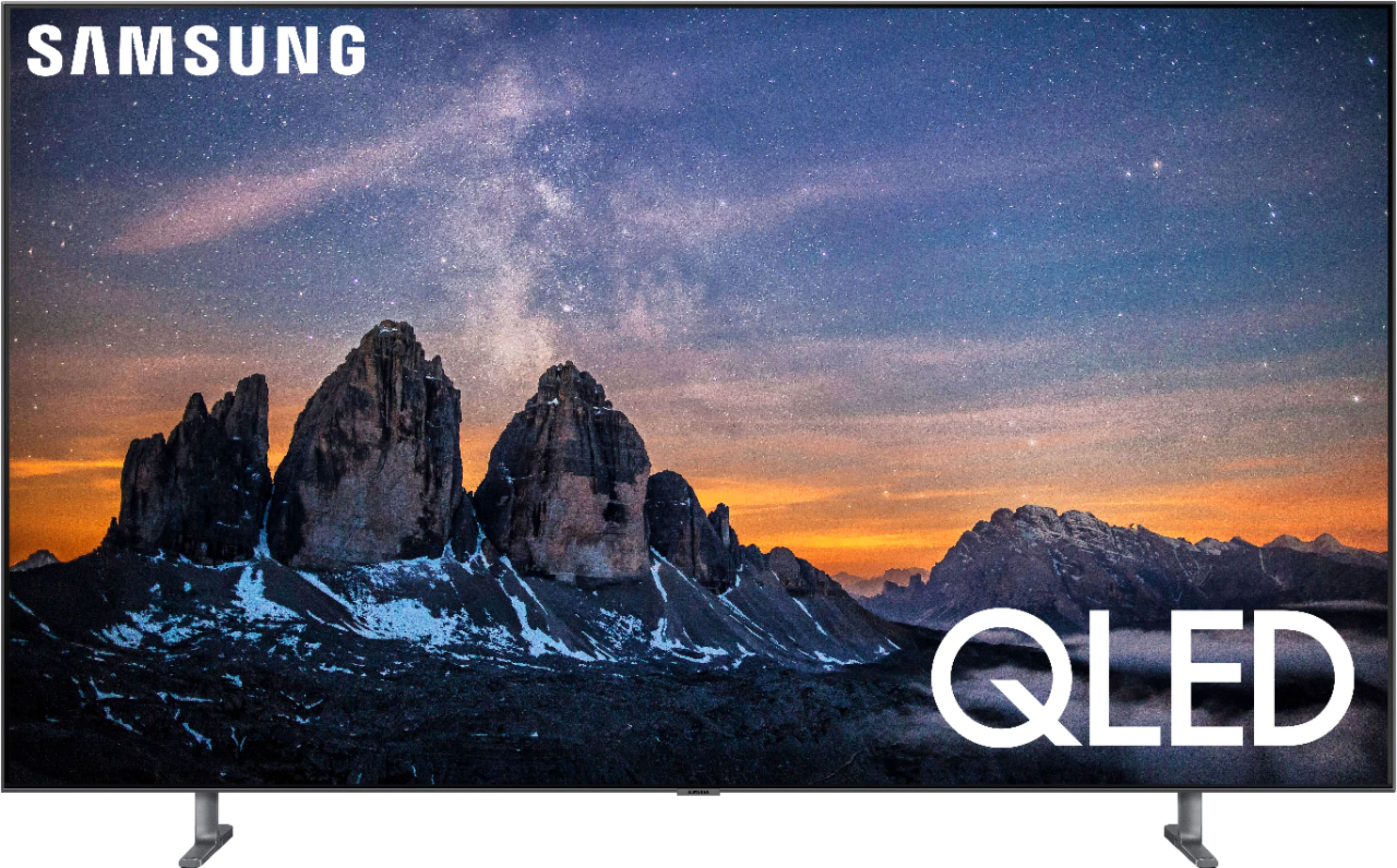
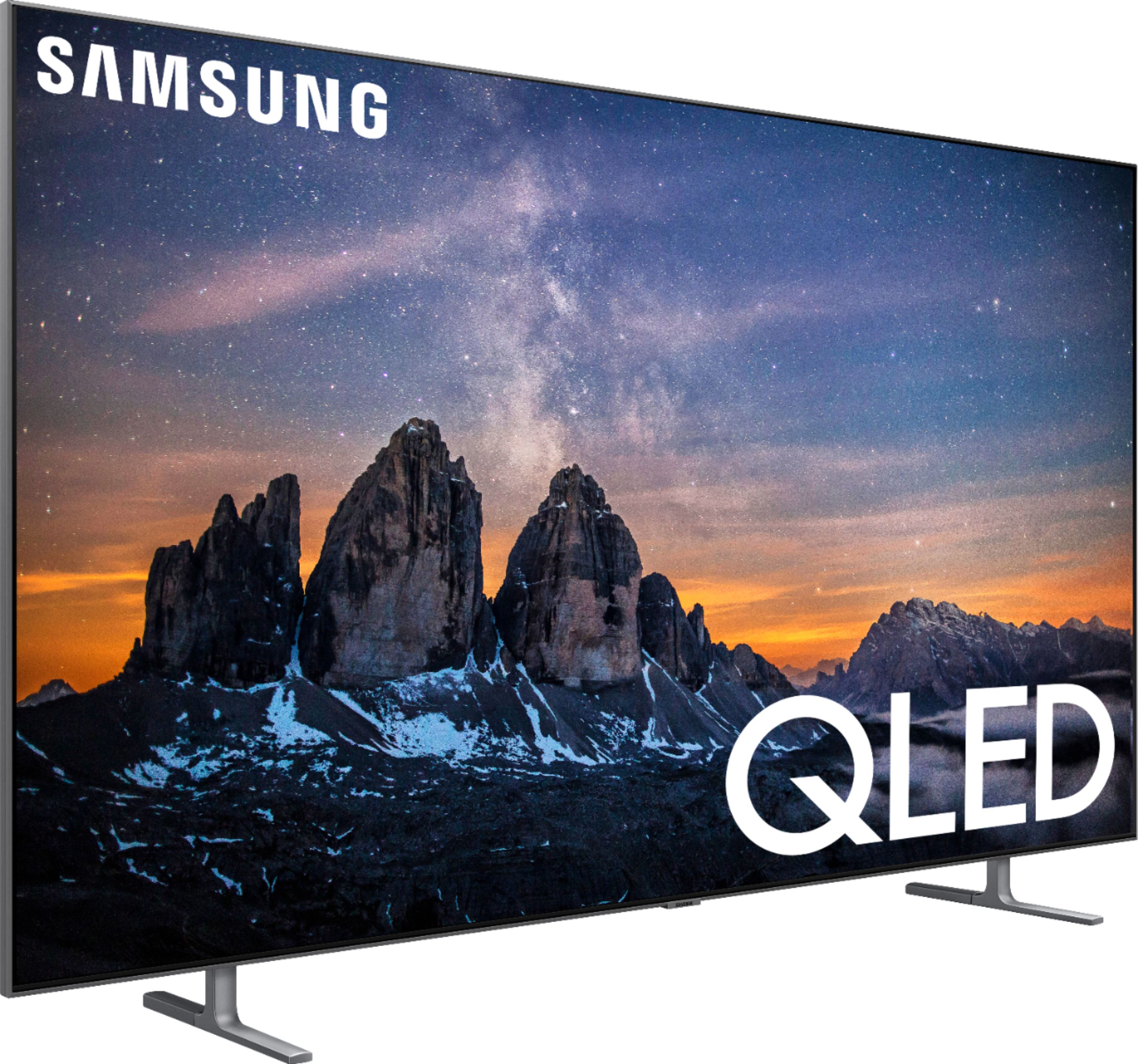
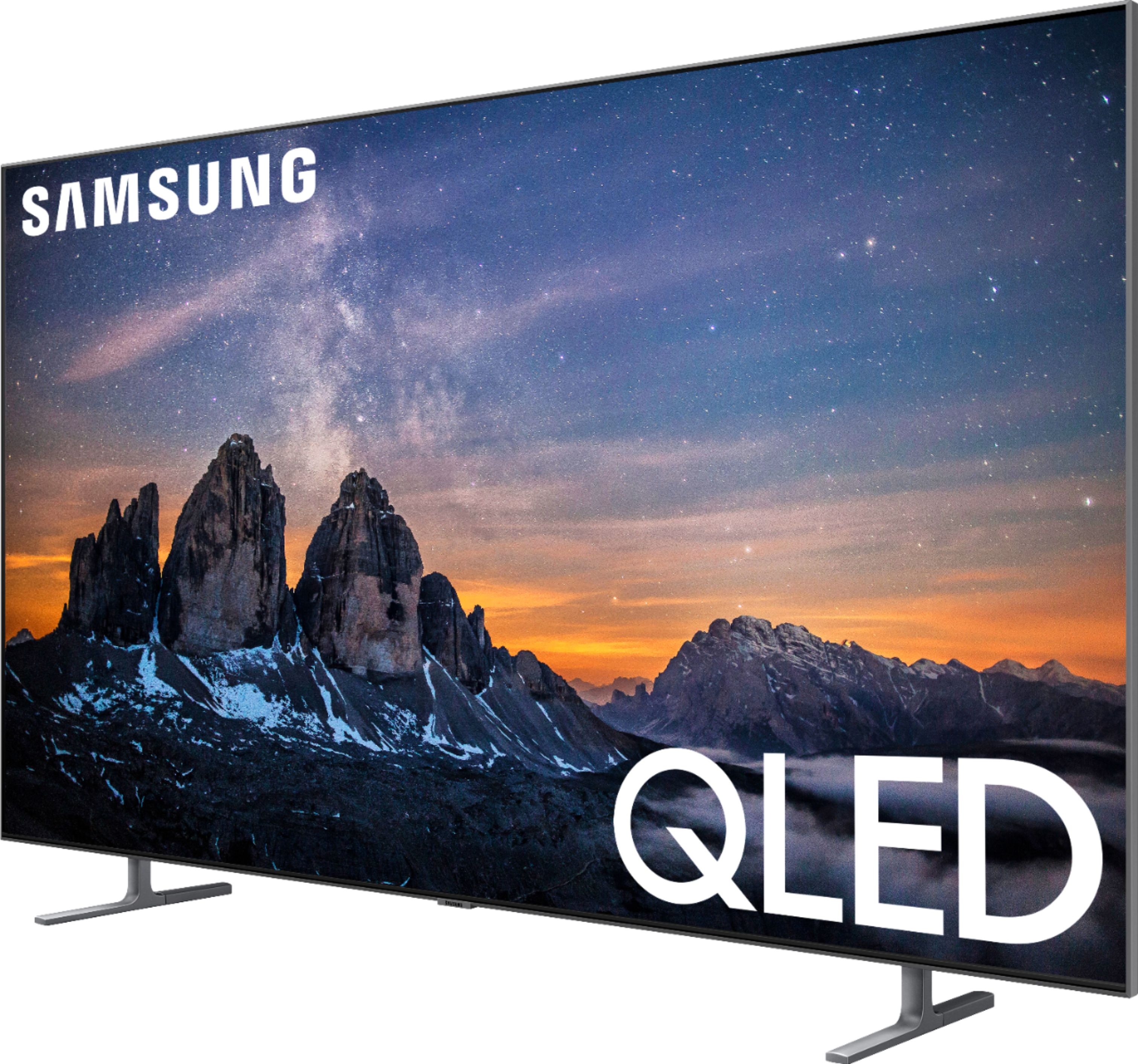
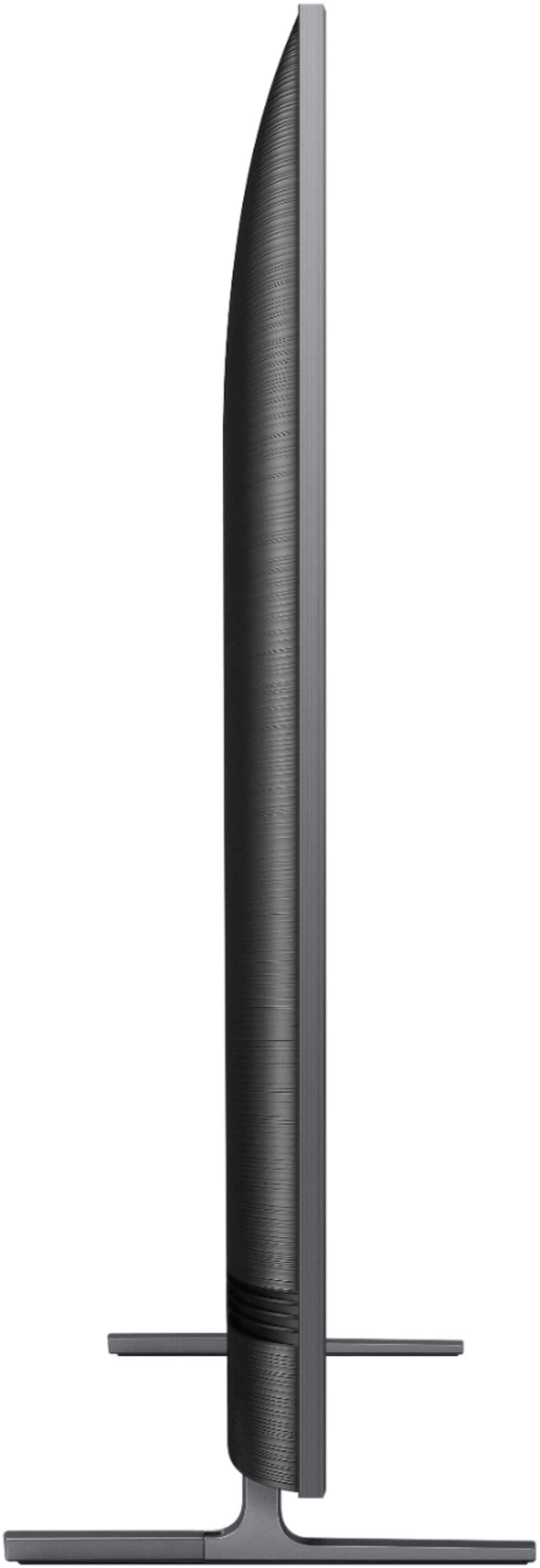





- Model:
- QN65Q80RAFXZA
- SKU:
- 6331763
Rating by feature
- Picture Quality
Rating 4.8 out of 5 stars
- Sound Quality
Rating 4.3 out of 5 stars
- Brightness
Rating 4.6 out of 5 stars
Customers are saying
Customers frequently mention the excellent picture quality, ease of use, and vivid colors of the 65" Class Q80 Series LED 4K UHD with HDR Smart TV. Many appreciate the great viewing angle, HDR, overall TV quality, reasonable price, and simple setup. Some customers have noted concerns regarding the remote control and the reliability of the Bixby feature. There were also a few comments about reflections, blooming, and occasional unexpected power-ups.
This summary was generated by AI based on customer reviews.
VERY bright
||Posted . Owned for 3 weeks when reviewed.This reviewer received promo considerations or sweepstakes entry for writing a review.Hae had T for about a month. Had to wait one month after installation before a technician could come out to adjust the picture. Still have to wait about another week to get it adjusted.
No, I would not recommend this to a friendBrand response from Samsung
Posted .smarterthentheaveragebear:
I am very sorry to see that you had issues with scheduling for a technician to come out to adjust the picture. If this was a Best Buy service, we recommend you contact Best Buy directly for assistance.
If you would like assistance from Samsung on image quality adjustments, please know we are here to help.
You can also refer to pages 96-97 of the User Manual for picture settings: http://downloadcenter.samsung.com/content/UM/201909/20190919132100565/MUSATSCR-4.0.0_EM_MUSE_USA_ENG-US_190731.0.pdf
You can reach Samsung Support via:
1) Phone: 1-800-SAMSUNG
Available 8AM - 12AM EST (Mon-Fri) / 9AM - 11PM EST (Sat-Sun)
2) LiveChat: https://www.samsung.com/us/support/#contact_us_for_support
3) Facebook Messenger: https://www.facebook.com/samsungsupport
4) Twitter: https://twitter.com/SamsungSupport
5) The Samsung Members Community is also a great resource for getting help from Samsung moderators and customers: https://us.community.samsung.com
If you have not already done so, we invite you to register your new Samsung product at: https://us.community.samsung.com
Registering your product gives you access to easy warranty support, convenient opt-in to special promos and offers, faster troubleshooting and service, and quick notification of system updates.
Not worth the money
||Posted . Owned for 3 weeks when reviewed.This reviewer received promo considerations or sweepstakes entry for writing a review.In all honesty the tv isn’t worth the money I’m disappointed in the picture quality and the tv turns on by itself The positive is the speakers are very good on it
No, I would not recommend this to a friendBrand response from Samsung
Posted .Crazyeyescraig,
I am sorry to hear that you are not completely satisfied with the image quality of your new Q80R TV and experienced functional issue.
Our Q80R Series incorporates many of our premium features and technologies, all geared towards delivering the best in viewing enjoyment. It is possible that your particular set was either defective or required adjustments in settings. Nonetheless, I do sincerely apologize for the let-down.
Please reach out to us so that we can better assist you with possible image settings adjustments for an optimal experience, and troubleshoot the functional issue as well.
Simply call Samsung Customer Support toll-free at 1-800-SAMSUNG.
You can also contact us via LiveChat or email. Please copy-paste this link into your browser: http://www.samsung.com/us/support/contact
We are likewise reachable by Facebook Messenger at: https://www.facebook.com/samsungsupport
Or find us on Twitter at https://twitter.com/SamsungSupport
Again, thank you for taking the time to share your thoughts. Your invaluable feedback helps us continuously deliver better products and service.
- Samsung Ambassador
Poor customer service from Best Buy.
||Posted .This reviewer received promo considerations or sweepstakes entry for writing a review.The Tv was great until it wasn’t. After less than 2 yrs fragmented pixels were across the screen.I would never buy Samsung again.
No, I would not recommend this to a friend- Pros mentioned:Color, Picture quality, Viewing angle
Great TV!
Posted .This reviewer received promo considerations or sweepstakes entry for writing a review.This TV has the best picture and sound quality of any TV I've ever owned. Colors are vivid and has a nice bright screen. The picture stays clear even at wide viewing angles. TV screen glare from lights is very low. I love all the smart features. The universal guide, is so handy. I enjoy being able to quickly see what's on all our available channels. The ambient mode is very calming. The extra channels included with Samsung TV Plus was an unexpected surprise. I even like how fast the TV turns on since I'm a little impatient. The sound has lots of bass, unlike a lot of TV's. It sounds as if there's a small subwoofer somehow built in. Switching from cable to streaming apps like Hulu and Netflix is quick. Setting up the TV is simple. The TV automatically knew what all the devices were that I connected.. Overall I'm very impressed with this TV and I would definitely recommend it.
I would recommend this to a friend Good TV, but the same as last year's model
||Posted .This reviewer received promo considerations or sweepstakes entry for writing a review.It's not a bad TV, but if you can find last year's set get it. They haven't changed a thing other than the verbage.
I would recommend this to a friendBrand response from Samsung
Posted .Jeff,
Samsung always strives to provide better products and services to our valued customers.
Our 2019 Q80R series actually offers many innovative new features as well as improved step-up designs.
The new panel design enables anti-reflection and ultra wide viewing angles that provides a vibrant picture to any seat in the house, even during day time hours or when the lights are on.
The Intelligent TV with adaptive brightness and sound automatically detects gaming content and switches the TV to Game Mode.
If you need assistance with product selection or want to know more details of the great features, please reach out to us via one of the following options:
1) Phone: 1-800-SAMSUNG (ask for TVs) Available 8AM - 12AM EST (Mon-Fri) / 9AM - 11PM EST (Sat-Sun)
2) LiveChat or Email: https://www.samsung.com/us/support/#contact_us_for_support
3) Facebook Messenger: https://www.facebook.com/samsungsupport
4) Twitter: https://twitter.com/SamsungSupport
We look forward to hearing from you.
- Samsung Ambassador
TV quality
||Posted . Owned for 3 weeks when reviewed.This reviewer received promo considerations or sweepstakes entry for writing a review.There seems to be better quality tv’s for about the same price. Clarity did not seem as good.
No, I would not recommend this to a friendBrand response from Samsung
Posted .NedT,
Thank you for sharing your thoughts.
The TV will upscale as best as possible any content sent to it. The closer your content is to 4K, the better the image will look on the screen.
Here are some tips to help improve the clarity and sharpness of your Q80R TV:
1. HDMI cables are recommended for optimal HD viewing.
2. If you have an analog cable box or satellite box, upgrade to a digital cable box or satellite box.
3. Adjust the cable box or satellite box's video output resolution to 1080i.
4. Look for a channel that is broadcasting native HD content. For over the air/cable antenna connection, try these steps to find HD channels:
Go to Menu>Settings> Broadcasting> Auto Program
Please know that Samsung Customer Support is always happy to assist you with image quality adjustments tailored to your preferred viewing experience.
Simply phone us at 1-800-SAMSUNG (ask for TV)
You can also LiveChat with us by copy-pasting this link into your browser: http://www.samsung.com/us/support/contact
We are likewise reachable by Facebook Messenger at: https://www.facebook.com/samsungsupport
Or find us on Twitter at https://twitter.com/SamsungSupport
Again, thank you for taking the time to share your experience. We hope to hear from you soon.
-Samsung Ambassador
- Pros mentioned:Color, Picture quality, Viewing angle
Great value - Awesome TV!
Posted .This reviewer received promo considerations or sweepstakes entry for writing a review.Excellent picture with great color! I can Stan anywhere in the room and the picture is visible and clear.
I would recommend this to a friend Disapointment!
||Posted . Owned for 3 months when reviewed.This reviewer received promo considerations or sweepstakes entry for writing a review.Purchased the telivion in Feb 2020. Today id May 18, 2020. The television went dark yesterday. I have had other Samsung TV's with no problems. I did not purchase the extended warranty thinking the TV is an d well made. I was wrong. Called Samsung support. Troublehooting consisted of unplugging power cable. pressing power button. After about one hour on phone, technician said that I would an email since his computer was slow and could not get me a confirmation number. I received a call from the repair technician who wanted the serial number, I thought Samsung would have sent details to repair shop. I have a $2,000.00 TV that is two to three months old and now it does not work.
No, I would not recommend this to a friendQLED picture is great!
||Posted . Owned for 2 weeks when reviewed.This reviewer received promo considerations or sweepstakes entry for writing a review.Great resolution, and 4K processing. However, the wifi chipset is sorely its weakest link. I recommend figuring out how to get a CAT 6 into your TV so that the wifi does not drop off. I need to call SAMSUNG about that problem.
No, I would not recommend this to a friendTV has no picture after 3 weeks
||Posted . Owned for 3 weeks when reviewed.This reviewer received promo considerations or sweepstakes entry for writing a review.Purchased tv 3 weeks ago. The screen started flashing solid colors and now has no picture. I called Samsung support to put in a request. I haven’t decided whether to take it back to Best Buy of have Samsung service the TV.
No, I would not recommend this to a friendBrand response from Samsung
Posted .Consumer,
I am very sorry to hear that your Q80R TV is malfunction.
Samsung is committed to providing the best possible product experience, quality, and value. We back this Samsung TV with a 1-year limited manufacturer's warranty, including authorized repair for manufacturer defect, if purchased brand-new directly from an authorized seller.
Please reach out to us so that we can provide troubleshooting or begin warranty service.
You can contact our Customer Support toll-free at 1-800-SAMSUNG (ask for TVs) Available 8AM - 12AM EST (Mon-Fri) / 9AM - 11PM EST (Sat-Sun)
Simply copy-paste this link into your browser to LiveChat or Email us: https://www.samsung.com/us/support/#contact_us_for_support
We are likewise reachable by Facebook Messenger at: https://www.facebook.com/samsungsupport
Or find us on Twitter at https://twitter.com/SamsungSupport
Again, my apologies for the inconvenience and disappointment you had.
We look forward to hearing from you and assisting you with satisfactory solutions.
- Samsung Ambassador
best buy annoyed me into this review
||Posted .This reviewer received promo considerations or sweepstakes entry for writing a review.After about 20 emails asking me to review this television, here it is: It was DOA, because it has no bevel and was mishandled somewhere along the way in shipping. It was a giant pain in the butt to return it, but to best buy's credit they did refund the full amount. One star because I have no idea how nice this tv is, but one sure thing is that best buy should find a way to make sure these things work before a customer takes it home.
No, I would not recommend this to a friendBrand response from Samsung
Posted .bestbuyblows,
I am very sorry to see that your Q80R TV screen exhibited cracks upon opening and setup. Unfortunately, even if a TV is double-boxed and the packaging shows no evidence of damage, a TV is a very fragile device and can still be damaged during transit if proper care is not taken. For example, if the TV were sitting in an incorrect orientation -- laid on its side or tilted -- during transit, internal damage could have been done.
We recommend you contact Bestbuy directly for assistance in correcting the situation.
If you need assistance with features or usage, please reach out to Samsung Customer Support. Call us toll-free at 1-800-SAMSUNG and we will gladly assist you.
You can also contact Samsung via LiveChat or email. Please copy-paste this link into your browser: http://www.samsung.com/us/support/contact
We are likewise reachable by Facebook Messenger at: https://www.facebook.com/samsungsupport
Or find us on Twitter at: https://twitter.com/SamsungSupport
Again, my apologies for the inconvenience and disappointment you had.
Your feedback is very important to us and we utilize your concerns and opinions in our continuous efforts towards delivering better product and service.
- Samsung Ambassador
- Pros mentioned:Ease of use, Picture qualityCons mentioned:Bixby
Better than before
Posted .This reviewer received promo considerations or sweepstakes entry for writing a review.This TV was easy to use. Just turn it on and it starts my cable box. The screen is way larger and sharper than the old tv. My old tv shows and westerns show up much clearer than before. The remote is great, I can push a button for Amazon Prime. Would like to see numbers on the remote, but see that it may be built for running streaming services. I do like the way that when I turn on the Blu-ray player it changes over to the player and back when it turns off. The screen doesn’t have glare like the older tv. It is brighter and crisper picture on movies. Bixby is helpful when I want to find an actor or show when I want to know when a show is on. Bixby does cut into the tv and activate when I don’t push the button. As an upgrade the tv is well rounded with a lot of built in streaming services.
I would recommend this to a friend Picture quality not as good as expected
||Posted . Owned for 1 month when reviewed.This reviewer received promo considerations or sweepstakes entry for writing a review.The picture quality on this TV is not up to the quality expected from Samsung. No way to adjust color or contrast.
No, I would not recommend this to a friendBrand response from Samsung
Posted .Charlie,
I am sorry to hear that you are not happy with the brightness of your Q80R TV.
Please know that you can manually adjust the color and brightness settings.
Simply go to Home> Settings> Picture> Expert Settings, and then select Brightness or Color.
We also recommend you to check if Power Saving Mode has been enabled.
Go to Settings> General> Eco Solution> Power Saving Mode.
Our TV support team is always here to help with finer picture settings adjustment that fits your preferred viewing environment. You can each out to us by calling 1-800-SAMSUNG, or by LiveChat or email. Simply copy-paste this link into your browser: http://www.samsung.com/us/support/contact
You can also find us on our Samsung Support Facebook page at: https://www.facebook.com/samsungsupport/app/158125230916392/
Thank you again for sharing your feedback with us. Our customers feedbacks are the driving force of our continuous efforts towards delivering better product and service.
- Samsung Ambassador
The TV and soundbar are totally unsatisfactory.
||Posted . Owned for 3 weeks when reviewed.This reviewer received promo considerations or sweepstakes entry for writing a review.This purchase has consumed 3 days of my time to this point. The cable company is partially at fault and I am working with them to resolve the audio video sync issue. How the sound bar and TV are supposed to match in that the bar is supposed to go below the TV. It does not. I am going to ask for a refund, if I do not have a properly working TV by Monday
No, I would not recommend this to a friendBrand response from Samsung
Posted .tt3414,
Thank you for your review on this Samsung Q80R QLED Smart TV.
I am sorry you had issues with the purchase and installation experience of your TV. Your feedback is important to us and we will document your concerns.
If you ever need assistance with the TV itself, please reach out to Samsung Customer Support.
You can contact our Customer Support toll-free at 1-800-SAMSUNG (ask for TVs) Available 8AM - 12AM EST (Mon-Fri) / 9AM - 11PM EST (Sat-Sun)
Simply copy-paste this link into your browser to LiveChat with us: https://www.samsung.com/us/support/#contact_us_for_support
We are likewise reachable by Facebook Messenger at: https://www.facebook.com/samsungsupport
Or find us on Twitter at https://twitter.com/SamsungSupport
Again, thank you for bringing the issue to our attention – we greatly value your feedback.
It is our customers’ concerns and opinions that drive our continuous efforts towards delivering world-class service and products.
- Samsung Ambassador
- Pros mentioned:Picture quality
Cable content continues to suck
||Posted . Owned for 4 months when reviewed.This reviewer received promo considerations or sweepstakes entry for writing a review.I switched this for a 950g and it’s a night and day difference.
No, I would not recommend this to a friend No follow up and can't use home theater features
||Posted . Owned for 2 months when reviewed.This reviewer received promo considerations or sweepstakes entry for writing a review.Purchased 2 TVs and complete home theater system that was designed by Best Buy consultant. Geek squad techs installed speakers and entire system. Tried to watch movies through smart TV and couldn't get sound to work. Tech didn't return phone calls and now the Geek Squad isn't providing in home follow up
No, I would not recommend this to a friendNot a good value
||Posted . Owned for 1 month when reviewed.This reviewer received promo considerations or sweepstakes entry for writing a review.Ok picture, sound is average. Not a good value for the money.
No, I would not recommend this to a friendBrand response from Samsung
Posted .Bobo,
Thank you for your purchase and review.
There are several preset picture modes and many custom settings that can optimize image quality to your viewing scenario.
Go to HOME > SETTINGS > PICTURE > PICTURE MODE and choose:
1) Dynamic: Makes the picture brighter and clearer in bright viewing environments, like in retail stores
2) Standard: Is the default mode suitable for general viewing environments.
3) Natural: Reduces eye strain for a comfortable viewing experience.
4) Movie: Is suitable for watching TV or movies in a dark room.
Here is a link to the downloadable eManual, where you can find a detailed guide to configuring advanced picture setting (pages 95-98): http://downloadcenter.samsung.com/content/UM/201909/20190919132100565/MUSATSCR-4.0.0_EM_MUSE_USA_ENG-US_190731.0.pdf
In addition, the quality of the image on your screen depends on the source and the connection.
HDMI cables are recommended for optimal HD viewing; and when possible, 4K content will provide the best picture quality. The TV will upscale as best as possible any content sent to it. The closer the signal is to 4K, the better it will look coming out.
The quality of the streaming content depends largely on the speed of your internet, as most content providers have adaptive streaming that will automatically adjust the image quality based on the network bandwidth.
Please also give us the opportunity to assist you with image quality adjustments tailored to your preferred viewing experience. You can reach us via any of the following options:
1) Phone: 1-800-SAMSUNG (ask for TVs) Available 8AM - 12AM EST (Mon-Fri) / 9AM - 11PM EST (Sat-Sun)
2) LiveChat: https://www.samsung.com/us/support/#contact_us_for_support
3) Facebook Messenger: https://www.facebook.com/samsungsupport
4) Twitter: https://twitter.com/SamsungSupport
-Samsung Ambassador
Total Nightmare!
||Posted . Owned for 1 month when reviewed.This reviewer received promo considerations or sweepstakes entry for writing a review.Poor scheduling of installation, broken sound bar, miscommunication between store to Geek Squad, never told 4K TV has virtually no channels that broadcast as such
No, I would not recommend this to a friendBrand response from Samsung
Posted .Bfink,
I am very sorry to see that you had an unfortunate purchasing experience.
Your feedback is important to us and we will document your concerns.
Should you ever need assistance or have questions about using this product, please contact Samsung Customer Support at 1-800-SAMSUNG (ask for TVs) Available 8AM - 12AM EST (Mon-Fri) / 9AM - 11PM EST (Sat-Sun)
Simply copy-paste this link into your browser to LiveChat or Email us: https://www.samsung.com/us/support/#contact_us_for_support
We are likewise reachable by Facebook Messenger at: https://www.facebook.com/samsungsupport
Or find us on Twitter at https://twitter.com/SamsungSupport
Samsung is committed to providing the best possible product experience, quality, and value, and we are always here to help with any of your questions or concerns.
- Pros mentioned:Picture quality
Amazing Picture and Features
Posted .This reviewer received promo considerations or sweepstakes entry for writing a review.Wow, I can't say enough about how great this TV is. I didn't think that there was much more room for improvement to TVs. I thought that the TV industry peaked and there was no longer a reason to upgrade. The Samsung QLED Q80 has changed my mind. First off, the picture is absolutely stunning. I compared this set next to my 2 year old TV and it was not even close. The Samsung QLED Q80 had a far better picture, color, and sharpness. Even my wife, who doesn't pay attention to technology, noticed an immediate difference. She was so excited that we sat down and had movie night. The colors make the picture jump off the screen and the Q80 can do it with any lighting condition in the room (bright sun light or at night). The second thing I love about the Q80 is all the extras it has. I love ambient mode and having it blend into the background, or show our photos on screen It is a great way to use the Q80 when not watching TV. I have use the Q80 to control my smart home with the built-in smartthings access. It is great, I can turn on lights, check the garage, or even start my laundry from the TV. One of the great things is that out laundry is in the garage and we can't hear when it is done. I just pull it up on the TV and check the status. TLDR: The Samsung QLED Q80R has proven to me that there are still companies out there innovating and improving on this technology and it is a worthwhile upgrade, even if you purchased a different TV recently.
I would recommend this to a friend - Pros mentioned:Picture quality
Samsung quality
Posted .This reviewer received promo considerations or sweepstakes entry for writing a review.Fantastic picture quality when I first purchased. 3 years later and the fact it was a year old when I did it on par with tvs about 800$ new now. That's not a knock against it but Tech moves fast and it was the best when it came out.
I would recommend this to a friend