Customer Ratings & Reviews
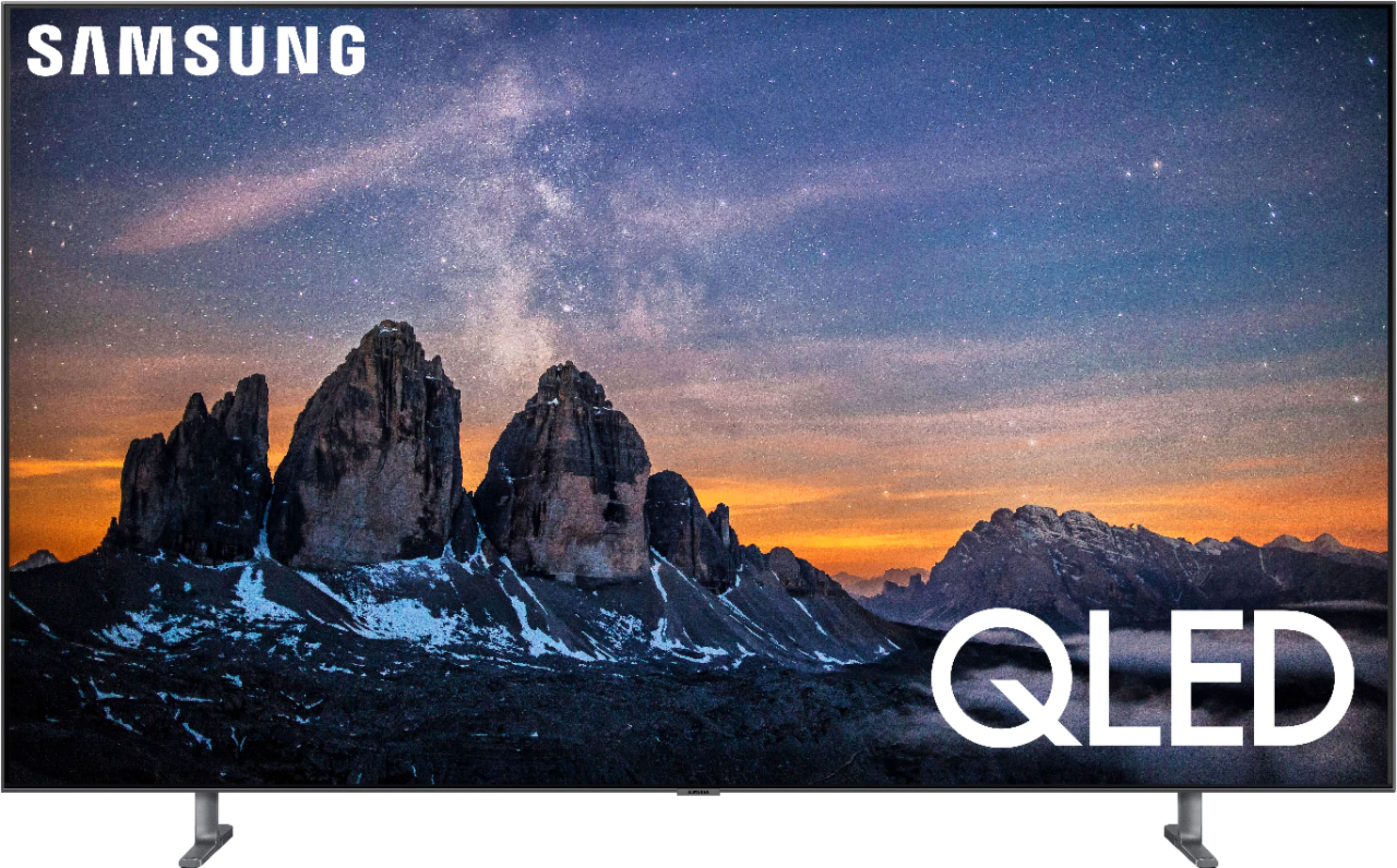
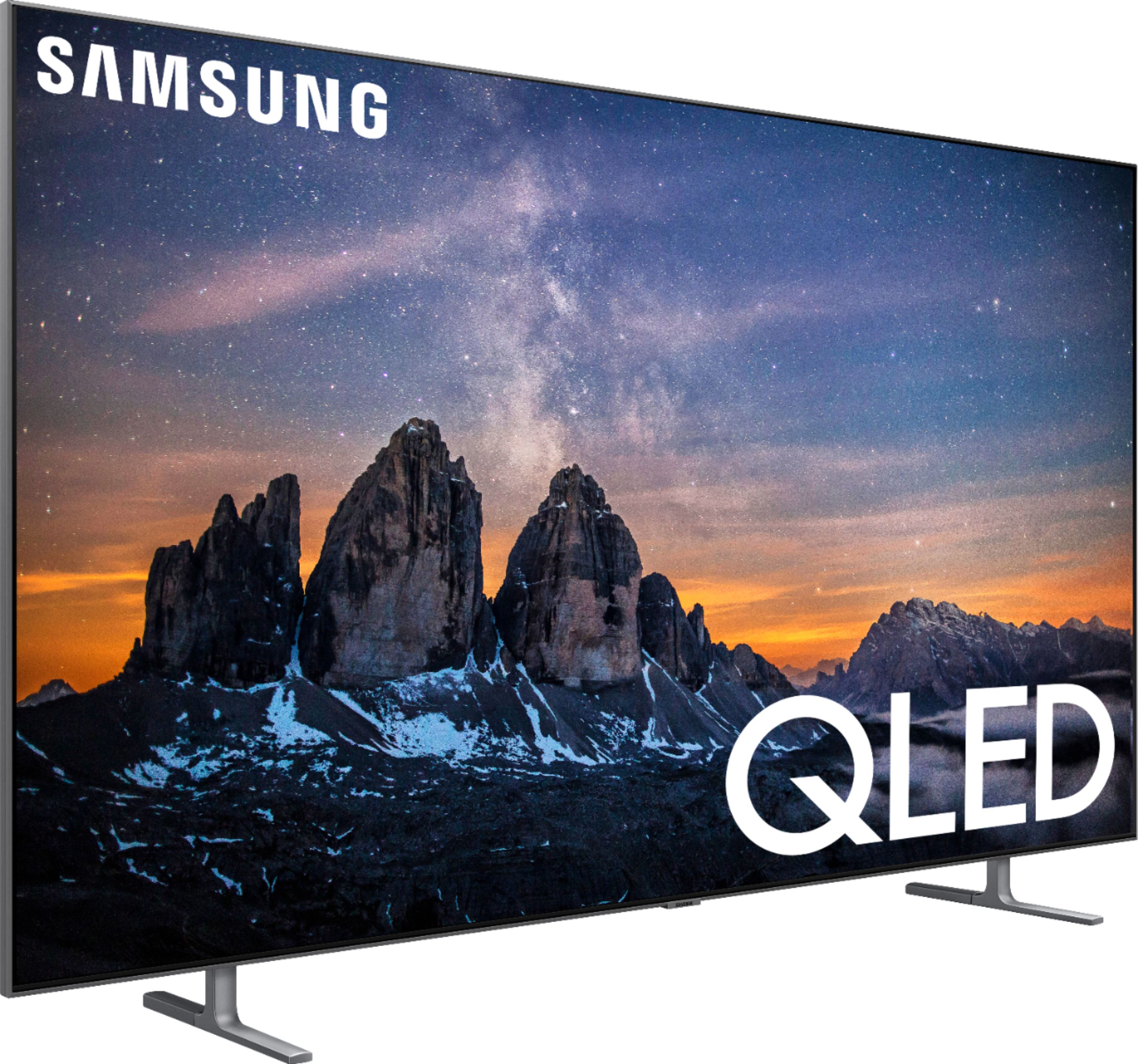
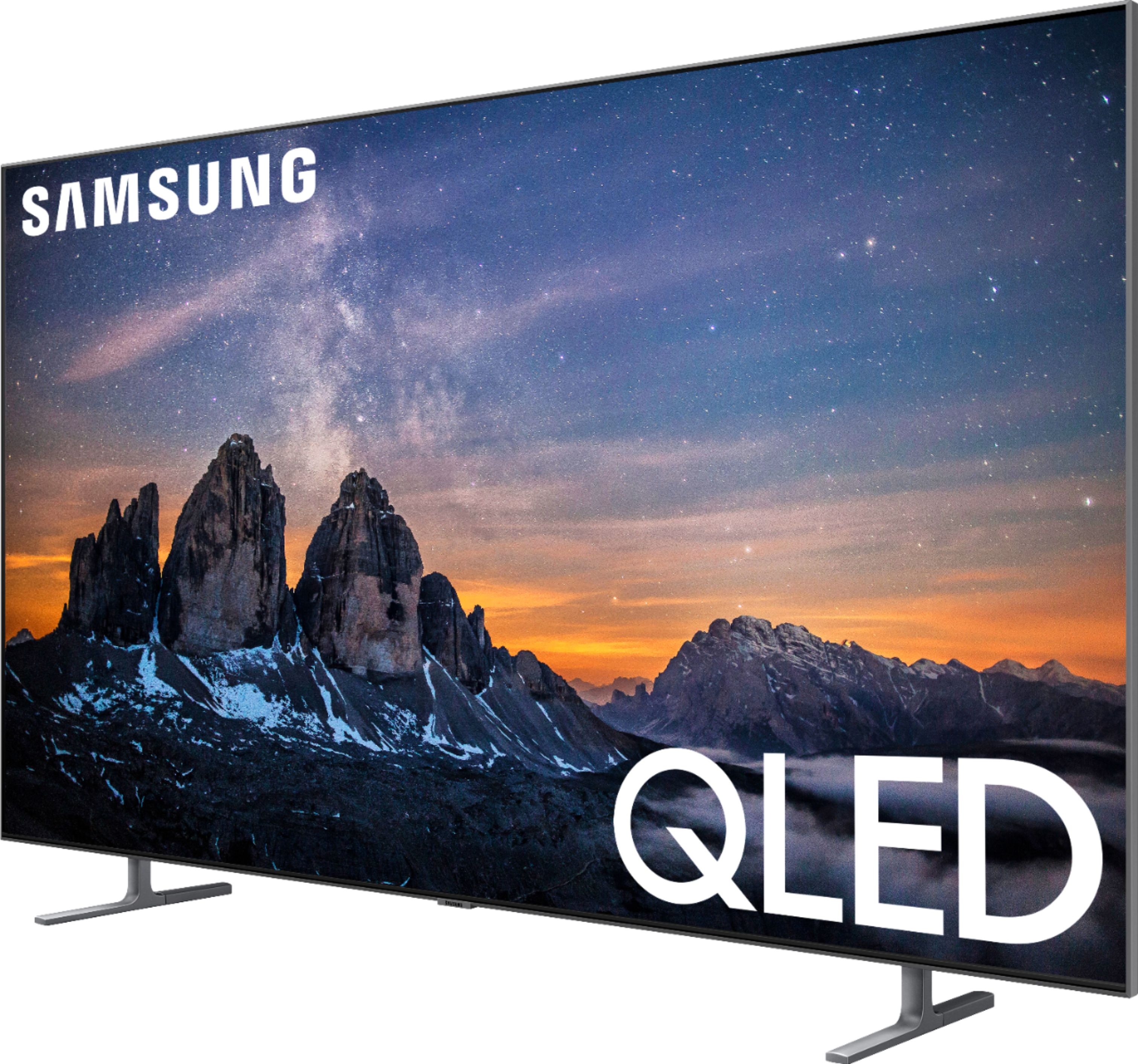
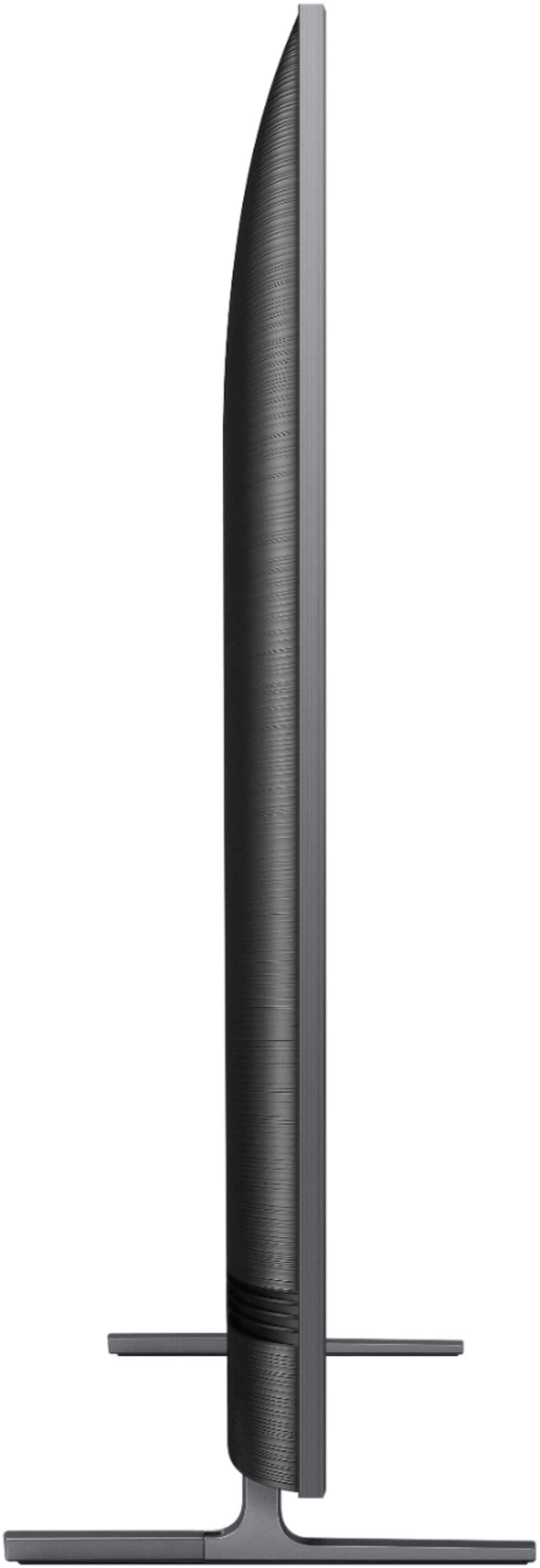

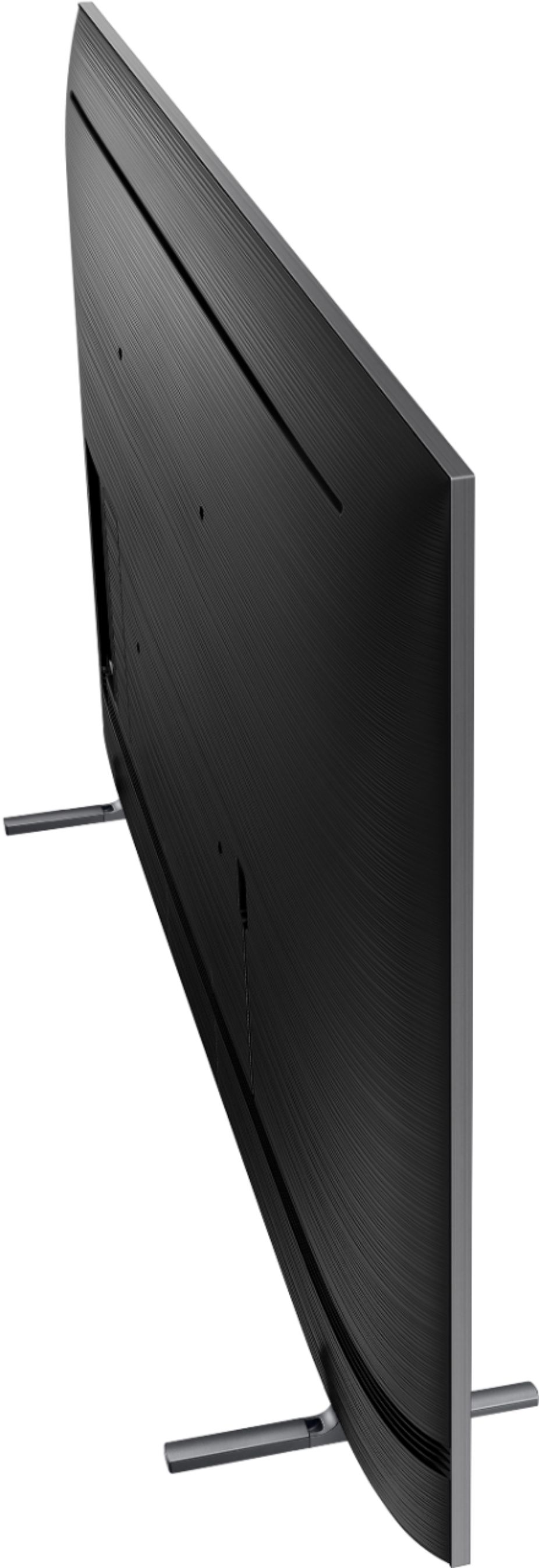




- Model:
- QN65Q80RAFXZA
- SKU:
- 6331763
Rating by feature
- Picture Quality
Rating 4.8 out of 5 stars
- Sound Quality
Rating 4.3 out of 5 stars
- Brightness
Rating 4.6 out of 5 stars
Customers are saying
Customers frequently mention the excellent picture quality, ease of use, and vivid colors of the 65" Class Q80 Series LED 4K UHD with HDR Smart TV. Many appreciate the great viewing angle, HDR, overall TV quality, reasonable price, and simple setup. Some customers have noted concerns regarding the remote control and the reliability of the Bixby feature. There were also a few comments about reflections, blooming, and occasional unexpected power-ups.
This summary was generated by AI based on customer reviews.
- Pros mentioned:Picture quality
Great picture, sound, TERRIBLE cpu performance.
Posted .This reviewer received promo considerations or sweepstakes entry for writing a review.I purchased this TV the beginning of July, a Q80, 65 inch. The TV picture and sound is impeccable with streaming services and a high definition spectrum cable TV box. However the problem is the way the T V performs. At least once a week, sometimes more...if I switch between HDMI sources.... (for example switching from Netflix back to spectrum cable), all I see on the screen is the name of the source I’m switching to and the sound of the program playing on spectrum. I have to physically unplug the TV from the power outlet and plug it back in for this problem to go away!!! Every day I have to run the device manager in order for the TV to perform properly, which doesn’t last long before it starts running slowly again. Furthermore when I go to the manage storage screen under the device manager and delete apps that I do not use, they never delete. They still are there taking up storage when I already deleted them For over $2000 this is ridiculously unacceptable. If you don’t want to have to physically unplug your TV once a week for it to perform properly, or you don’t want to be reminded that you wasted $2000 on the TV that doesn’t work right , DO NOT BUY THIS TV, it’s unbelievably inconvenient and frustrating. I should’ve got something else. Oh, and yes I reported this problem to Samsung and I didn’t get any answer as far as why it does it or if there is a software update to fix it. So don’t waste your time.
No, I would not recommend this to a friendBrand response from Samsung
Posted .Bestbuycust,
Thank you for your feedback. I apologize for the unfortunate experience you had in trying to fix the software interface issues.
We do issue a Service/Call-In Ticket # to every customer who calls into our Service Center; please respond here with your last ticket number so that we can look up your contact info and call you.
We look forward to hearing from you and correcting this unfortunate experience.
Samsung greatly values our customers’ feedback and we utilize your concerns and opinions in our relentless efforts towards delivering exceptional products and service.
- Samsung Ambassador
Don’t make them like they use to!
Posted .This reviewer received promo considerations or sweepstakes entry for writing a review.Dead as a door nail after just 3.5 years and very little usage.
No, I would not recommend this to a friendgreat tv except for optical audio out
Posted .This reviewer received promo considerations or sweepstakes entry for writing a review.If you are one of those people who use optical audio out then be advised. It will output TV Speakers or Optical Audio. I prefer that it do both at the same time. That way I just have to turn the audio down on the tv and work the audio receiver.
I would recommend this to a friendBrand response from Samsung
Posted .Florida,
Thank you for sharing your feedback with us.
Please know that the Optical output on the TV is always ON, as long as the TV is ON.
When you connect the TV to an external audio device using an optical cable, the TV will automatically connect to the external device and turn off the internal TV speakers. If you wish to have sound from BOTH the external device and the TV speakers, then go to Home > Settings > Sound Output and select TV speakers. Please note however, that most people prefer not to listen to both the internal TV speakers and external optical audio at the same time as undesirable echoes may be heard.
Should you need further assistance with the optical output, or have any other concerns or questions, please reach out to Samsung TV Support via any of the below options:
1) Phone: 1-800-SAMSUNG (ask for TVs)
Available 8AM - 12AM EST (Mon-Fri) / 9AM - 11PM EST (Sat-Sun)
2) LiveChat or Email: https://www.samsung.com/us/support/#contact_us_for_support
3) Facebook Messenger: https://www.facebook.com/samsungsupport
4) Twitter: https://twitter.com/SamsungSupport
If you have not already done so, we invite you to register your new Samsung TV at: https://www.samsung.com/us/support/register/.
Registering your product gives you access to easy warranty support, convenient opt-in to special promos & offers, faster troubleshooting & service, and quick notification of system updates.
Again, thank you for your feedback and for being a Samsung customer.
- Samsung Ambassador
No longevity, Backlight went out after 3 years
Posted .This reviewer received promo considerations or sweepstakes entry for writing a review.Backlight went out after barely 3 years of use. This tv was way too expensive to breakdown that fast.
No, I would not recommend this to a friend