Customer Ratings & Reviews
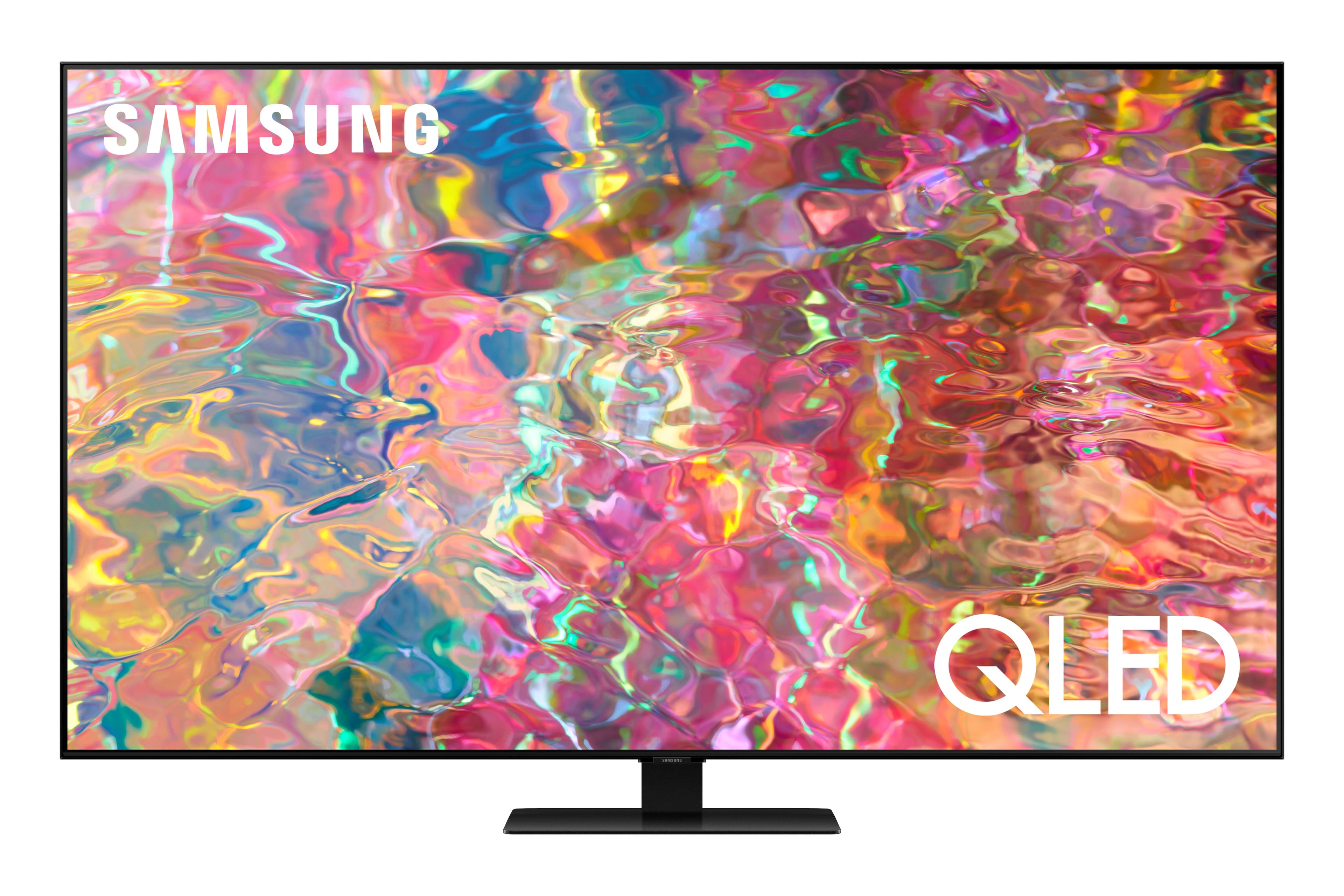
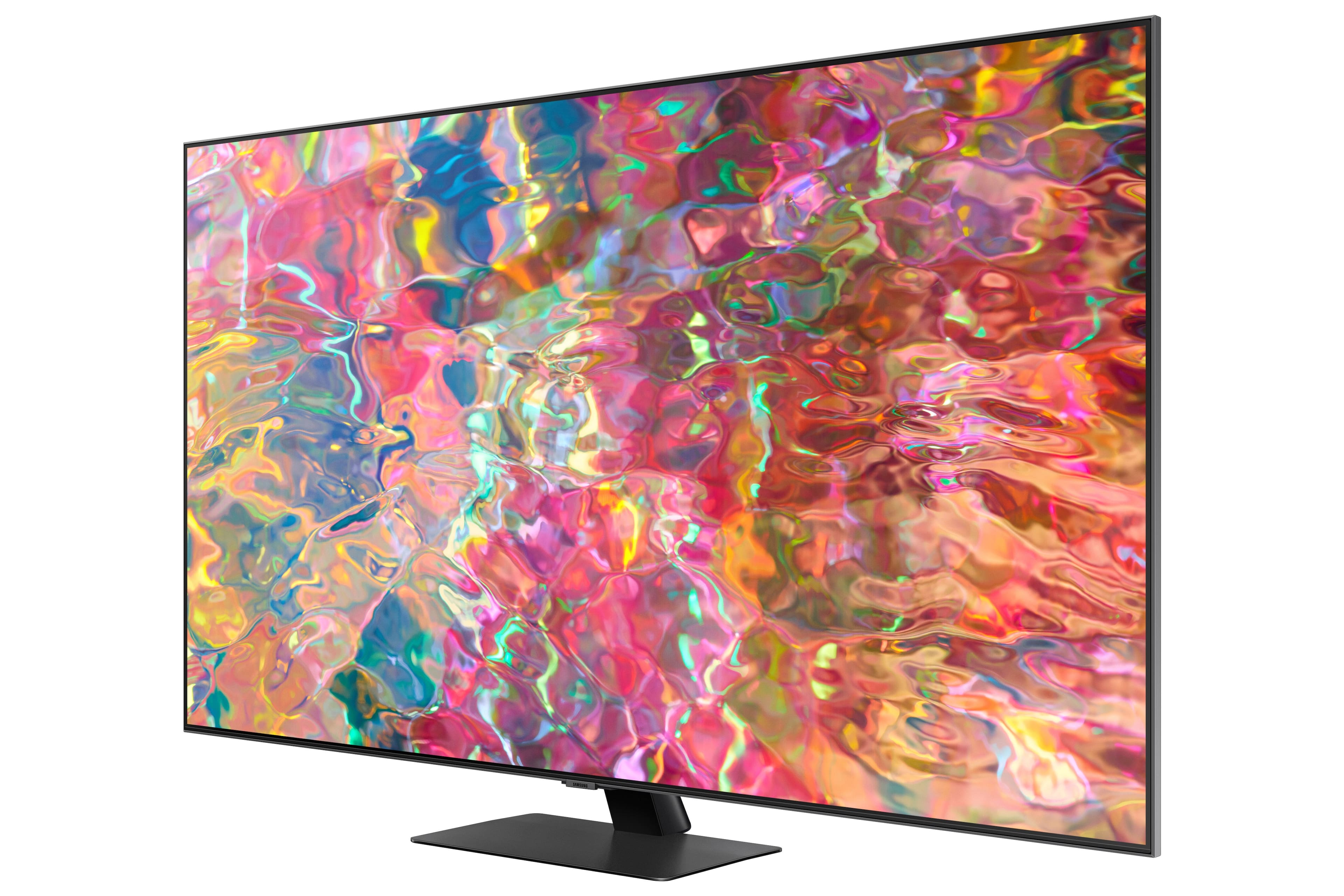
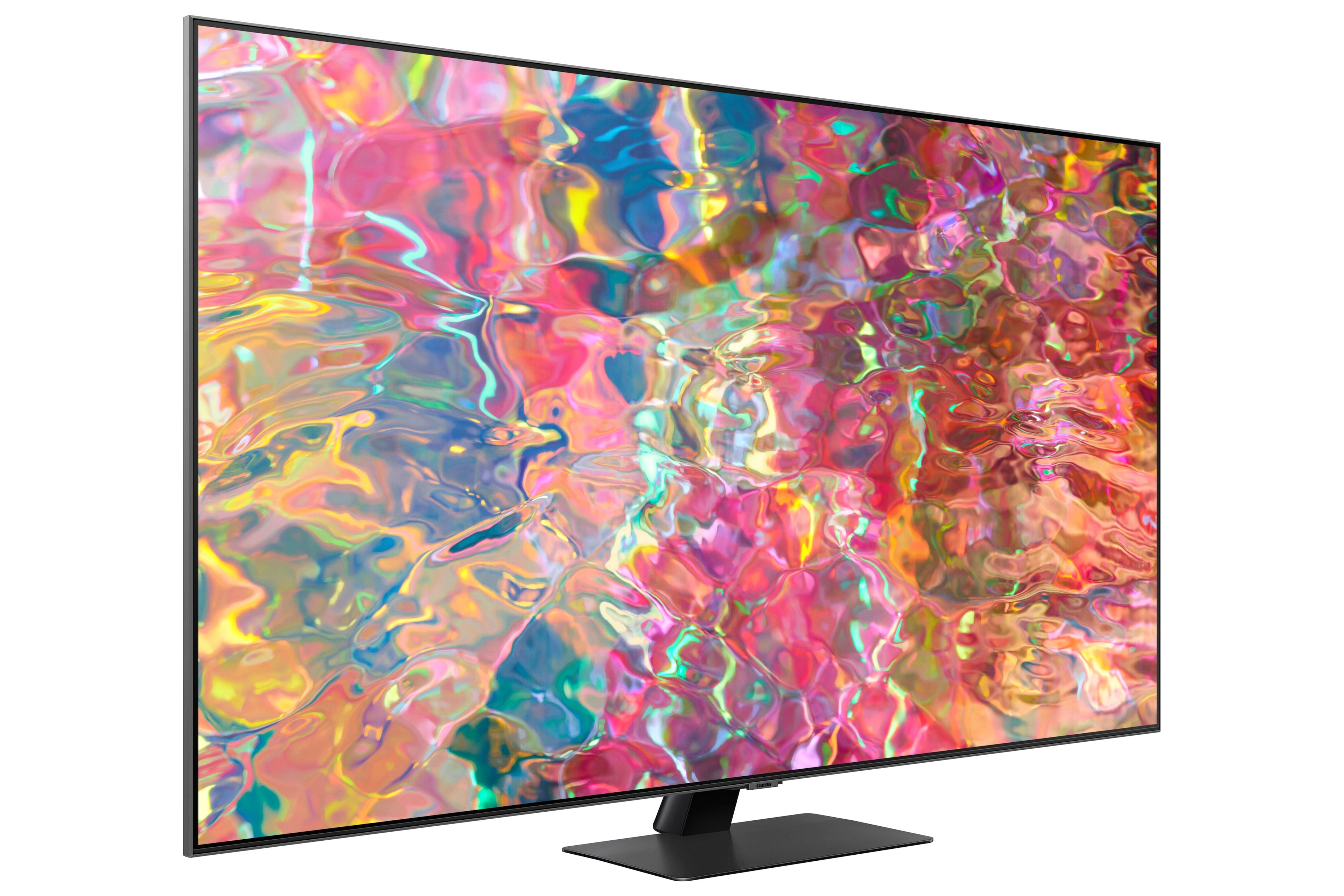
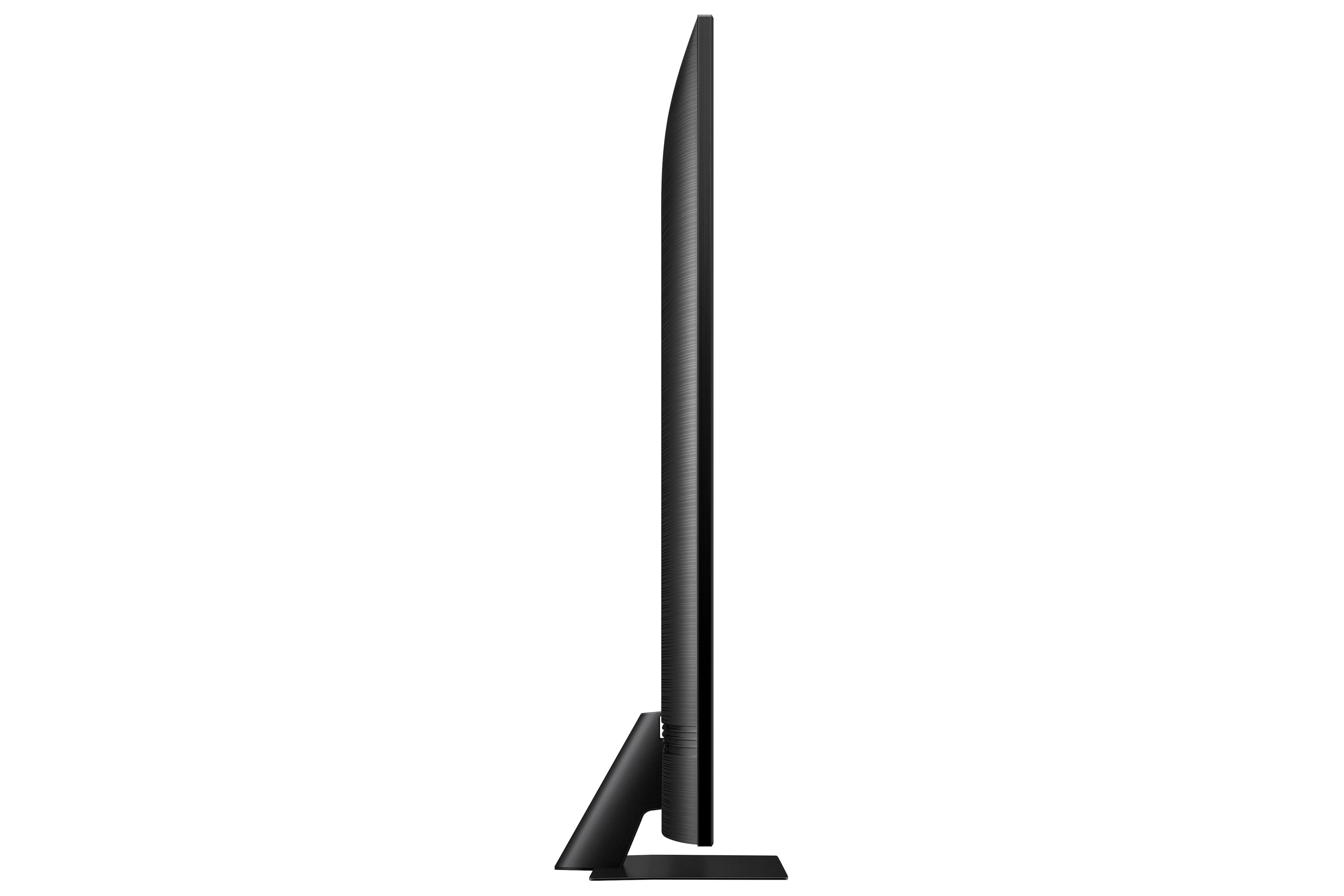

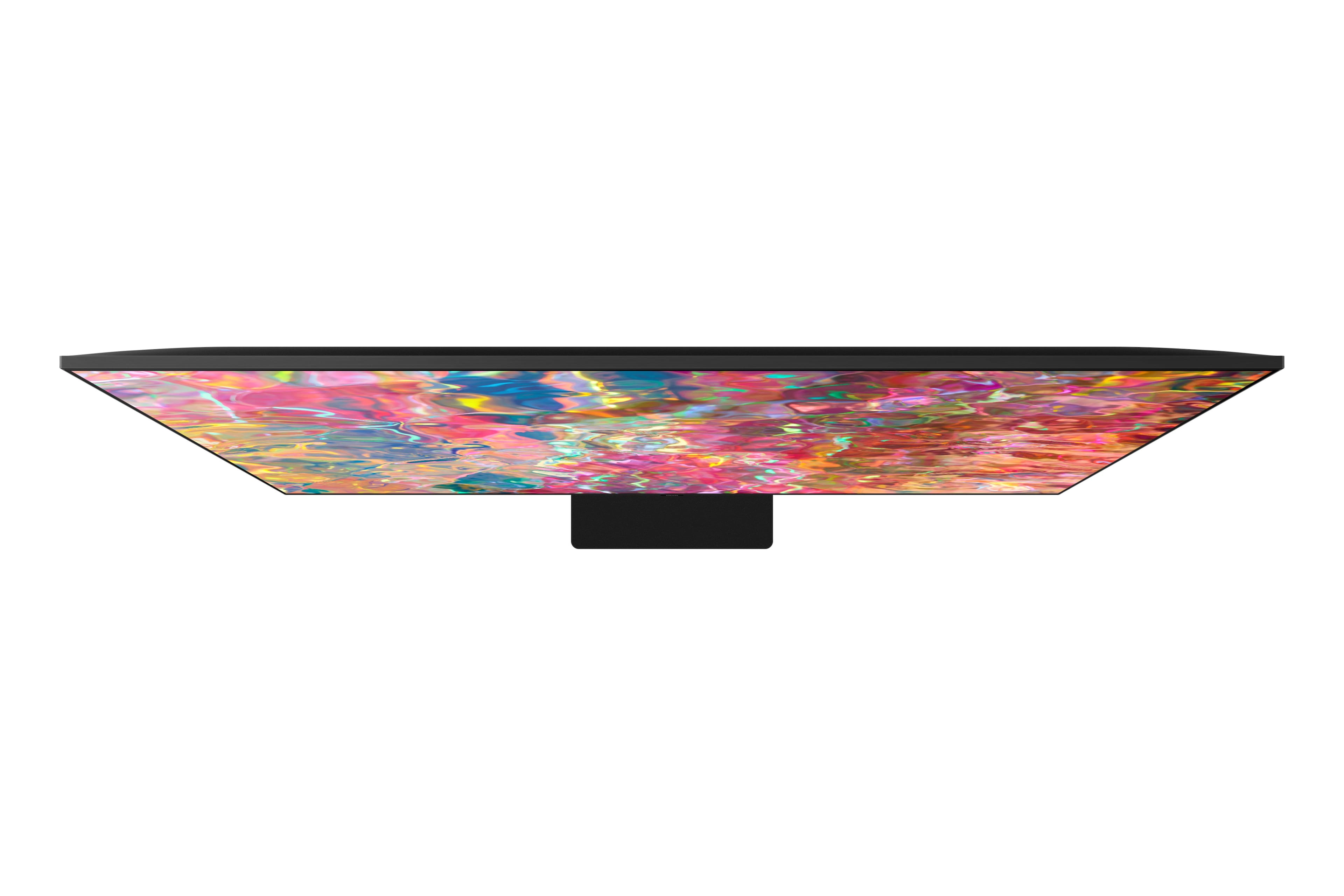
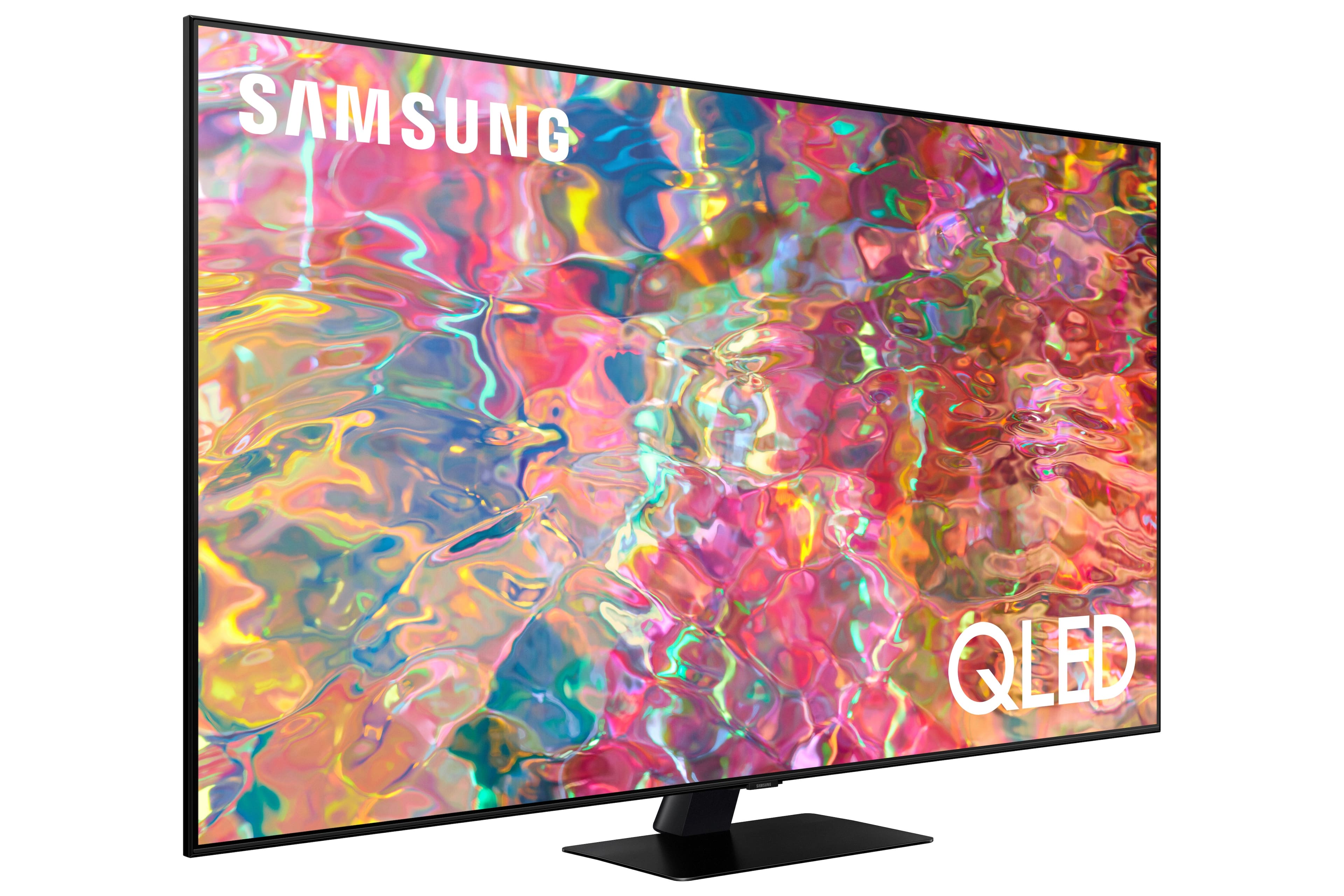
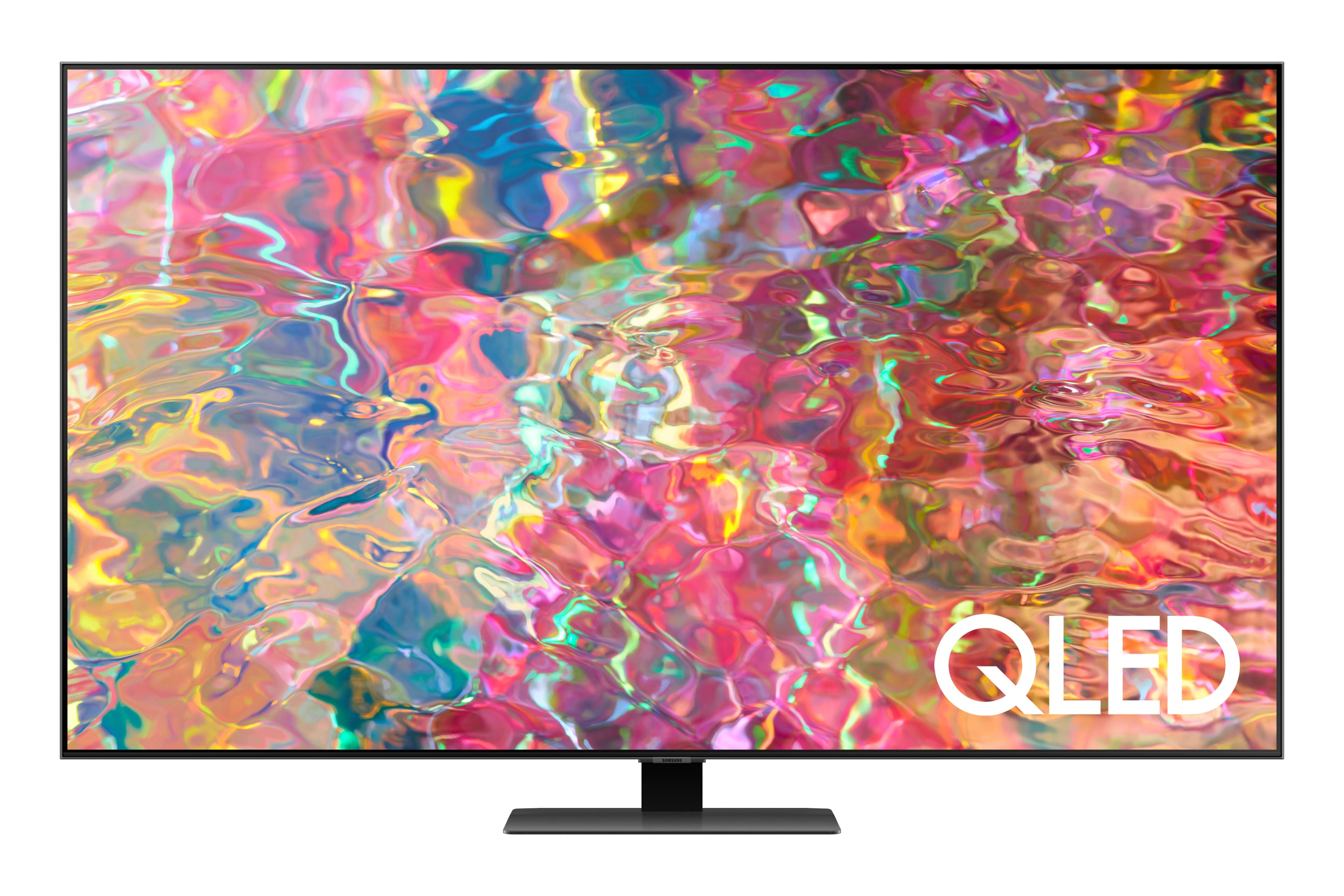
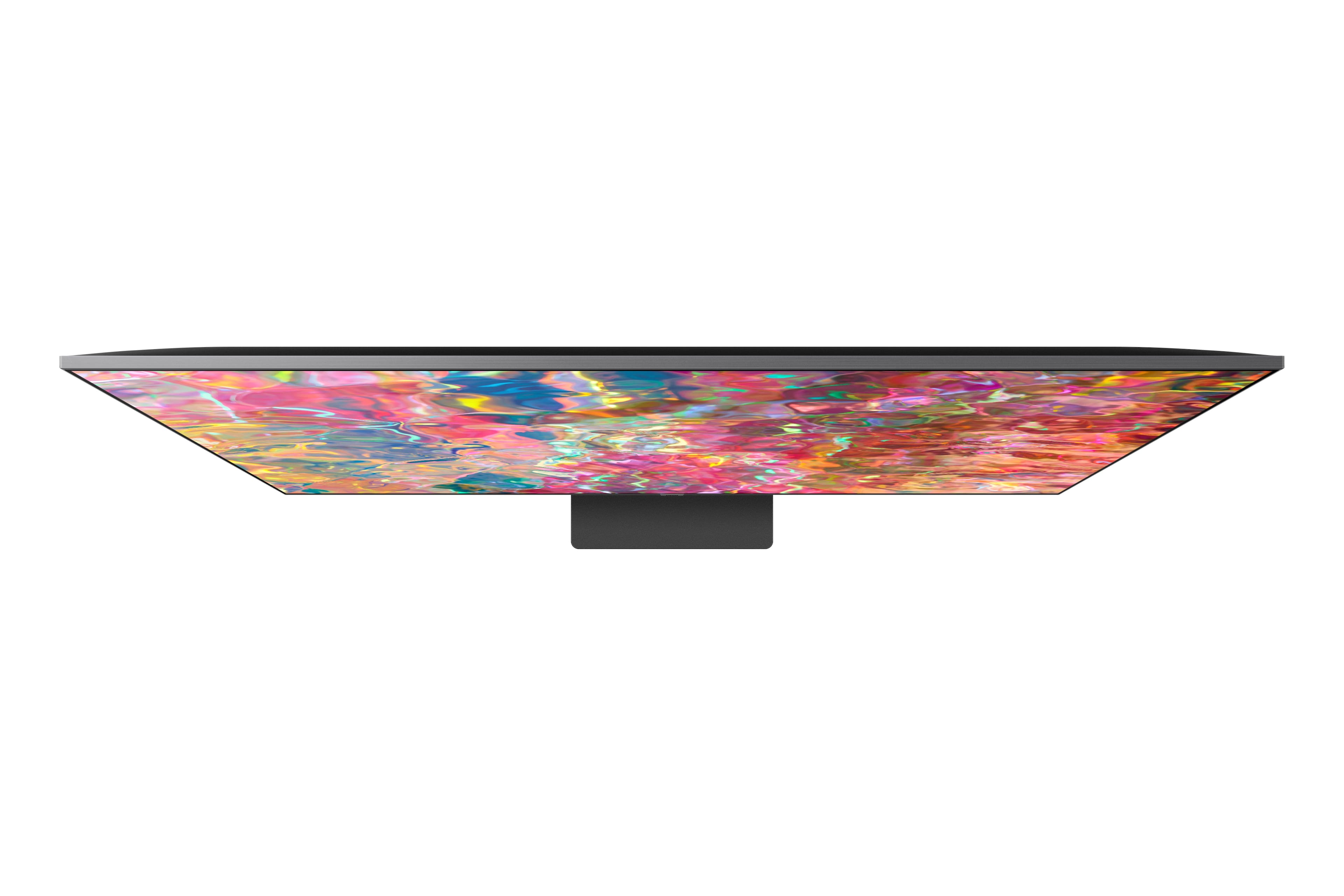
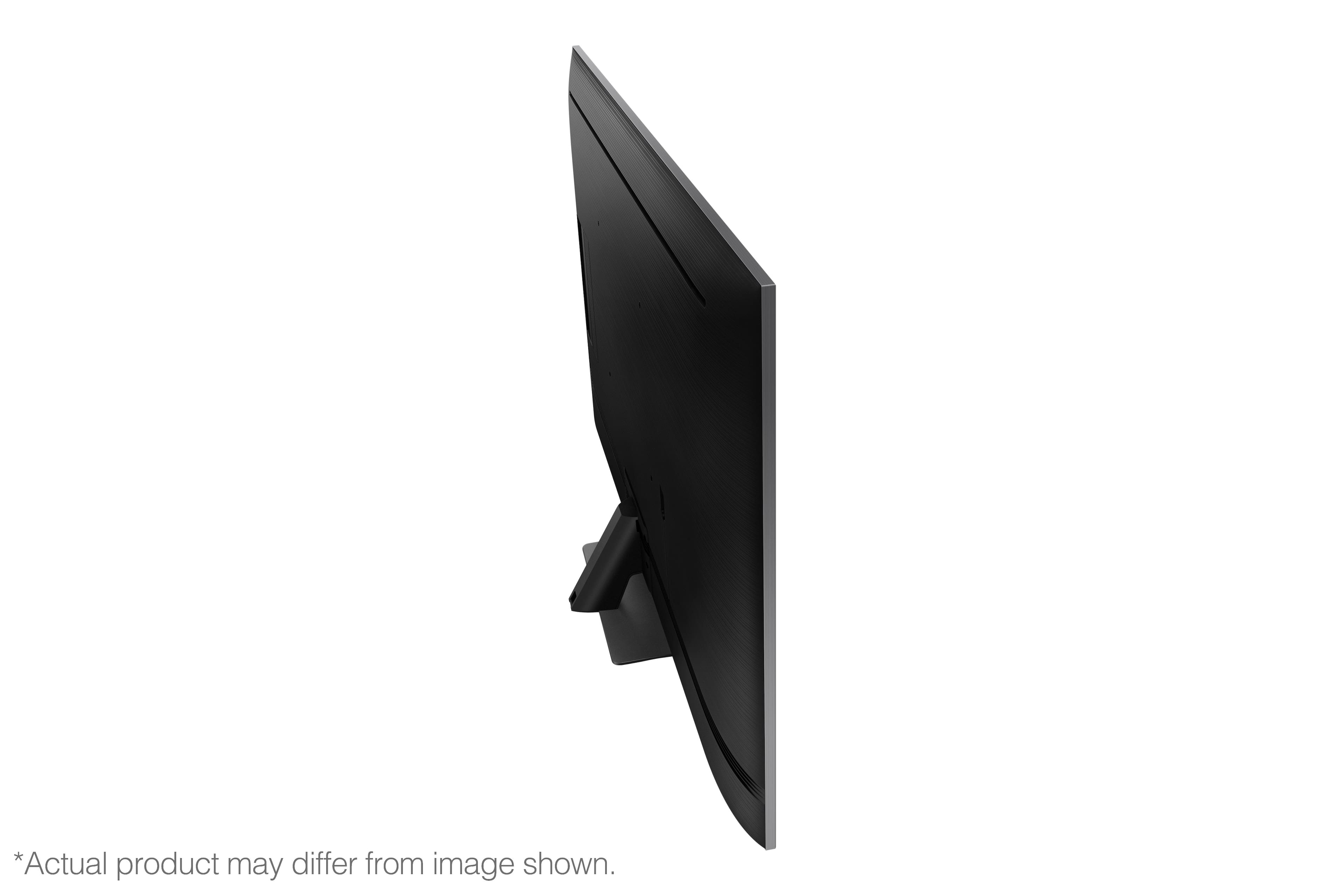
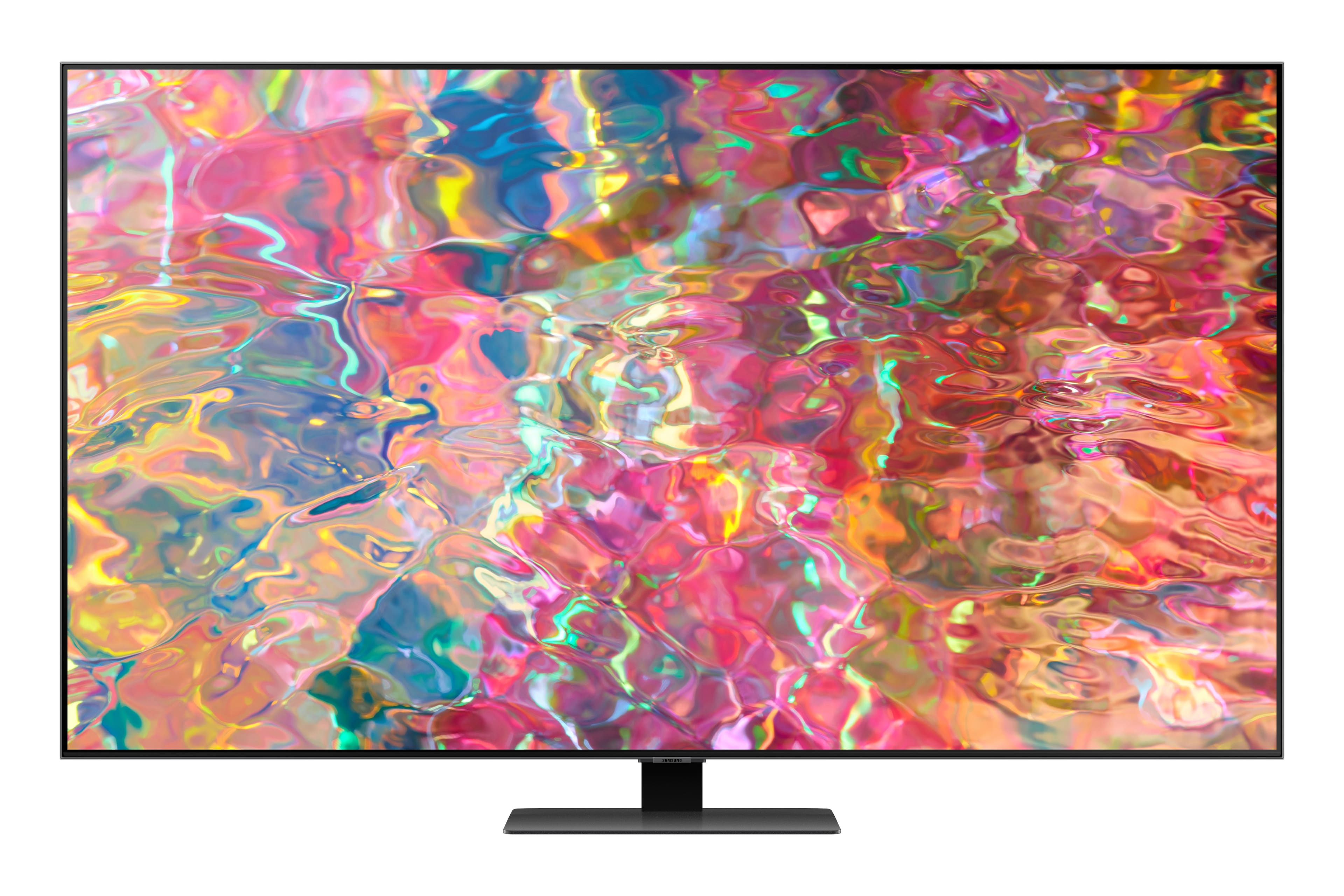
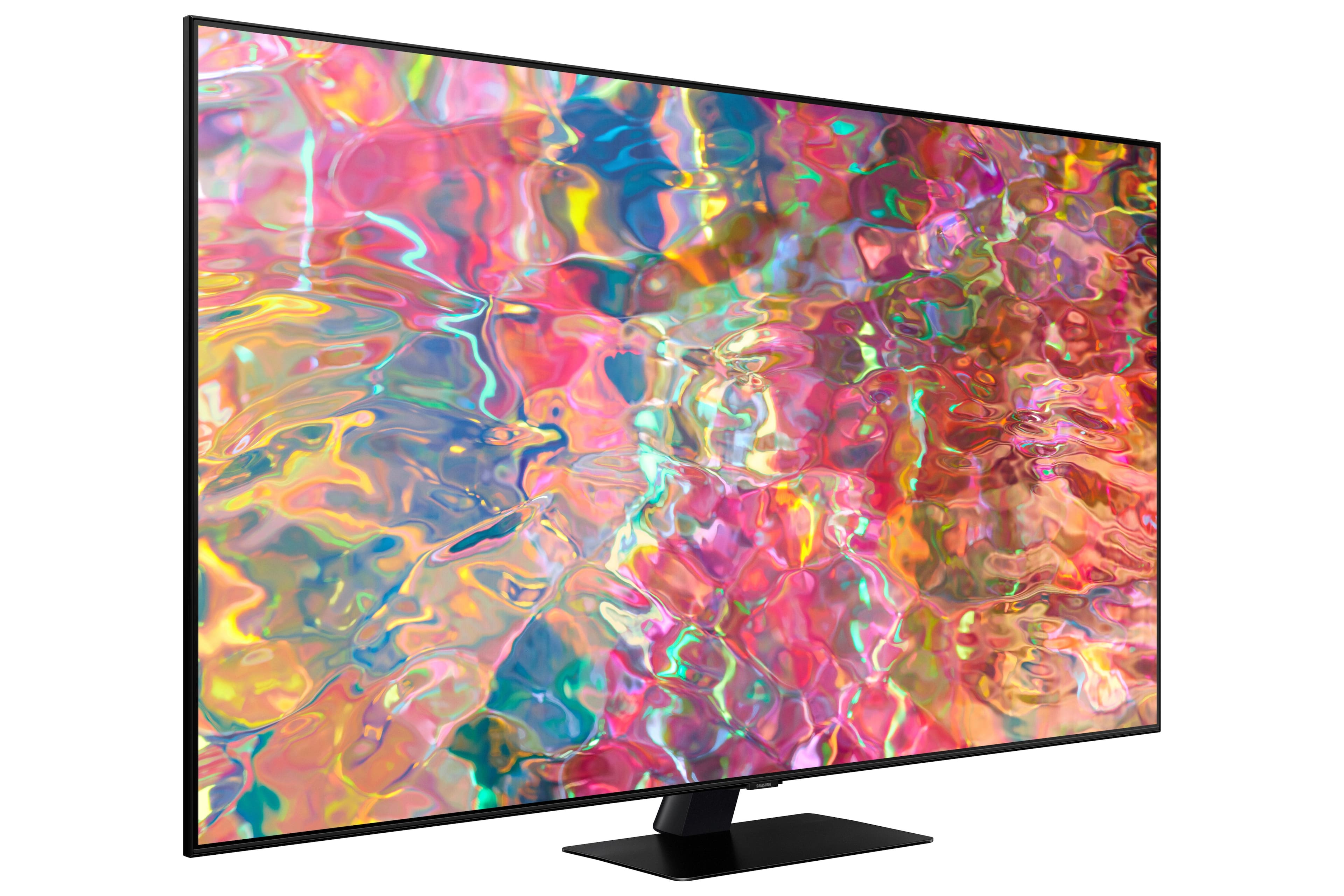
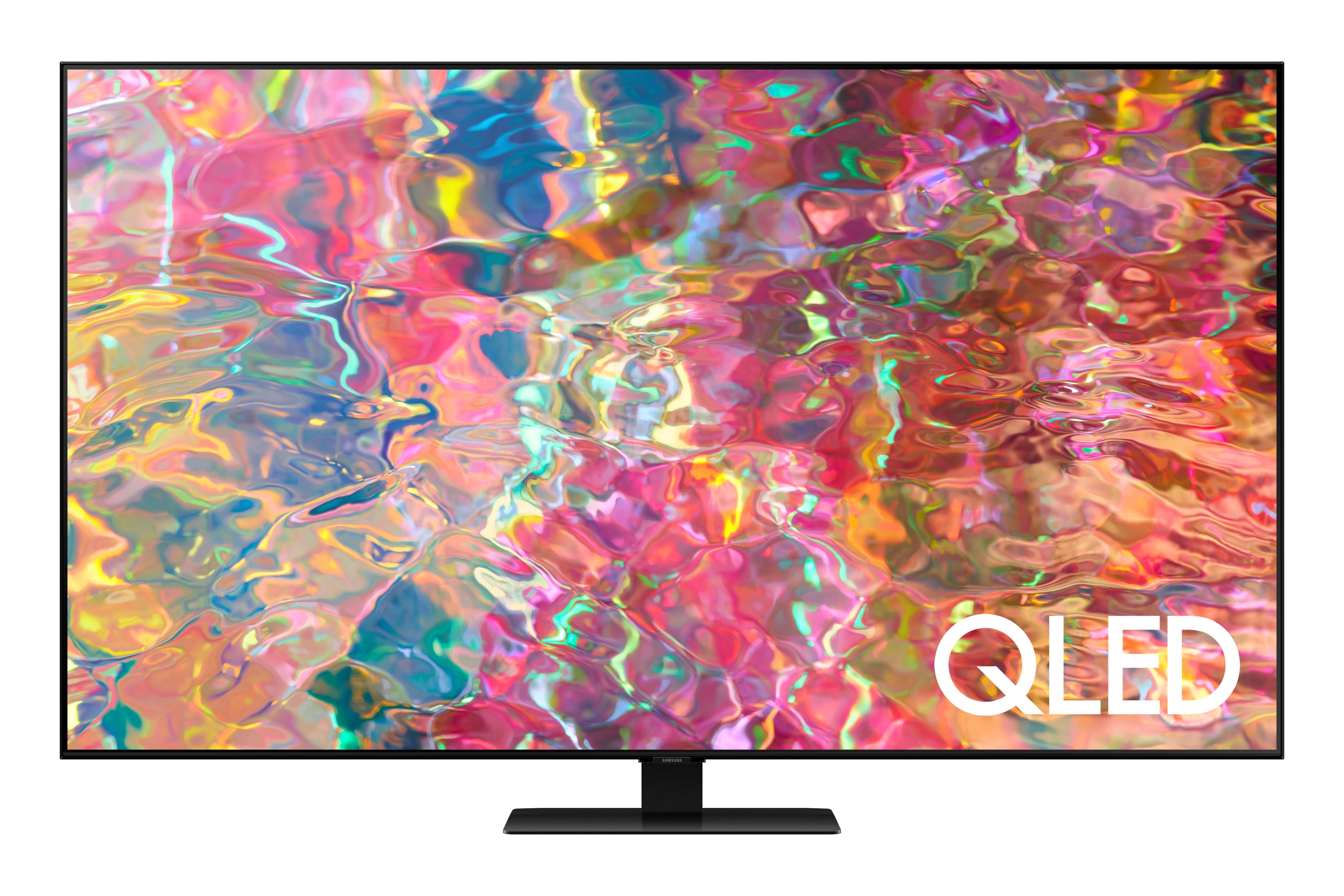
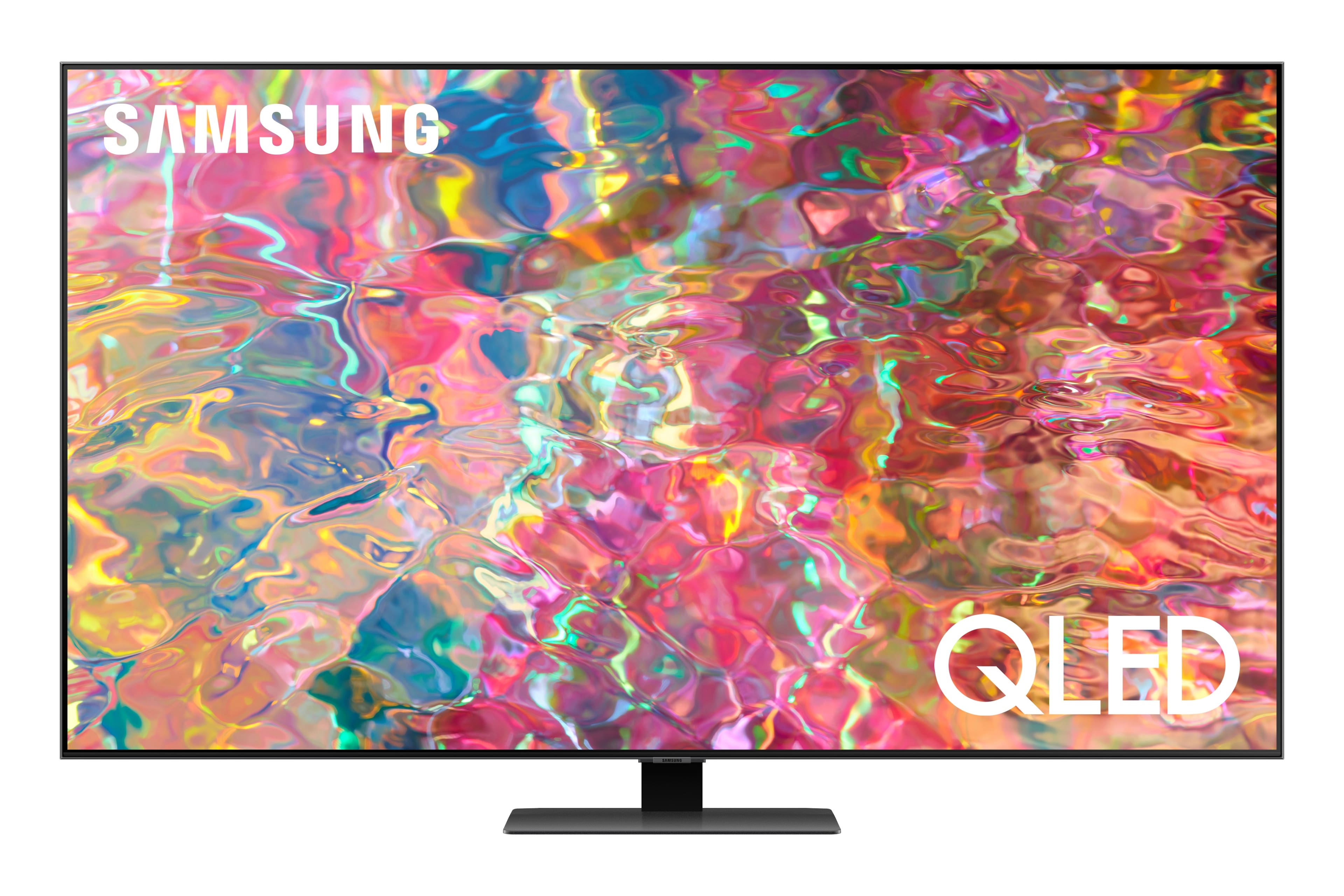
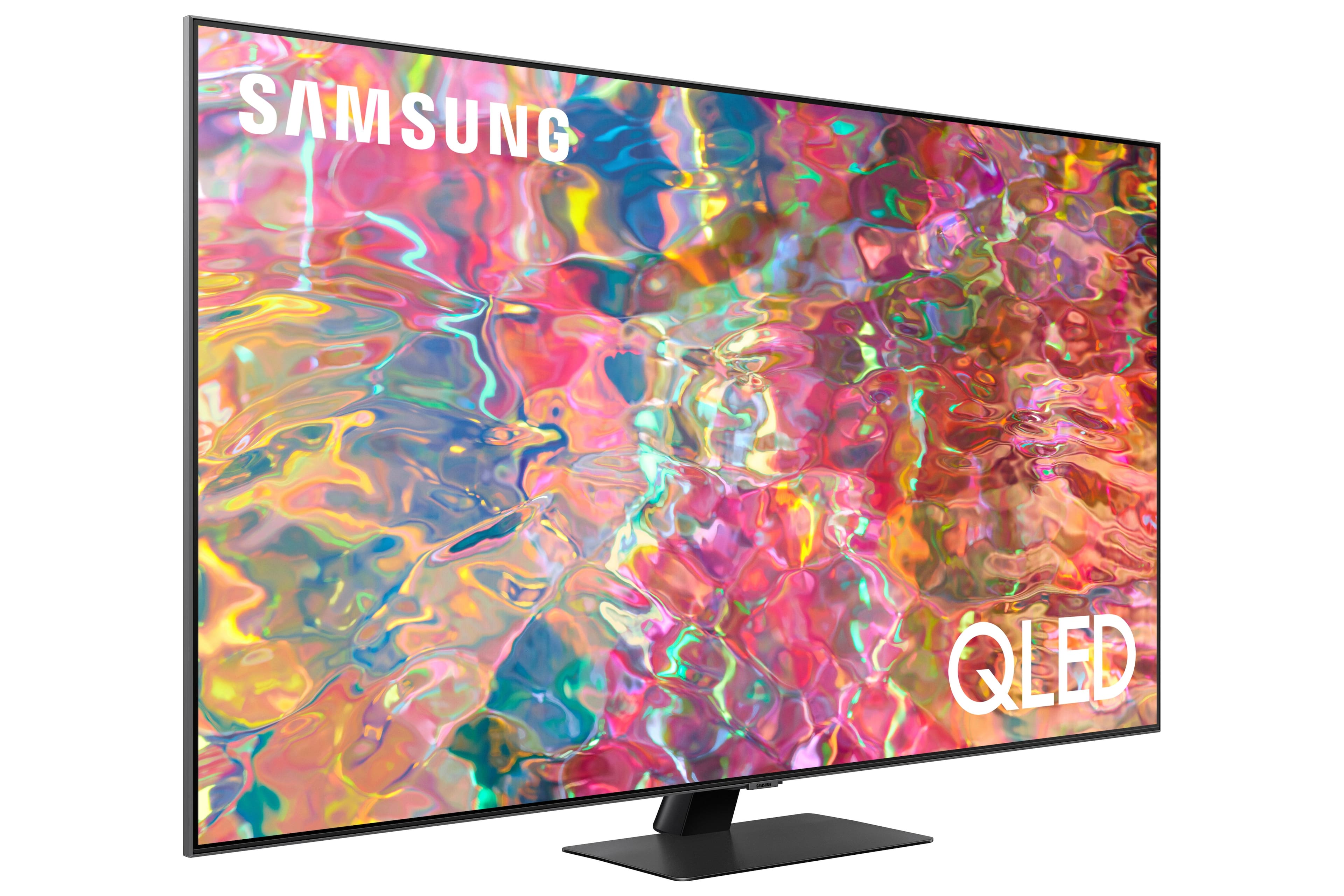











- Model:
- QN65Q80BAFXZA
- SKU:
- 6503080
Rating by feature
- Picture Quality
Rating 4.8 out of 5 stars
- Sound Quality
Rating 4.6 out of 5 stars
- Brightness
Rating 4.8 out of 5 stars
Customers are saying
Customers love the 65” Class Q80B QLED 4K Smart Tizen TV for its stunning picture quality, easy setup, and immersive sound. They rave about the vibrant colors, sharp clarity, and excellent gaming experience. While some find the remote control to be a bit tricky to use, the overall consensus is that this TV offers great value for its price.
This summary was generated by AI based on customer reviews.
- Pros mentioned:Ease of use, Picture quality
New TV
||Posted . Owned for 1 month when reviewed.This reviewer received promo considerations or sweepstakes entry for writing a review.Beautiful picture and general features, ease of use
I would recommend this to a friend - Pros mentioned:Picture quality
QLED first timer
||Posted . Owned for 1 month when reviewed.This reviewer received promo considerations or sweepstakes entry for writing a review.The picture is outstanding. One viewing area is at an angle and one cannot see any loss of clarity, color or brightness. Using a sound bar so can't comment on this. Really enjoy the QLED technology.
I would recommend this to a friend - Pros mentioned:Picture quality
A Great Step Up
||Posted . Owned for 1 month when reviewed.This reviewer received promo considerations or sweepstakes entry for writing a review.I LOVE this tv! I didn't really expect the difference in it from my previous one to be as significant as it is. The picture is incredible and the features are perfect. Now i just need to learn how to use them all.
I would recommend this to a friend - Pros mentioned:Picture quality
Best tv for the price. Steal!!
||Posted . Owned for 1 week when reviewed.This reviewer received promo considerations or sweepstakes entry for writing a review.Getting a 65 inch Qled tv for less than $1k is a steal imo. Once you calibrate the settings to movie/filmaker mode in the settings you are good to go
I would recommend this to a friend - Pros mentioned:Picture quality
Awesome tv
||Posted . Owned for 3 weeks when reviewed.This reviewer received promo considerations or sweepstakes entry for writing a review.Great tv. Easy set up with great picture. Alexa can be annoying as it doesn't devices on current echo. Hard to turn off. Probably operator error/ignorance. Highly recommend this tv. Great Samsung product.
I would recommend this to a friend - Pros mentioned:Picture quality
Love it
||Posted . Owned for 1 month when reviewed.This reviewer received promo considerations or sweepstakes entry for writing a review.Love this TV. Everything is so crisp and clear. I have some vision issues but have no problem watching this TV. My only complaint is the Samsung channel. It defaults to that which at times can be a real pain.
I would recommend this to a friendBrand response from Samsung
Posted .Pleased,
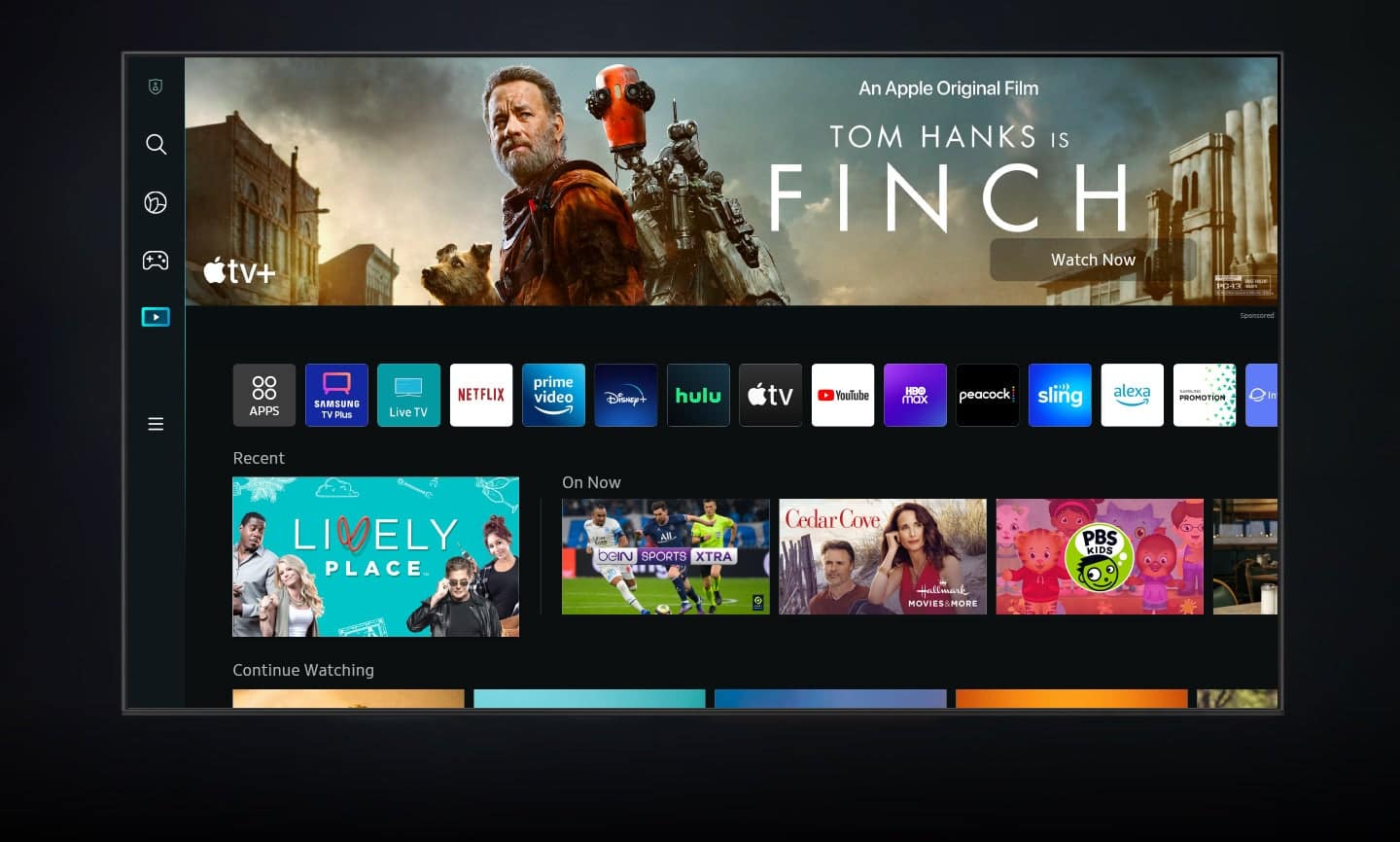
While your Q80B TV may currently default to Samsung’s TV Plus app, please know you can choose what your TV does when you turn it on by going to Menu > Settings > All Settings > General & Privacy > Start Screen Option > Autorun Smart Hub
1) Enabling Autorun Smart Hub automatically launches the Smart Hub when the TV is turned on. Navigate to this option to enable or disable the feature.
2) If Autorun Last App is set to on, the last used app is automatically run when you turn on the TV. You can turn this function on or off by pressing the Select button in the current menu.
If we can help with anything else, please call us at 1-800-SAMSUNG, 8AM - 12AM EST, 7 days a week. LiveChat with an agent as well as manuals, software, and warranty info can be found at the ‘Support’ link on our Samsung website.
~ Samsung Specialist
- Cons mentioned:Glare
Wasn’t what I was expecting
||Posted . Owned for 3 weeks when reviewed.This reviewer received promo considerations or sweepstakes entry for writing a review.The tv was $1200.00 with a special $100 off and it’s a bummer having to waste money for a tv that’s high priced. Really not worth for what I paid for the tv. It’s not only the sounds the problem with it being so low but so is the lighting. I found myself stressing out going through the settings but it’s the tv alone. Should have listen to the guy that made the sell with me to get a warranty because now I can’t even get my refund nor exchange it for a better quality tv.
No, I would not recommend this to a friendBrand response from Samsung
Posted .Hannah,
I’m sorry to hear you’re not fully satisfied with the Q80B TV’s picture quality. If the image is too dim, please try disabling some of the TV's energy efficiency functions, as these will automatically adjust your picture and may cause your screen to appear brighter or darker than preferred. Go to: Home > Menu > Settings > All Settings > General & Privacy > Power and Energy Saving > turn off Brightness Optimization, Brightness Reduction, and Motion Lighting
You may also want to try adjusting image settings to improve your picture. Go to Home > Menu > Settings > All Settings > Picture > Picture Mode
1) Standard: Is the default mode suitable for general viewing environments.
2) Movie: Is suitable for watching TV or movies in a dark room.
3) Dynamic: Makes the picture brighter and clearer in bright viewing environments.
4) Filmmaker Mode: You can watch the source content (e.g., movie) as it is. If the image is defined as Filmmaker Mode, it will automatically switch to Filmmaker Mode while watching.
You can also customize the brightness level of your screen between 0 – 50 to your preference. Go to: Home > Menu > Settings > All Settings > Picture > Expert Settings
Please also make sure you’ve got the latest firmware version installed on your TV. You can check this by going to: Home > Menu > Settings > Support > Software Update > Update Now
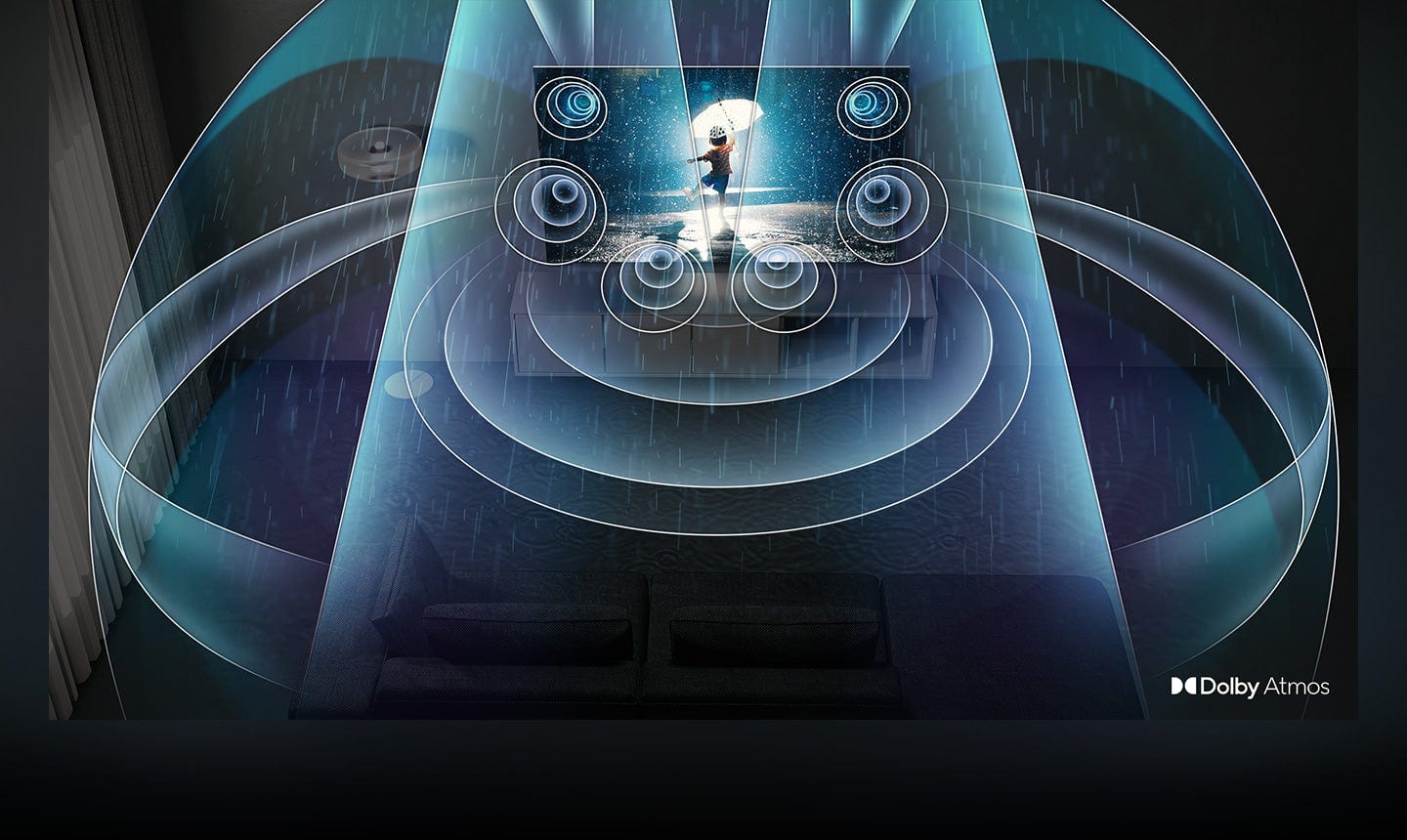
The Q80B features Intelligent Mode to optimize sound tailored to your environment, which includes features like Active Voice Amplifier (AVA) which further detects disturbances and enhances the on-screen voices for clear dialogue.
Go to Home > Menu > Settings > All Settings > General & Privacy > Intelligent Mode Settings. Turn the options on or off to meet your needs:
- Active Voice Amplifier is available only when the sound sensor of the TV is active and the sound output is set to TV Speaker, or a Samsung Soundbar interlinked with Adaptive Picture is connected.
- Adaptive Sound+ provides optimized sound quality by analyzing the viewing space and the acoustic components of the content.
- Adaptive Volume Automatically adjusts to a specific volume level while you are watching TV.
Several Sound Modes are likewise available to meet your personal preferences: Settings > All Settings > Sound > Sound Mode
You can also customize sound by going to: Settings > All Settings > Sound > Expert Settings
To assist you with possible sound settings adjustments for a better audio experience, or choosing a Samsung Soundbar to complement your viewing enjoyment, please reach out to us at 1-800-SAMSUNG, 8AM - 12AM EST, 7 days a week. Or visit us on the Samsung website and click on the ‘Support’ link for:
• LiveChat
• Manuals, Software, & Warranty Info
~ Samsung Specialist
Good and the Bad
||Posted . Owned for 1 month when reviewed.This reviewer received promo considerations or sweepstakes entry for writing a review.Tech's were prompt, knowledgeable, friendly and intall was great! One problem, my manual was taken away with the box. When I was handed a bag with some paperwork and stand, I assumed it was the manual. Best Buy's suggestion was print it, as we need help with some of the programming. While that solves 1 problem at an inconvenience, I still can't register the warranty!
I would recommend this to a friendBrand response from Samsung
Posted .StacyK,
I'm sorry to hear of this. While the User Manual, e-Manual, and various other guides can be downloaded directly from Samsung's website, please know these documents are not needed to register your TV's warranty.
You can register your product by visiting this link: https://www.samsung.com/us/support/register-product/
Should you need assistance downloading manuals or registering your TV, please call Samsung Support at 1-800-SAMSUNG, 8AM - 12AM EST, 7 days a week. Our LiveChat agents are also available by clicking on the ‘Support’ link on our website.
~ Samsung Specialist
- Pros mentioned:Picture quality
Love it!
||Posted . Owned for 3 weeks when reviewed.This reviewer received promo considerations or sweepstakes entry for writing a review.Absolutely love thisTV. The built in Atmos sound is incredible when paired with the Atmos Samsung sound bar. We have 5 Samsung large screen tv’s in our home (55-85 inches) and all are great!
I would recommend this to a friend - Pros mentioned:Picture quality
GREAT TV
||Posted . Owned for 2 weeks when reviewed.This reviewer received promo considerations or sweepstakes entry for writing a review.Had this tv about 2 weeks now. Great tv picture, replaced an older 8000 series Samsung tv that I thought was great this one blew it away. Picture quality is unbelievable. For the price it is right on.
I would recommend this to a friend - Pros mentioned:Picture quality
Better deal compare to OLED
||Posted . Owned for 1 month when reviewed.This reviewer received promo considerations or sweepstakes entry for writing a review.Clarity and tv speaker itself is awesome! I still have those bar speaker though. This Includ samsung’s, netflix direct button feature too. Once set up everything is easy to access!
I would recommend this to a friend - Pros mentioned:Picture quality
Excellent Product
||Posted . Owned for 3 months when reviewed.This reviewer received promo considerations or sweepstakes entry for writing a review.This tv is awesome! Sound great! Pictures is great. Little nitpicky, but it is not the most user friendly when you first start using it. But once you figure it out, you get faster.
I would recommend this to a friend - Pros mentioned:Picture quality
Love My Samsung TV
||Posted . Owned for 1 month when reviewed.This reviewer received promo considerations or sweepstakes entry for writing a review.I waited a year for this 2022 model to come out. I replaced a 12 year old Samsung LED. The room this television is in has a lot of light and the picture and color quality of this model is excellent.
I would recommend this to a friend - Pros mentioned:Picture quality
Samsung 65” Q80B QLED Review
||Posted . Owned for 3 weeks when reviewed.This reviewer received promo considerations or sweepstakes entry for writing a review.The picture quality is great and I was pleasantly surprised to find out there are channels available through Samsung that has me considering changing my current television service provider.
I would recommend this to a friend Nice upgrade
||Posted . Owned for 1 month when reviewed.This reviewer received promo considerations or sweepstakes entry for writing a review.Very satisfied with my purchase. I was able to download all the apps i wanted. No complaints.
I would recommend this to a friendGood TV but not the installation process
||Posted .This reviewer received promo considerations or sweepstakes entry for writing a review.Like the TV but VERY disappointed with the installation process provided thru Best Buy/Geek Squad.
I would recommend this to a friend- Pros mentioned:Picture quality
Amazing picture
||Posted . Owned for 3 weeks when reviewed.This reviewer received promo considerations or sweepstakes entry for writing a review.Amazing picture! Love the smart features which just allowed me to get rid of the cable box and save money on my bill. The Alexa feature is really nice and how cool is a rechargable remote?
I would recommend this to a friend - Pros mentioned:Picture quality
Great value
||Posted . Owned for 3 weeks when reviewed.This reviewer received promo considerations or sweepstakes entry for writing a review.Great picture and great sound in one product! This Samsung TV seems to have put together the right balance of light and dark contrasts and the speakers sound much better than in its predecessor.
I would recommend this to a friend - Pros mentioned:Picture quality
Overall, grwat TV!
||Posted . Owned for 1 month when reviewed.This reviewer received promo considerations or sweepstakes entry for writing a review.Great TV right out of the box! Excellent speed accessing streaming choices. Beautiful picture quality. Also impressed with the onboard sound quality. Overall…. Very satisfied.
I would recommend this to a friend - Pros mentioned:Picture quality
A Great Upgrade
||Posted . Owned for 1 month when reviewed.This reviewer received promo considerations or sweepstakes entry for writing a review.We upgraded from a 55" to this 65", so far this TV is great, great picture whether we are watching local TV or streaming or watching a movie from our DVD. We are very happy
I would recommend this to a friend