Customer Ratings & Reviews
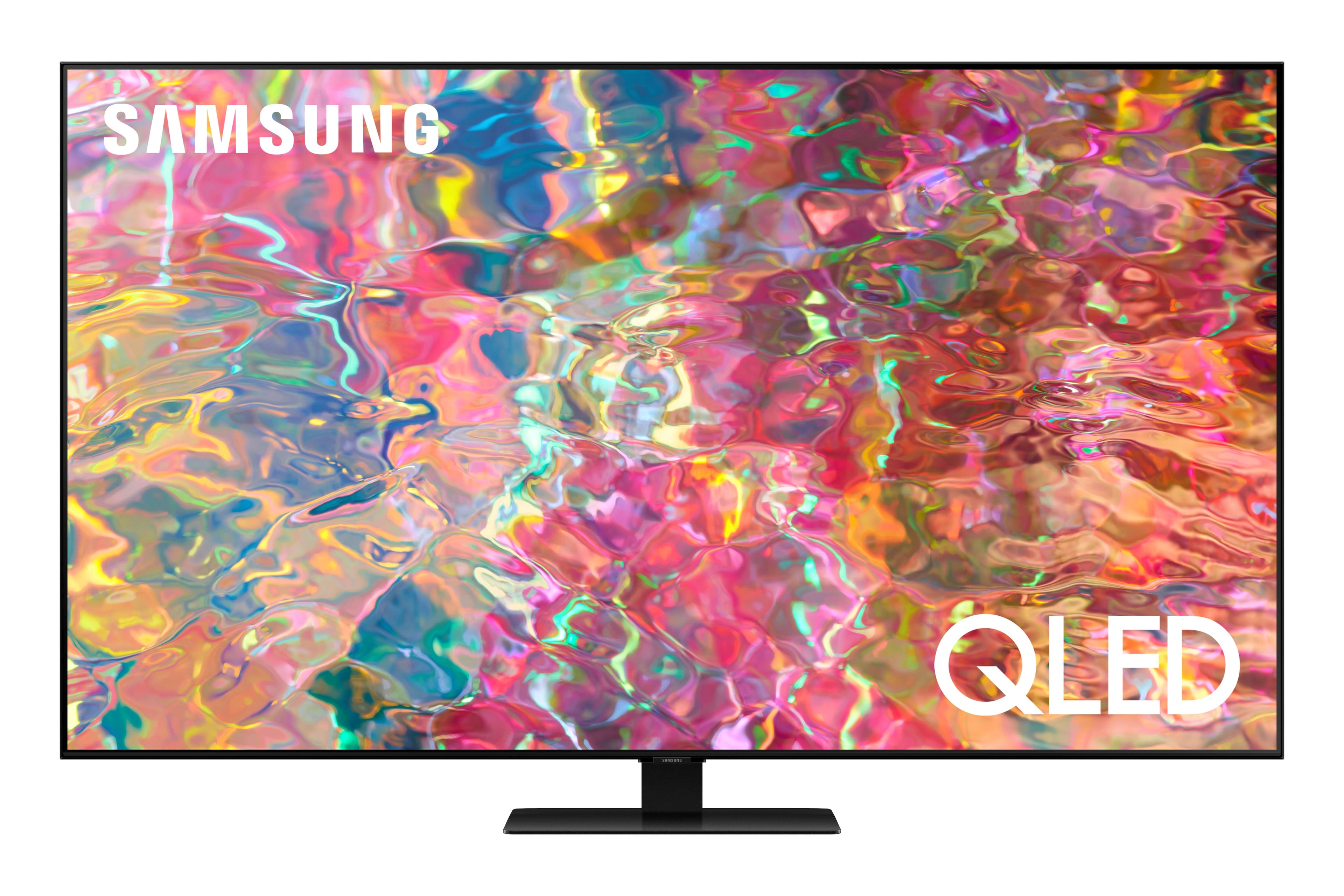
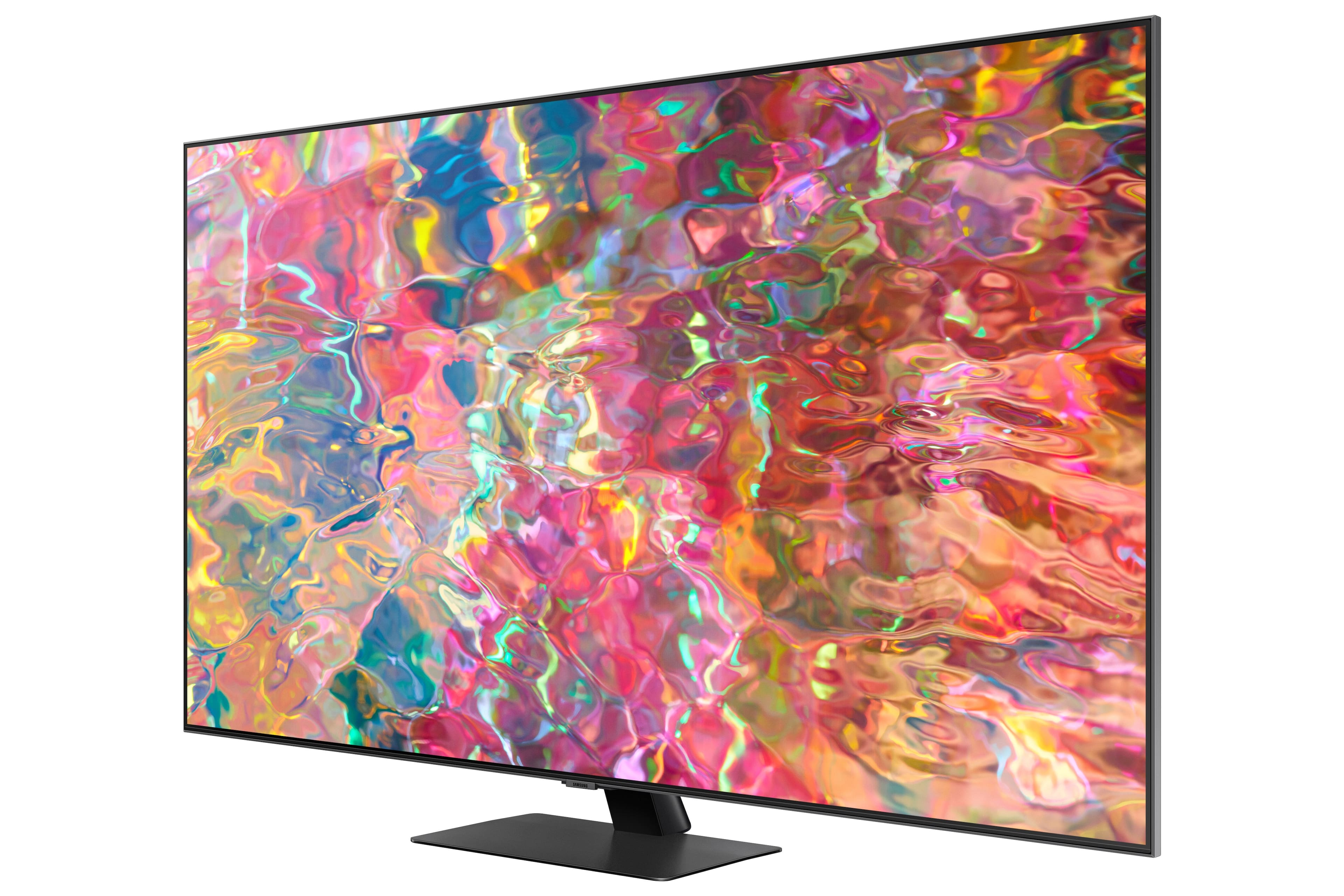
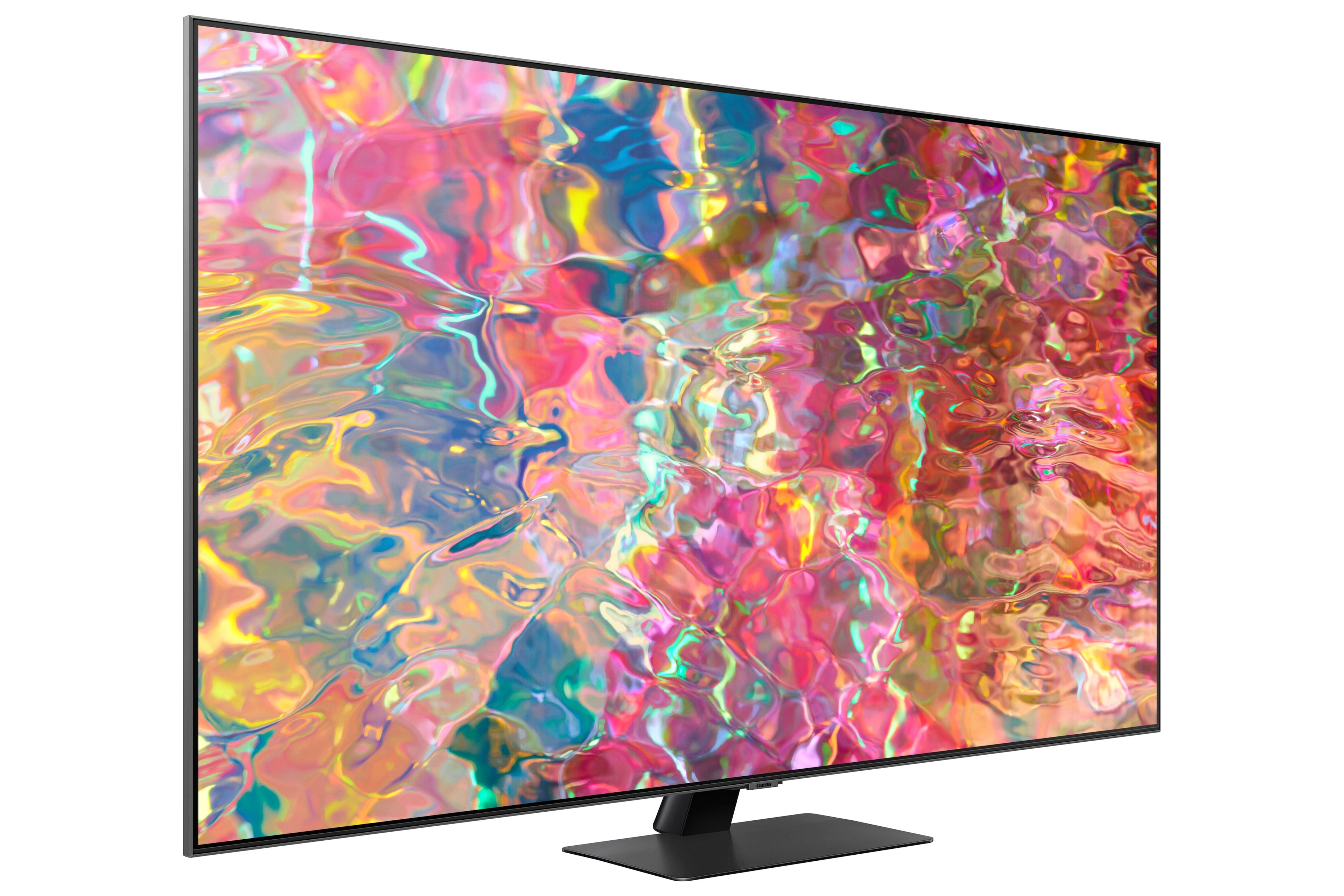
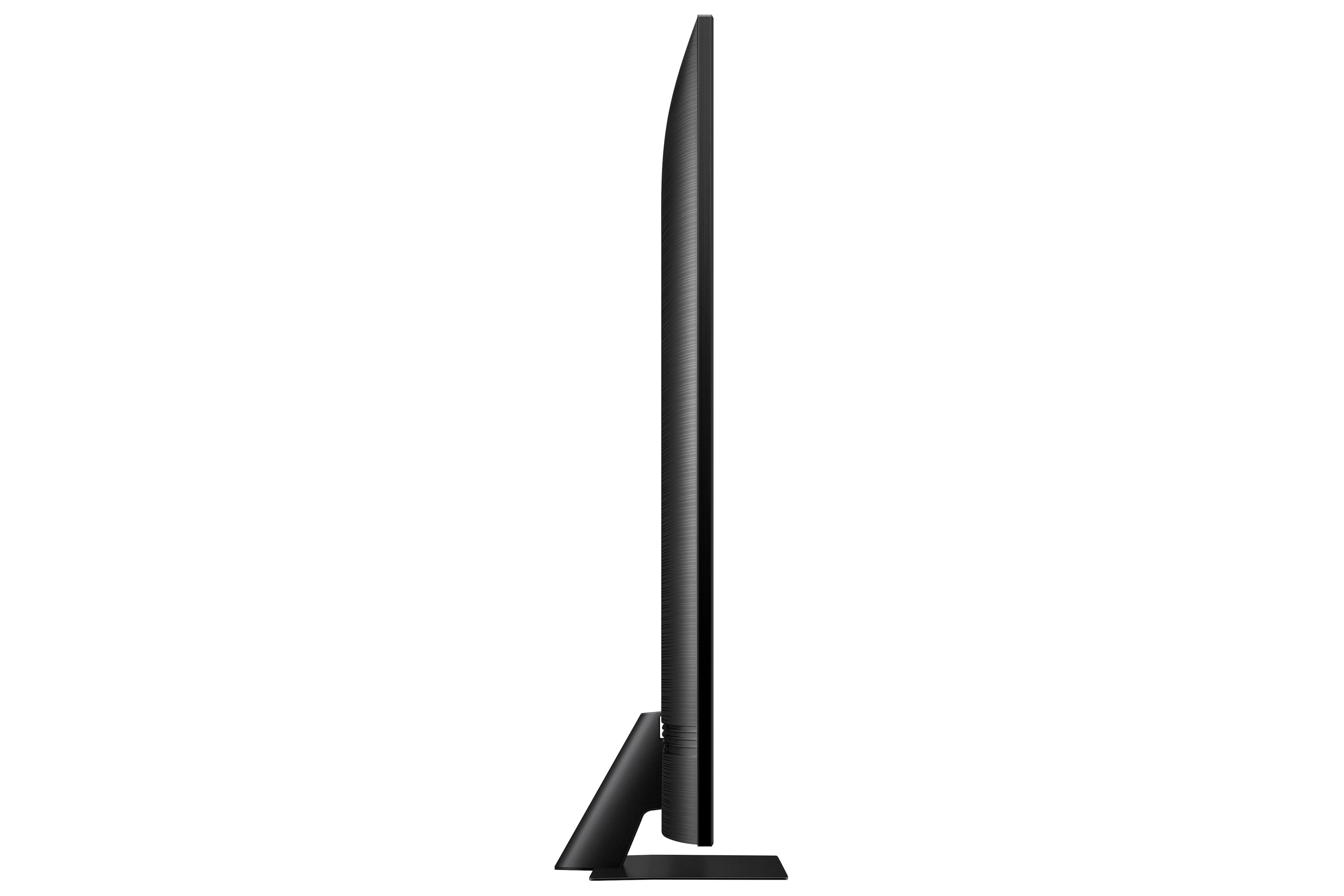

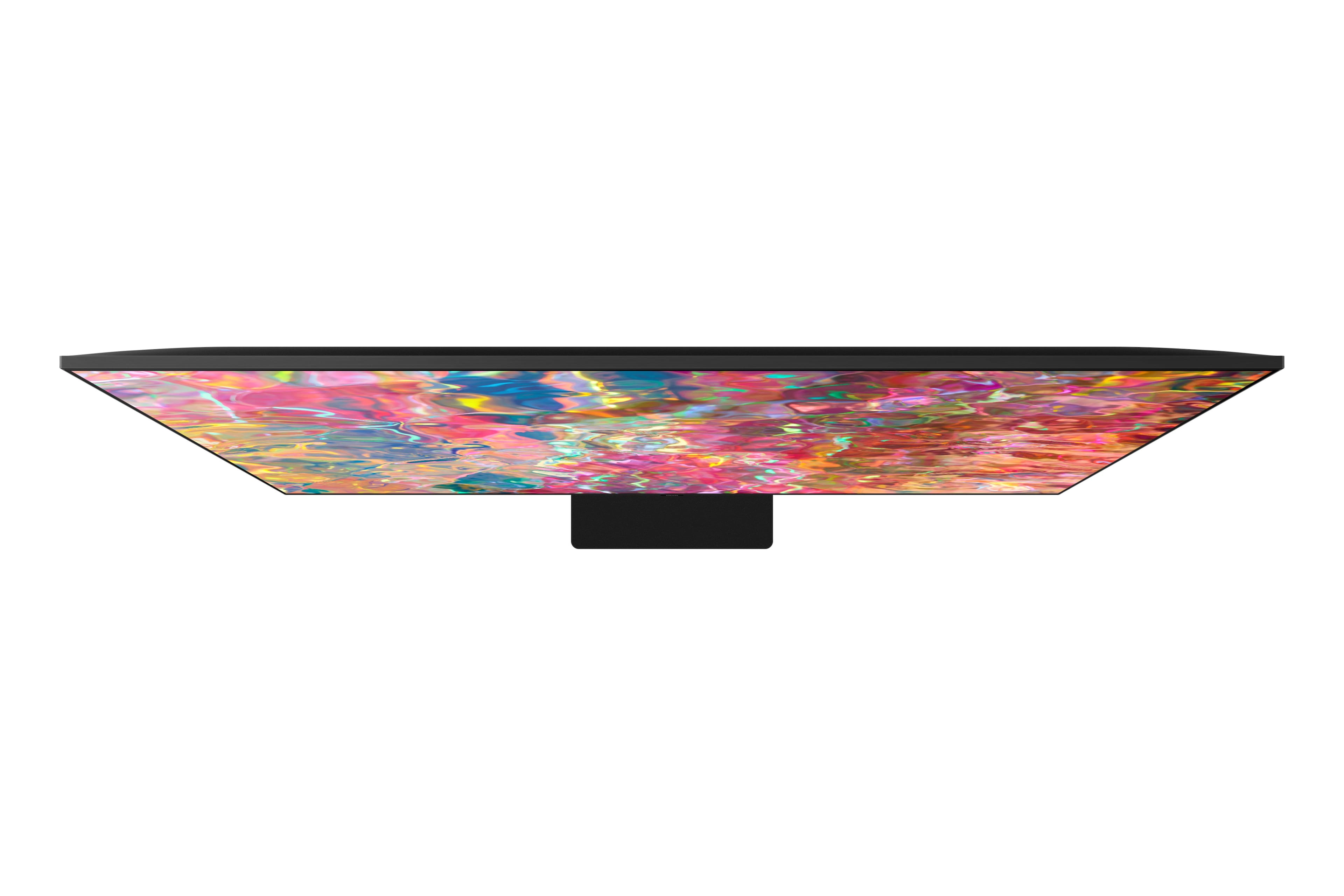
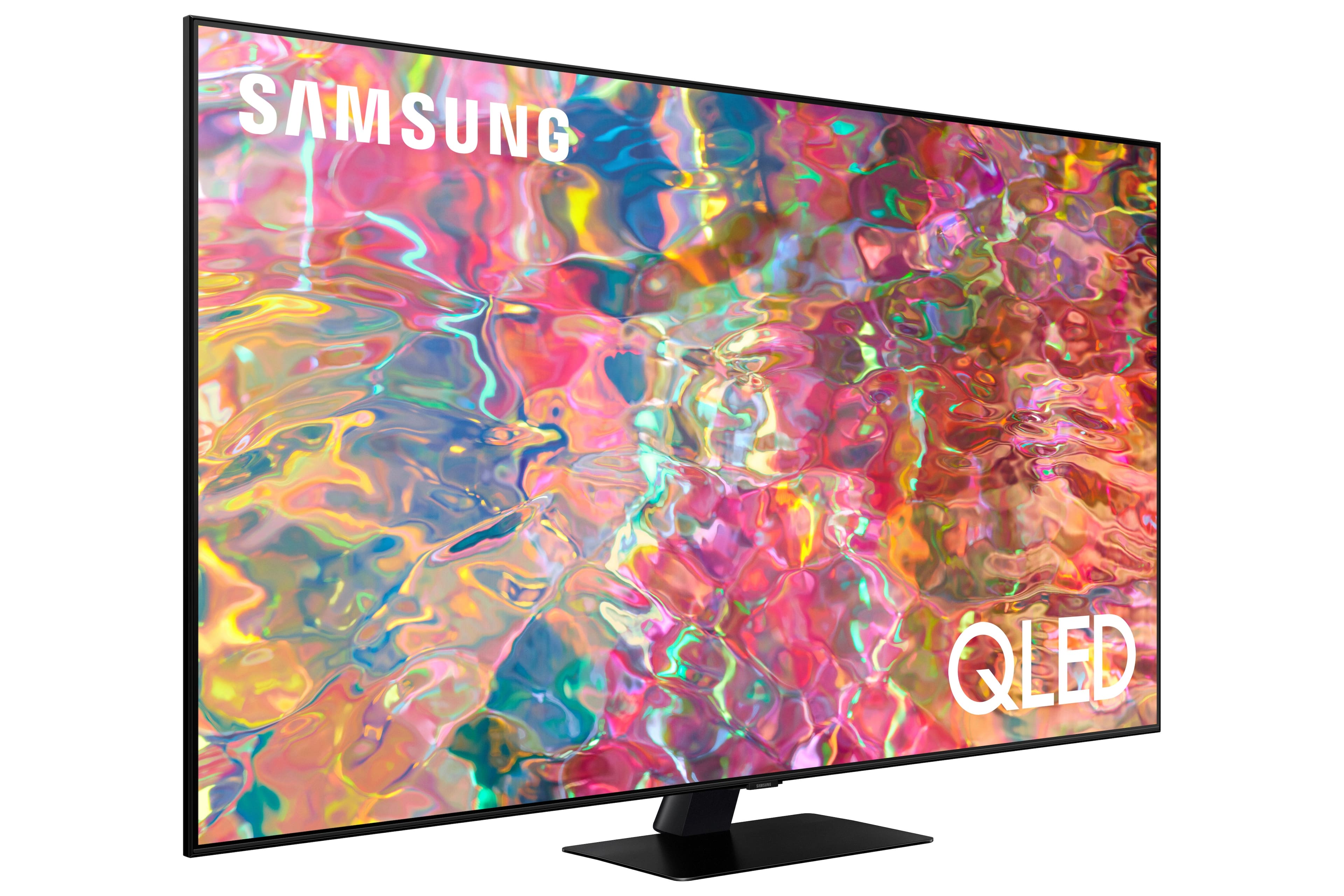
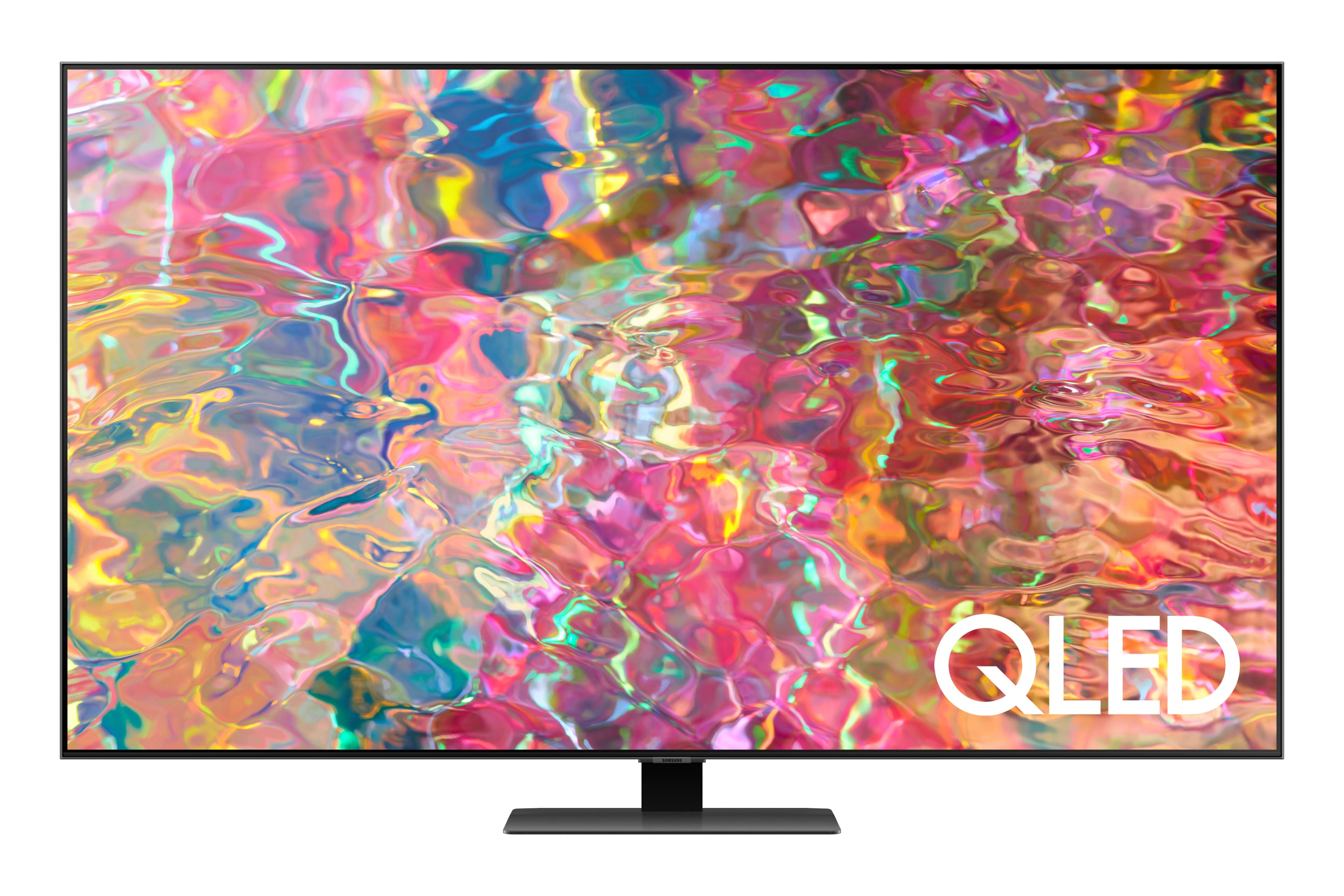
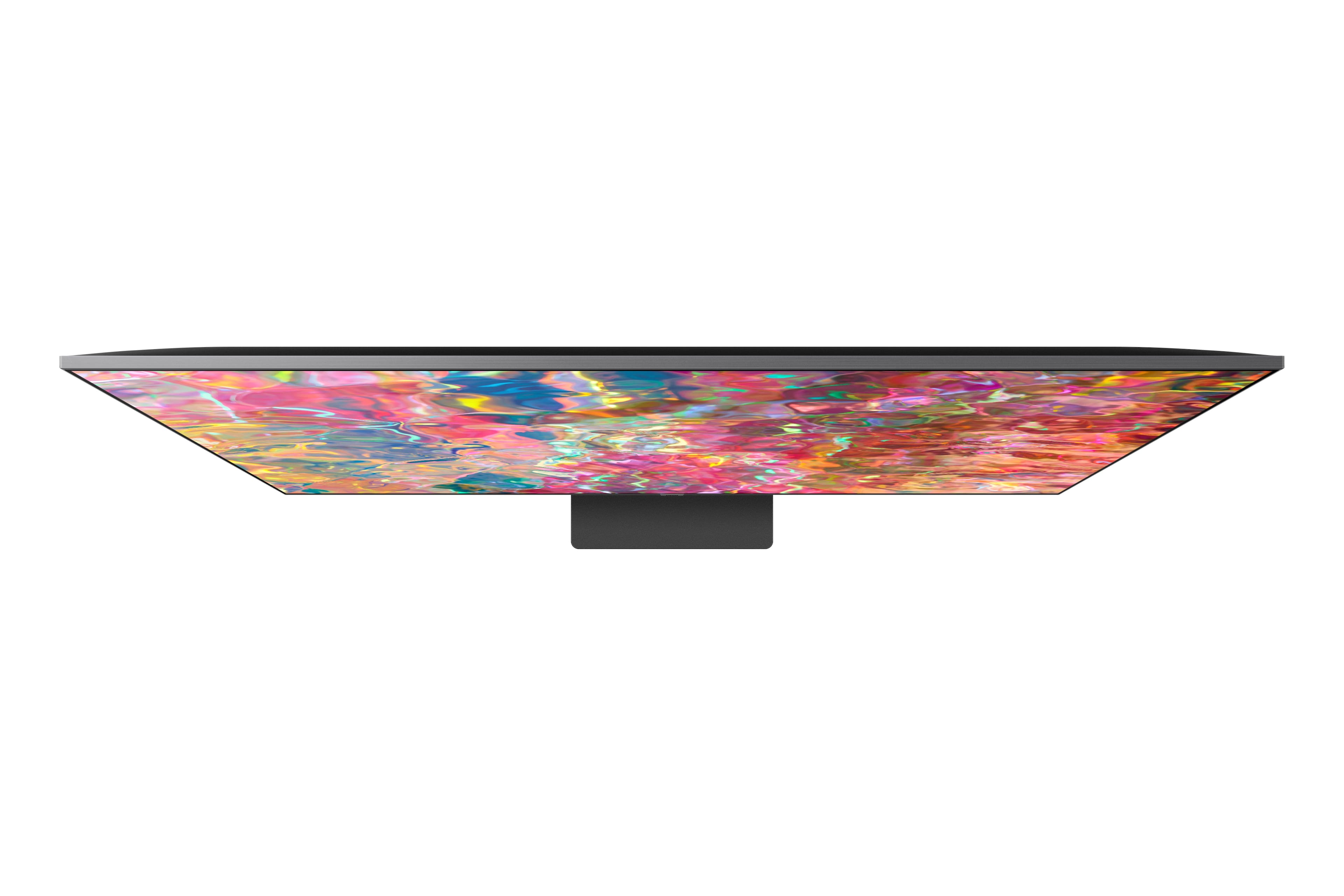
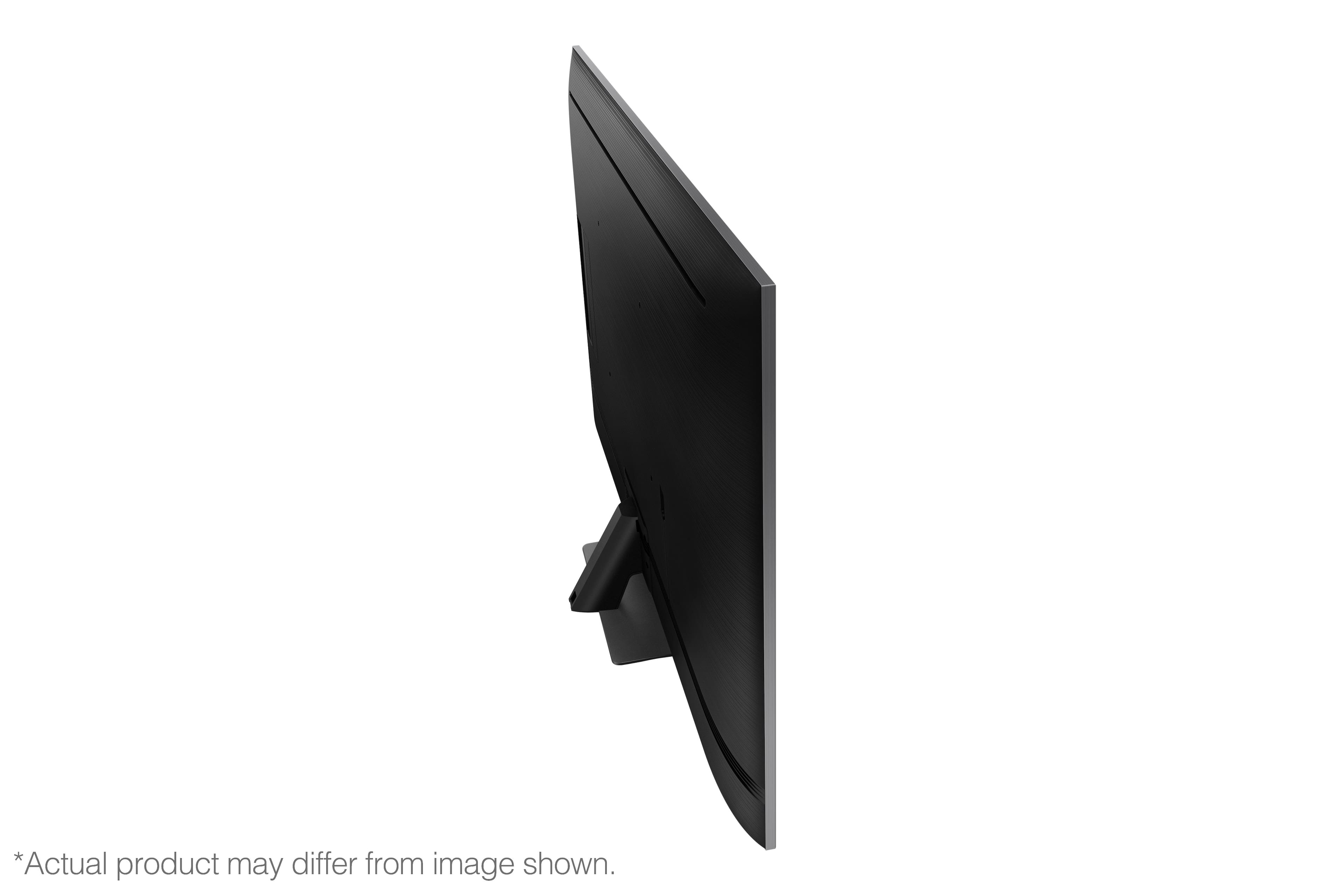
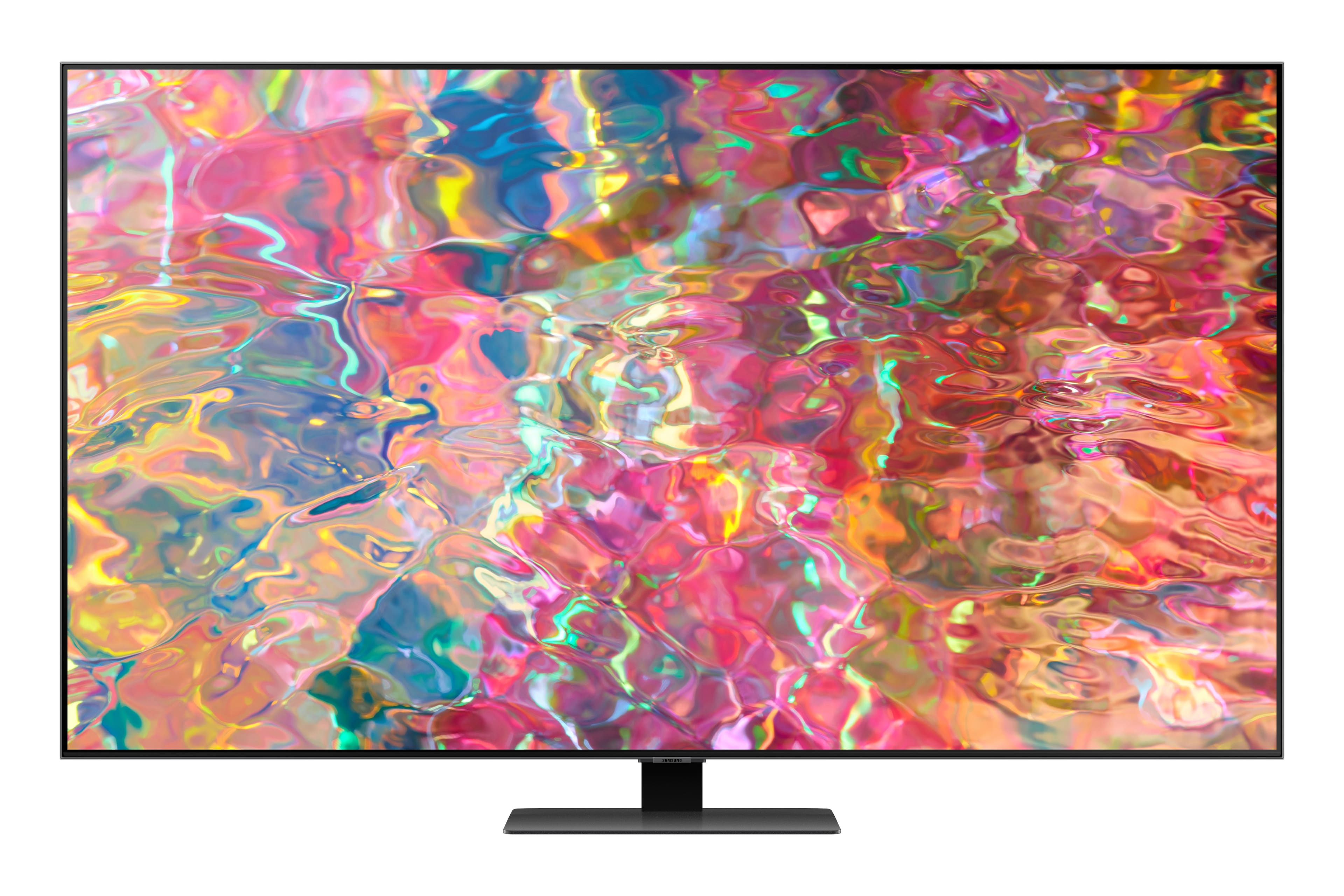
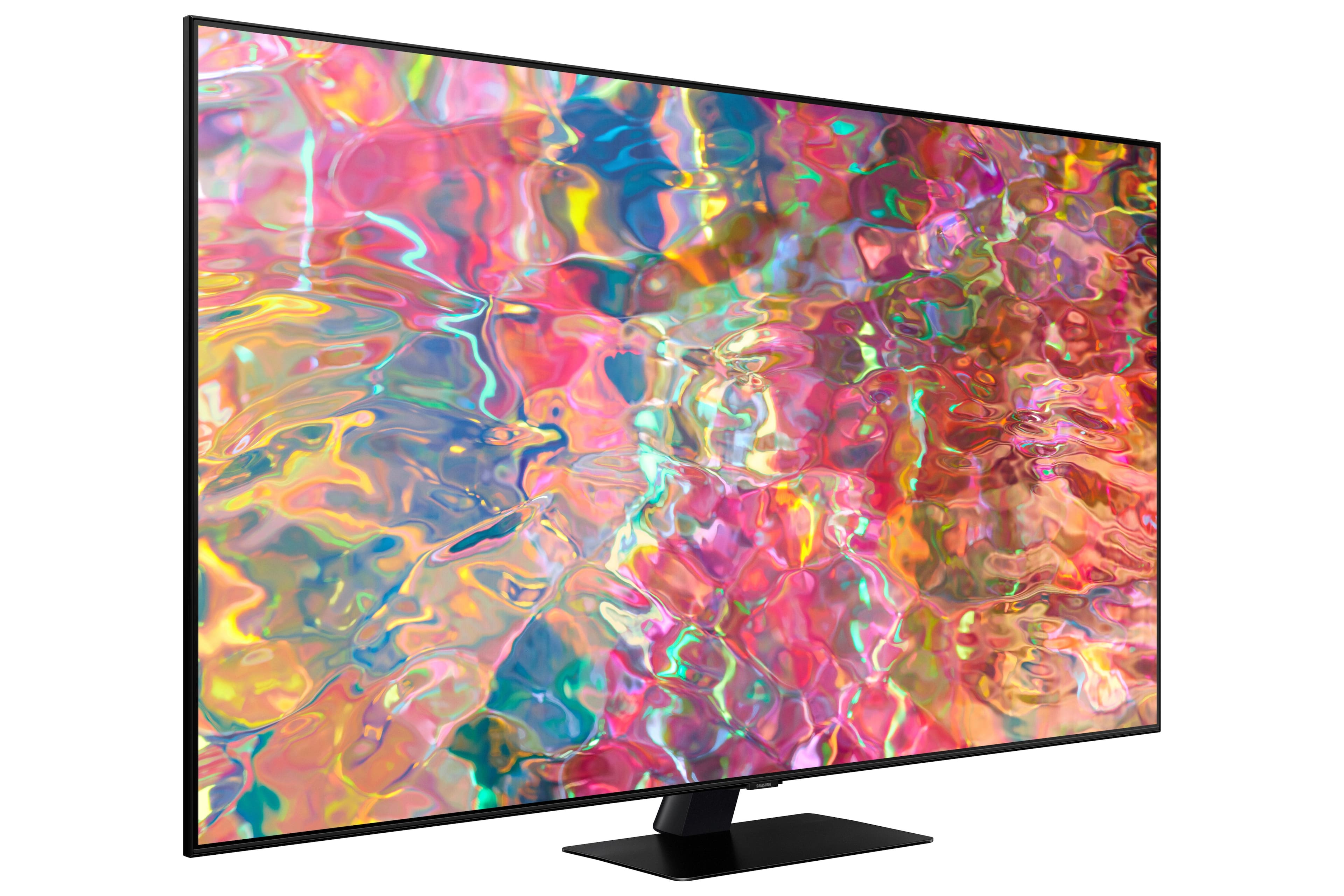
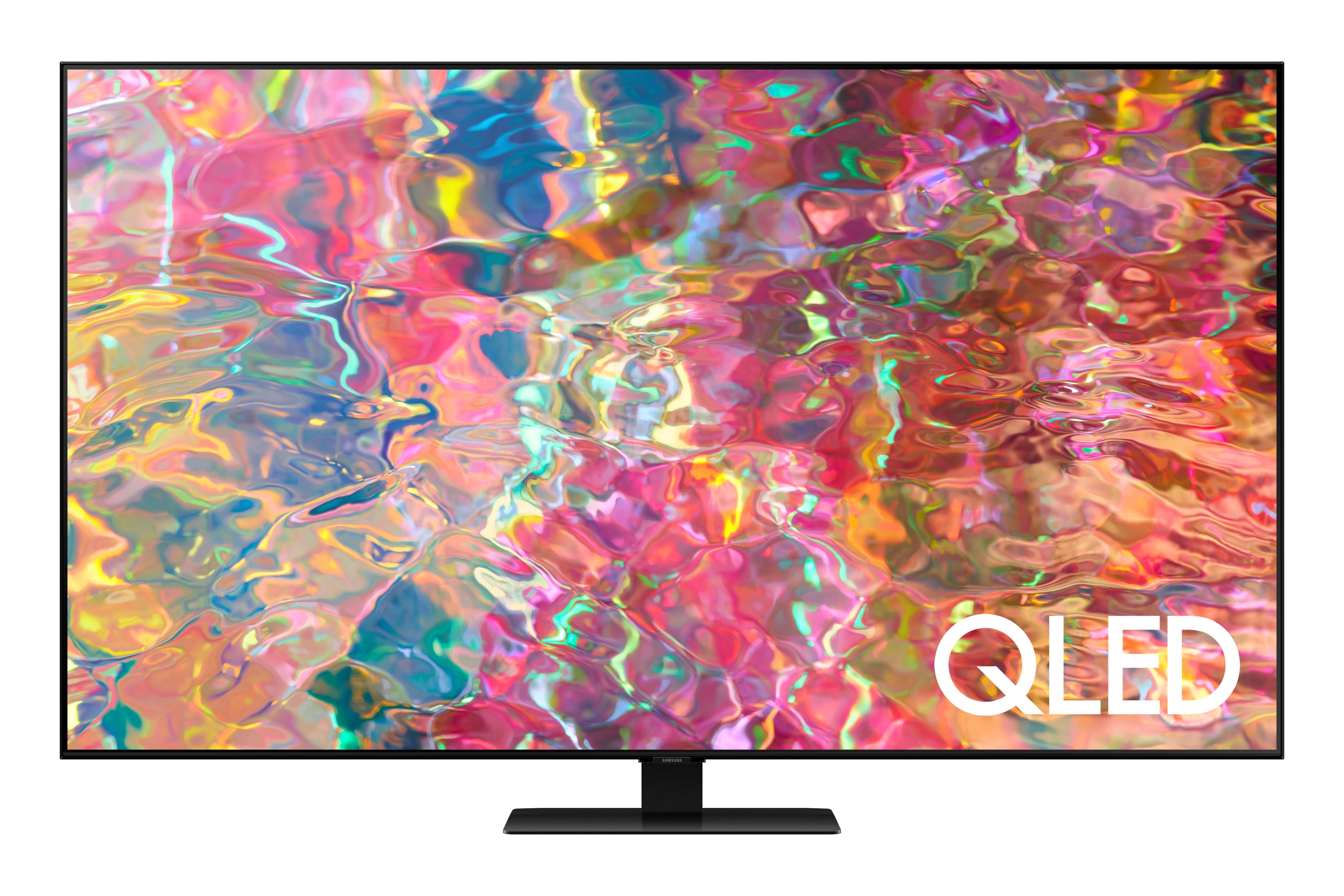
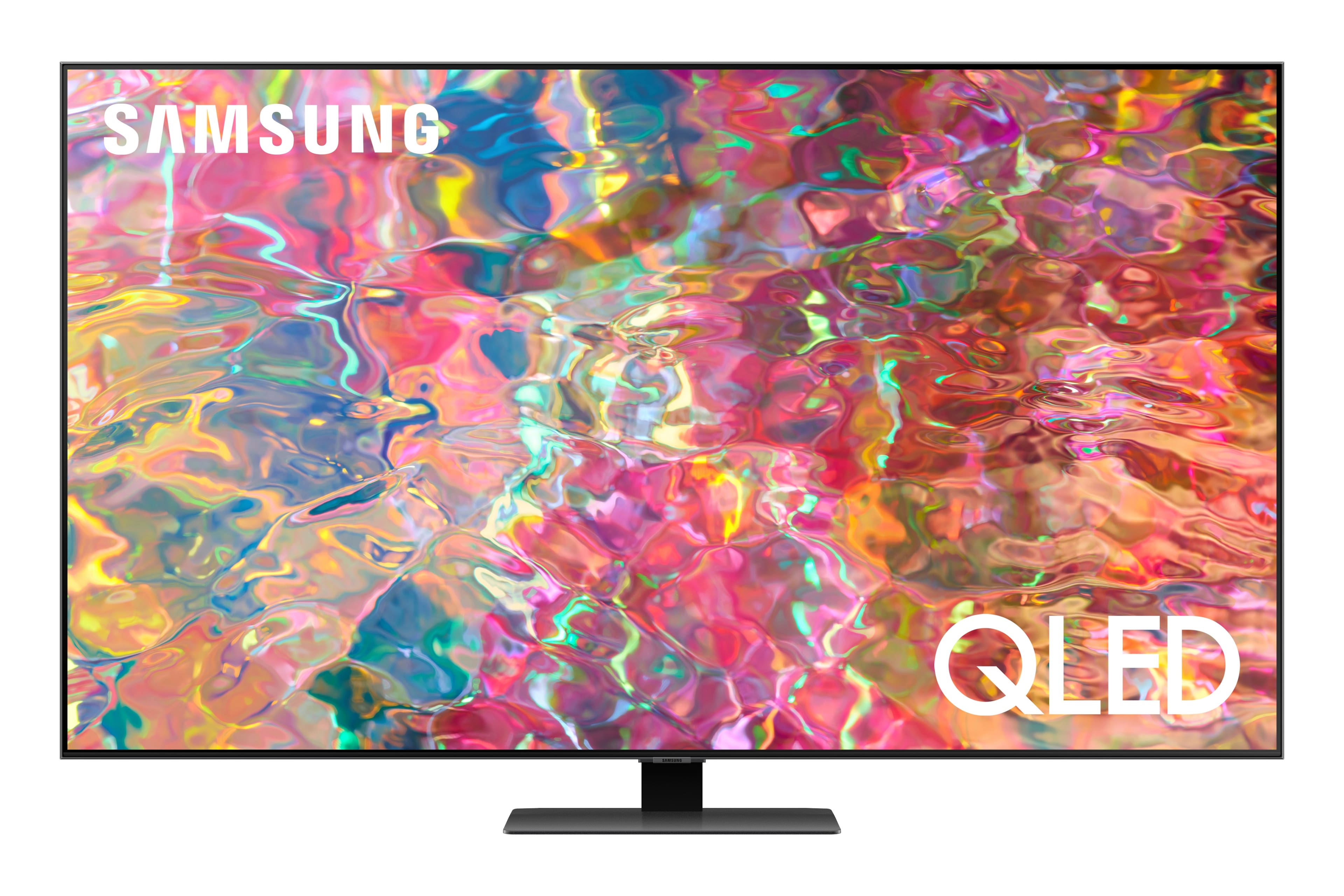
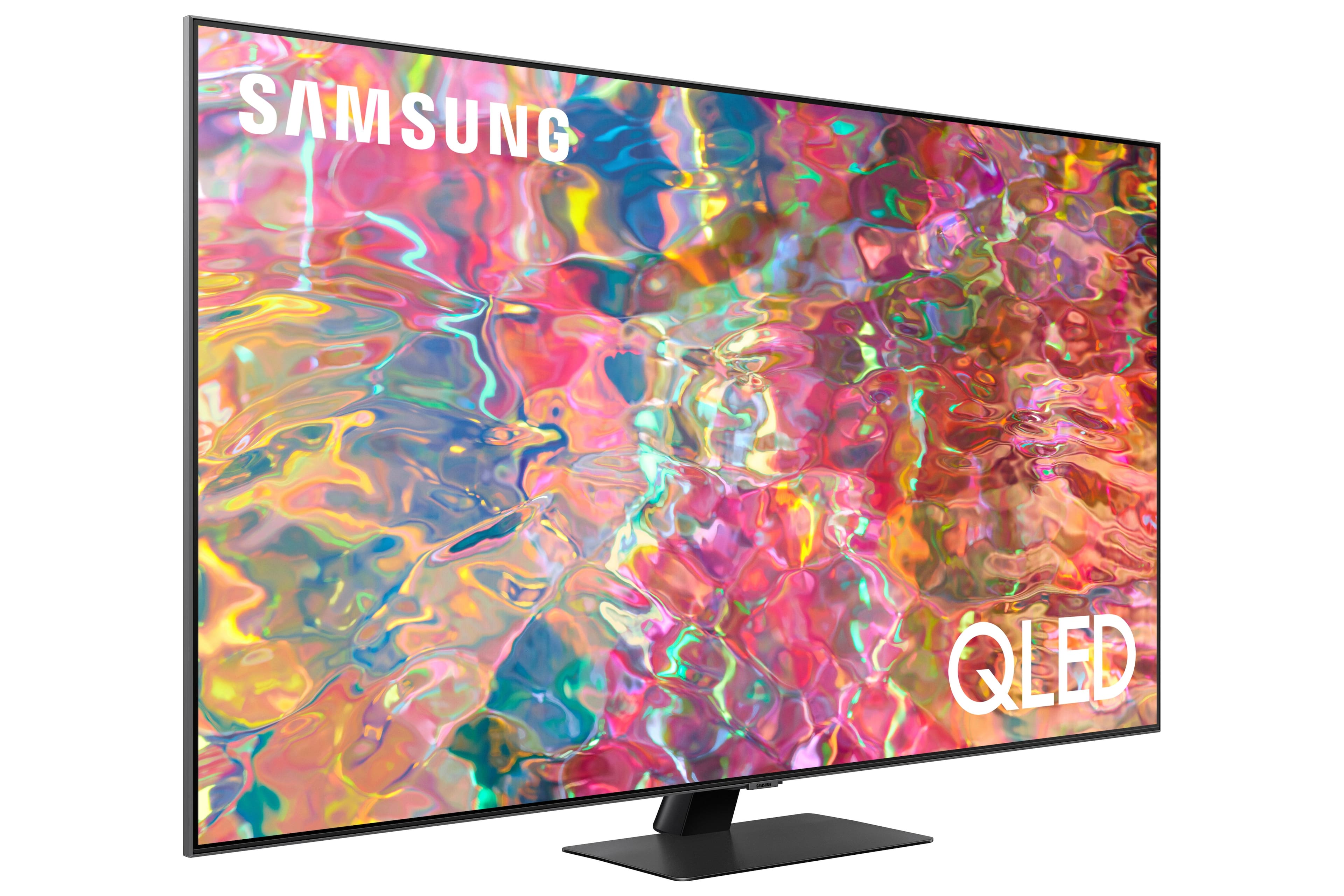











- Model:
- QN65Q80BAFXZA
- SKU:
- 6503080
Rating by feature
- Picture Quality
Rating 4.8 out of 5 stars
- Sound Quality
Rating 4.6 out of 5 stars
- Brightness
Rating 4.8 out of 5 stars
Customers are saying
Customers love the 65” Class Q80B QLED 4K Smart Tizen TV for its stunning picture quality, easy setup, and immersive sound. They rave about the vibrant colors, sharp clarity, and excellent gaming experience. While some find the remote control to be a bit tricky to use, the overall consensus is that this TV offers great value for its price.
This summary was generated by AI based on customer reviews.
Great tv
||Posted . Owned for 1 month when reviewed.This reviewer received promo considerations or sweepstakes entry for writing a review.This tv is used for our master bedroom and it is a great addition. We use this tv a lot and never disappoints. This tv works great with google.
I would recommend this to a friend- Cons mentioned:Remote control
Samsung new remotes are garbage
||Posted . Owned for 3 months when reviewed.This reviewer received promo considerations or sweepstakes entry for writing a review.Remote is garbage. Bought 3 Samsung TV’s on the same day in March. Now, cannot operate any of them because the remotes do not work. Can only turn on and off.
No, I would not recommend this to a friend Picture quality is not great
||Posted . Owned for 3 weeks when reviewed.This reviewer received promo considerations or sweepstakes entry for writing a review.Picture quality is not great at all. I expected much better for the price. I have had it three weeks and would like to return it for a better TV. I have regular LED TVs with better picture quality.
No, I would not recommend this to a friendGreat BestBuy Experience
||Posted . Owned for 3 weeks when reviewed.This reviewer received promo considerations or sweepstakes entry for writing a review.This is an amazing tv. The professional installation was exactly on time and well executed. Everything about this purchase was great.
I would recommend this to a friendHappy Family
||Posted . Owned for 3 weeks when reviewed.This reviewer received promo considerations or sweepstakes entry for writing a review.We have been very happy with the new tv. the technicians did a great job installing it and making sure that we knew how to use it.
I would recommend this to a friend- Pros mentioned:Picture quality
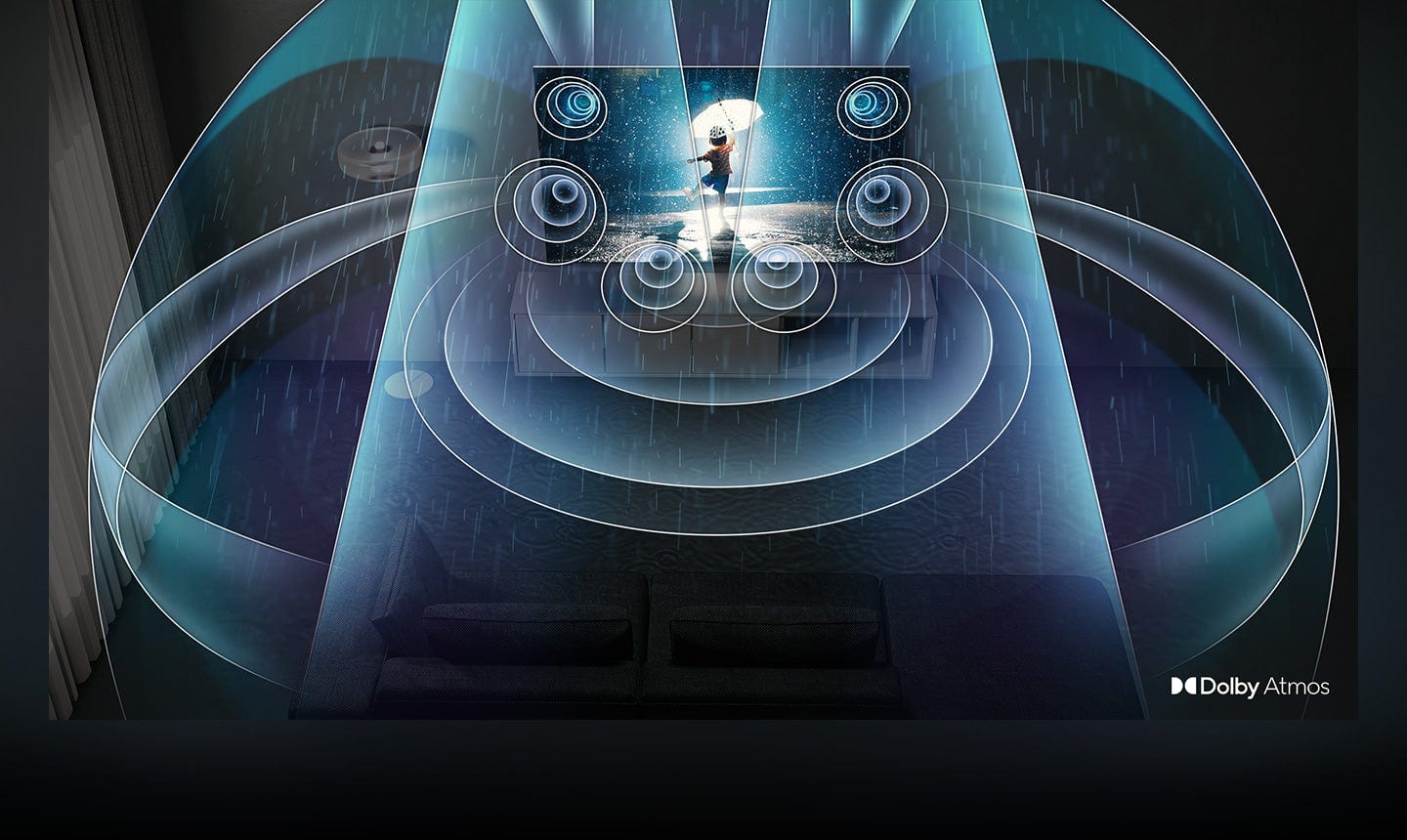
Great Sound
||Posted . Owned for 1 month when reviewed.This reviewer received promo considerations or sweepstakes entry for writing a review.The picture quality isn't the greatest. If you use the sound at boost level it is great, almost like having a soundbar. TV is not as thin as expected and it is extremely heavy.
No, I would not recommend this to a friendBrand response from Samsung
Posted .ChristineD,
Thank you for sharing your thoughts on the design, as well as the picture quality of your Q80B TV. To ensure you’ve got the latest image quality updates, please confirm that your TV is up to date with the latest firmware version. You can check by going to: Home > Menu > Settings > Support > Software Update.
If the picture you’re seeing is still not to your liking after updating firmware, there are several picture settings you may want to try adjusting.
Go to Home > Menu > Settings > All Settings > Picture > Picture Mode
...and select the mode that best fits your usage:
1) Standard: Is the default mode suitable for general viewing environments.
2) Movie: Is suitable for watching TV or movies in a dark room.
3) Dynamic: Makes the picture brighter and clearer in bright viewing environments.
4) Filmmaker Mode: You can watch the source content (e.g., movie) as it is. If the image is defined as Filmmaker Mode, it will automatically switch to Filmmaker Mode while watching.
You can also go to: Home > Menu > Settings > All Settings > Picture > Expert Settings to manually fine tune your image.
For further assistance with settings adjustments, please contact Samsung Customer Support at 1-800-SAMSUNG, 8AM - 12AM EST, 7 days a week. Or visit us on the Samsung website and click on the ‘Support’ link for:
• LiveChat
• Manuals, Software, & Warranty Info
~ Samsung Specialist
Very happy with this purchase!
||Posted . Owned for 3 weeks when reviewed.This reviewer received promo considerations or sweepstakes entry for writing a review.Everything was perfect! The installers showed up on time, were extremely polite and professional, and I couldnt be happier. Thanks Bestbuy
I would recommend this to a friendHappy happy happy.
||Posted .This reviewer received promo considerations or sweepstakes entry for writing a review.Very happy with tv and salesman, and the guidance he gave. Was pleased with the gentlemen that installed and removed the old set.
I would recommend this to a friendGreat tv
||Posted . Owned for 3 weeks when reviewed.This reviewer received promo considerations or sweepstakes entry for writing a review.Great product and tremendous curtousy from all the staff. TV comes with Alexa integrated really enjoy it and the bass on it is superb
I would recommend this to a friendSamsung - 65” Class Q80B QLED 4K Smart Tizen TV
||Posted . Owned for 1 month when reviewed.This reviewer received promo considerations or sweepstakes entry for writing a review.We bought this 65' at the right moment, and saved so much in adding to our entertainment , and now know what we have been missing.
I would recommend this to a friendSATISFIED CUSTOMER
||Posted . Owned for 1 month when reviewed.This reviewer received promo considerations or sweepstakes entry for writing a review.IT IS EVERYTHING I WAS LOOKING FOR AND MORE. I AM STILL LEARNING SOME OF THE FEATURES BUT I AM MORE THAN HAPPY WITH THE TV
I would recommend this to a friendGreat choice
||Posted . Owned for 3 weeks when reviewed.This reviewer received promo considerations or sweepstakes entry for writing a review.Was very pleased with the help I received in making the right choice for my television and what I was wanting out of my purchase.
I would recommend this to a friendTV
||Posted . Owned for 1 month when reviewed.This reviewer received promo considerations or sweepstakes entry for writing a review.Excellent TV for the price and very easy operate plut the Gus that installed and hung above my fire place were very help.
I would recommend this to a friendBrilliant
||Posted . Owned for 1 month when reviewed.This reviewer received promo considerations or sweepstakes entry for writing a review.I love my Samsung TV, thanks to the second person who check the installation of the first group who made the first one.
I would recommend this to a friendTVs stuck in restart loop
||Posted . Owned for 1.5 years when reviewed.This reviewer received promo considerations or sweepstakes entry for writing a review.Do not mean do not buy this Tv a year and half in and tv is stuck a restart loop. Turn on and off won’t work properly gonna cost to fix because warranty is only 12 months. It is a common issue upon doing research online. For many Samsung tvs.
No, I would not recommend this to a friendSamsung 65-inch TV
||Posted . Owned for 2 months when reviewed.This reviewer received promo considerations or sweepstakes entry for writing a review.This Samsung 65-inch TV is excellent. The remote control is smaller than I expected, but it works perfectly.
I would recommend this to a friendTv review
||Posted . Owned for 1 week when reviewed.This reviewer received promo considerations or sweepstakes entry for writing a review.Very pleased with this TV. I chose to go with quality over size. Looking forward to watching it for a long time.
I would recommend this to a friendSamantha
||Posted . Owned for 1 month when reviewed.This reviewer received promo considerations or sweepstakes entry for writing a review.We love our Samsung 65". We are enjoying all the great features of the Q80b QLED 4K Smart Tizen Television. Thank You.
I would recommend this to a friendSamsung television
||Posted . Owned for 1 month when reviewed.This reviewer received promo considerations or sweepstakes entry for writing a review.Great product. Works better than expected. Geek Squad flawlessly connected it to my existing sound system.
I would recommend this to a friend- Cons mentioned:Remote control
Don’t buy this TV!
||Posted . Owned for 1 month when reviewed.This reviewer received promo considerations or sweepstakes entry for writing a review.This is the worst tv I have ever owned! It is slow to come on with a picture the remote has no labels
No, I would not recommend this to a friendBrand response from Samsung
Posted .AbeJ,
If your TV takes a while to turn on, apps take longer to start, or the menu takes longer to load, please try discharging or cold booting your TV, as this will help it start up normally again. You can cold boot your TV 2 ways:
1. With the Samsung TV remote:
- With the TV turned on, press and hold the power button on your remote.
- Continue holding the power button while the TV powers off and back on.
2. Without the Samsung TV remote:
- With the TV turned on, unplug the TV's power cord from the power outlet and wait 30 seconds.
- Plug the TV power cord back into the power outlet and turn the TV back on.
This will clear your memory cache, and your TV should start running normally again.
Please also check to see if your TV has any software updates available, which could help it run smoother as well. You can check this by going to: Menu > Settings > Support > Software Update.
To assist you in learning the various functions and settings of your new Solar Cell Remote, you can download the Solar Cell Remote Guide directly from Samsung’s website under ‘Support’ (top right corner) > Manuals & Software > TVs & Home Theater. From there, you can select the Q80B under QLED 4K TVs > B Model Lineup.
The Remote Guide is also embedded into the TV itself under Menu > Settings > Support.
I hope these tips help you enjoy your new product.
You can always contact us for further help at 1-800-SAMSUNG, 8AM - 12AM EST, 7 days a week. Our LiveChat agents are also available by clicking on the ‘Support’ link on our website.
~ Samsung Specialist