Customer Ratings & Reviews
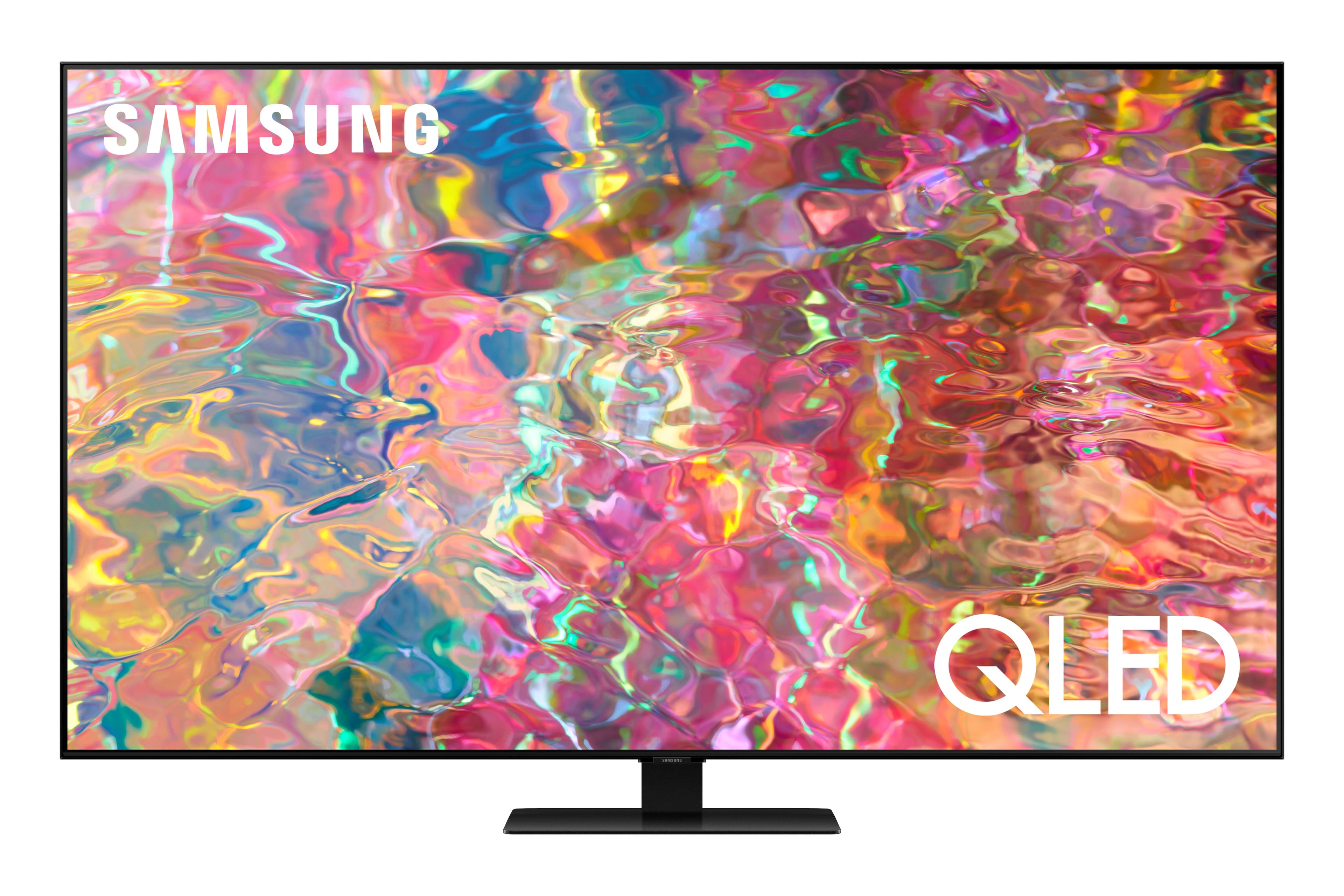
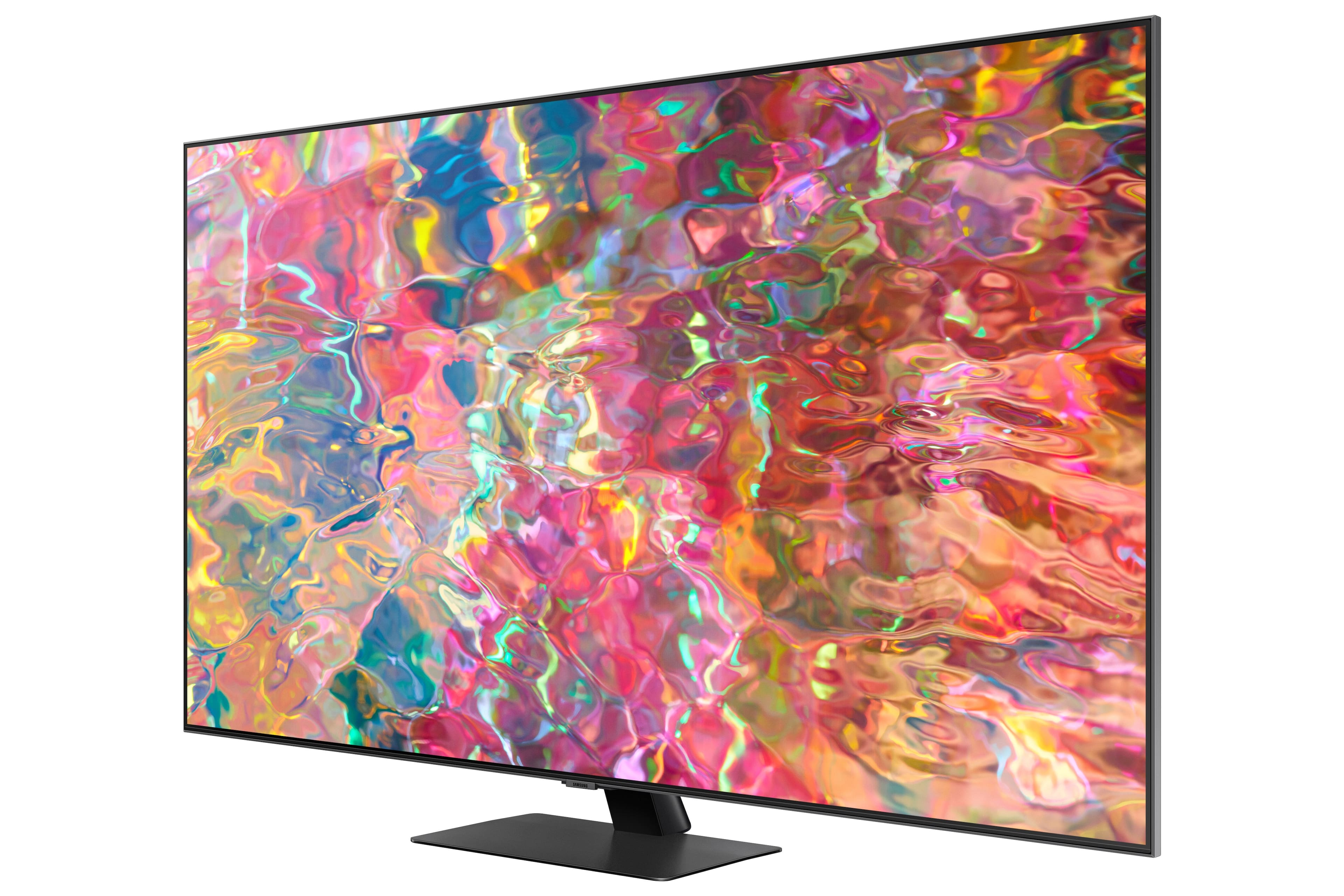
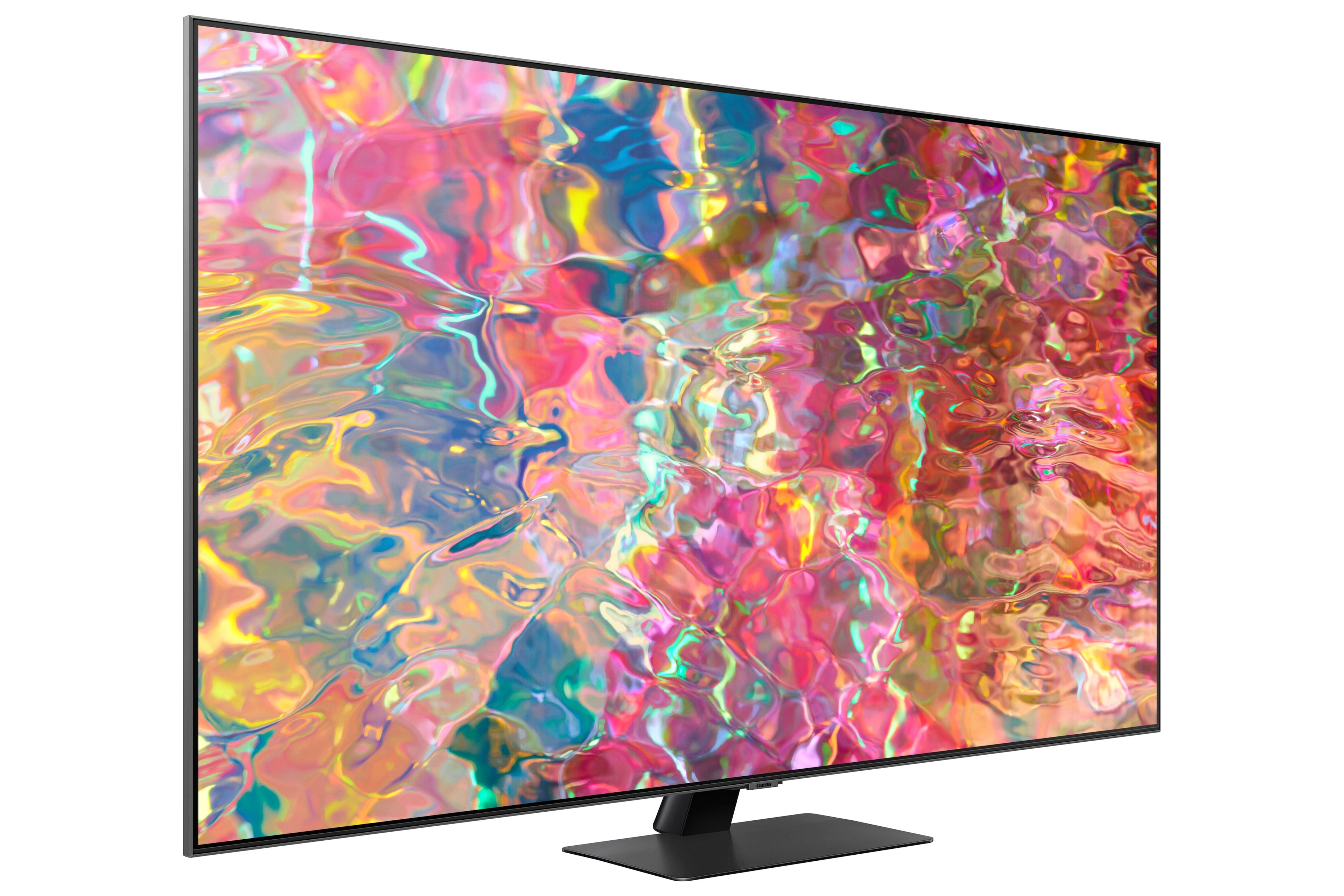
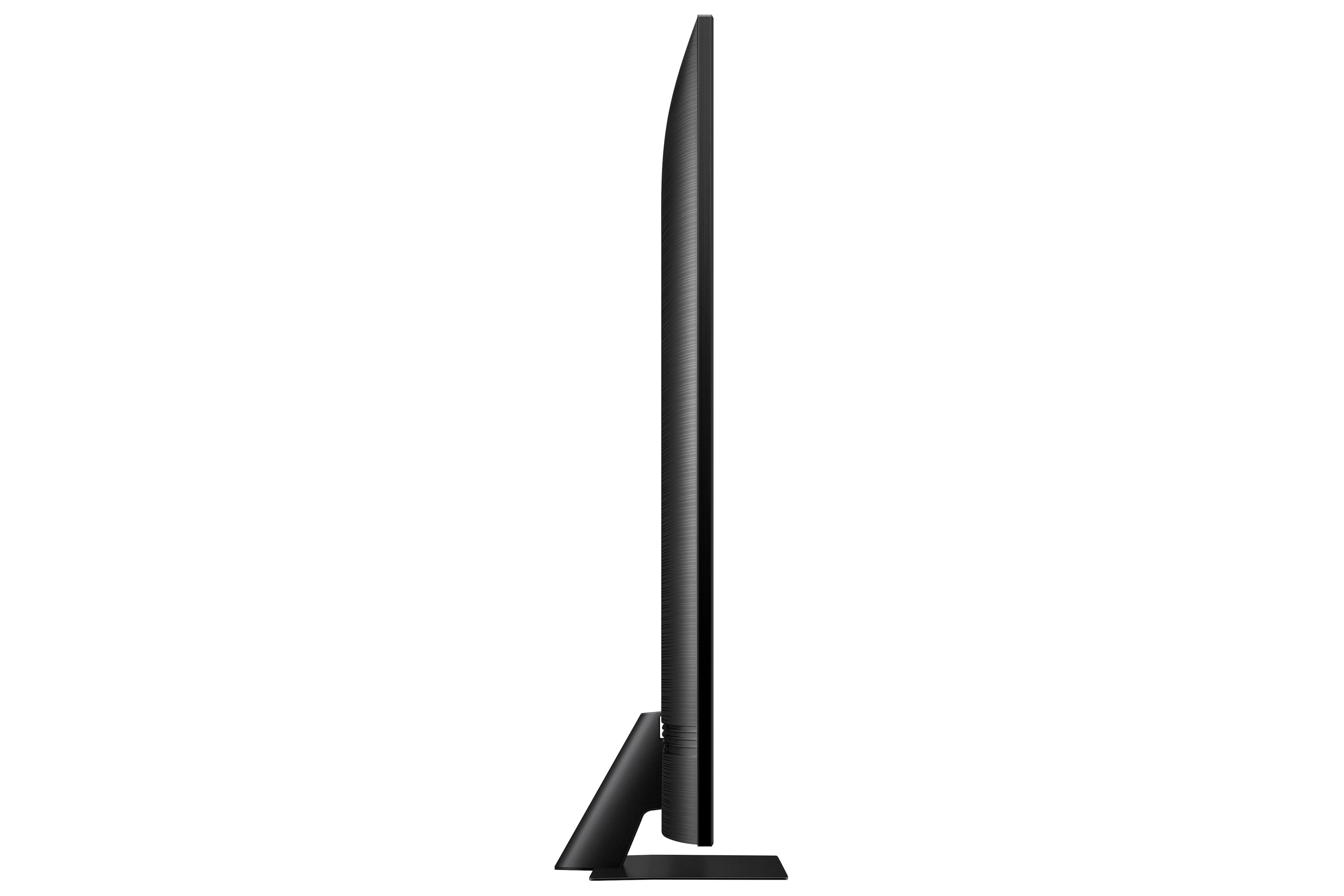

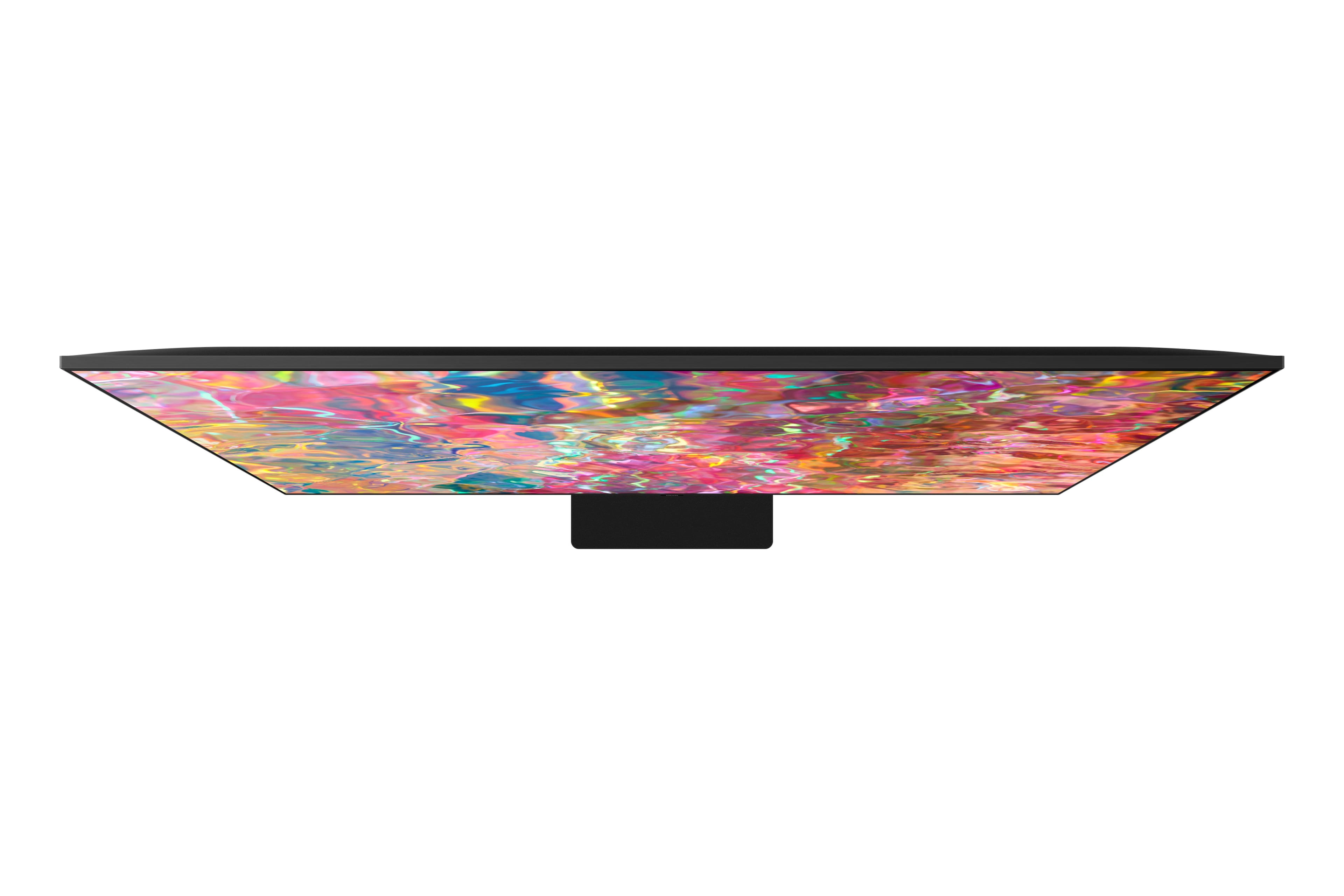
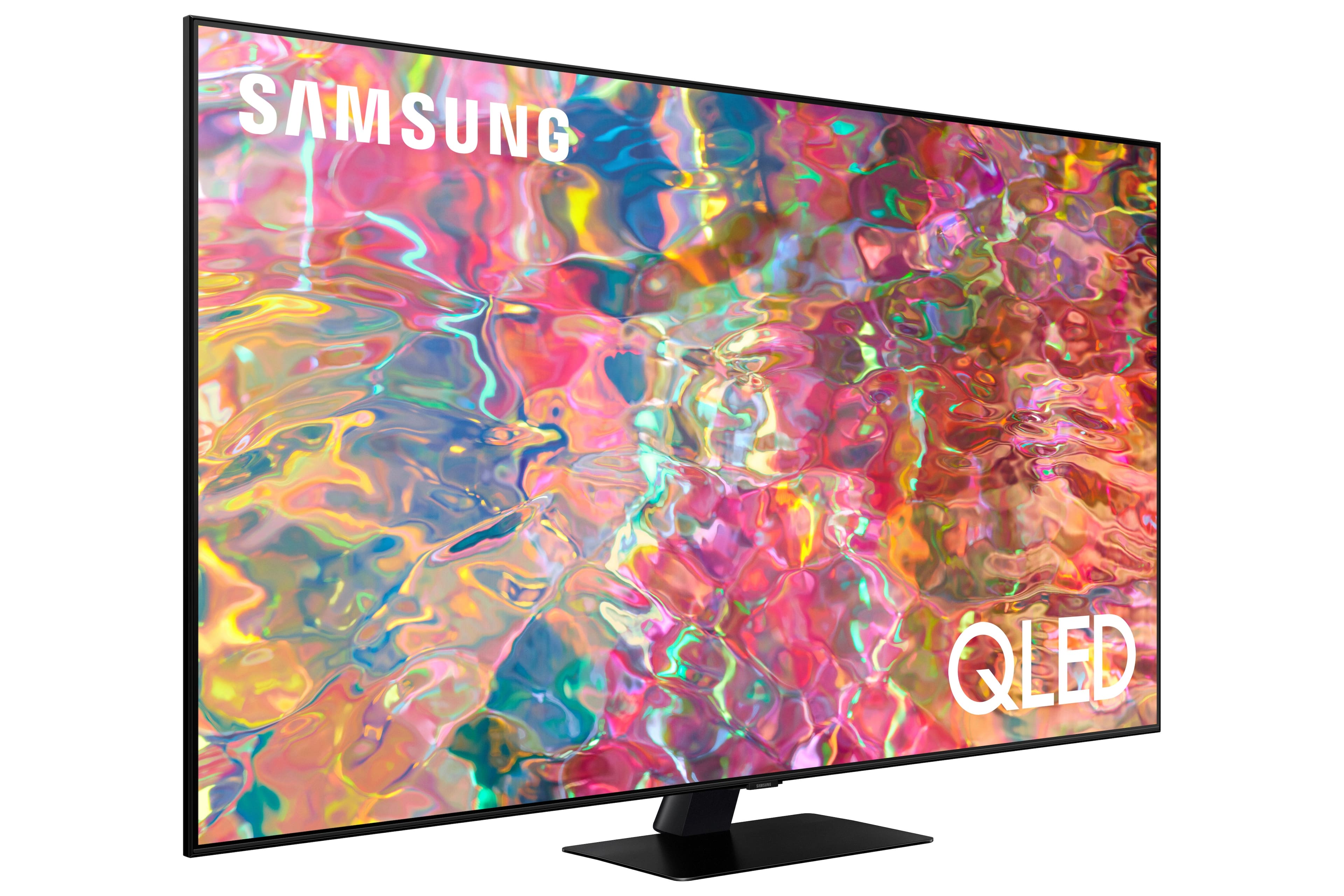
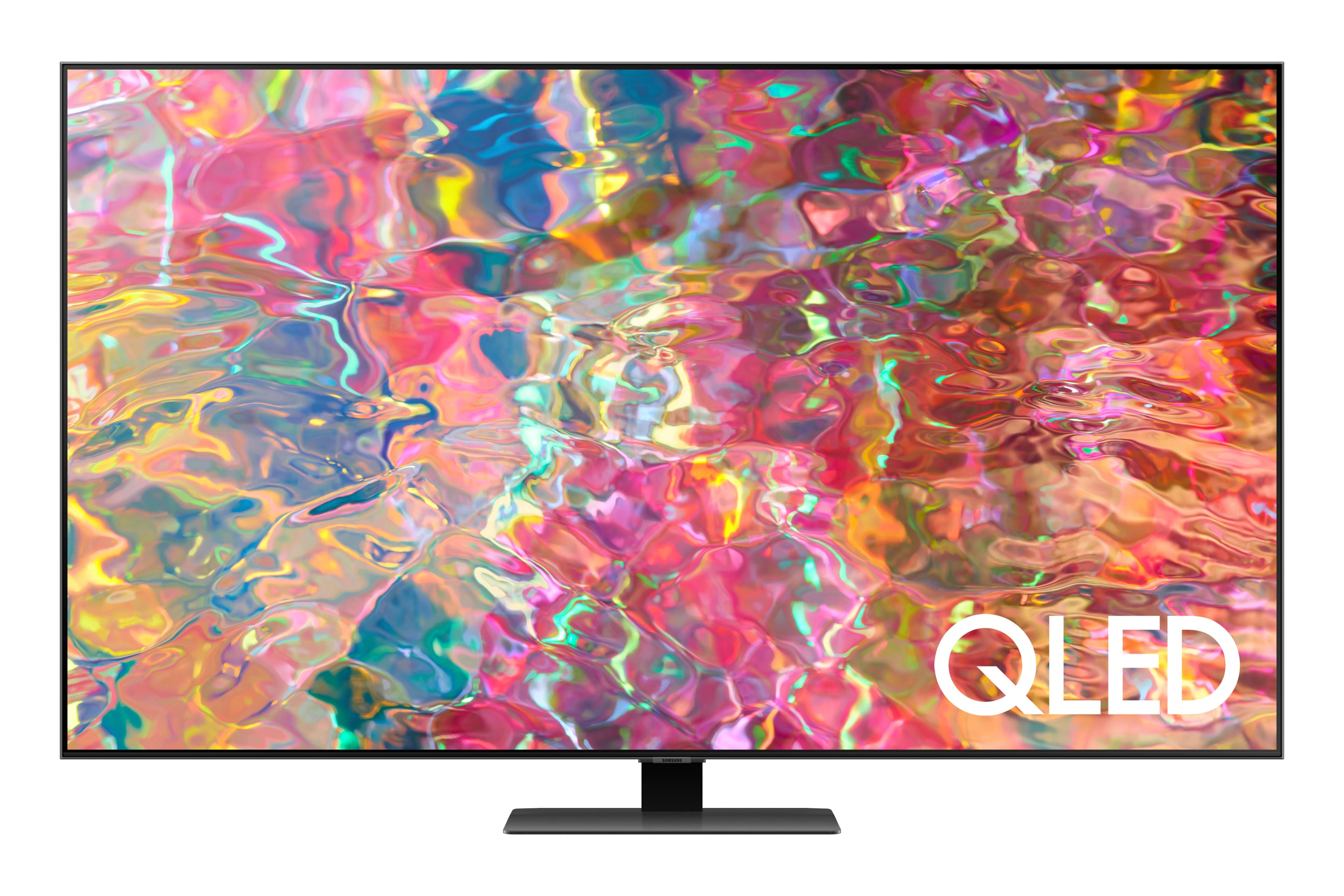
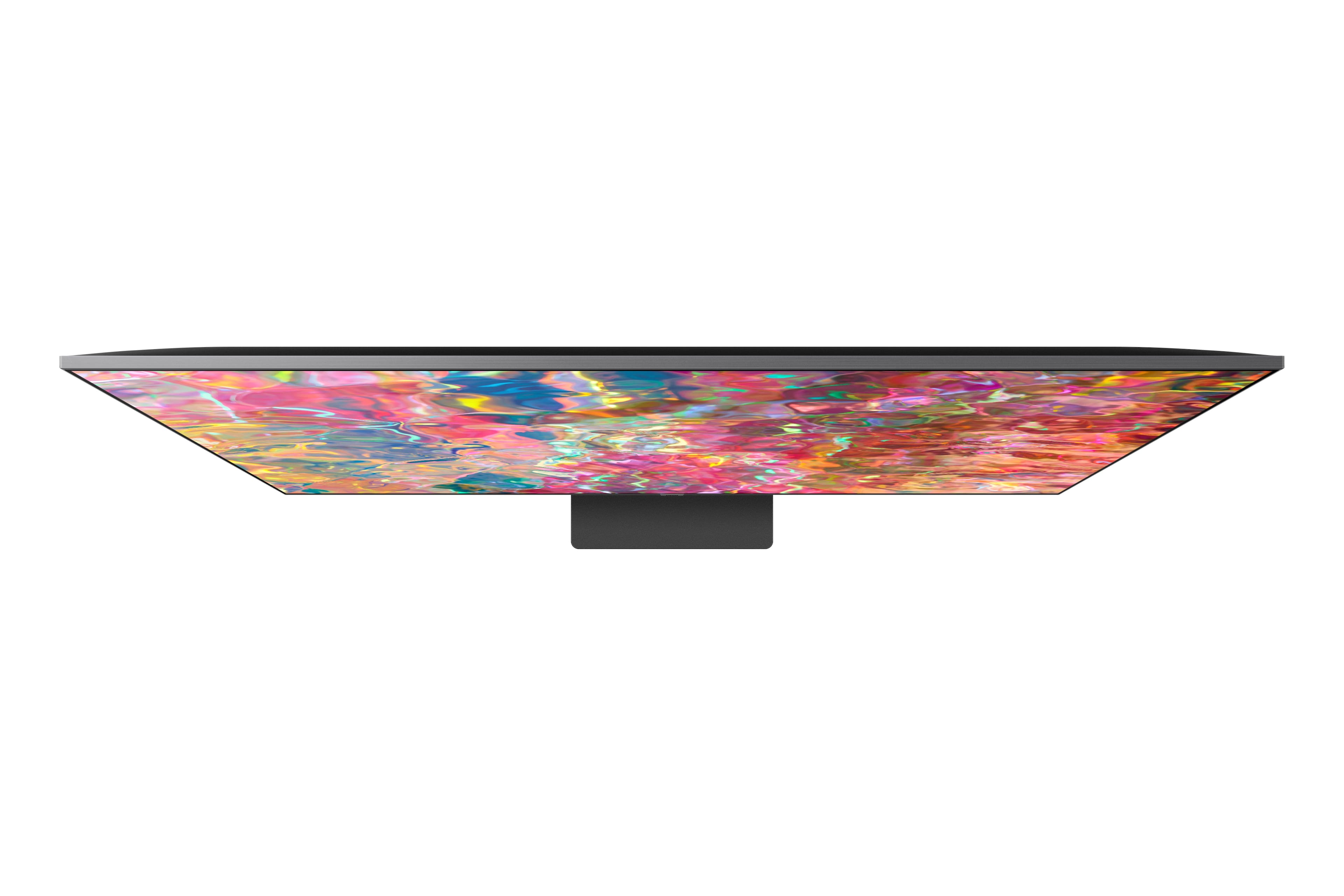
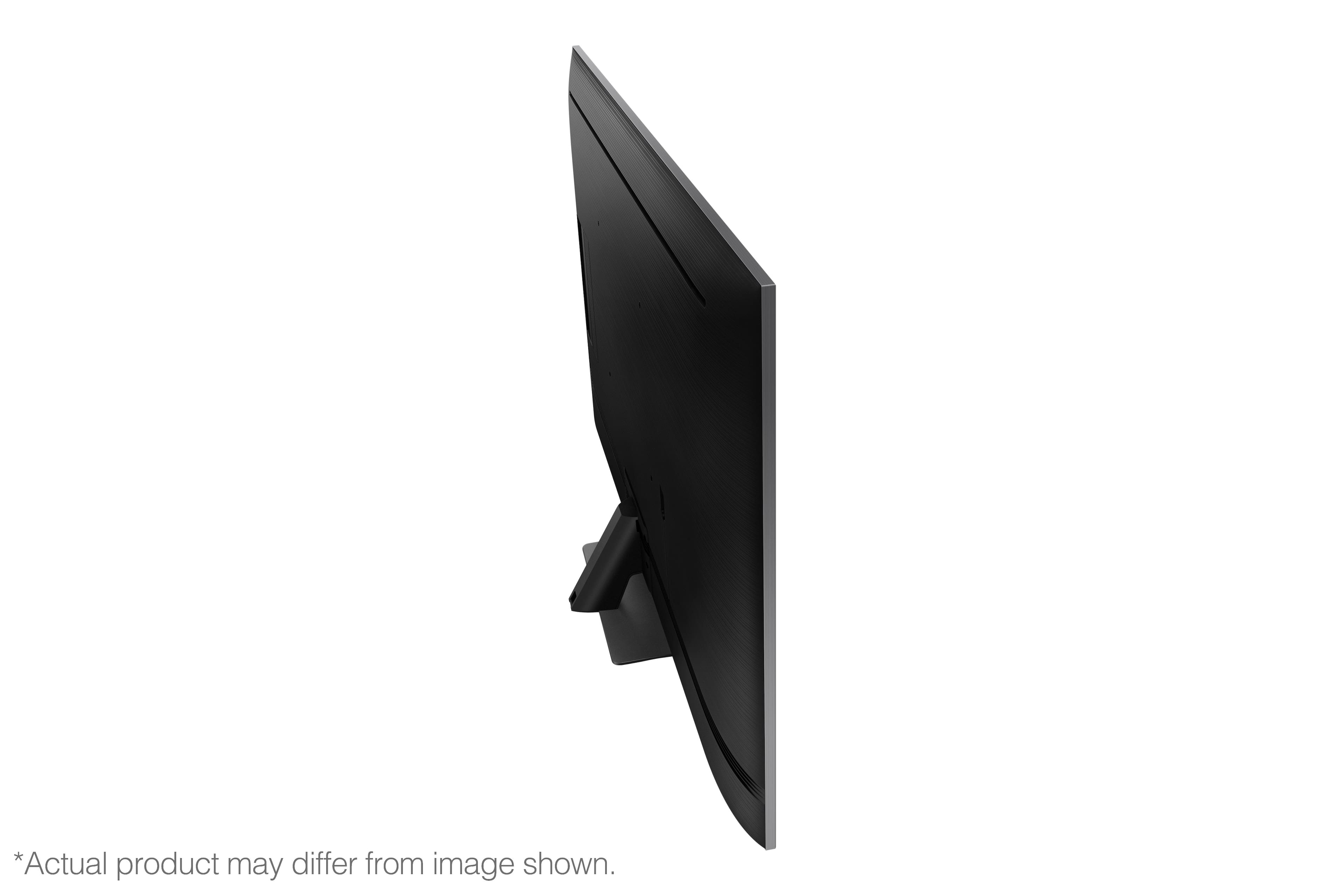
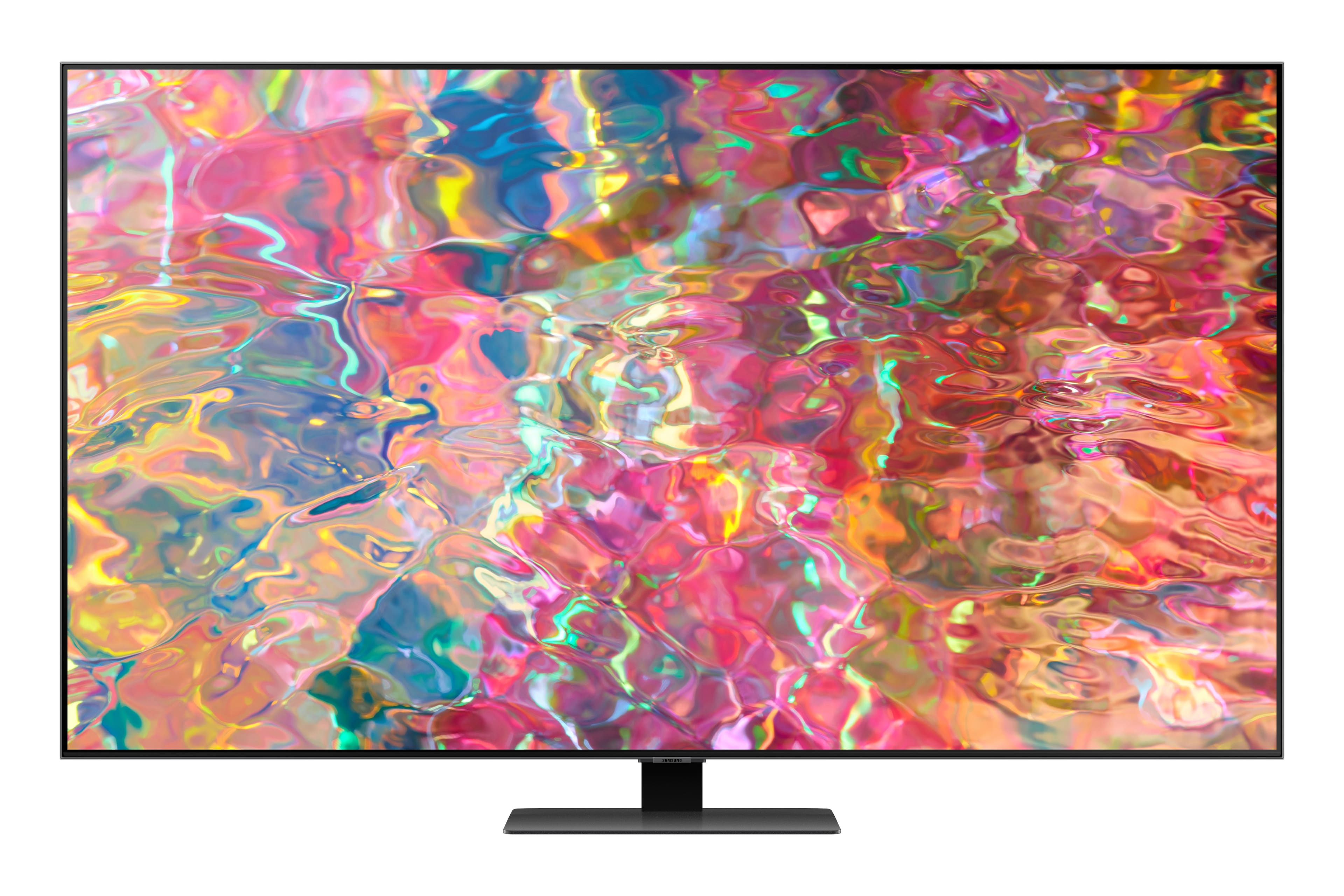
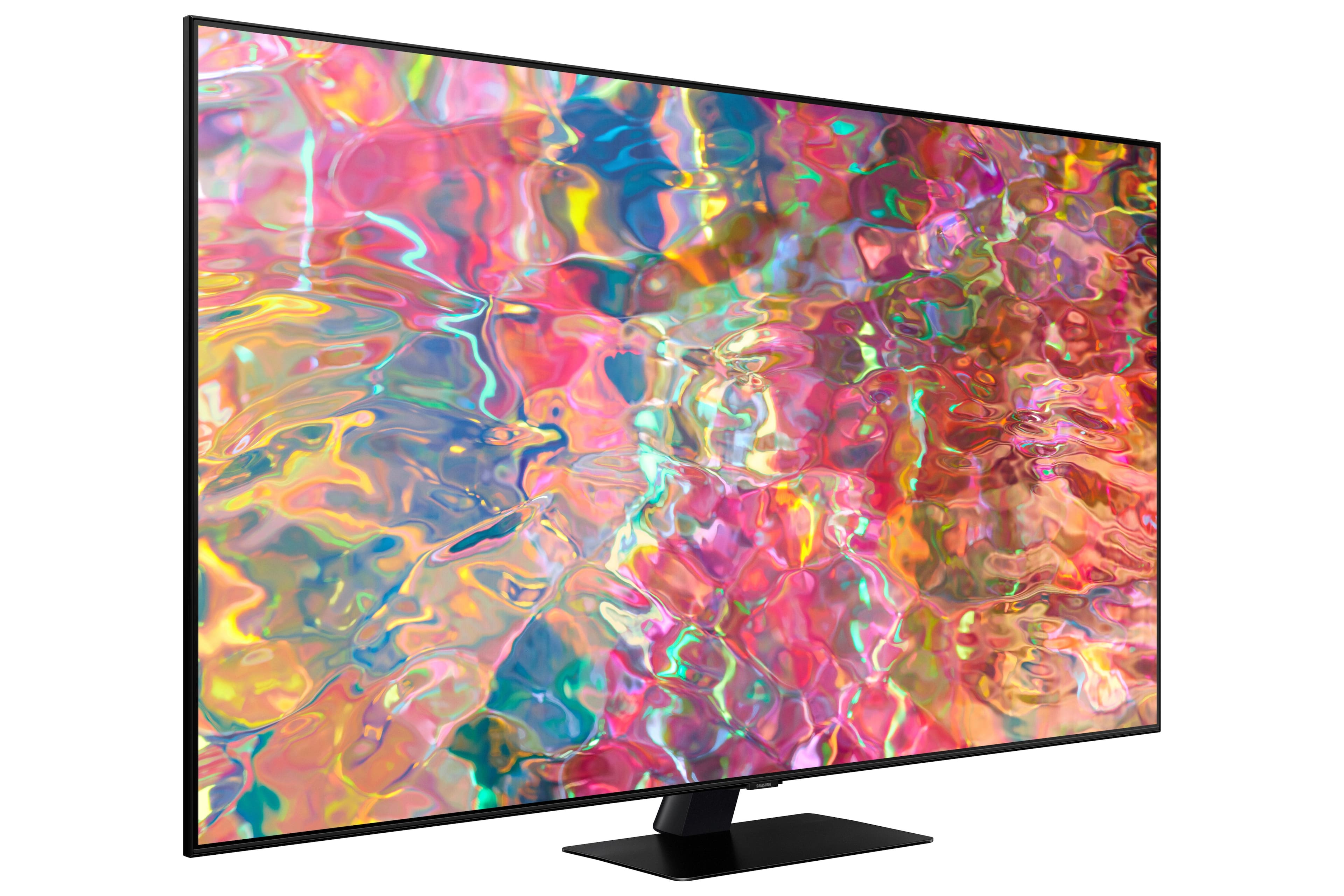
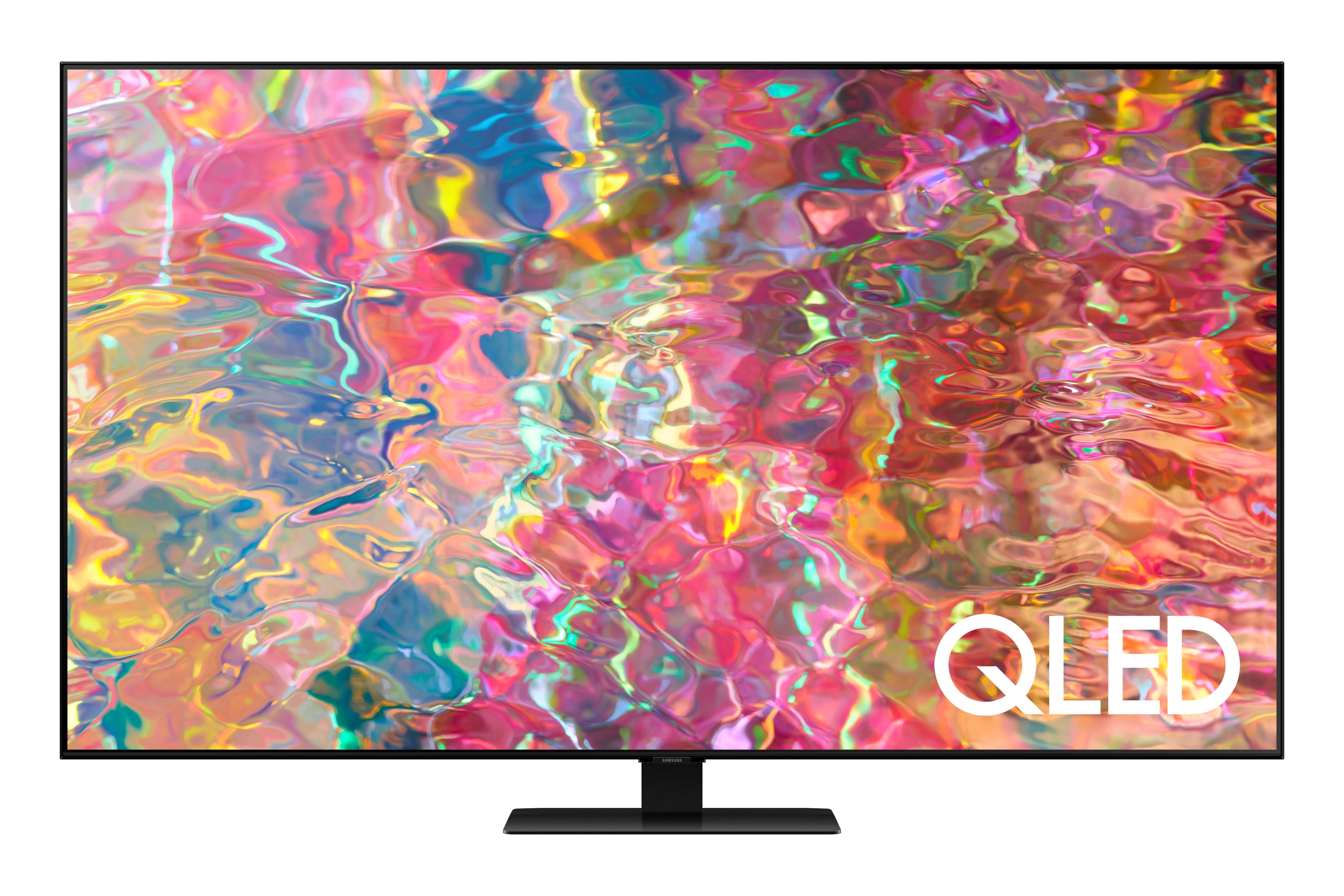
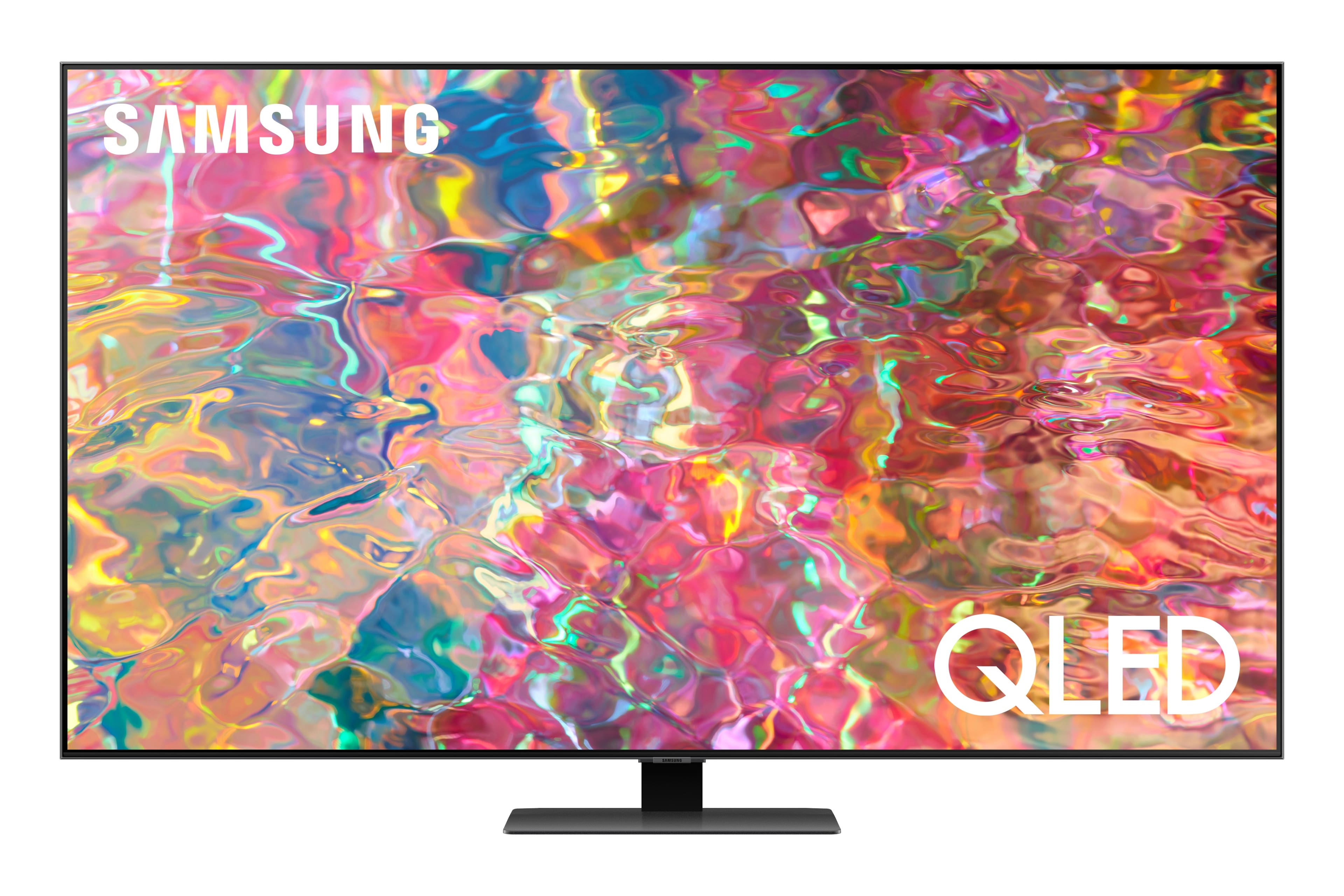
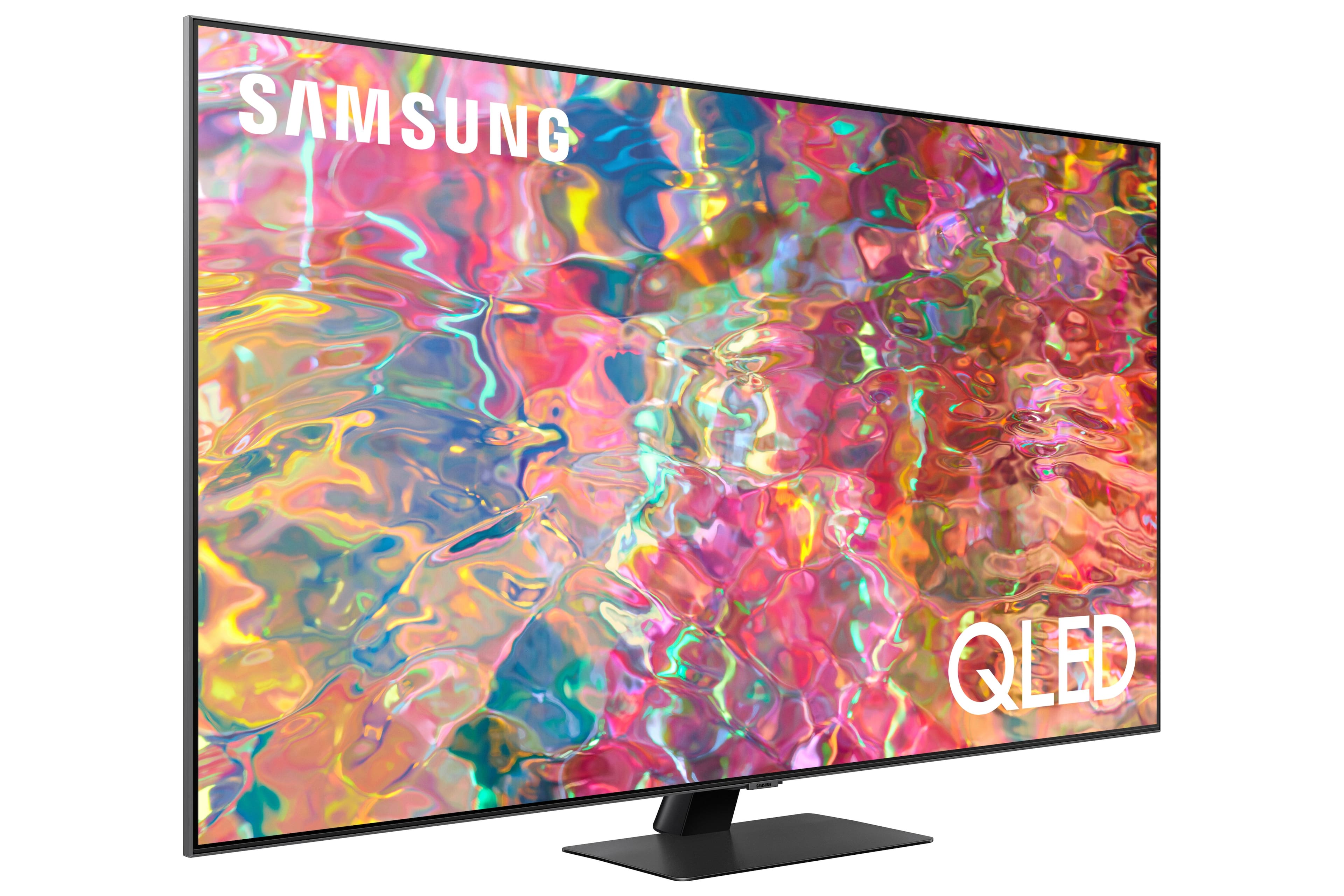











- Model:
- QN65Q80BAFXZA
- SKU:
- 6503080
Rating by feature
- Picture Quality
Rating 4.8 out of 5 stars
- Sound Quality
Rating 4.6 out of 5 stars
- Brightness
Rating 4.8 out of 5 stars
Customers are saying
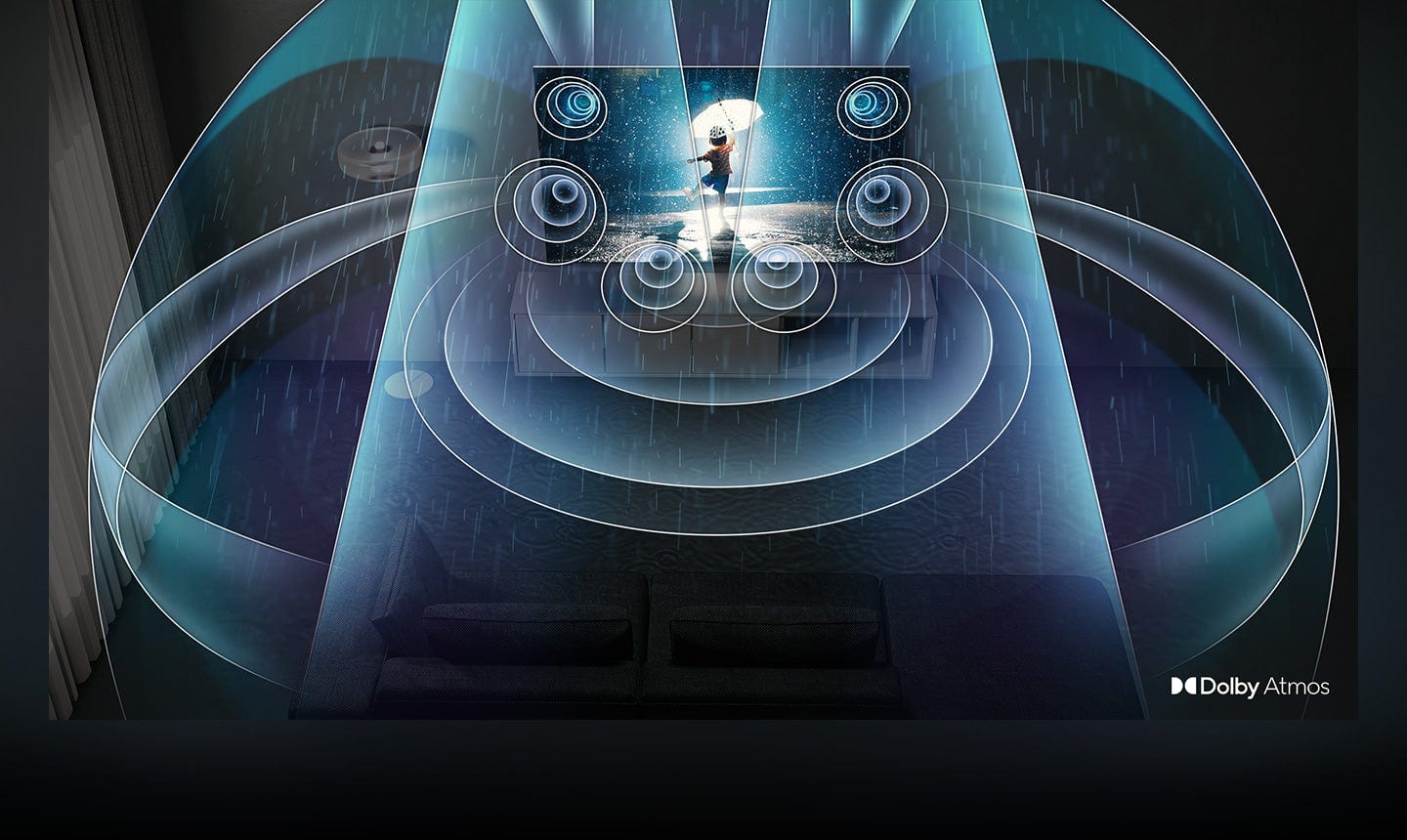
Customers love the 65” Class Q80B QLED 4K Smart Tizen TV for its stunning picture quality, easy setup, and immersive sound. They rave about the vibrant colors, sharp clarity, and excellent gaming experience. While some find the remote control to be a bit tricky to use, the overall consensus is that this TV offers great value for its price.
This summary was generated by AI based on customer reviews.
Review
||Posted . Owned for 1 month when reviewed.This reviewer received promo considerations or sweepstakes entry for writing a review.Purchase and installation went good. But the installers used a different mount and charged me for it. I haven’t been reimbursed for the mount from my original purchase that they didn’t use
I would recommend this to a friendGreat!
||Posted .This reviewer received promo considerations or sweepstakes entry for writing a review.Very good technicians, they mount the TV the way I wanted, they were very professional and service oriented.
I would recommend this to a friendTv review
||Posted . Owned for 3 weeks when reviewed.This reviewer received promo considerations or sweepstakes entry for writing a review.Tv works great some functions worked initially but don't seem to work anymore. Examples include tips snd user manual undet settings. User manual wont come up when clicking on it
I would recommend this to a friendBrand response from Samsung
Posted .FredB,
Thank you for your review. So we can better understand and assist with the built-in e-Manual, please reach Samsung Support at 1-800-SAMSUNG, 8AM - 12AM EST, 7 days a week. Our LiveChat agents are also available by clicking on the ‘Support’ link on our website.
~ Samsung Specialist
Great TV
||Posted . Owned for 1 month when reviewed.This reviewer received promo considerations or sweepstakes entry for writing a review.Great TV. This is our second SAMSUNG and they have both been just what we were looking for.
I would recommend this to a friendSamsung TV
||Posted . Owned for 3 weeks when reviewed.This reviewer received promo considerations or sweepstakes entry for writing a review.We are ver pleased with our new tv. It took some getting used to being a smart tv. But we got it and love it.
I would recommend this to a friendGreat tv!
||Posted . Owned for 3 weeks when reviewed.This reviewer received promo considerations or sweepstakes entry for writing a review.Love this tv! It’s greater than I anticipated! Even has an ambience mode which I didn’t know about!
I would recommend this to a friendGreat TV
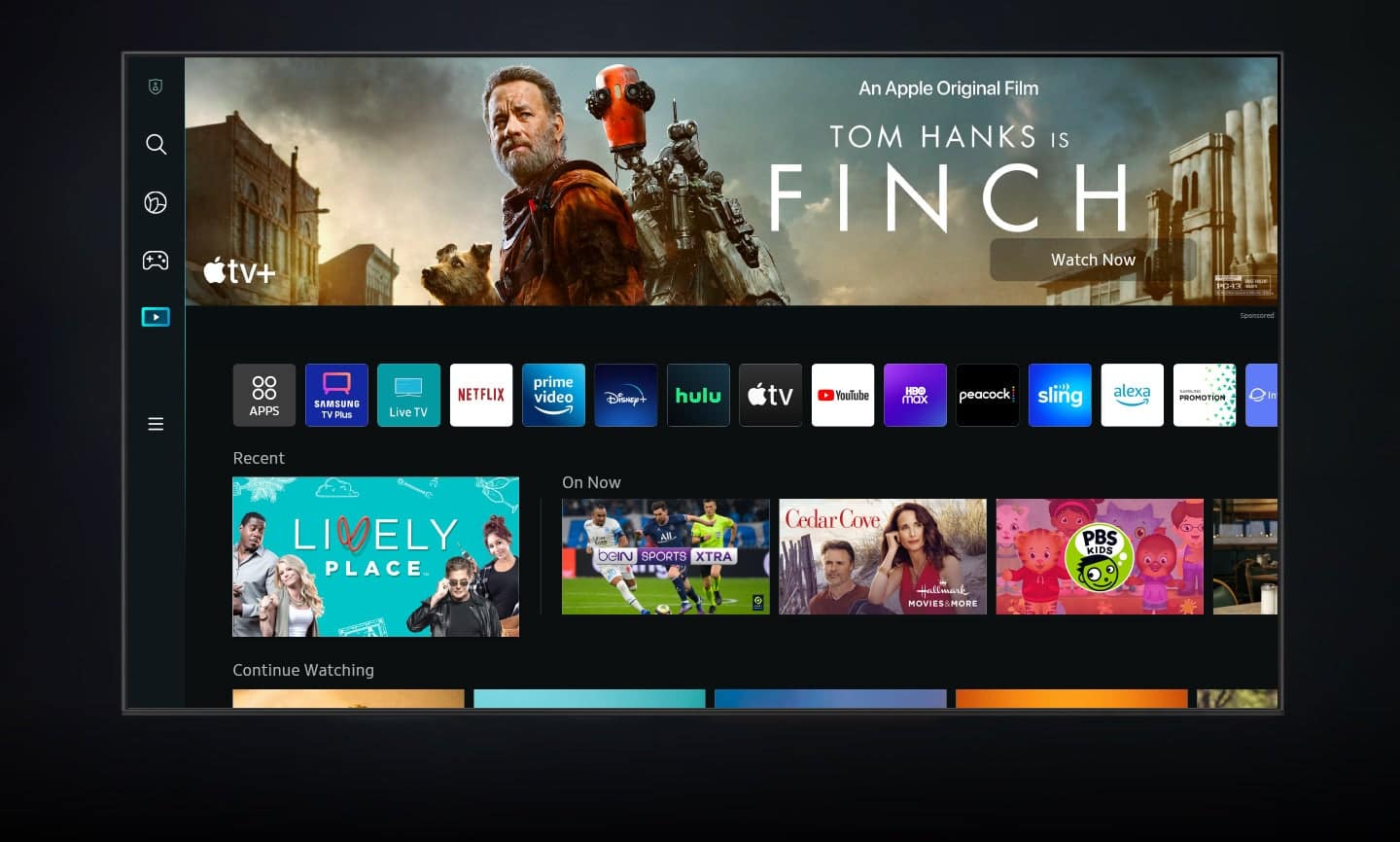
||Posted . Owned for 1 month when reviewed.This reviewer received promo considerations or sweepstakes entry for writing a review.Great television. The smart functions are great and easy to navigate. Built in Alexa is convenient.
I would recommend this to a friendTv rating
||Posted . Owned for 3 weeks when reviewed.This reviewer received promo considerations or sweepstakes entry for writing a review.Tv is excellent, and the floor people at Best Buy were very helpful is describing all the features
I would recommend this to a friendLovin it!
||Posted . Owned for 3 weeks when reviewed.This reviewer received promo considerations or sweepstakes entry for writing a review.So far we enjoy our new TV! We have never even owned a 4K TV, so we are feeling spoiled!
I would recommend this to a friendNice
||Posted . Owned for 3 weeks when reviewed.This reviewer received promo considerations or sweepstakes entry for writing a review.I love this Tv everything looks so real even when playing my video games,I love the graphics
I would recommend this to a friendGreat TV
||Posted . Owned for 2 weeks when reviewed.This reviewer received promo considerations or sweepstakes entry for writing a review.Great TV handles room glare really well. Would recommend this tv for any well lit rooms
I would recommend this to a friendTv turns off every 11 minutes
Posted .This reviewer received promo considerations or sweepstakes entry for writing a review.Tv is six months old and so far Samsung has set us up for a repair date on 12/2/22. I wish I would’ve bought the extended warranty. We have two older samsungs that have NO issues. Looks like I’ve wasted $1700. Will update after service call. STAY AWAY FROM THIS MODEL.
No, I would not recommend this to a friendBrand response from Samsung
Posted .1shopperM,
We appreciate you sharing the details of your power issue and for your patience while waiting for your service appointment. Should you need further assistance after your service is complete, please contact Samsung Customer Support.
You can reach us at 1-800-SAMSUNG, 8AM - 12AM EST, 7 days a week. Our LiveChat agents are also available by clicking on the ‘Support’ link on our website.
~ Samsung Specialist
Geek Squad makes you a very happy customer
||Posted . Owned for 1 month when reviewed.This reviewer received promo considerations or sweepstakes entry for writing a review.I really love my Samsung TV thanks to the Geek Squad setting it up for me.
I would recommend this to a friendSamsung 65 inch QLED
||Posted . Owned for 3 weeks when reviewed.This reviewer received promo considerations or sweepstakes entry for writing a review.Really like this TV, it is just the right fit where I mounted it. Thank you!
I would recommend this to a friendDoug
||Posted . Owned for 3 weeks when reviewed.This reviewer received promo considerations or sweepstakes entry for writing a review.Awesome tv and Best Buy was super helpful in answering all my questions
I would recommend this to a friendGeek Squad installers very helpful
||Posted . Owned for 1 month when reviewed.This reviewer received promo considerations or sweepstakes entry for writing a review.Works very well. Geek Squad installers very helpful and knowledgeable
I would recommend this to a friendNice TV
||Posted . Owned for 3 weeks when reviewed.This reviewer received promo considerations or sweepstakes entry for writing a review.Like the TV except (?) some programs (picture) do not fill the screen. My previous Tv did show full screen programming. Something I can live with but …..
I would recommend this to a friendBrand response from Samsung
Posted .Nelli,
Thank you for purchasing the Samsung Q80B TV. Black bars on the top and bottom of your screen can be caused by either a setting on your cable/satellite box or by the content you’re watching. However, the TV can be adjusted to help minimize this.
By adjusting the aspect ratio, you can get the image to fill the screen. Go to Menu > Settings > All Settings > Picture > Picture Size Settings > Picture Size
Should you need further assistance with settings, features, or functions, please contact Samsung Customer Support at 1-800-SAMSUNG, 8AM - 12AM EST, 7 days a week. Our LiveChat agents are also available by clicking on the ‘Support’ link on our website.
~ Samsung Specialist
Happy
||Posted . Owned for 1 month when reviewed.This reviewer received promo considerations or sweepstakes entry for writing a review.Love my new tv was just installed today. Want to get to learn all the features.
I would recommend this to a friendGreat buy
||Posted . Owned for 1 month when reviewed.This reviewer received promo considerations or sweepstakes entry for writing a review.Great tv. The dual bluetooth audio optiis the reason i purchased this.
I would recommend this to a friend- Cons mentioned:Remote control
change remote
||Posted . Owned for 3 weeks when reviewed.This reviewer received promo considerations or sweepstakes entry for writing a review.I like the tv but not the remote, very hard to understand the remote,
I would recommend this to a friendBrand response from Samsung
Posted .bigred,
We appreciate you sharing your experience with your Q80B TV. To assist you in the learning the various features, functions, and settings of the remote, you can download the Solar Cell Remote Guide directly from Samsung’s website under ‘Support’ (top right corner) > Manuals & Software > TVs & Home Theater. From there, you can select the Q80B under QLED 4K TVs > B Model Lineup.
The Remote Control Guide is also embedded into the TV itself under Menu > Settings > Support > Remote Control Guide.
If you’d like more help, please know we’re here to help! Call us at 1-800-SAMSUNG, 8AM - 12AM EST, 7 days a week. Or visit us on the Samsung website and click on the ‘Support’ link for:
• LiveChat
• Manuals, Software, & Warranty Info
~ Samsung Specialist